
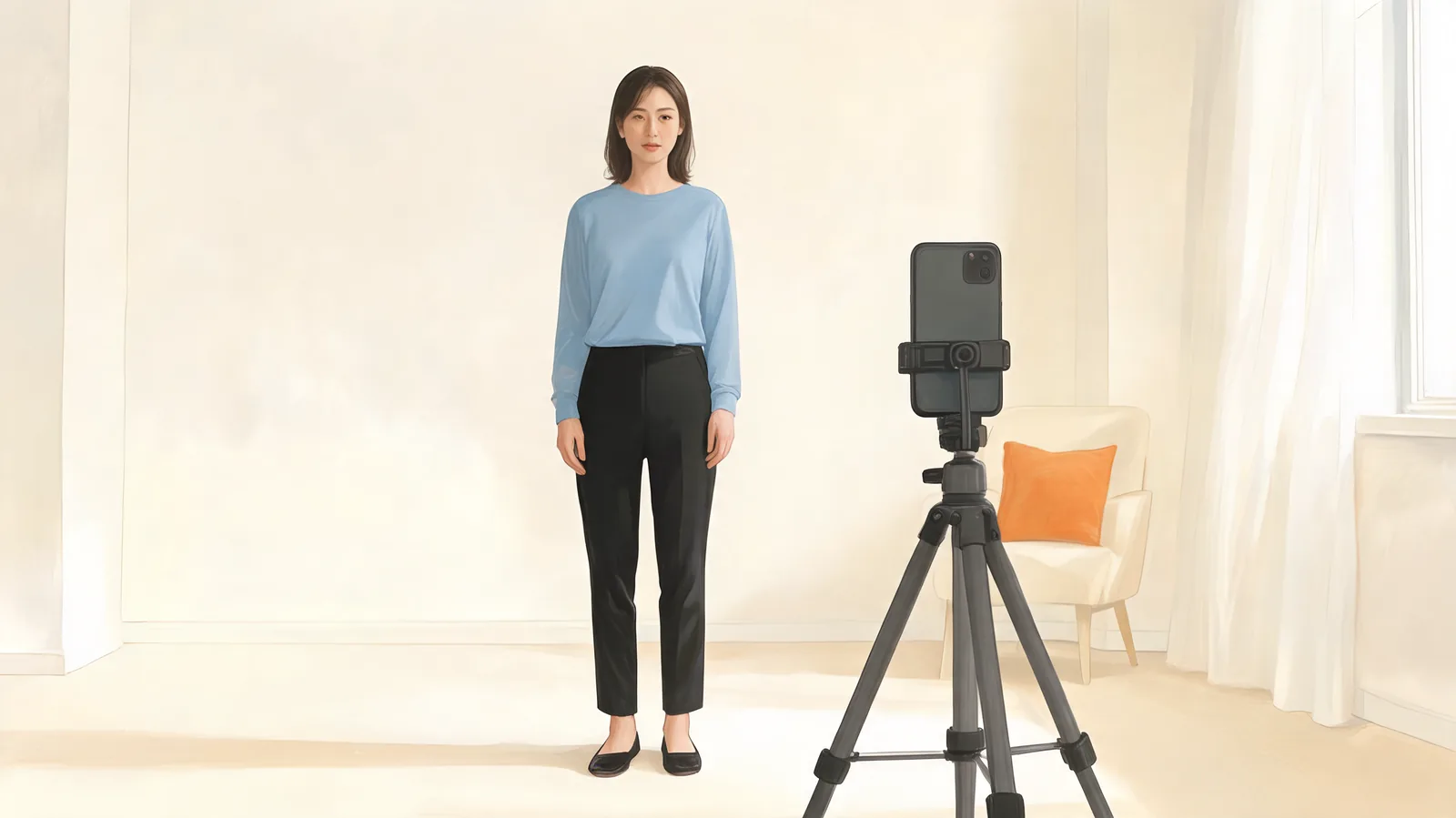
AI Skeleton: Add a Costume and Face Paint to Your Photo
Use AI Skeleton to preview a bone-print costume on your photo. Choose the right mode, make face paint optional, and check ribs, cuffs, knees, and hands.
AIClothSwap Editorial Team·
Guides, tips, and behind-the-scenes notes on AI clothes swap, virtual try on, and editorial-grade outfit changes.
Use AI Skeleton to preview a bone-print costume on your photo. Choose the right mode, make face paint optional, and check ribs, cuffs, knees, and hands.
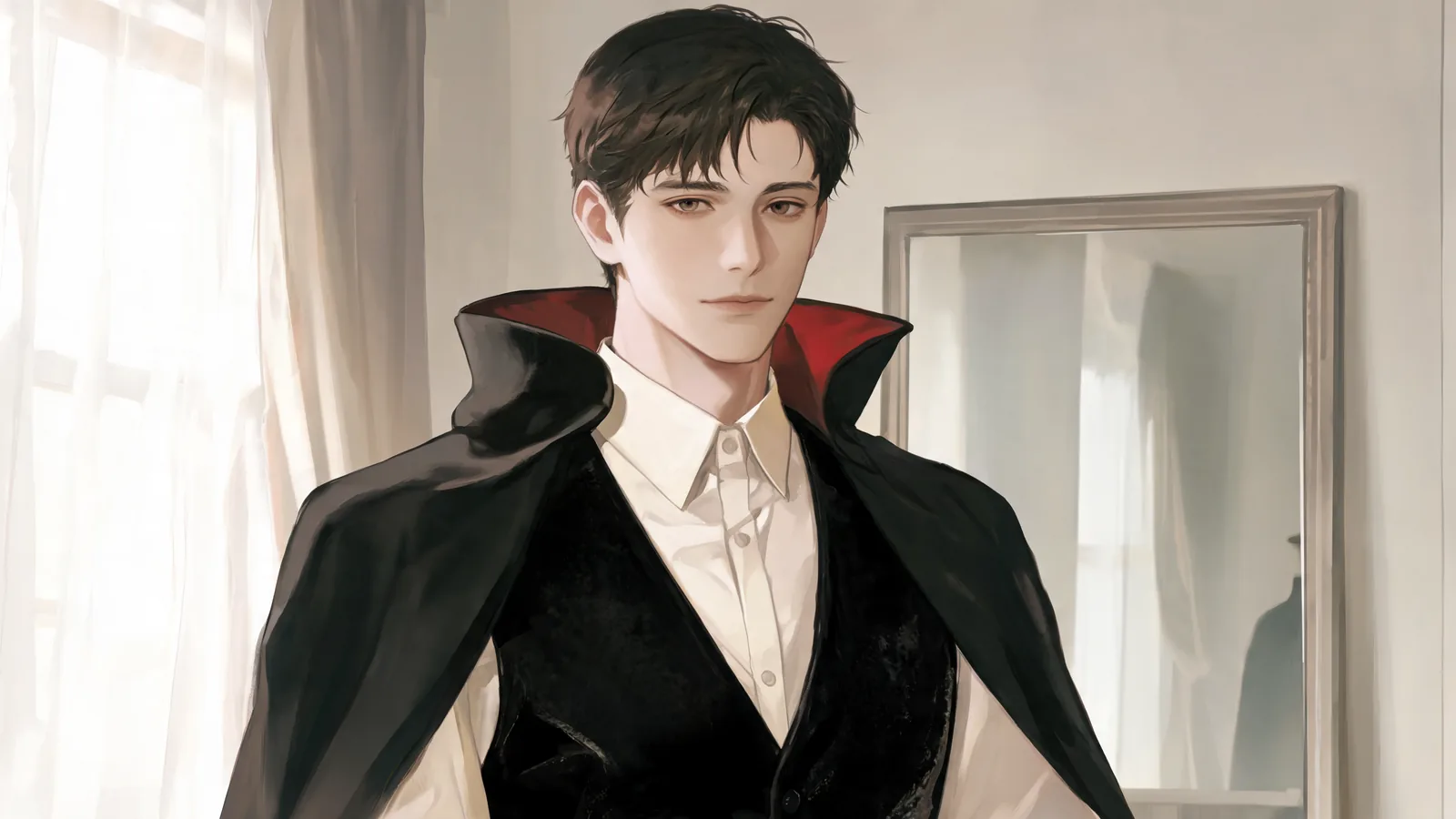
Make an AI vampire costume photo from your portrait. Learn which mode to choose, how to describe the clothes, and what to check before saving.
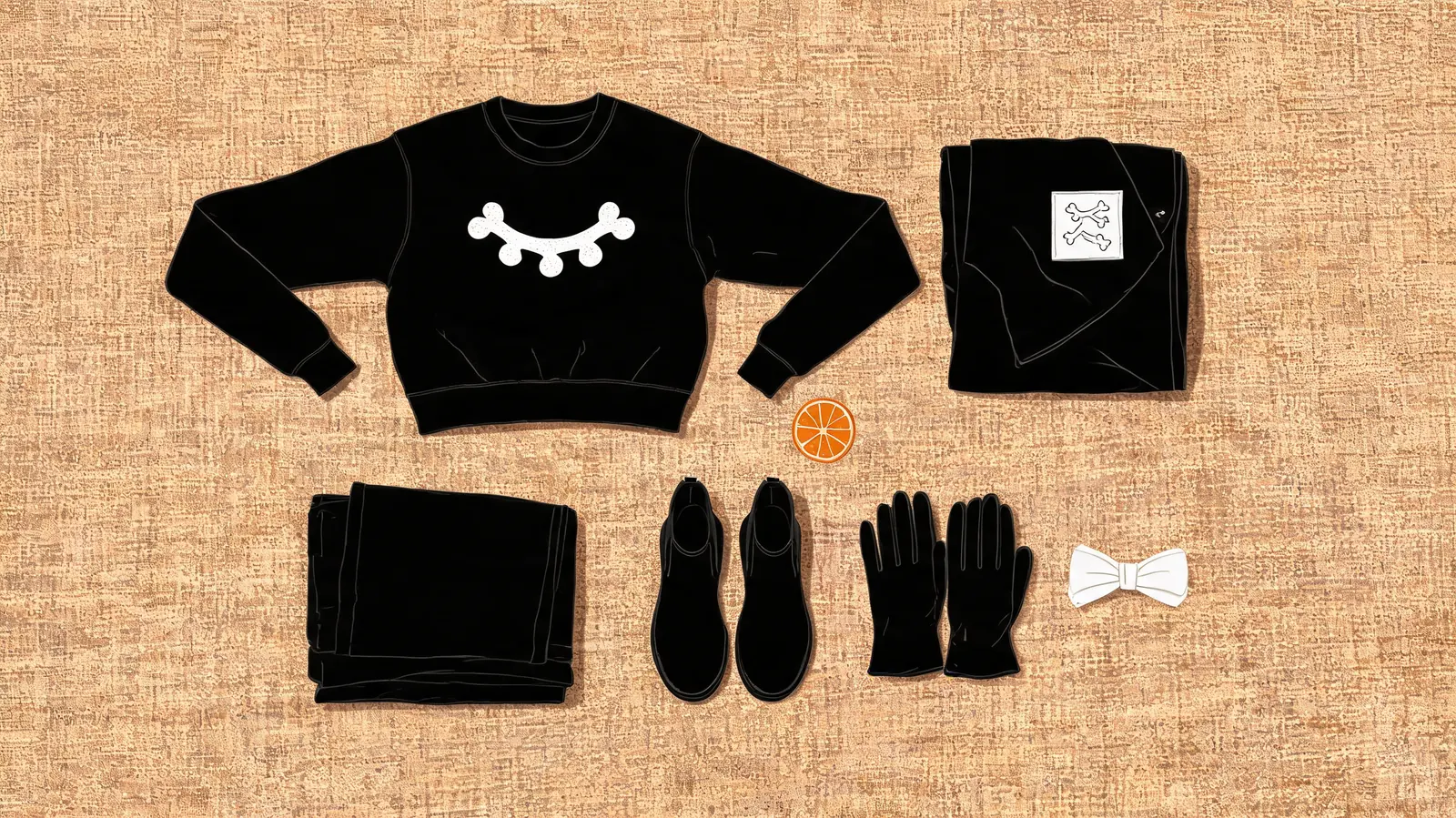
Compare seven skeleton costume ideas for adults, from a bodysuit to a tuxedo or hoodie. Choose layers, shoes, and optional makeup, then preview the look.
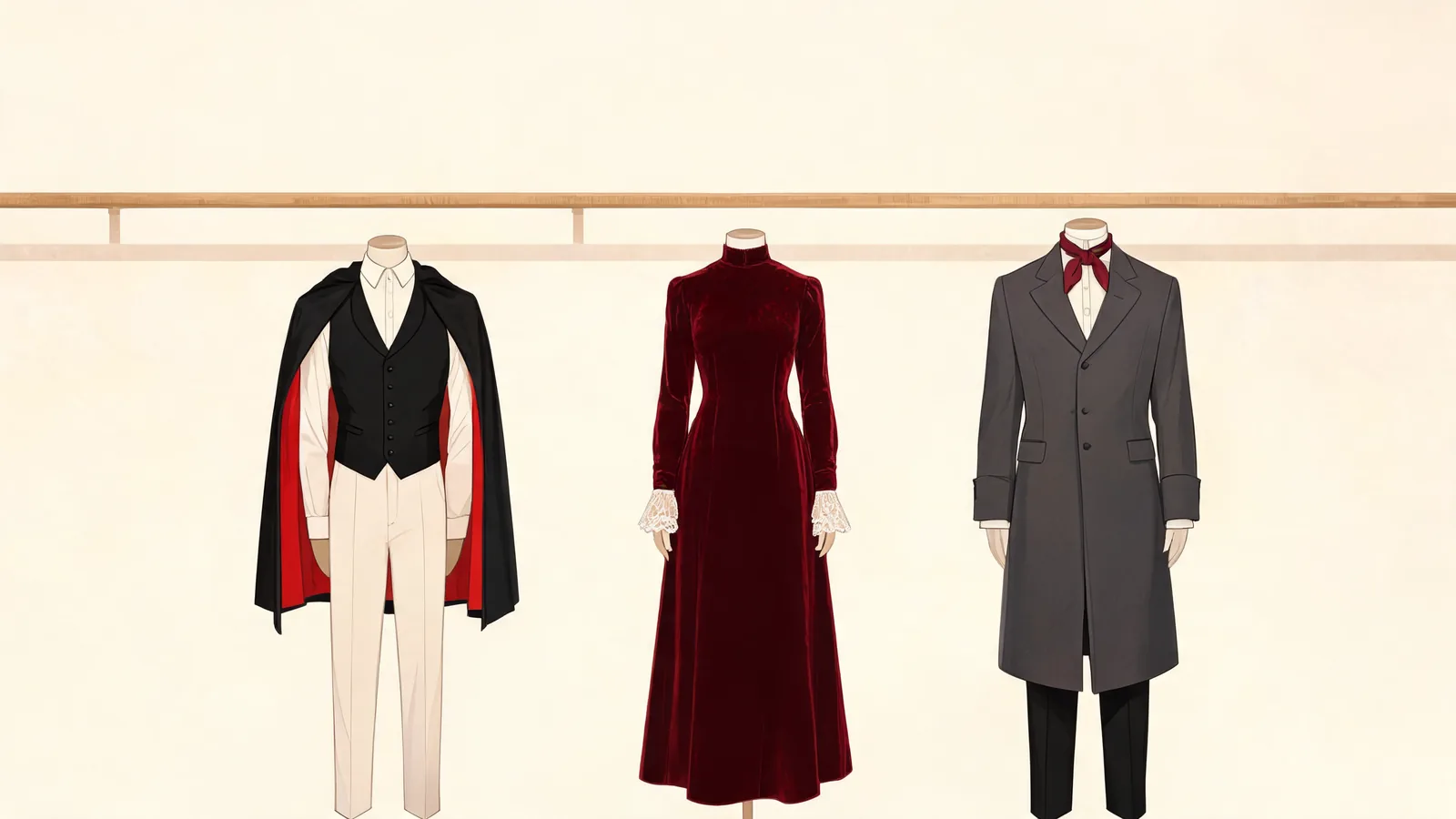
Compare seven vampire costume ideas for adults, from a classic cape to a modern suit. Choose wearable pieces and preview the silhouette on your photo.
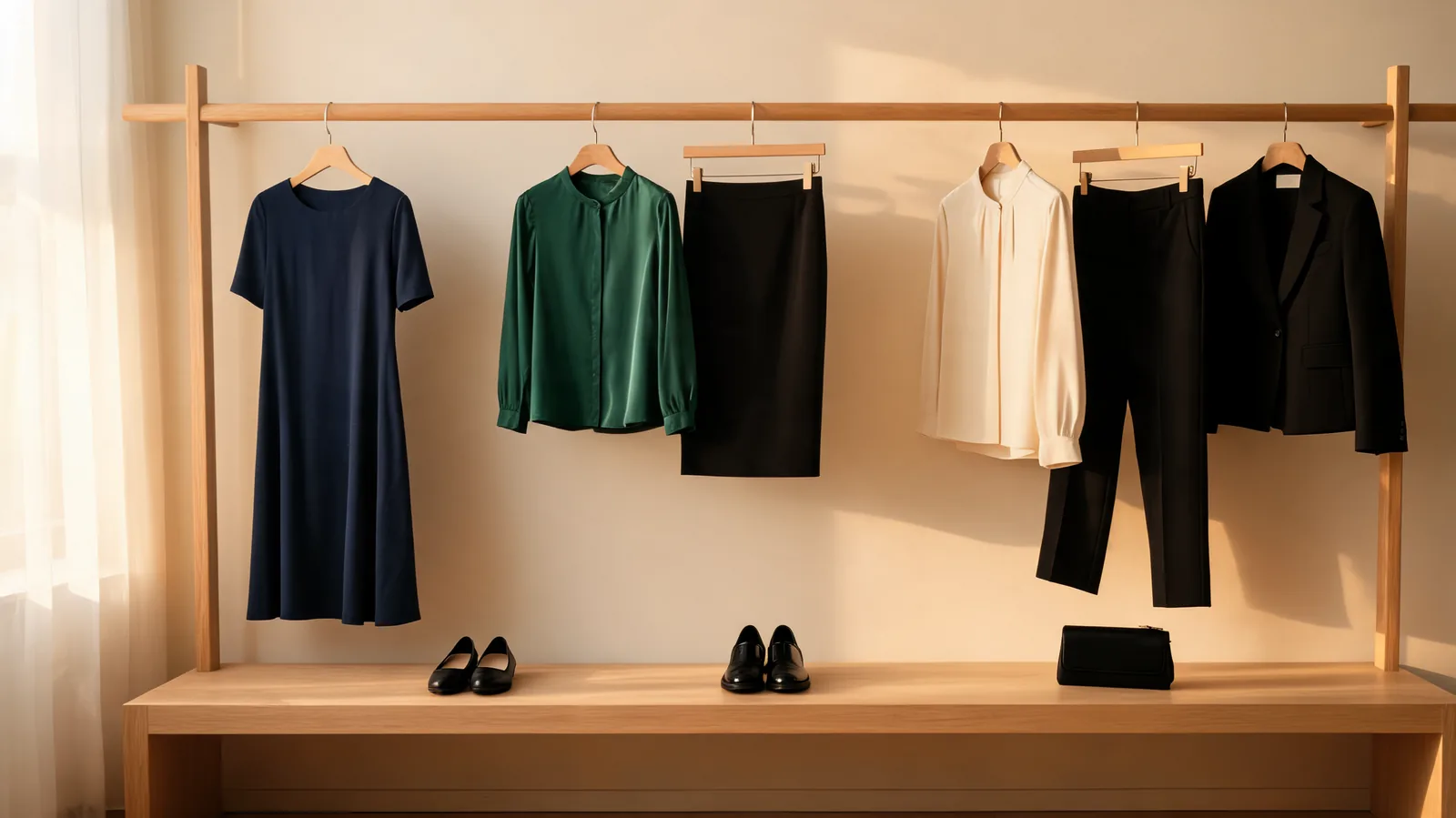
Choose what to wear for cocktail attire from your wardrobe. Compare a midi dress, dressy separates, and tailored trousers, then check shoes and layers.
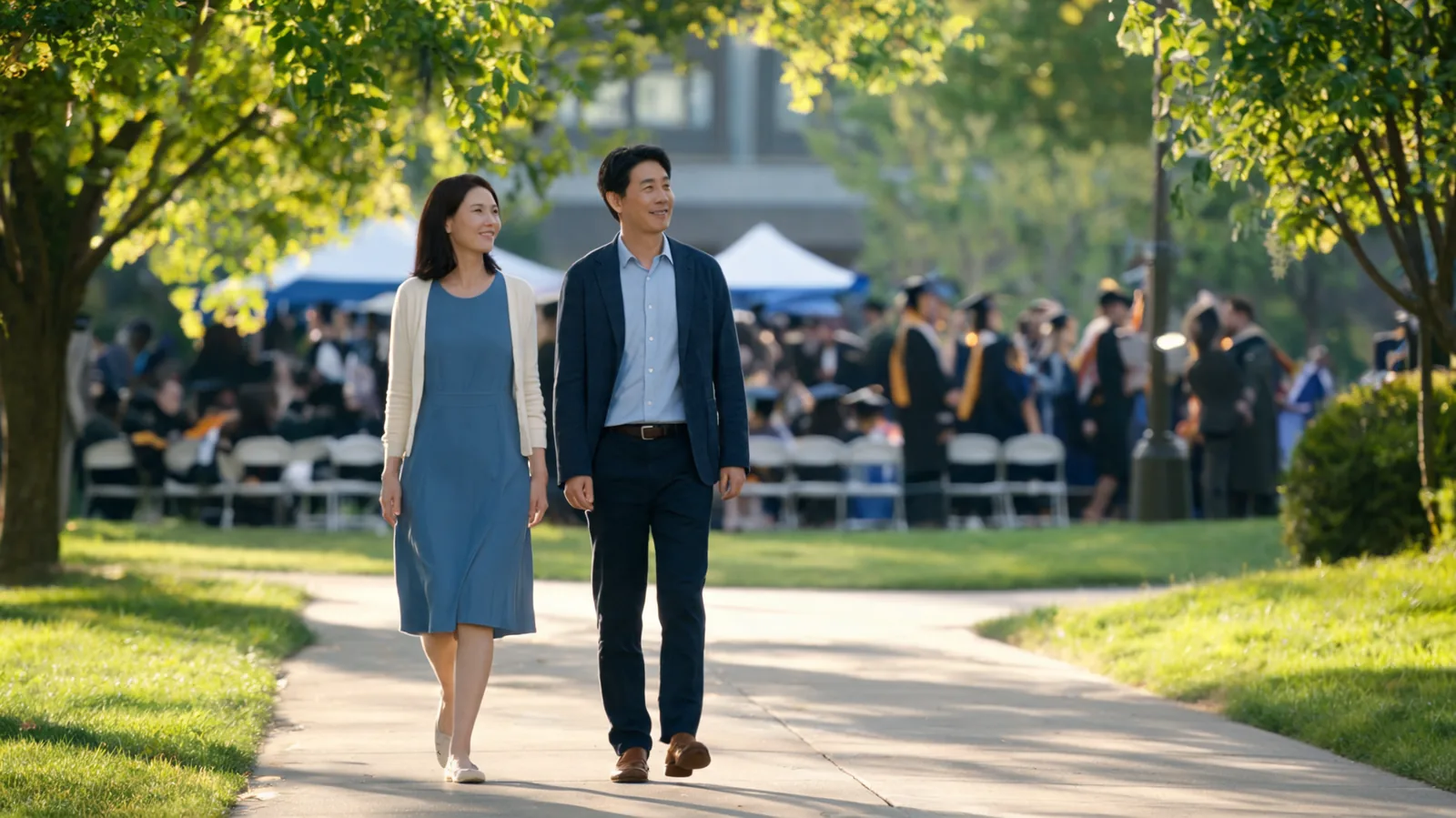
Decide what to wear to a graduation as a guest with outfit formulas for indoor halls, outdoor ceremonies, walking shoes, layers, and dinner afterward.
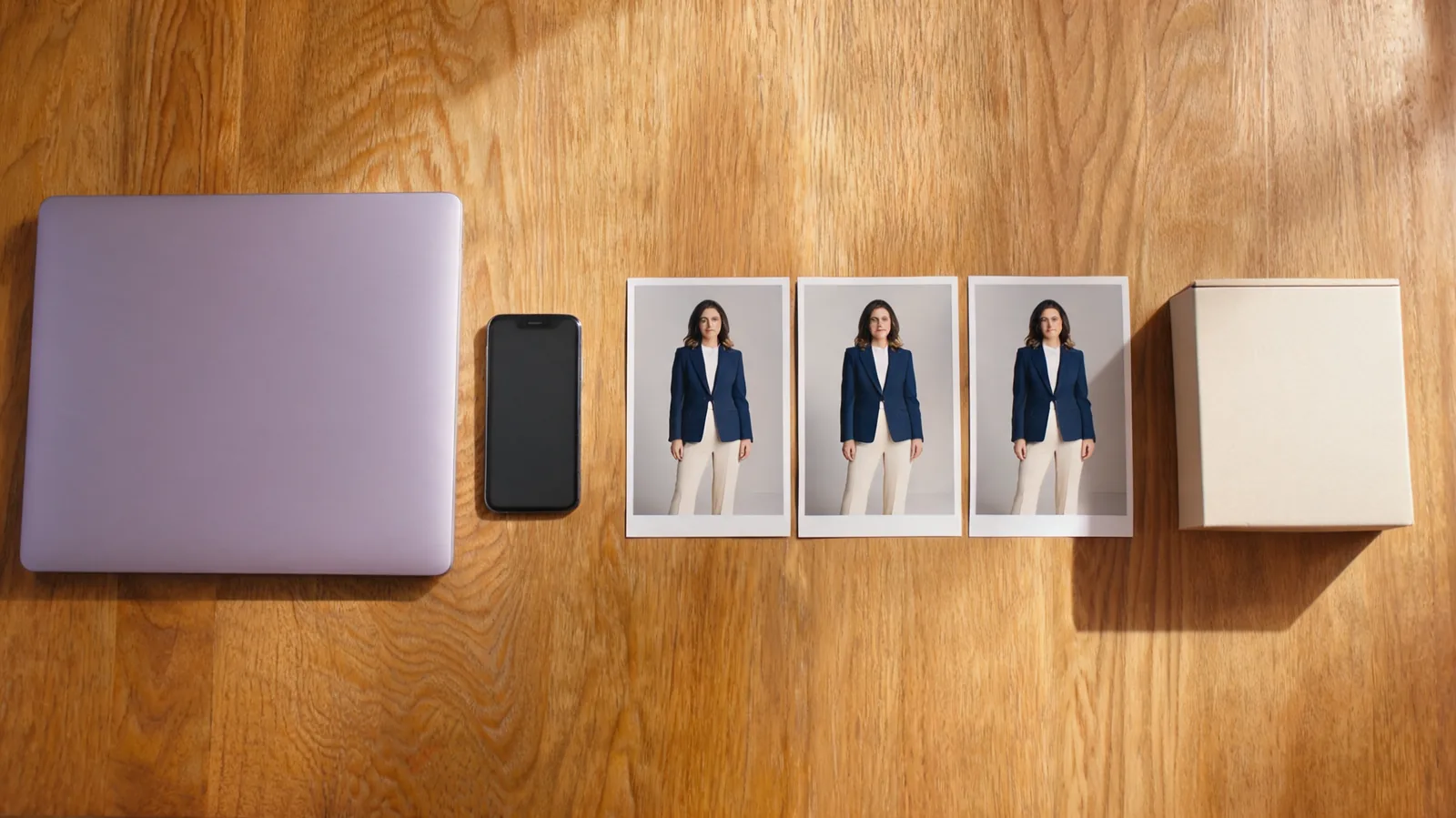
Reopen your AI clothes changer results after a reload, find saved outfits in My History, and download the versions you want to keep.
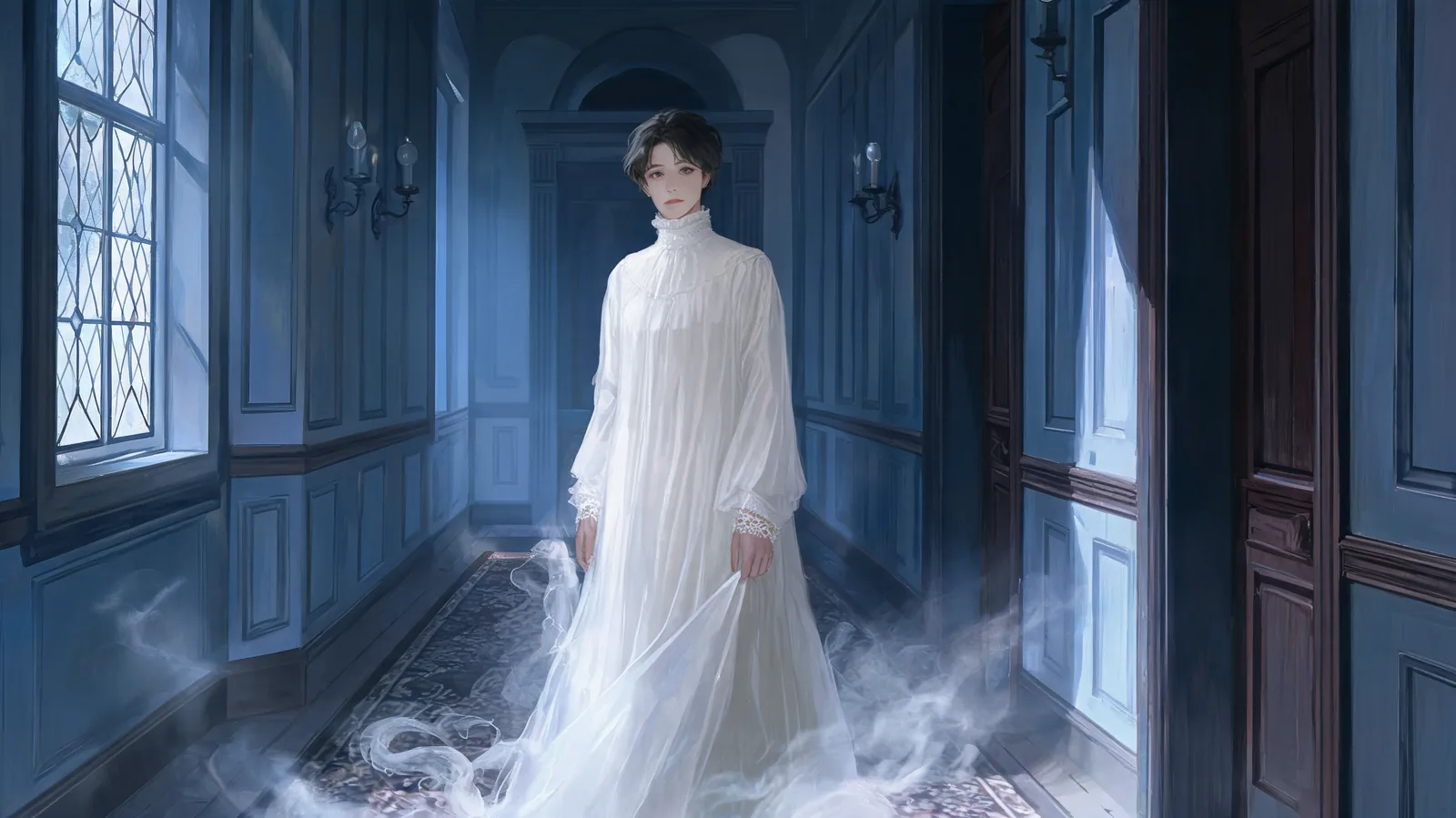
Create an AI ghost photo with a visible face. Choose a costume direction, edit the description, and check the clothing before saving your portrait.
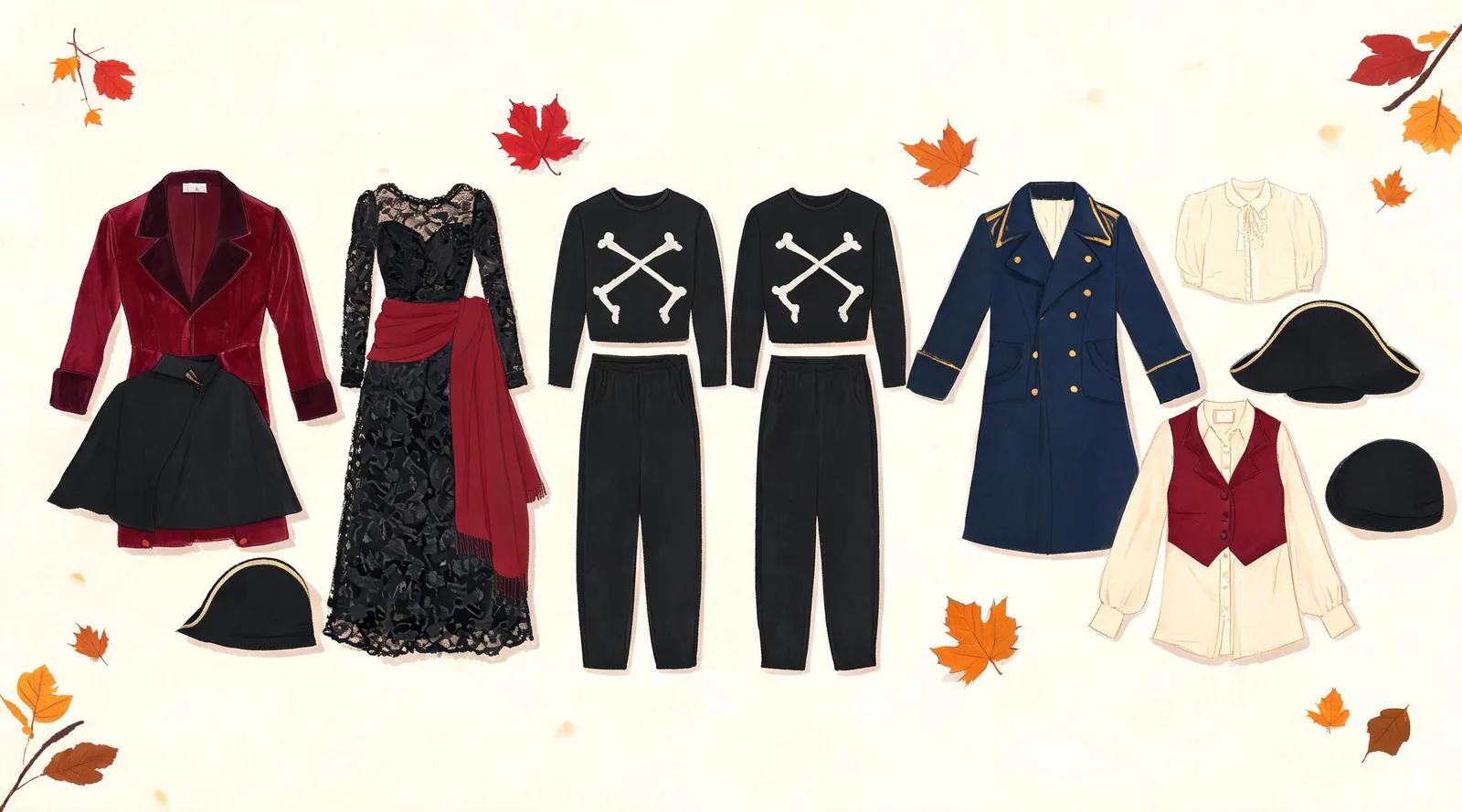
Compare nine original couple costume ideas, from vampires to moon-and-star outfits. Choose each partner's garments and preview your shortlist together.
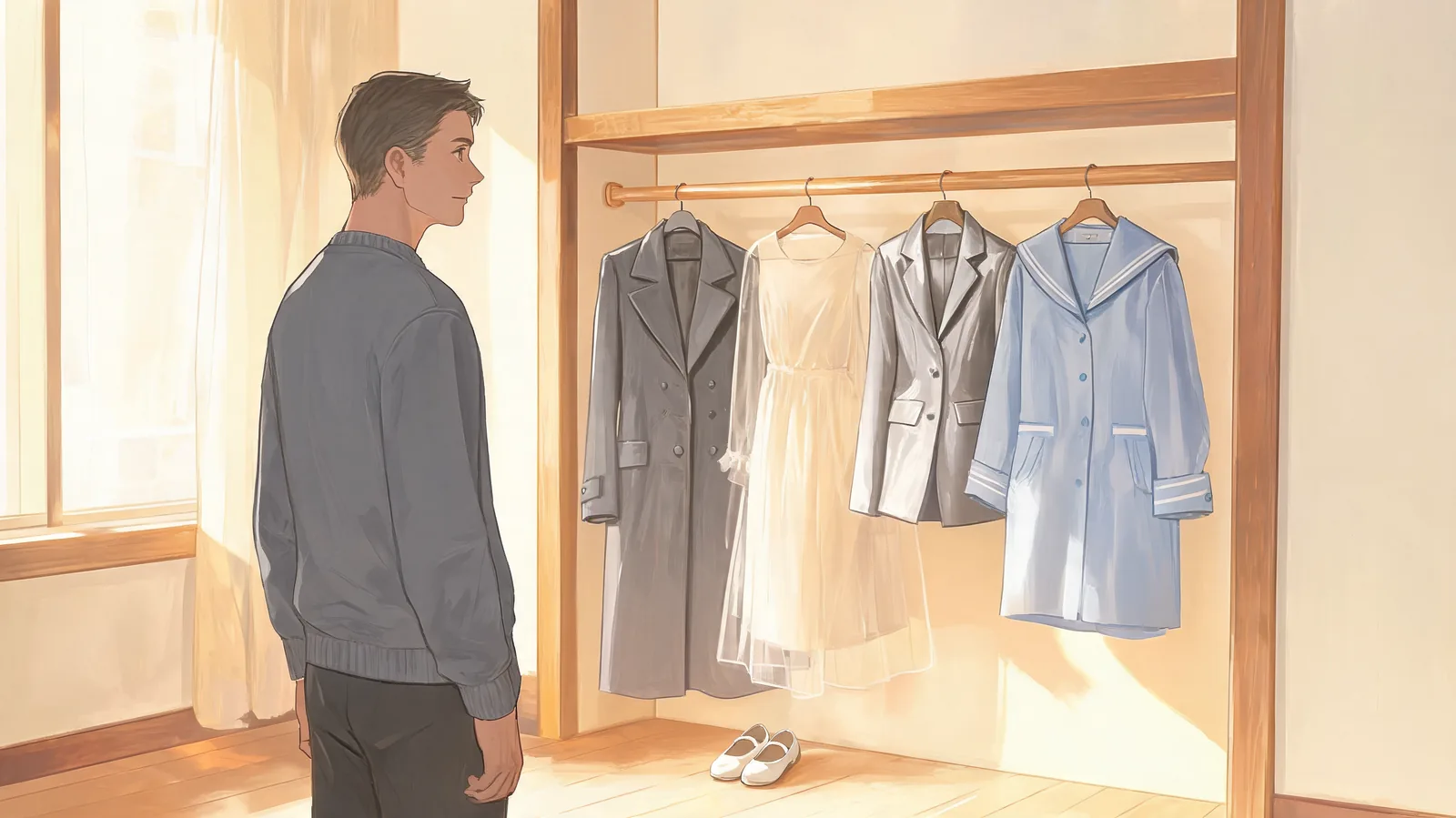
Explore seven ghost costume ideas for adults, from faded tailoring to chiffon layers. Compare garments, makeup, and comfort before previewing a look.
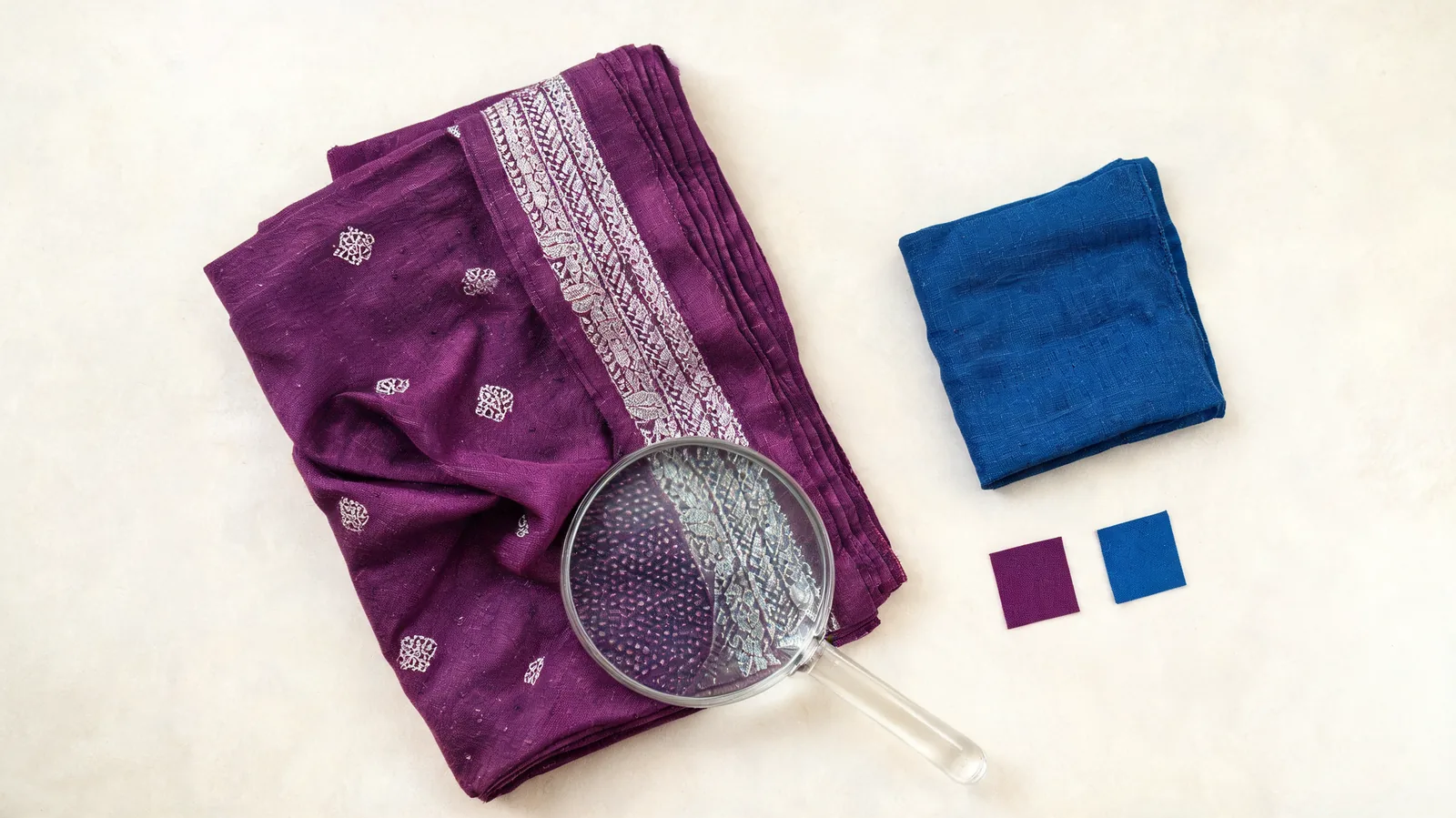
Evaluate the Pietra AI clothes color changer for garment recolors. Check access, color controls, detail preservation, and exports before committing.
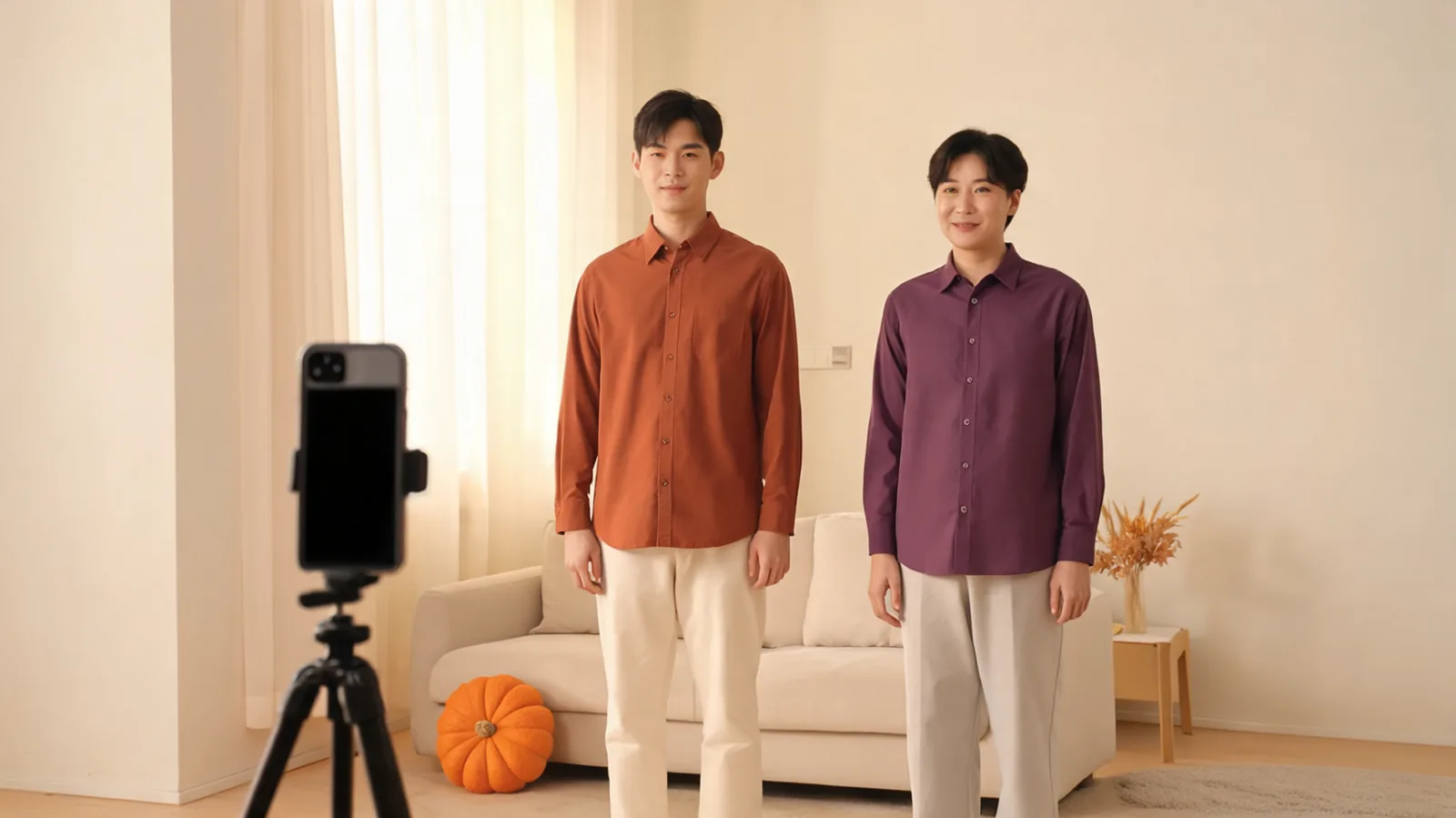
Preview couples Halloween costumes on one photo of you both. Assign outfits with left and right, review the result, and check real garments before buying.
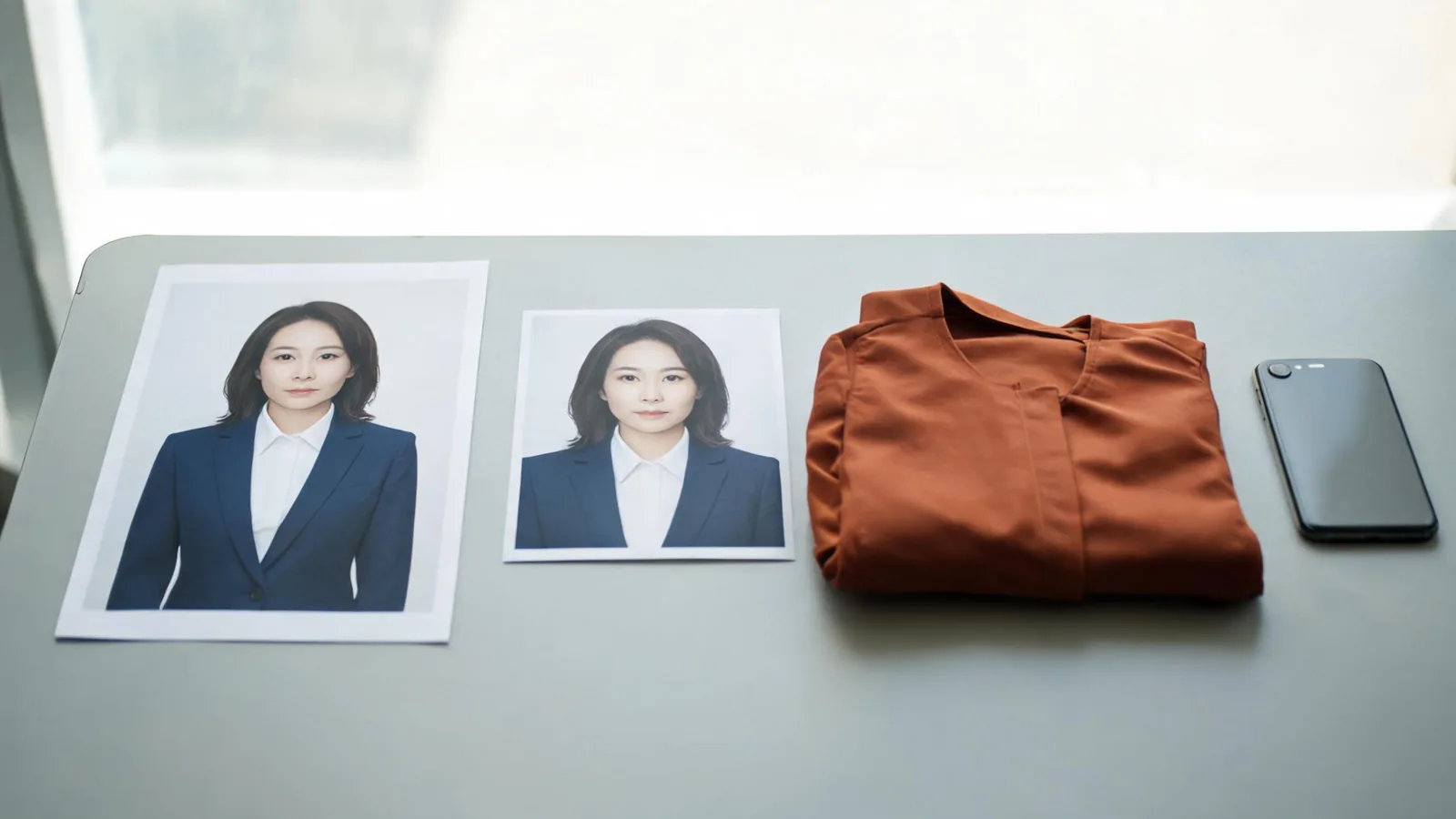
Evaluate IMGKits AI Clothes Changer before uploading. Check its controls, export conditions, and photo privacy, then compare original and cropped inputs.
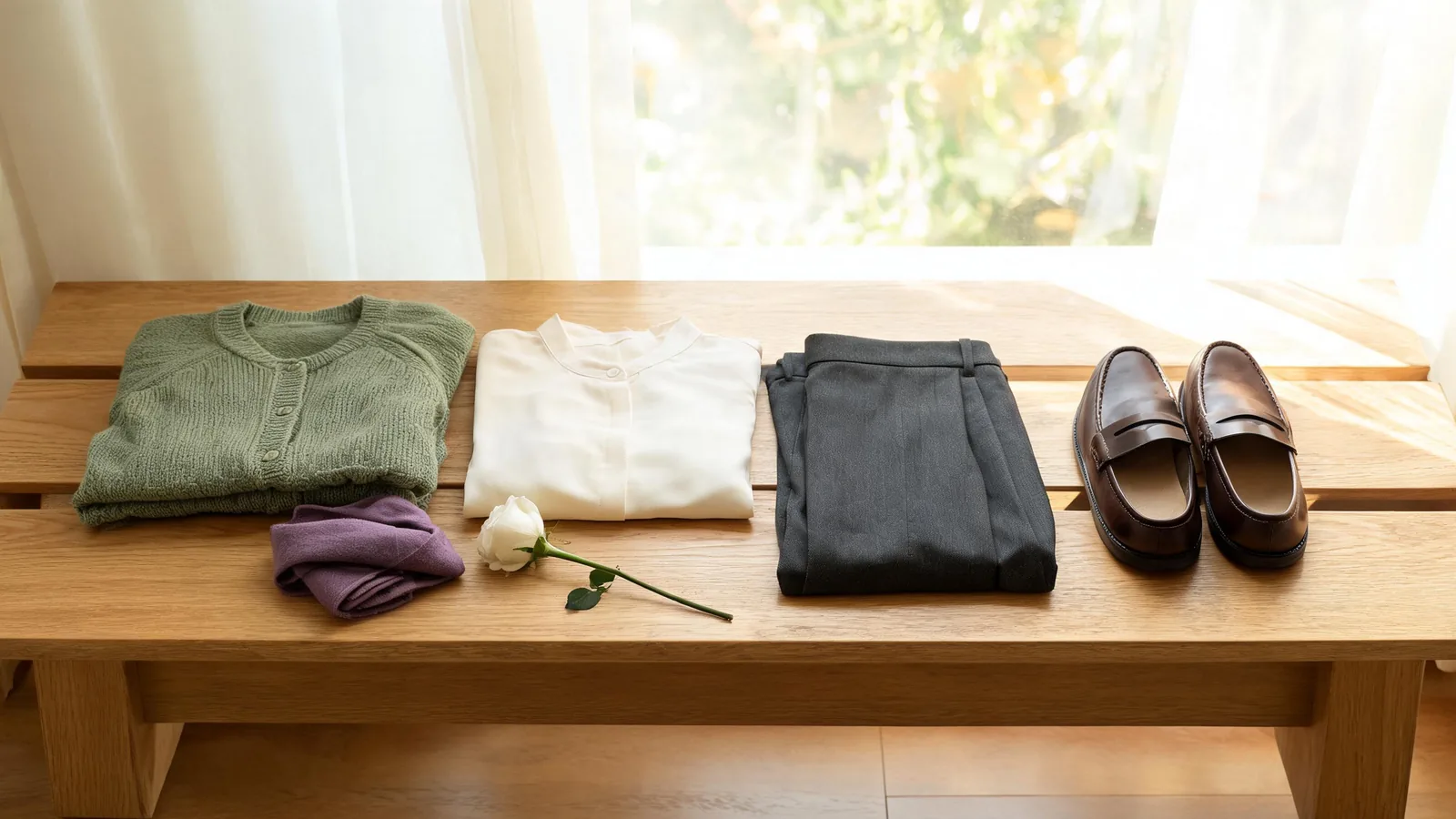
Decide what to wear to a celebration of life by following requested colors, personal tributes, and the venue. Build a comfortable outfit you already own.
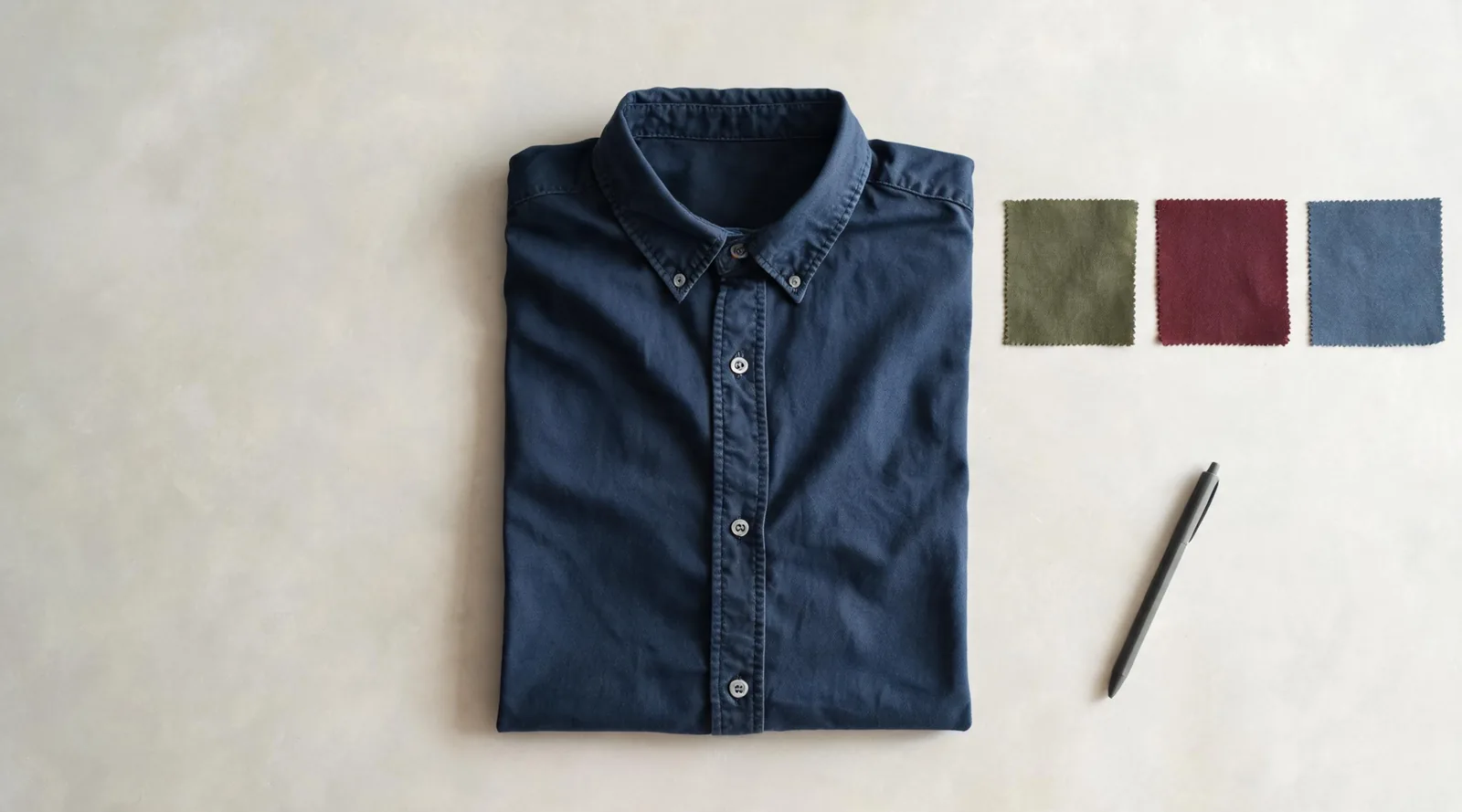
Learn how to change clothes color in Fotor with its color changer or AI Replace, then check that the garment design and surrounding photo stay intact.
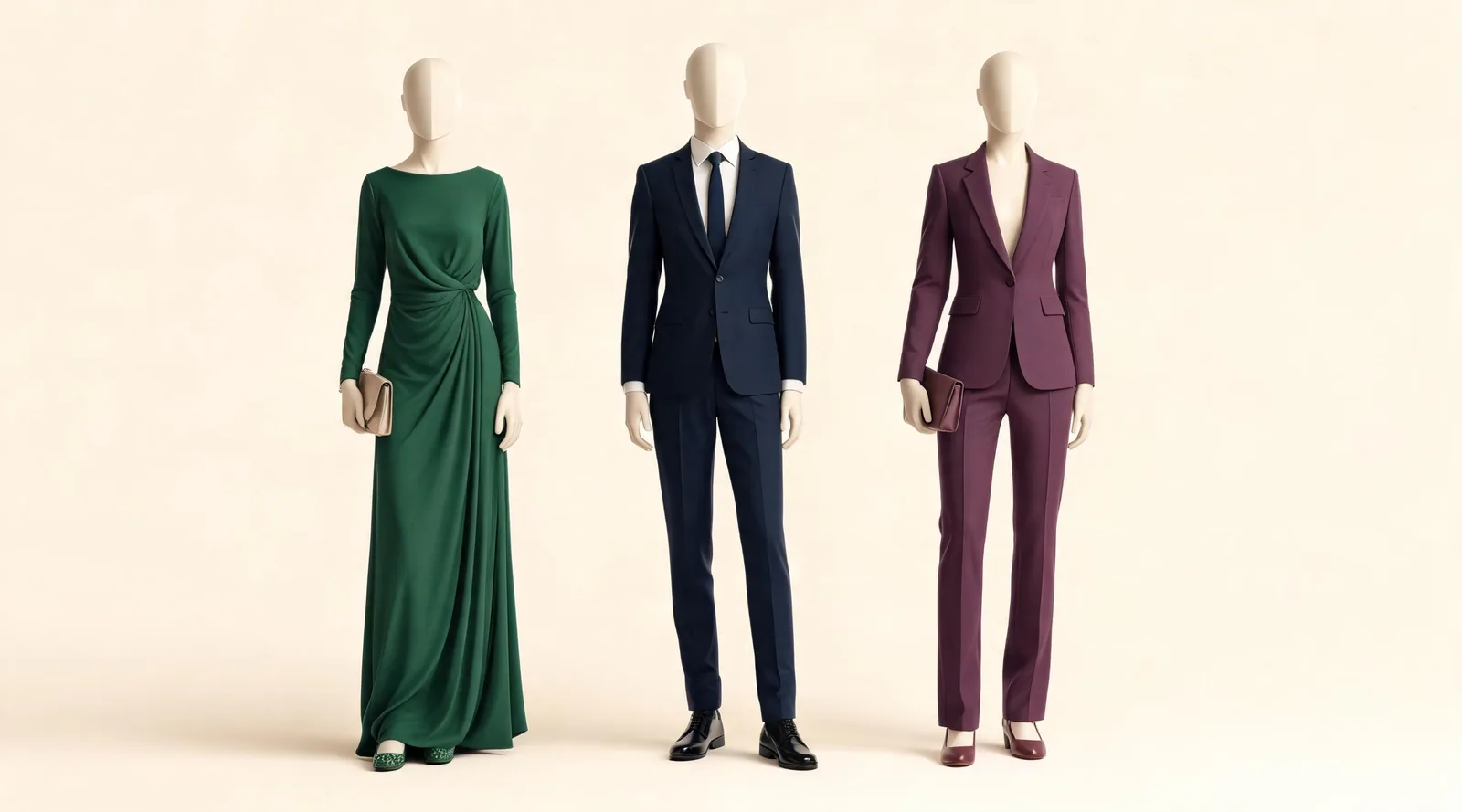
Decide what to wear to a formal wedding with dress, suit, and trouser options, plus practical checks for the venue, season, shoes, and invitation.
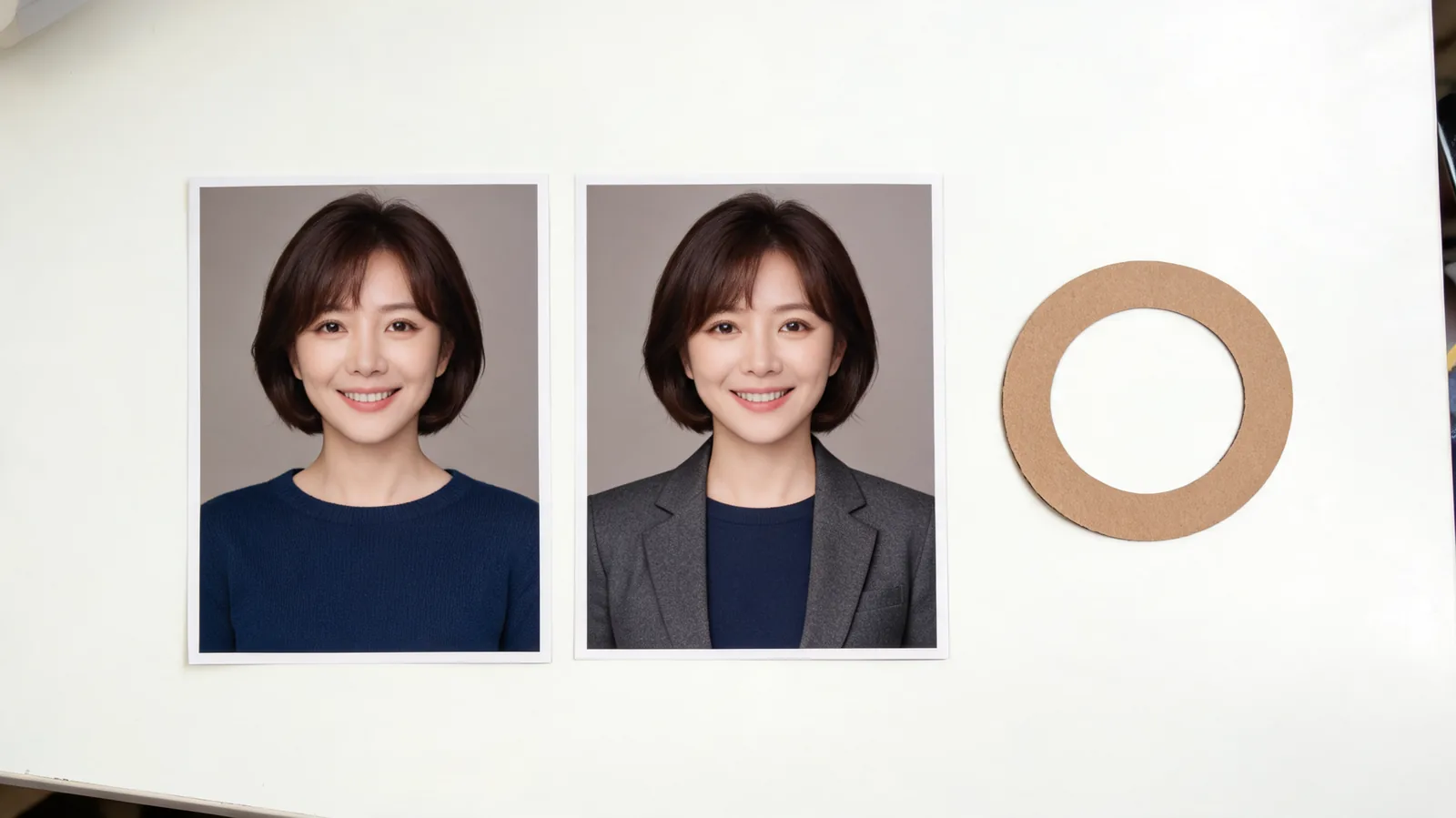
Review an AI LinkedIn photo for likeness, crop, wardrobe artifacts, and misleading affiliations before deciding to upload it or keep the original.
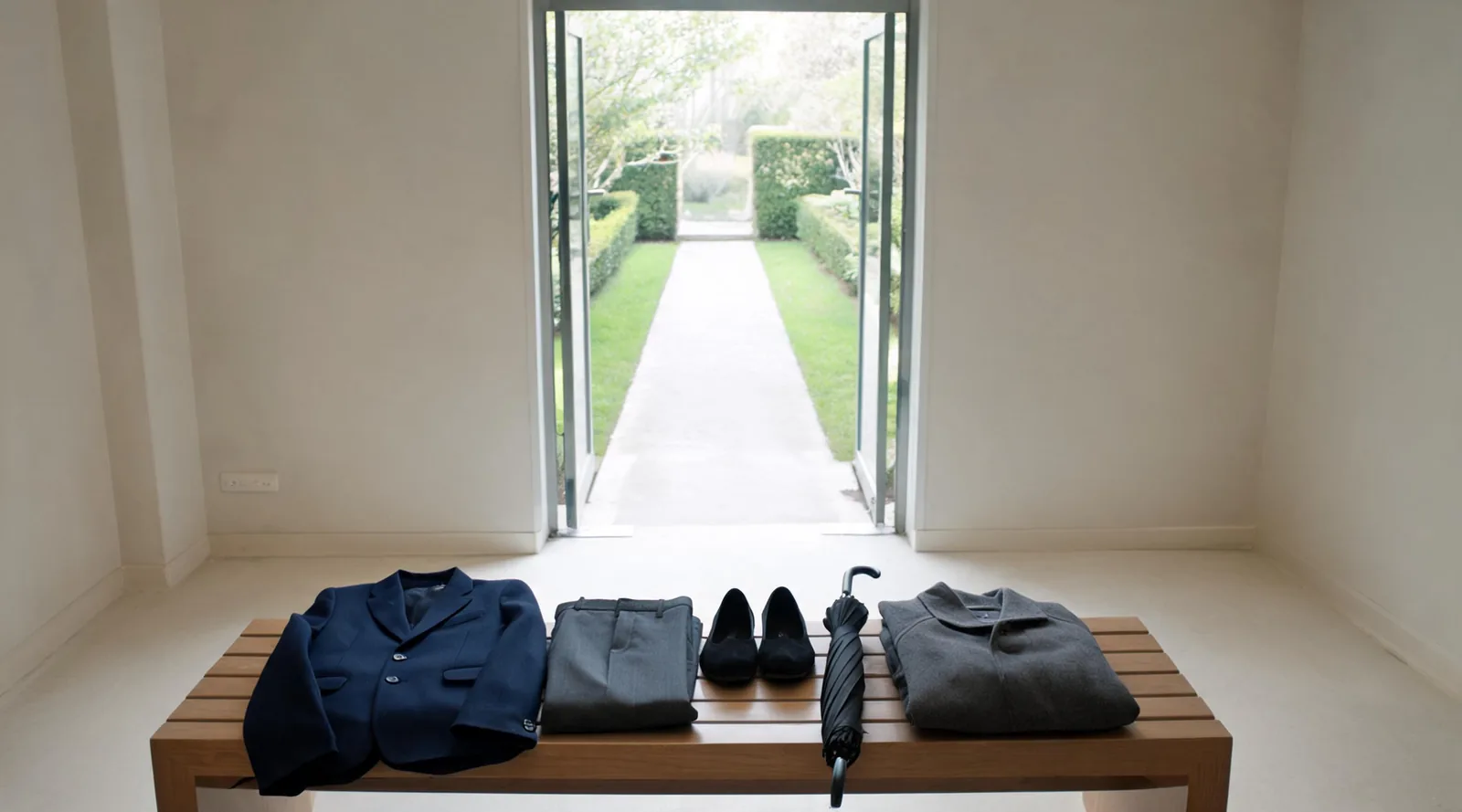
Decide what to wear to a funeral with service instructions, graveside footwear, weather layers, and practical outfit checks before you leave.
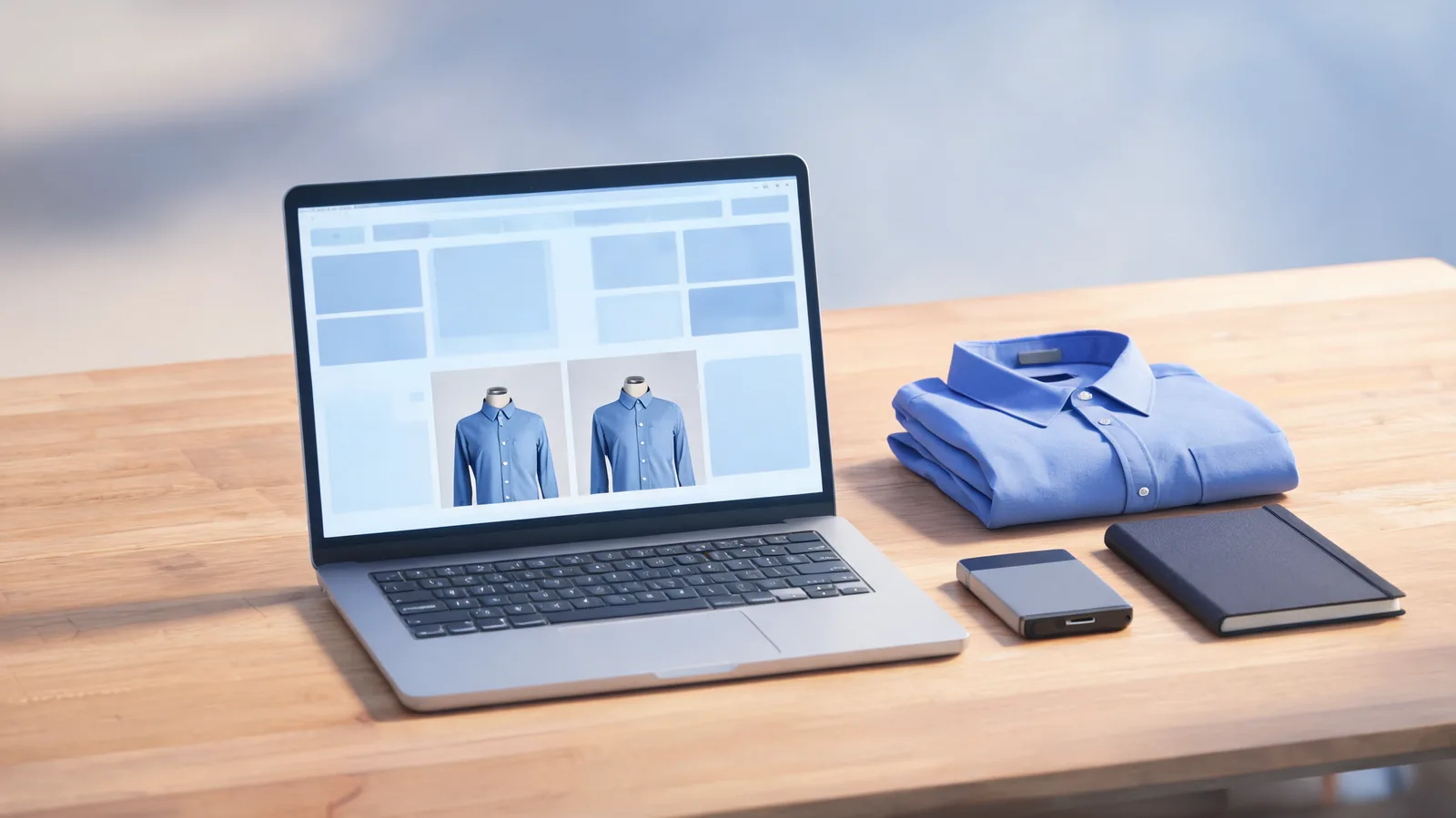
Evaluate an AI clothes changer on GitHub: check local versus hosted processing, hardware, licenses, photo handling and whether setup suits your task.
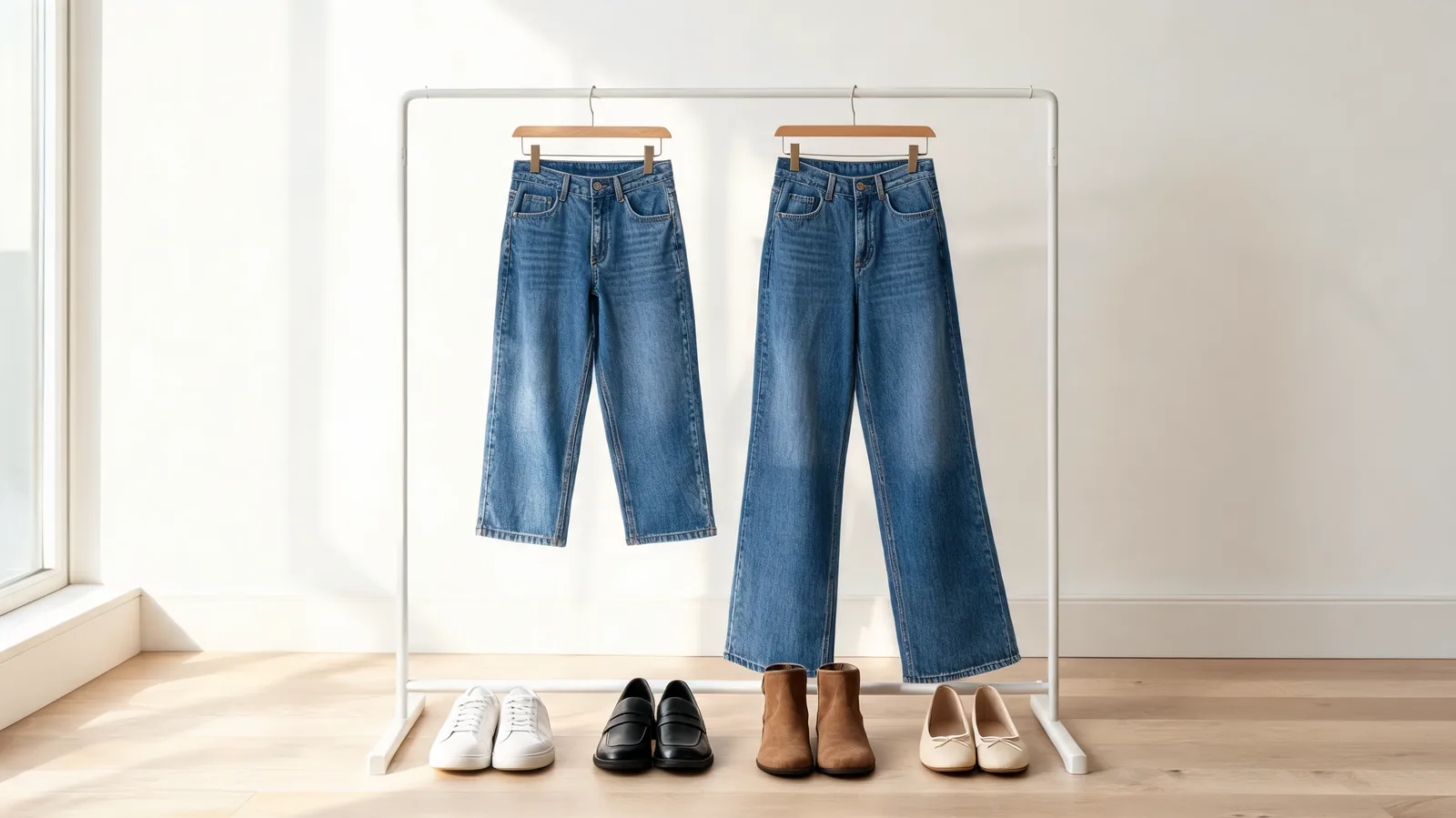
Choose shoes for wide leg jeans by hem length, toe shape and occasion. Compare sneakers, loafers, flats and boots, then check clearance before buying.

Understand AI clothes changer Free Preview wait times, changing estimates, and the taking-longer message. Learn when to wait, return, or stop.
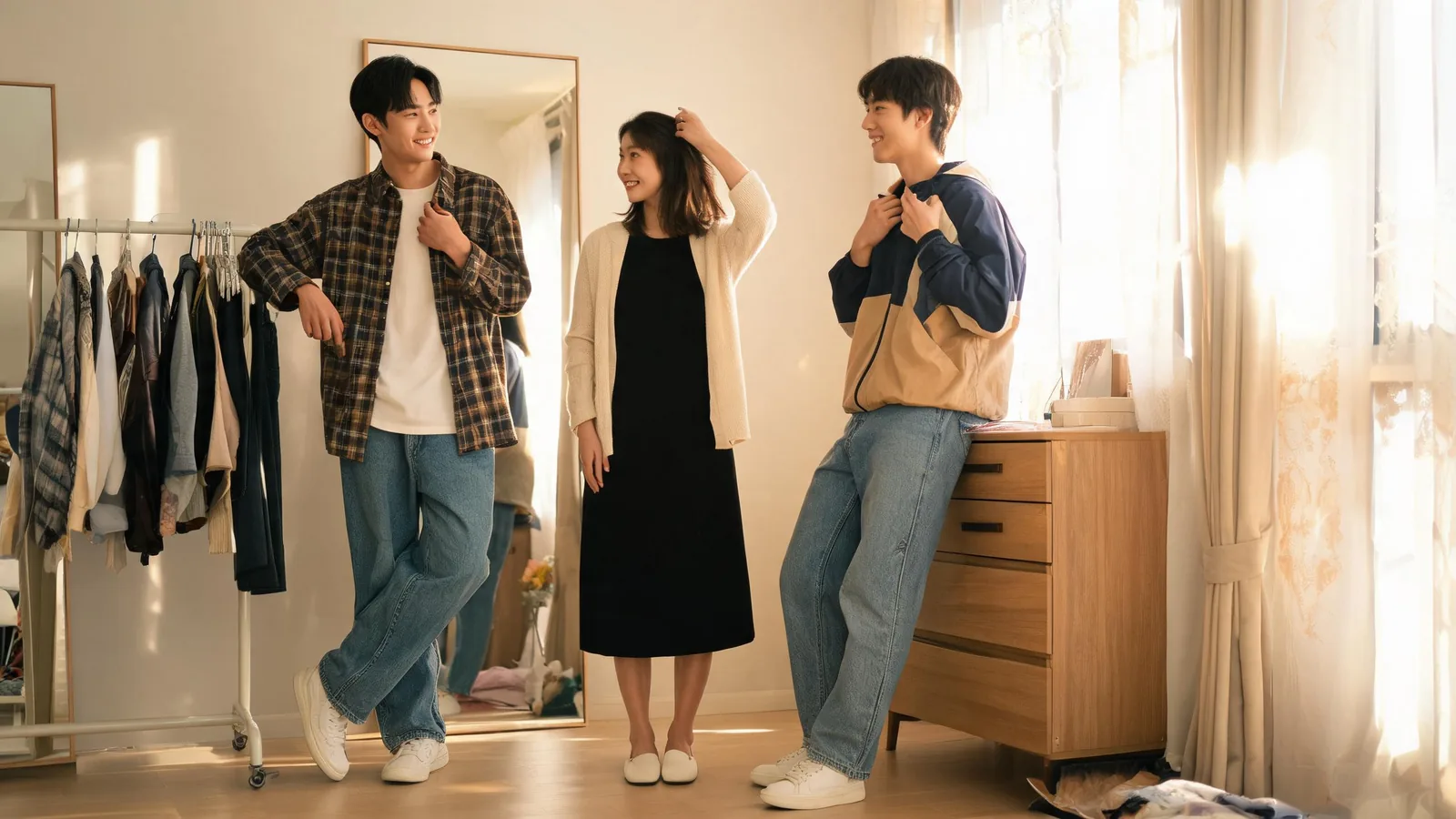
Decide what to wear to a 90s party with closet-based outfit formulas, comfortable swaps, and a simple way to compare looks before buying extras.
Write AI clothes changer prompts in your own language. Learn which modes accept instructions, how translation works, and what to check in the result.
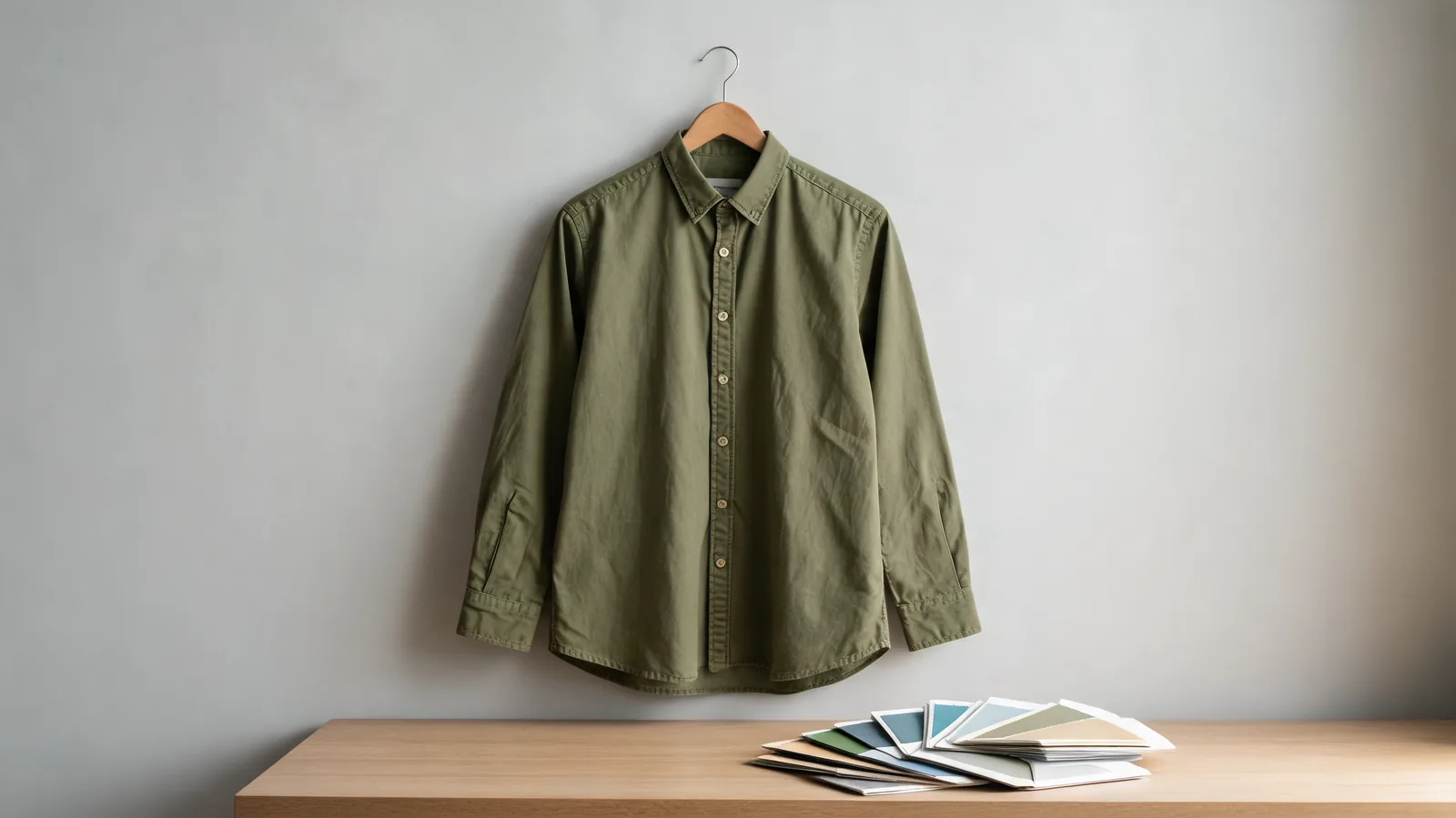
Learn how to change the color of clothes in Lightroom with garment masks, Hue or Point Color, clean edges, and checks that preserve fabric detail.
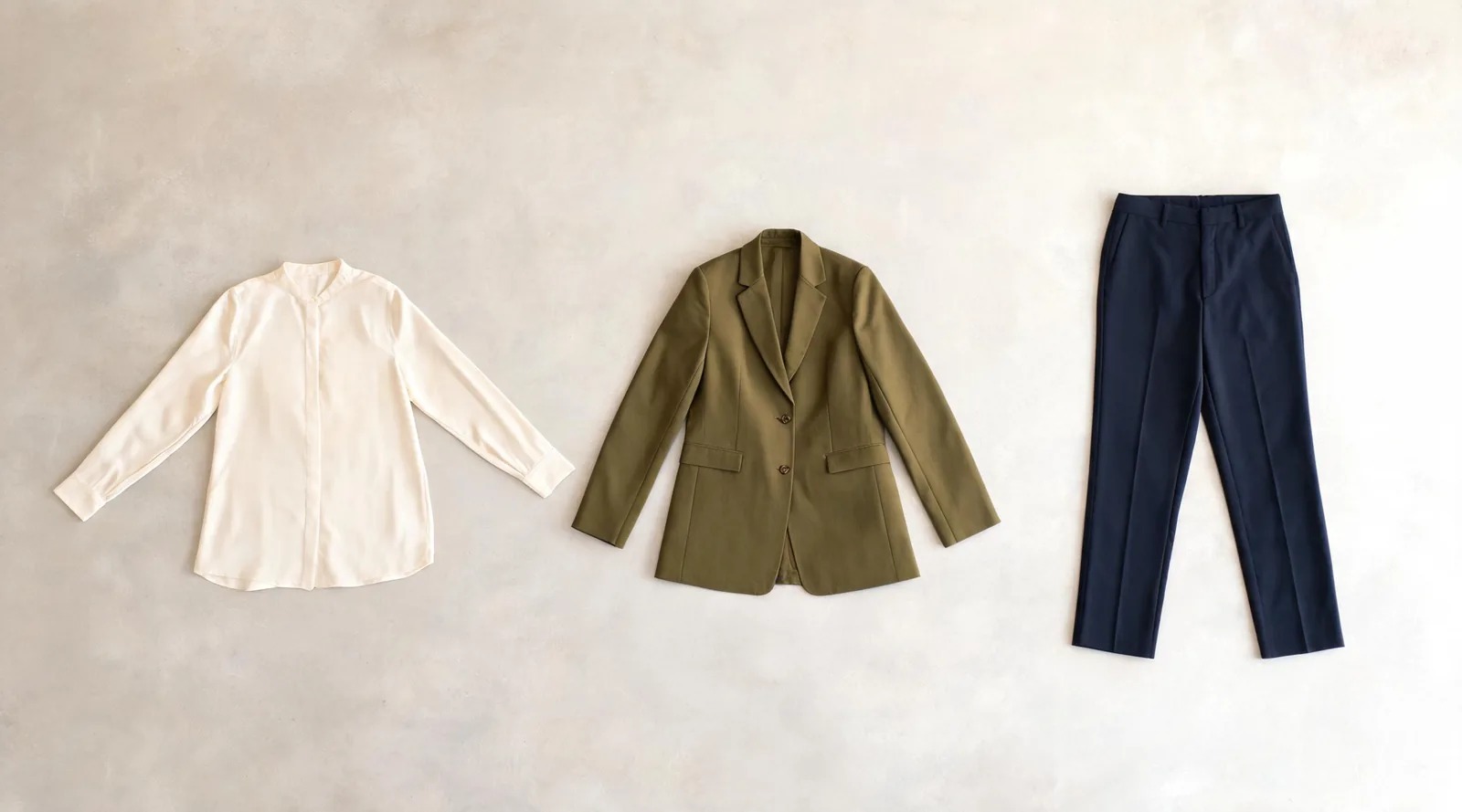
Build an AI dress up outfit from separate garment photos. Prepare references, set layer order in Studio Quality, and fix missing or merged clothing pieces.
Use AI Ease clothes changer with a clear photo and one outfit goal. Check upload choices, garment details, privacy questions, and reference-based alternatives.
Compare AI clothes changer Free Preview with Essential Try-On. Learn when one garment reference is enough and when sign-in and instructions help.
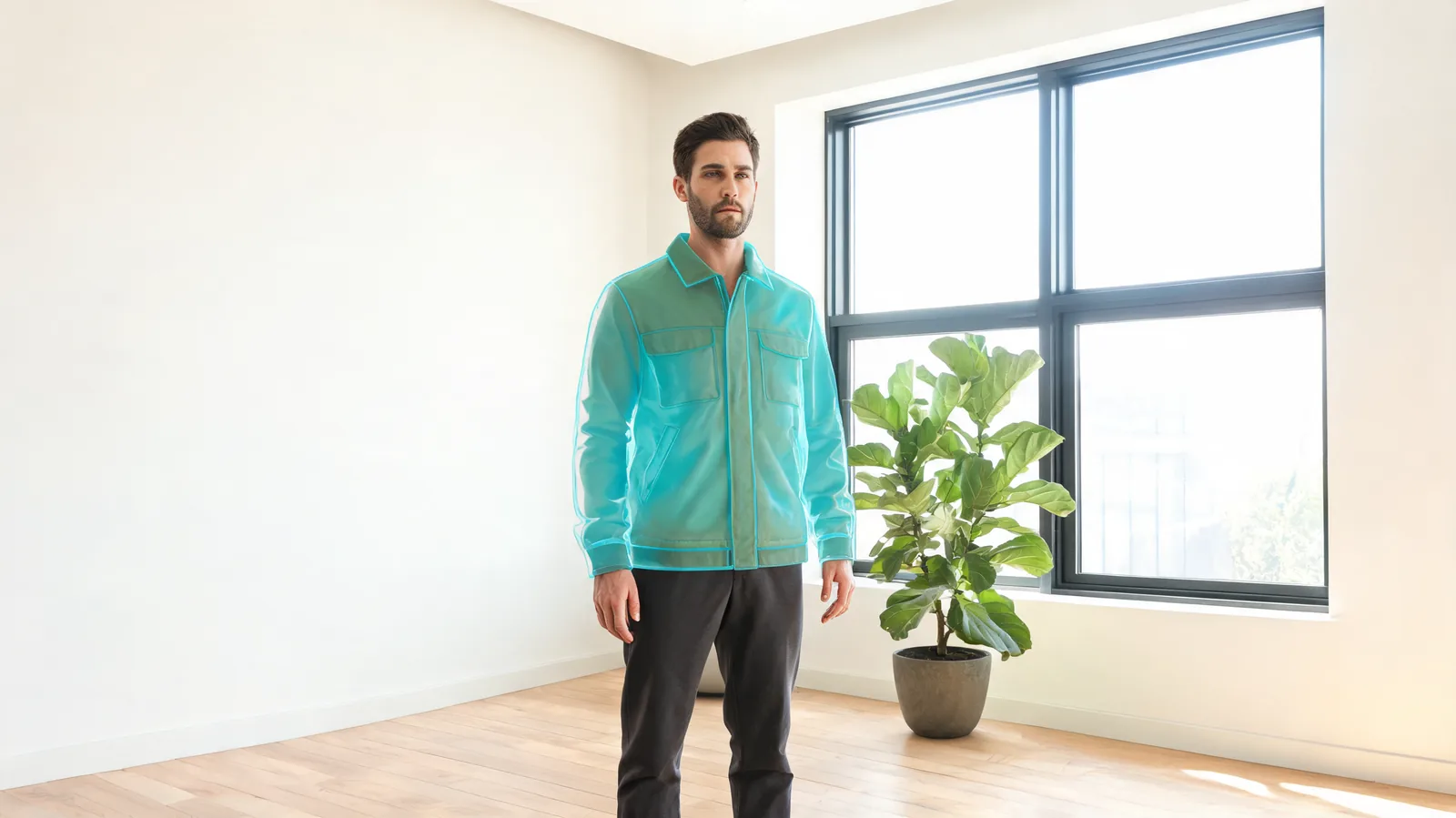
Fix a Krea AI clothes changer edit that altered the background. Refine the garment mask, protect hair and hands, and compare the scene before saving.
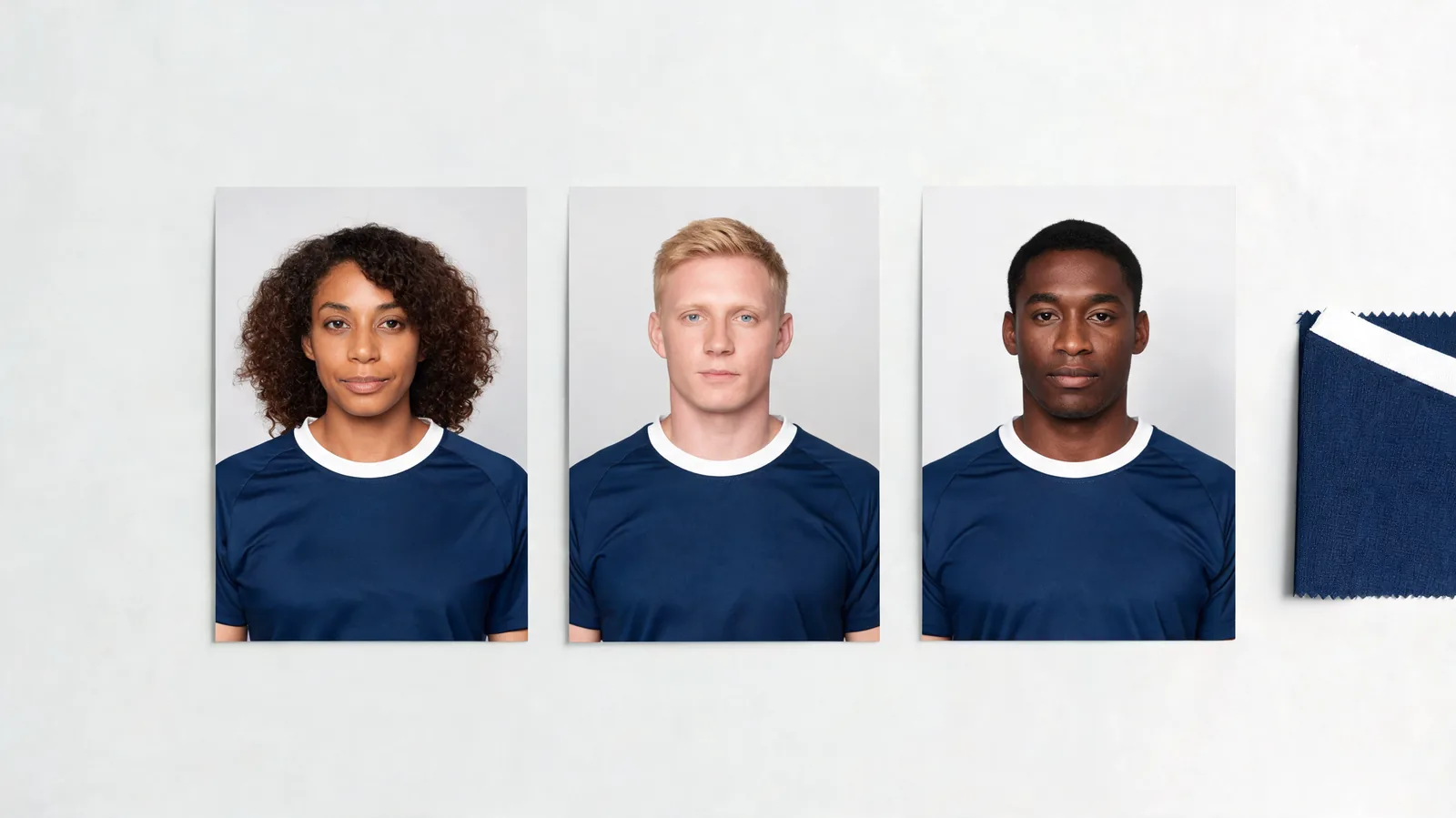
Use jersey swap AI for team graphics by editing individual adult portraits, checking consistent kits, and assembling the final layout manually.
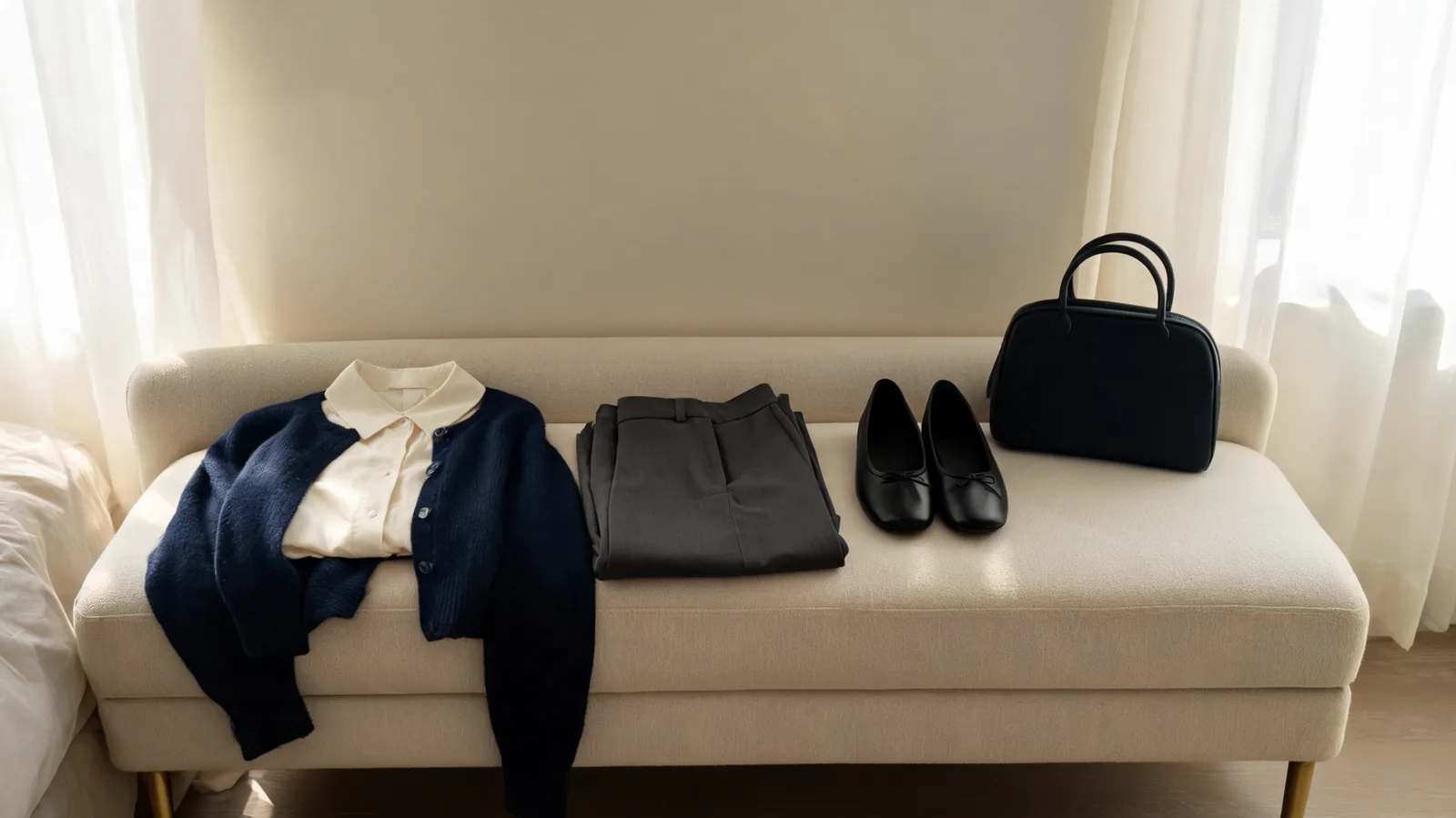
Decide what to wear to a wake with a checklist for family requests, venue, weather, and comfortable outfits you already own.

Canva virtual try-on clothes can create an outfit concept. Learn what to check, the limits, and when a dedicated virtual try-on fits better.
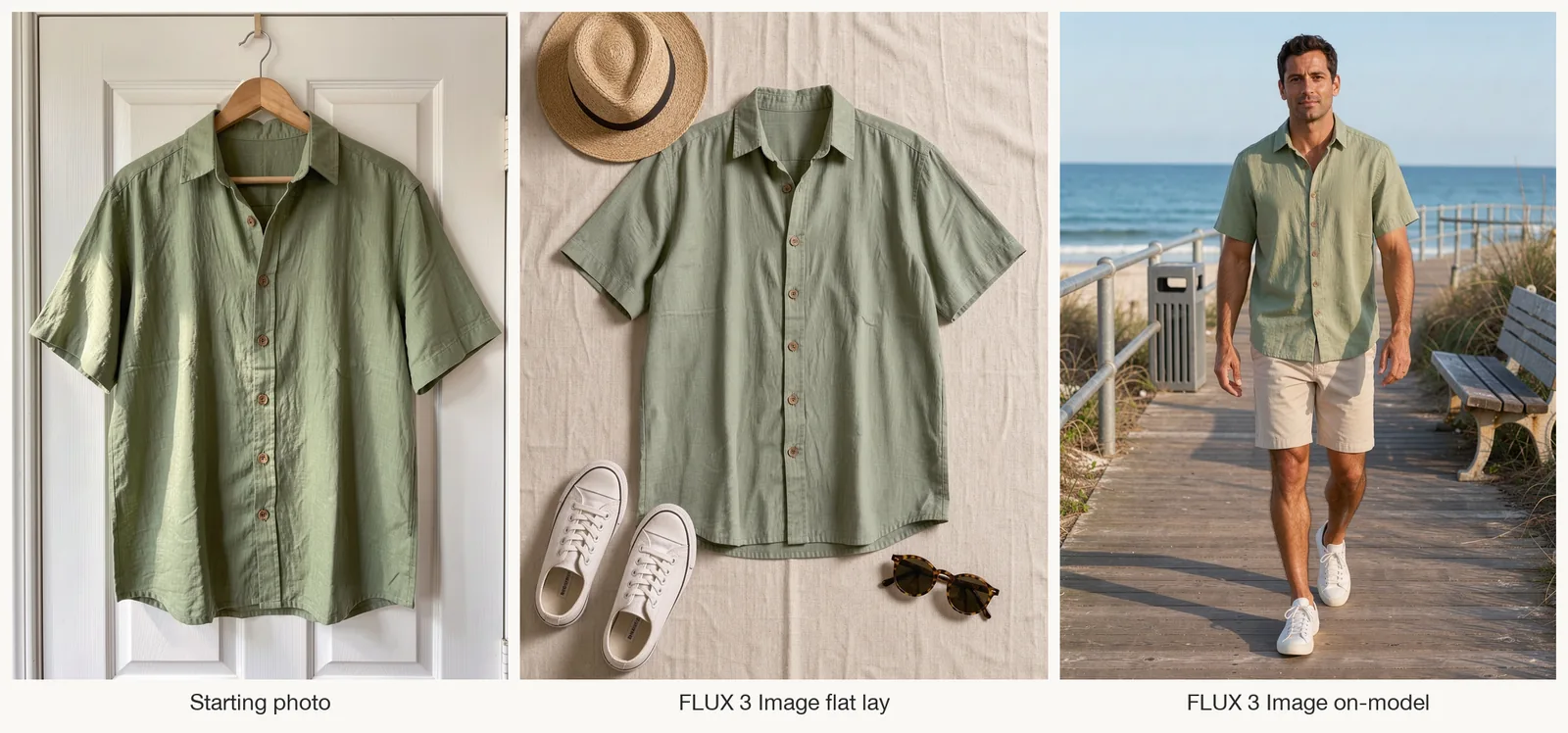
Create flat lay clothing photos with AI using a garment reference, compare styling variations, and preview the shirt on a person with virtual try-on.
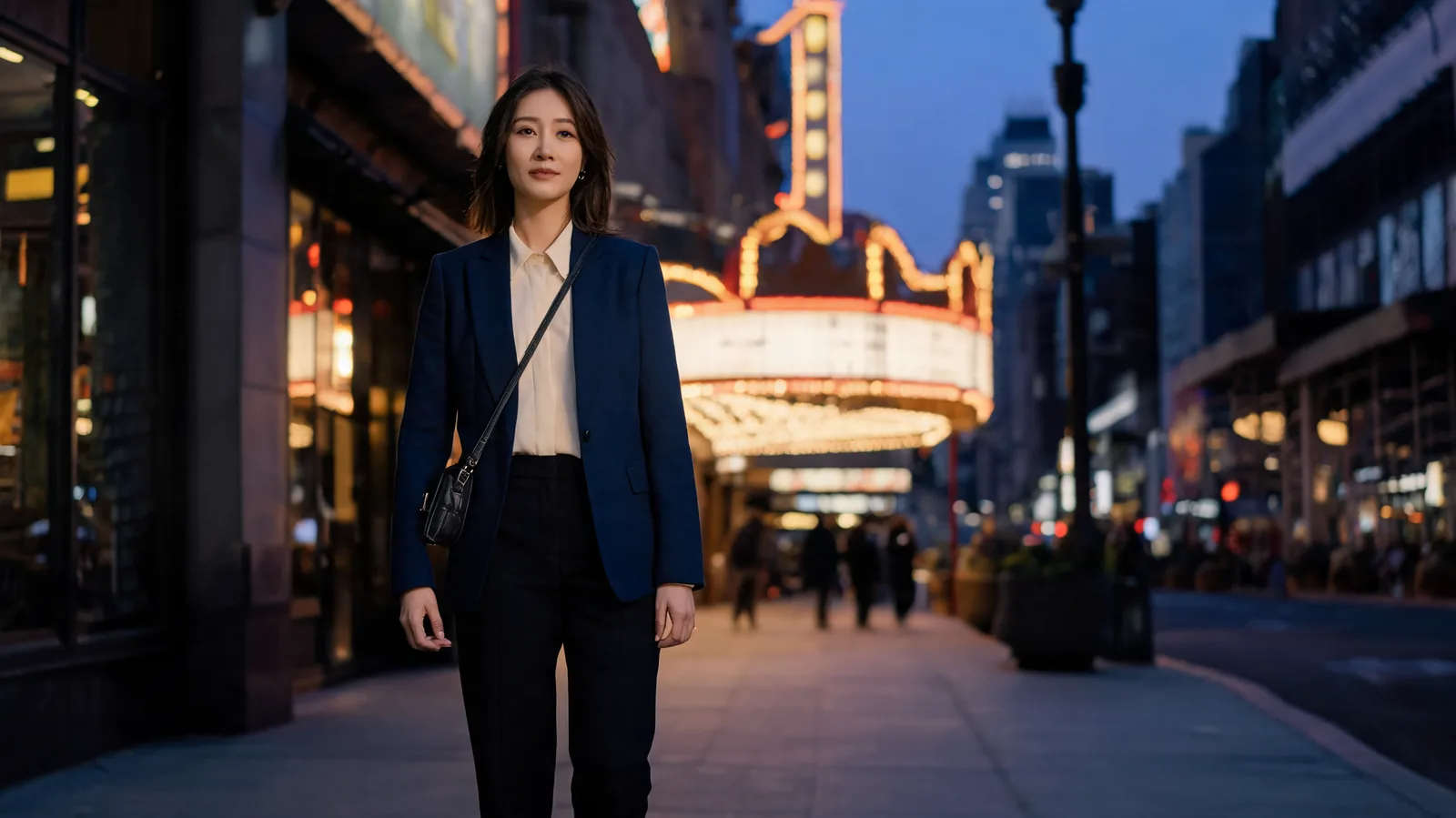
What to wear to a Broadway show: choose a comfortable look that feels like you. Compare four polished directions, then preview one before the night out.
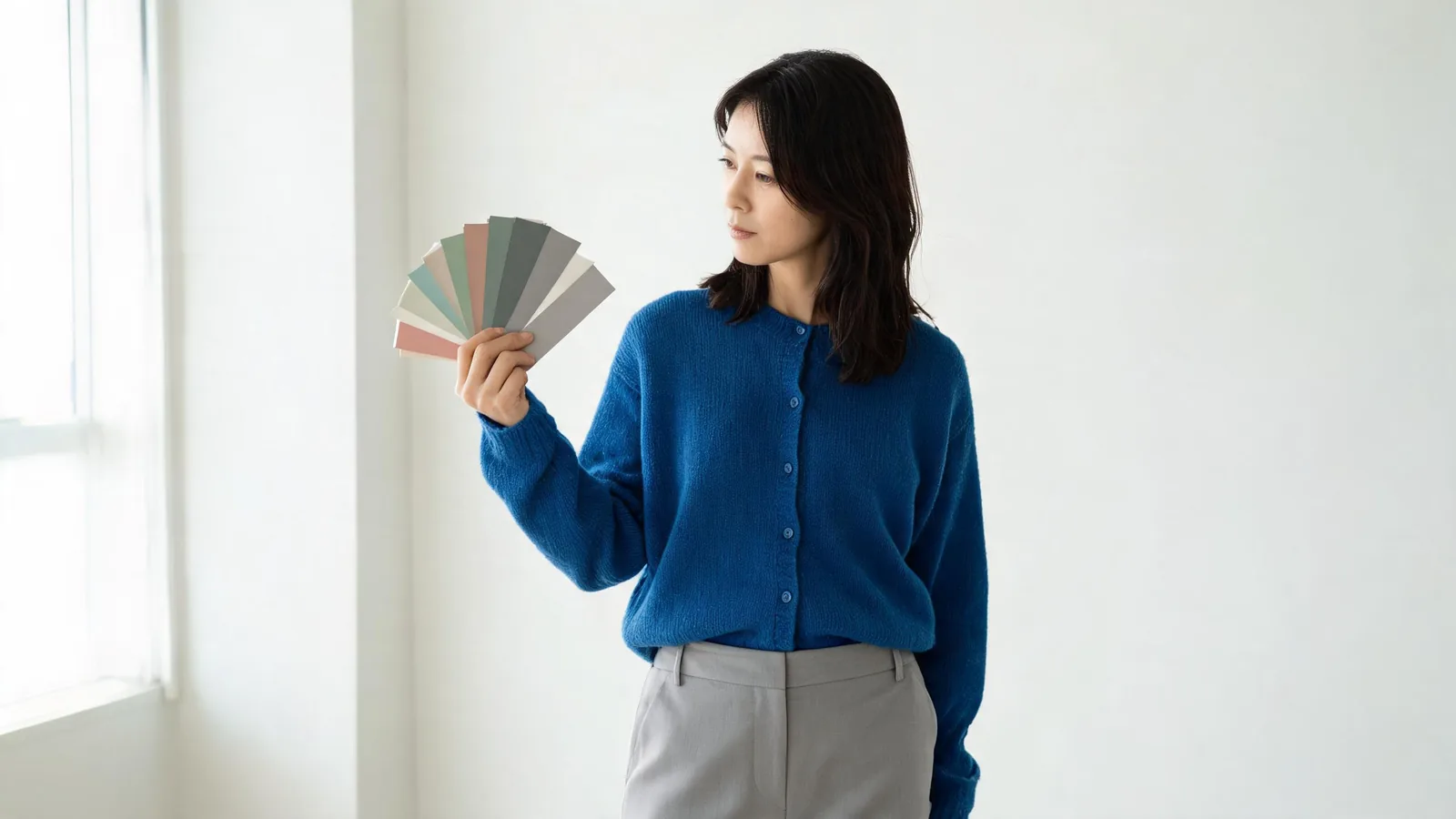
写真の服の色をAIで変える方法を、日本語でわかりやすく解説。1枚の写真、色見本またはカラーコード、仕上がりを自然に見せる確認ポイントを紹介します。
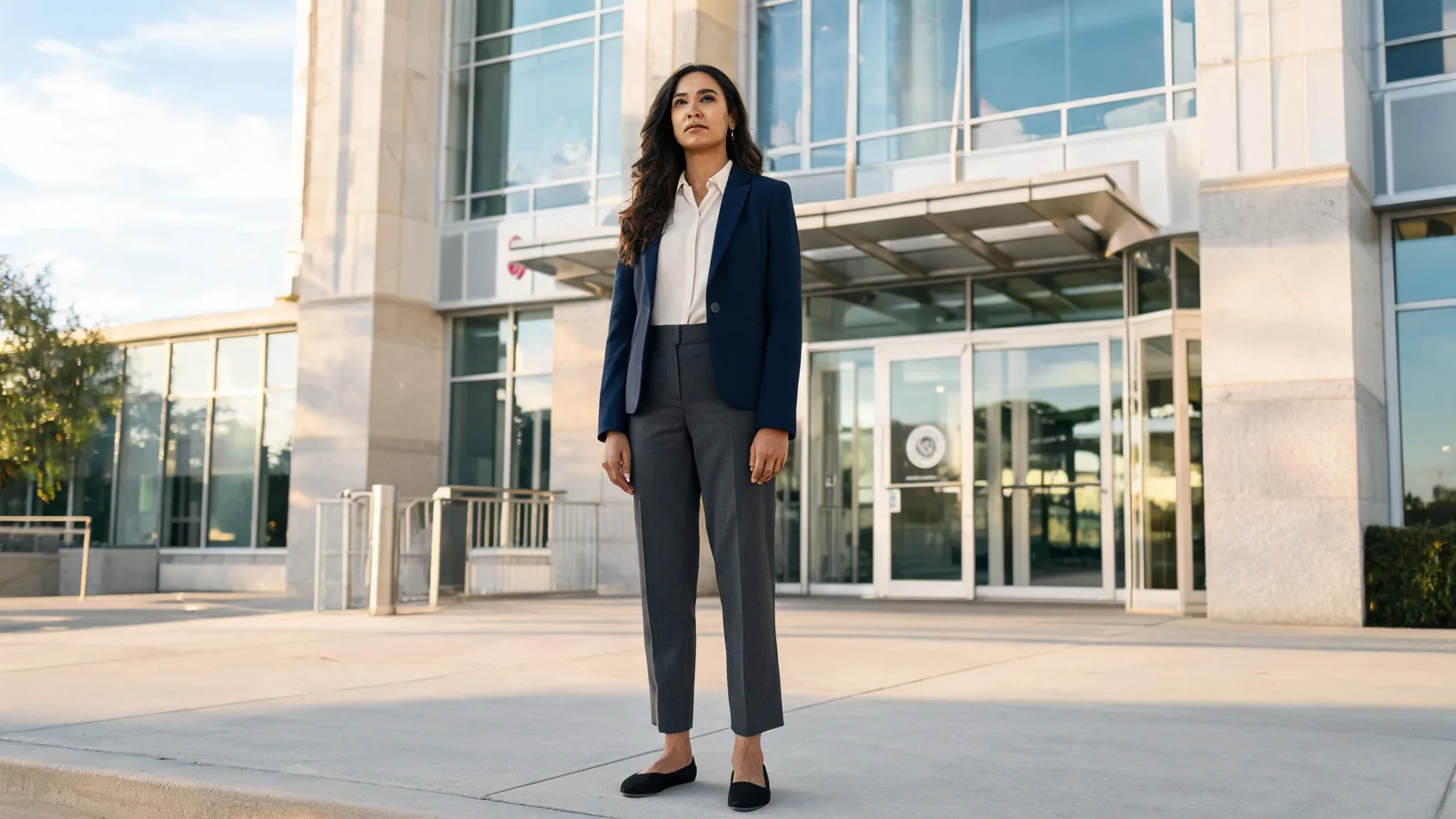
What to wear to court: choose clean, conservative business or business-casual clothing, then check the court's own rules. Use this calm, practical checklist before you leave.
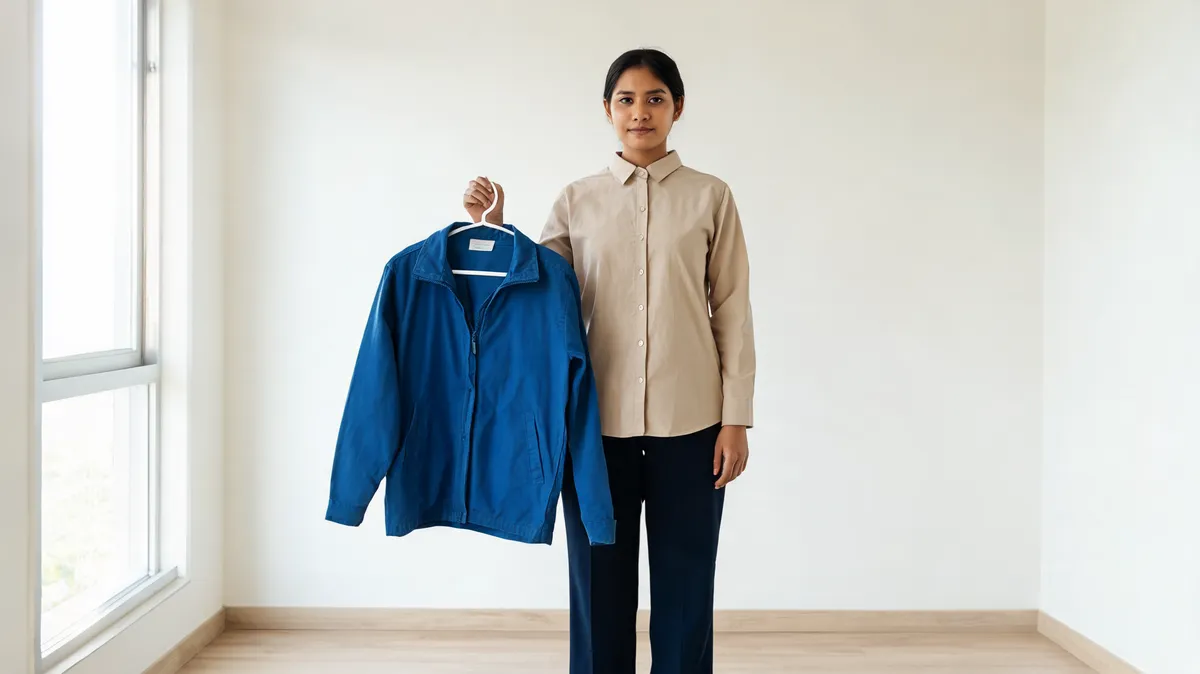
Pelajari cara memakai AI ganti baju untuk mencoba pakaian di foto: pilih foto yang jelas, tambahkan referensi baju, lalu periksa hasilnya dengan teliti.
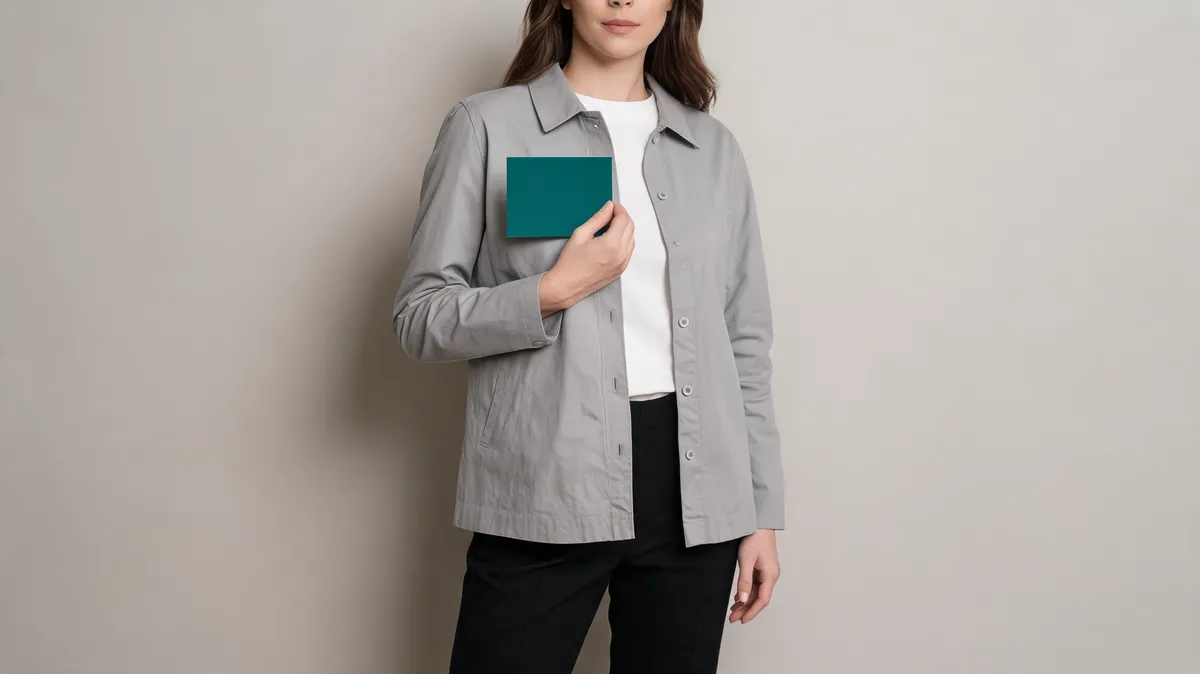
Change clothes with AI using one hex color: make a controlled one-garment preview, protect the rest of the photo, and review the result before relying on it.
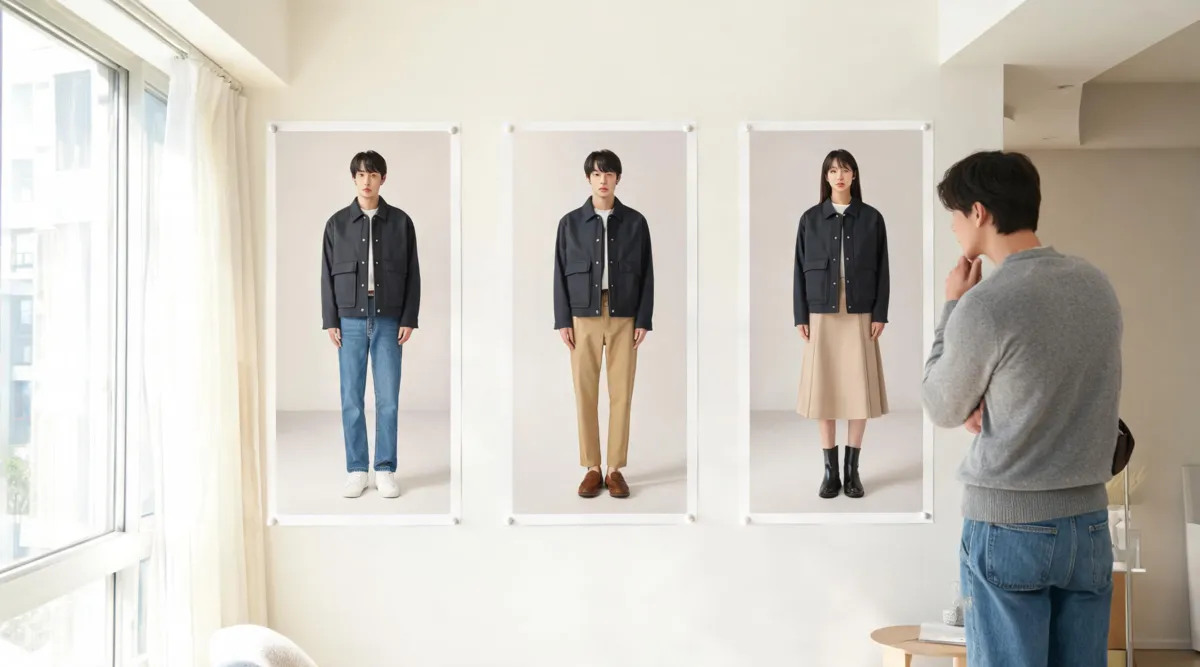
Use an AI try-on clothes three-photo test before you buy: compare one garment direction across three clear photos, then separate styling evidence from fit facts.
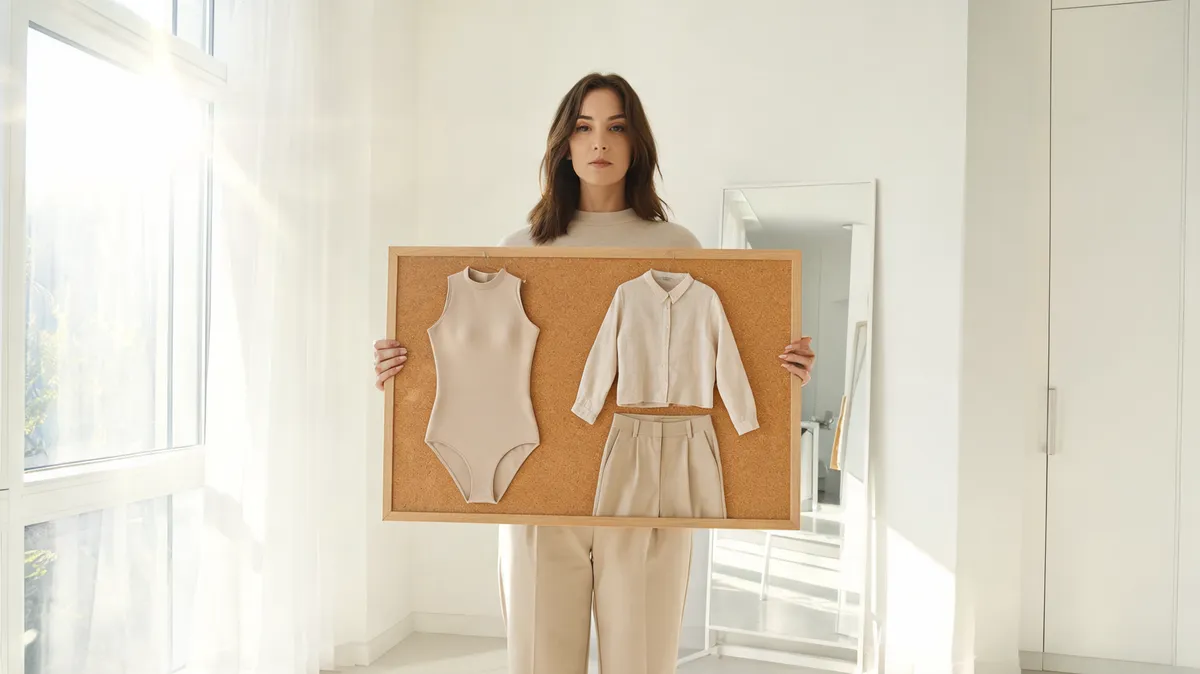
Searching Fotor AI clothes remover? Compare a covered swimwear preview safely, review the result, and keep real fit and product facts separate.

Can an AI clothes changer edit video? Learn the difference between video outfit editing and a still-image outfit preview, plus a practical workflow for each.
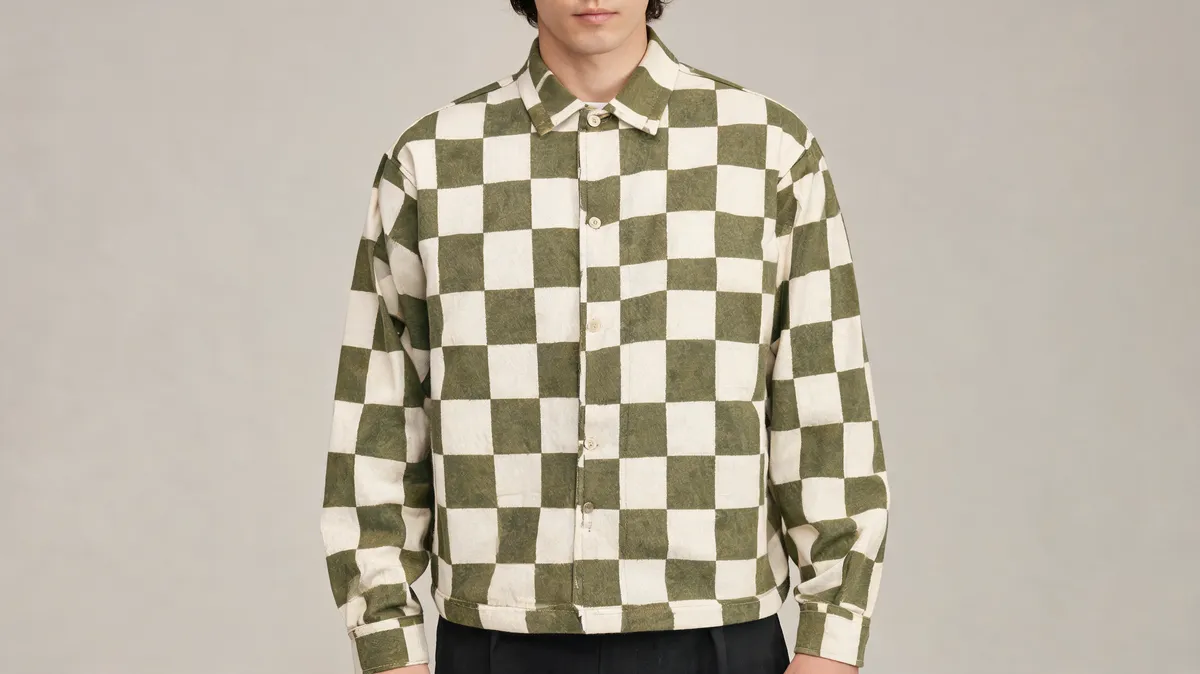
Recolor patterned clothes in a photo without smearing the print: choose the right source image, preserve the pattern, and know when to stop.
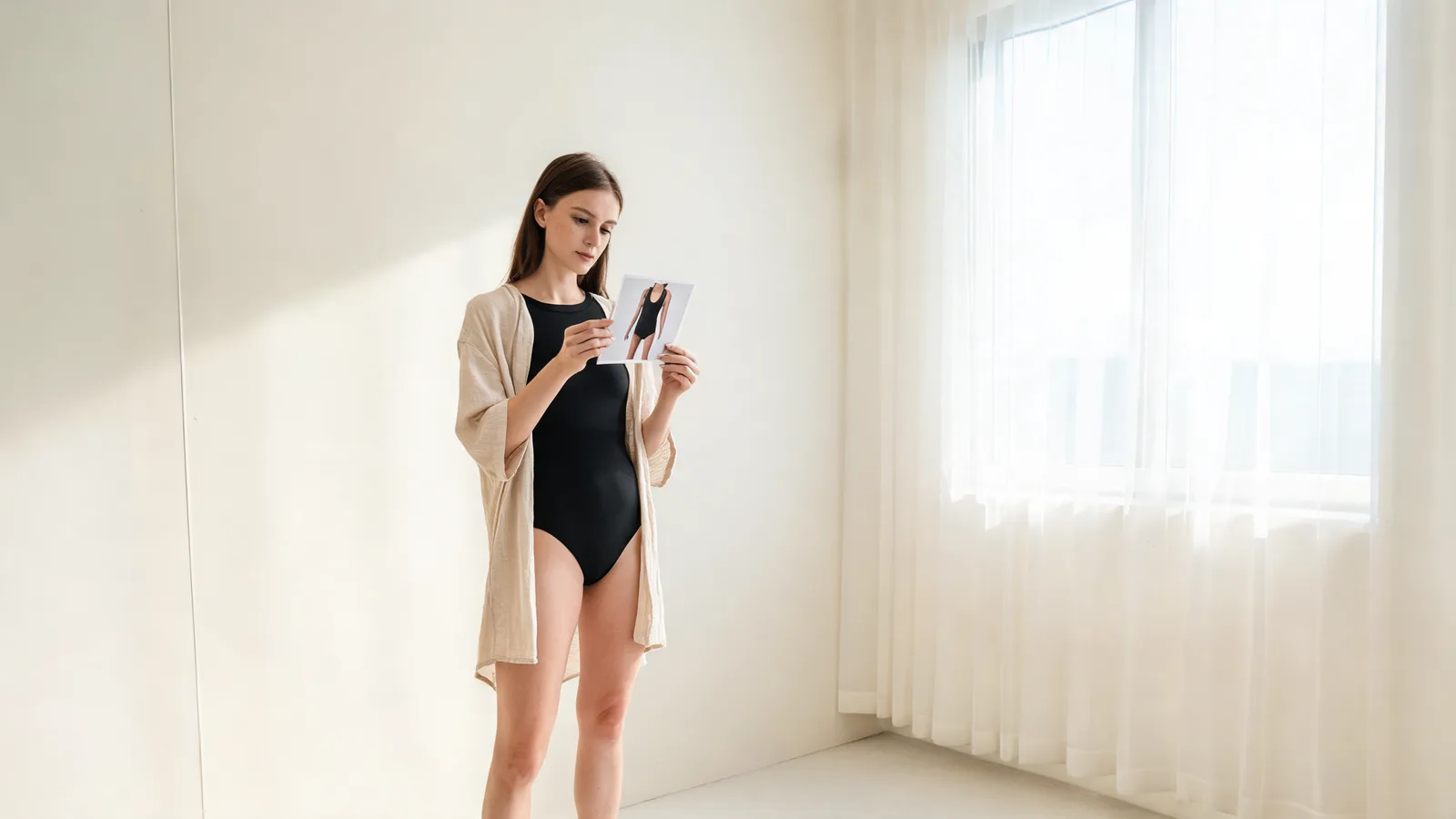
Use an AI clothes changer bikini preview to compare swimsuit cuts on an authorized adult photo, then verify fit, sizing, and returns before buying.
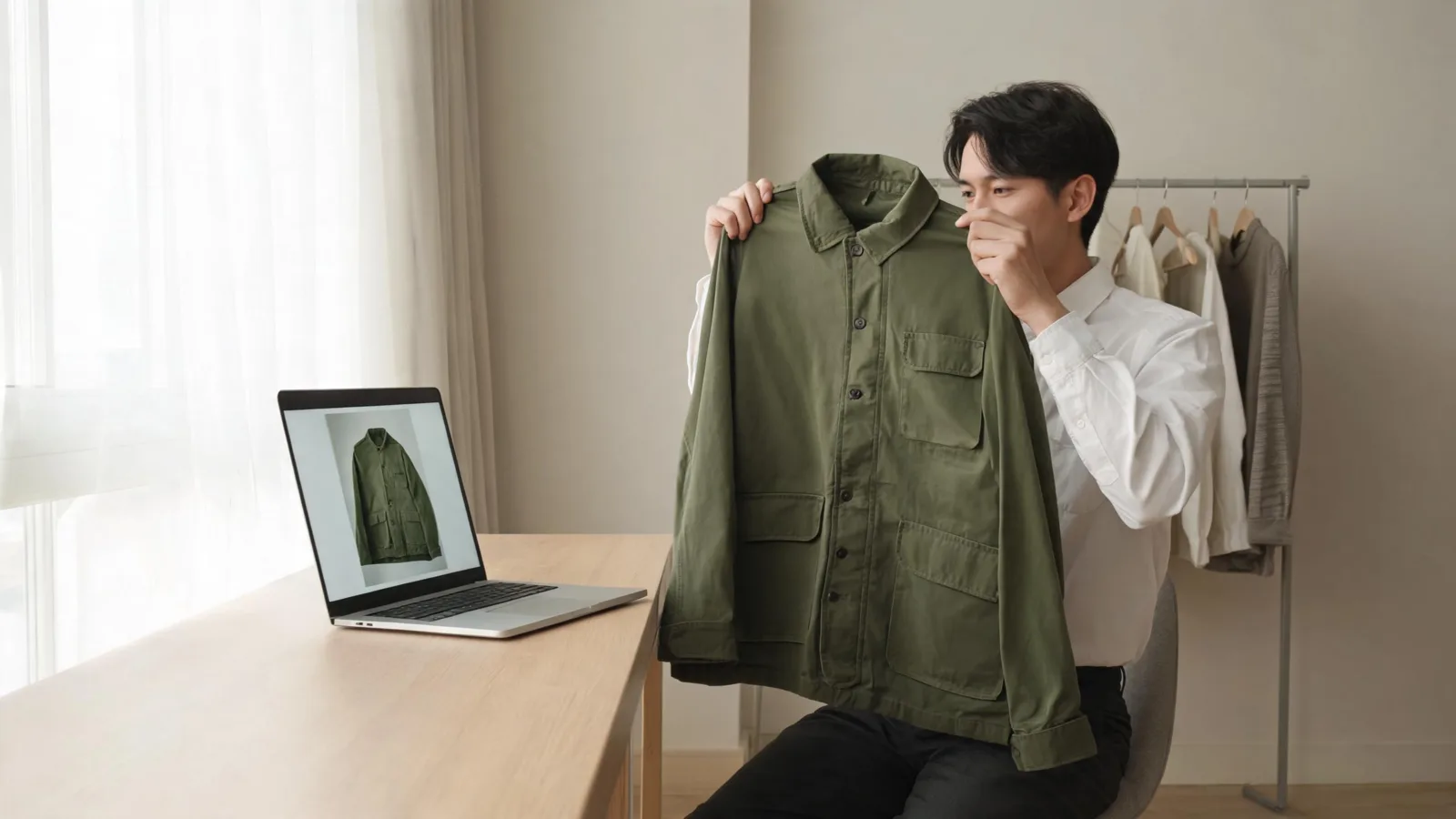
Found a jacket by picture? Verify the cut, fabric, colour, construction, seller details, and return terms before you buy a visual-search match.
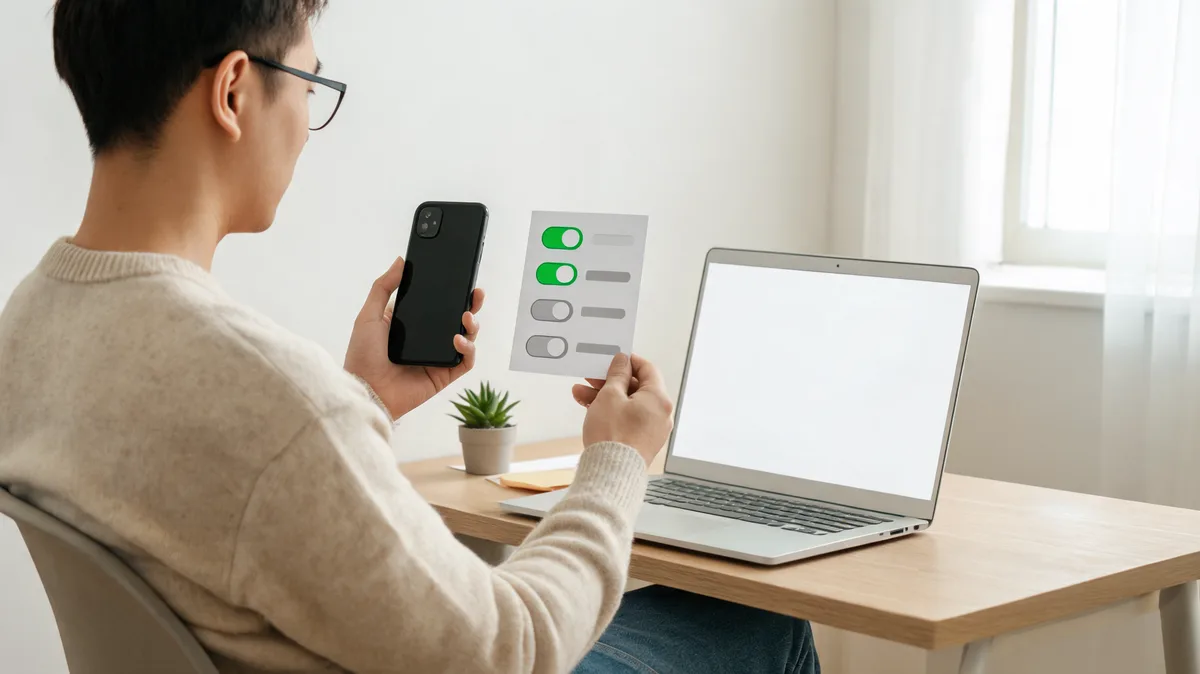
Before you download an AI clothes changer app, check photo permissions, app-store data disclosures, storage terms, deletion controls, and sharing limits.
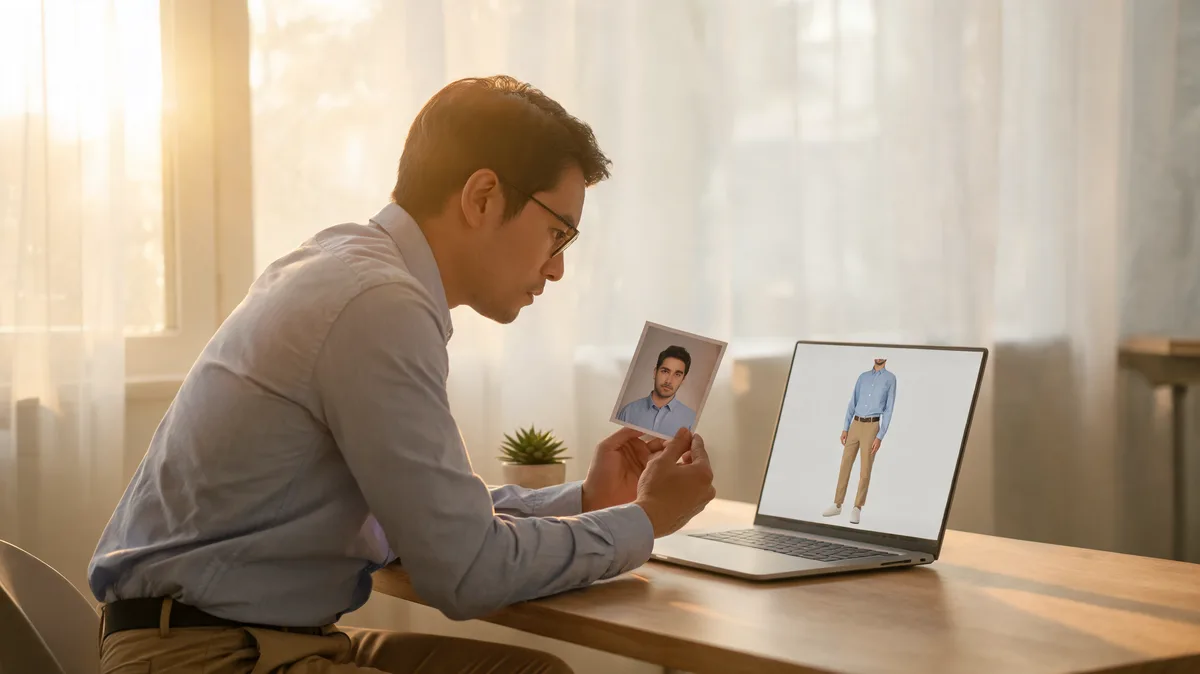
Searching for a Perchance AI clothes changer? Use this upload, privacy, and output-review checklist before you share a photo with any tool.
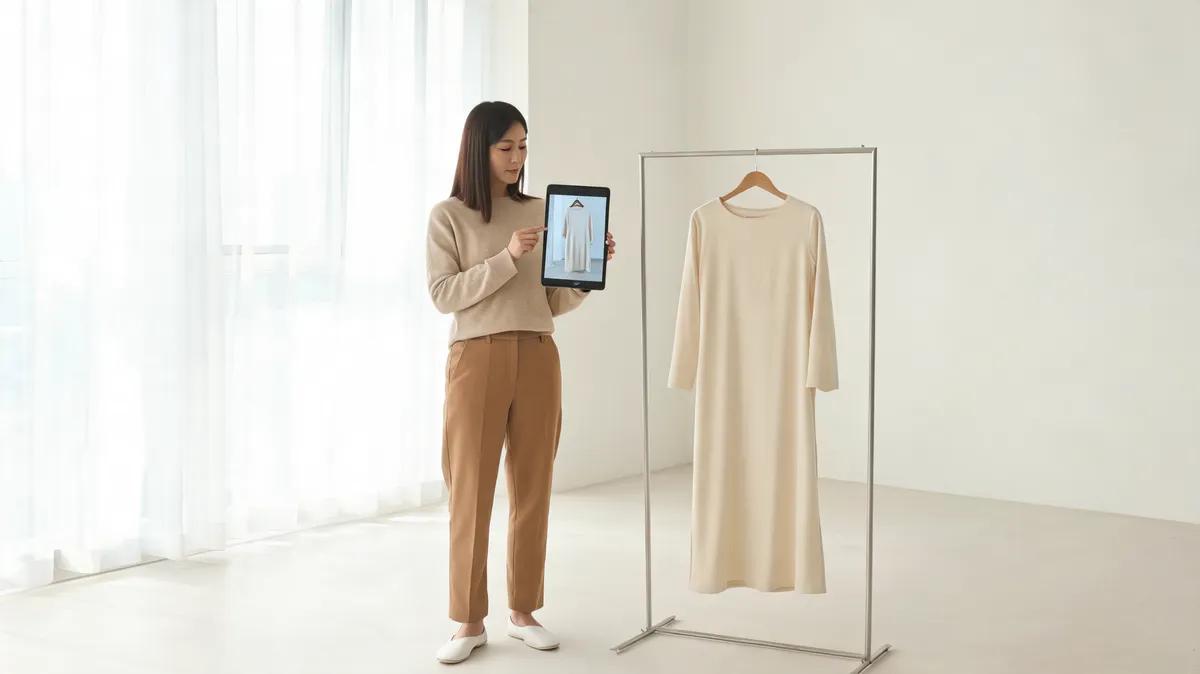
Review FitRoom's current virtual try-on workflow, prepare an authorized upload, and inspect an AI outfit preview before you use it.
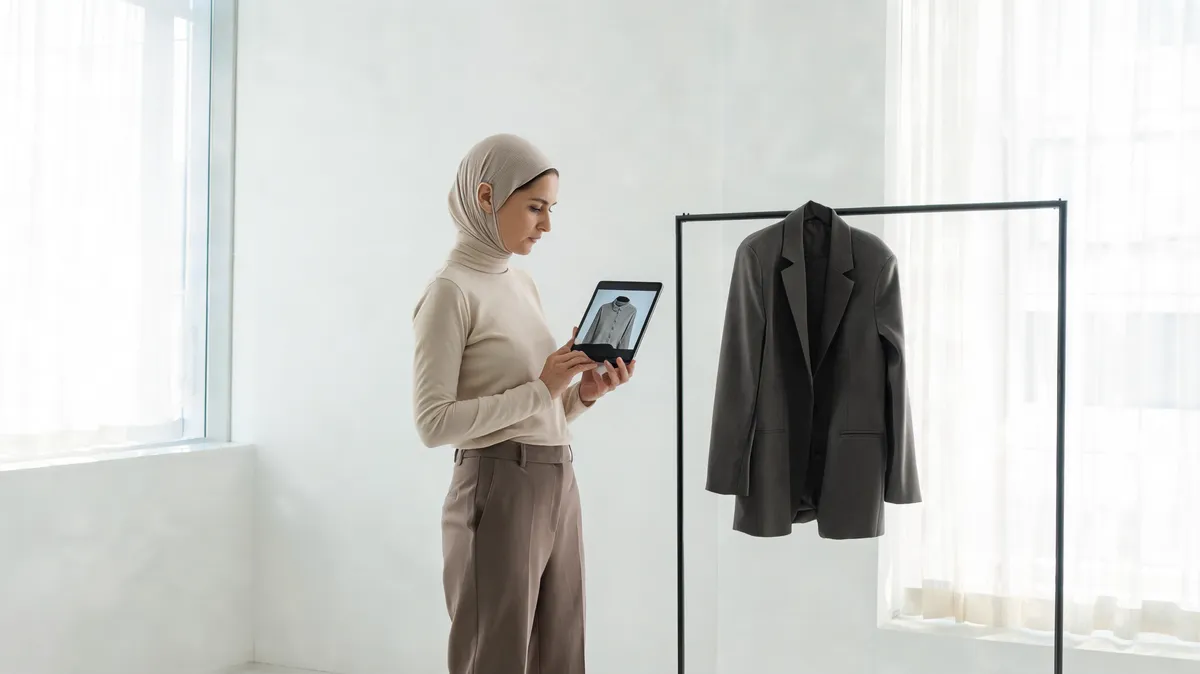
See Pokecut's current AI clothes changer workflow, what to check before uploading, and how to review a generated outfit preview responsibly.
Clipfly's former clothes-changer path now leads to AI Replace. Use this upload and result checklist before testing a photo edit.
LightX's AI Clothes Changer uses a photo, preset styles, or a text prompt. Use this checklist to test its current workflow responsibly.

Searching for Appointo AI clothes changer? Verify the product, permissions, upload policy, and result quality before sharing a photo.
FaceSwapper AI clothes changer uses a photo-and-prompt workflow. Check permissions, privacy terms, identity preservation, and garment detail first.
Use a Higgsfield AI clothes changer workflow more carefully: verify the live studio, image rights, output review, and current privacy terms.

Check the person photo, garment reference, output limits, and current terms before using ImagineArt AI Clothes Changer for an outfit preview.
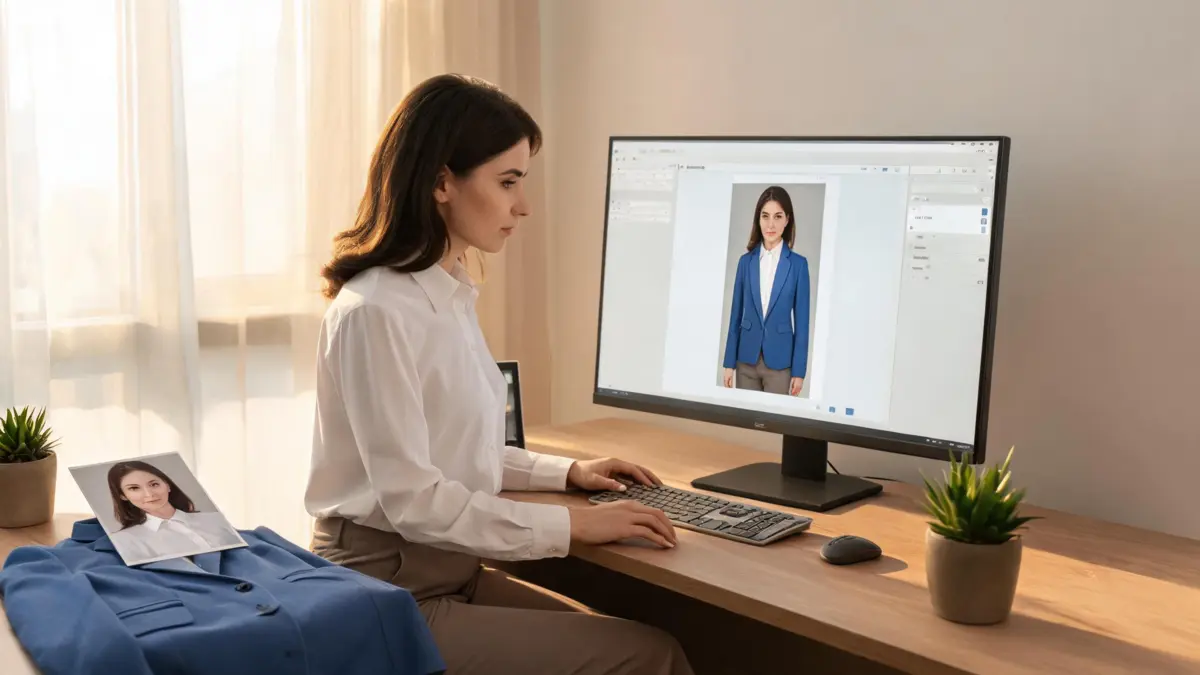
Before you upload a photo to BeautyPlus AI Clothes Changer, check the workflow, output quality, privacy terms, and export conditions with one controlled test.
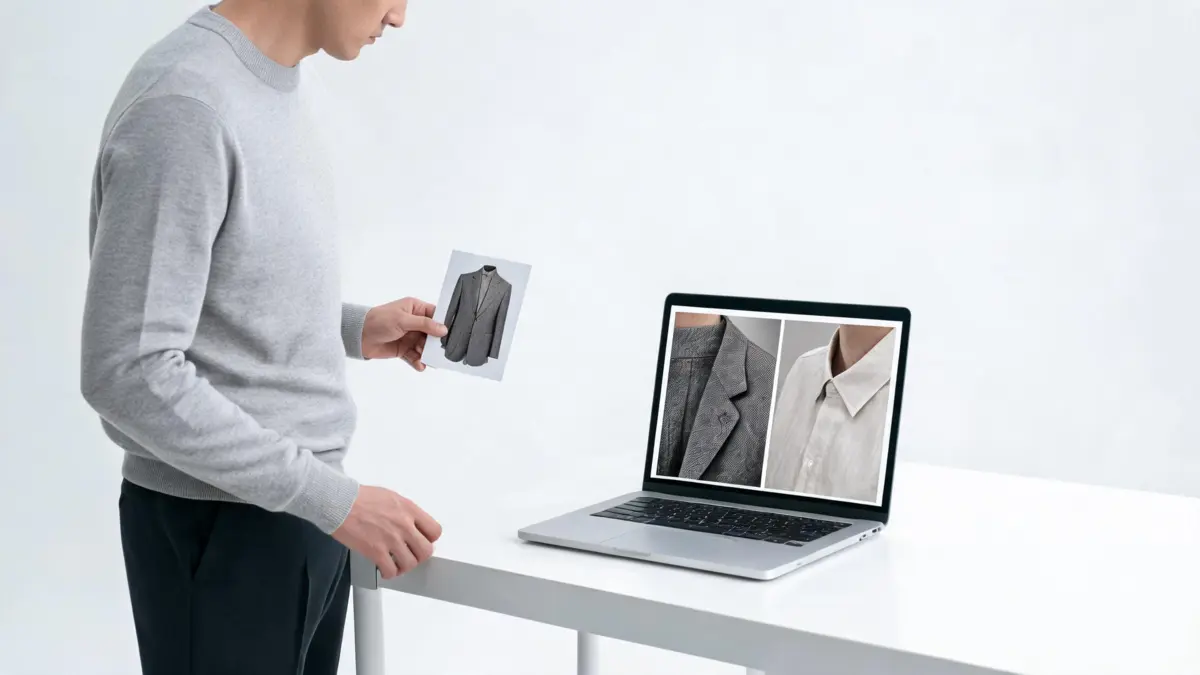
Choose the right AI clothes changer quality for your photo: Essential Try-On for a simple one-outfit preview, or Studio Quality for more detailed, multi-image edits.

Before using Insmind AI Clothes Changer, check your photo permission, the live editor terms, input quality, and whether the result holds up at full size.

Cancel an active AI clothes changer generation, keep your uploads ready, and restart with a clearer outfit request using this practical workflow.
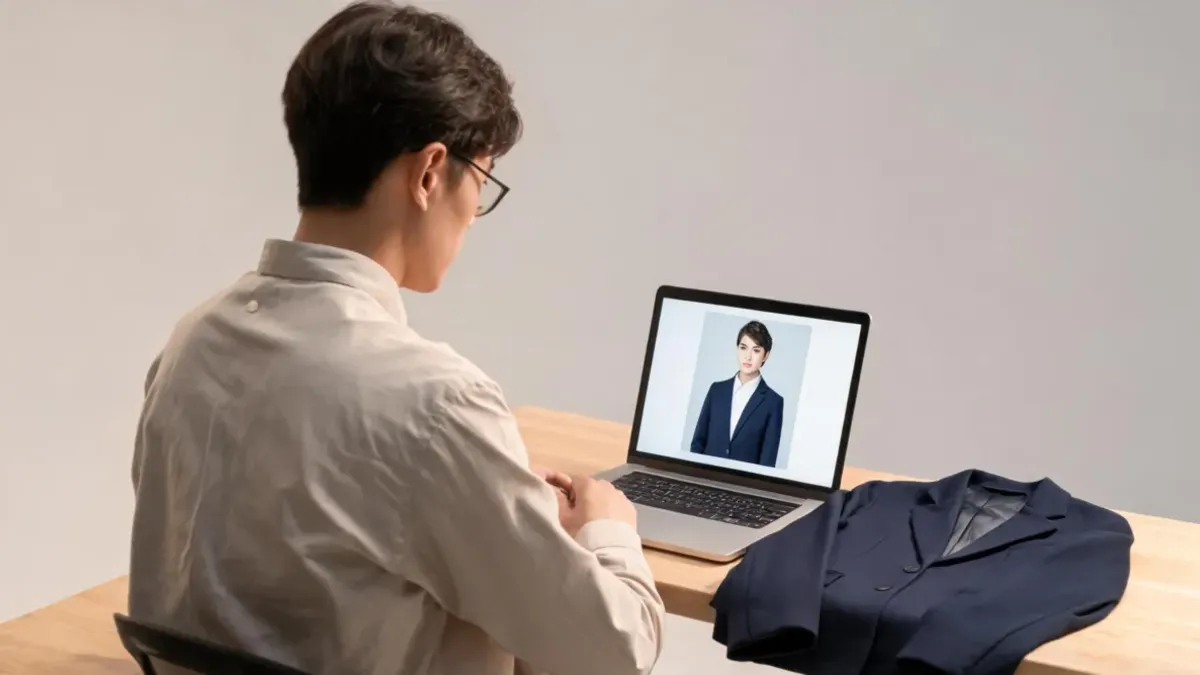
Evaluate EaseMate AI clothes changer with a controlled upload, a clear clothing decision, and practical checks for identity, garment edges, light, and terms.

Check FixO AI Clothes Changer's current upload, style, access, and privacy conditions, then run one controlled outfit-preview test before uploading more images.

Before using MyIMG AI Clothes Changer, confirm adult status, explicit consent, the live workflow, and whether an authorized photo is suitable to upload.
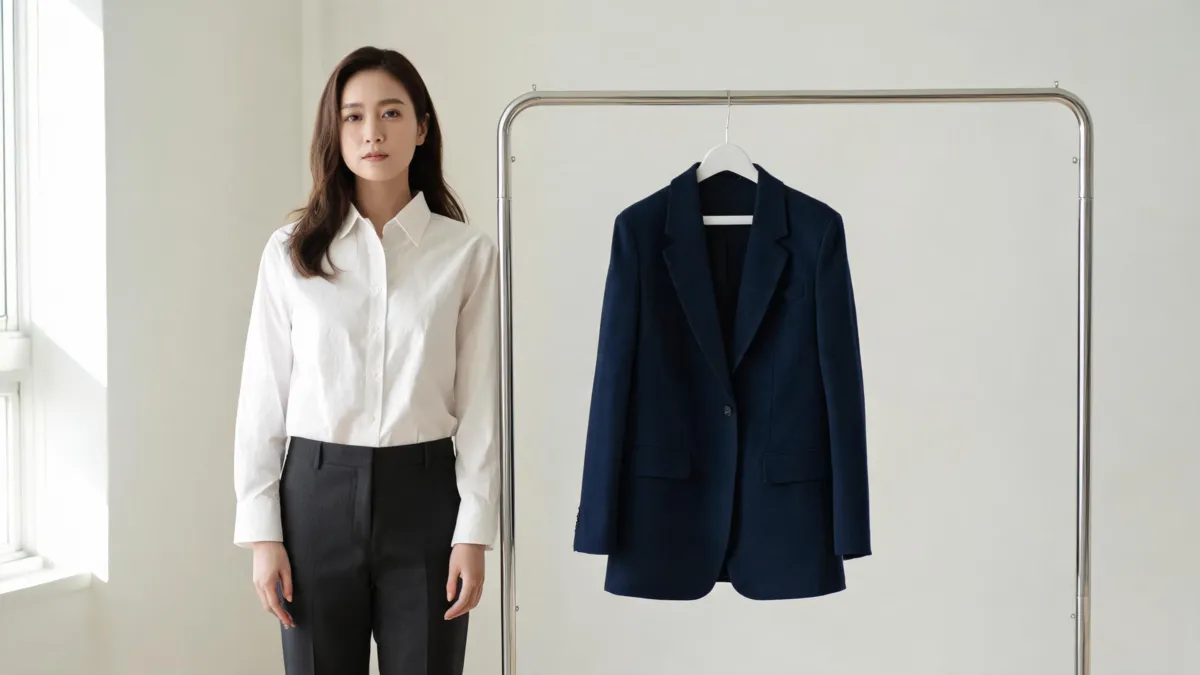
MockoFun AI clothes changer can make a prompted or reference-based outfit edit; use this checklist to prepare inputs and inspect the result honestly.
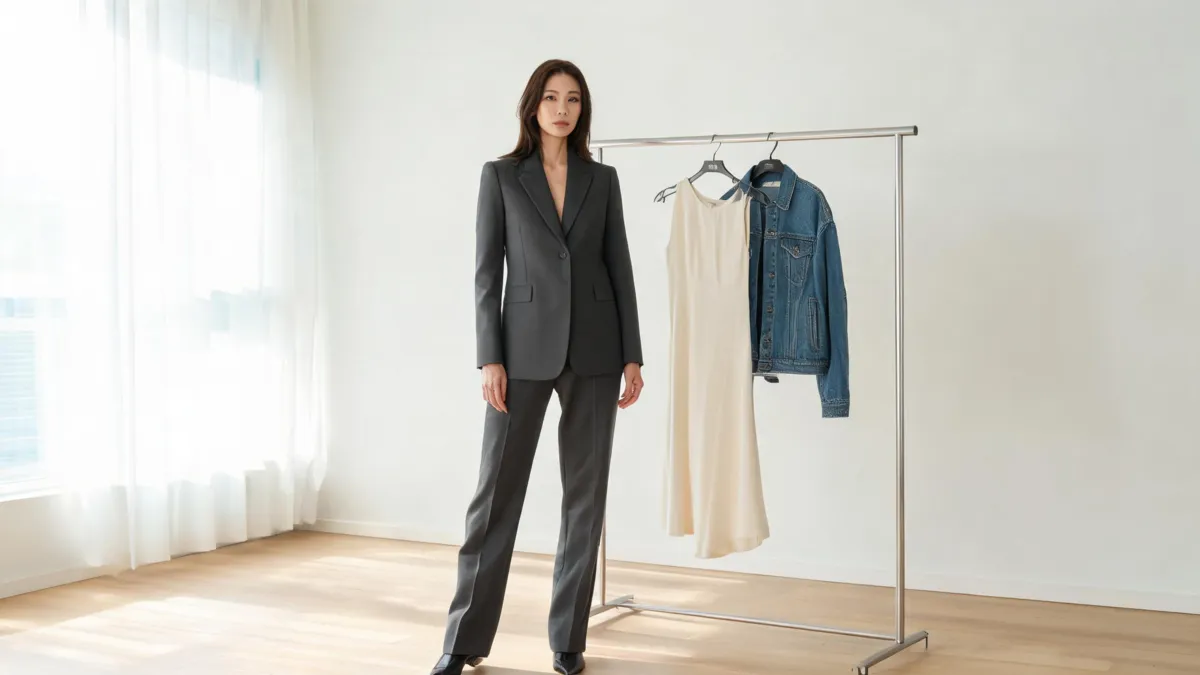
YouCam AI clothes changer supports a photo-and-style virtual try-on workflow; use this checklist to prepare the image and review the result.
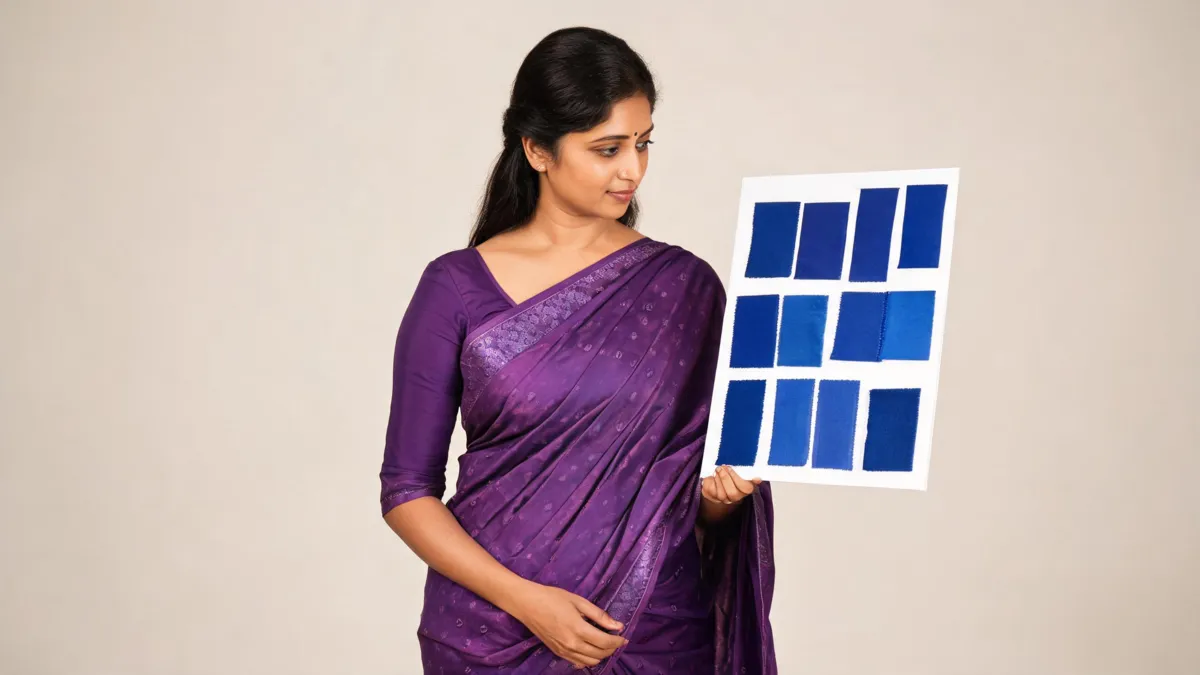
Change a purple saree to blue digitally while preserving borders, motifs, folds, and pallu. Use an AI or Photoshop workflow, then inspect the result.

Using Kaze AI Clothes Changer? Check photo permission, framing, edit scope, output details, and realism before you upload or share a result.
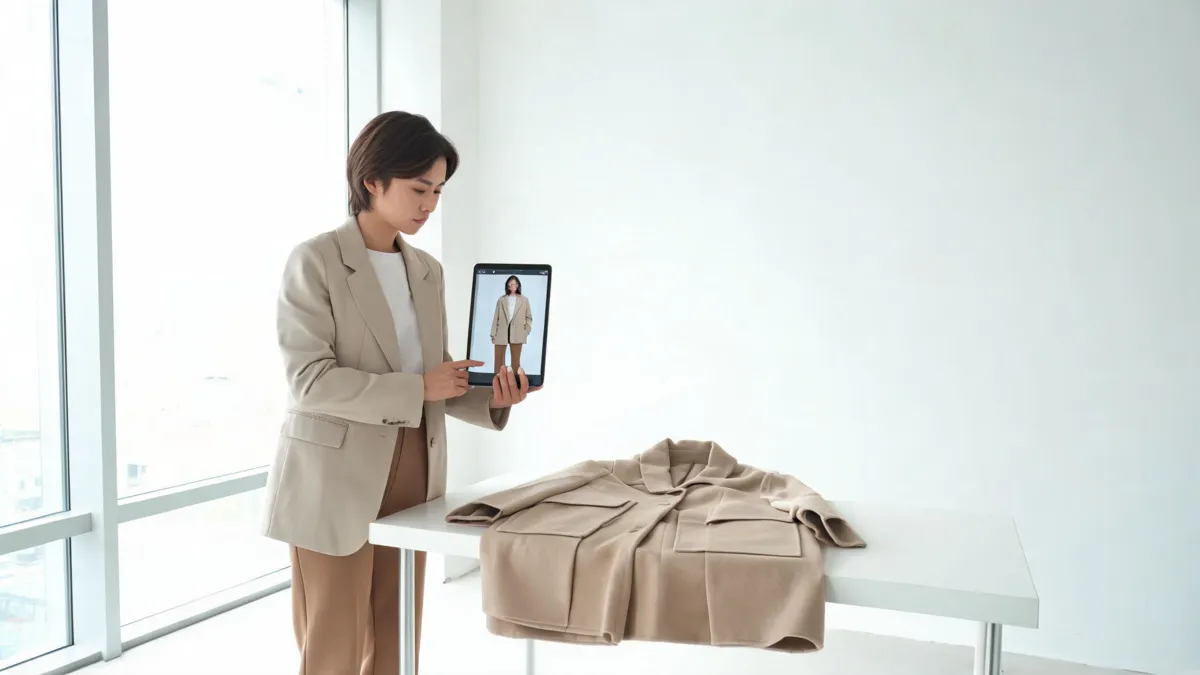
Considering VisualGPT AI clothes changer? Check the live workflow, your upload rights, and the details that make an outfit preview usable.
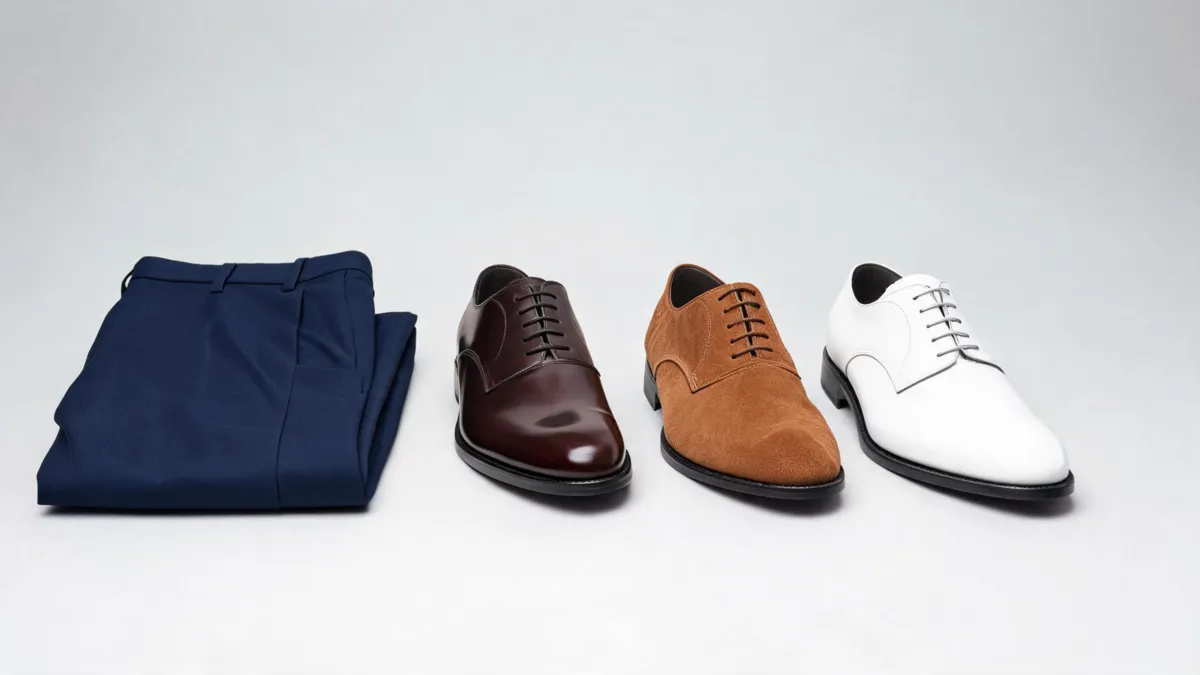
What color shoes go with navy pants? Start with dark brown, medium brown, black, or clean white, then match the shoe formality to the occasion.
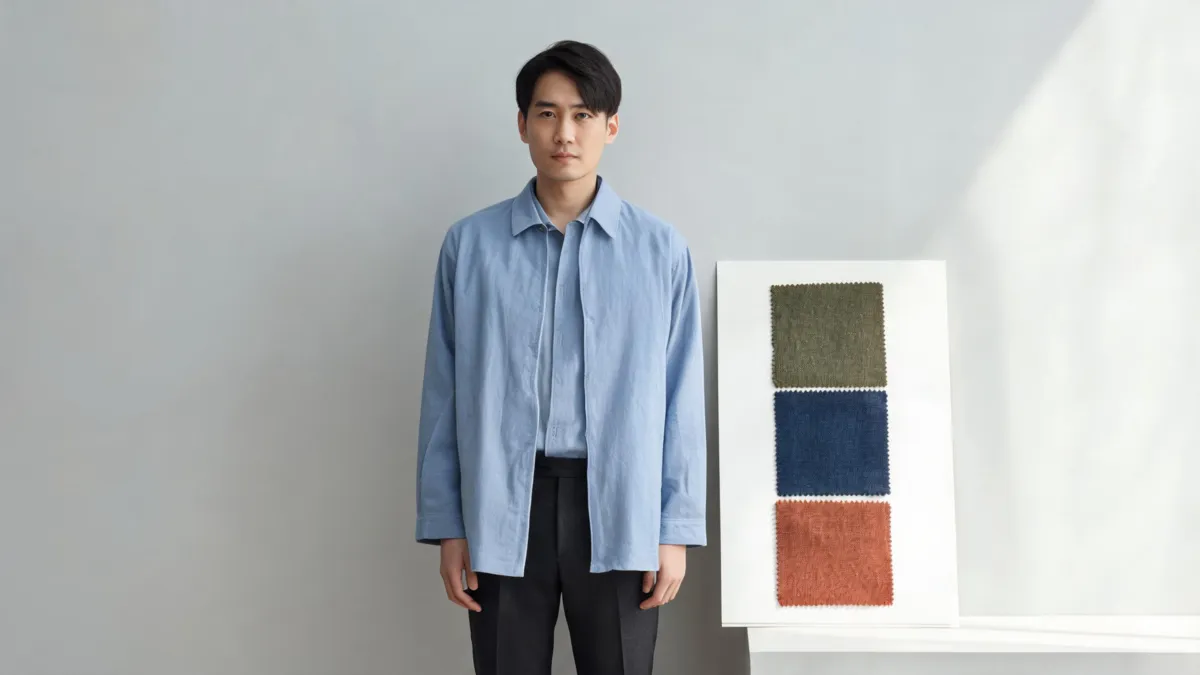
Use an outfit color changer to recolor one shirt, jacket, dress, or pair of trousers while checking fabric texture, edges, light, and the rest of the look.

See what the WeShop AI clothes changer is designed to do, how to test an outfit edit fairly, and when a focused alternative is the better fit.
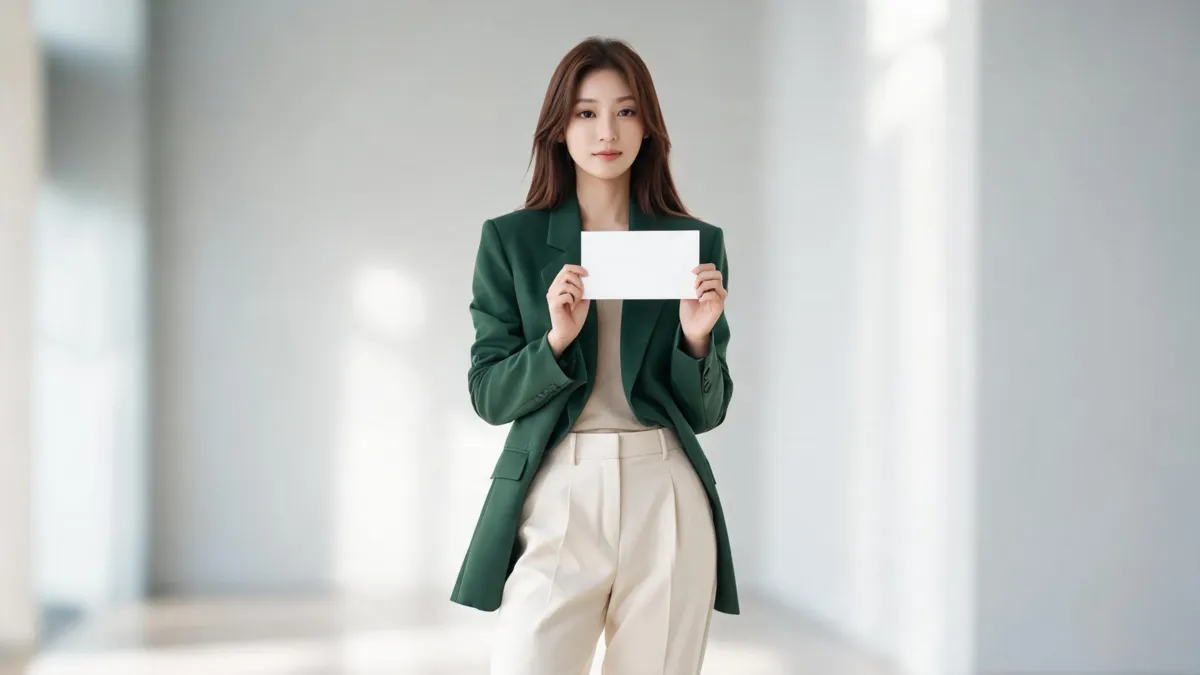
See how Magic Hour’s AI clothes changer works, what to inspect in its two-image workflow, and when a focused alternative may better fit your photo.
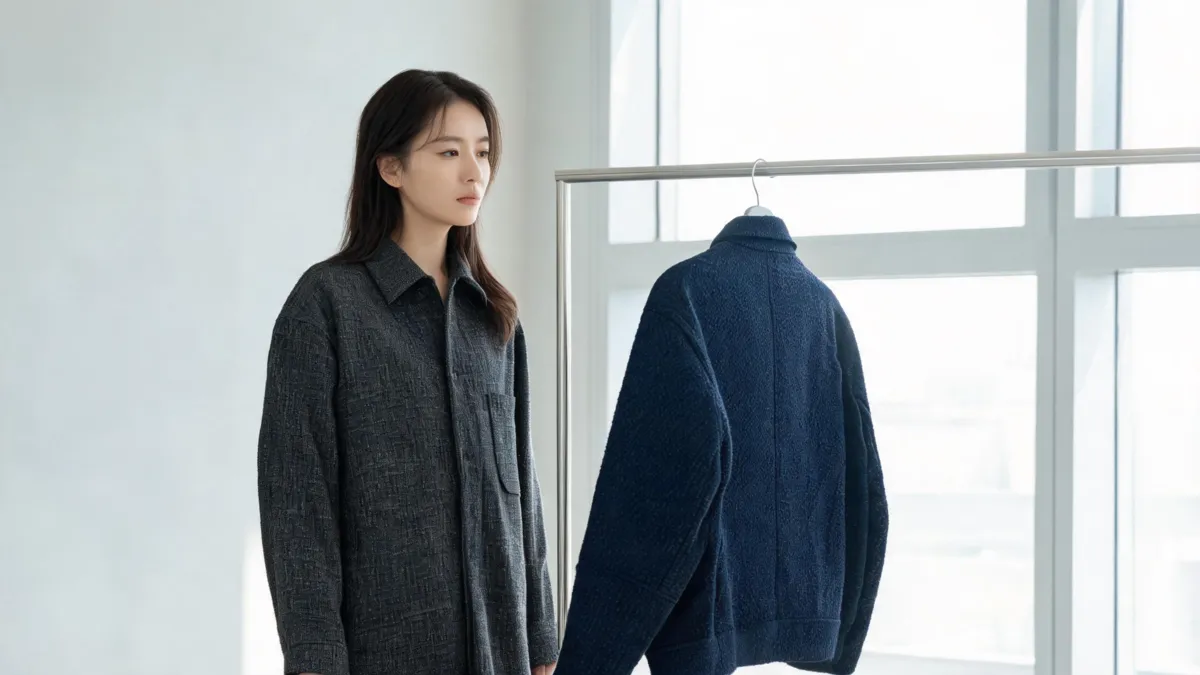
Searching for a PxBee AI clothes changer? See what we could verify on PxBee today, how to assess the ambiguous query, and when a focused alternative fits.
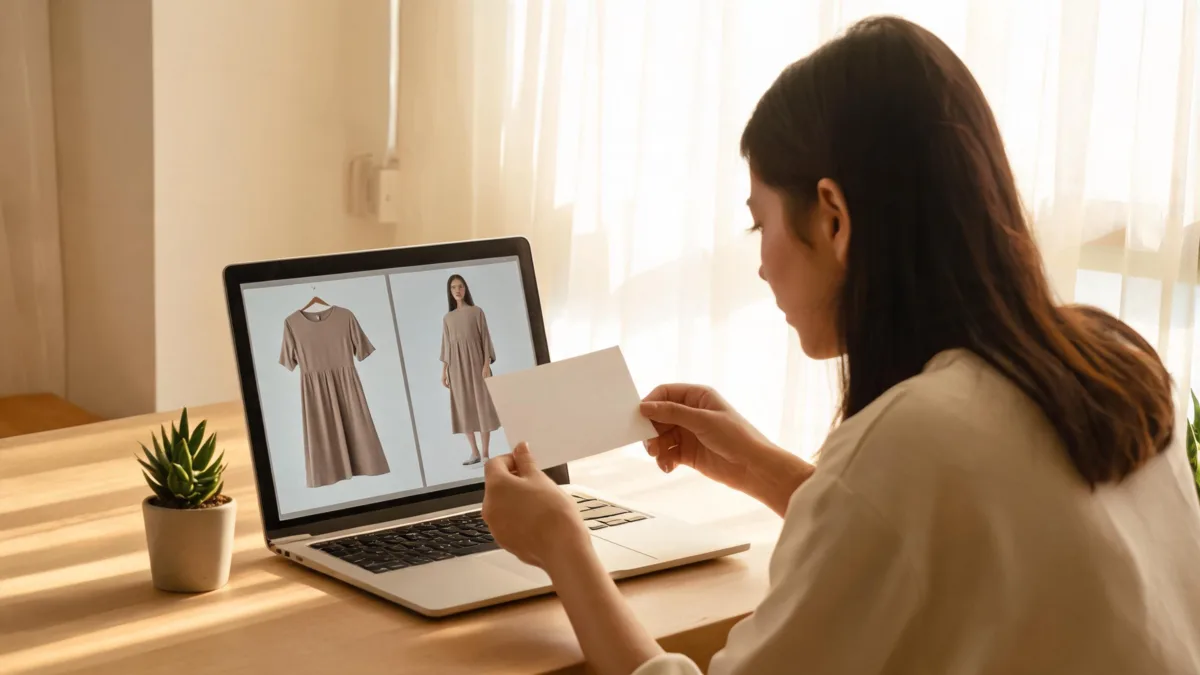
Amazon virtual try-on clothes features vary by item. Learn how to identify the available view, check sizing and returns, and use previews honestly.
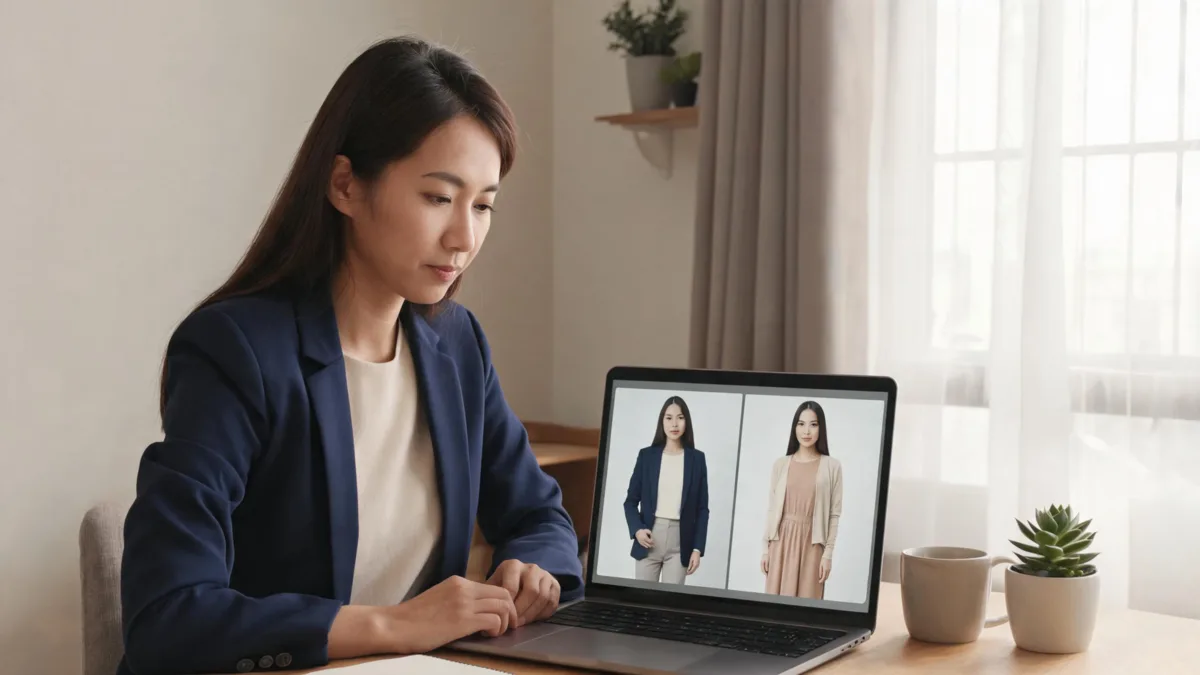
NoteGPT AI clothes changer uses a photo plus a prompt or garment reference. Learn what to check and when a controlled alternative is a better fit.
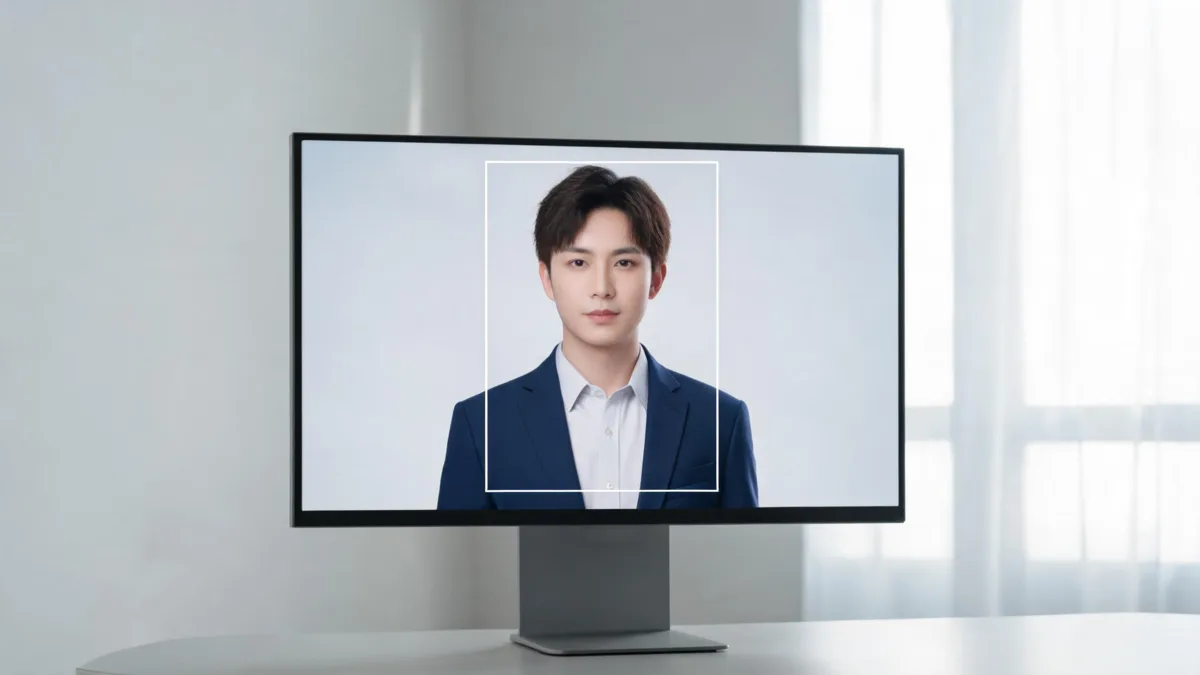
Use an AI clothes changer tool's optional High Quality crop step to keep the face, shoulders, and outfit in frame before an edit.
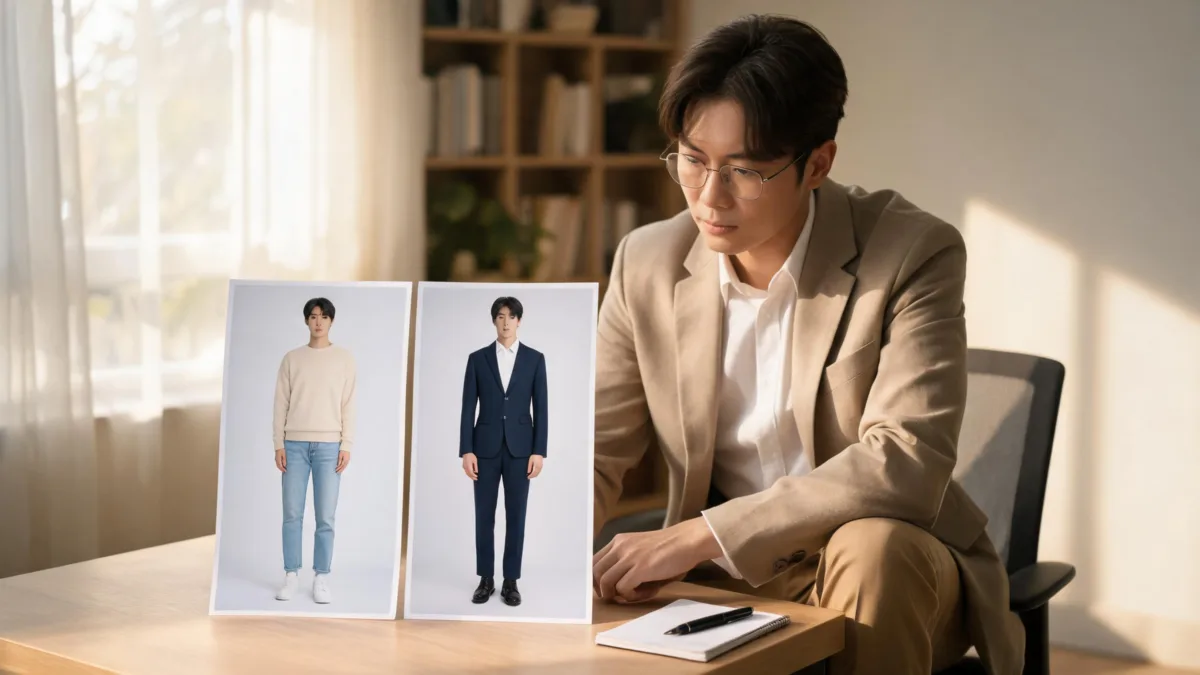
PhotoCat AI clothes changer: see what it is designed for, what to check in an outfit preview, and when a garment-reference alternative fits better.

HeadshotMaster AI clothes changer: see its headshot workflow, what to inspect, and when a garment-reference alternative fits better.
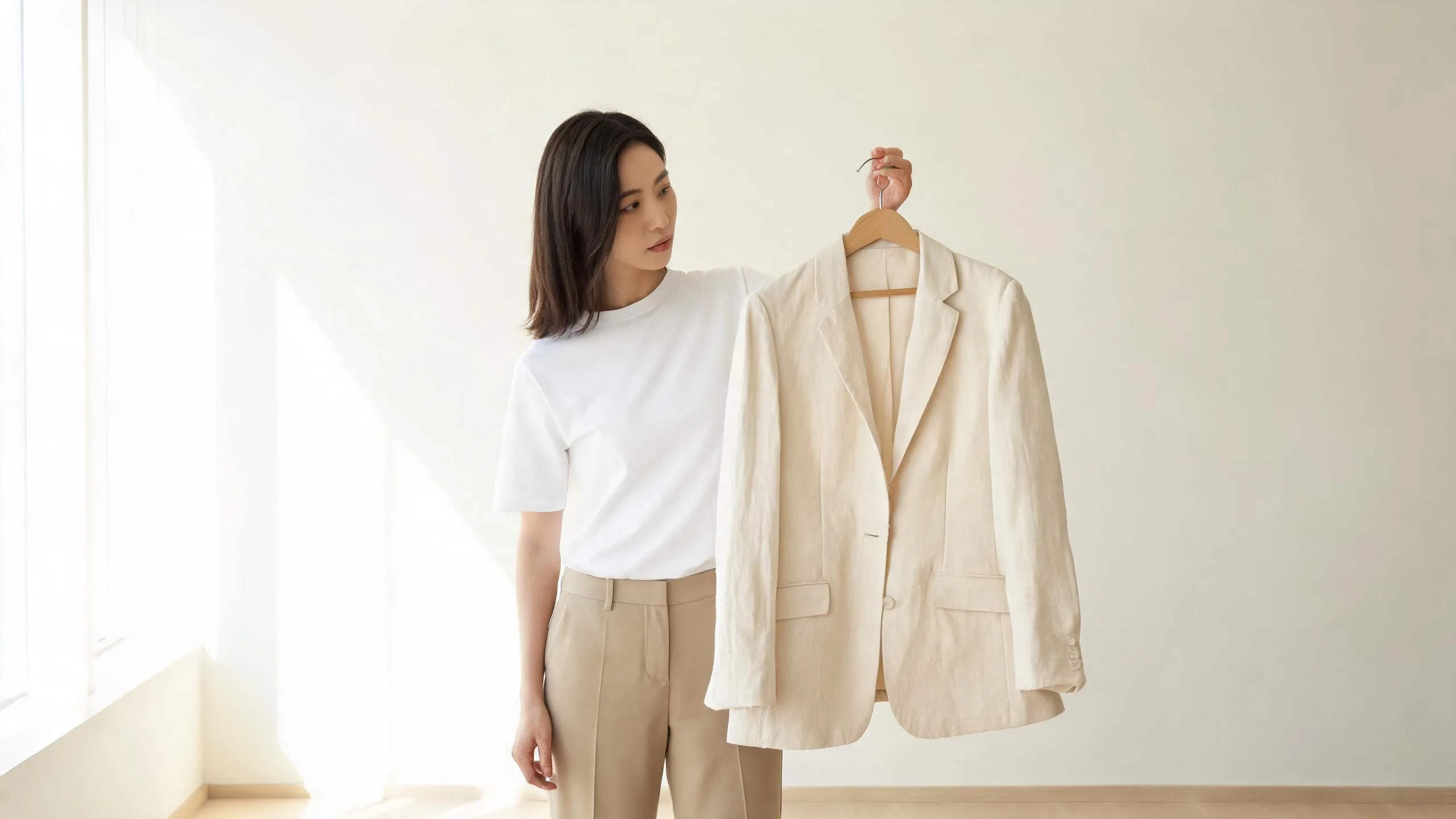
OpenArt AI clothes changer: see what its image-editing workflow can do, what to inspect, and when a focused alternative is a better fit.
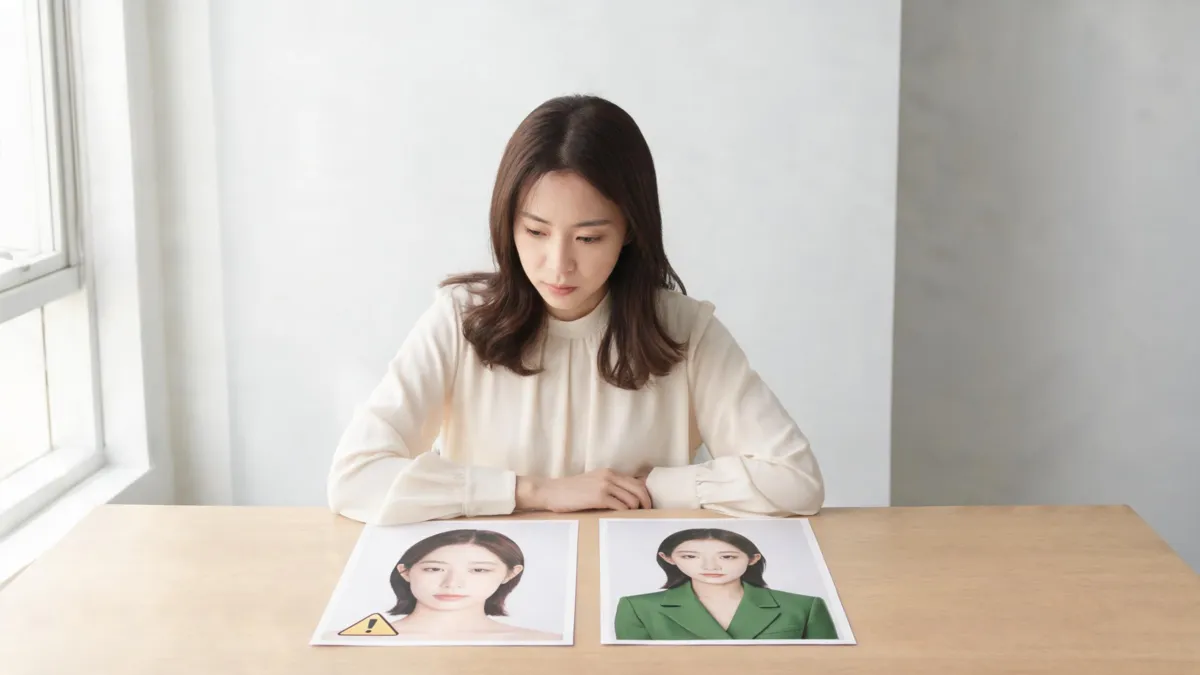
AI face swap and clothes changer tools edit different parts of an image. Compare their jobs, risks, and the safest choice for an outfit preview.
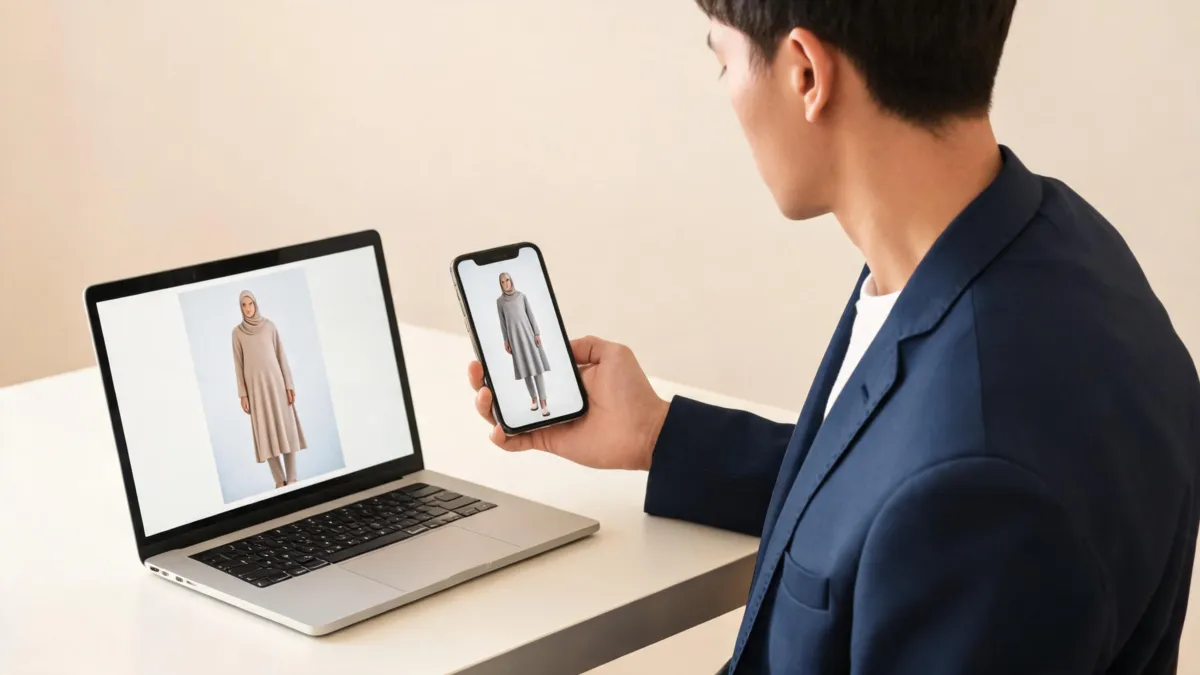
See what Vidnoz AI Clothes Changer publicly offers, how to test one outfit edit, and when a focused alternative is the better workflow.

Use a ChatGPT outfit edit prompt that names one clothing change and what must stay fixed, then review the result before relying on it.

Review PixNova AI Clothes Changer with a practical input, output, privacy, and purchase checklist before you rely on an outfit preview.
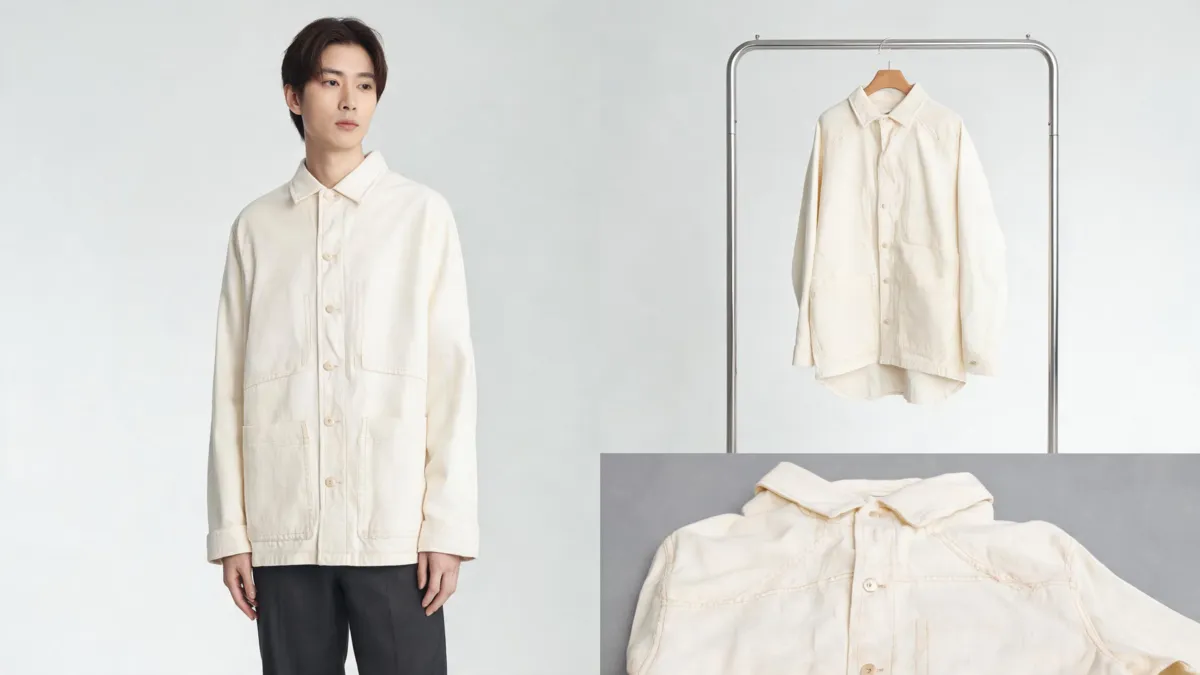
Use this AI fashion model image checklist before publishing an ecommerce visual. Check the SKU, garment details, implied fit, claims, and image context.
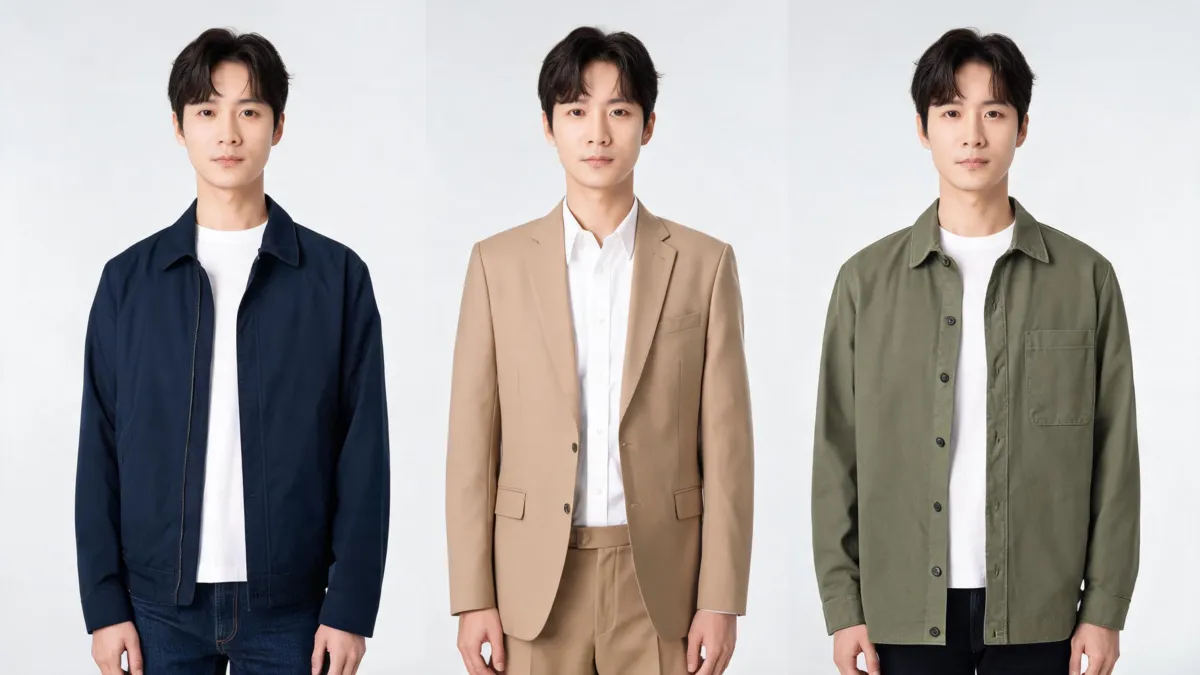
Use an AI outfit changer to compare two or three looks on the same photo. Keep the person and setting fixed, then review what changed before deciding.
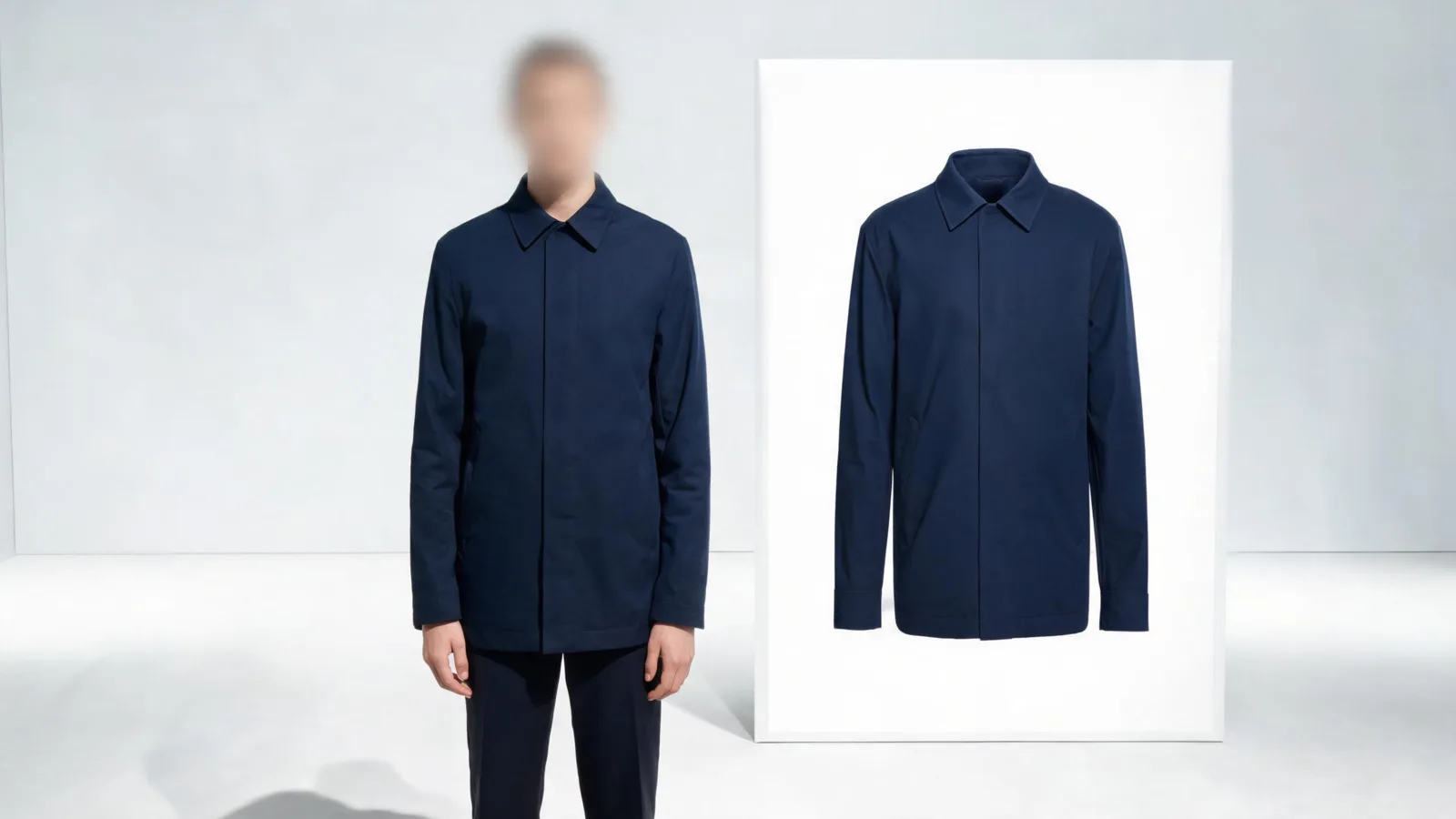
Use this AI clothes changer review checklist to inspect face, hands, garment edges, light, texture, claims, and sharing context before you save or post.
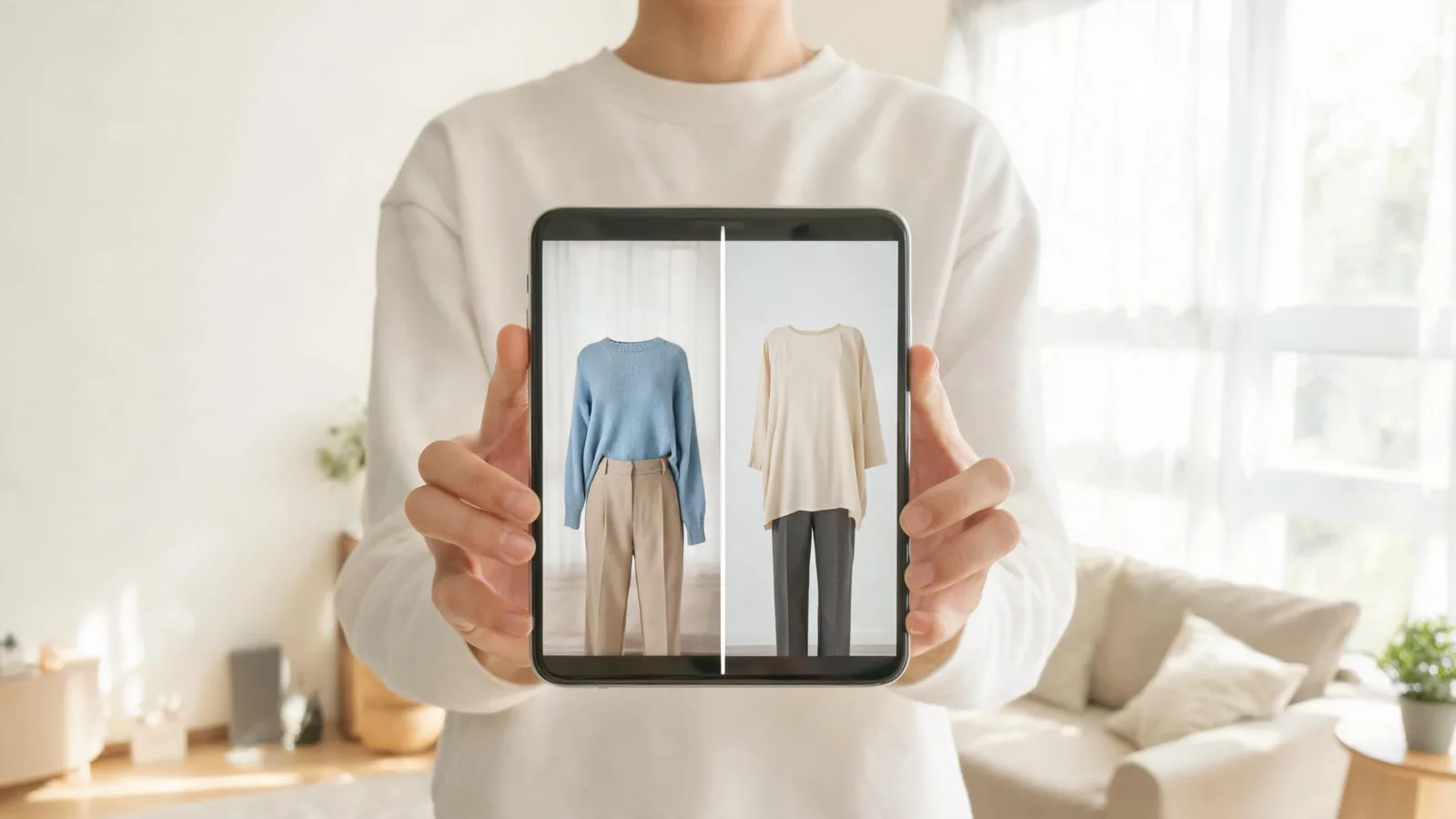
Learn how Google virtual try-on clothes works, what to check before shopping, and why an AI preview cannot confirm fit, size, or stock.
Do not edit clothes in a passport photo after it is taken. Learn the safer way to choose an outfit before a new, compliant photo.
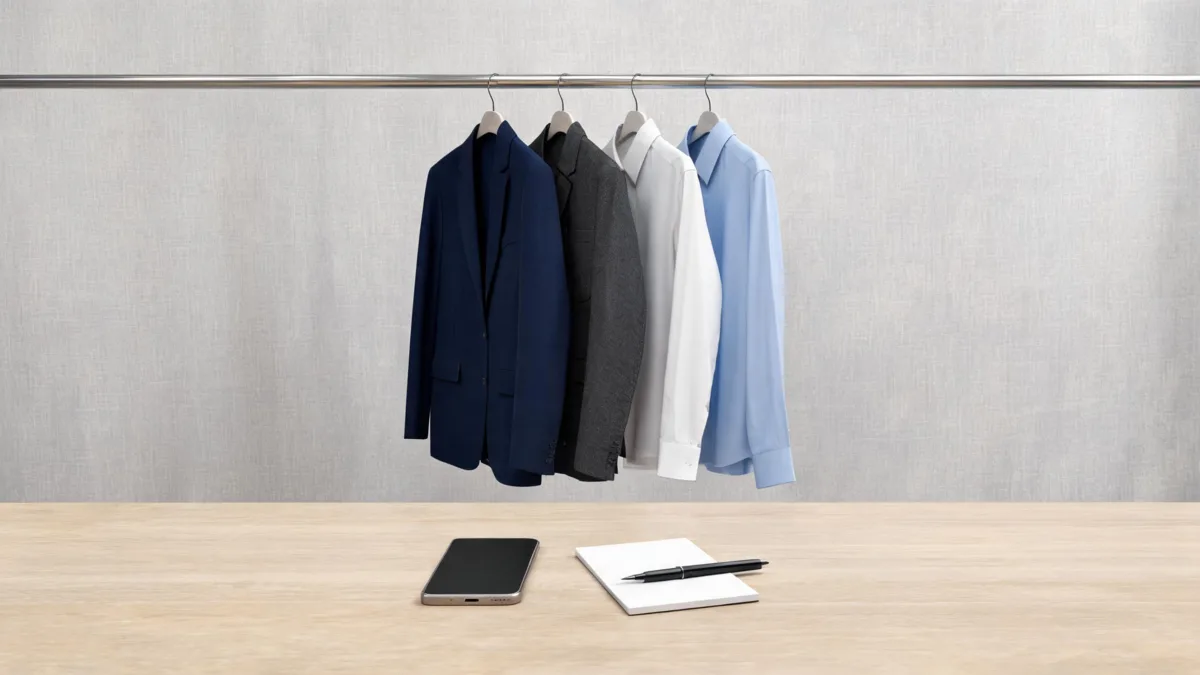
Use this men's headshot outfit checklist to choose formality, test a preview, and catch collar, fit, and background problems before the session.
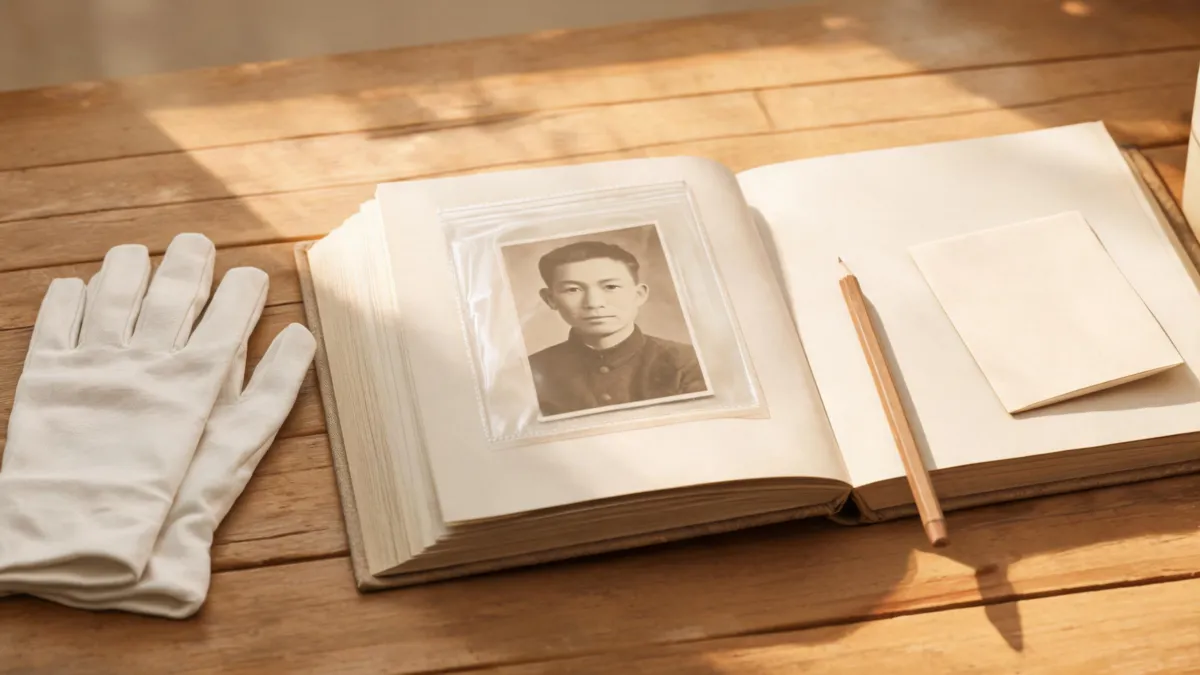
A practical checklist for labeling AI-edited family photos, preserving the original, and sharing a wardrobe variation without confusing it for history.

A practical Vidnoz AI Clothes Changer review: how to test a result, inspect garment edges, and decide when a preview is not enough.
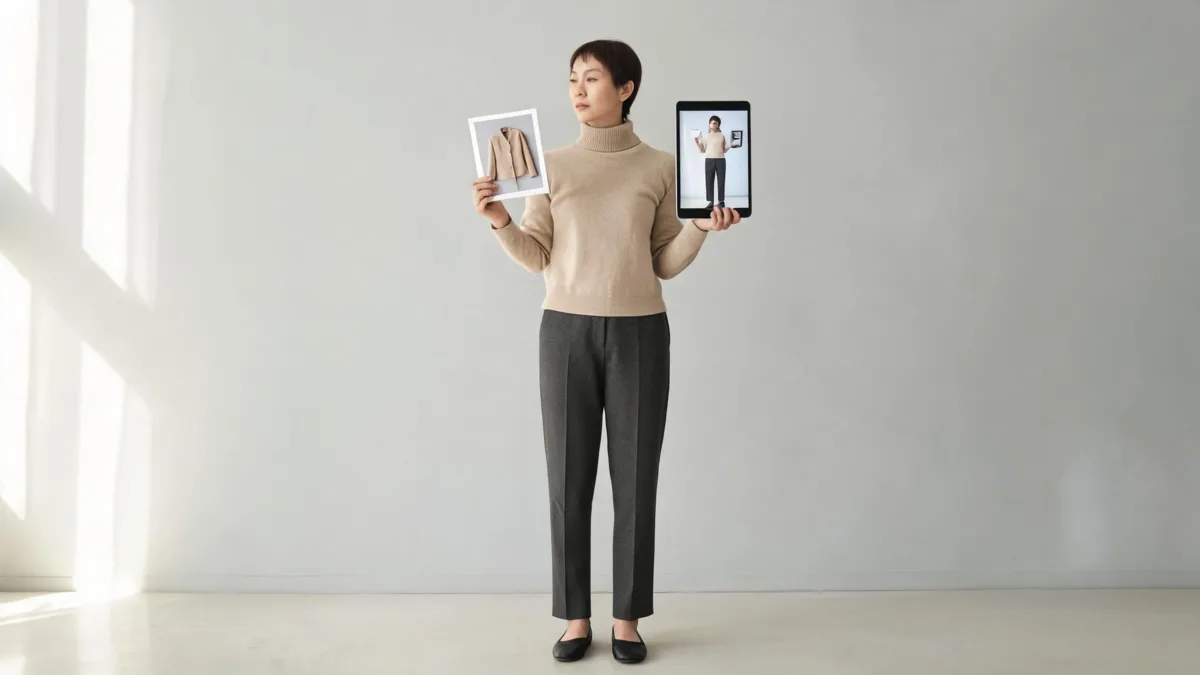
Compare AI virtual try-on and AI clothes changer workflows, including the inputs, results, and checks that matter before you use an outfit preview.
Learn how to change clothes color in Picsart with a focused selection, a realistic color adjustment, and a practical check for fabric, edges, and skin.
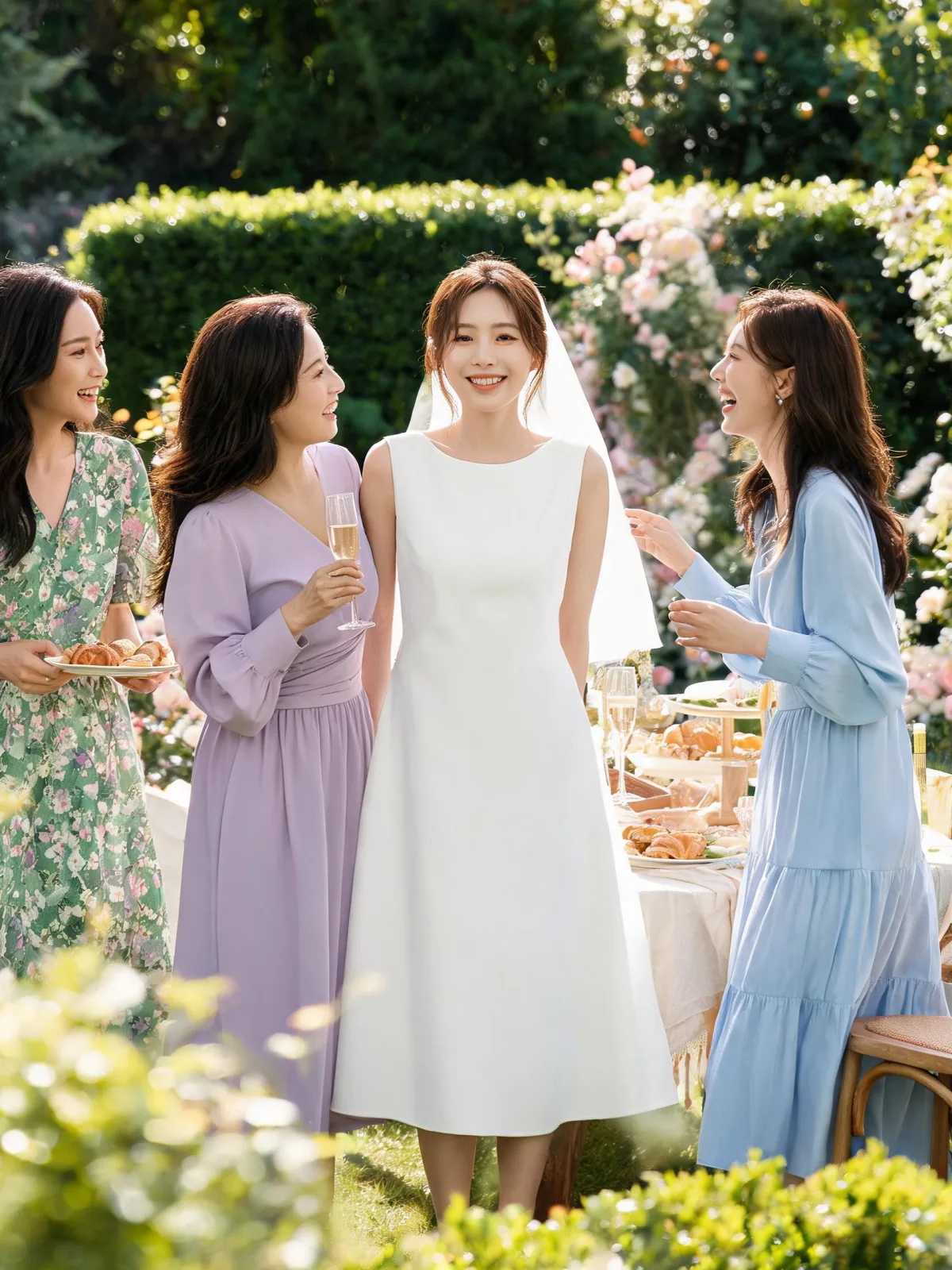
Choose a bridal shower guest outfit by dress code, venue, season, and etiquette. Compare practical outfit ideas before you shop.
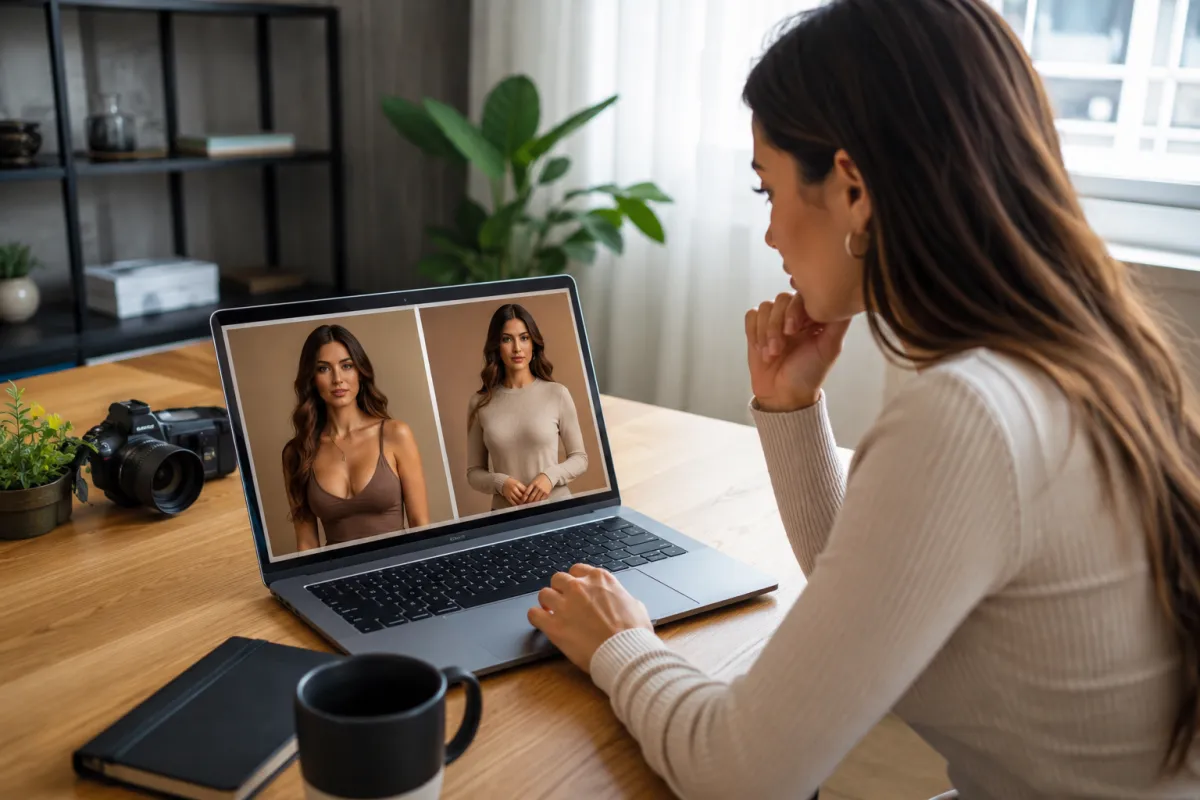
See how the AirBrush AI clothes changer fits common outfit edits, what to inspect in a result, and when a focused alternative may suit your photo better.
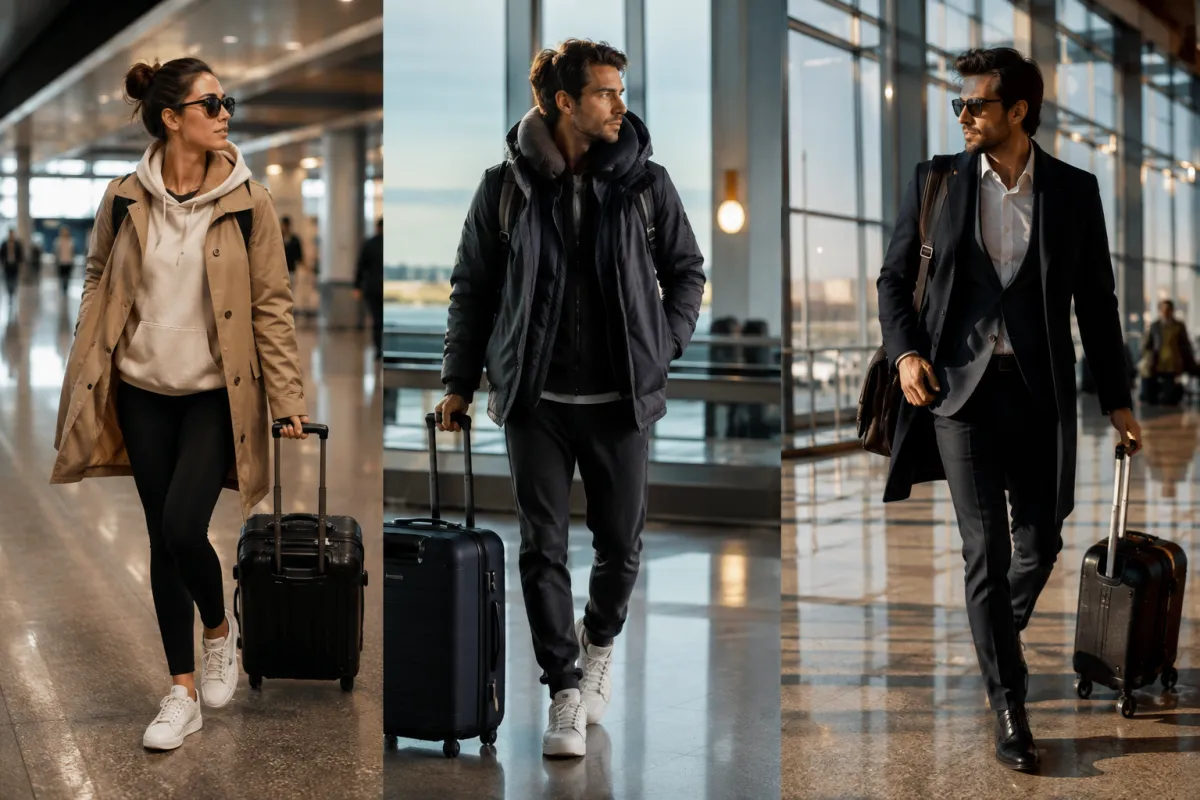
Build an airport outfit around comfort, layers, shoes, pockets, and arrival plans, then preview the complete travel look on your own photo.
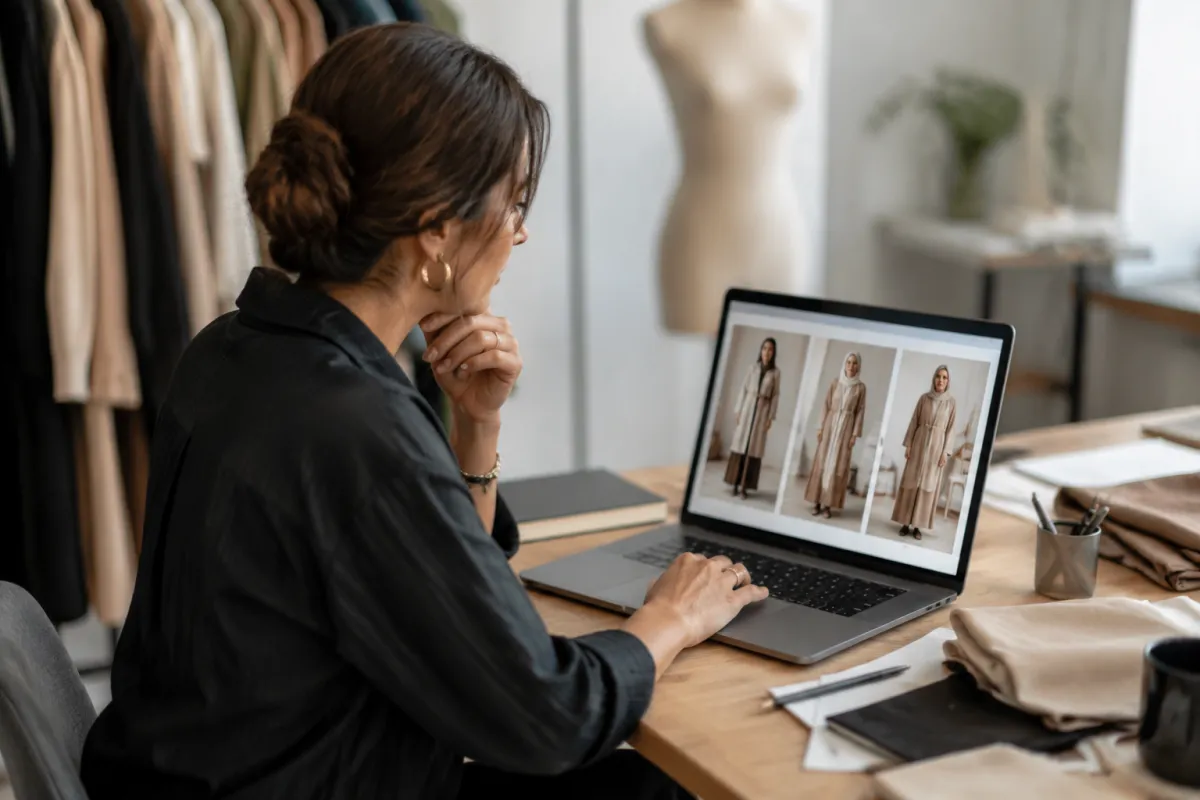
See how the BitStudio AI clothes changer works, what inputs it needs, and when a focused AI clothes changer may fit your workflow better.
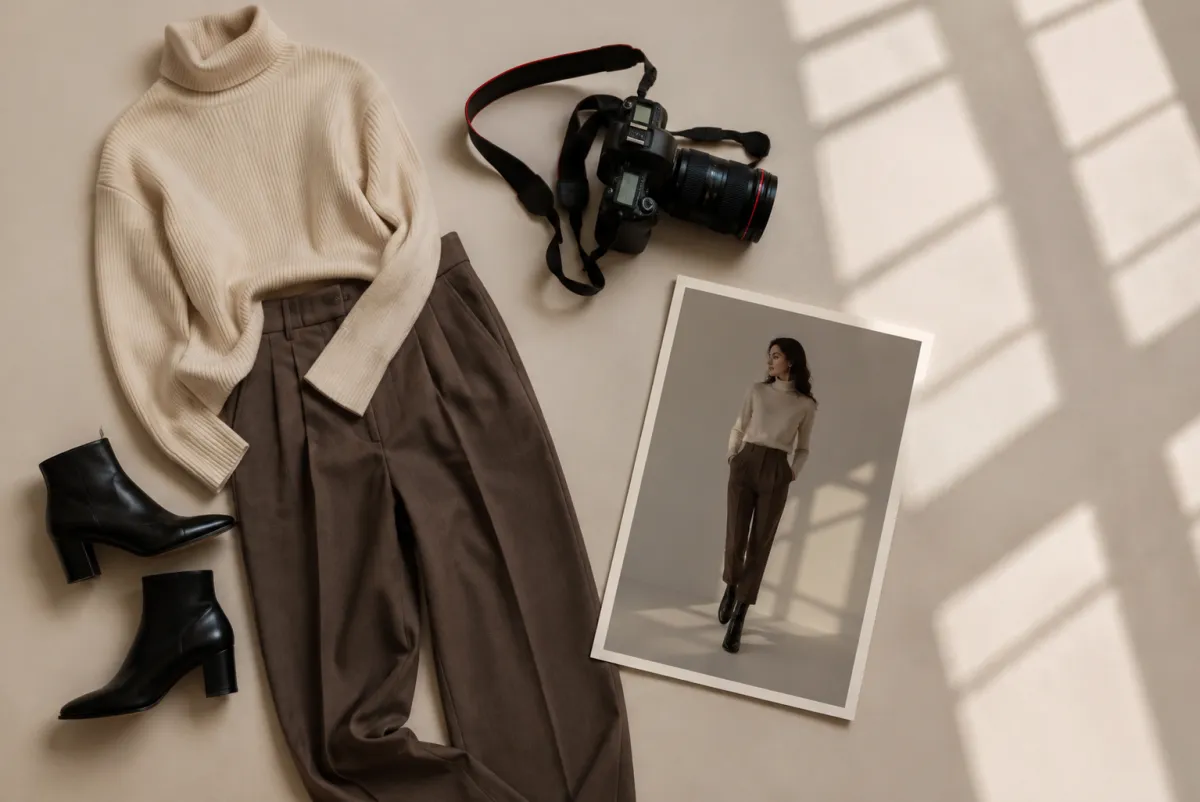
Learn how the Krea AI clothes changer fits into Krea's editor, how to test outfit edits, and when a dedicated AI clothes changer is simpler.
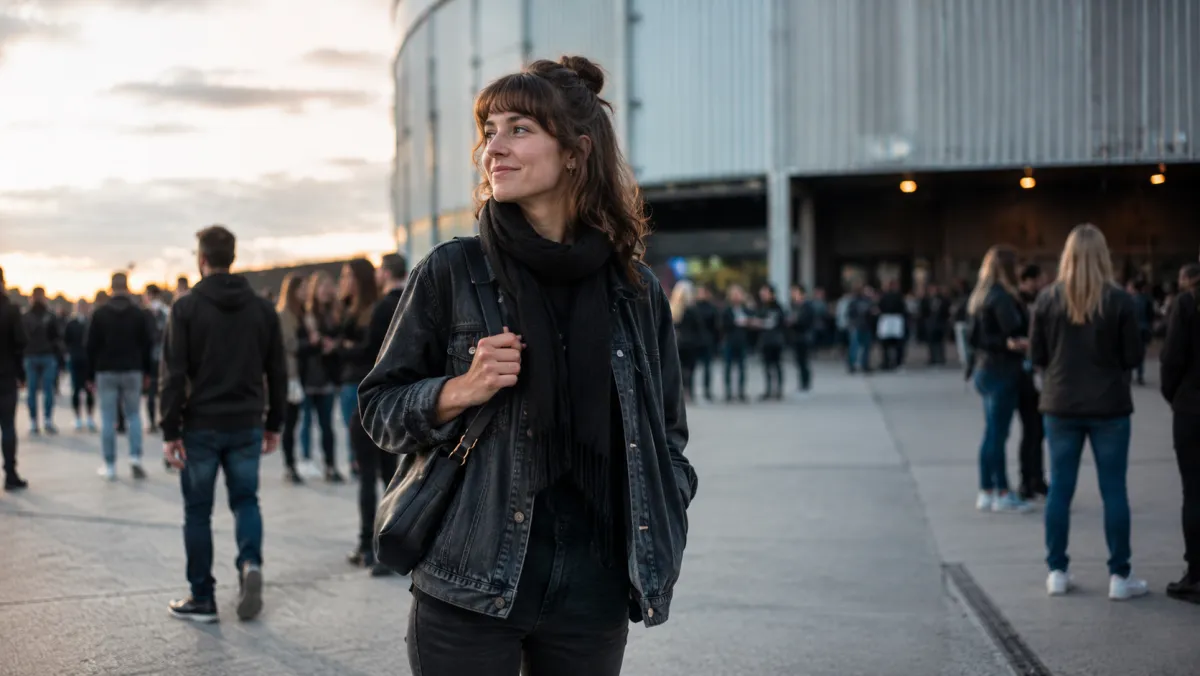
Turn concert outfit ideas into a practical comparison by previewing a few fully clothed looks on one photo before you buy or pack.
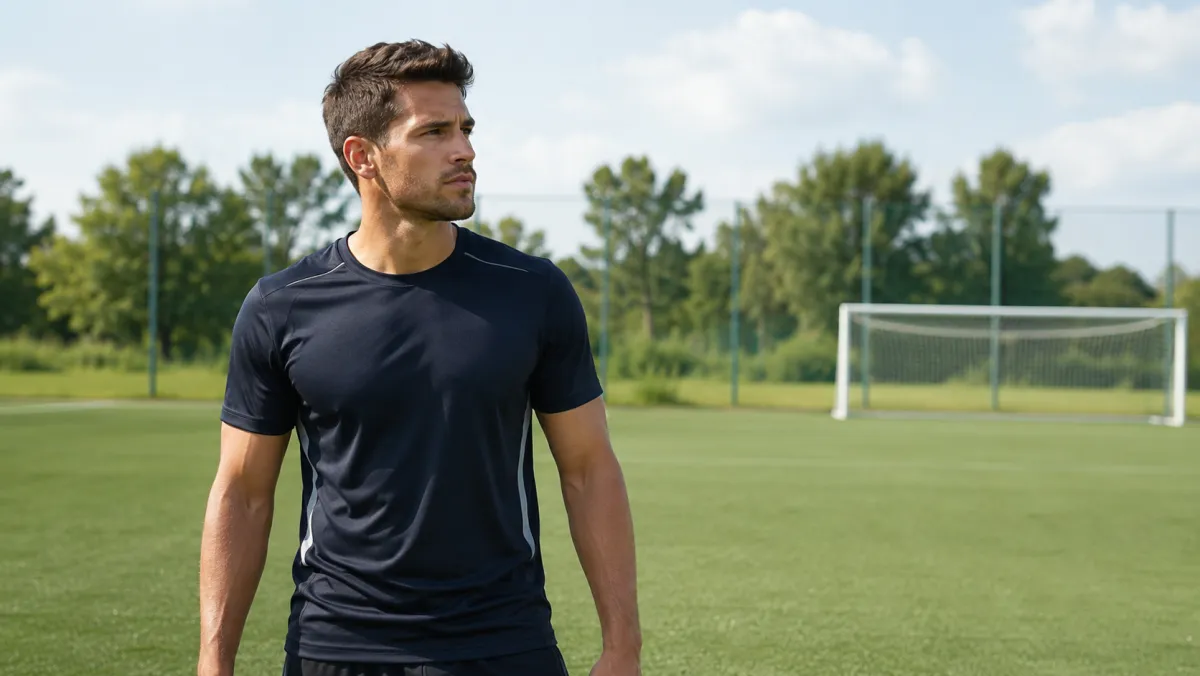
Use a jersey color changer to compare team-color directions on one photo while keeping the person, fit, and fabric details easy to inspect.
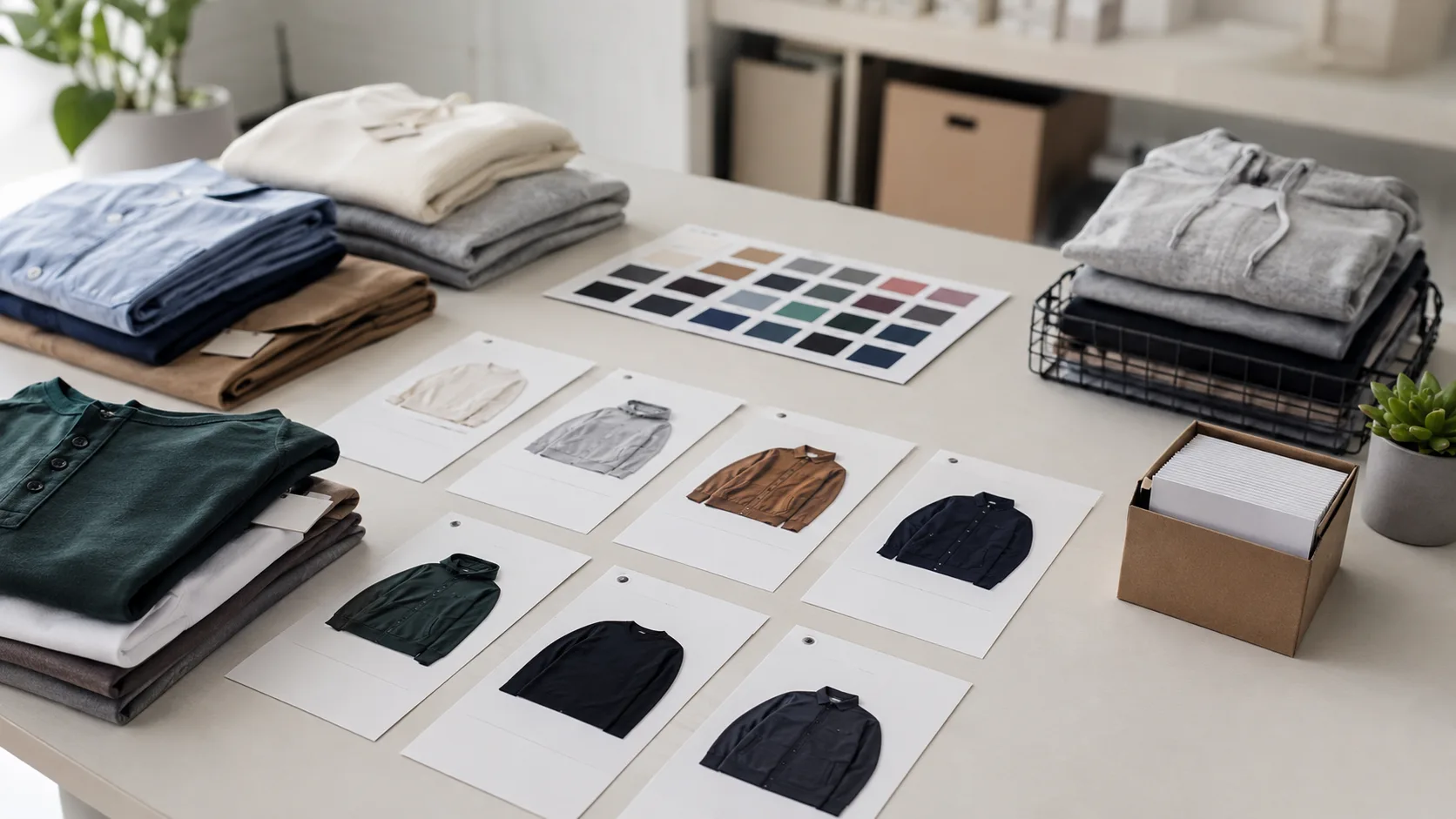
Use batch outfit edits to prepare fashion listing visuals faster without letting AI invent SKU facts, fit details, or final catalog claims.
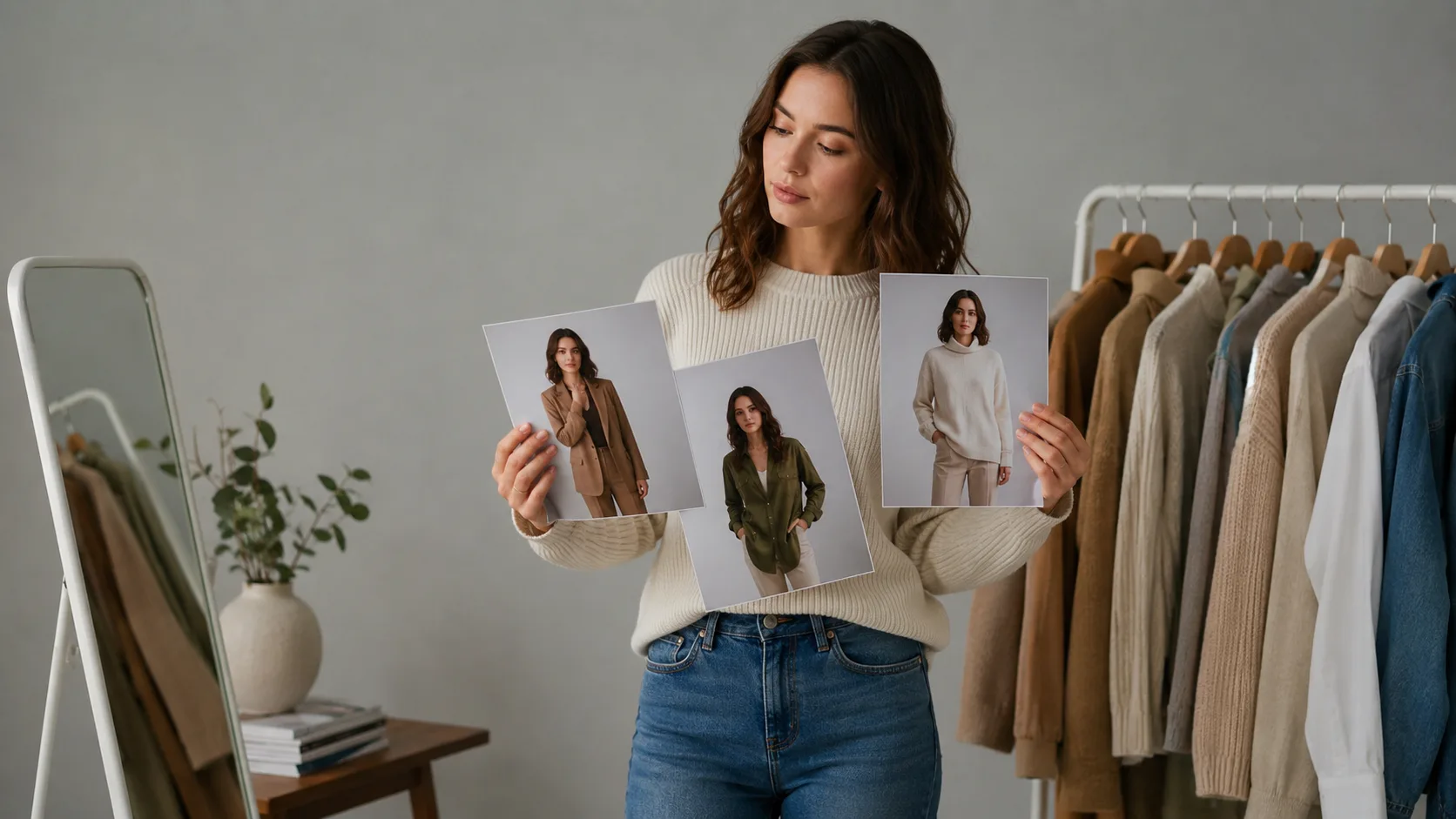
A practical way to compare DressPlay AI alternatives for normal, fully clothed outfit previews—without confusing a visual edit with a real fitting result.
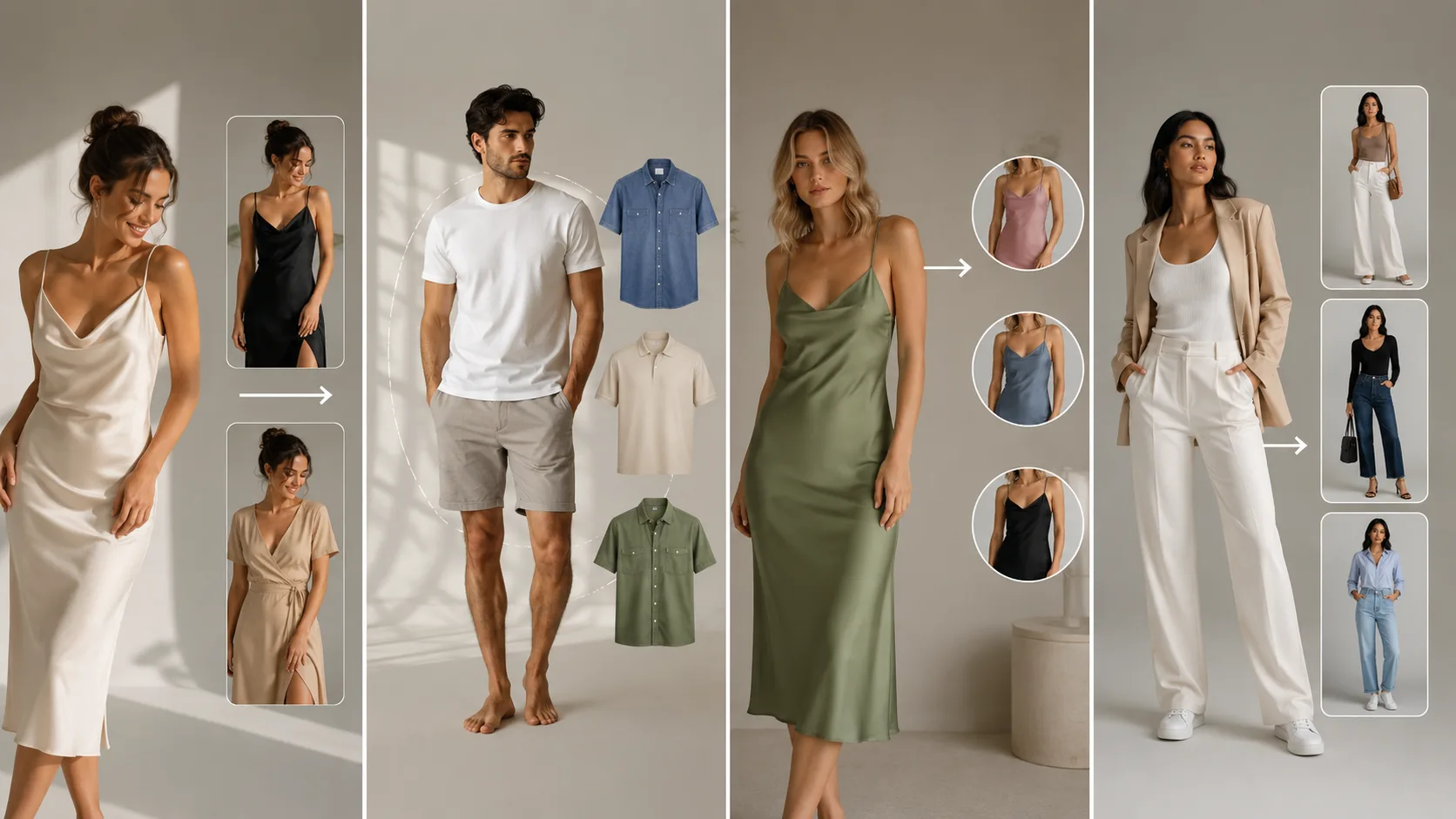
Learn the difference between an AI clothes swap, photo try-on, recolor, and outfit generator, plus what each kind of photo preview can and cannot show.
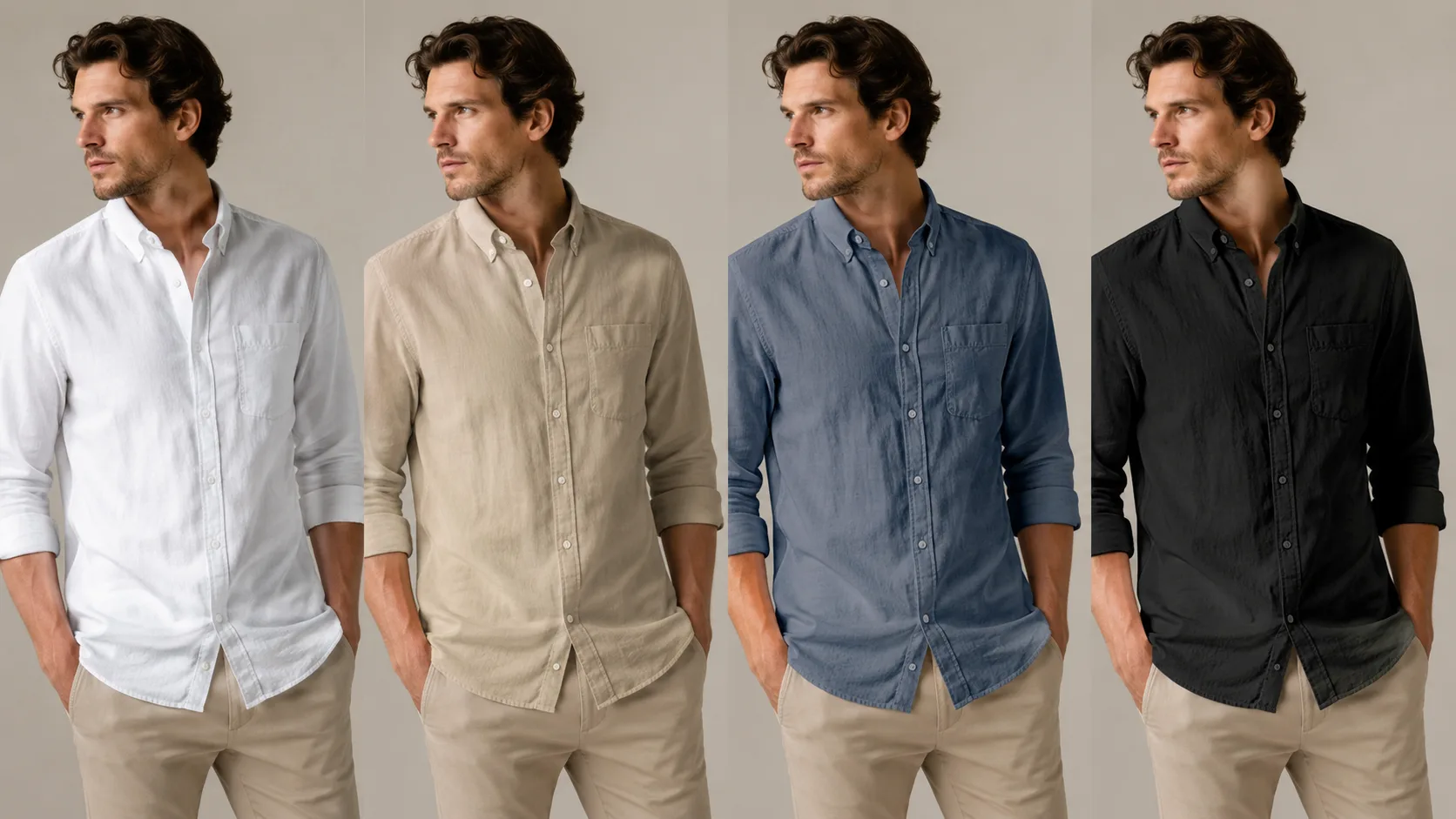
A practical clothing product photography workflow for consistent color variants: lock the hero image, change one variable, and use a short QA review before publishing.
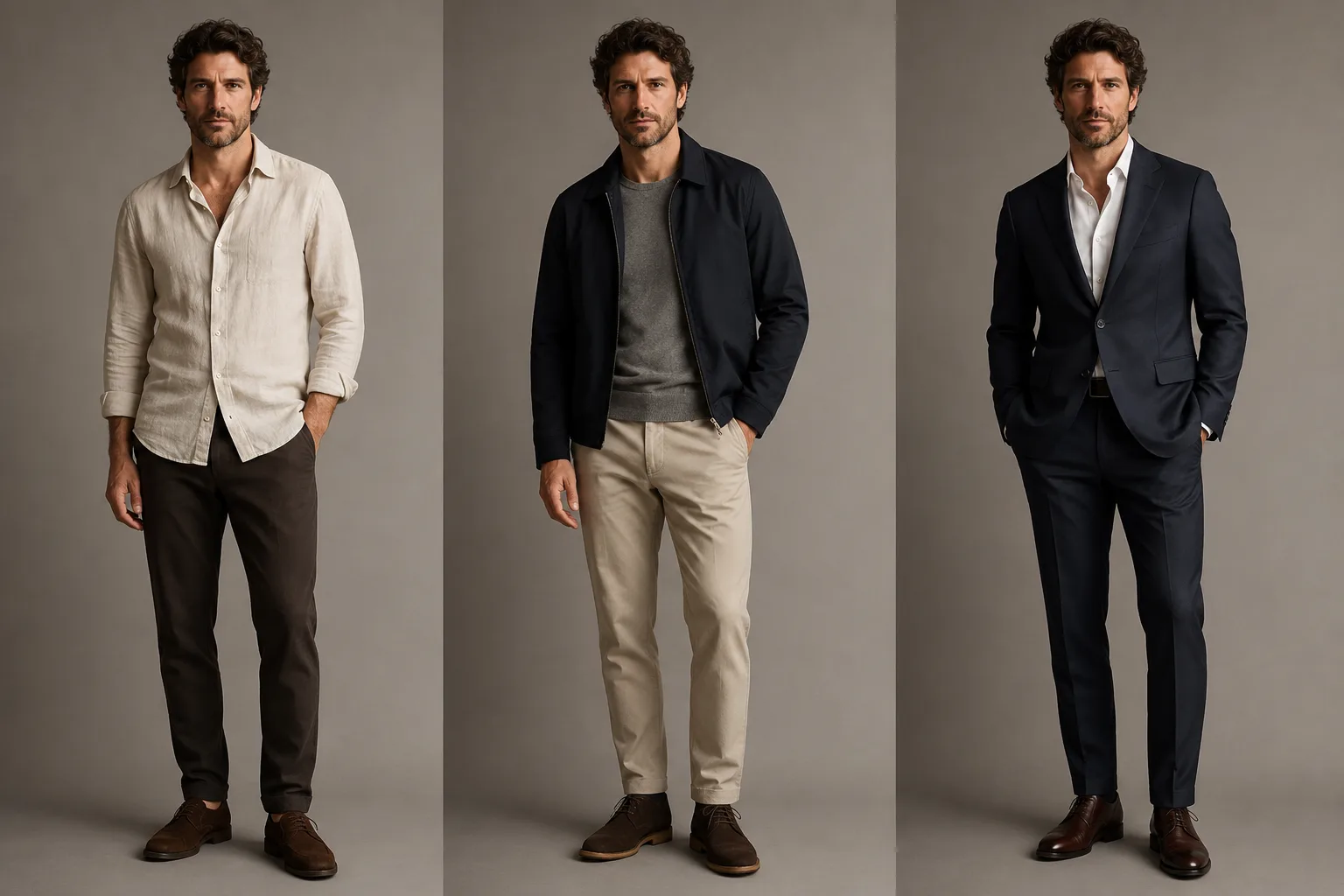
Use an AI clothes changer for men to compare a shirt, jacket, or suit on one clear photo before you buy, book a headshot, or commit to an outfit.
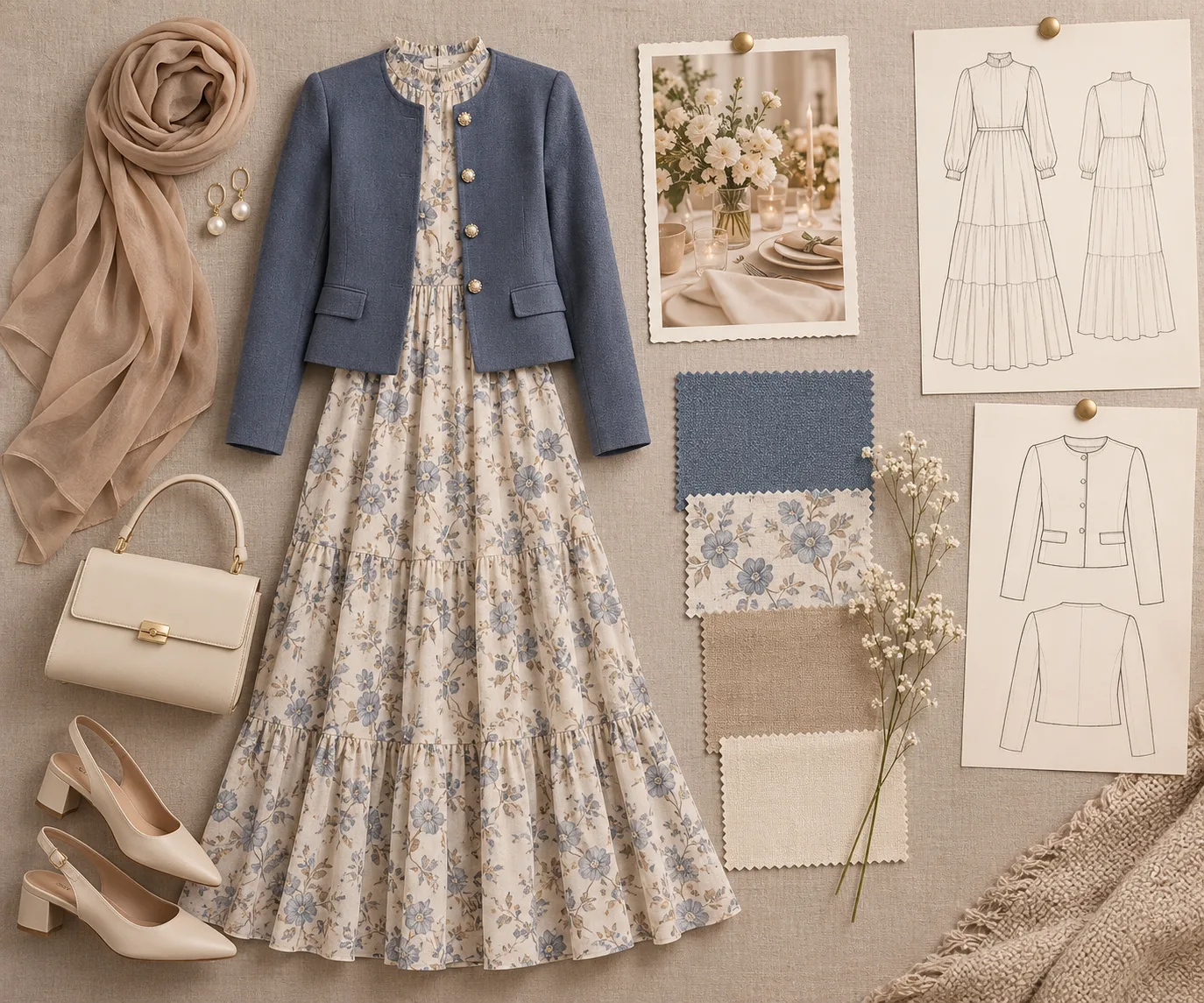
Build a focused outfit board for an AI clothes changer: choose one occasion, silhouette, and color direction before you preview.
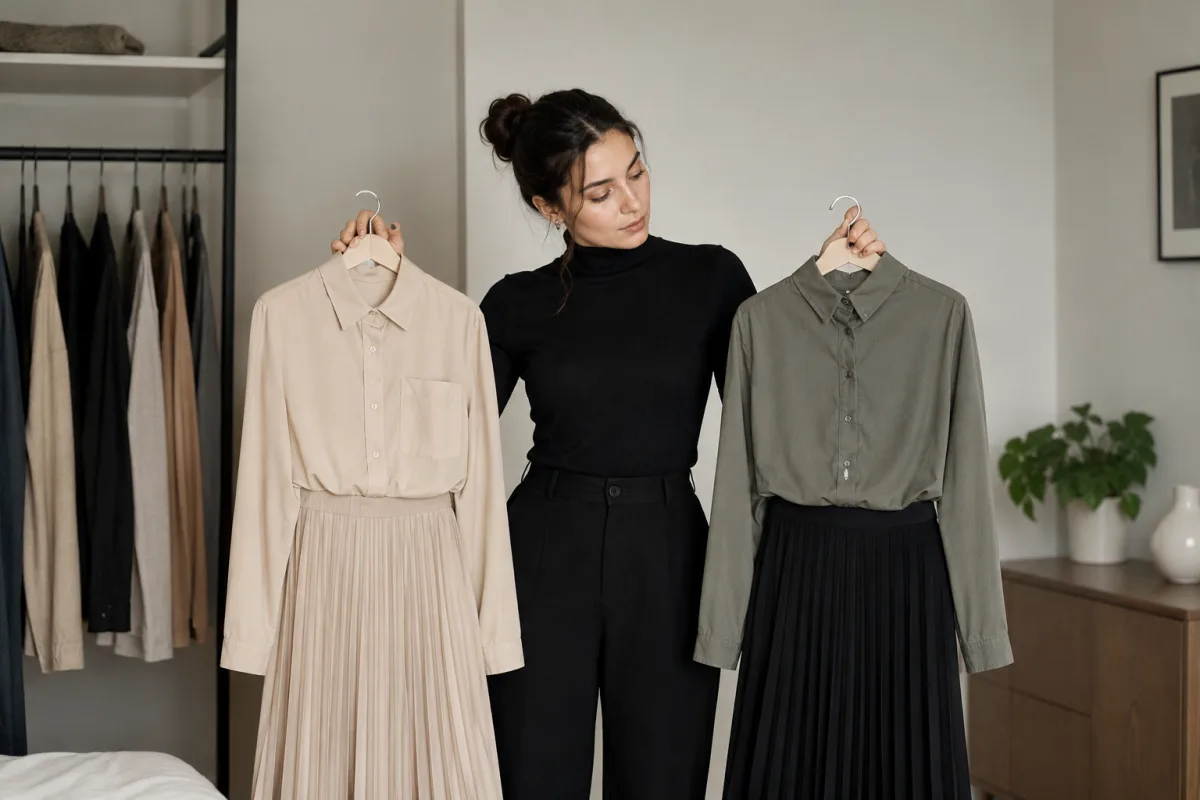
Change an outfit in a photo while protecting the face and background. Use a clear source photo, a narrow request, and a four-point review before saving.
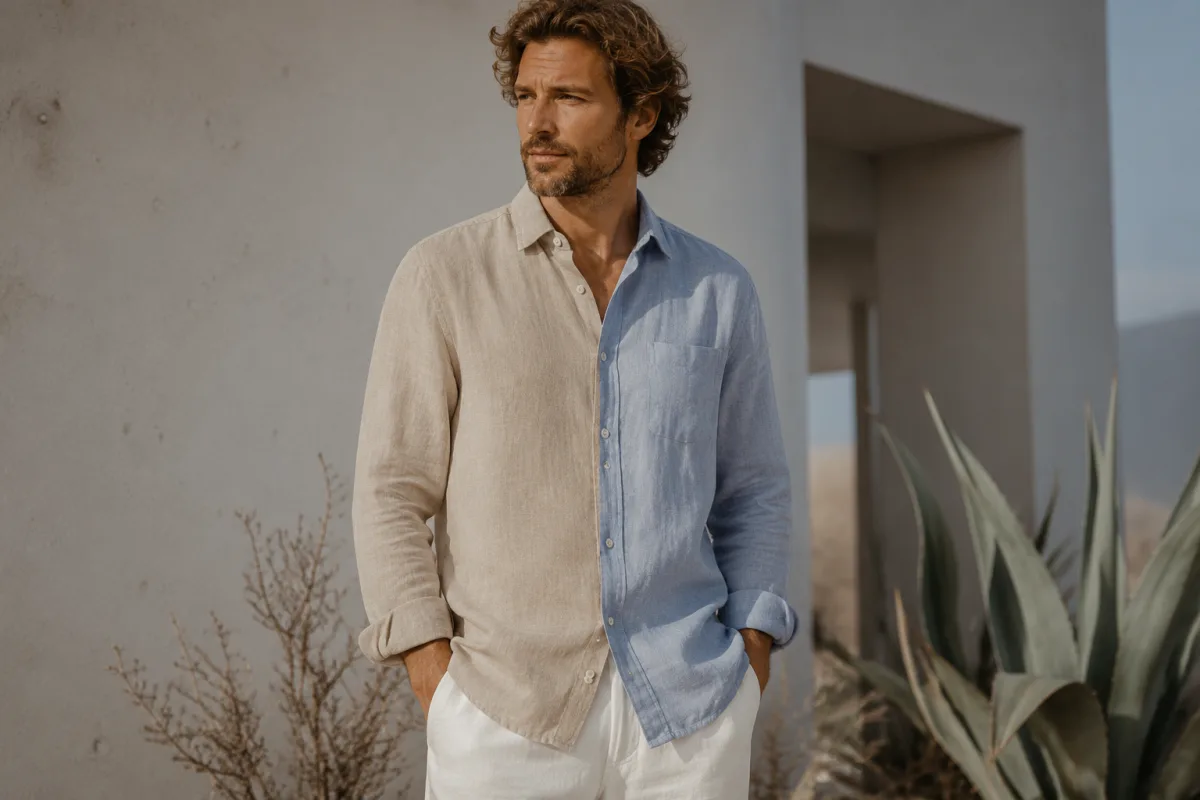
Recolor clothes without flattening the fabric. Use this practical photo, prompt, and quality-check workflow for more believable clothing color changes.
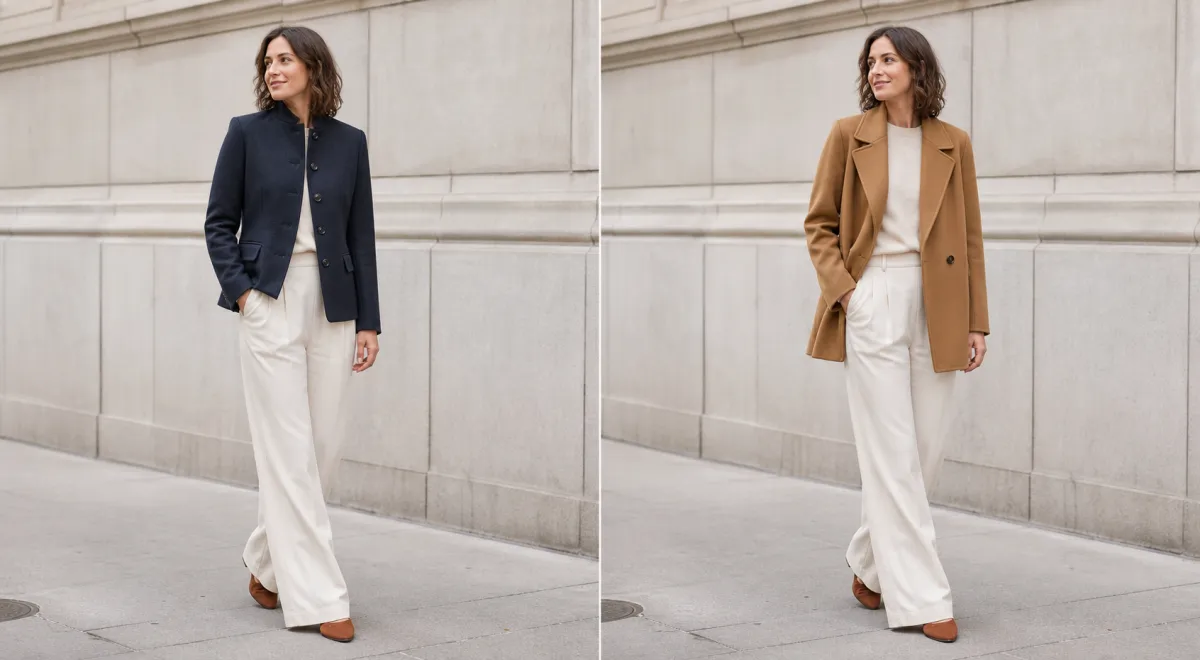
Use a jacket try-on online to compare color, length, lapels, and layers on your photo before shopping. See what an AI preview can and cannot show.
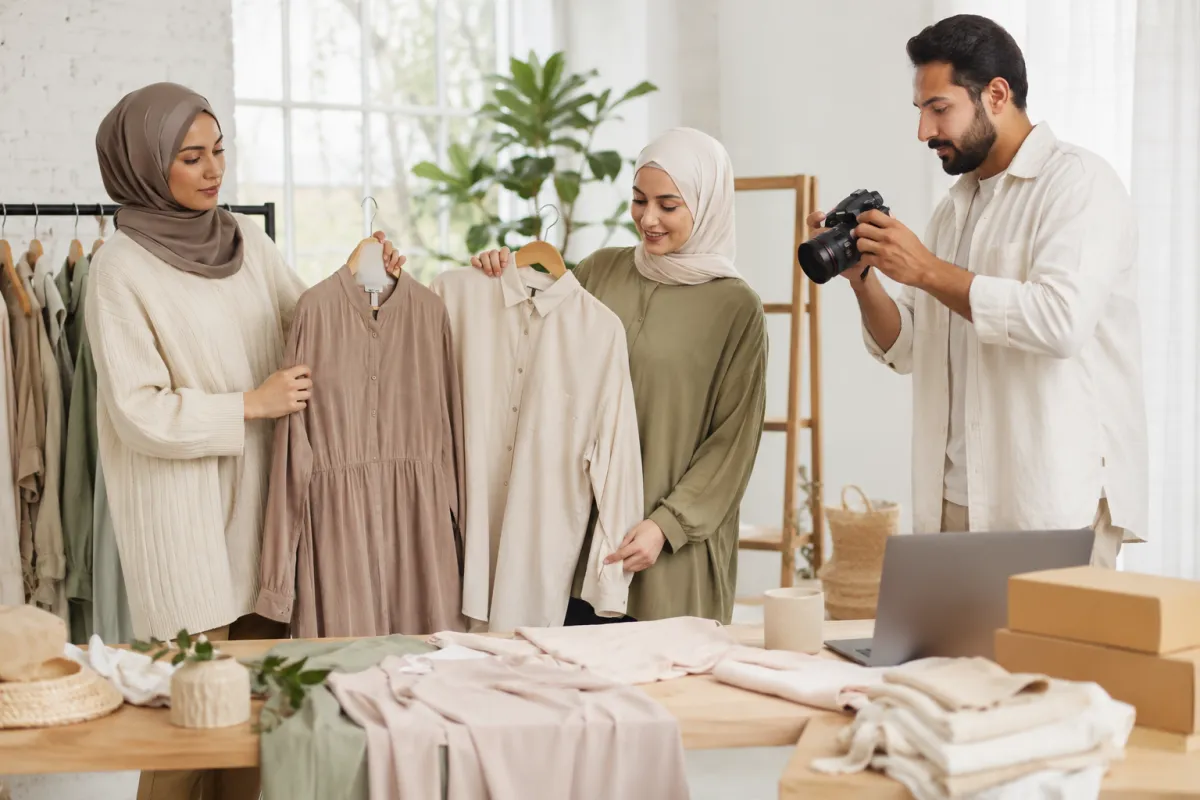
See where an AI clothes changer is useful for personal outfit decisions, creator planning, and ecommerce image workflows—and where a preview should stop before it becomes a misleading claim.
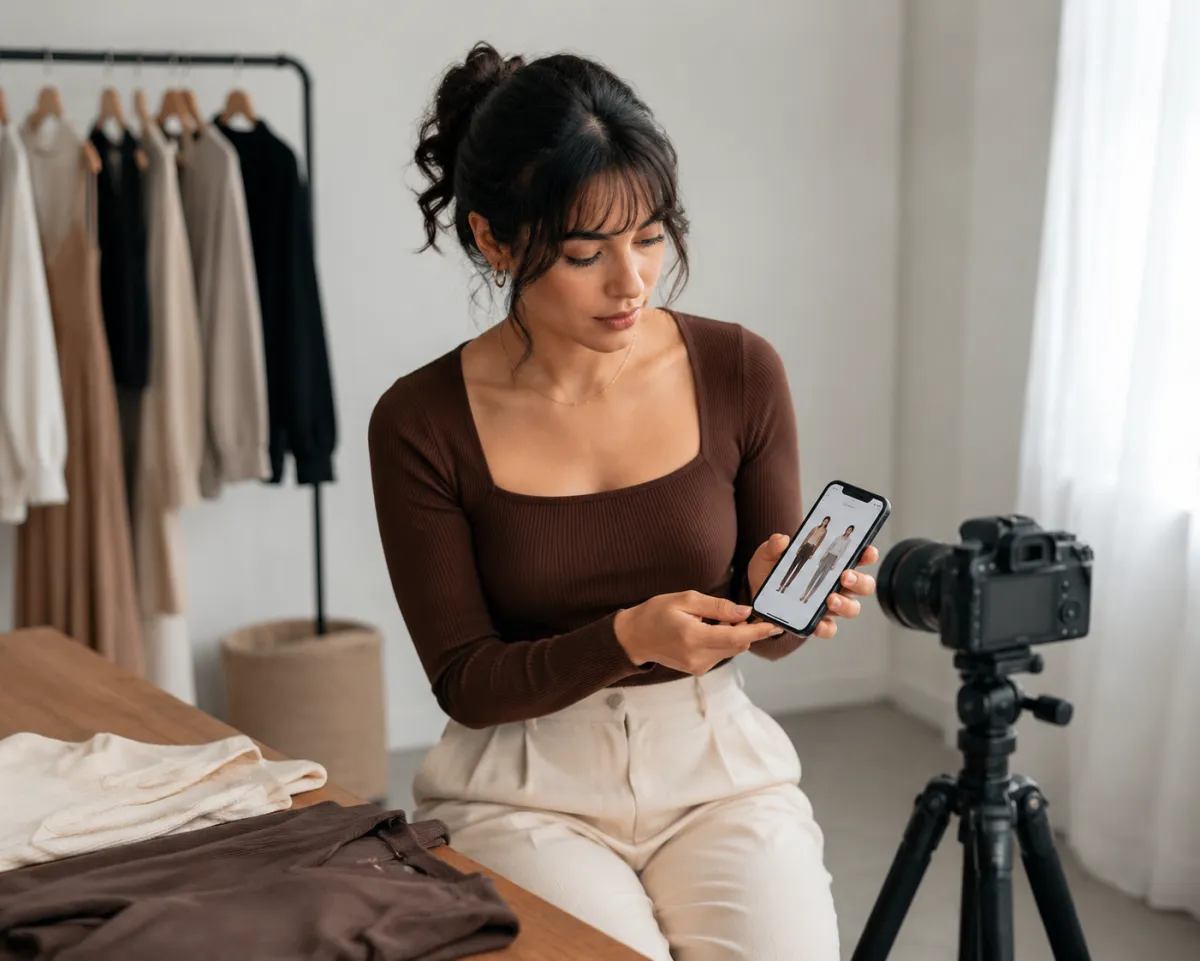
Use an AI clothes swap to test outfit direction, crop, and color before you shoot a Reel, TikTok, or thumbnail. Keep the final styling and platform checks grounded in real clothing.
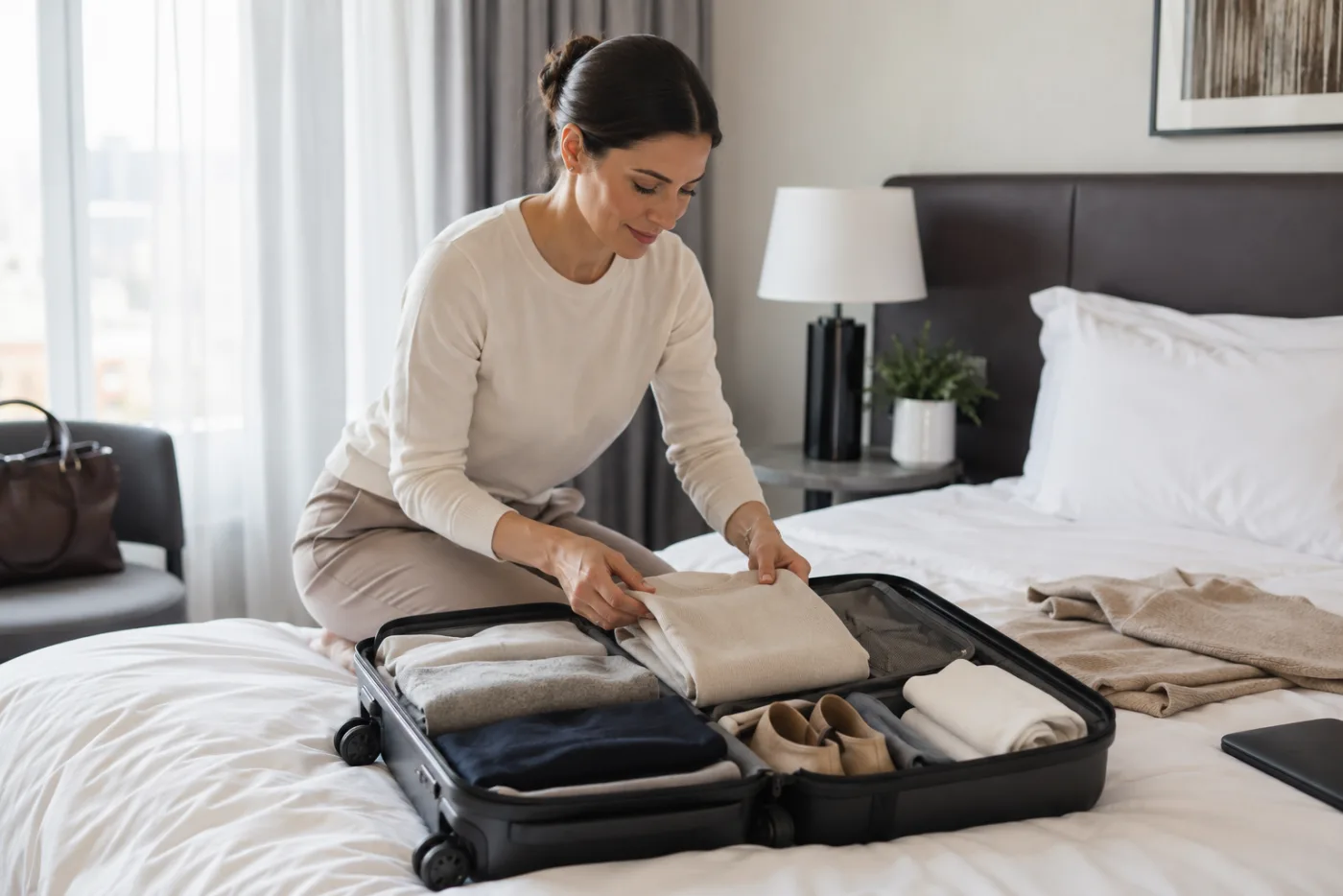
Use an AI outfit generator to test a small travel capsule on your own photo before packing. Compare outfits, spot gaps, and keep real-world fit checks separate.
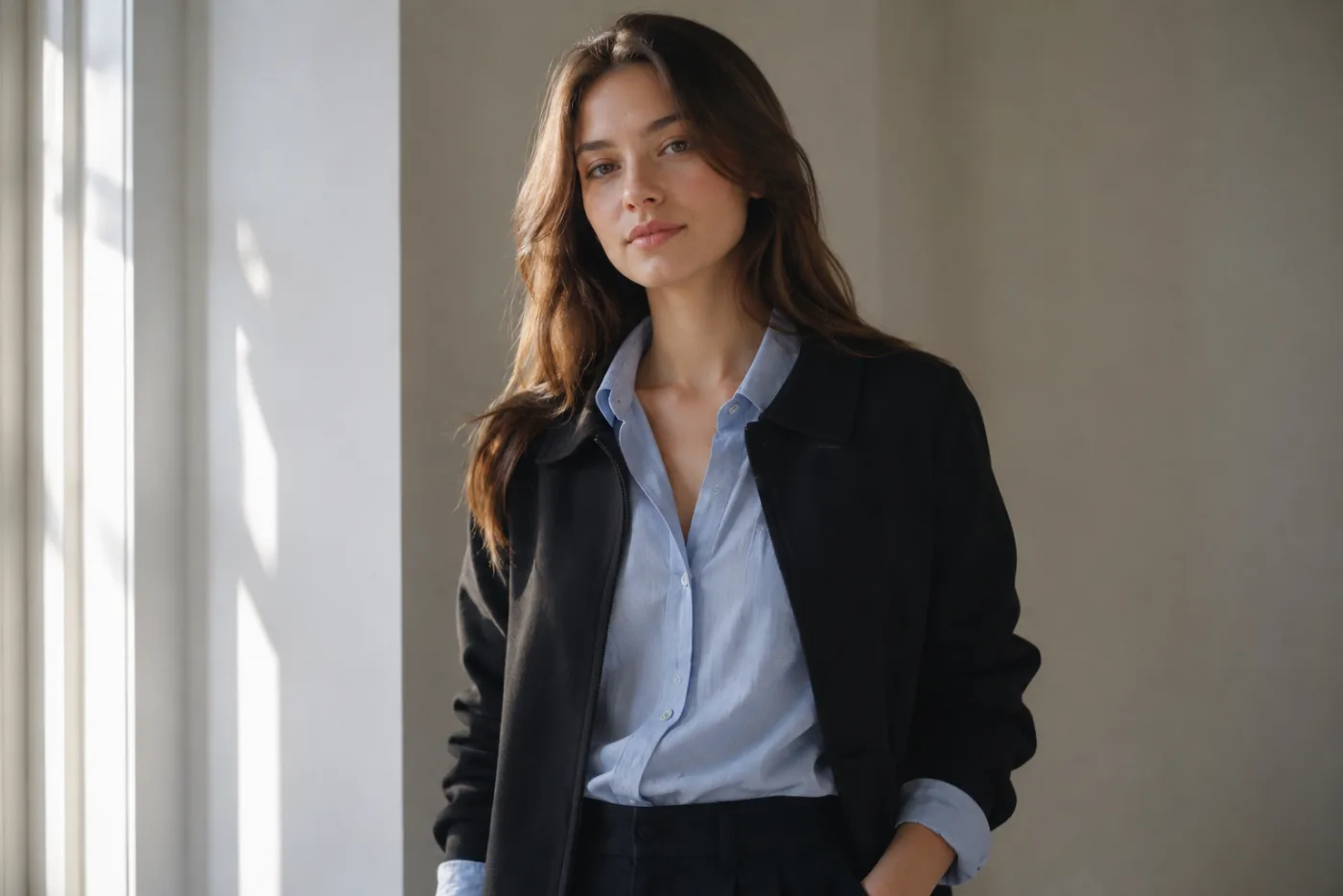
Use a shirt try-on online to compare collar, color, sleeve, and layering direction on your photo. Learn what an AI clothes changer can show and what needs a real fit check.
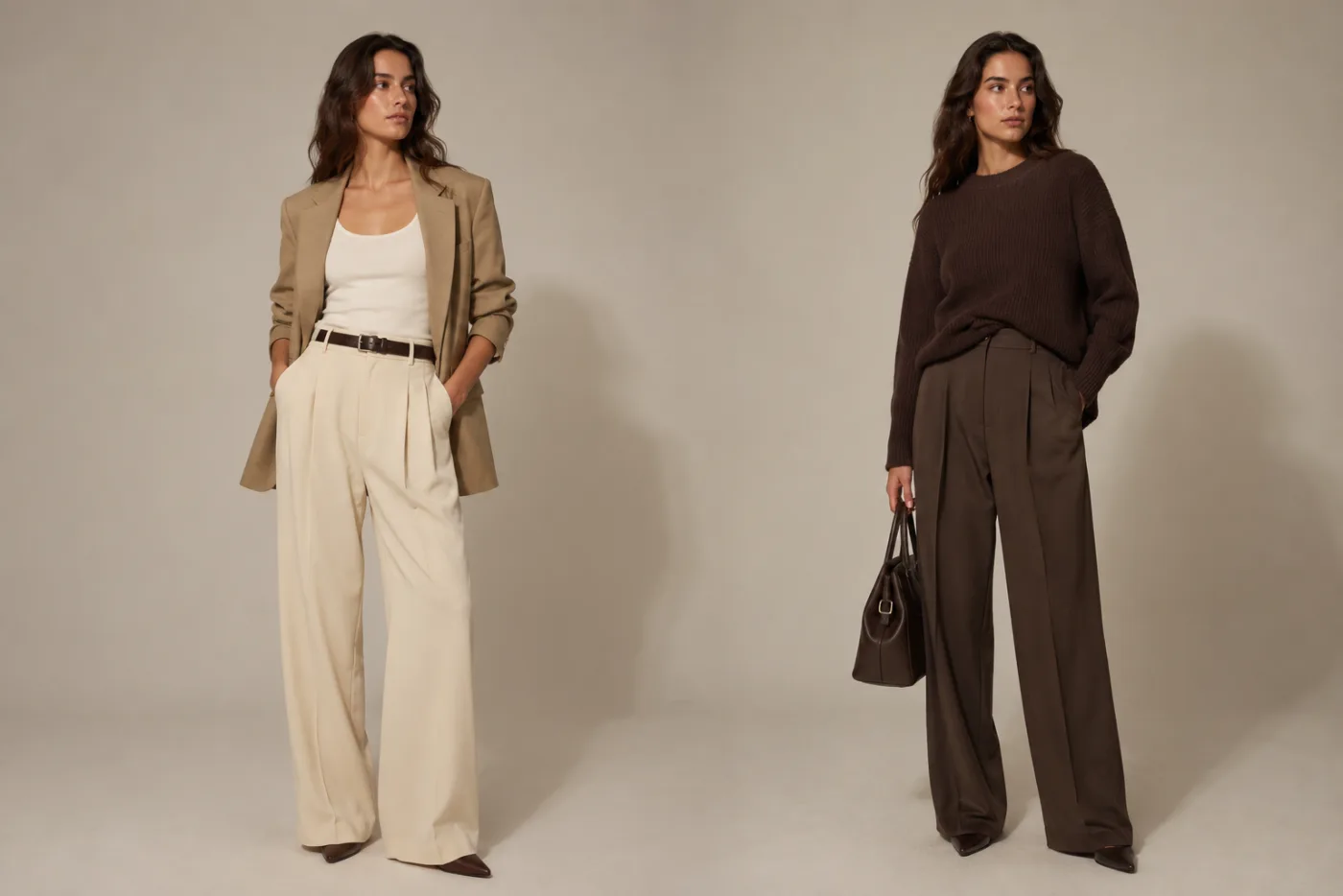
Understand AI clothes changer accuracy before you rely on a result. Learn what a preview can show well, where it can mislead, and how to test outfits responsibly.

Looking for a free AI clothes changer without sign-up? Use this practical checklist to compare access, photo handling, result limits, and realistic expectations before you upload.
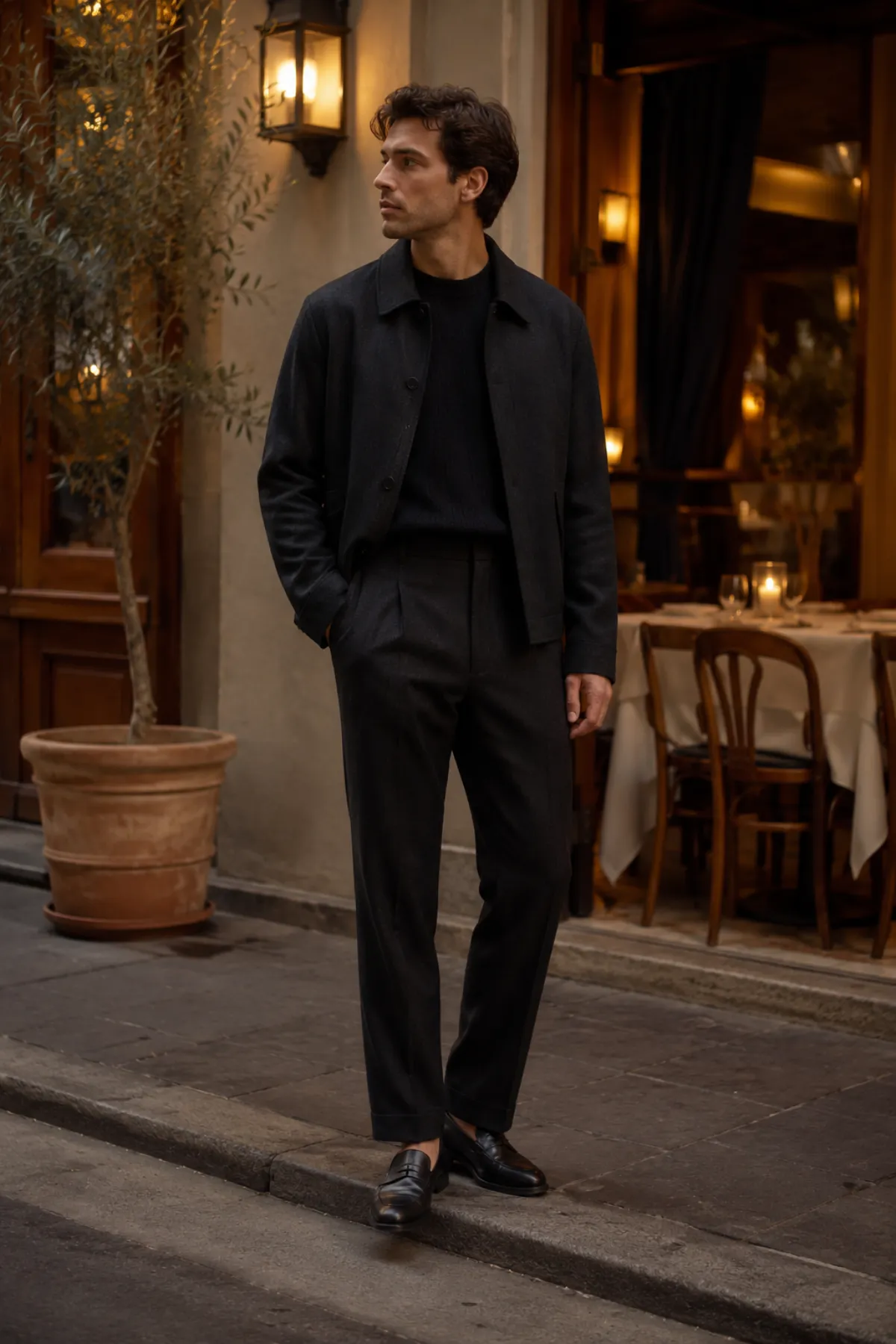
Use date night outfit ideas as a short decision list, then preview the color, shape, and formality on your own photo before you shop.
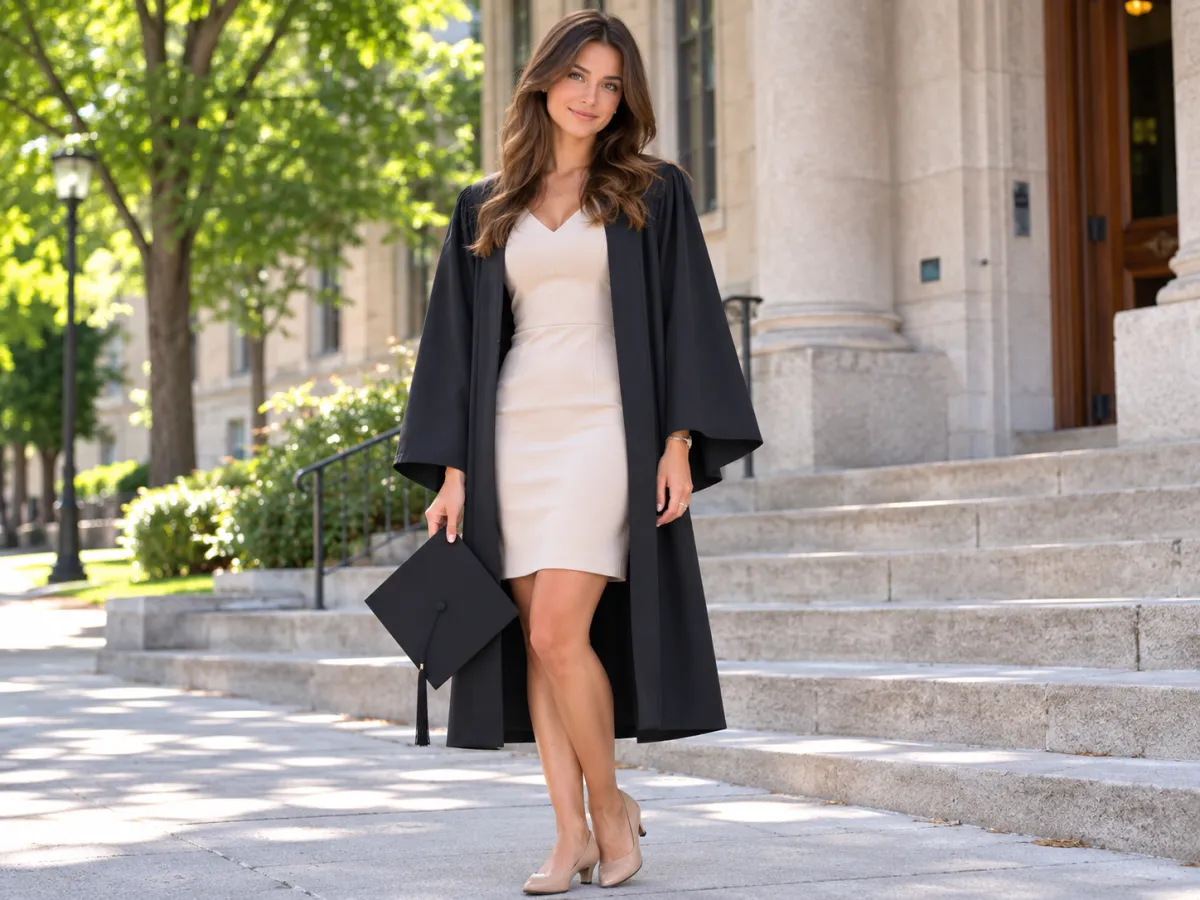
Use graduation outfit ideas to choose a photo-ready base, shoes, and layers that still work under a gown. Preview the direction before you buy.
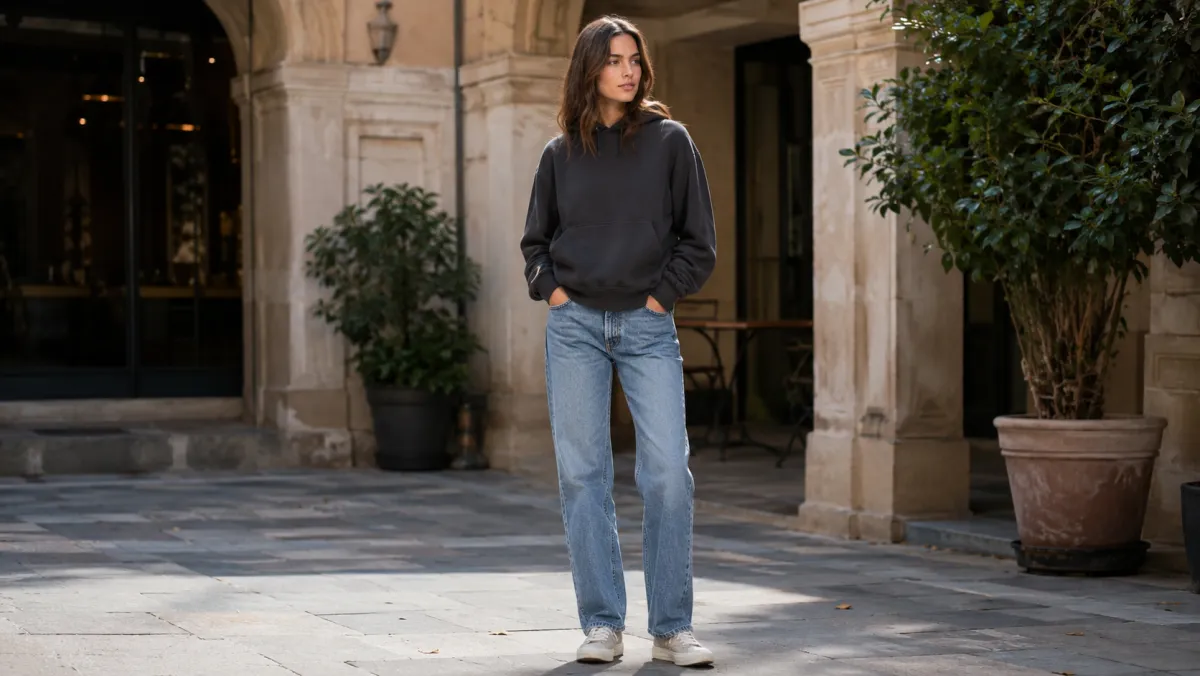
Use an AI hoodie try-on preview to compare color, proportion, sleeves, and layers before you order. Learn what it can and cannot show.
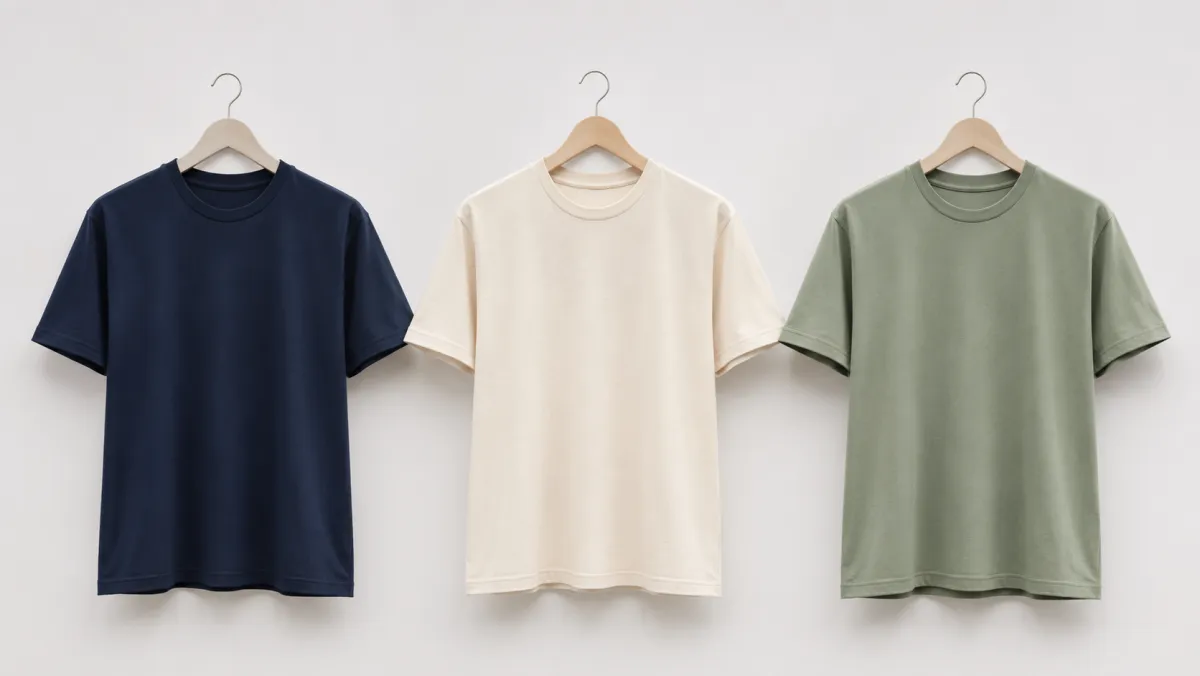
Use a t-shirt color changer to preview color directions for a shirt photo, then run practical checks before you treat an AI image as production-ready.
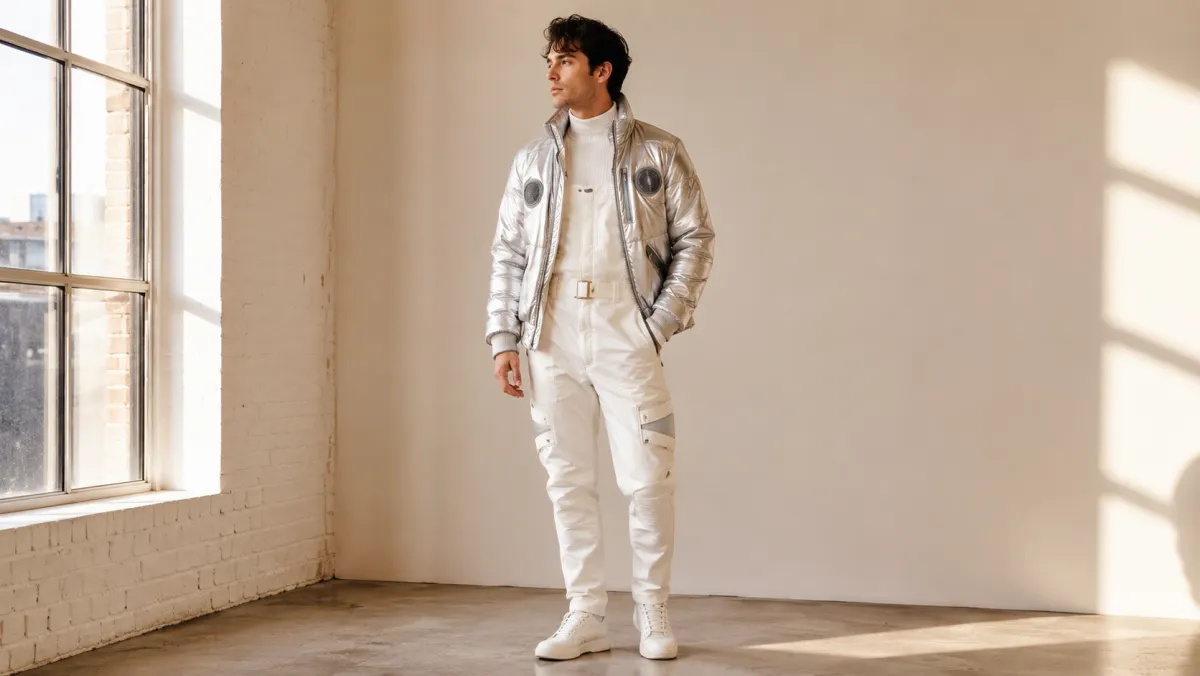
Use a Halloween costume generator to compare a few costume directions on your own photo before you shop, sew, or plan a group look.

Compare interview outfit ideas on your own photo to narrow color, structure, and formality before you prepare for the real conversation.
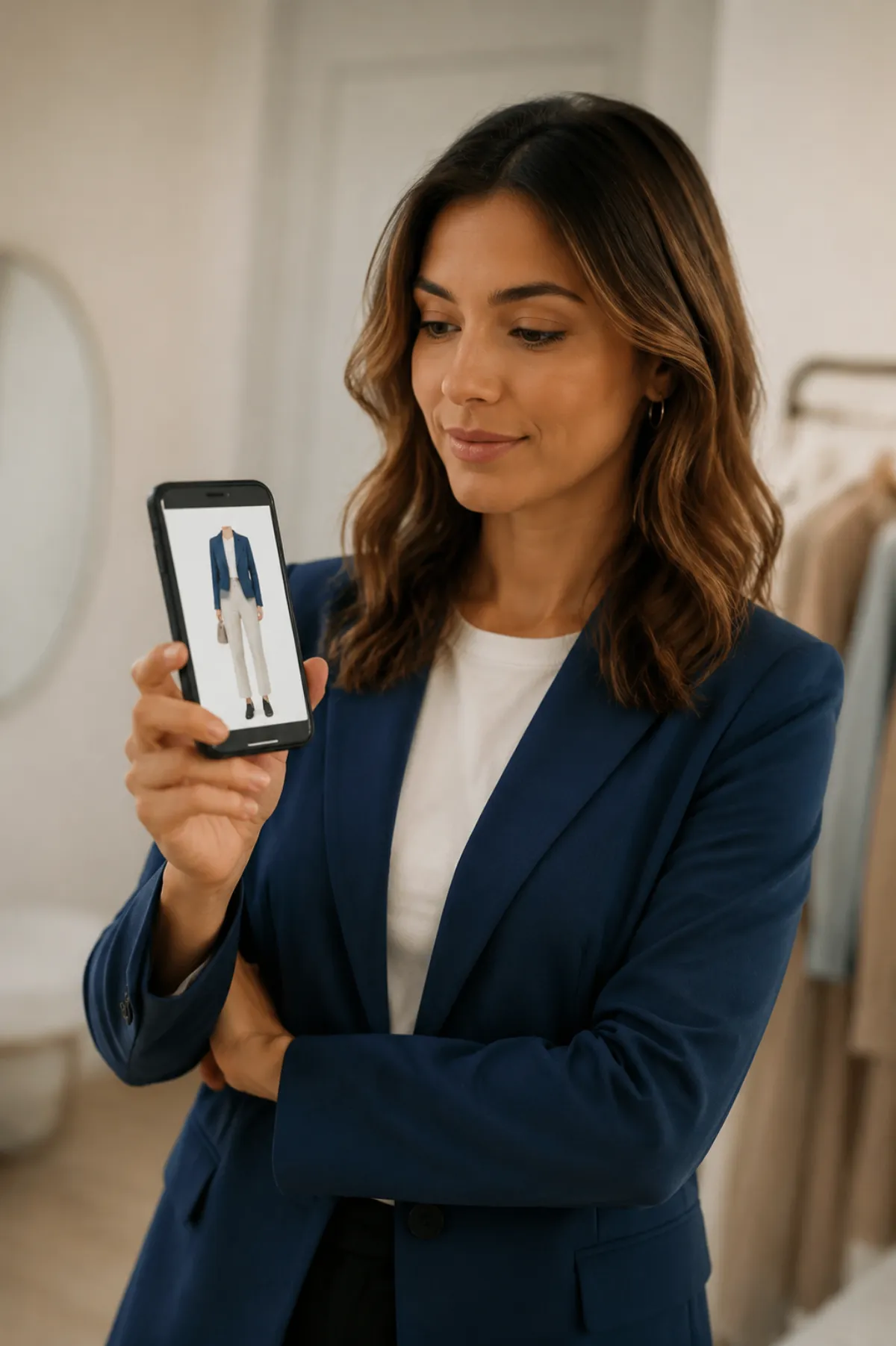
Choose an app to change clothes in a photo, make a controlled mobile edit, and check the face, hands, garment edges, and background before saving.
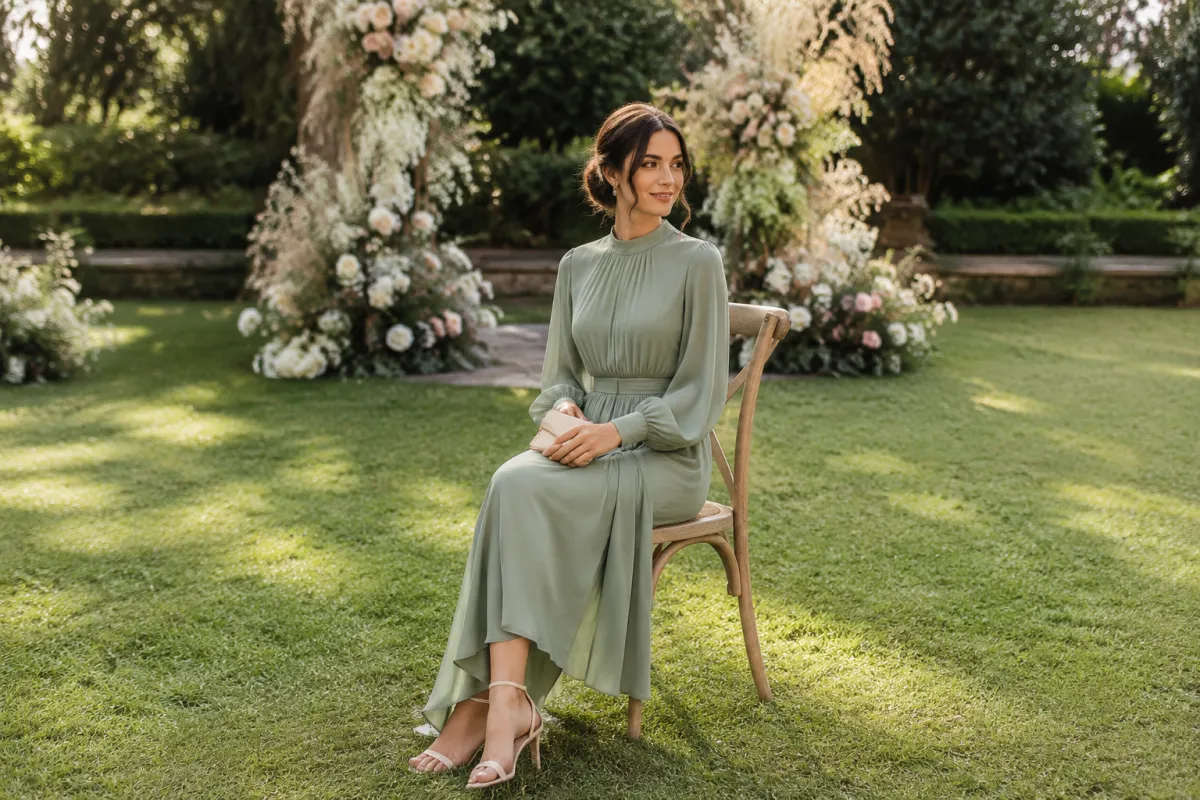
Use AI dress up to compare wedding guest outfit colors, dress codes, and silhouettes on your own photo before you shop.
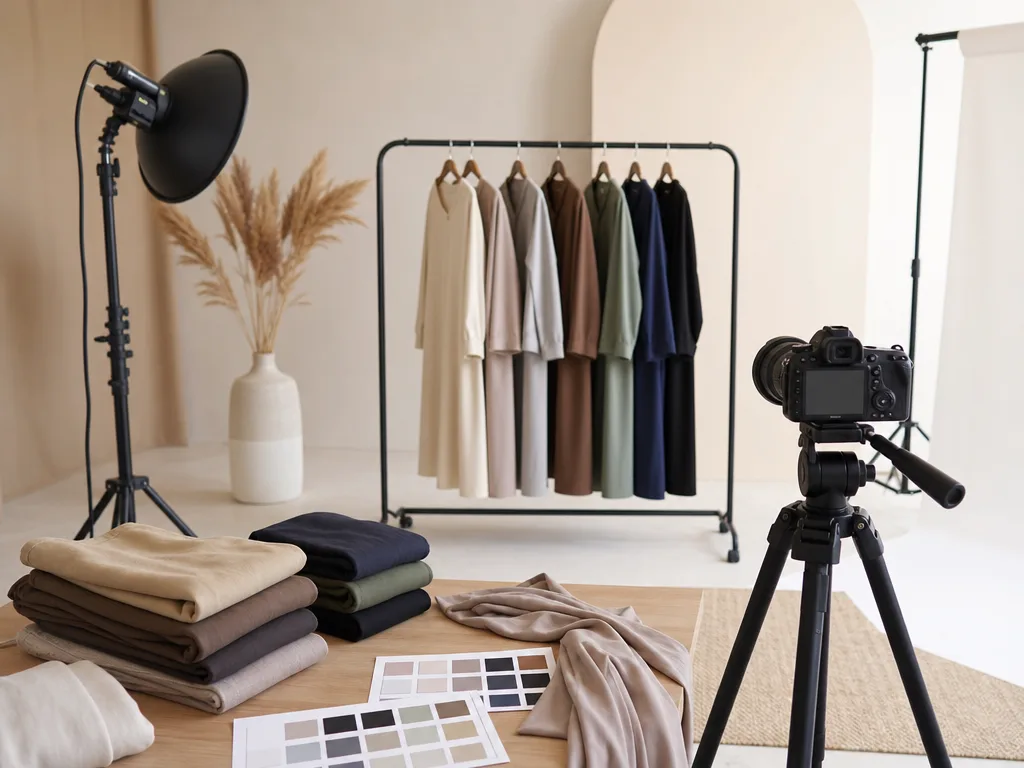
Use this practical guide to decide when an AI clothes changer can create a useful clothing variant and when a real product reshoot is still the better call.
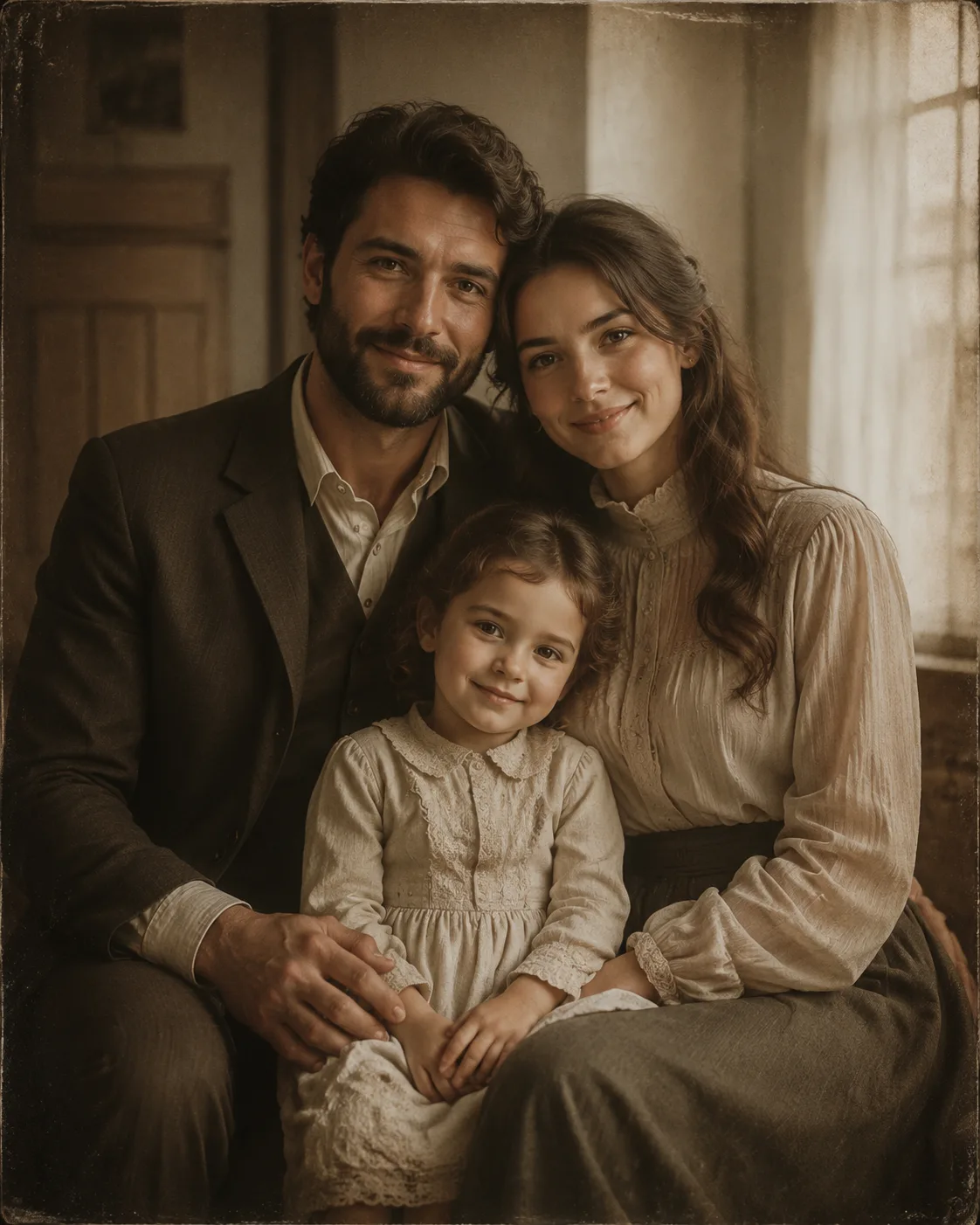
Learn a preservation-first AI clothes changer workflow for old photos. Protect faces, grain, edges, lighting, and the character of the original image.
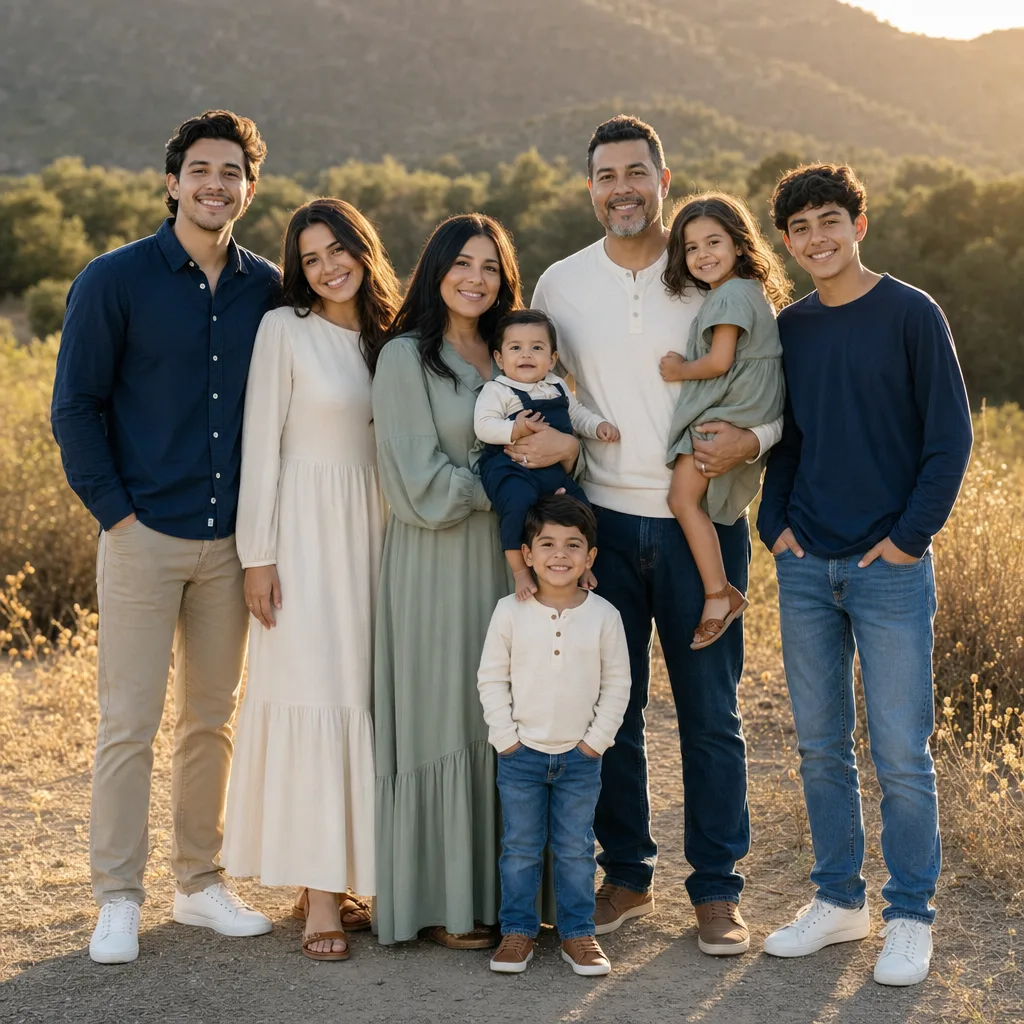
Preview family matching outfits on your own photo before buying. Compare colors, patterns, dress codes, and photo-session palettes with AI dress up.
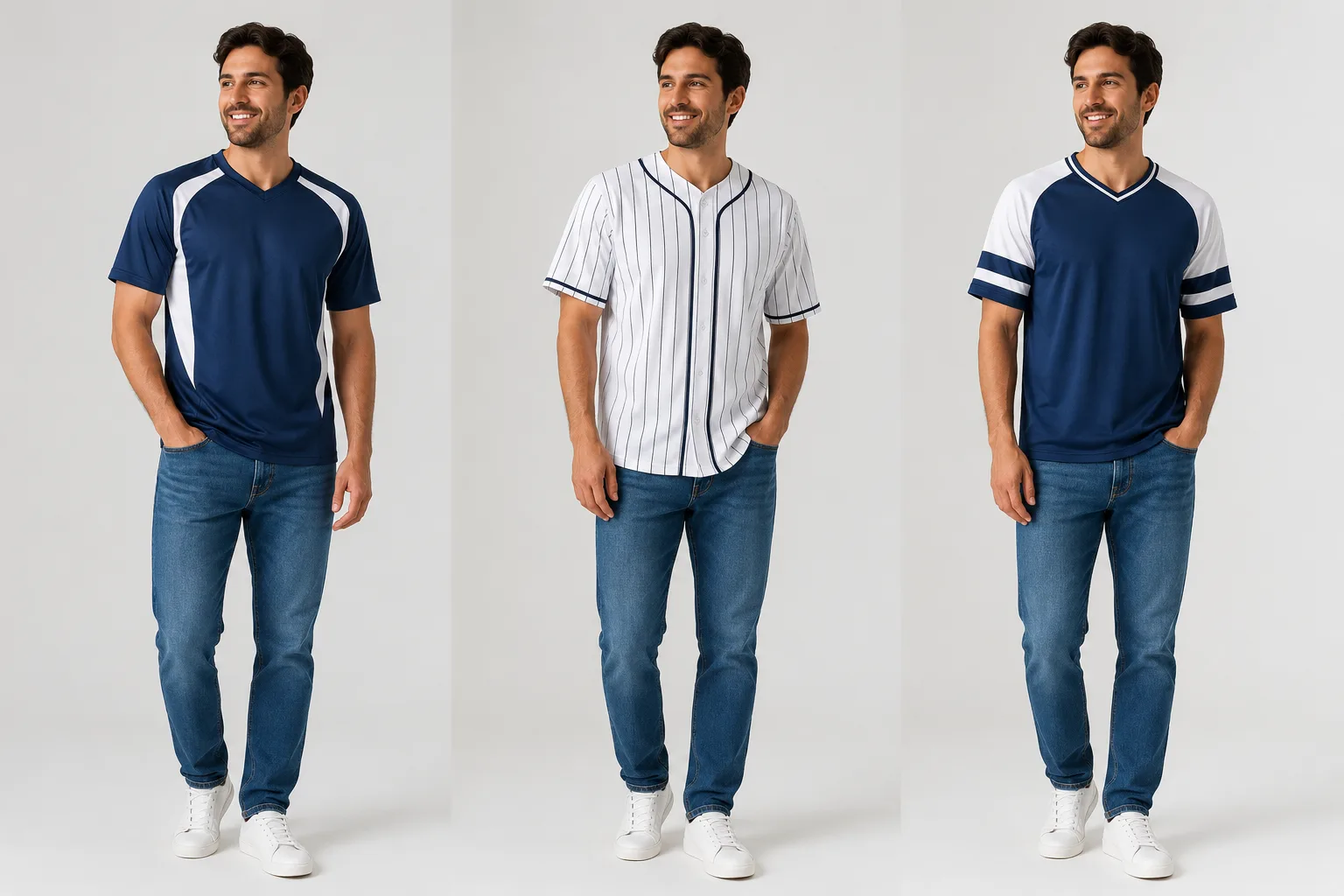
Use a jersey swap AI workflow to preview a team jersey on your own photo. Learn photo choice, prompt tips, logo safety, and quality checks.

Preview business attire on your own photo before a headshot. Compare blazer, suit, shirt, and business-casual options with an AI clothes changer.
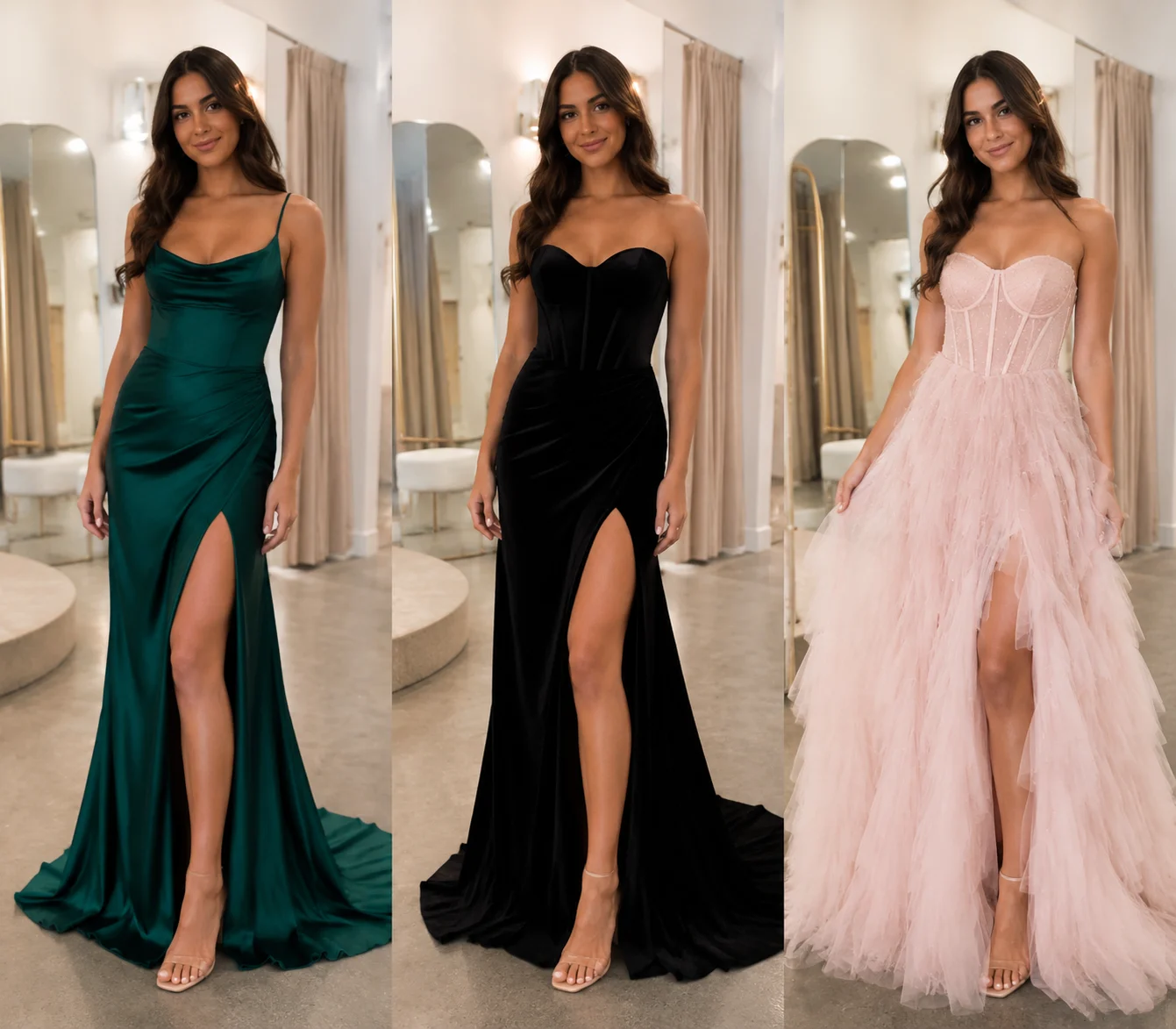
Use an AI prom dress try on workflow to compare colors, necklines, length, and styling on your own photo before shopping.
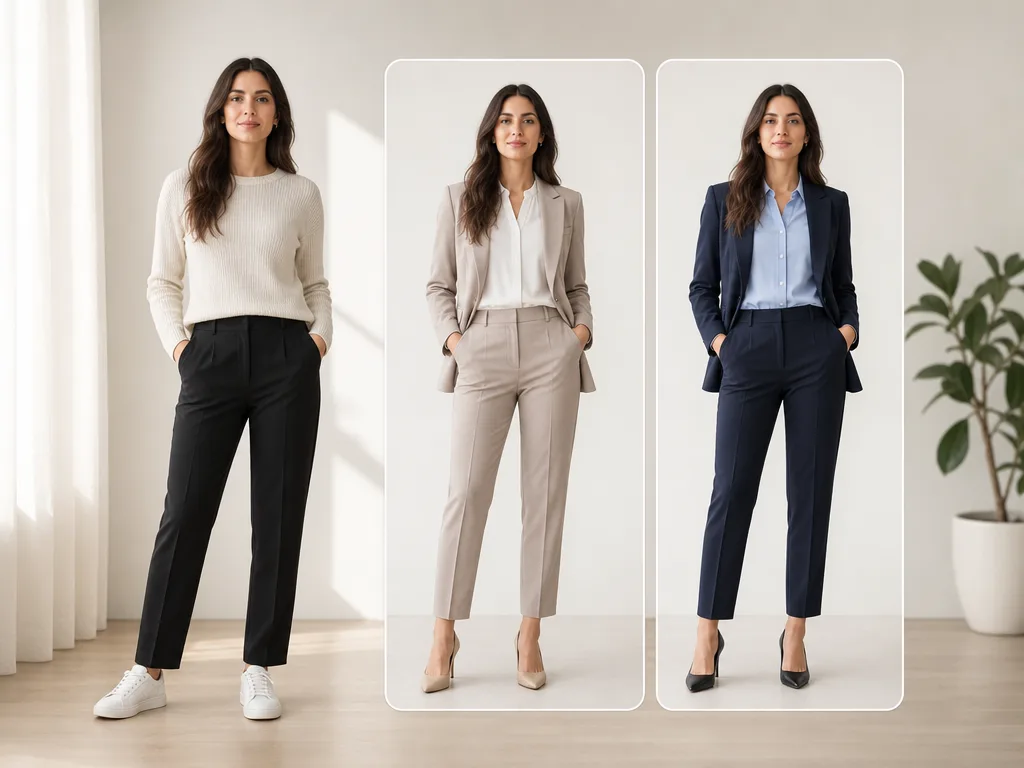
AI clothes changers can preview color, silhouette, and outfit direction, but they cannot guarantee exact size, comfort, or fabric feel. Here is what to trust.
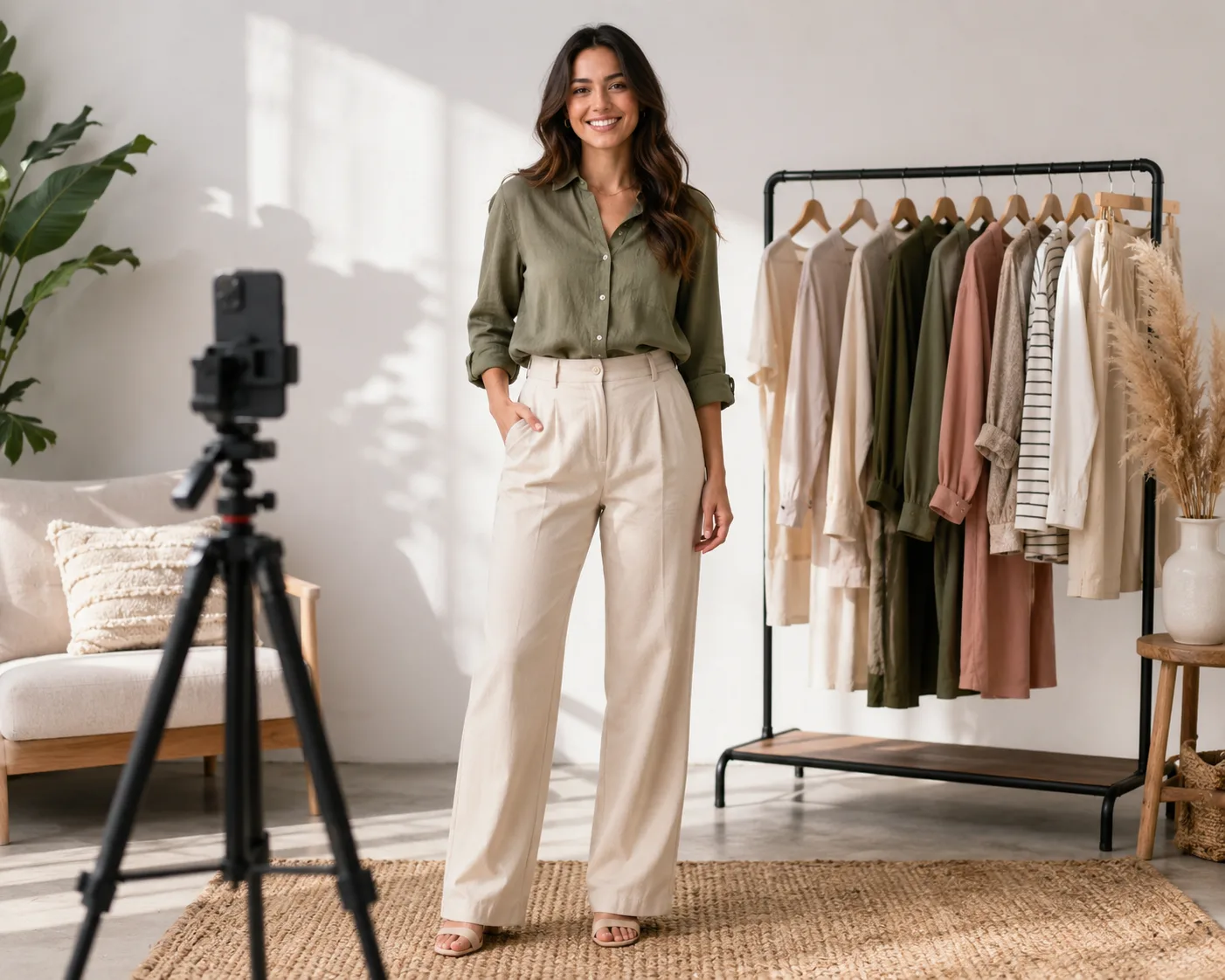
Learn how to photograph clothes for sale and AI outfit edits: lighting, angles, garment detail, model poses, and quick retake rules.

Need a photo editor to change clothes? Compare manual editing, general photo apps, and a dedicated AI clothes changer for realistic outfit swaps.
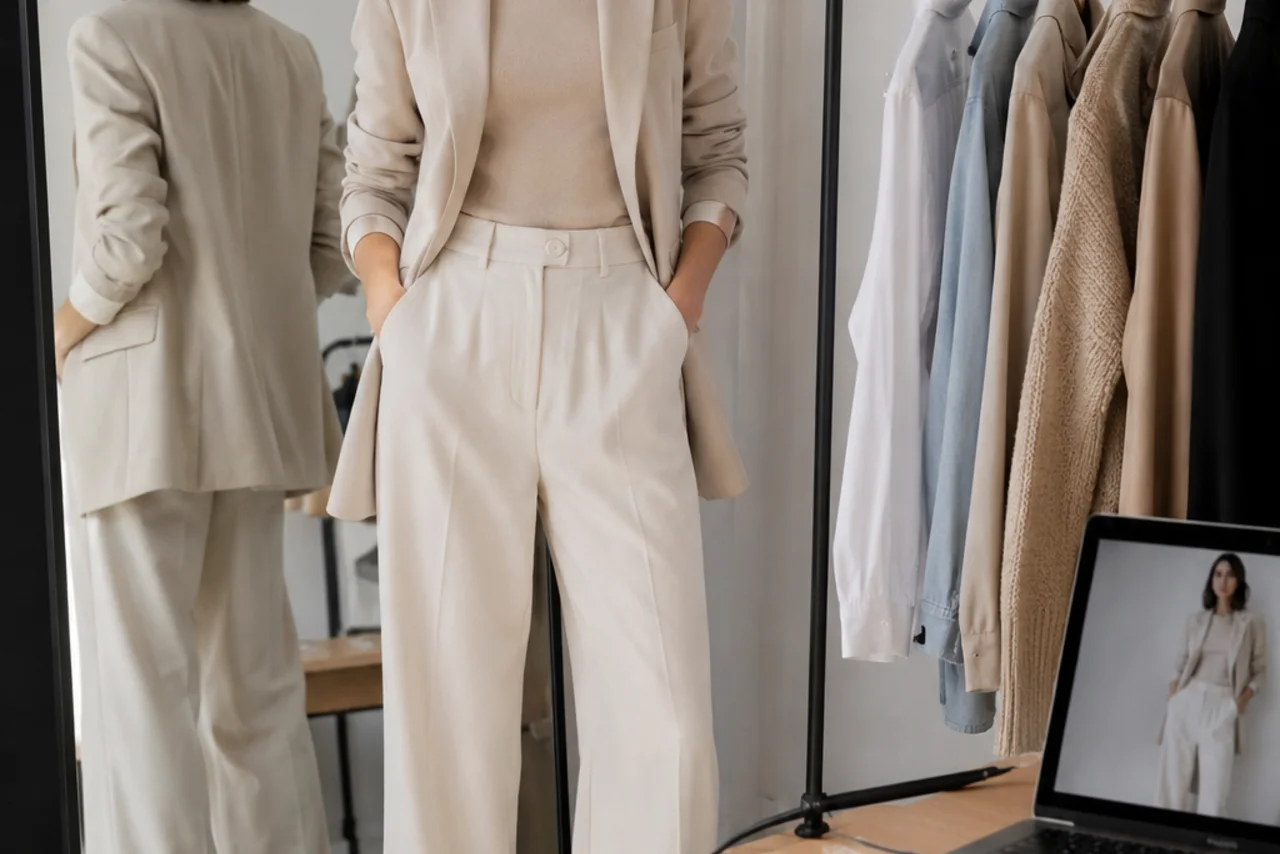
Use an outfit color matcher workflow to build a clothing color palette from one photo, test shirt and pants colors, and preview outfits before buying.
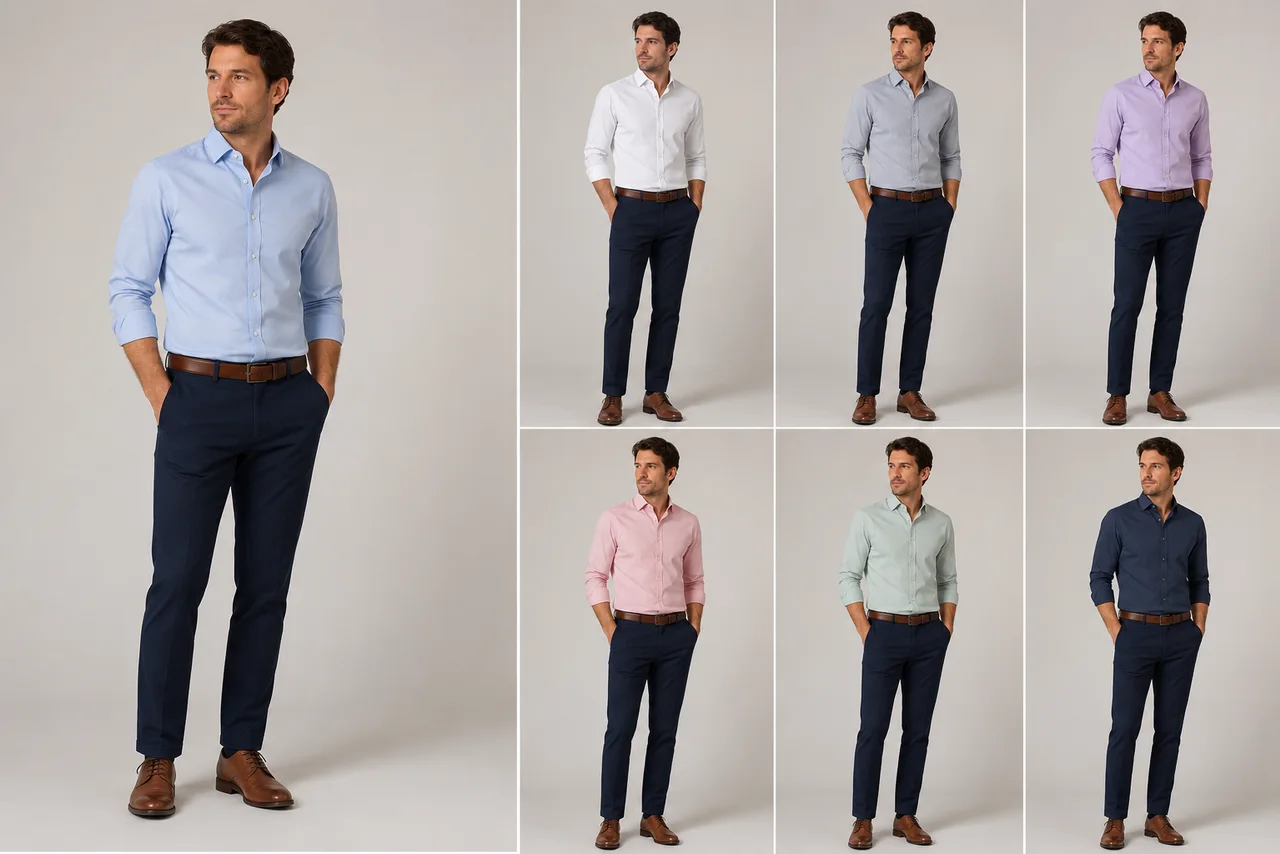
What color shirt goes with navy pants? Use this quick color guide for navy, black, beige, and olive pants, then preview the outfit on your photo.
Compare Canva and an AI clothes color changer for outfit recolors. Learn when design tools are enough and when AI garment-aware editing is safer.
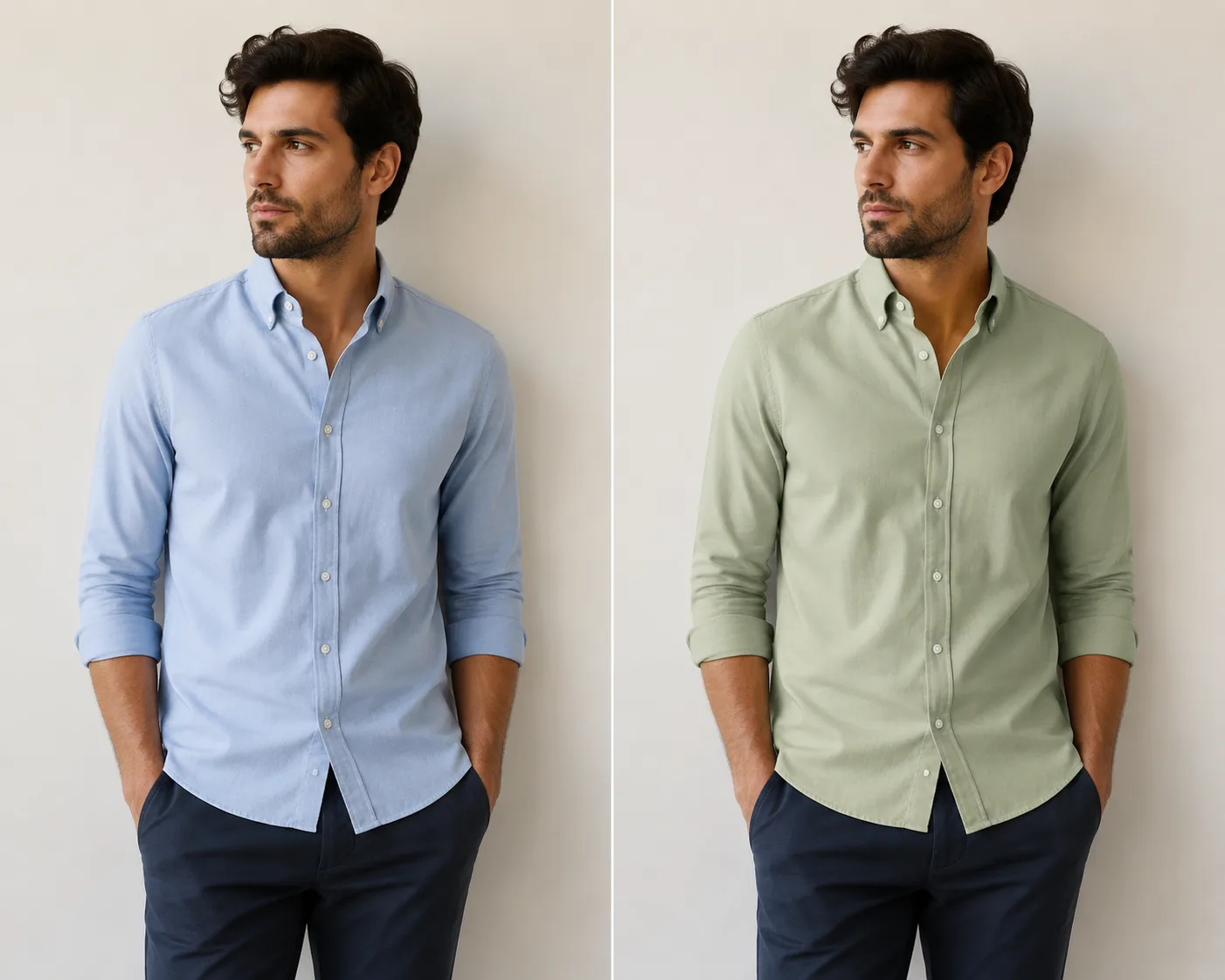
Change shirt color in a photo without Photoshop by using an AI clothes color changer. Learn the safe workflow, prompt tips, and quality checks.
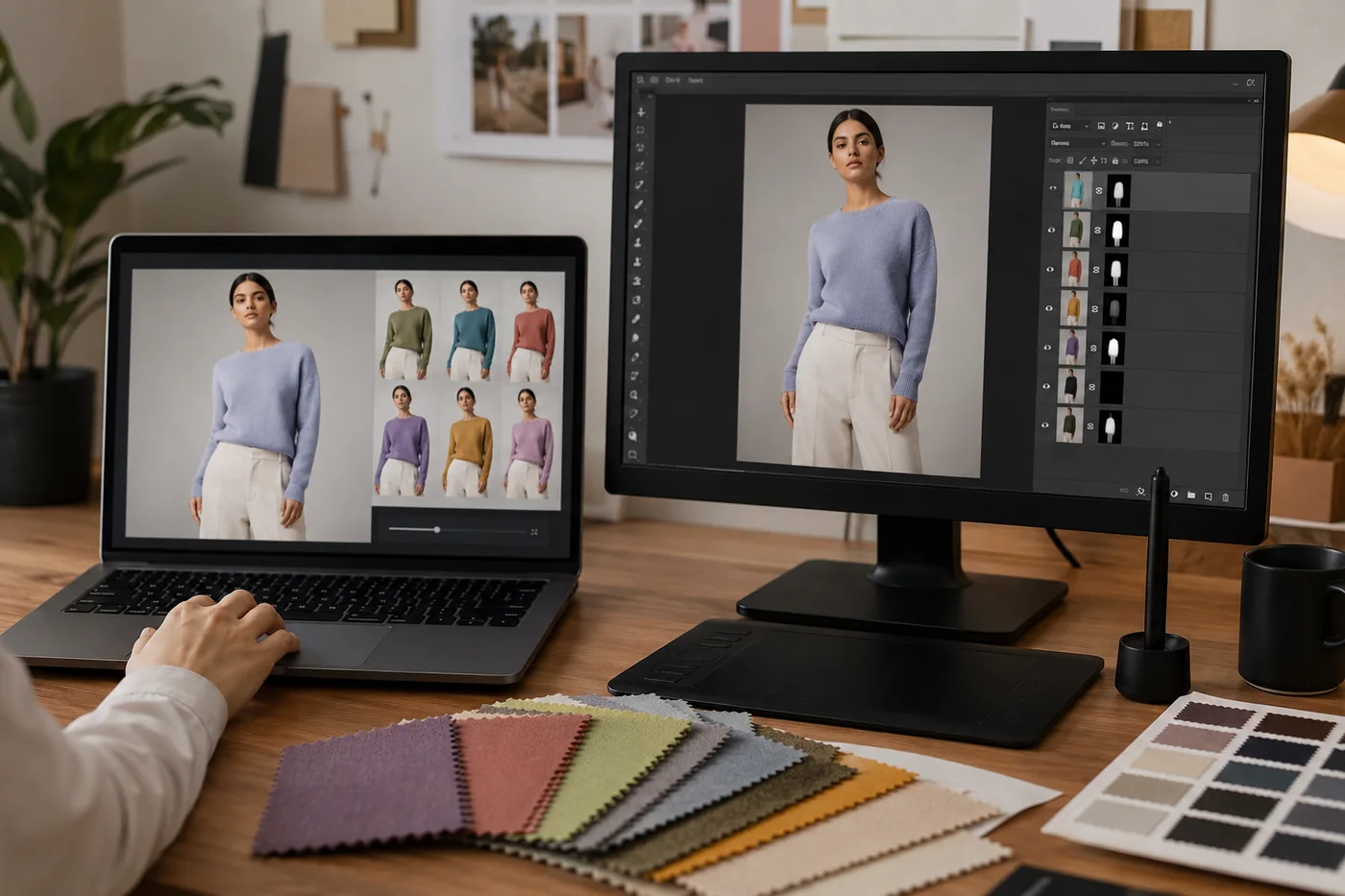
Compare an AI clothes color changer with Photoshop for recoloring outfits. Learn when AI is faster, when manual editing wins, and how to check fabric, shadows, and edges.
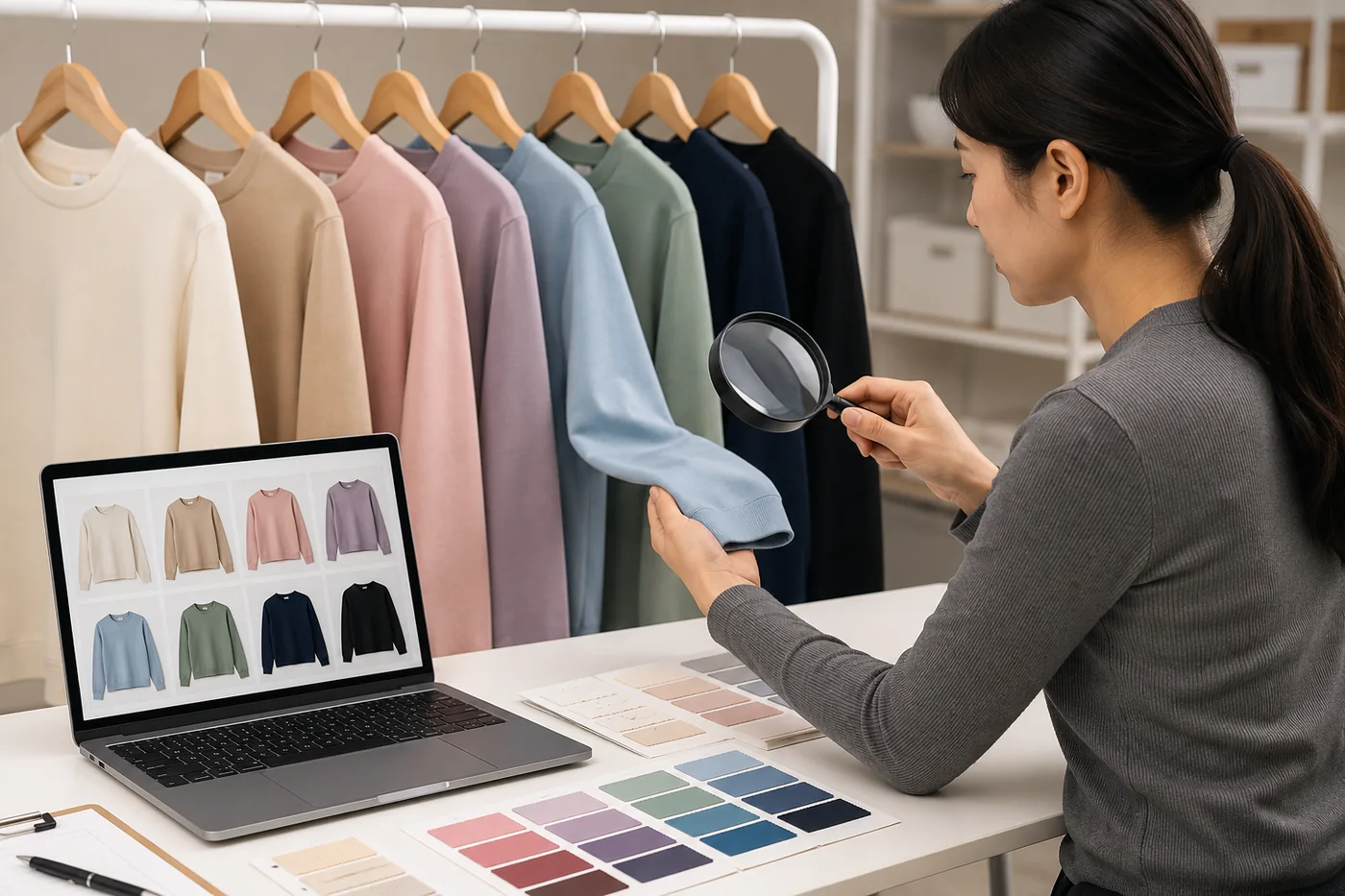
Use this clothing color variant QA checklist before publishing AI recolored product photos. Check shade accuracy, fabric texture, shadows, edges, and return-risk issues.
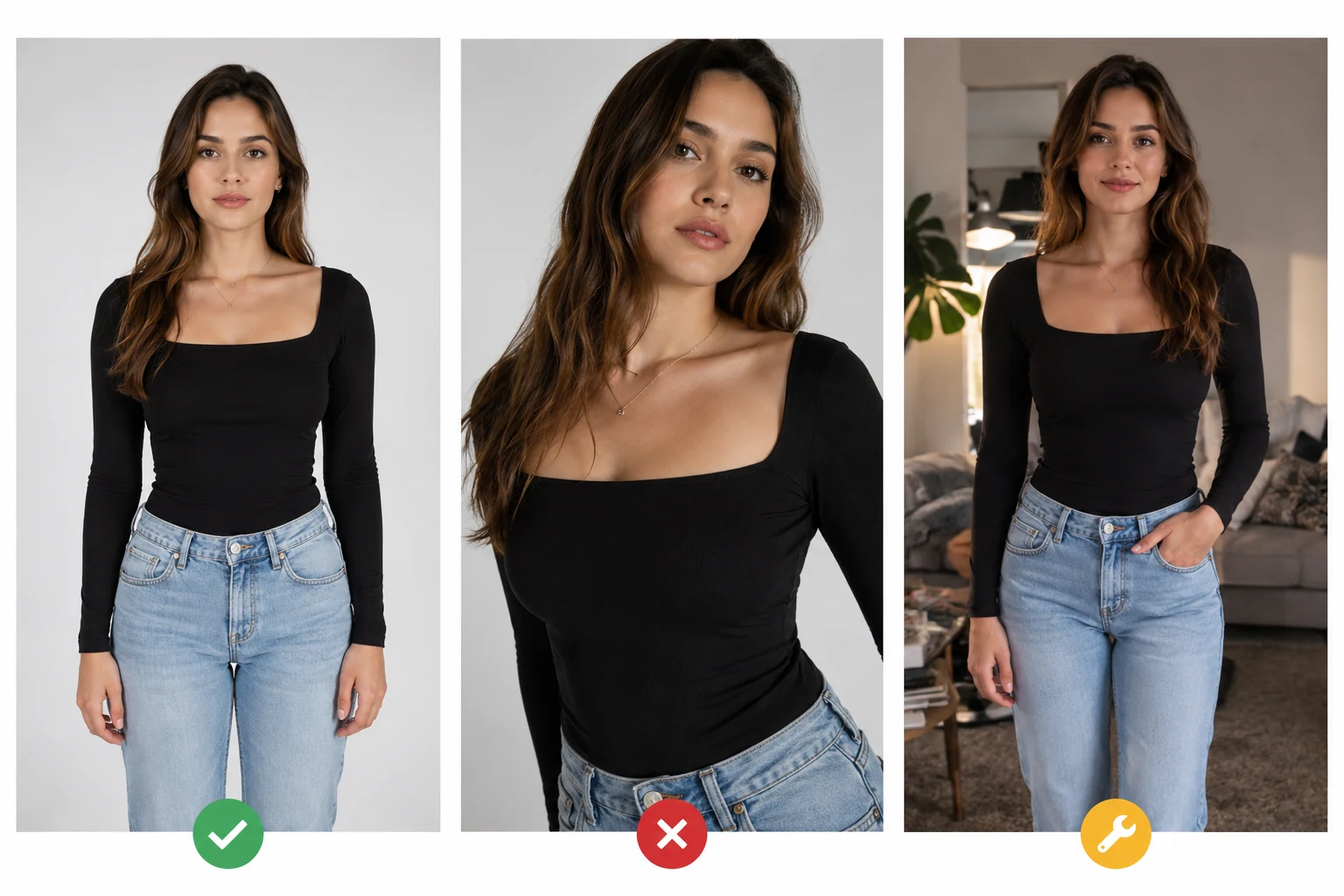
The best photo for an AI clothes changer has a clear pose, visible clothing, soft light, and enough room around the body. Use these 8 rules before you upload.
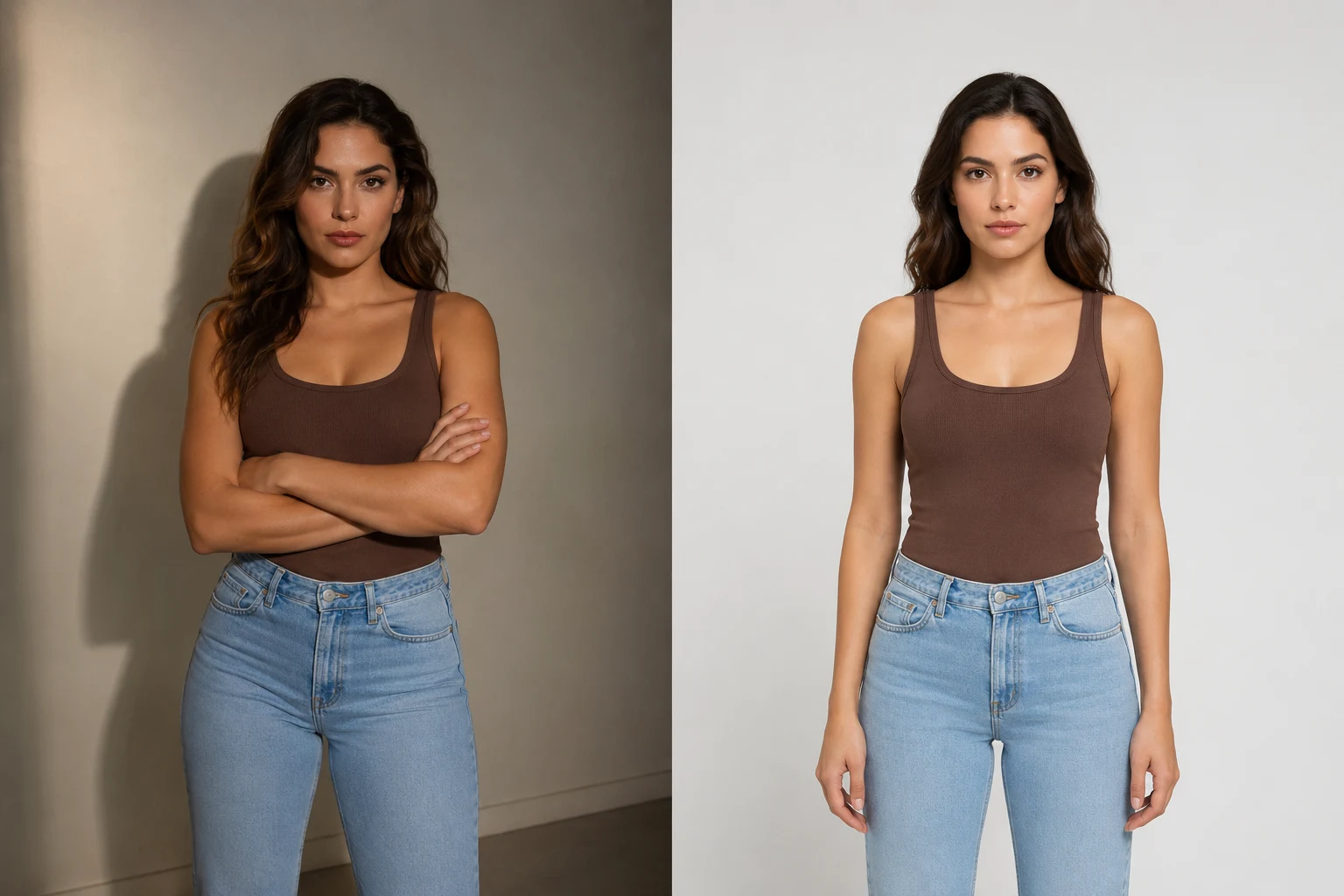
AI clothes swaps look fake when the photo, garment, or prompt asks too much. Use this troubleshooting guide to fix warped outfits and identity drift.
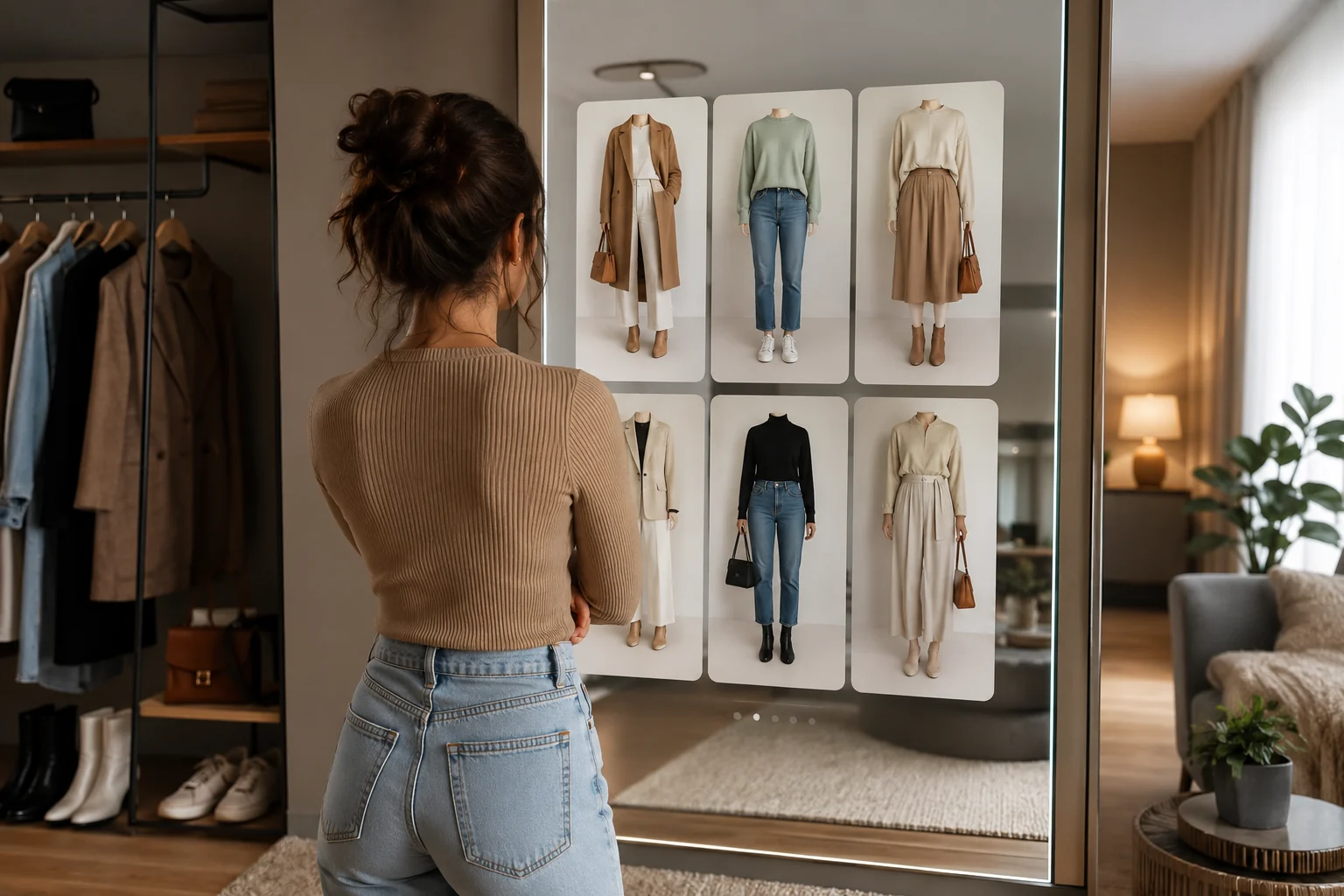
The best AI dress up app should use your real photo, keep your face and pose stable, and preview outfits you could actually wear. Here is how to choose one.
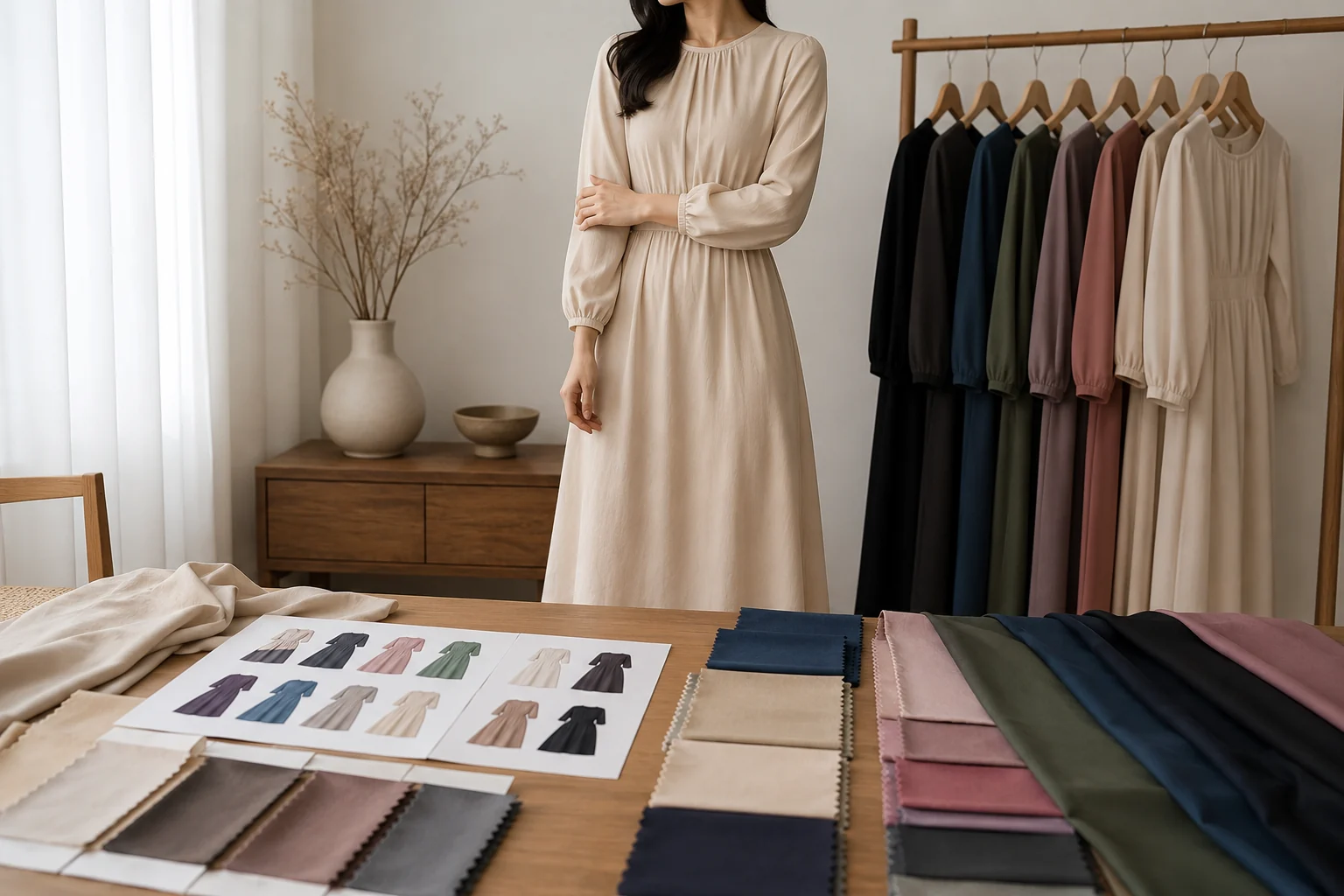
Create clothing color variants from one product photo without a new shoot. A practical workflow for ecommerce teams using AI recoloring, QA, and clear reshoot rules.
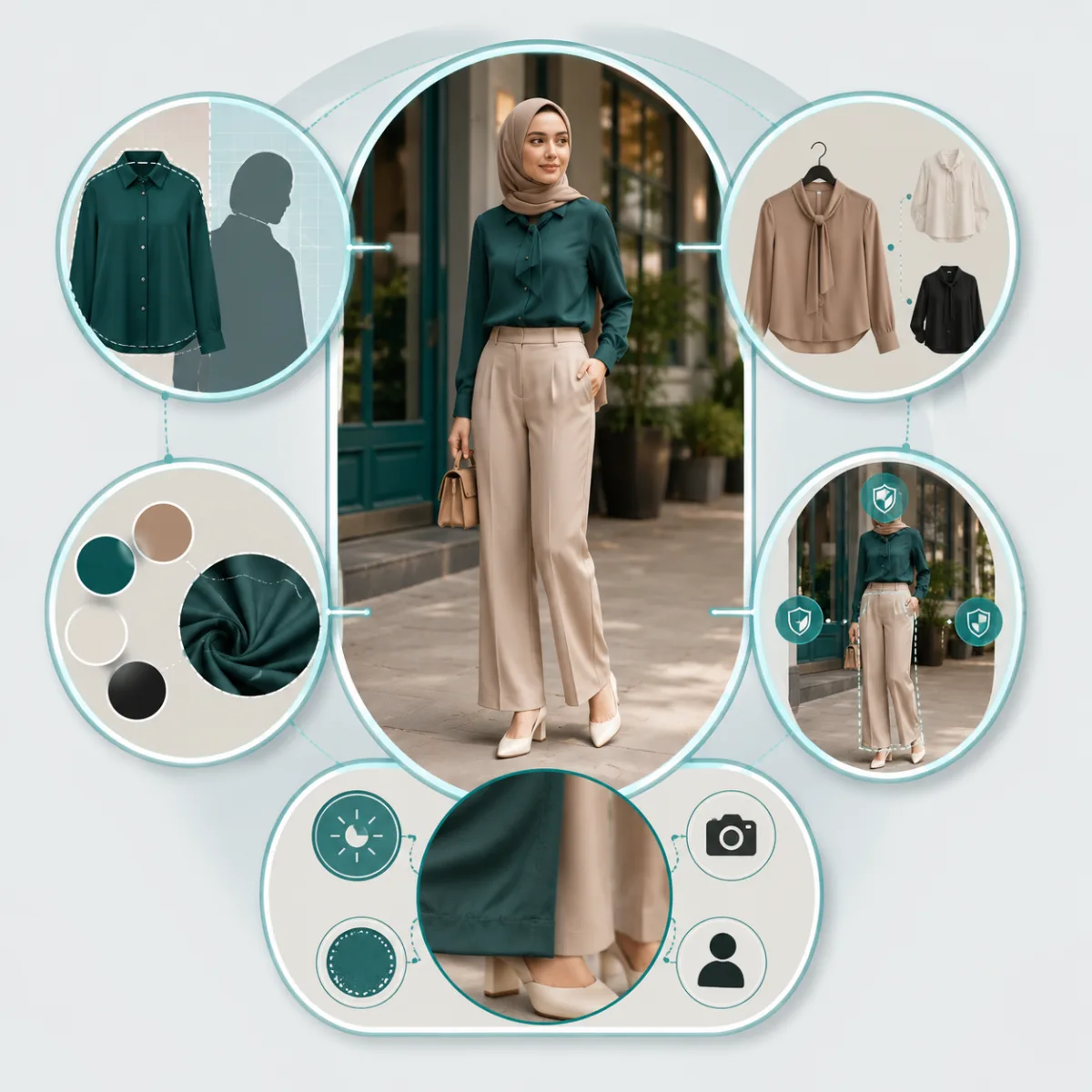
Use these AI clothes changer prompt examples to swap outfits, recolor garments, preserve faces, and get more realistic clothing edits from one photo.
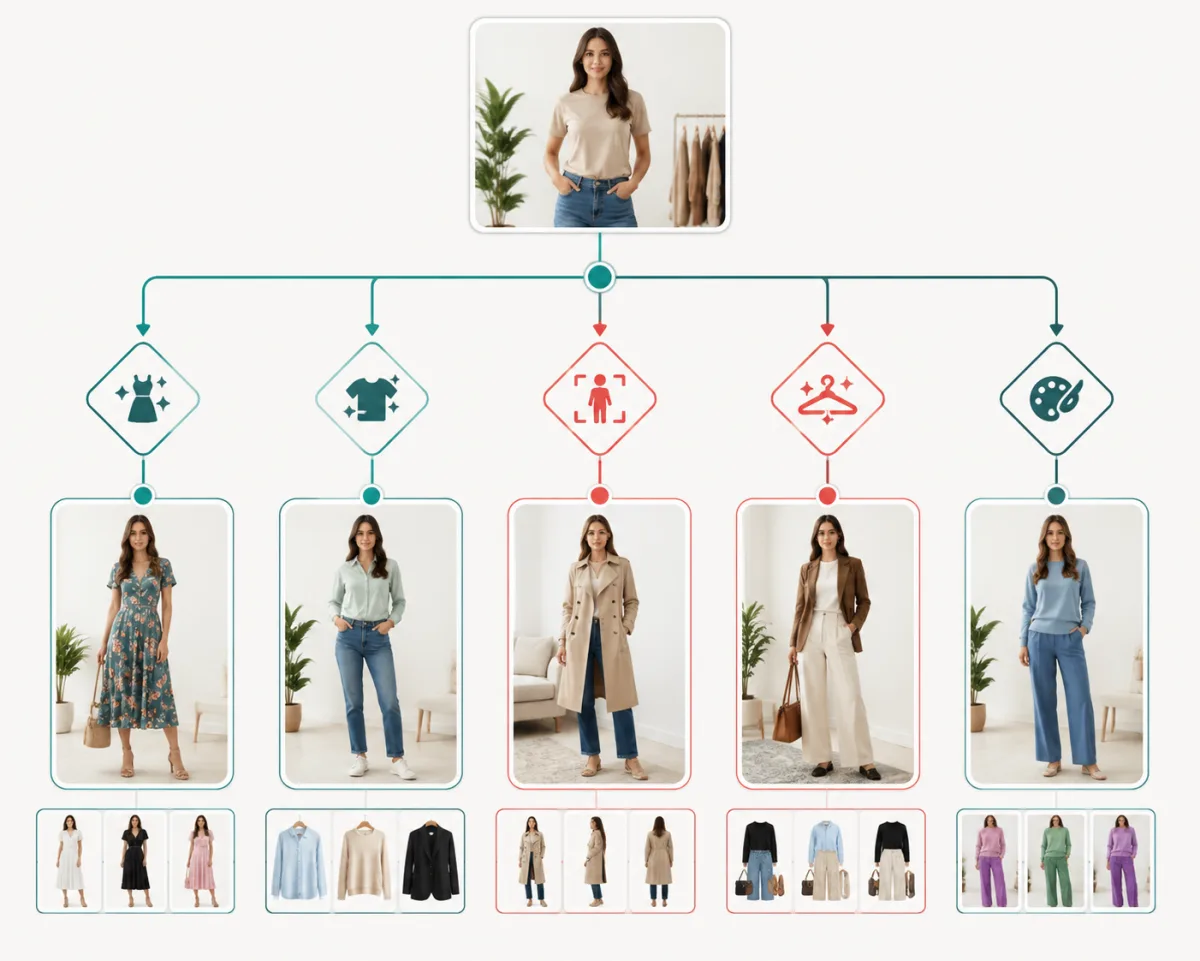
AI dress up and AI clothes changer tools solve different outfit problems. Use this guide to pick the right workflow for try-ons, outfit ideas, swaps, and color edits.
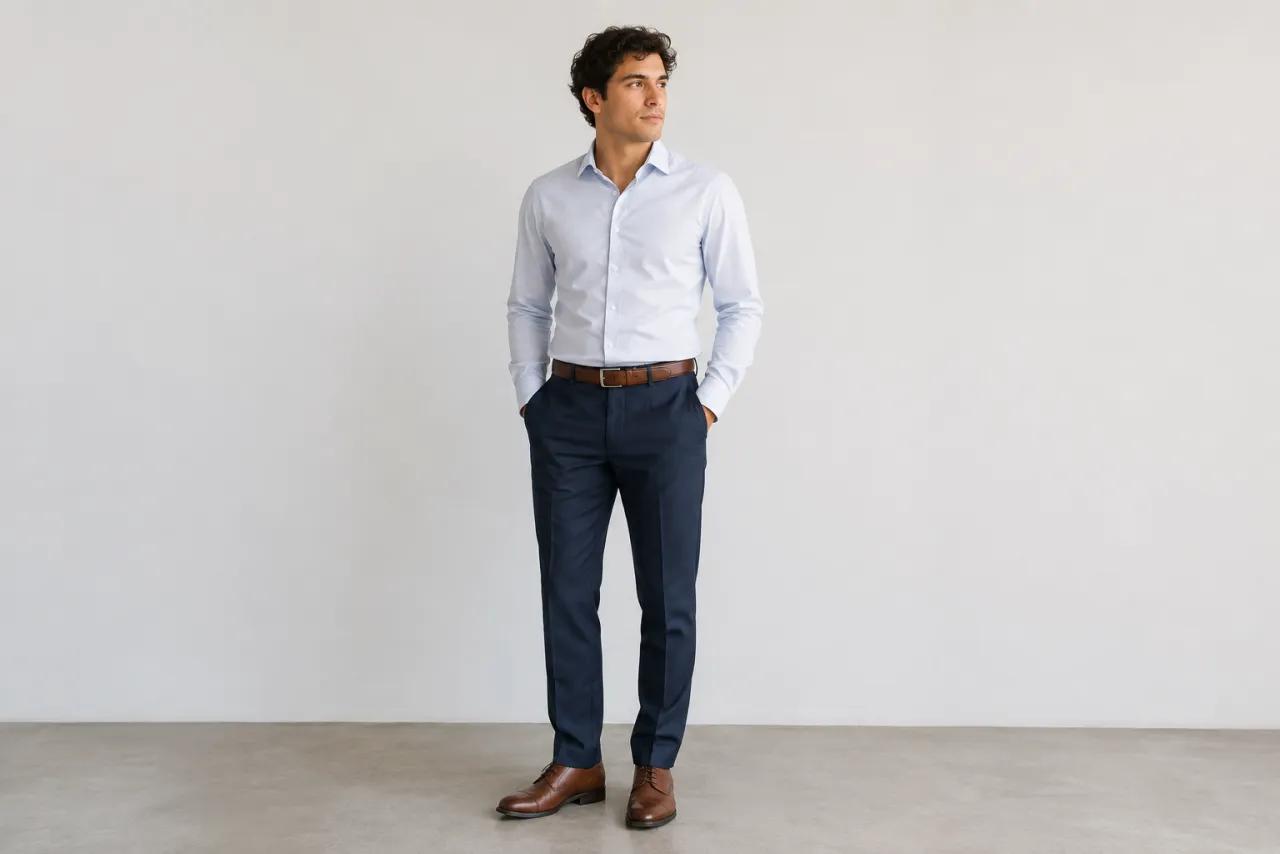
What to wear for jury duty: business-casual and respectful — collared shirts, blouses, chinos, modest dresses, closed shoes — plus what to skip.
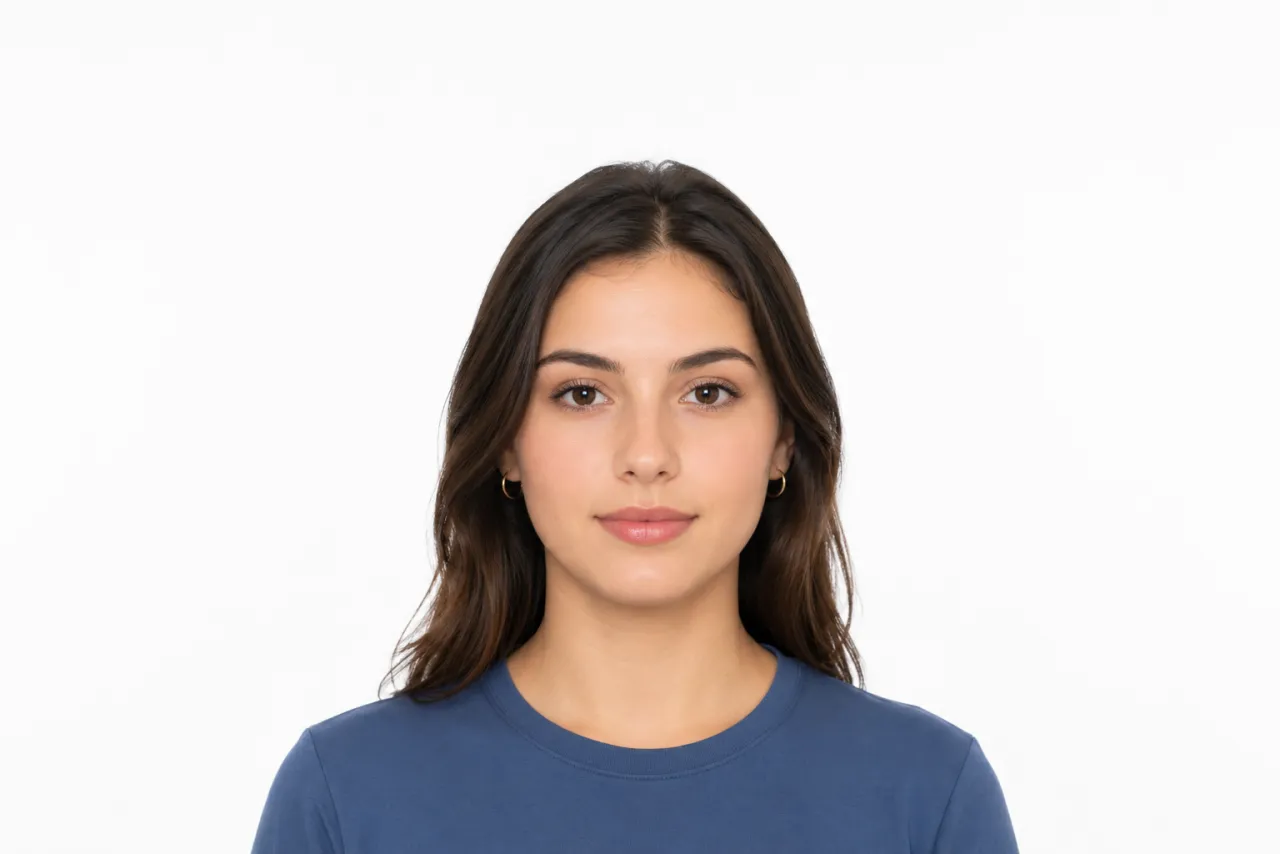
What to wear to a passport photo: a solid mid-tone top, never white, no busy patterns or glasses. Preview a compliant top on your own photo with AI.
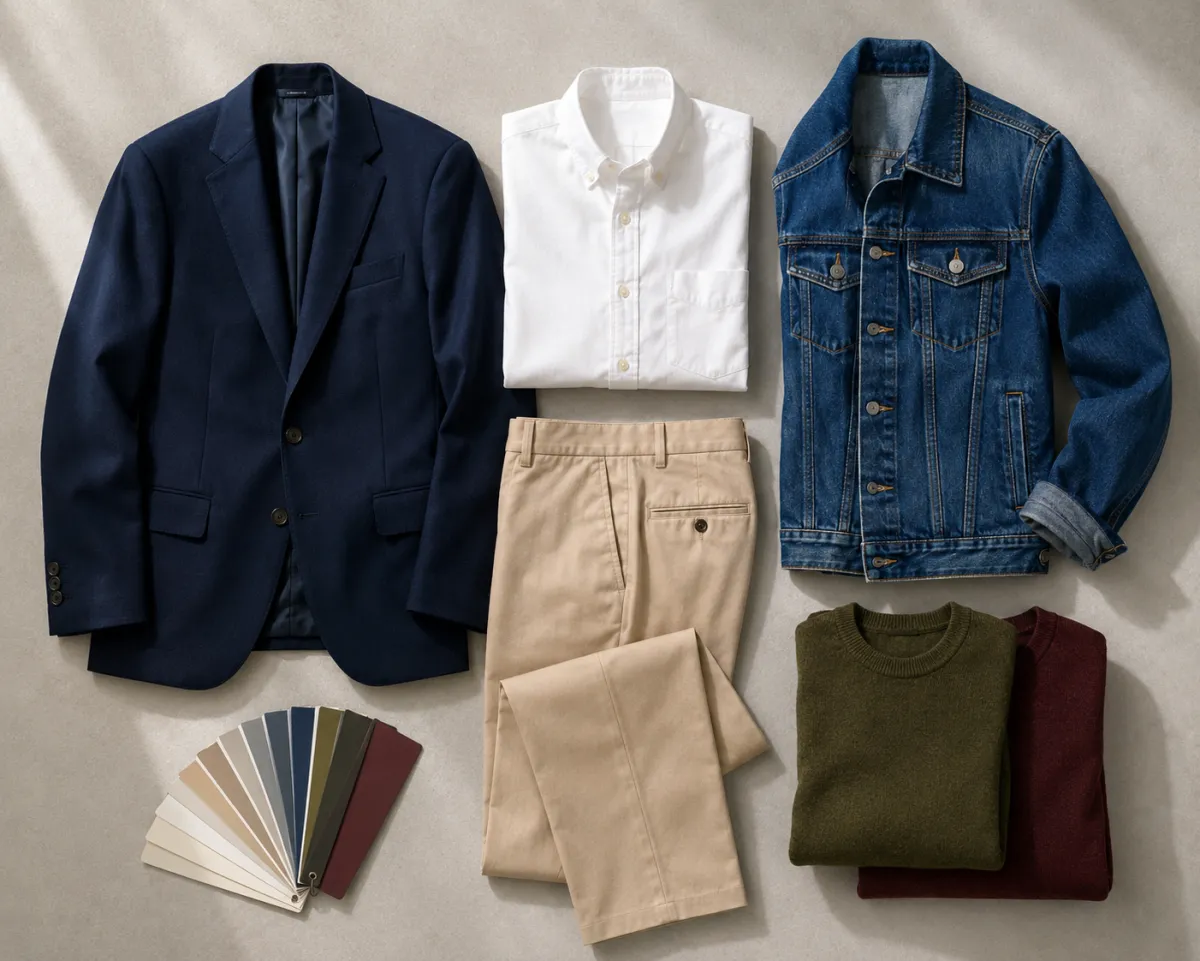
Wondering if your outfit matches? Learn simple color rules (neutrals, 60-30-10) and test any combo on your own photo with a free AI clothes changer.
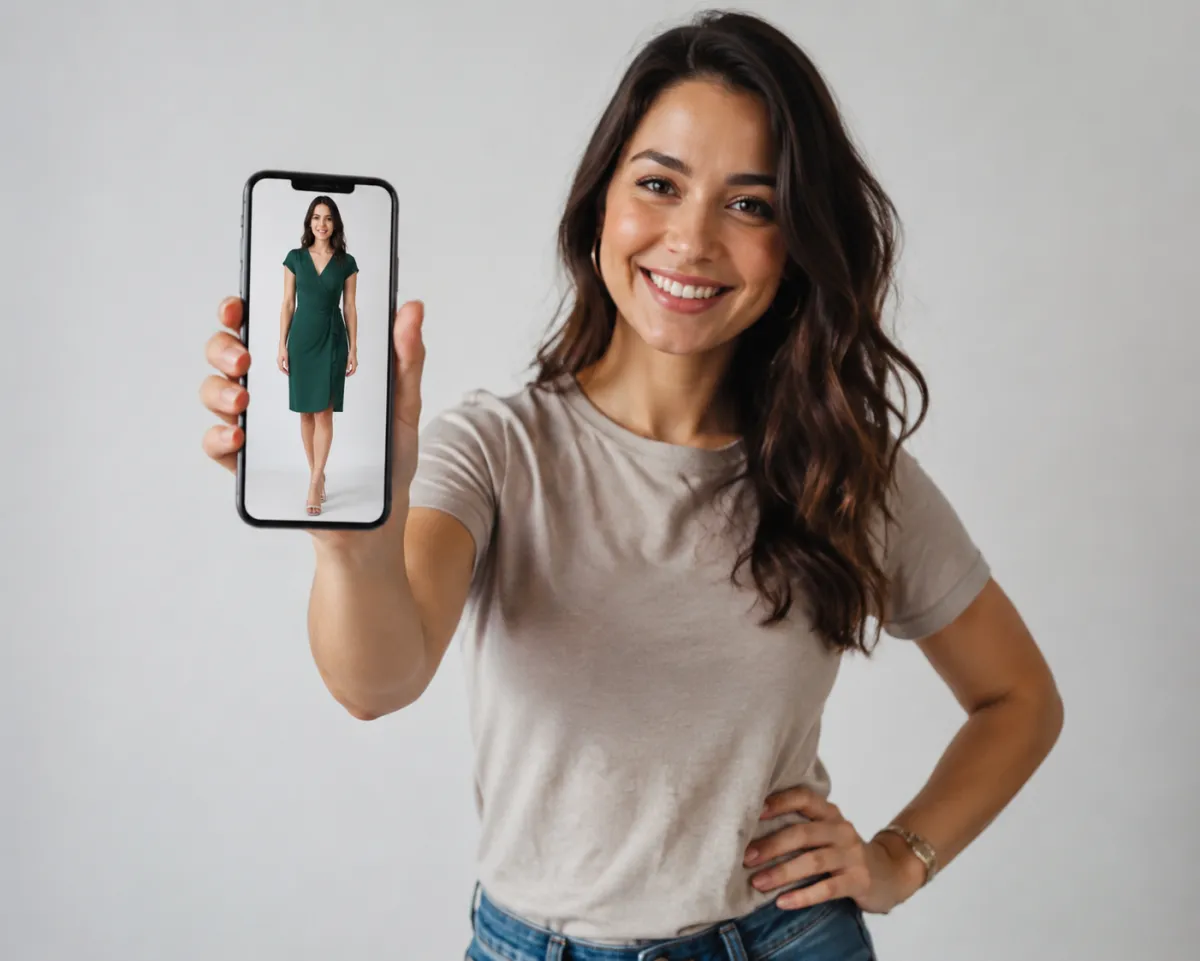
Put a dress on any photo with a free AI clothes changer. Upload, type one prompt, and preview cocktail, maxi, or party styles in under a minute.
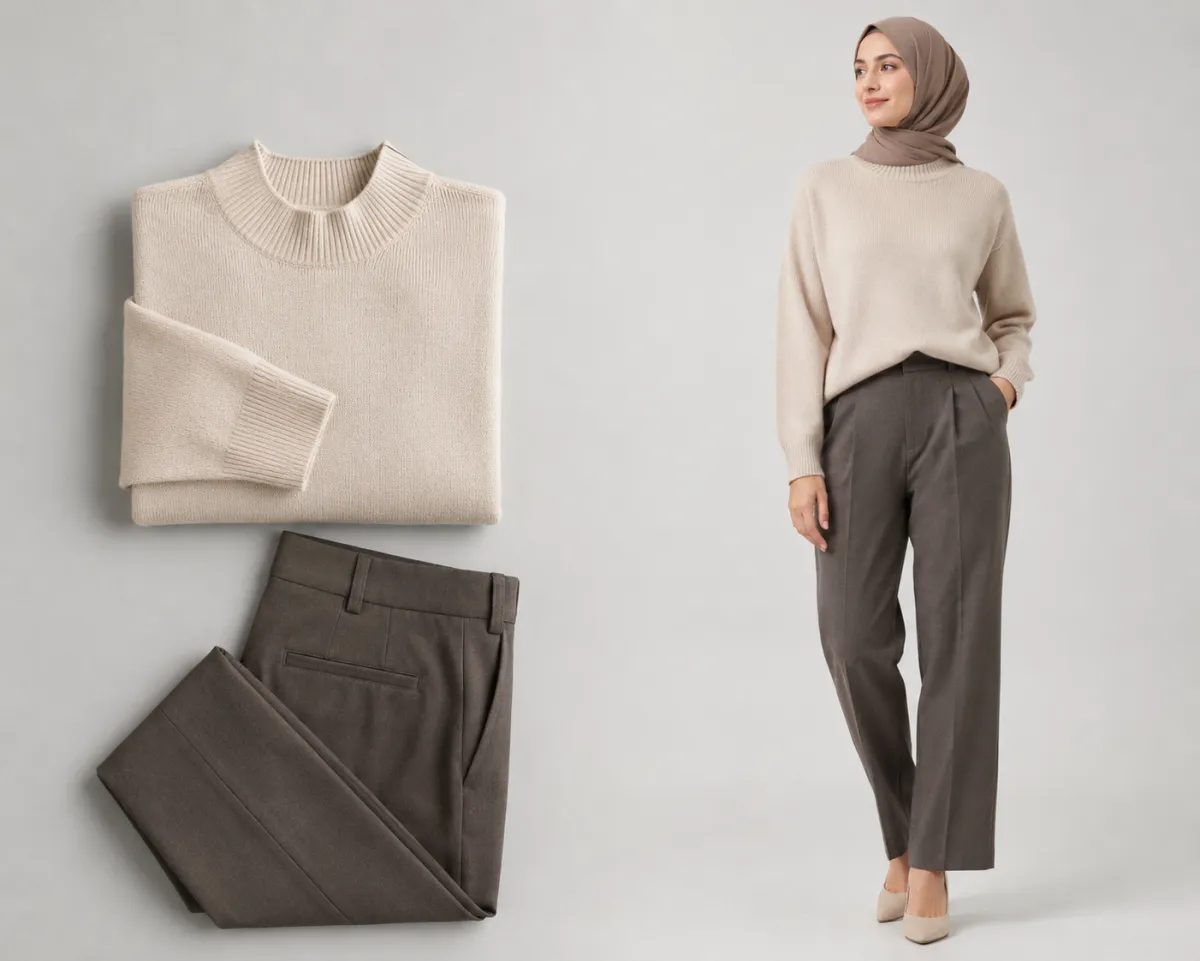
Use an AI model for clothes to put products on realistic, fully-clothed AI clothing models for ecommerce — cutting shoot cost and time.
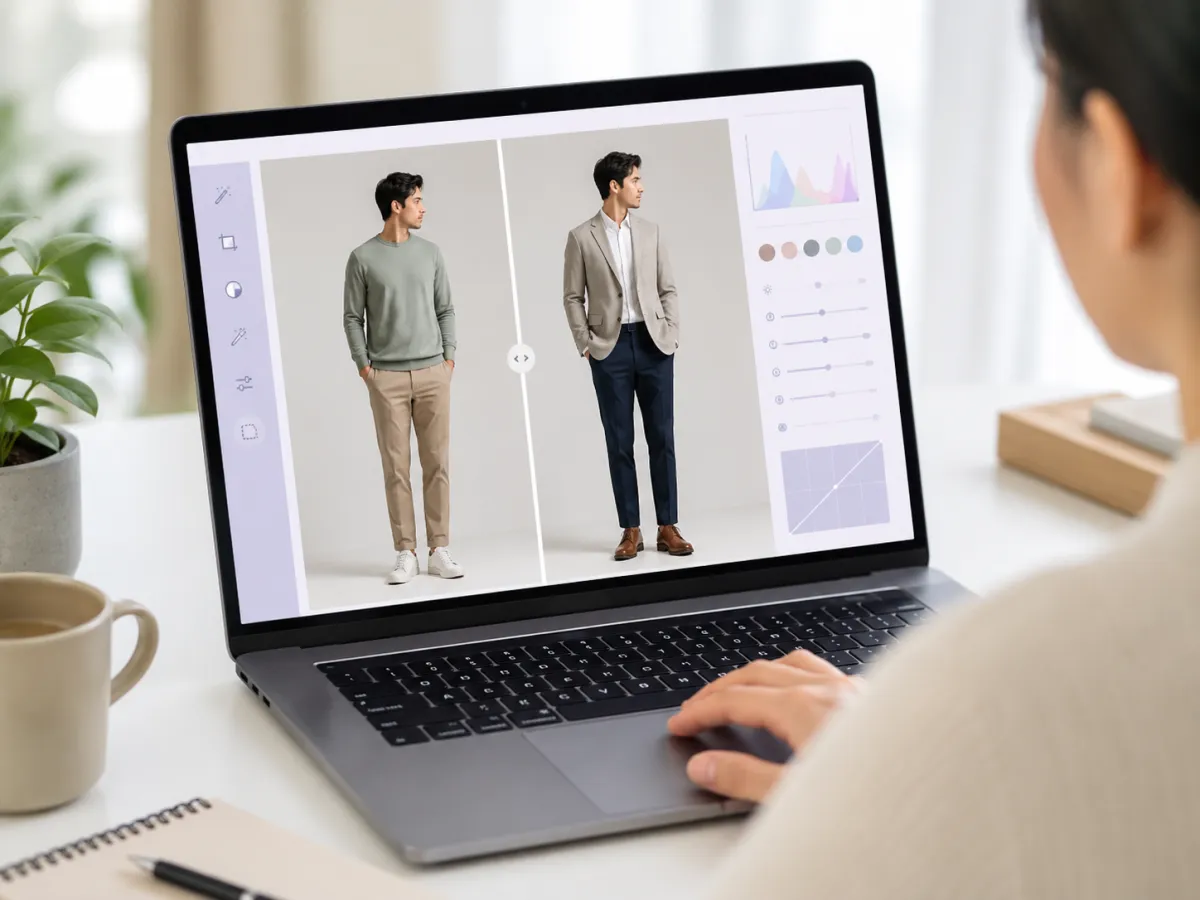
Looking for a Fotor clothes changer alternative? Compare 5 apps like Fotor on outfit fidelity, free tier, and privacy — plus how to switch.
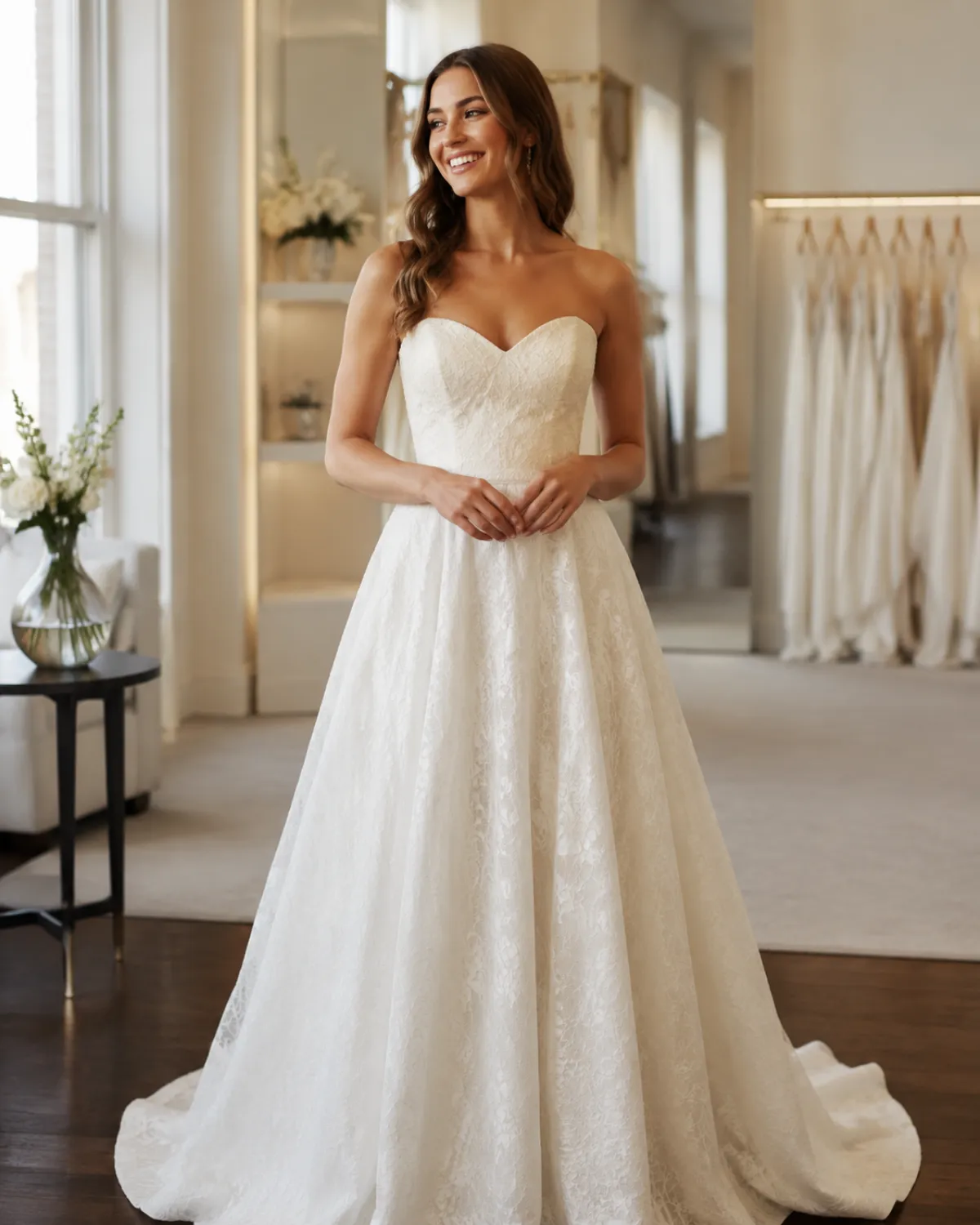
AI wedding dress try-on previews any gown silhouette on your own photo before you book a salon appointment. Here's how to try wedding dresses on online, free.
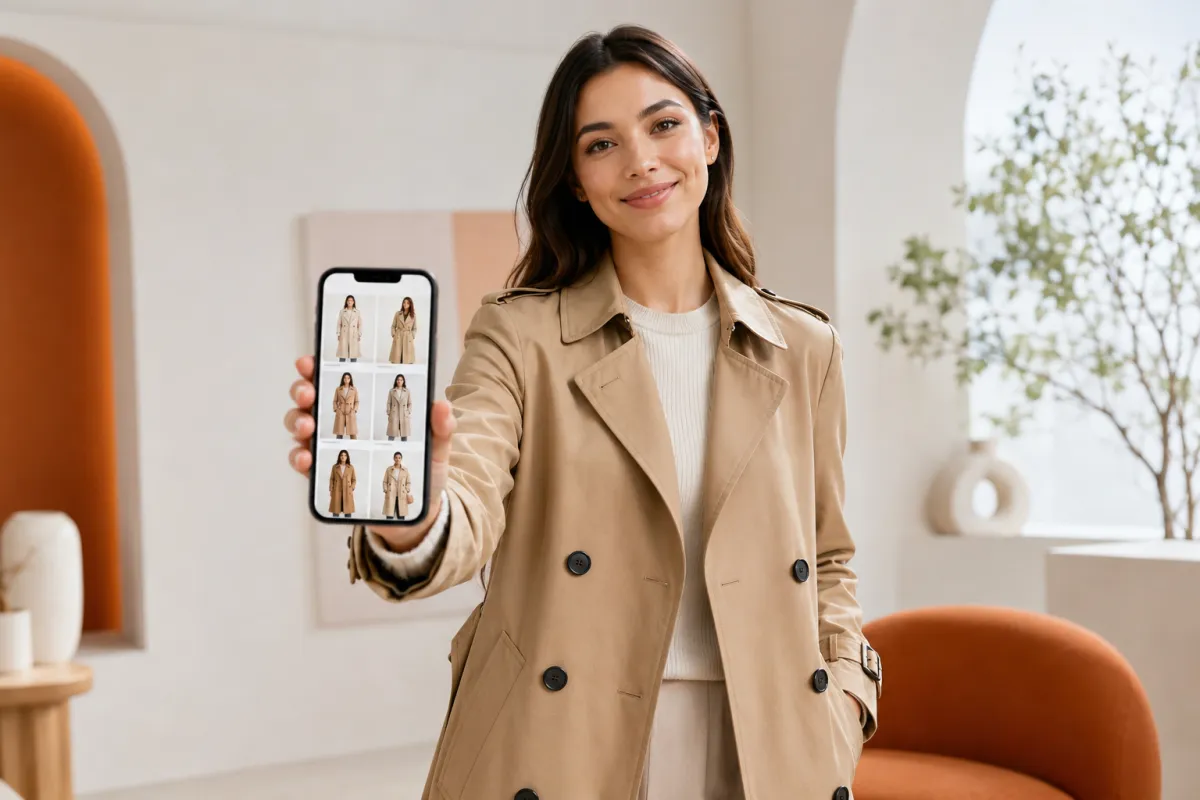
How to find clothes from a photo: use visual search (Google Lens, Pinterest, image search) to identify the garment, then try the look on yourself before you buy.
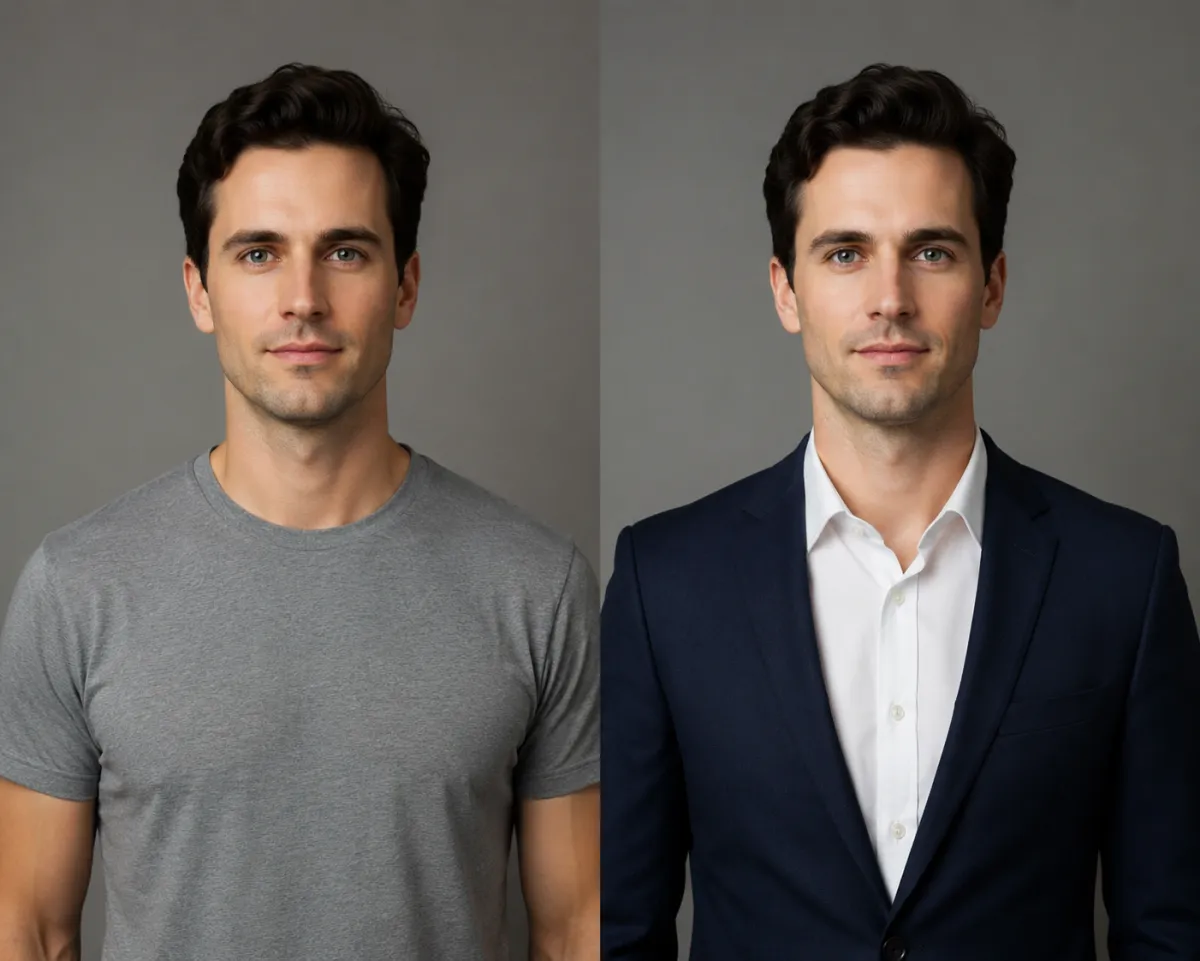
Looking for the best AI clothes changer? We tested 9 outfit-editing and virtual try-on tools on the same photos and ranked them by face accuracy, speed, free tier, and price.

Is an AI clothes changer safe? It depends on how long photos are kept, whether they train models, and if transfer is encrypted. Here's how to check before you upload.
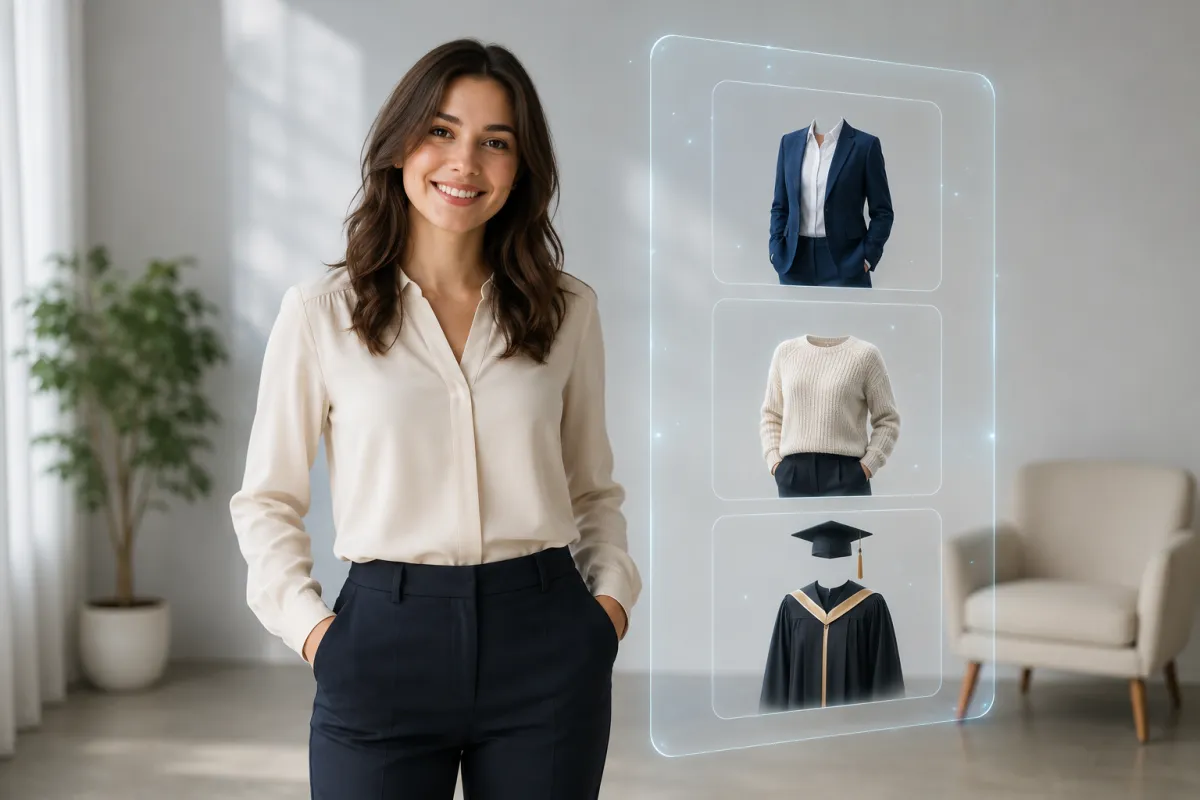
Can ChatGPT change outfits in your photos? Here's what GPT-4o image generation (ChatGPT Images) really does in 2026, where it refuses, and the faster way to swap clothes.
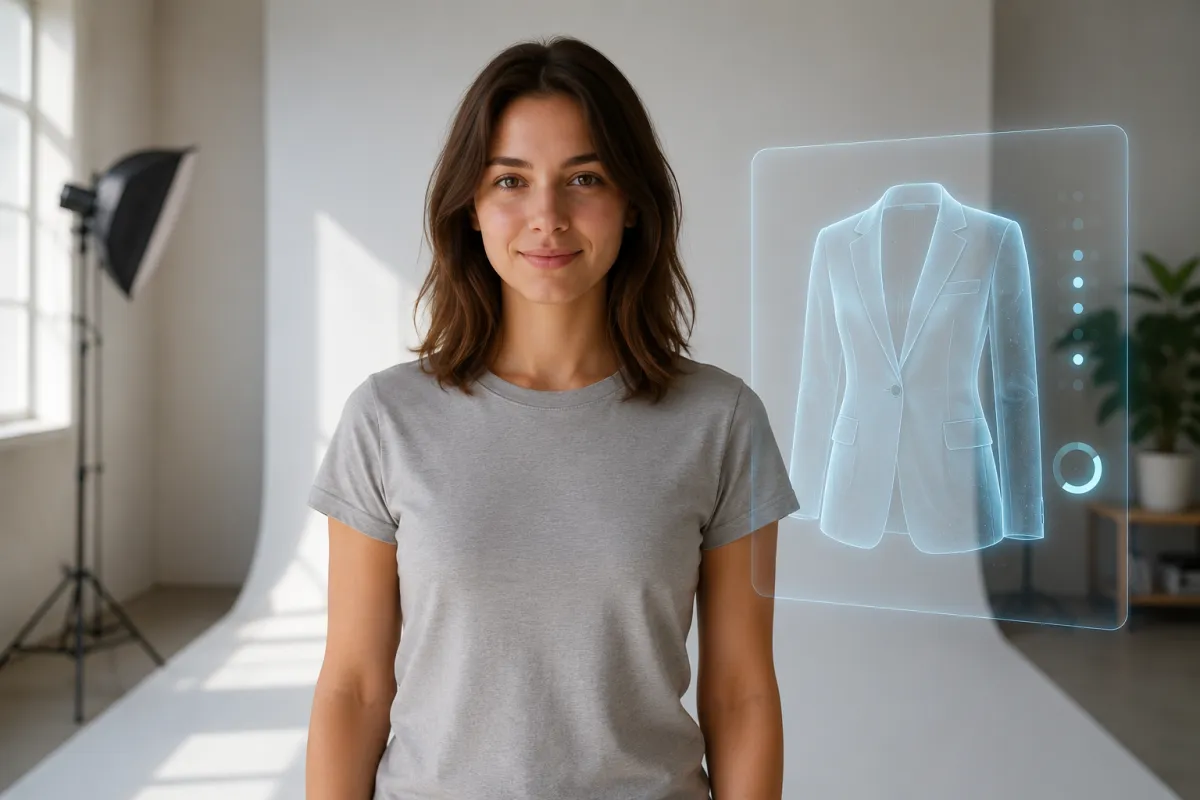
We tested whether Google's Nano Banana (Gemini native image model) can change clothes in a photo. Here's what it does well, where it slips, and the faster purpose-built way.
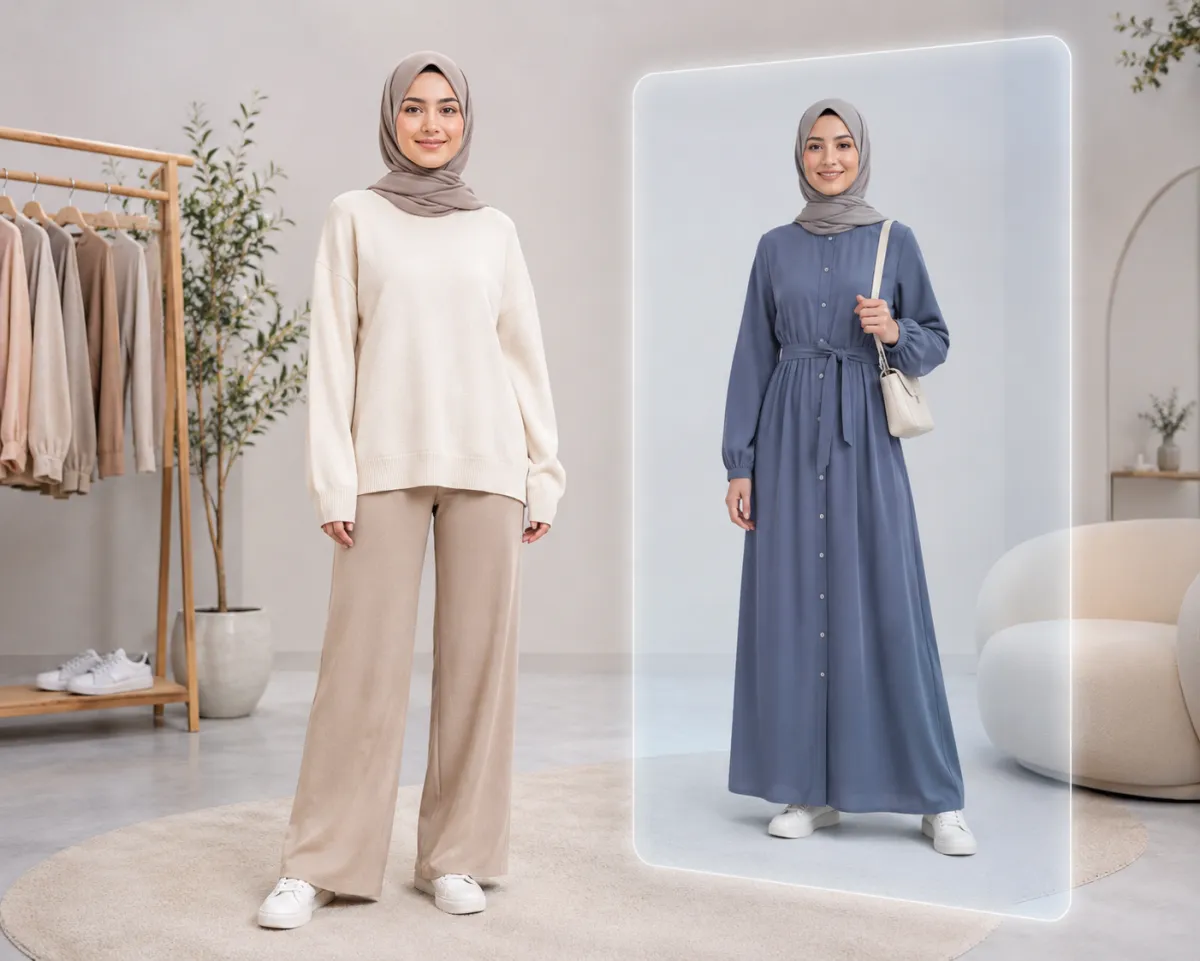
AI virtual try-on lets you preview how clothes look on your own photo before you buy. Here's how it works, where it helps, and how it compares to a fitting room.
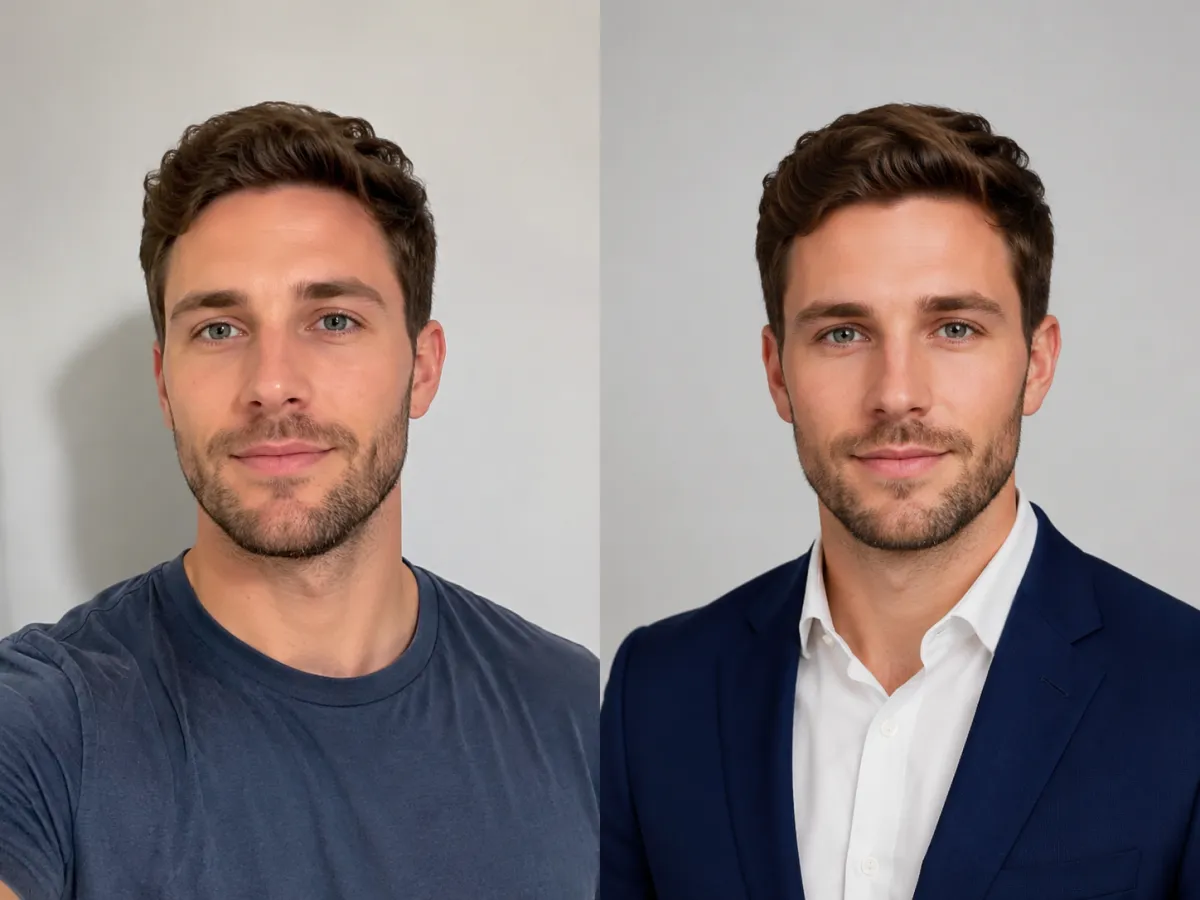
How to put a suit on my photo for a professional headshot — turn a casual selfie into a LinkedIn-ready outfit in three steps with an AI clothes changer.
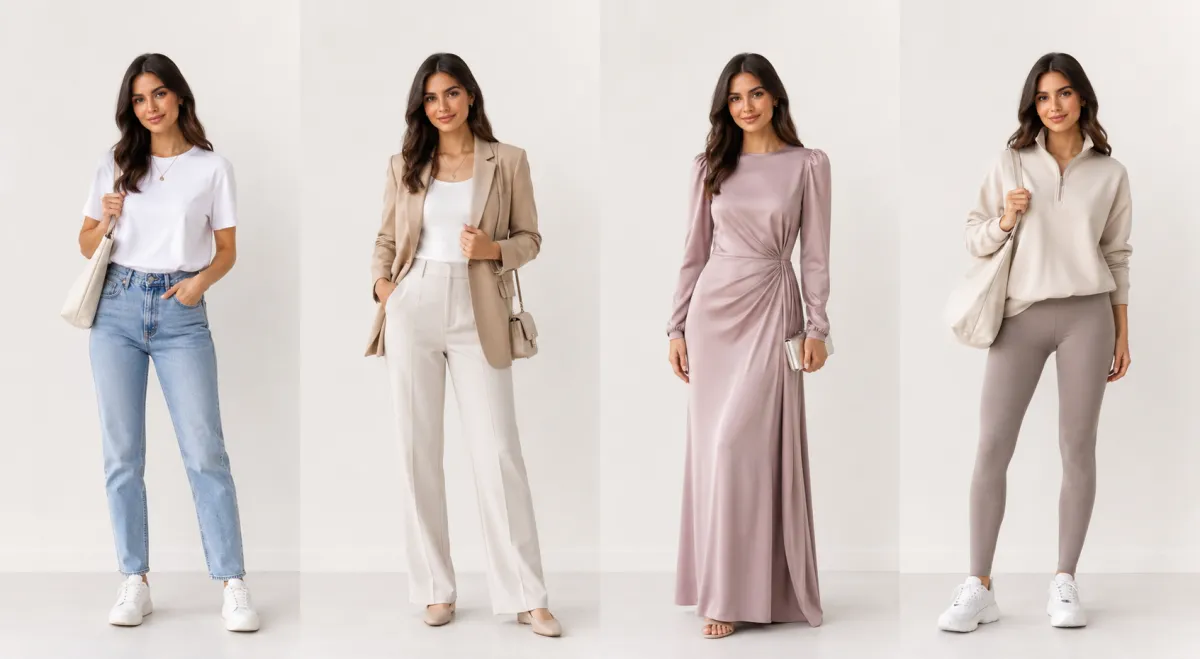
An AI outfit generator turns one photo into several complete looks. Upload, pick a vibe, and see outfit ideas rendered on yourself — free, in the browser.
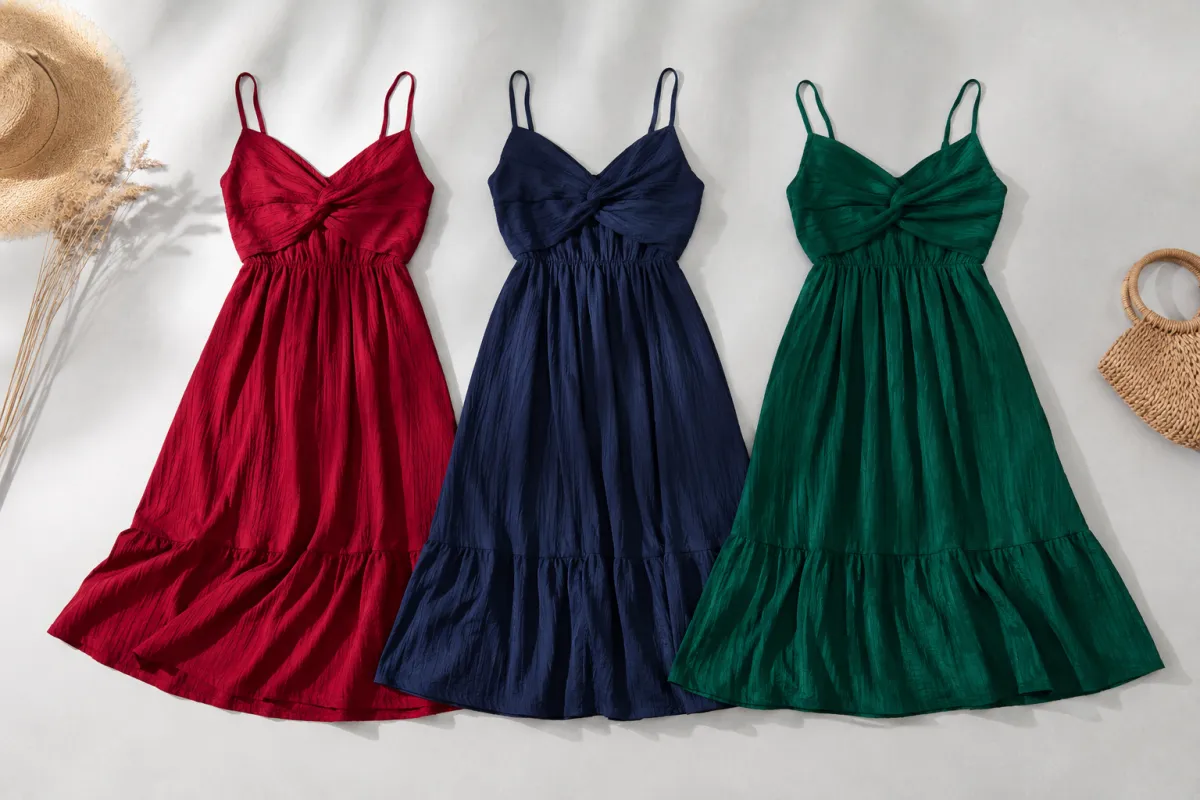
How to change clothes color in a photo: the 30-second AI way, plus honest Photoshop and Canva methods compared so you pick the right tool.
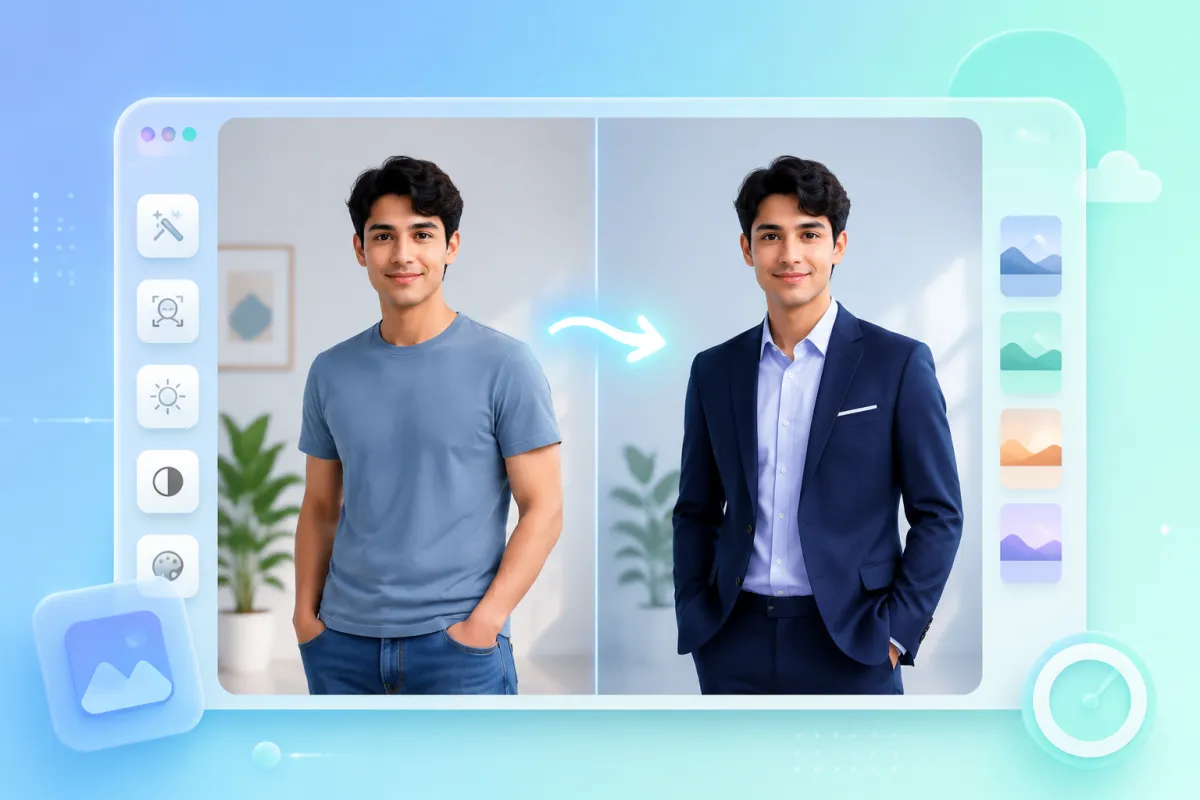
Ask any AI assistant how to change clothes in a photo and it sends you to Photoshop. Here's the faster way: swap an outfit on any photo in three steps with an AI clothes changer — no editing skills, no software.
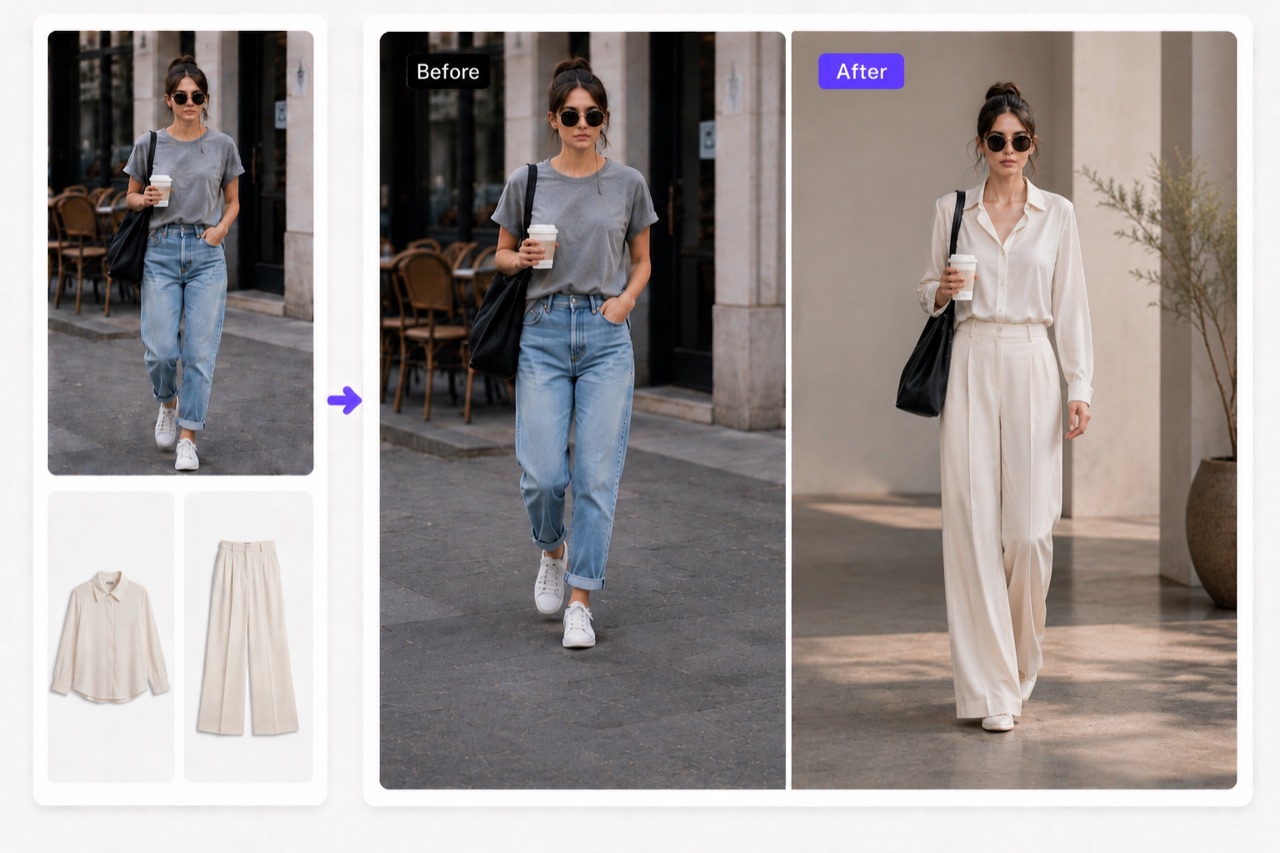
Learn how AI clothes swap works and change any outfit in a photo for free, step by step, with AIClothSwap. Multi-garment swaps, quality tiers, free daily credits.
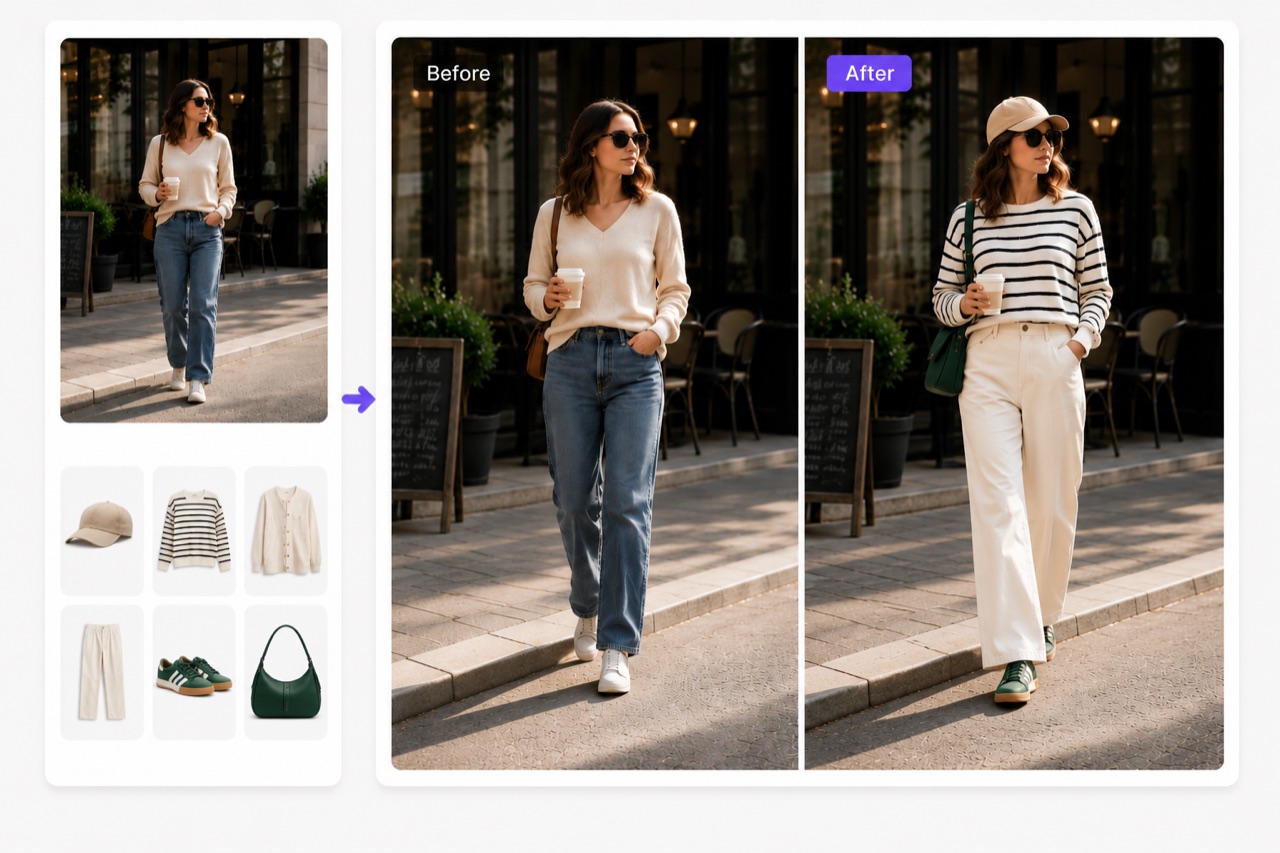
AI virtual try-on lets shoppers and stylists see any outfit on a real photo before buying. How it works, use cases, and how to try it free with AIClothSwap.
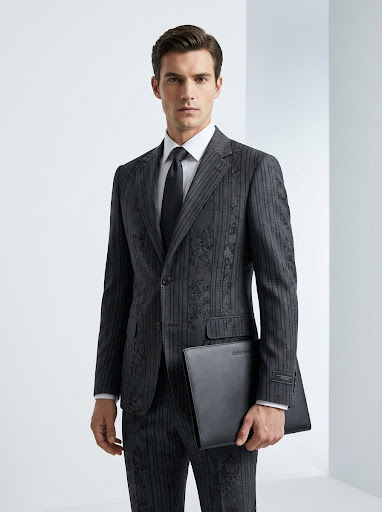
Use an AI outfit changer to create consistent, studio-quality e-commerce product photos without a shoot. Cut costs, ship listings faster with AIClothSwap.
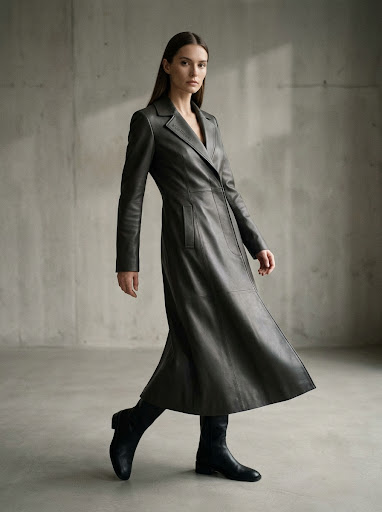
AIClothSwap changes the outfit, background, and pose from one text prompt. Learn to write scene prompts that turn a snapshot into a styled, editorial-grade shot.
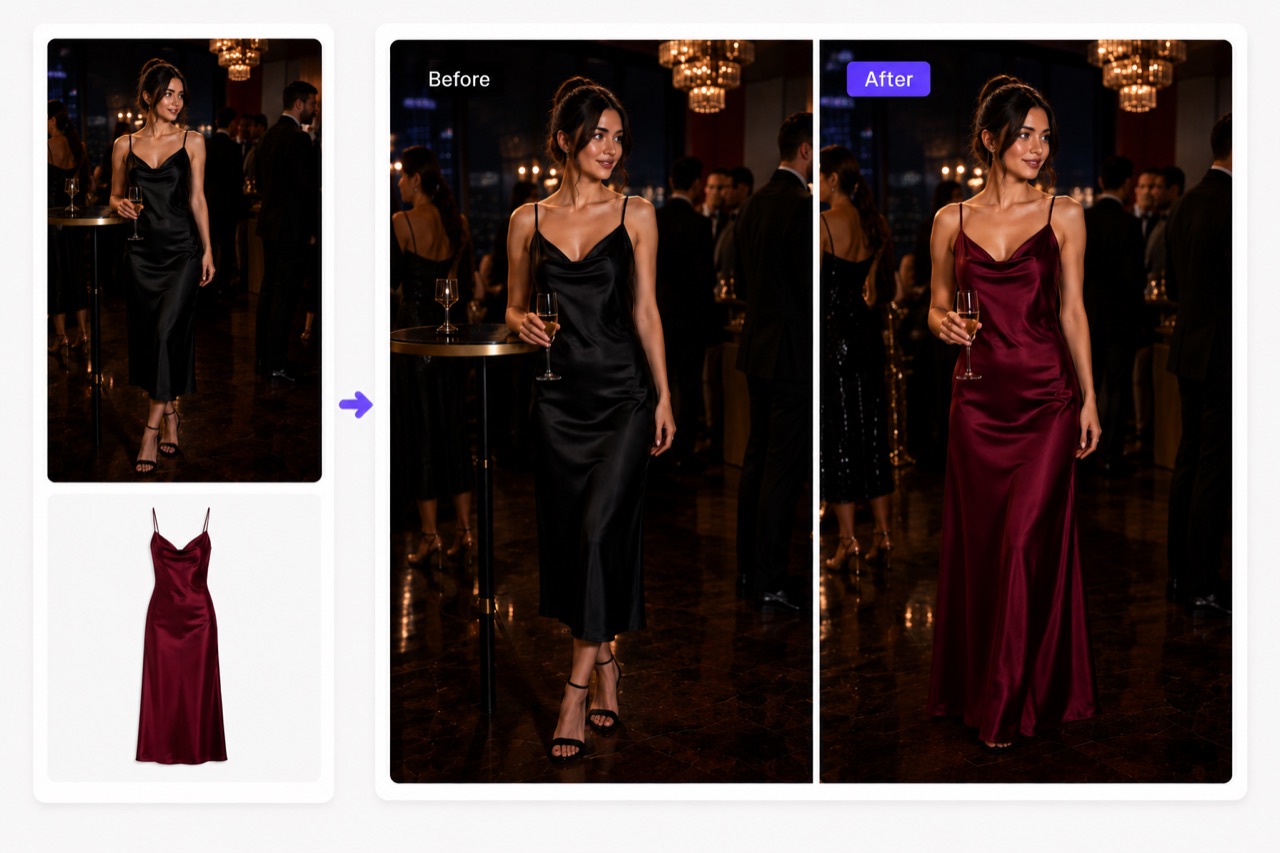
A practical, honest guide to choosing an AI clothes changer in 2026: what features matter and where AIClothSwap fits, with multi-garment swaps and scene control.