
When AI Beats a Clothing Product Reshoot, and When It Does Not
Use this practical guide to decide when an AI clothes changer can create a useful clothing variant and when a real product reshoot is still the better call.
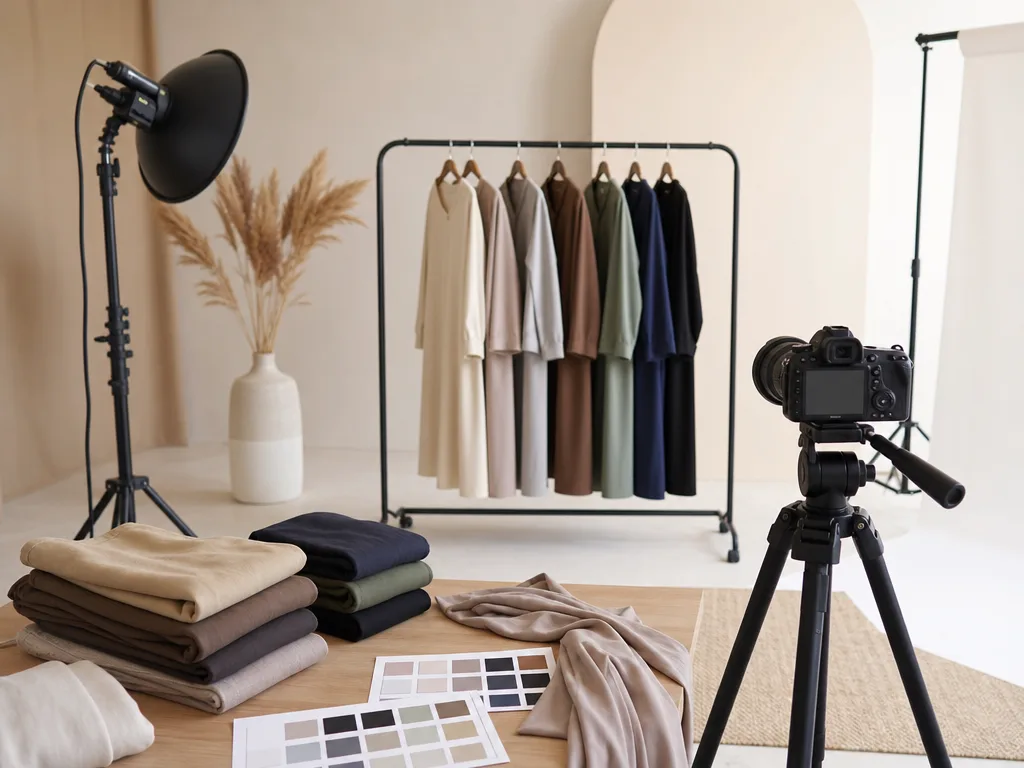
AI is useful for clothing product variations when the product, camera angle, and fit are already established. It is not a substitute for a reshoot when the new image needs to prove a new silhouette, a new angle, or a physical detail the original photo never captured. That distinction keeps an AI clothes changer in the right part of an ecommerce workflow.
Last updated: July 10, 2026 - about 7 min read
For a small clothing team, a reshoot is rarely just a photographer cost. It can mean samples, steaming, styling, model time, retouching, scheduling, and a delay to the product launch. That makes AI tempting for every missing image. The better question is narrower: what are you actually trying to change?
If you need to test a new colorway on a product image that already has clean lighting and a clear garment outline, an AI edit can be a fast planning or catalog-support step. If you need to show how a jacket hangs from the side, how a fabric catches daylight, or whether a dress fits a different body, the answer is usually a real camera.
Quick decision
Use an AI clothing edit first when you are changing a visual detail that is already visible in the source photo:
- A colorway for the same SKU.
- A simple styling direction for a concept board.
- A product thumbnail or campaign mockup.
- A seasonal palette test before samples are photographed.
- A background-neutral product variation with the same angle and pose.
Plan a reshoot when the new image needs to show something the original cannot prove:
- A different fit, size, or body shape.
- A new camera angle or back view.
- Fabric transparency, stretch, weight, or movement.
- Fine construction details such as embroidery, hardware, lining, or a print that must be exact.
- A legally reviewed marketplace or brand image that must match the physical item exactly.
The useful rule is simple: use AI to explore or extend visible information. Use a reshoot to create or verify information.
What an AI clothes changer can handle well
An AI clothes changer is strongest when the garment already has a clean visual foundation. Think of a flat-lay image, a front-facing model photo, or a mannequin photo with even light and a simple background. The edit has less to invent, so you can focus on the choice that matters.
For example, a shirt photographed in navy can be a good candidate for a lighter-blue, olive, or burgundy concept variation. The shoulders, neckline, sleeve length, button placement, and pose are already present. The edit only needs to reinterpret the color and preserve the structure.
That is why teams often start with an AI clothing color variant workflow. It can help a merchandiser see whether a palette is worth sampling before the entire photography calendar moves.
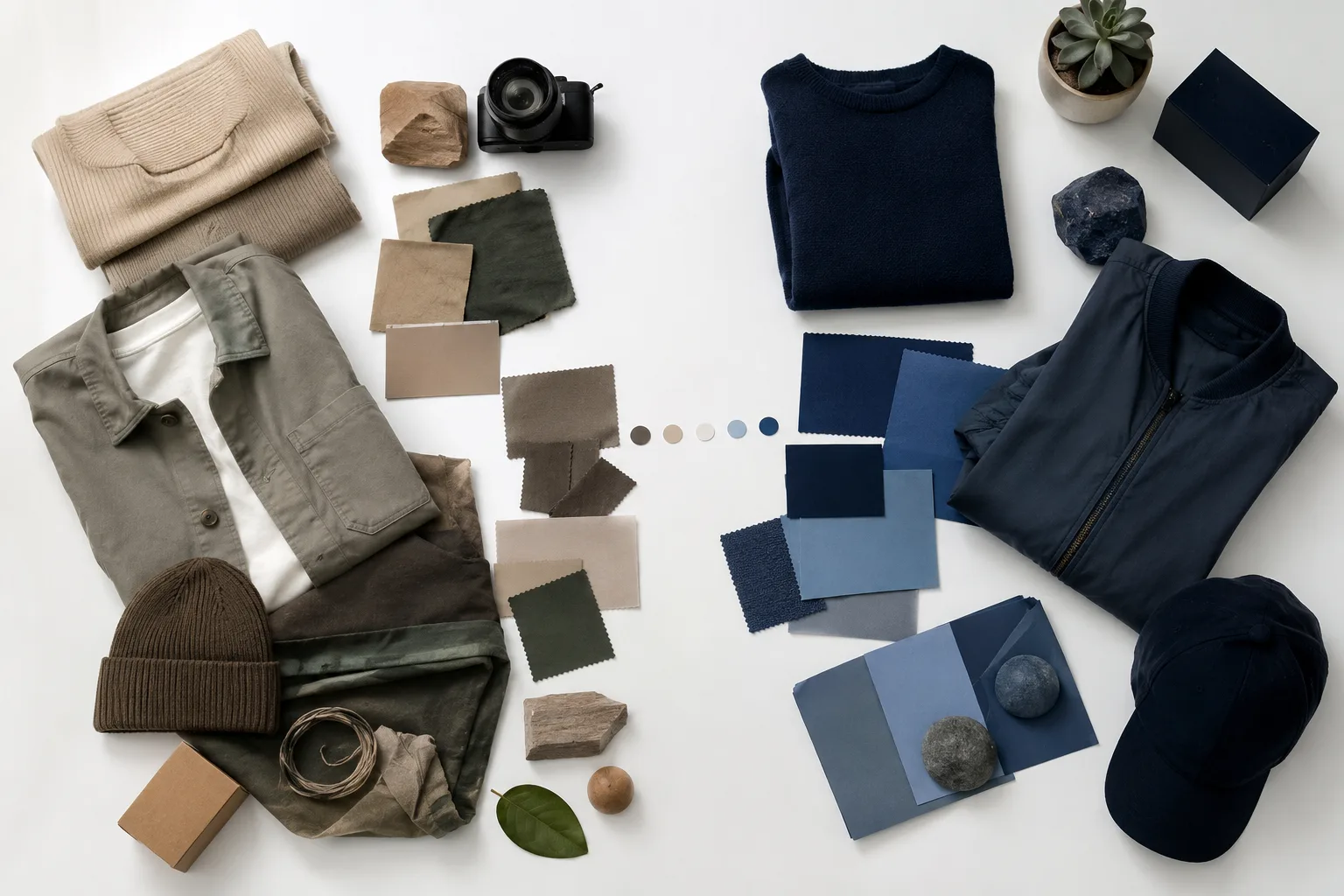
Use an AI edit to test a visible variation. Use a camera when the image needs to demonstrate something new.
Where the shortcut becomes risky
AI cannot inspect the physical garment. It estimates what it cannot see. That matters most when shoppers use the photo to judge details that affect a purchase.
Be cautious when the task involves:
| Question a shopper may ask | Why an AI edit is not enough |
|---|---|
| Does the fabric have a sheen or a matte finish? | Light response depends on the real material and setup. |
| Does the dress fall to the ankle or mid-calf? | A changed pose or crop can make length look misleading. |
| Is the knit chunky, thin, or see-through? | Texture and transparency are easy to over-simplify. |
| What does the back look like? | The source may not contain the required construction. |
| Does the fit change in the new color or size? | A color edit cannot establish fit or sizing. |
This is not a reason to avoid AI. It is a reason to use it as an editing and planning layer, not as evidence about the product.
A practical three-lane workflow
Most teams do not need to choose between "AI only" and "reshoot everything." A mixed workflow is more realistic.
Lane 1: Test before you book
Start with an AI clothes changer when you are deciding whether a color family, styling direction, or campaign treatment is worth producing. Make a few restrained variations. Keep the garment shape, face, pose, and background stable. Reject the weak directions before you spend on samples or a studio day.
Lane 2: Build supporting catalog variants
If a photo is already approved and the new variation is visually simple, prepare an AI draft for internal review. Run it through the clothing color variant QA checklist before it reaches a product page. Check seams, buttons, labels, texture, edges around the arms, and background consistency.
Lane 3: Reshoot the proof images
Once a direction is approved, reshoot the images that must earn shopper trust: hero shots, detail close-ups, fit views, and any image used to make a claim about material or construction. A real reshoot is not a failure of the AI workflow. It is the step that gives the product its factual proof.
How to decide with one SKU
Take one product and answer five questions before you open an editor:
- Is the new version the same garment from the same angle?
- Is the needed change mostly color or simple styling?
- Can a shopper already see the important seams and silhouette in the source image?
- Would a wrong texture or fit impression create a return risk?
- Is this image a concept, a supporting variant, or the main proof image?
Four or five "yes" answers usually support an AI-first test. Two or fewer mean a reshoot is safer.
The source image still matters. The guide to photographing clothes for AI outfit edits explains why visible shoulders, clean edges, even light, and enough resolution make an edit more dependable.
Common mistakes
The most common mistake is using a polished AI variation as if it were a new product photograph. A clean result can still hide a bad assumption: a shifted hem, a changed texture, or a neckline that does not match the physical item.
Avoid these shortcuts:
- Do not use an AI edit to promise an exact fabric color under every light.
- Do not use it to create a new back view from a front-only photo.
- Do not let a changed sleeve or collar pass without a side-by-side review.
- Do not publish a color variant before a human checks it against the real SKU.
- Do not replace a required compliance or marketplace image with a concept image.
For personal outfit exploration, the tolerance is different. You can use AI dress up to test a direction on your own photo before shopping. For a store, the image needs a stricter review because someone may buy from it.
Final checklist
Before deciding to skip a product reshoot, confirm that the AI variation:
- Keeps the original pose, garment outline, and camera angle believable.
- Does not invent a new feature or hide an existing one.
- Matches the real SKU closely enough for its intended use.
- Has been reviewed at thumbnail size and at full size.
- Is labeled internally as a concept, supporting variant, or approved production asset.
- Has a real-photo plan for any claim the edit cannot substantiate.
An AI clothes changer can reduce wasted reshoots by helping you choose what is worth photographing. The best use is not pretending the camera is obsolete. It is reserving the camera for the images where reality matters most.
FAQ
Can an AI edit replace all apparel photography?
No. It can speed up planning and help with some controlled visual variants, but it cannot verify real fit, fabric behavior, construction, or a view that the source image does not contain.
When is an AI color variant safe to use?
Use it only after checking that the garment details, edges, and color treatment still match the physical SKU for the purpose of the image. A concept board has a lower bar than a product-detail page.
What should be reshot first?
Prioritize images that establish fit, material, close-up construction, and new angles. Those are the details an AI clothing edit is least able to prove.