
Wedding Dress Try On
Wedding Dress Try On
See a bridal gown on yourself with a wedding dress try on before you ever set foot in the salon — upload your photo, add the dress, and preview the silhouette in about a minute.
A free AI wedding dress try on that fits a real gown onto your own photo. Add an A-line, ball gown, mermaid, or sheath, and your face, hair, body shape, and pose stay yours while the dress settles onto you.
Free to try after signing in — eligible new accounts receive free first-day credits automatically. Come back tomorrow for another 10. No card required. Adults only (18+).
Create your try-on
Add a person photo, then describe or upload the look.
1 · Add your photos
Describe the look, or add a reference photo above to swap instead.
Try 2 free 1K results with a watermark. Sign in for 20 Standard credits and watermark-free results.
Verify you are human to enable Generate.
Complete the secure check below.
Walk into your appointment already knowing your shape
Most brides try on dozens of gowns to learn one thing: which silhouette suits them. A wedding dress try on lets you sort that out first, at home, in front of a mirror only you can see. Bring a shortlist to the boutique instead of starting from zero.
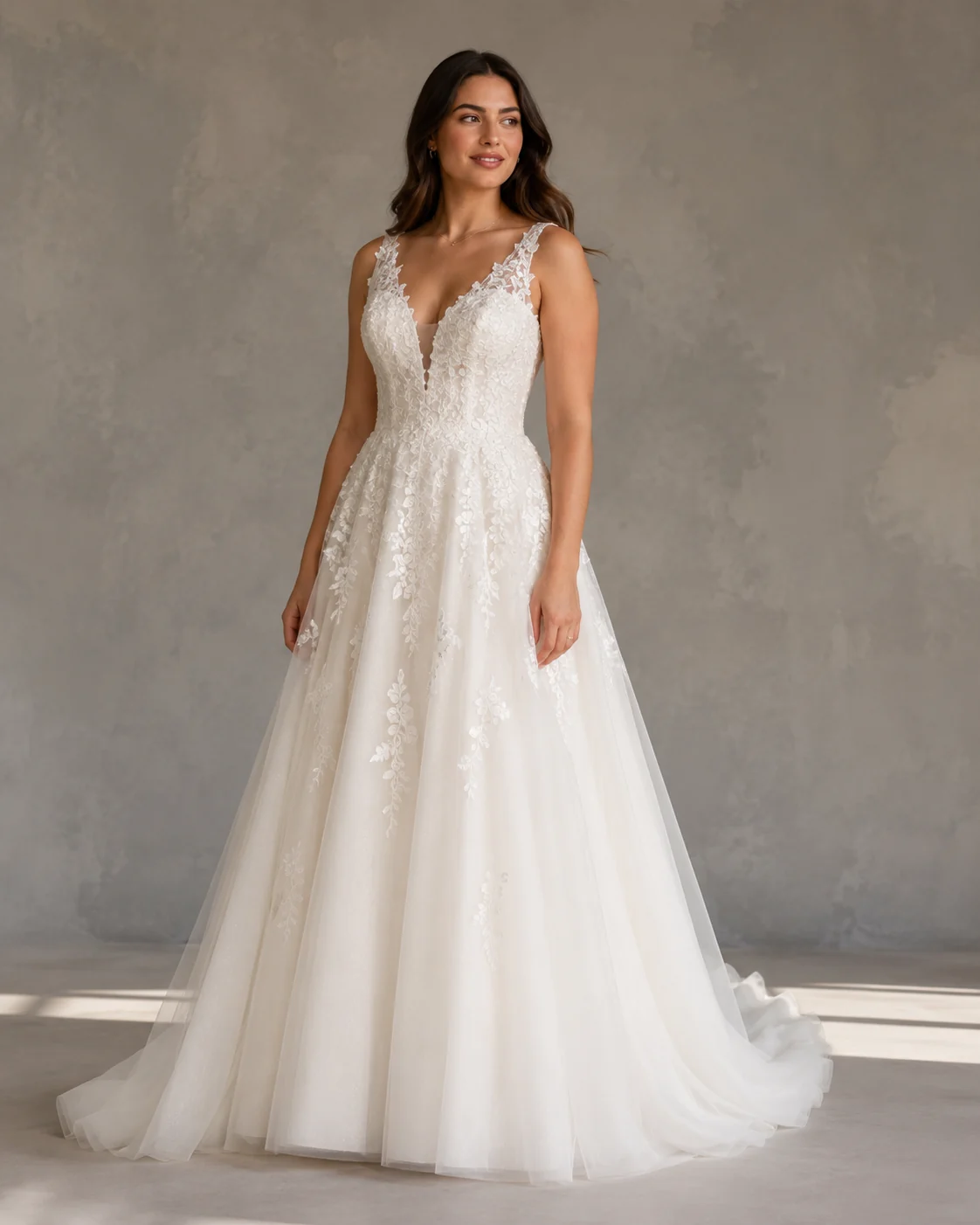
Find your silhouette first
A-line, ball gown, mermaid, sheath — each one reads differently on a real body. Run a bridal gown preview across all four on your own photo and you'll spot the flattering cut before a consultant ever pulls a sample. Some brides fall for a shape they'd have walked right past on the rack.
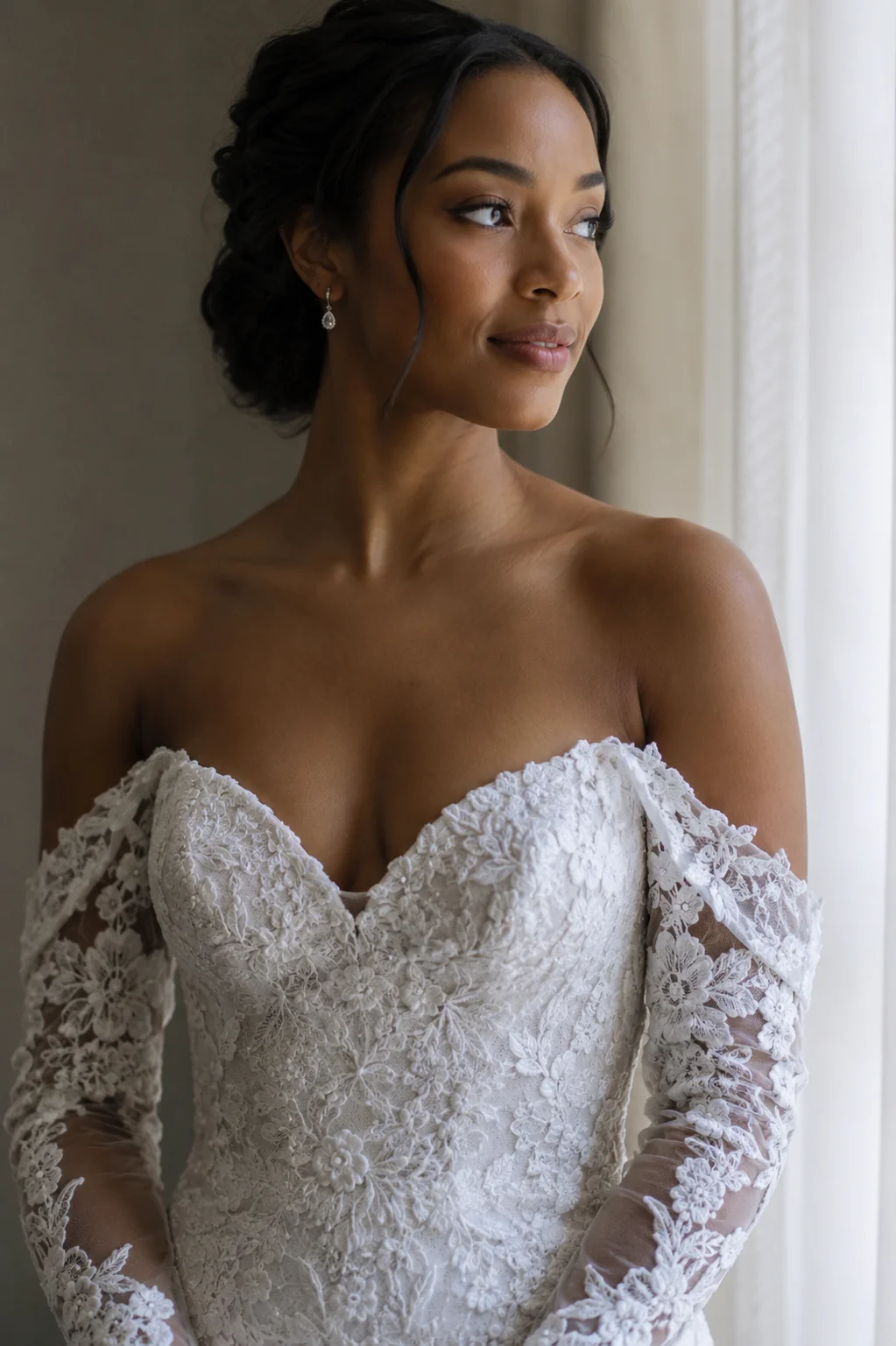
Necklines, lace, and trains
A sweetheart neckline and a high boat neck change the whole mood of a gown. The fit holds detail — guipure lace, a beaded bodice, a satin sheen, the sweep of a chapel train — so what you preview is close to what you'll feel pinned at the waist in person.
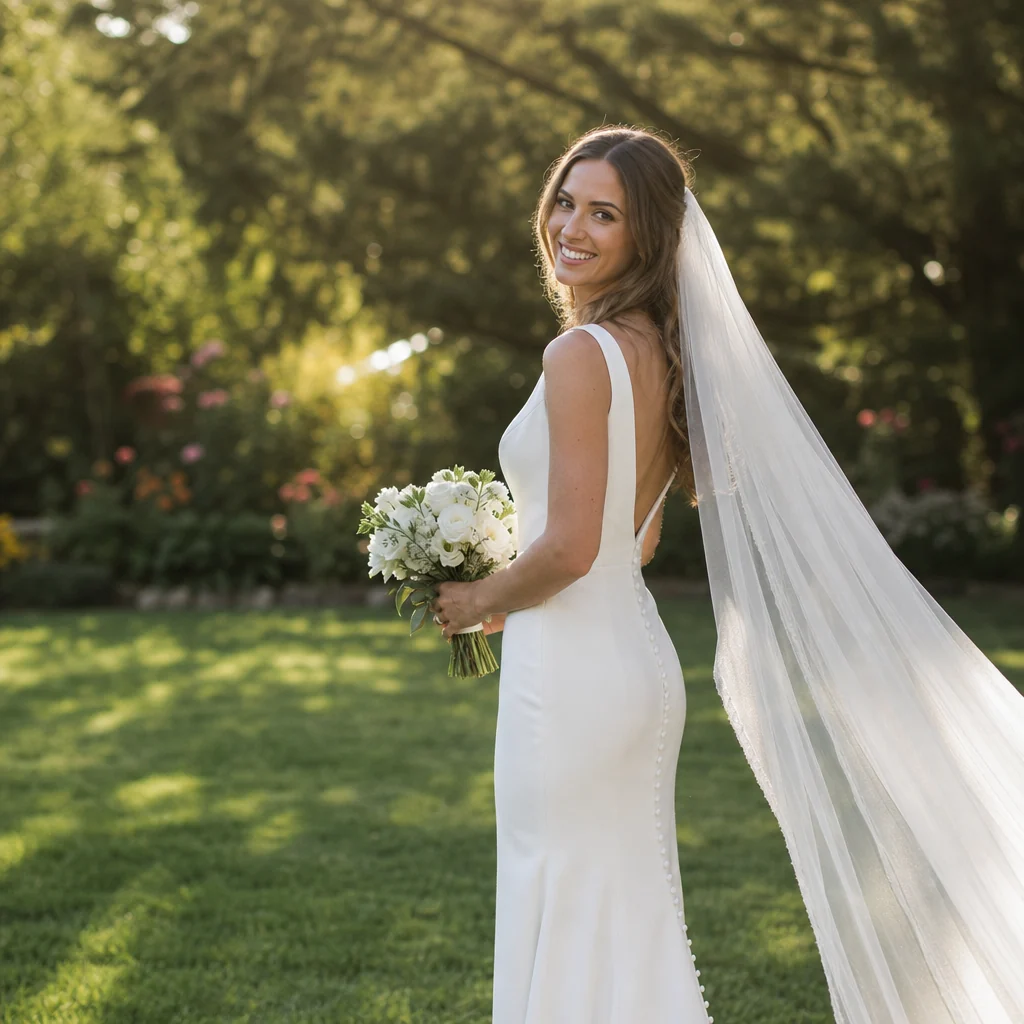
Add the veil, see the whole look
A gown lands differently with a veil and your wedding-day hair. Layer a cathedral veil or a short birdcage over the dress and the picture finally feels like the day itself. Save your favorites and send them to the people whose opinion you actually want.
Bridal silhouettes our AI gets right
Try Your Gown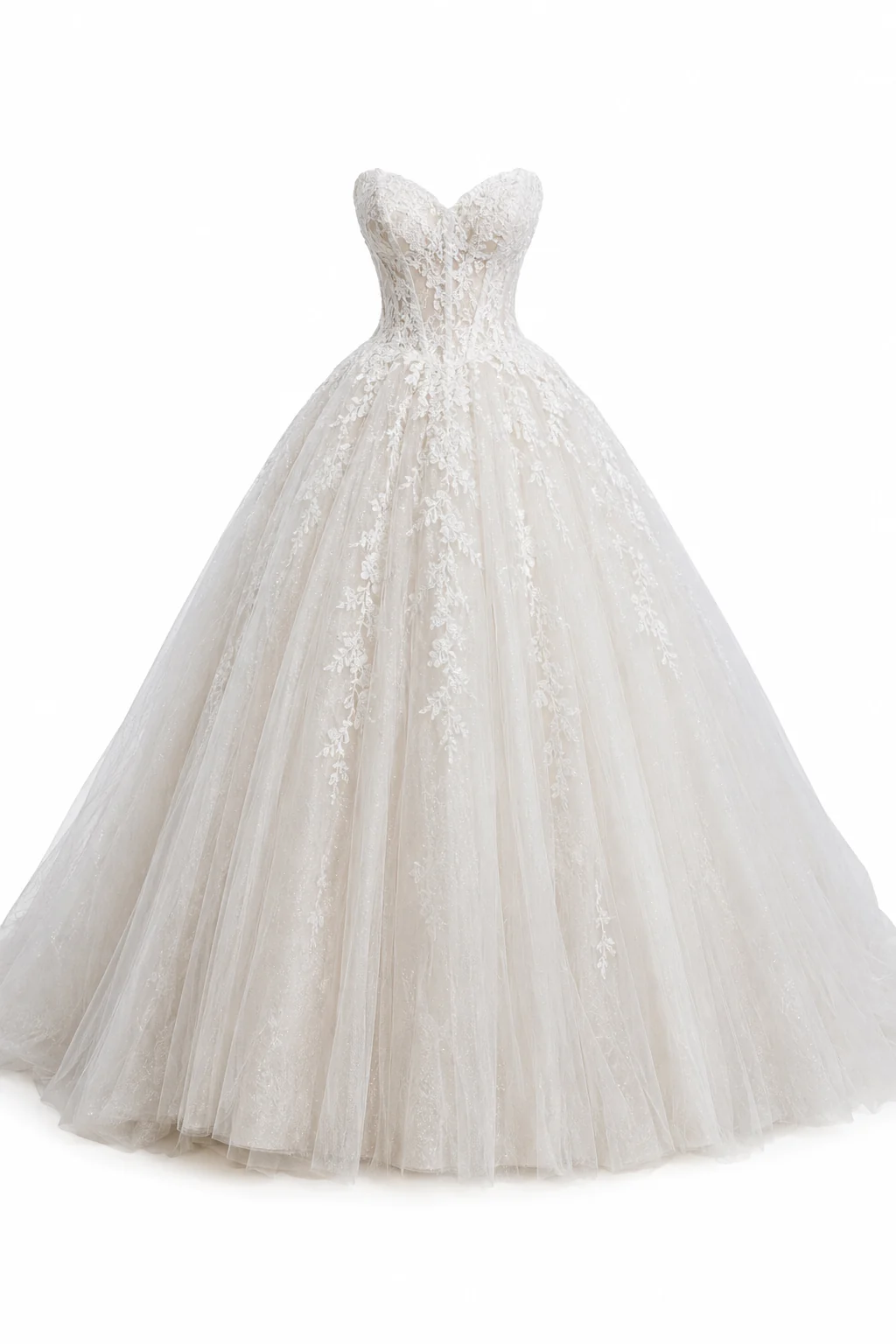
Ball gown & A-line
Full skirts and structured bodices need their volume to fall right. The fit keeps a ball gown's sweep and an A-line's clean taper sitting true to your waist and hips.
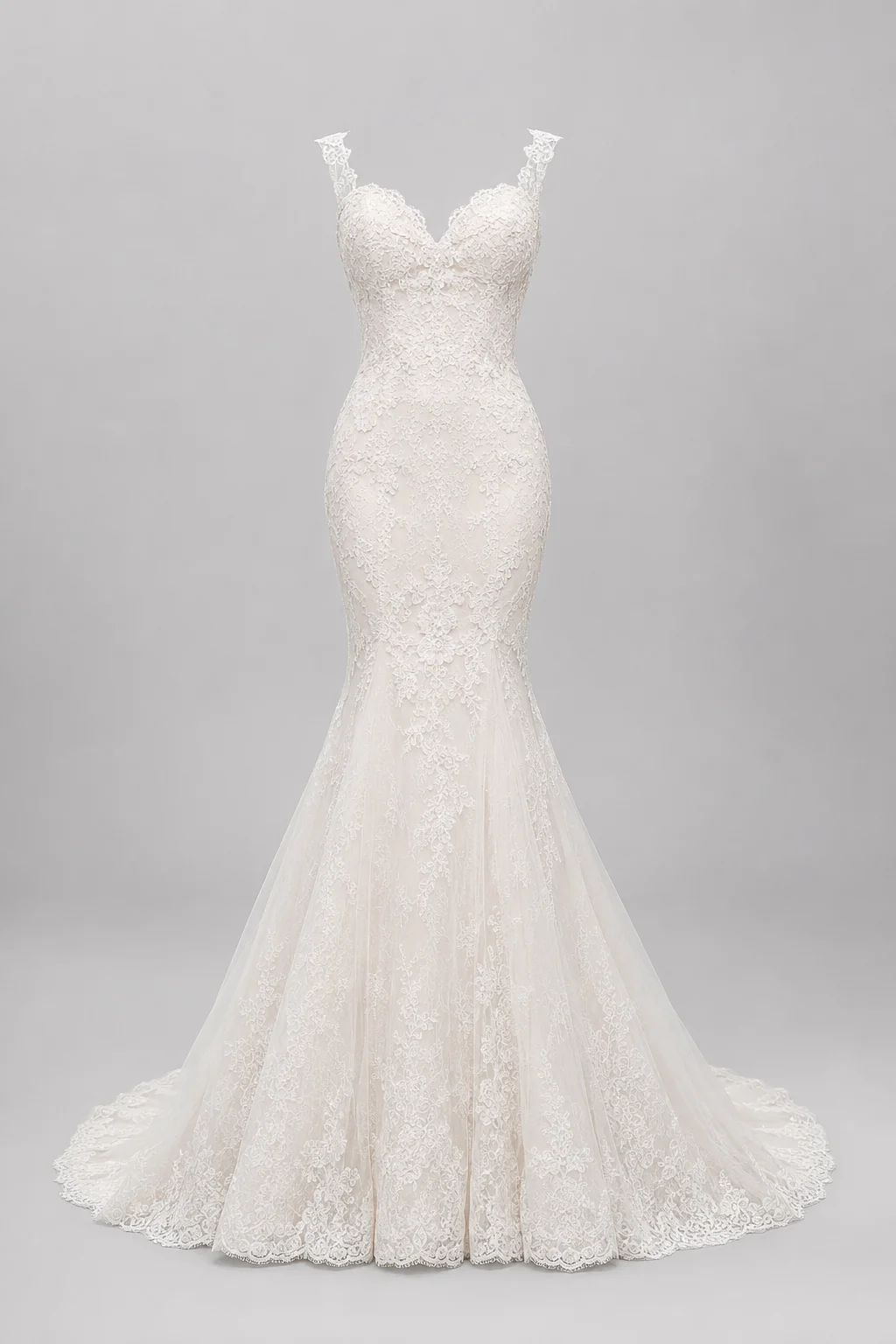
Mermaid & trumpet
These hug the body, so placement matters. The try on holds the flare at the knee and the contour through the hip, so you see how that shape actually reads on you.
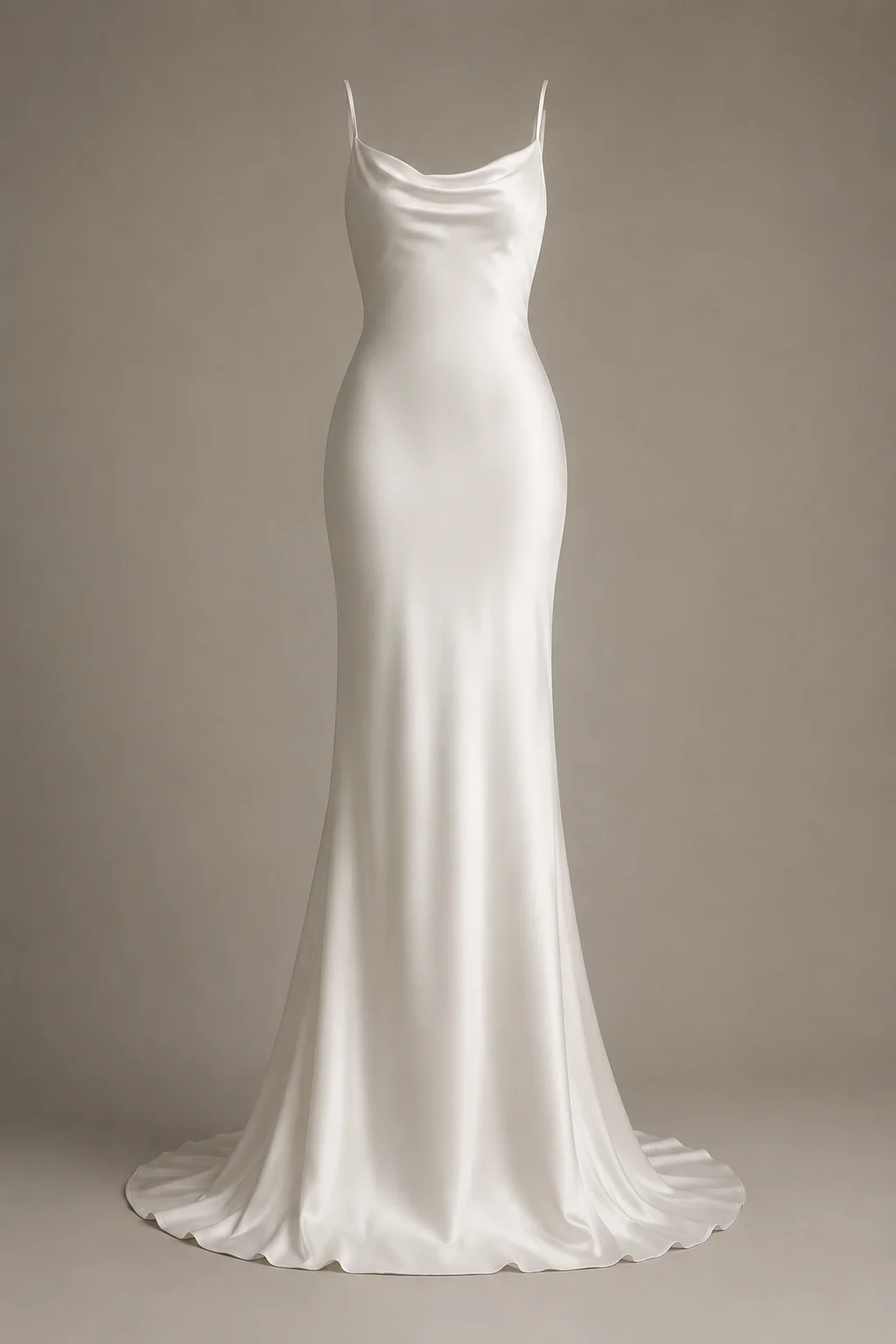
Sheath & slip gowns
Minimal cuts live or die on the drape. Crepe and satin slip gowns keep their soft, weighted fall, so a simple silhouette still looks considered, not flat.
More tools to use
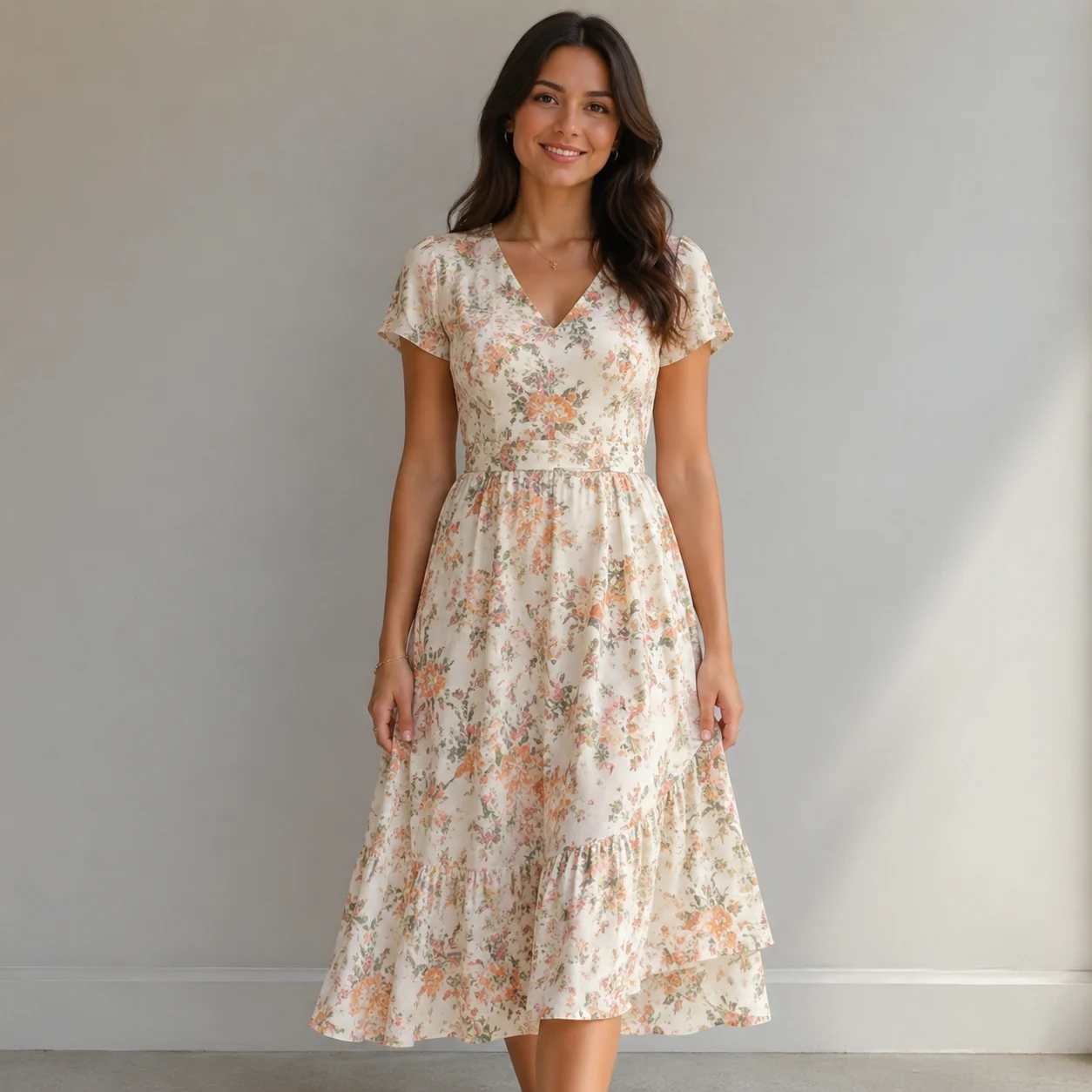
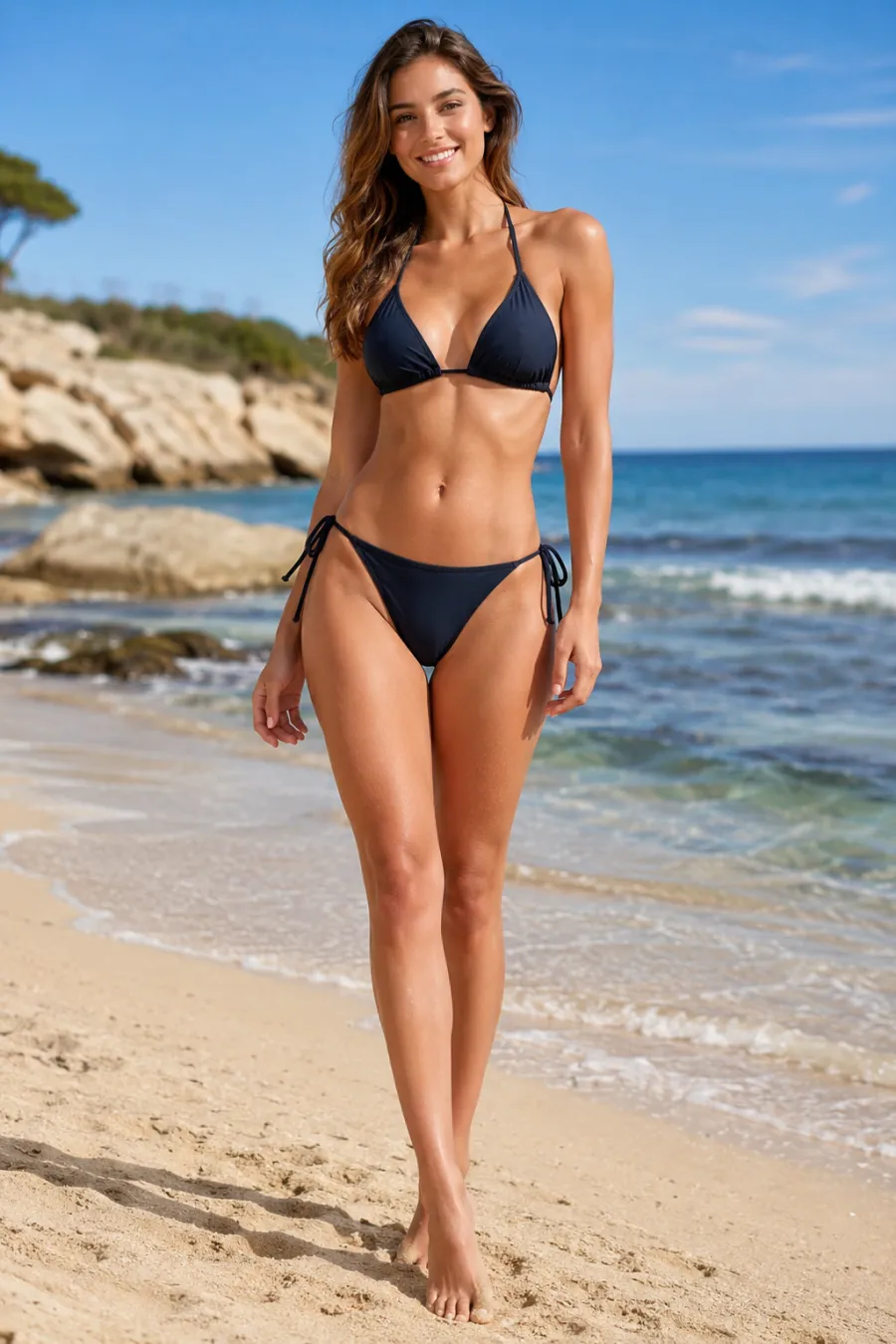
Explore more AI try on and outfit tools — each opens the same studio on your own photo.

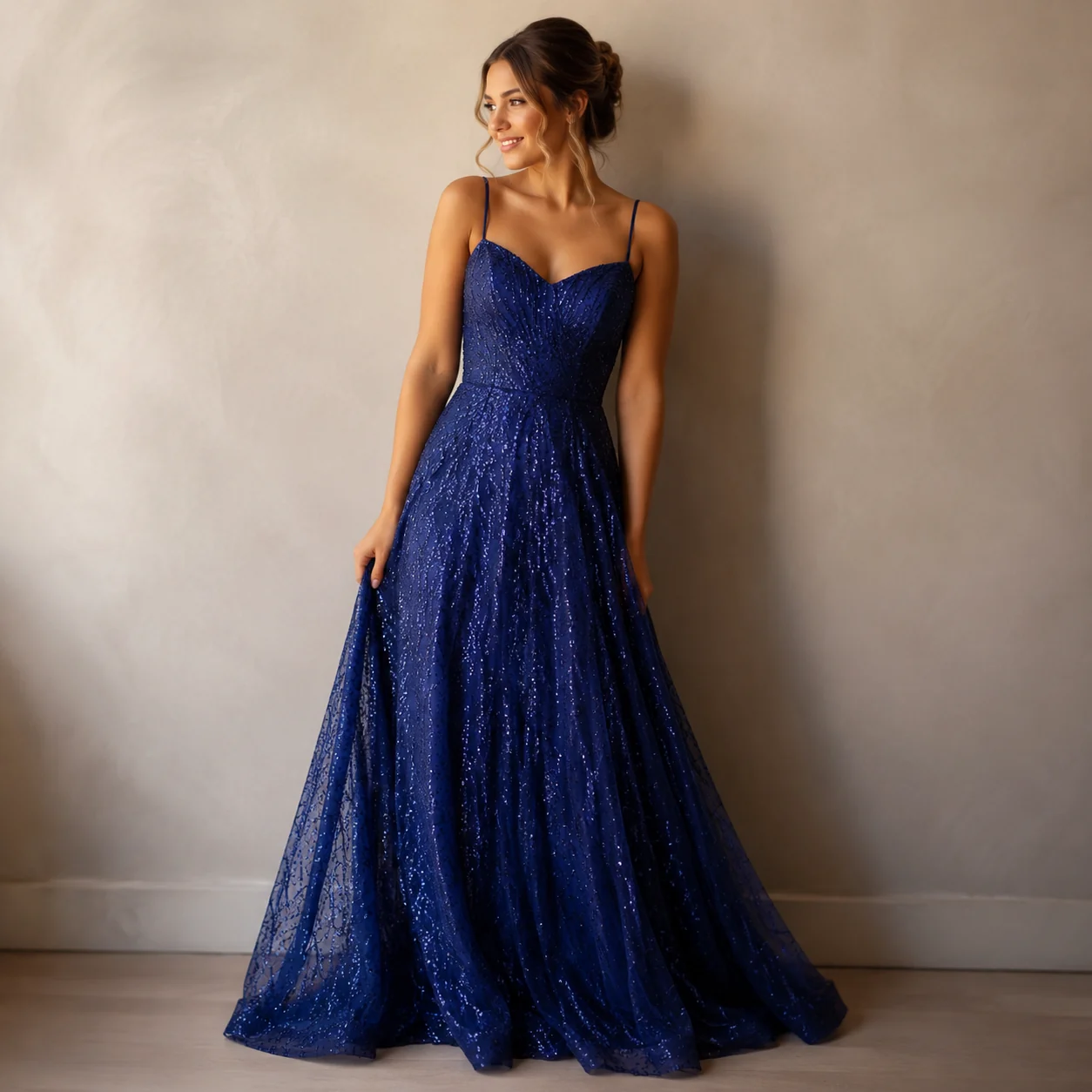
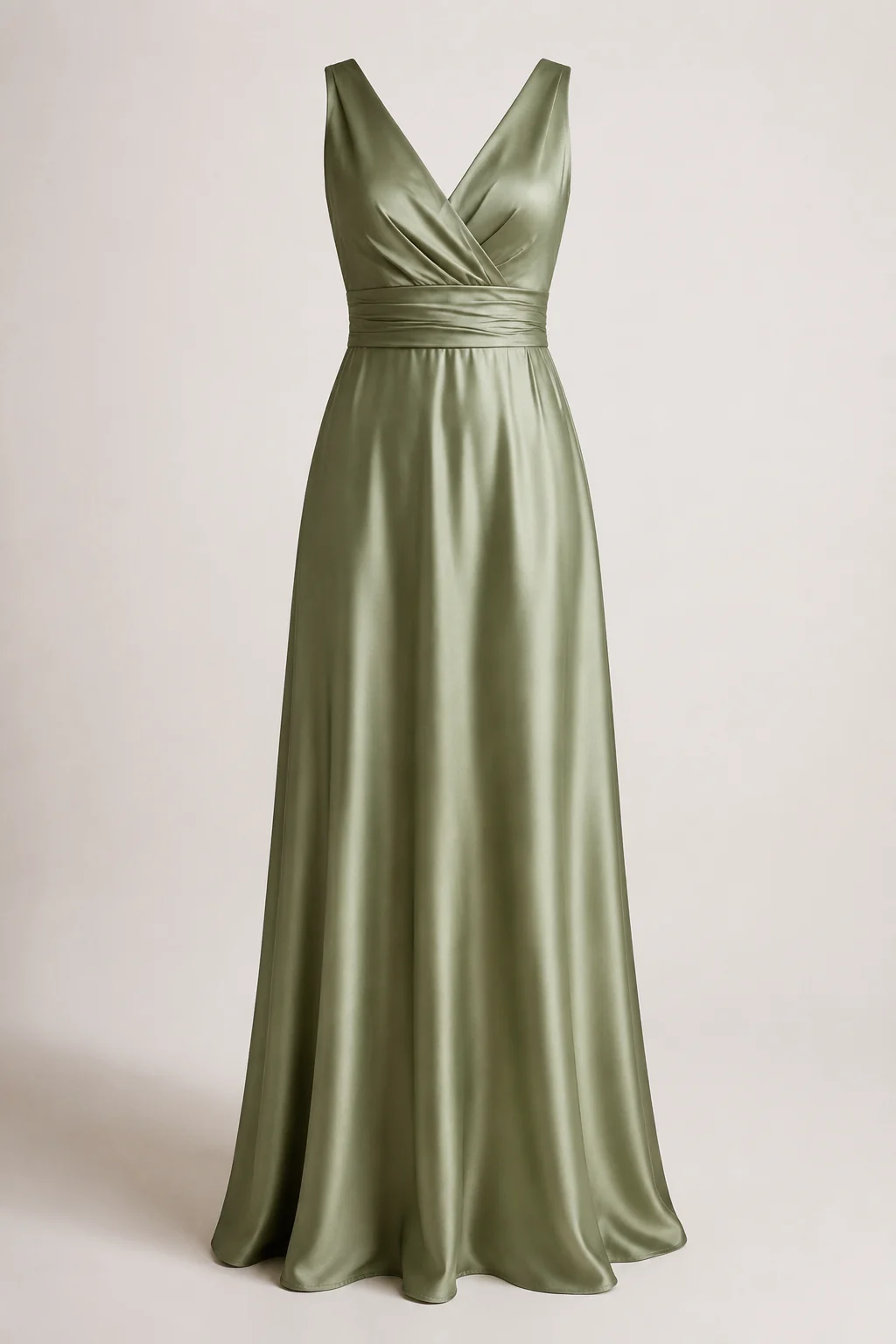
How to Try On a Wedding Dress with AI
Upload Your Photo
One clear, front-facing photo of yourself is all it takes. Good light and a simple background help the gown sit naturally on your frame.
Add the Gown
Drop in a boutique product shot, a Pinterest save, or a designer dress page — up to six images. Lace, satin, beading, and trains all carry across.
See the Silhouette on You
In about a minute you're looking at the gown on your own body. Try another silhouette and set the two side by side before you book a fitting.
Start free. Go yearly — pay half.
More credits than a full year of monthly — for less than half the price.
No hidden fees. Secure checkout by Stripe.
Your card details go directly to Stripe. We never store your full card number or security code.
Stripe Checkout shows your total before you confirm payment. Your bank may charge additional fees.
Starter
Free forever2 free watermarked 1K trials before sign-in · 20 extra Standard credits after first sign-in · Check in on later days for 10 free credits · Free credits valid for 30 days · Standard only · Signed-in Standard results have no watermark (10 per eligible daily Claim)
Monthly
Flexible month-to-month. Cancel anytime.
- 750 credits every month
- ≈ 93 Standard 1K swaps / month
- No watermark on this account after any purchase
- Studio Quality: image editing, up to 6 outfit images, and precise results that better preserve faces, garments, and details
- Priority Generation sends every swap to the Priority queue whenever your paid account has credits
- Commercial use license
Yearly
billed annually
More credits than 12 months — for $150 less.
- 10,000 credits up front for the year
- 1,000 more than 12× monthly + save $150
- No watermark on this account after any purchase
- Studio Quality: image editing, up to 6 outfit images, and precise results that better preserve faces, garments, and details
- Priority Generation sends every swap to the Priority queue whenever your paid account has credits
- Commercial use license
≈ 1,250 swaps a year. Renews at $89.90/yr — cancel anytime.
One-time credit packs
No subscription. Credits never expire and work across every quality level. Studio Quality: image editing, up to 6 outfit images, and precise results that better preserve faces, garments, and details. Priority Generation sends every swap to the Priority queue whenever your paid account has credits. No watermark on this account after any purchase.
150 Credits
Quick top-up≈ 18 Standard 1K swaps
Studio Quality: image editing, up to 6 outfit images, and precise results that better preserve faces, garments, and details
No watermark on this account after any purchase
400 Credits
≈ 50 Standard 1K swaps
Studio Quality: image editing, up to 6 outfit images, and precise results that better preserve faces, garments, and details
No watermark on this account after any purchase
1,000 Credits
≈ 125 Standard 1K swaps
Studio Quality: image editing, up to 6 outfit images, and precise results that better preserve faces, garments, and details
No watermark on this account after any purchase
2,000 Credits
≈ 250 Standard 1K swaps
Studio Quality: image editing, up to 6 outfit images, and precise results that better preserve faces, garments, and details
No watermark on this account after any purchase
Prices in USD. Yearly renews annually; credit packs are one-time. Cancel anytime via the billing portal.
How to Get the Most Out of a Wedding Dress Try On
⌄
A wedding dress try on works best when you treat your starting photo like a fitting-room mirror. Use a well-lit, front-facing full-body shot taken in soft daylight, with your arms slightly away from your sides and your hair pulled back the way you plan to wear it on the day. Skip baggy clothes that hide your frame, since the AI reads your real proportions to place the gown. A plain wall keeps the model focused on the silhouette instead of guessing at busy patterns, and the cleaner your input, the more believable the bridal gown looks on you.
Most brides have a shortlist long before the first salon appointment, and that is where this tool earns its keep. Compare an A-line against a mermaid cut, swap a strapless neckline for off-the-shoulder sleeves, or test ivory against champagne without booking a single fitting. It is just as handy for bridesmaids picturing a color story, for a mother of the bride choosing between two formal looks, or for anyone who shops online and wants to see a wedding dress on a real body before adding it to the cart. The idea is to narrow the field fast, so your salon time goes to the two or three gowns that already feel right.
Against the old routine, the difference is time and pressure. Editing a dress into a photo by hand means masking, warping fabric, and matching shadows, which takes real skill and an hour you probably do not have. A salon visit means an appointment, a drive, and the awkwardness of squeezing into samples that rarely fit off the rack. A virtual try on skips all of that and keeps your face, pose, and lighting intact, so the result reads like a photo of you rather than a model wearing your head. You stay in control, and nobody is hovering while you decide.
A few small habits sharpen the result. Run the same gown at two angles to see how the train and bodice read from the side, and screenshot your favorites so you can line them up side by side later. If a fabric looks off, a closer crop or a brighter photo usually fixes it. Treat each pass as a quick draft instead of a final portrait, and you will walk into your appointment already knowing which wedding dress shape flatters you most.
Wedding Dress Try On: Common Questions
Upload one clear photo of yourself, then add the gown — a boutique product image, a Pinterest save, or a designer dress page, up to six pictures. The AI fits the dress onto your body while keeping your face, hair, pose, and background exactly as they are. You see the result in about a minute.