
AI Fashion Model Generator
AI Fashion Model Generator
Turn a model photo and garment reference into an on-model fashion concept.
Use the AI fashion model generator to compare campaign concepts, product-page compositions, and social outfit visuals from the same source photo.
Use adult model photos and garment images you have permission to use. Generated clothing is a visual interpretation, so review product details before commercial use.
Create your try-on
Add a person photo, then describe or upload the look.
1 · Add your photos
Quick try-on with one outfit image. Choose the garment area below.
Verify you are human to enable Generate.
Complete the secure check below.
Explore clothing concepts with the AI Fashion Model Generator
Start with a clear adult model photo, then add a garment reference or describe the outfit you want to visualize. AIClothSwap creates a new fashion image around the selected clothing direction while keeping the model recognizable where possible.
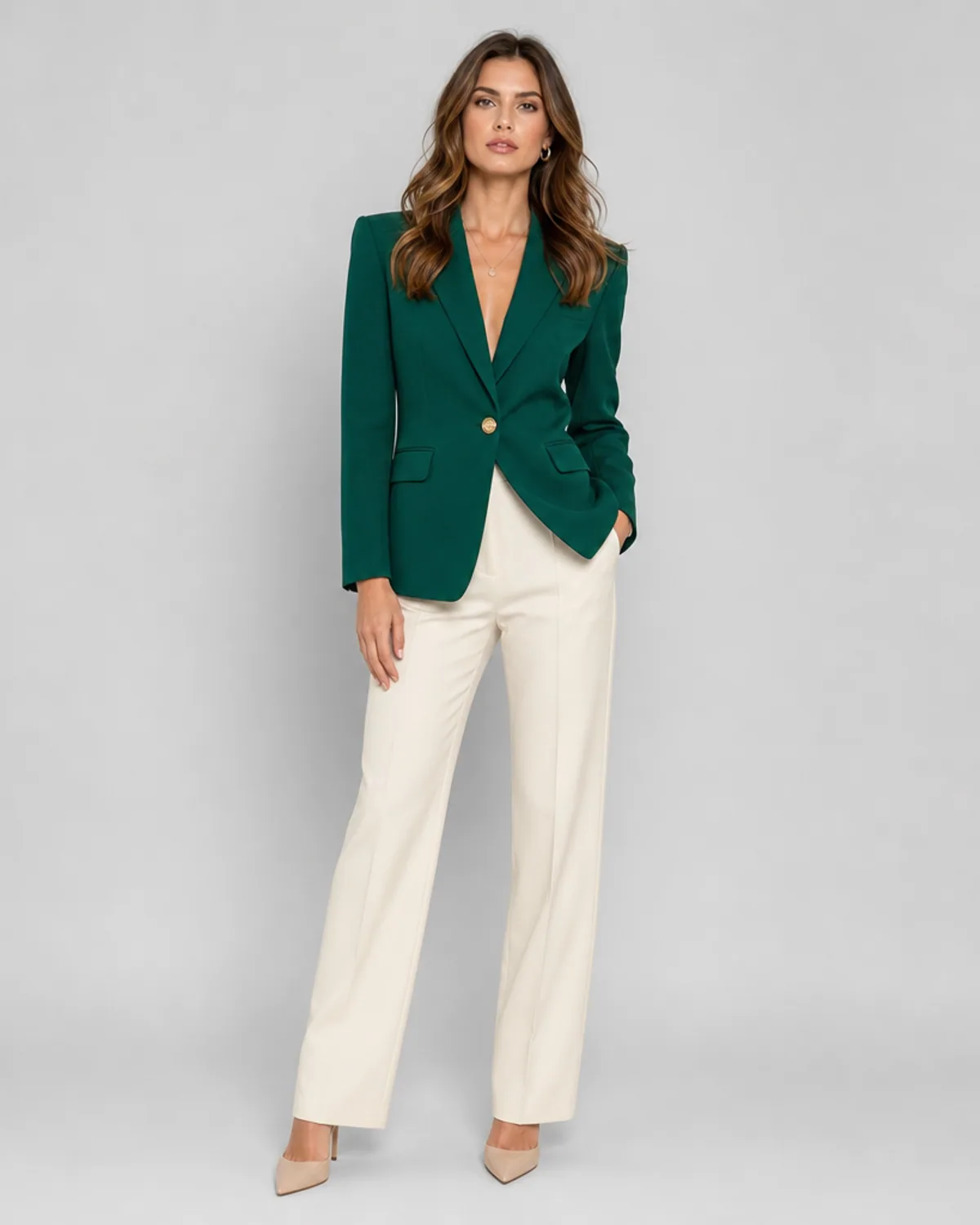
See a garment with the AI Fashion Model Generator
Start with a clear adult model photo, then add a garment reference or describe the outfit you want to visualize. AIClothSwap builds a new fashion image around that clothing direction and aims to retain the model's recognizable appearance, pose, and overall composition. Use the result for concept development and visual planning. Construction details, fabric behavior, prints, trims, and colors can change during generation, so review every image before it enters a product or campaign workflow.
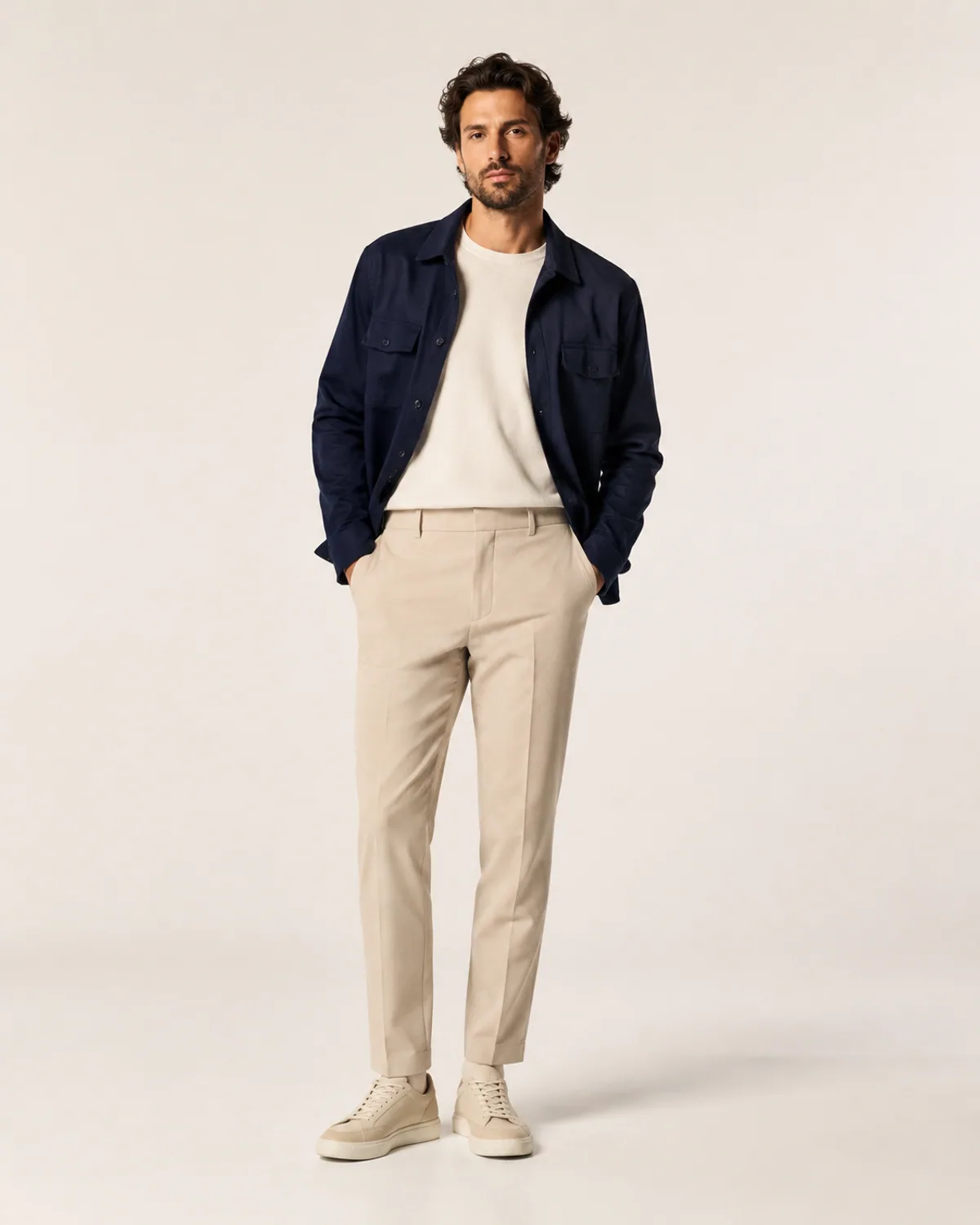
Build Different Creative Directions From One Photo
Explore a clean studio look, an editorial streetwear image, or a refined catalog composition without arranging a new shoot for each early idea. A specific prompt can guide the background, lighting, garment category, color palette, and styling mood. This makes the tool useful when comparing creative directions before committing production resources. It does not replace a verified product photograph, but it can help a team decide which visual concept deserves the next round of work.
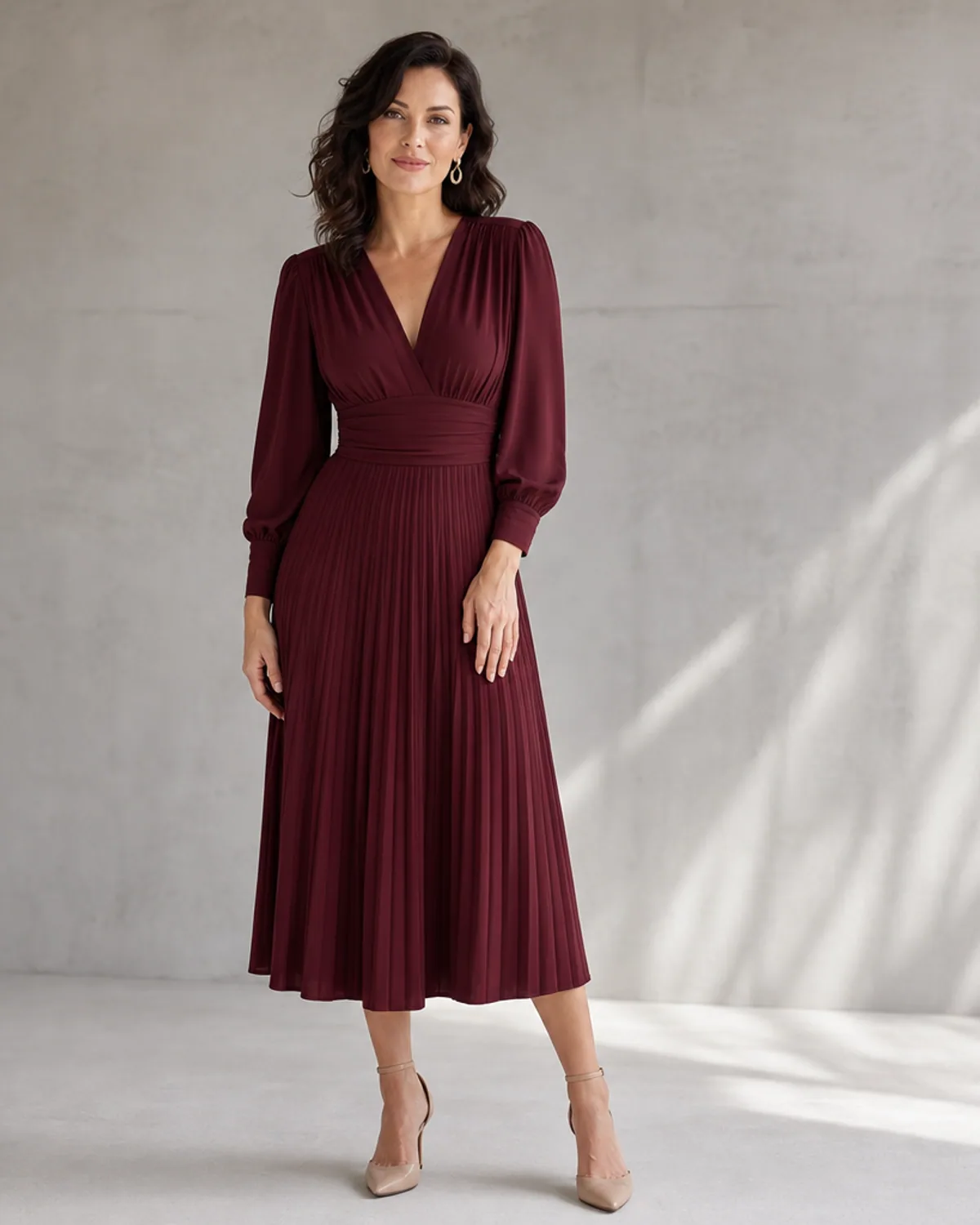
Keep the Model at the Center of the Image
Strong source photos produce more coherent results. Use an adult model image with the face visible, the body unobstructed, and enough space around the outfit. A front-facing or three-quarter pose usually gives the generator clearer information than a tightly cropped or heavily layered photo. You should only upload model photos and garment images you have permission to use. For public-facing work, check the final image for identity consistency, garment accuracy, and visual artifacts before publishing.
AI Fashion Model Generator directions to try
Create This Fashion Photo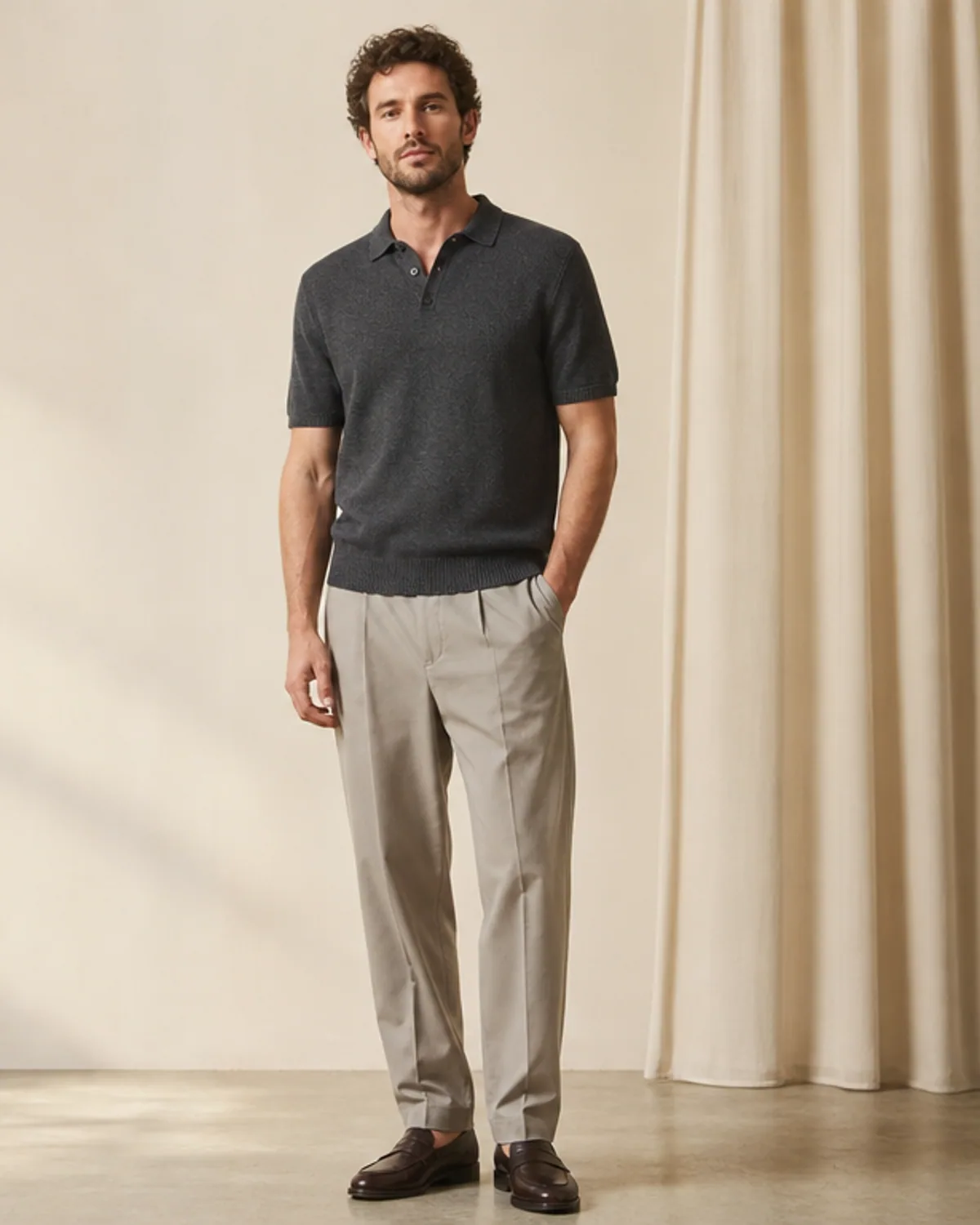
Clean Studio Catalog
A restrained on-model image with soft studio light and a neutral background for product concepts and merchandising layouts.
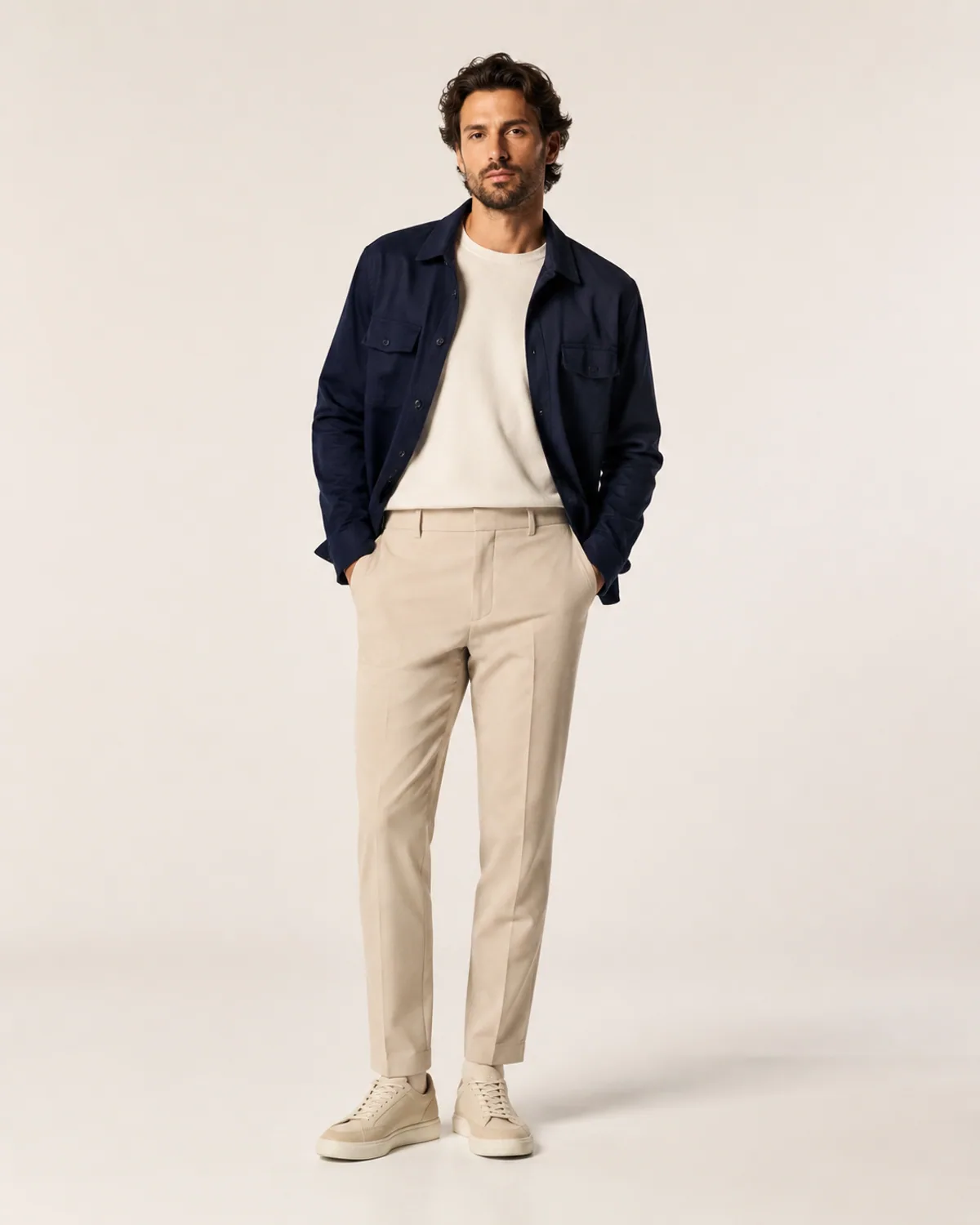
Editorial Streetwear
A sharper city-fashion direction with realistic materials, balanced daylight, and confident but natural styling.
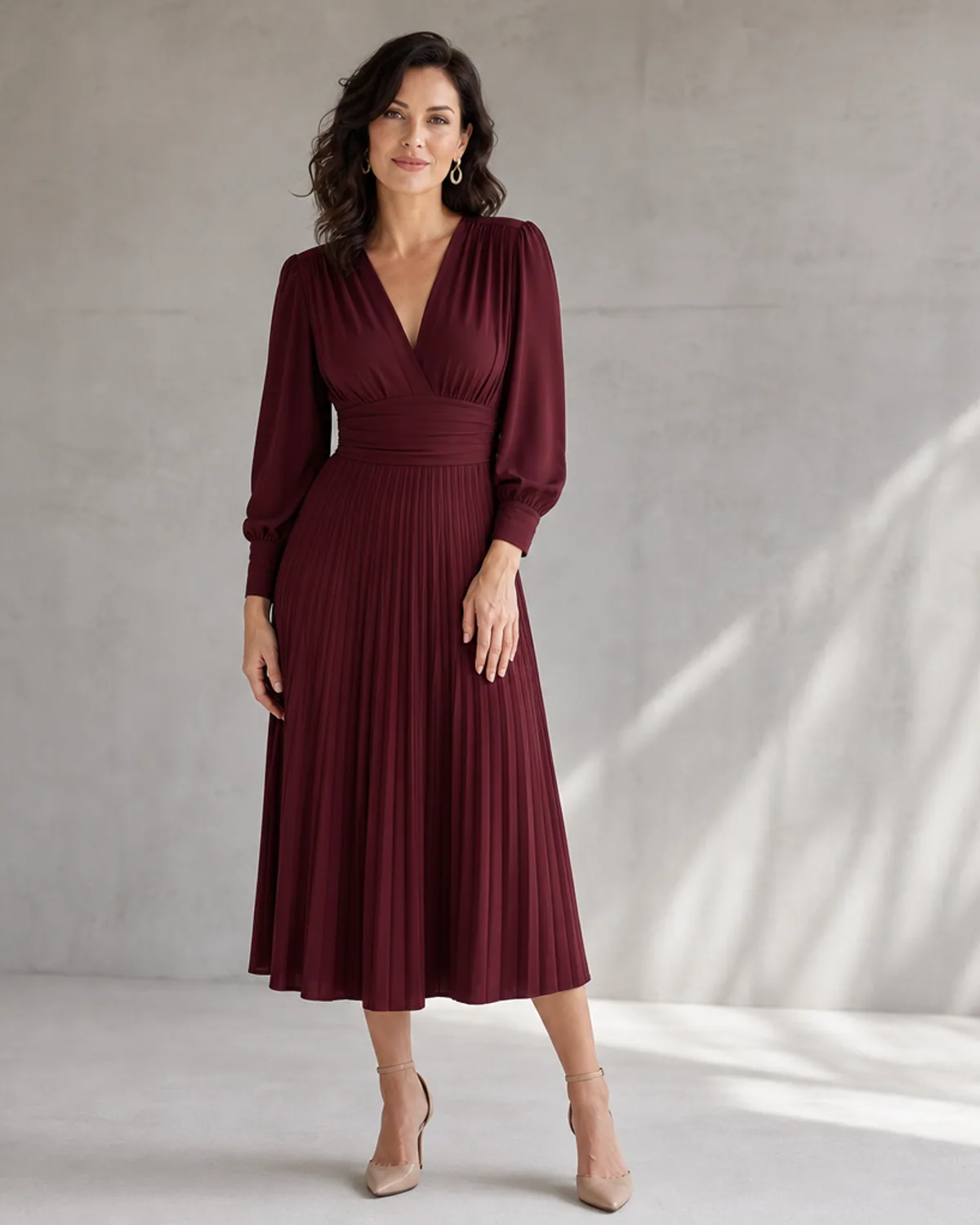
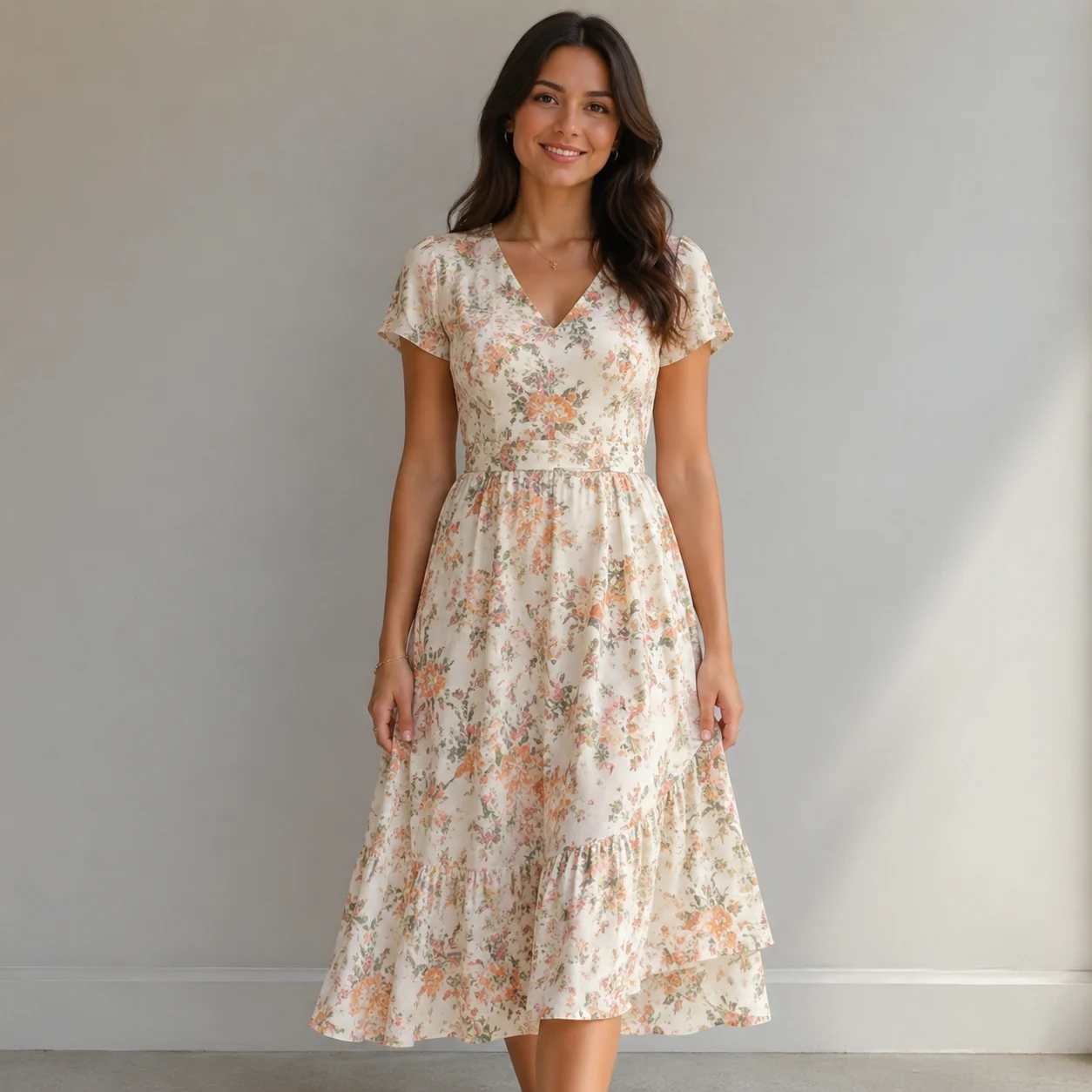
Minimal E-commerce Look
A clear front-facing composition with even lighting that keeps attention on the outfit while remaining a visual concept.
More tools to use
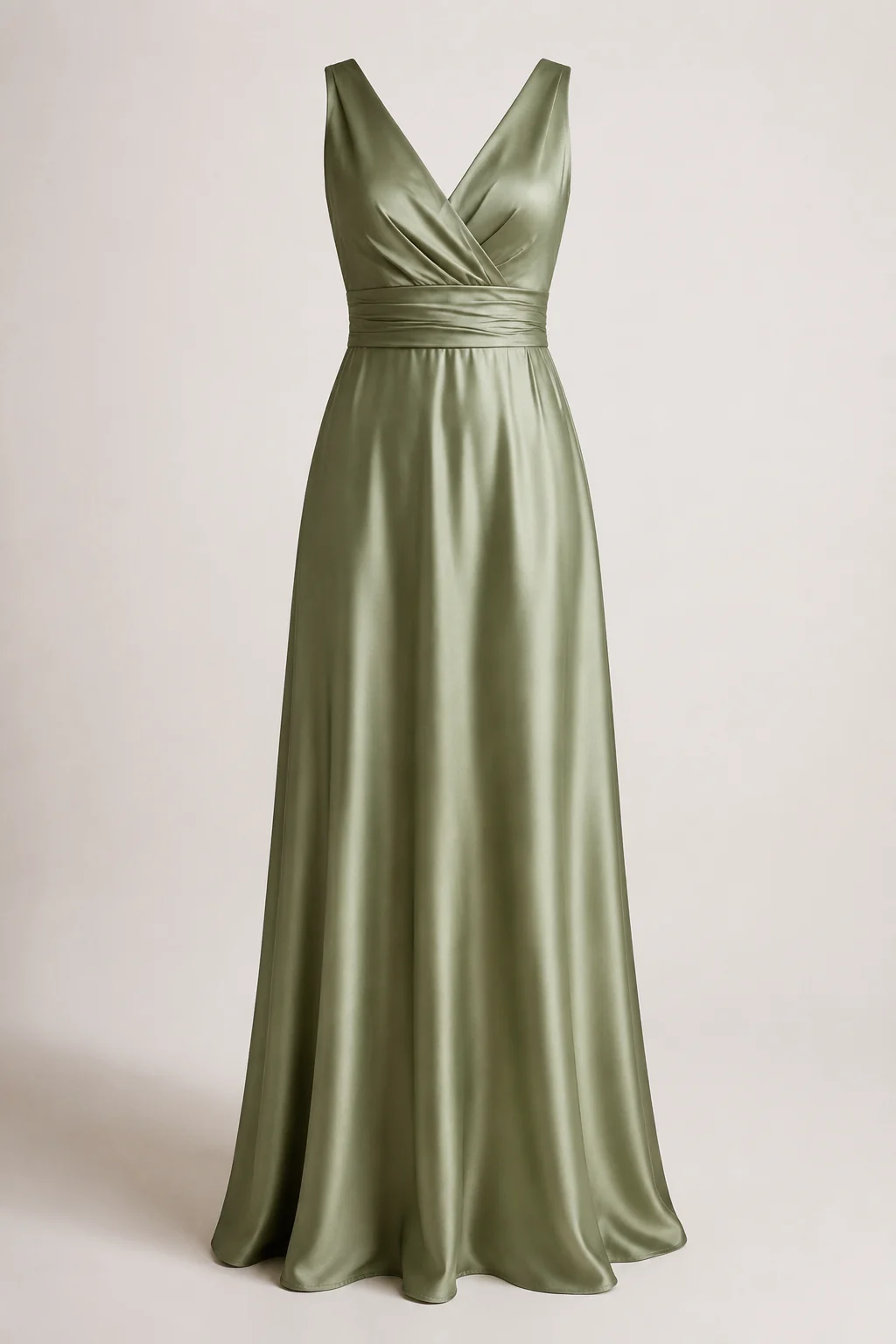
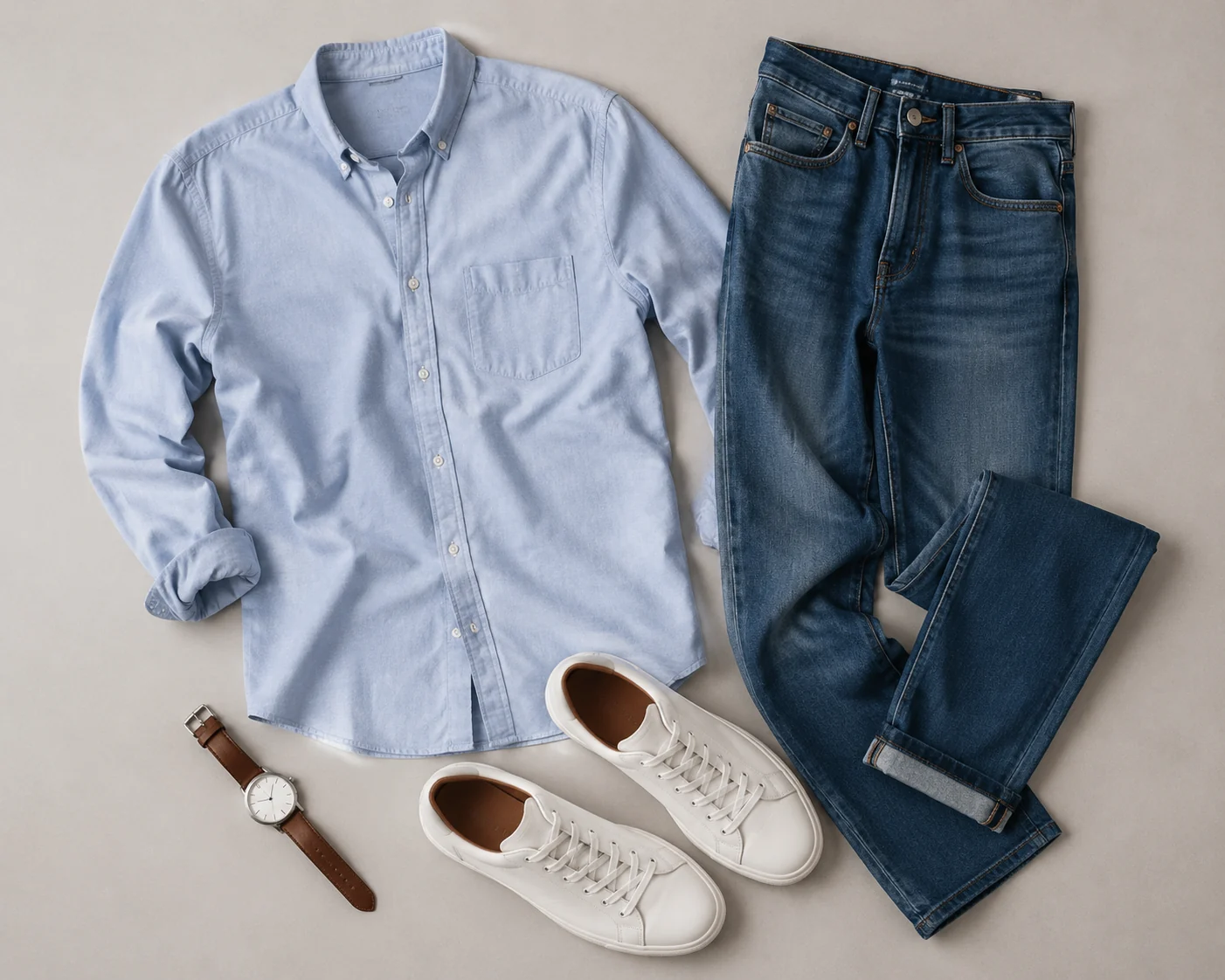
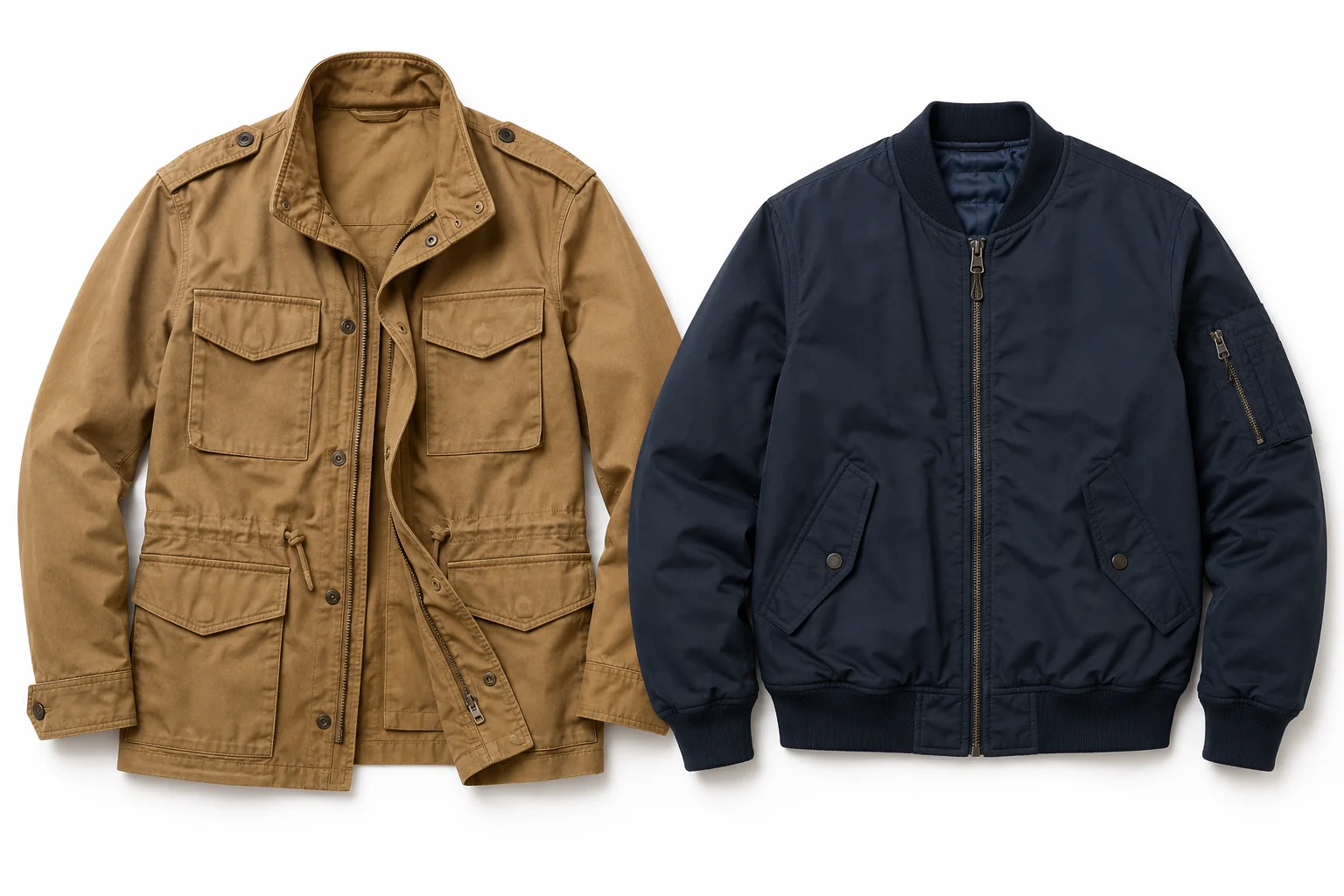
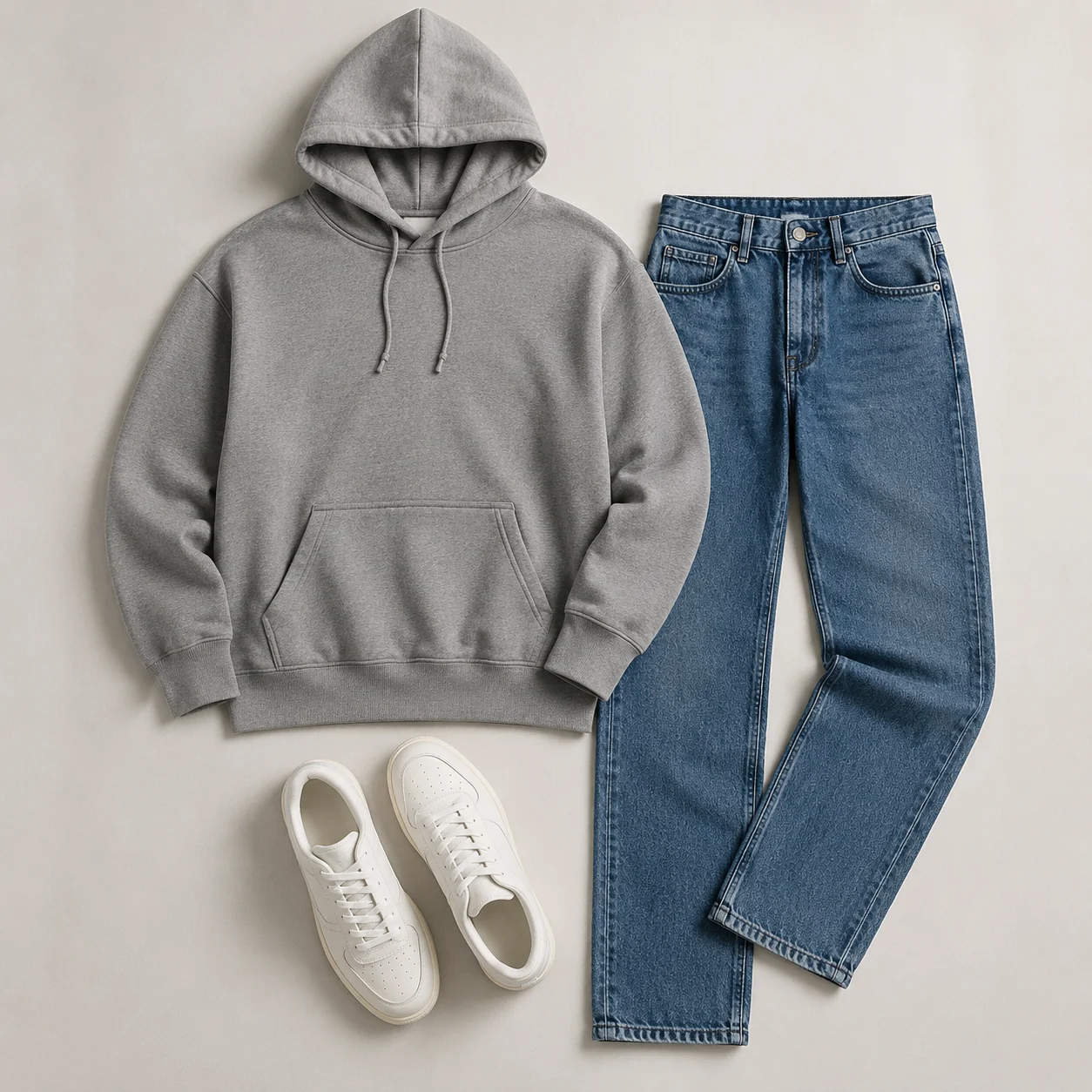
Explore more AI try on and outfit tools — each opens the same studio on your own photo.
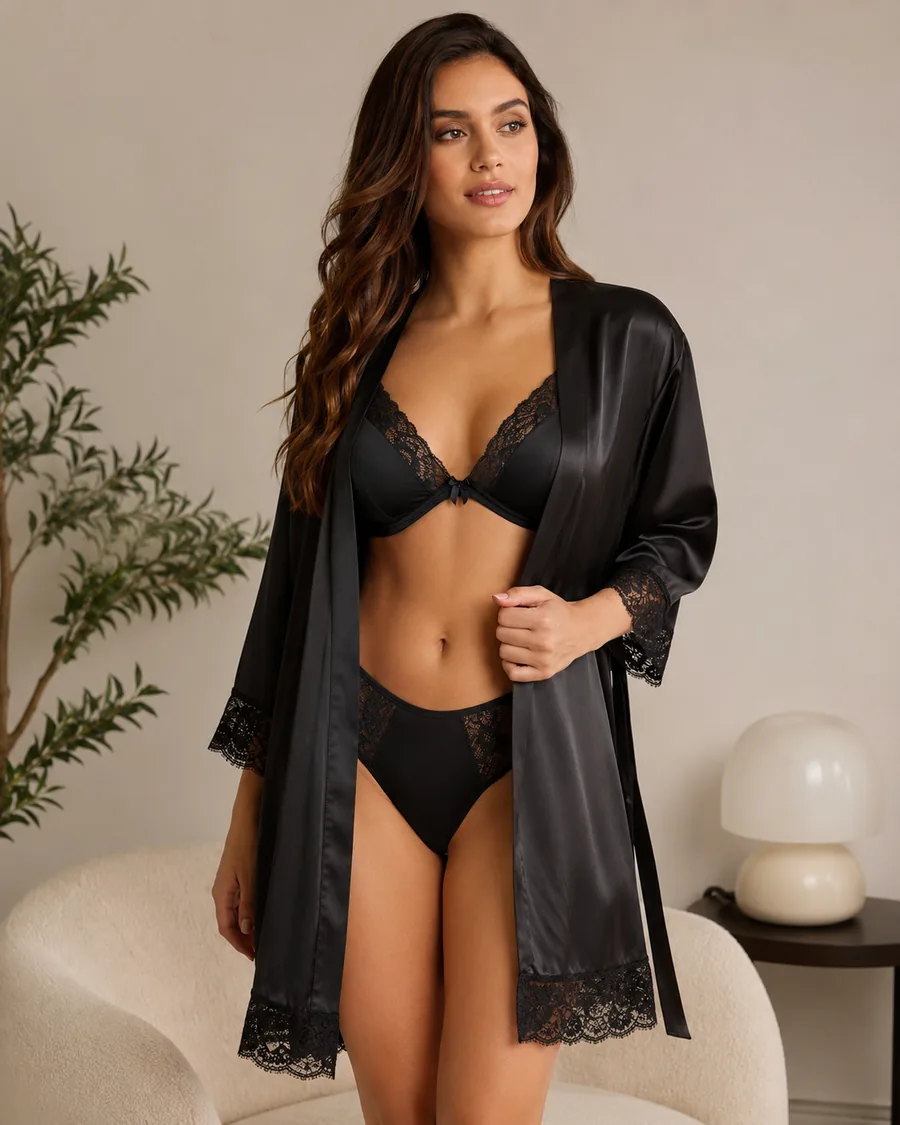
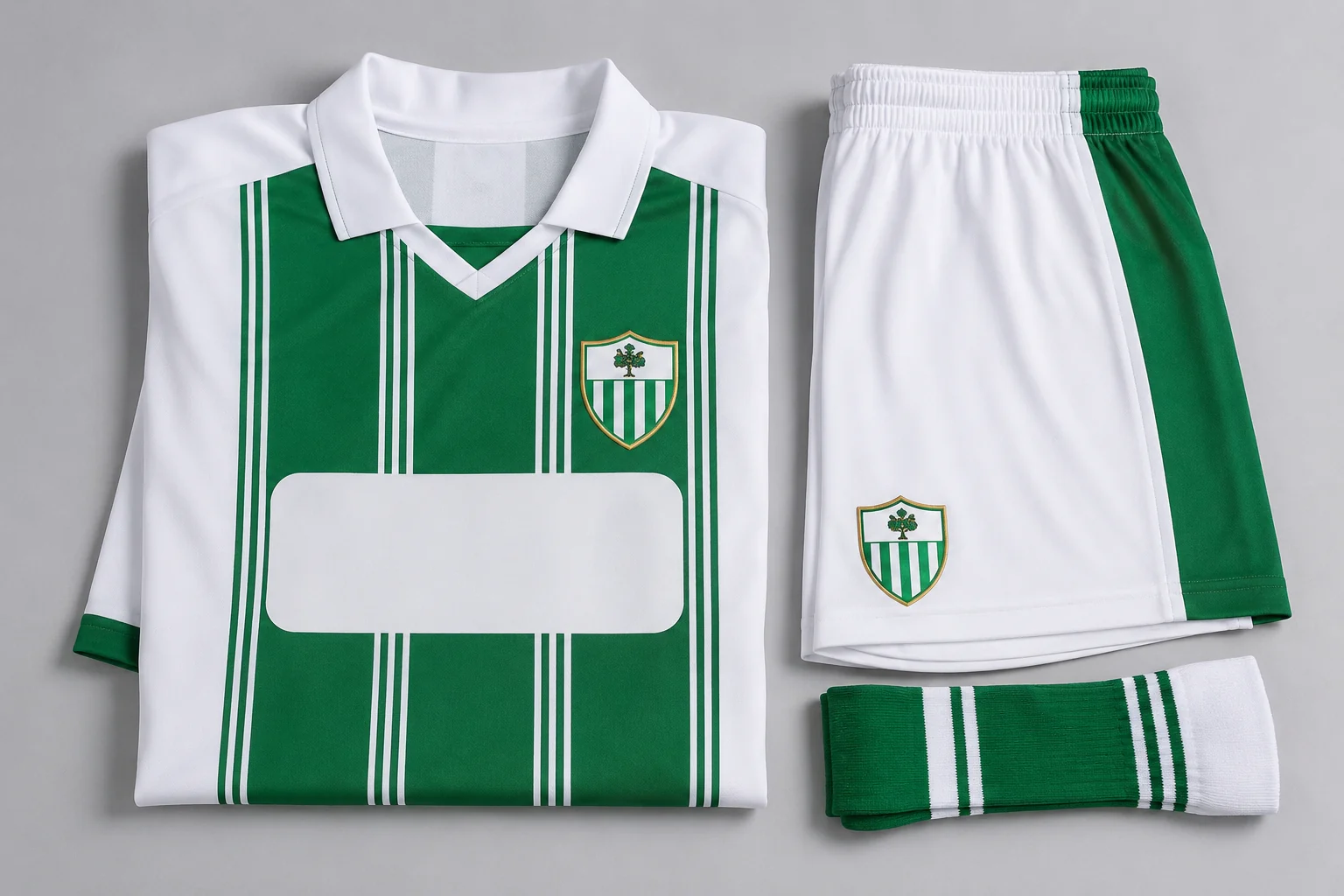
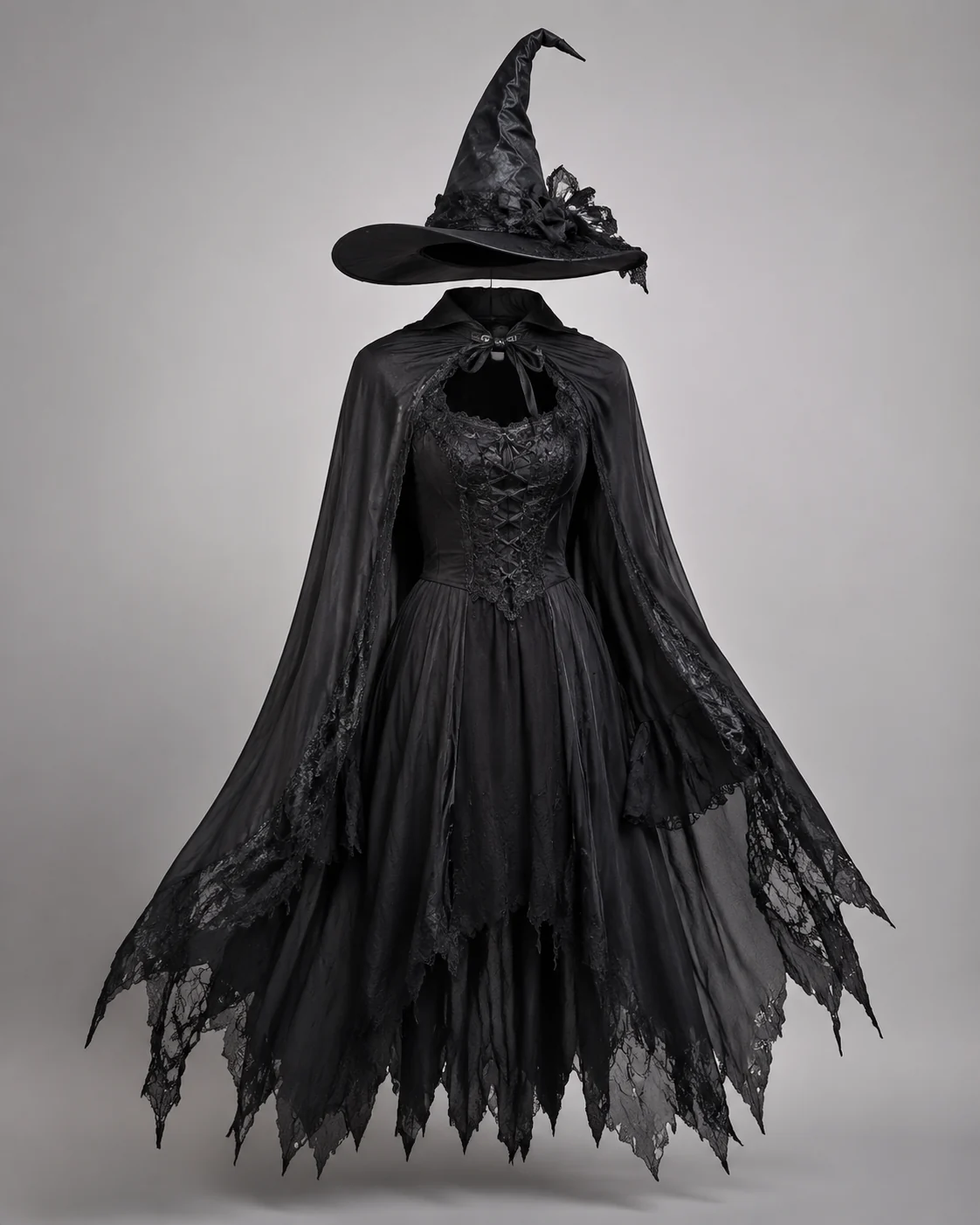
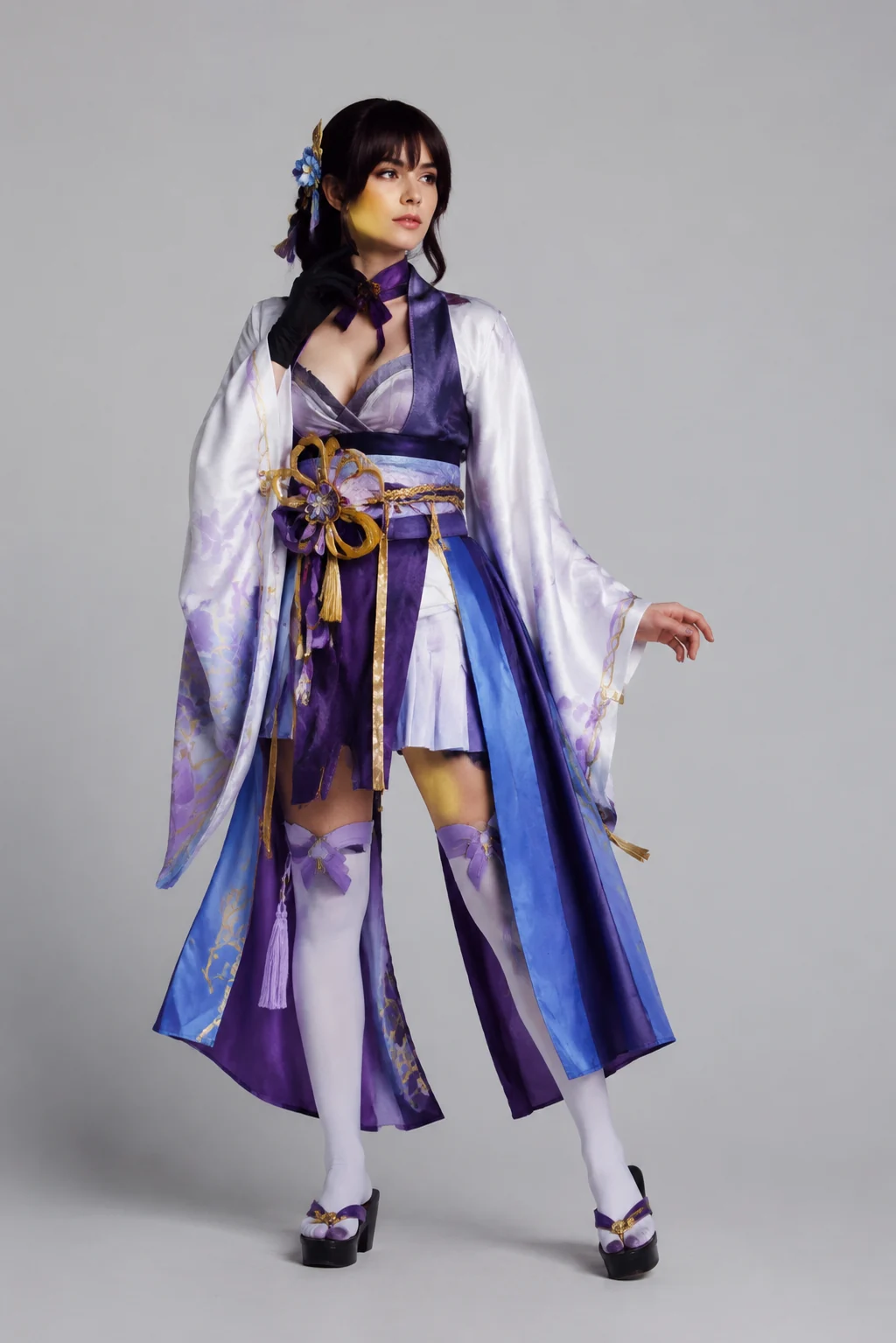
How to Use the AI Fashion Model Generator
Upload an Adult Model Photo
Choose a well-lit image with the face and outfit area clearly visible.
Add a Garment Reference or Describe the Look
Name the clothing type, colors, styling direction, background, and lighting you want to explore.
Generate and Review the Fashion Image
Compare the output with your source material and check garment details before using it in a commercial workflow.
Start free. Go yearly — pay half.
More credits than a full year of monthly — for less than half the price.
Starter
Free foreverWatermarked results for free accounts · First-day free credits added automatically · Come back tomorrow for another 10 credits · Sign-in required before generation (10 per eligible daily Claim)
Monthly
Flexible month-to-month. Cancel anytime.
- 750 credits every month
- ≈ 75 swaps / month
- Without watermark — permanent for this account after any payment (unless every payment is refunded)
- Ad-free after any payment — permanent for this signed-in account unless every payment is refunded
- Studio Quality: image editing, up to 6 images, and precise results that better preserve faces, garments, and details
- Priority Generation sends every swap to the Priority queue whenever your paid account has credits
- Commercial use license
Yearly
$179.80 $89.90 first year, billed annually
More credits than 12 months — for $150 less.
- 10,000 credits up front for the year
- 1,000 more than 12× monthly + save $150
- Without watermark — permanent for this account after any payment (unless every payment is refunded)
- Ad-free after any payment — permanent for this signed-in account unless every payment is refunded
- Studio Quality: image editing, up to 6 images, and precise results that better preserve faces, garments, and details
- Priority Generation sends every swap to the Priority queue whenever your paid account has credits
- Commercial use license
≈ 1,000 swaps a year. Renews at $179.80/yr — cancel anytime.
One-time credit packs
No subscription. Credits never expire and work across every quality level. Studio Quality: image editing, up to 6 images, and precise results that better preserve faces, garments, and details. Priority Generation sends every swap to the Priority queue whenever your paid account has credits. Without watermark — permanent for this account after any payment (unless every payment is refunded). Ad-free after any payment — permanent for this signed-in account unless every payment is refunded.
150 Credits
Quick top-up≈ 15 outfit swaps
Studio Quality: image editing, up to 6 images, and precise results that better preserve faces, garments, and details
Without watermark — permanent for this account after any payment (unless every payment is refunded)
Ad-free after any payment — permanent for this signed-in account unless every payment is refunded
400 Credits
≈ 40 outfit swaps
Studio Quality: image editing, up to 6 images, and precise results that better preserve faces, garments, and details
Without watermark — permanent for this account after any payment (unless every payment is refunded)
Ad-free after any payment — permanent for this signed-in account unless every payment is refunded
1,000 Credits
≈ 100 outfit swaps
Studio Quality: image editing, up to 6 images, and precise results that better preserve faces, garments, and details
Without watermark — permanent for this account after any payment (unless every payment is refunded)
Ad-free after any payment — permanent for this signed-in account unless every payment is refunded
2,000 Credits
≈ 200 outfit swaps
Studio Quality: image editing, up to 6 images, and precise results that better preserve faces, garments, and details
Without watermark — permanent for this account after any payment (unless every payment is refunded)
Ad-free after any payment — permanent for this signed-in account unless every payment is refunded
Prices in USD. Yearly renews annually; credit packs are one-time. Cancel anytime via the billing portal.
Plan on-model concepts with an AI Fashion Model Generator
⌄
An AI fashion model generator lets fashion teams explore how clothing might appear in an on-model composition. One clear adult model photo can support a studio setup, a streetwear direction, or a cleaner product-focused scene. The tool is intended for early concepts, where comparing visual directions matters more than final production precision.
The workflow combines a model photo with a garment reference or written styling direction. A detailed prompt can specify the garment category, silhouette, palette, pose, lighting, and background. Clear inputs help the model understand the visual goal, but they do not guarantee exact garment reproduction. Prints, trims, seams, fabric behavior, and colors should always be checked against the real item.
For e-commerce teams, these AI fashion images can help with mood boards, internal reviews, merchandising tests, and early social concepts. They should not silently replace verified product photography when shoppers need an accurate view of what they will receive. Treat the generated image as a creative preview and keep the source garment visible elsewhere in the decision process.
AIClothSwap keeps the experience focused on clothing transformation. Upload an adult model image you have the right to use, describe the intended look, and generate a visual direction in the same browser-based workflow. Before publishing, review the result for identity consistency, garment accuracy, visual artifacts, and unintentional brand elements.
AI Fashion Model Generator: Common Questions
An AI fashion model generator creates a new on-model fashion visual from an uploaded model photo and a garment reference or text description. It is useful for exploring visual concepts, styling directions, and early campaign ideas.