
Change Dress Color
Change Dress Color
Change the color of a dress you already have — upload one photo, pick a shade, and only the dress is repainted while the lace, pattern, drape, and fit stay exactly as they are.
A free AI tool to change dress color from a single picture — no second image needed. Upload one photo, choose emerald, dusty rose, or any custom hex, and the dress is recoloured while the wearer's face, pose, and background stay untouched. See the gown you own in a new shade before you alter, dye, or order a match.
Free to try after signing in — eligible new accounts receive today’s 10 credits automatically. Come back tomorrow for another 10. No card required. Adults only (18+).
Create your try-on
Add a photo and choose the new clothing colour.
1 · Add your photos
Quick try-on with one outfit image. Choose the garment area below.
Verify you are human to enable Generate.
Complete the secure check below.
A new shade, the same gown
It is hard to picture the right colour for a dress you already own from one photo. This tool lets you change dress color from a single picture: upload the gown, pick a shade, and only the dress is repainted, so the lace, beading, drape, and fit stay real. You judge the colour on the actual dress instead of guessing.
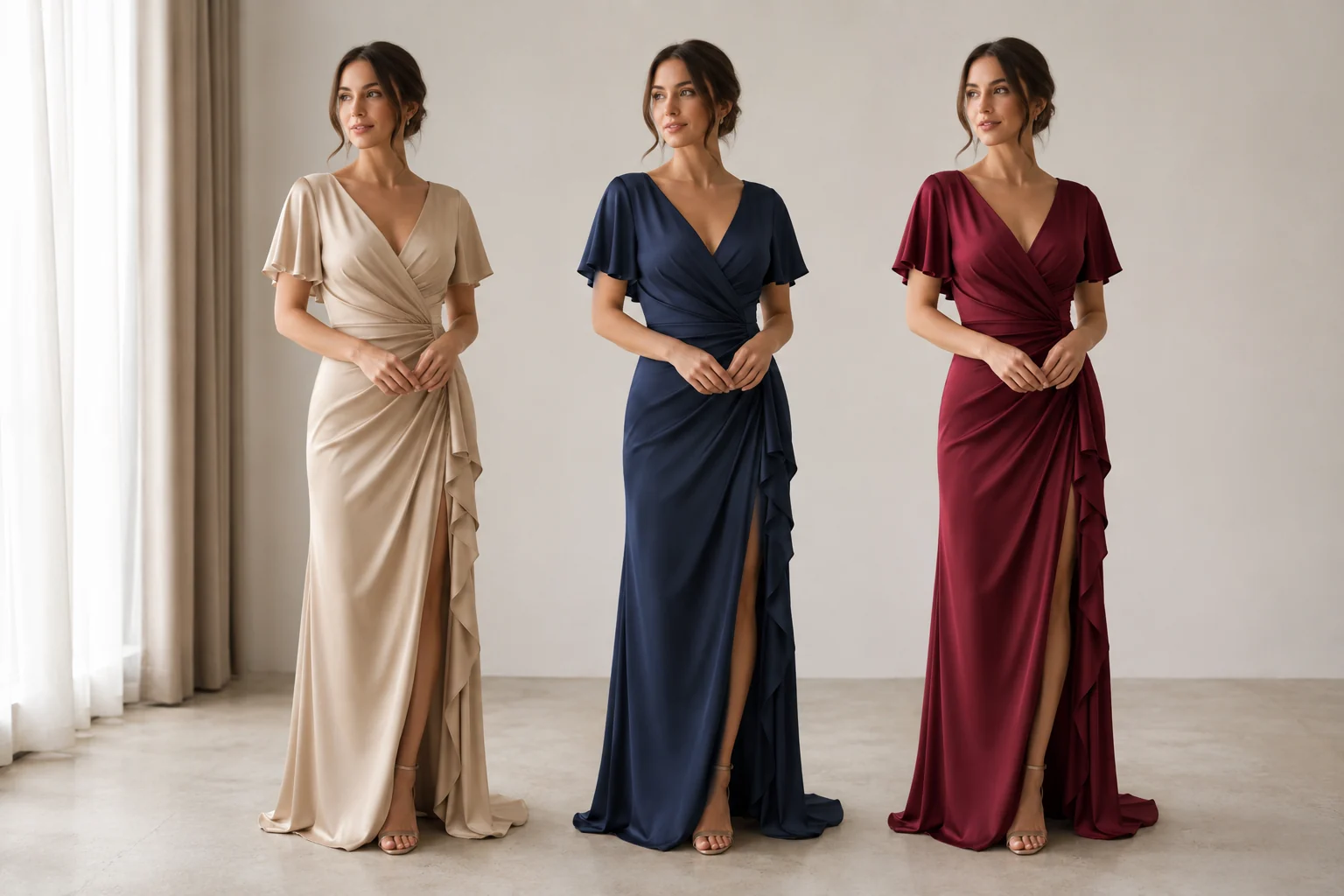
Try the same dress in many shades
Stop wondering how the gown reads in a softer or bolder tone. Recolour the exact dress in your photo and stack the options up against each other on the real silhouette. You settle on the shade that flatters the wearer instead of one that looked different on a screen.
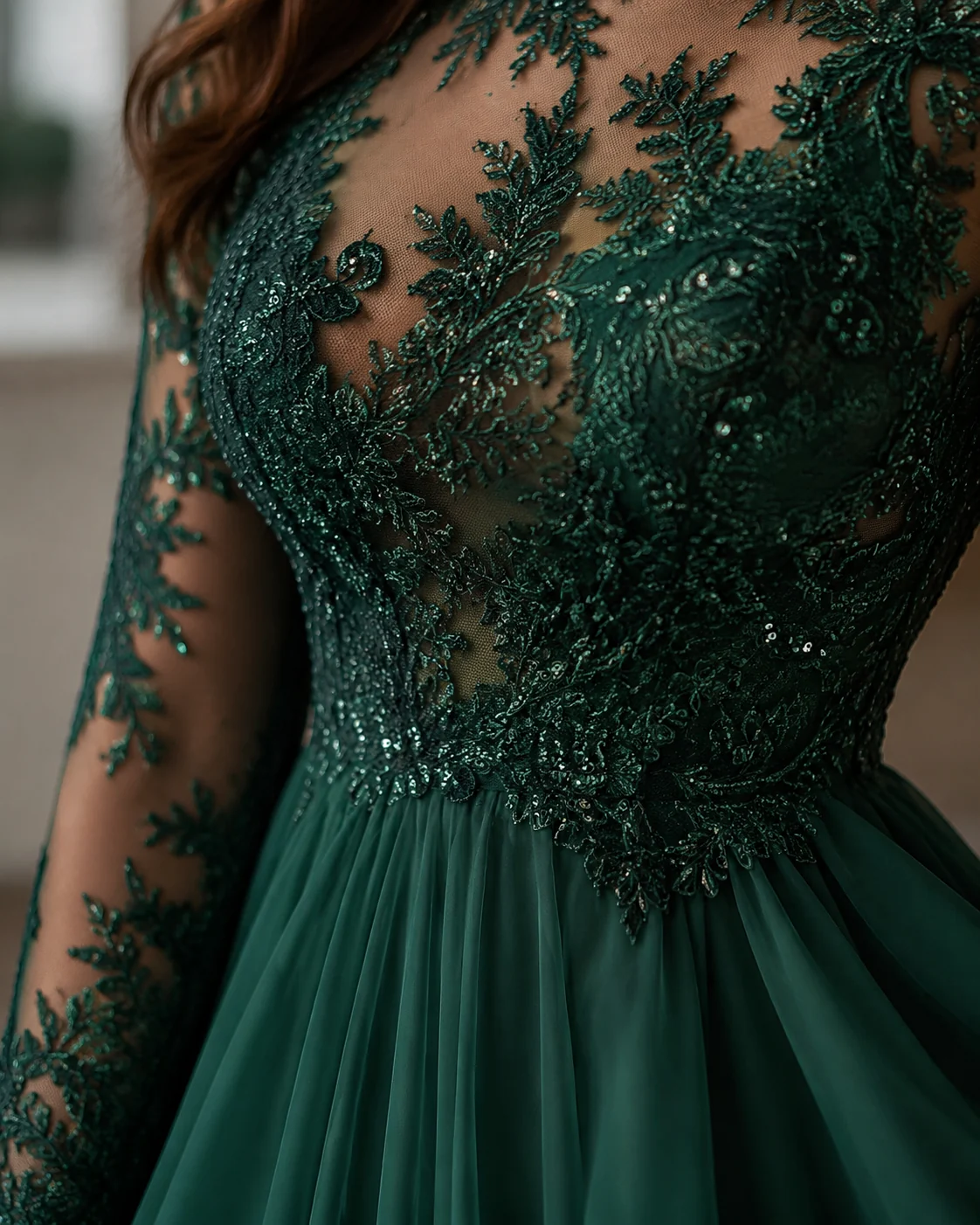
Lace, beading, and drape stay real
A recolour is not a flat paint-bucket fill. The folds, lace overlay, sequins, shadows, and exact cut are all preserved, and only the hue moves. A beaded bodice keeps every bead and a pleated skirt keeps its pleats, just dressed in the colour you chose.
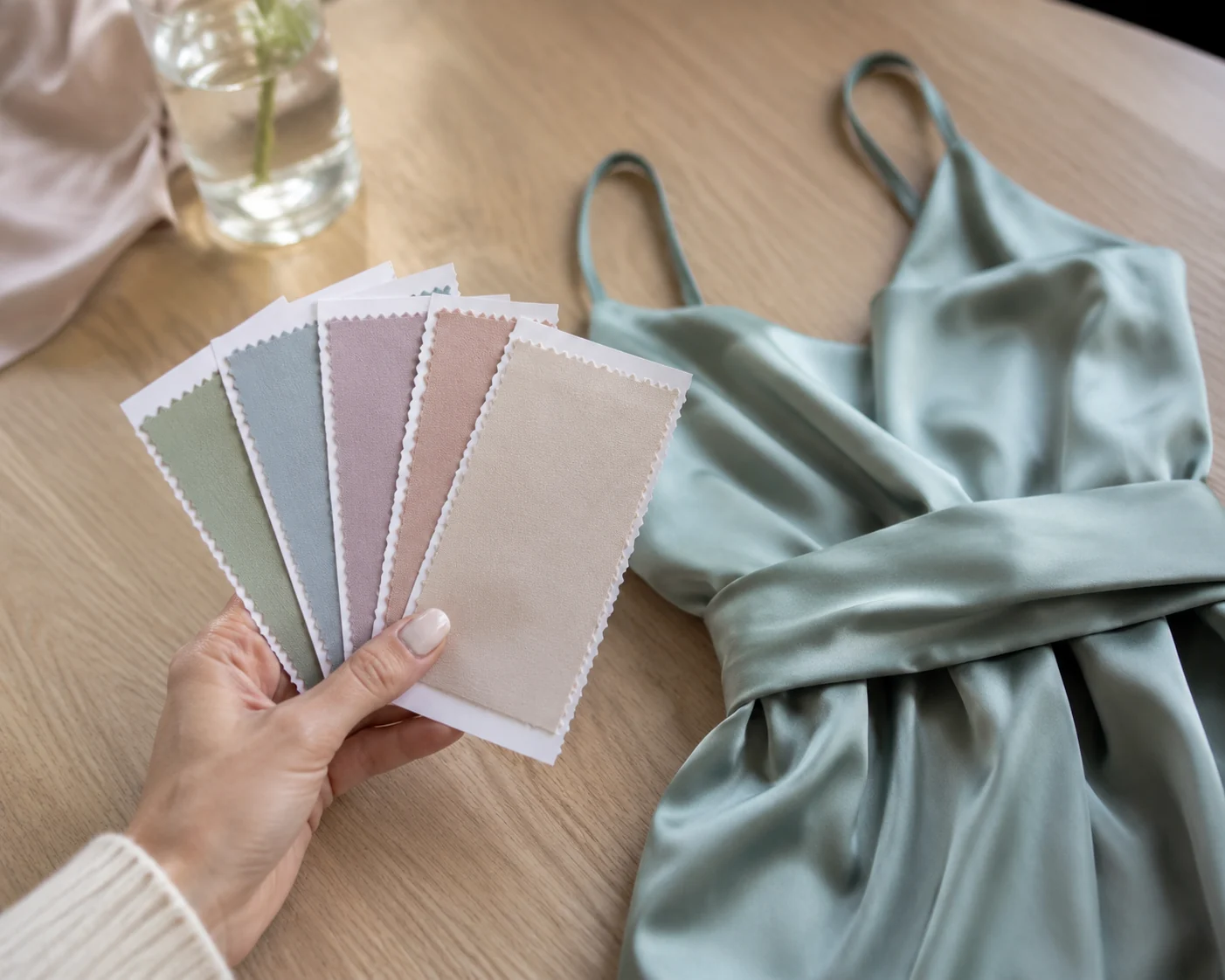
Match a wedding or event palette
Need the bridesmaids in one precise tone? Type the hex from your wedding palette or pull the colour wheel to a swatch the bride already picked. The shade lands on the gown in your photo, so you can confirm the whole party agrees before anyone dyes or orders.
Dresses our AI recolours cleanly
Recolour My Dress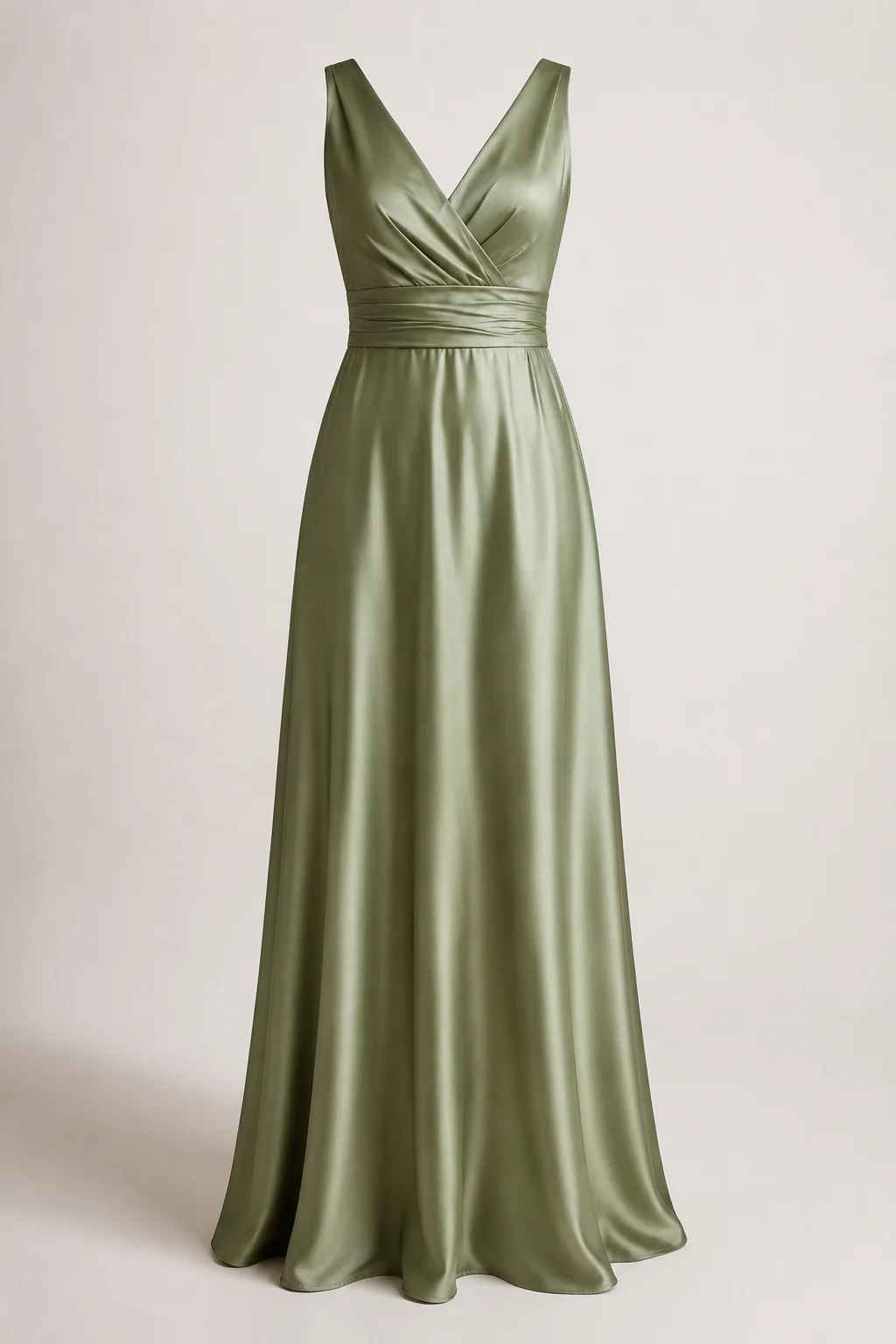
Bridesmaid & wedding-party dresses
Set the whole party to one exact shade — sage, dusty blue, terracotta — and confirm every bridesmaid dress agrees with the palette before anyone alters or orders.
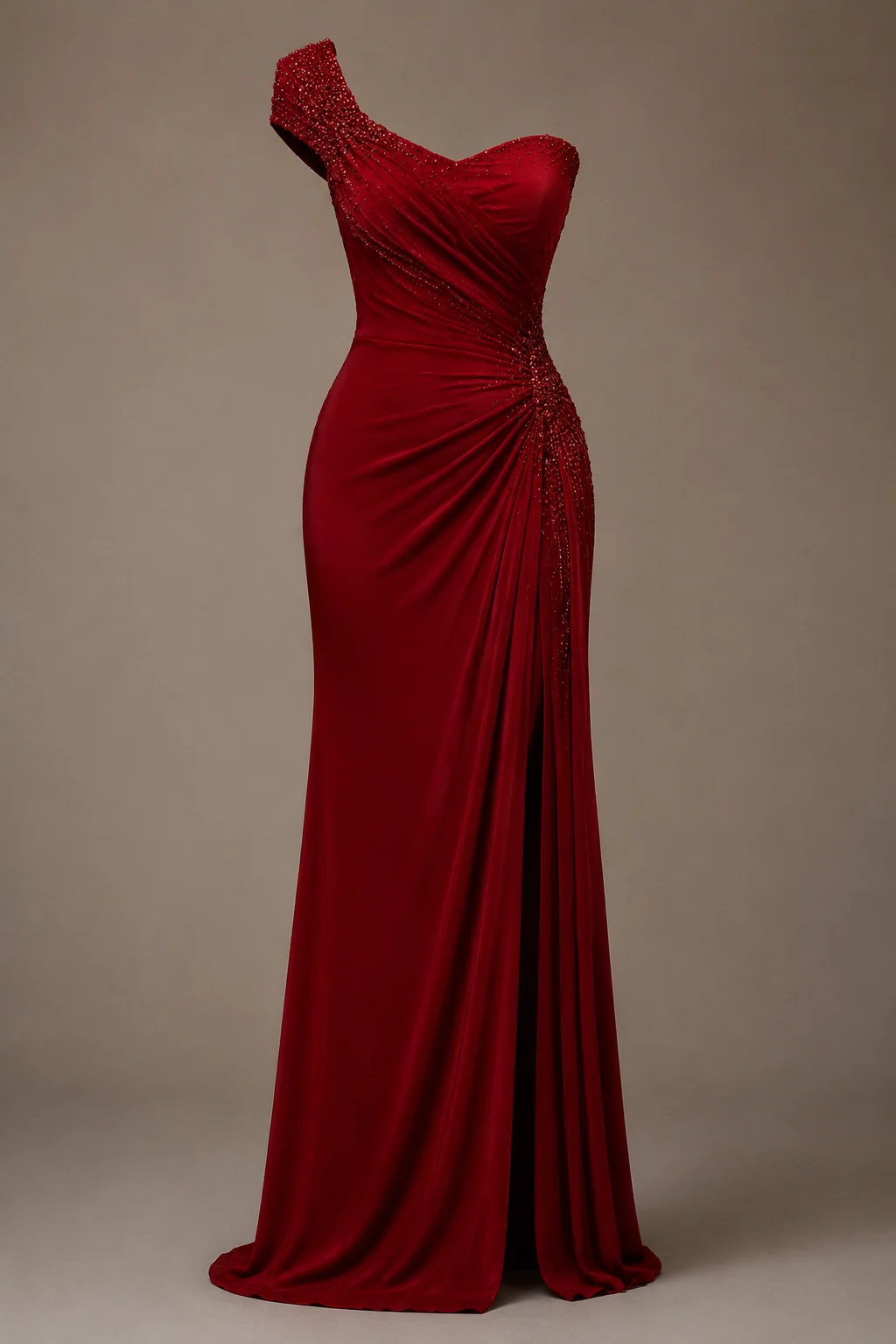
Evening gowns & cocktail dresses
Push a formal gown to a bolder statement tone and check how it reads against the beading and drape, so you walk into the event sure of the colour.
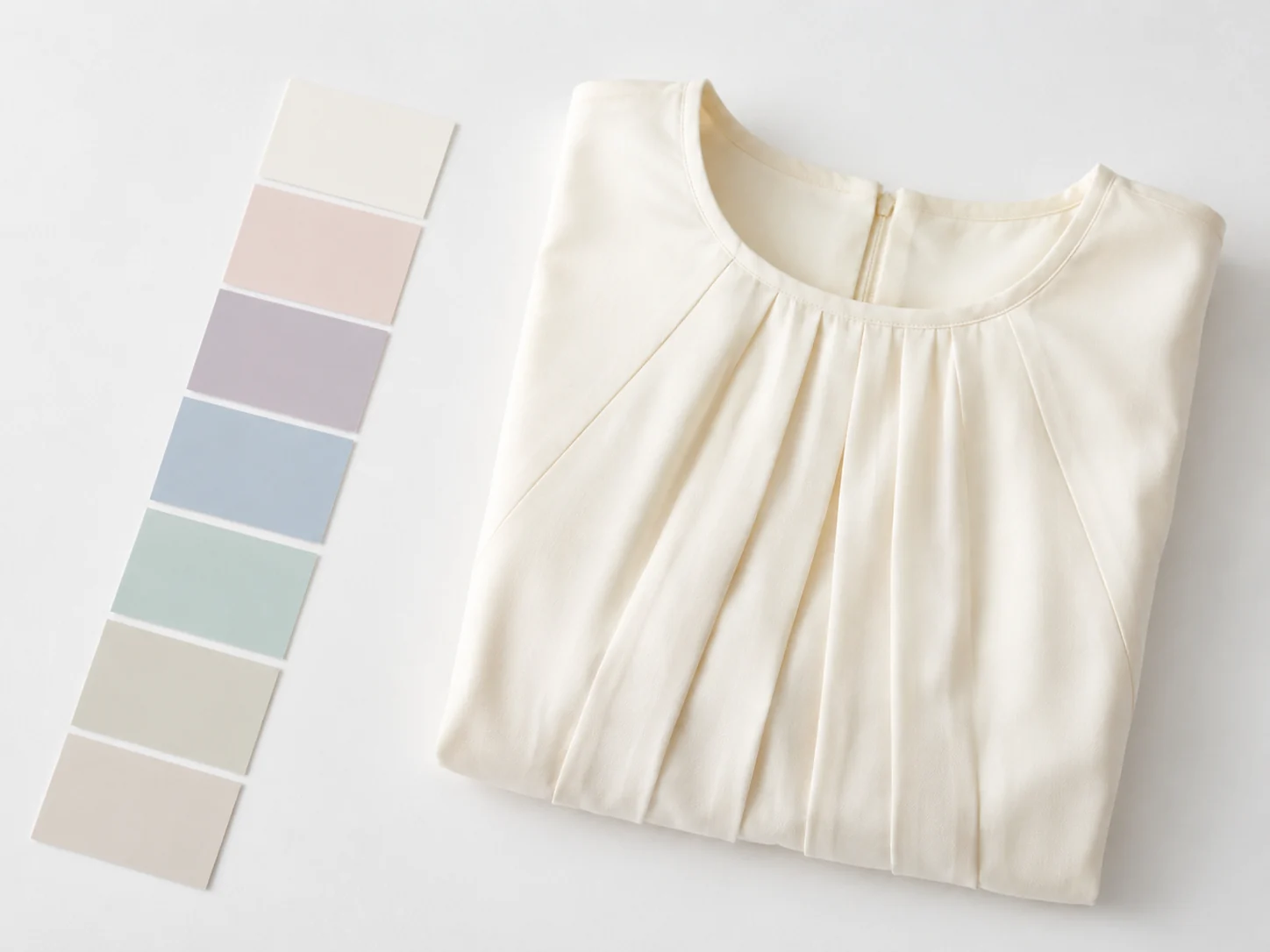
Any custom hex or swatch
Type a precise hex or drag the colour wheel to match a theme, a paint chip, or another piece in the closet — down to the exact tone.
More tools to use
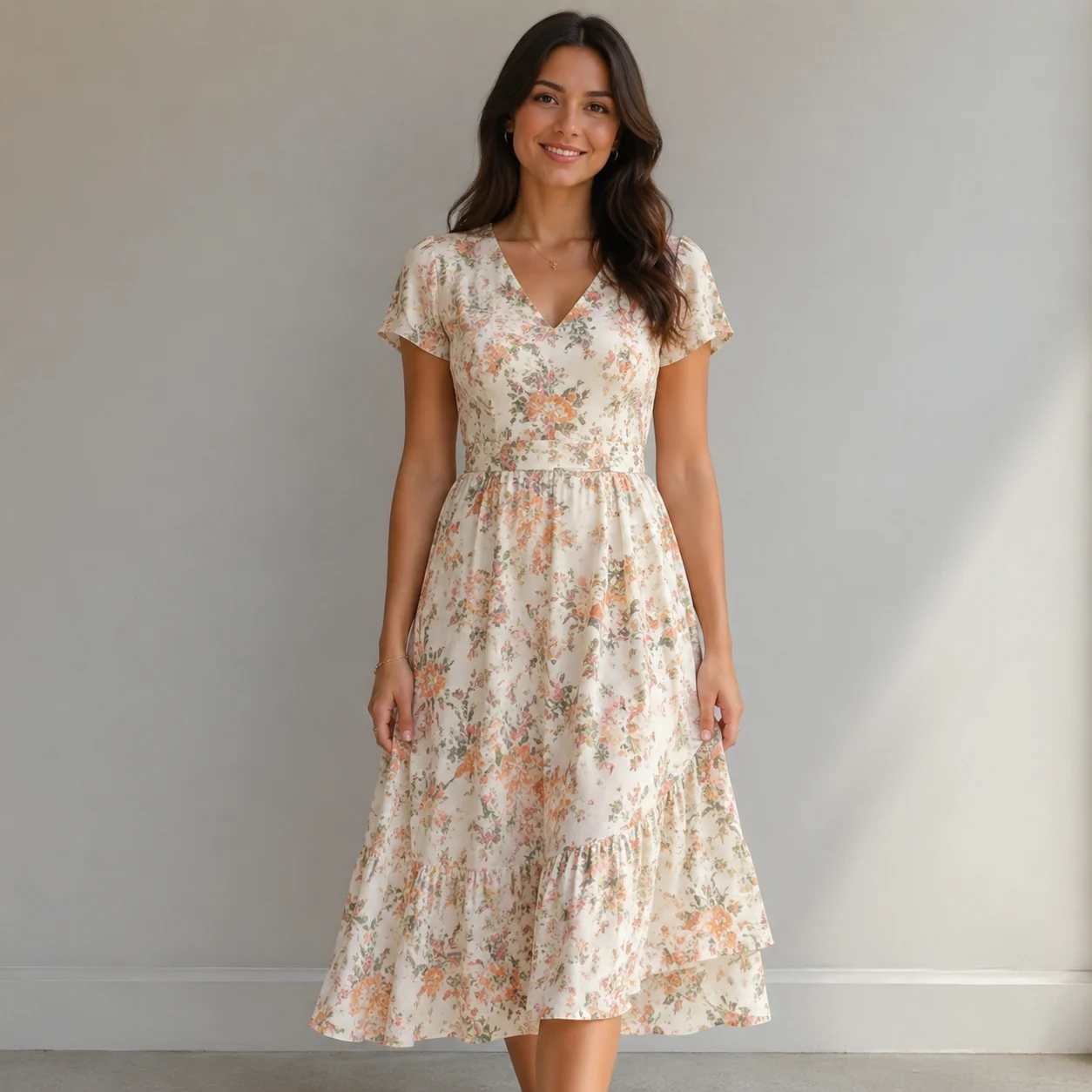
Explore more AI try on and outfit tools — each opens the same studio on your own photo.
How to Change a Dress Color with AI
Upload the Dress Photo
Add one clear photo of someone wearing the dress you want to recolour. The tool reads the fabric, lace, and folds so the new colour sits on the real gown — there is no second garment to upload.
Pick a Colour
Tap a preset swatch, drag the colour wheel to any shade, or type an exact hex like #50C878 for emerald. Match a wedding palette, a swatch card, or a tone you already have in mind.
See the New Shade
Get the recoloured dress in about a minute. Every bead, pleat, and shadow stays where it was while the hue changes — then download it to compare shades side by side.
Start free. Go yearly — pay half.
More credits than a full year of monthly — for less than half the price.
Starter
Free foreverWatermarked results for free accounts · First 10 daily credits added automatically · Come back tomorrow for another 10 credits · Sign-in required before generation (10 per eligible daily Claim)
Monthly
Flexible month-to-month. Cancel anytime.
- 750 credits every month
- ≈ 75 swaps / month
- Without watermark — permanent for this account after any payment (unless every payment is refunded)
- Ad-free after any payment — permanent for this signed-in account unless every payment is refunded
- Studio Quality: image editing, up to 6 images, and precise results that better preserve faces, garments, and details
- Priority Generation sends every swap to the Priority queue whenever your paid account has credits
- Commercial use license
Yearly
$179.80 $89.90 first year, billed annually
More credits than 12 months — for $150 less.
- 10,000 credits up front for the year
- 1,000 more than 12× monthly + save $150
- Without watermark — permanent for this account after any payment (unless every payment is refunded)
- Ad-free after any payment — permanent for this signed-in account unless every payment is refunded
- Studio Quality: image editing, up to 6 images, and precise results that better preserve faces, garments, and details
- Priority Generation sends every swap to the Priority queue whenever your paid account has credits
- Commercial use license
≈ 1,000 swaps a year. Renews at $179.80/yr — cancel anytime.
One-time credit packs
No subscription. Credits never expire and work across every quality level. Studio Quality: image editing, up to 6 images, and precise results that better preserve faces, garments, and details. Priority Generation sends every swap to the Priority queue whenever your paid account has credits. Without watermark — permanent for this account after any payment (unless every payment is refunded). Ad-free after any payment — permanent for this signed-in account unless every payment is refunded.
150 Credits
Quick top-up≈ 15 outfit swaps
Studio Quality: image editing, up to 6 images, and precise results that better preserve faces, garments, and details
Without watermark — permanent for this account after any payment (unless every payment is refunded)
Ad-free after any payment — permanent for this signed-in account unless every payment is refunded
400 Credits
Most popular≈ 40 outfit swaps
Studio Quality: image editing, up to 6 images, and precise results that better preserve faces, garments, and details
Without watermark — permanent for this account after any payment (unless every payment is refunded)
Ad-free after any payment — permanent for this signed-in account unless every payment is refunded
1,000 Credits
≈ 100 outfit swaps
Studio Quality: image editing, up to 6 images, and precise results that better preserve faces, garments, and details
Without watermark — permanent for this account after any payment (unless every payment is refunded)
Ad-free after any payment — permanent for this signed-in account unless every payment is refunded
2,000 Credits
≈ 200 outfit swaps
Studio Quality: image editing, up to 6 images, and precise results that better preserve faces, garments, and details
Without watermark — permanent for this account after any payment (unless every payment is refunded)
Ad-free after any payment — permanent for this signed-in account unless every payment is refunded
Prices in USD. Yearly renews annually; credit packs are one-time. Cancel anytime via the billing portal.
When to Change Dress Color Before You Commit to It
⌄
The people who get the most out of this tool usually have one good dress and a nagging doubt about the shade. Maybe you found the perfect cut at a sample sale but it only came in mustard, or your bridesmaids are split between sage and slate and nobody wants to guess wrong over text. Being able to change dress color on a real photo of the actual garment settles those arguments fast. Brides previewing a gown in champagne versus ivory, prom shoppers testing jewel tones against their skin, and resellers showing one listing in three shades all lean on the same trick: judge the color on the dress you have, not on a swatch that looks nothing like fabric.
The results hold up because the AI only repaints the dress and leaves everything else alone. Lace stays lace, sequins still catch light, pleats keep their shadows, and the way the hem falls doesn't shift. Your face, hair, pose, and the room behind you come through untouched, so an emerald version of a photo reads as the same person in the same moment, just in a different shade. That fidelity is the whole point of a recolor instead of a fresh generation, and it's what makes the preview trustworthy enough to act on before you dye, alter, or order a match.
When you change dress color, treat the shade range as open-ended rather than a fixed palette. Reach for named tones like dusty rose, burgundy, navy, or forest green when you know the vibe, and drop in an exact hex code when you're matching a wedding theme, a brand color, or a swatch from another vendor. Deep, saturated colors tend to land cleanly, and pastels and muted neutrals work well too, as long as the original fabric isn't already very dark, since there's more detail for the tool to carry over.
Photo choice does most of the heavy lifting. A clear, well-lit shot where the dress fills a good part of the frame beats a dim mirror selfie every time, and even front lighting reads more honestly than harsh window glare. Compared with Photoshop masking, which eats an evening and a steady hand, or driving to a store to try on colors that may not be in stock, this is a minute of work you can redo as many times as you like. Tweak the shade, compare two side by side, and walk into the fitting room or checkout already knowing what suits you.
Change Dress Color: Common Questions
Upload one photo of someone wearing a dress, then pick a colour — tap a swatch, drag the colour wheel, or type a hex like #800020 for burgundy — and click Generate. Only the dress is repainted in your chosen shade, while the wearer, the lace, the beading, the drape, the pose, and the background stay exactly the same. There is no second image; the tool recolours the dress already in your picture.