
Halloween Costume Generator
Halloween Costume Generator
Describe the Halloween costume you want — or upload a reference — and see it on yourself before the party, in about a minute.
A free AI Halloween costume generator that fits a costume onto your own photo. Add any costume look, and your face, body shape, pose, and background stay exactly as they are while the costume lands on you.
Free to try after signing in — eligible new accounts receive free first-day credits automatically. Come back tomorrow for another 10. No card required. Adults only (18+).
Create your try-on
Add a person photo, then describe or upload the look.
1 · Add your photos
Describe the look (we pre-filled an example you can edit), or add a reference photo above.
Try 2 free 1K results with a watermark. Sign in for 20 Standard credits and watermark-free results.
Verify you are human to enable Generate.
Complete the secure check below.
Stop guessing whether a costume suits you
Every October the same trap waits: a costume looks perfect on the store mannequin, then reads completely different on you. A Halloween costume generator settles it before you spend a cent or hot-glue a single feather. Upload your photo, try the look, and commit with confidence.
From spooky idea to preview fast
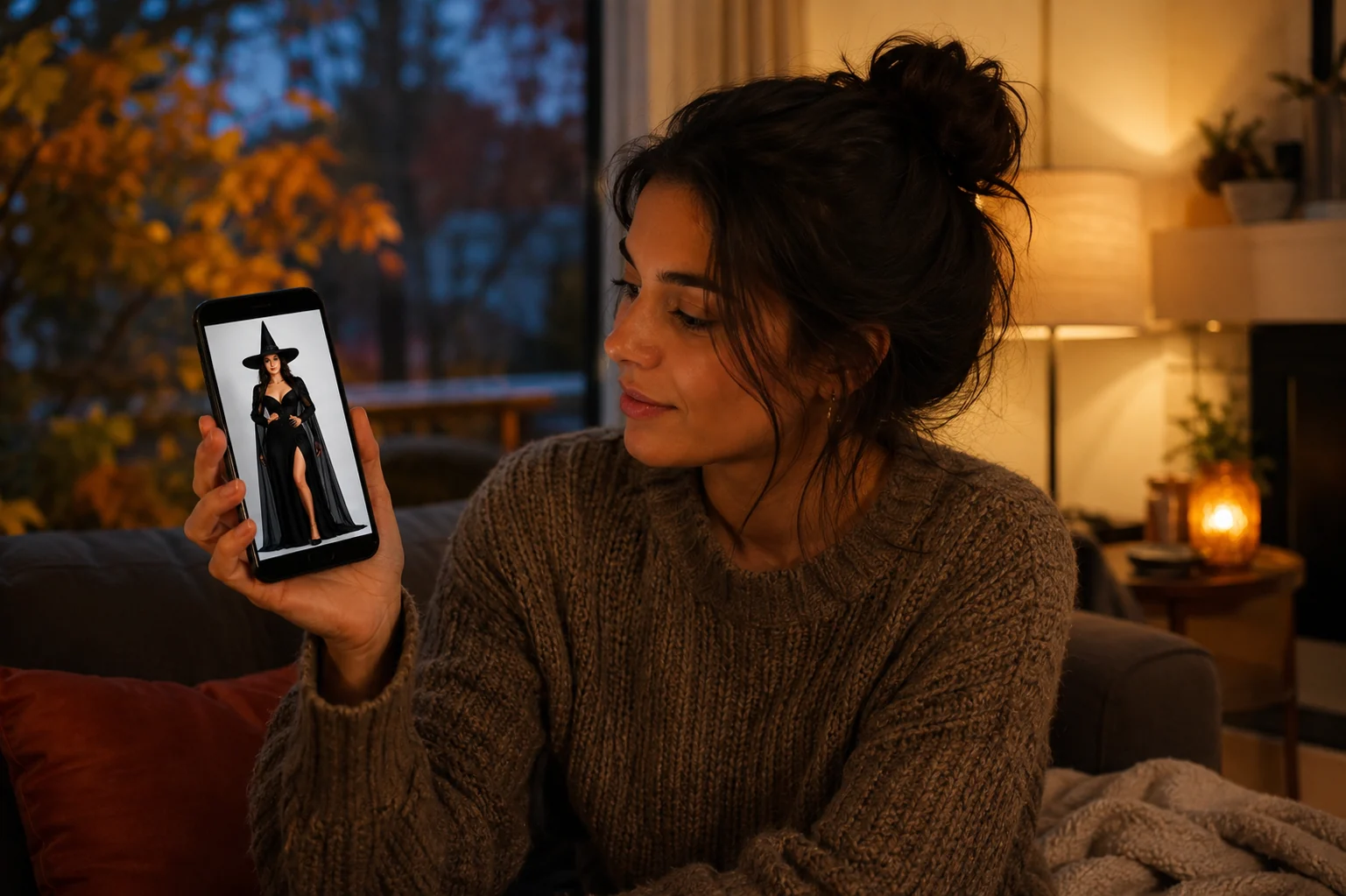
Spotted a witch fit on a costume page or a ghostly look on your feed? Drop the reference in and watch the AI Halloween costume land on your own face and frame. No fitting room, no return labels, no discovering on October 31st that it doesn't work.
Coordinate couples and group themes
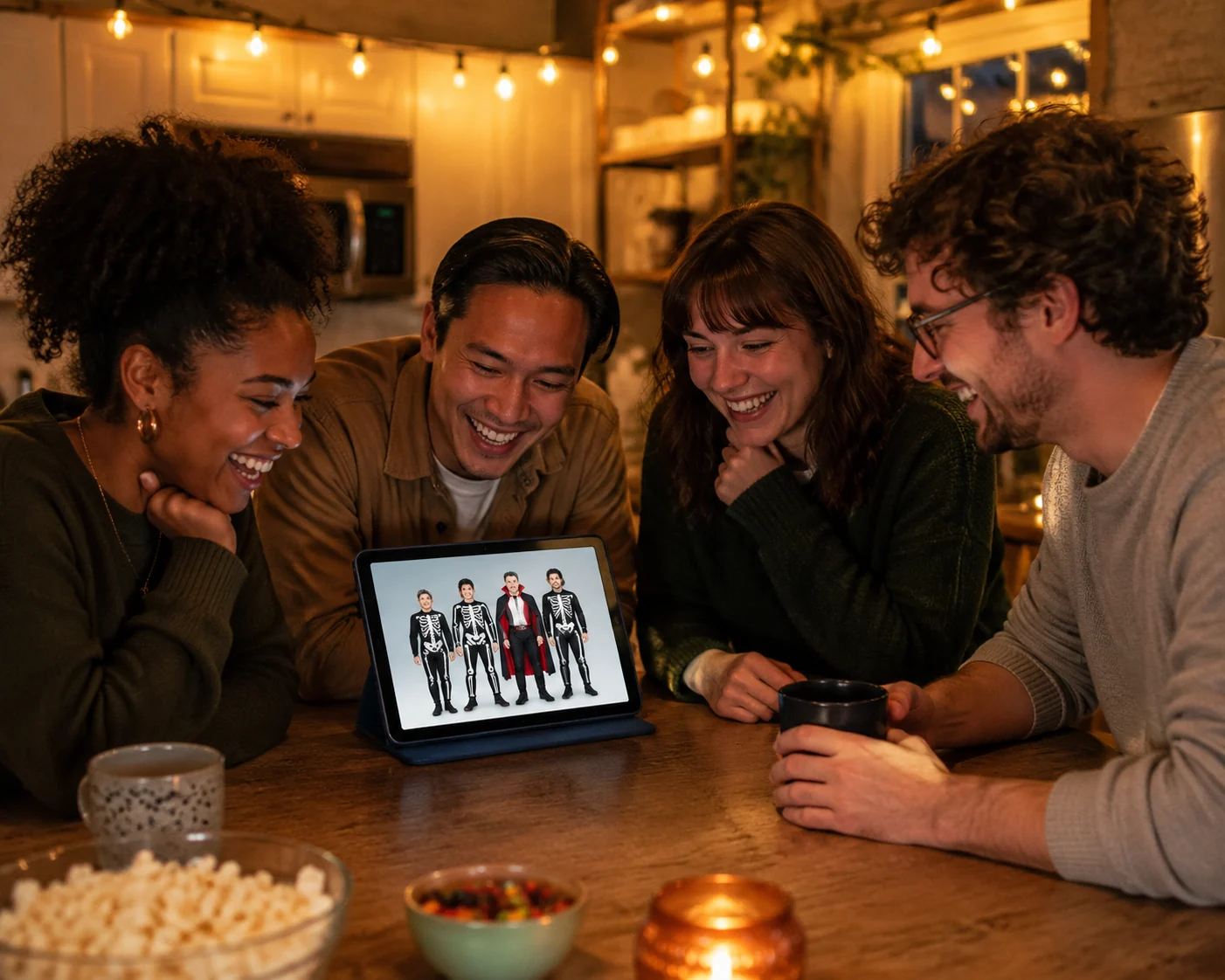
Planning a matching duo or a whole crew in one theme — vampires, skeletons, a haunted lineup? Upload one photo of the two of you to dress both at once, or run each person's photo against the same references so everyone sees their version before the group commits. Fewer night-of surprises, one cohesive look.
Catch the details that flop
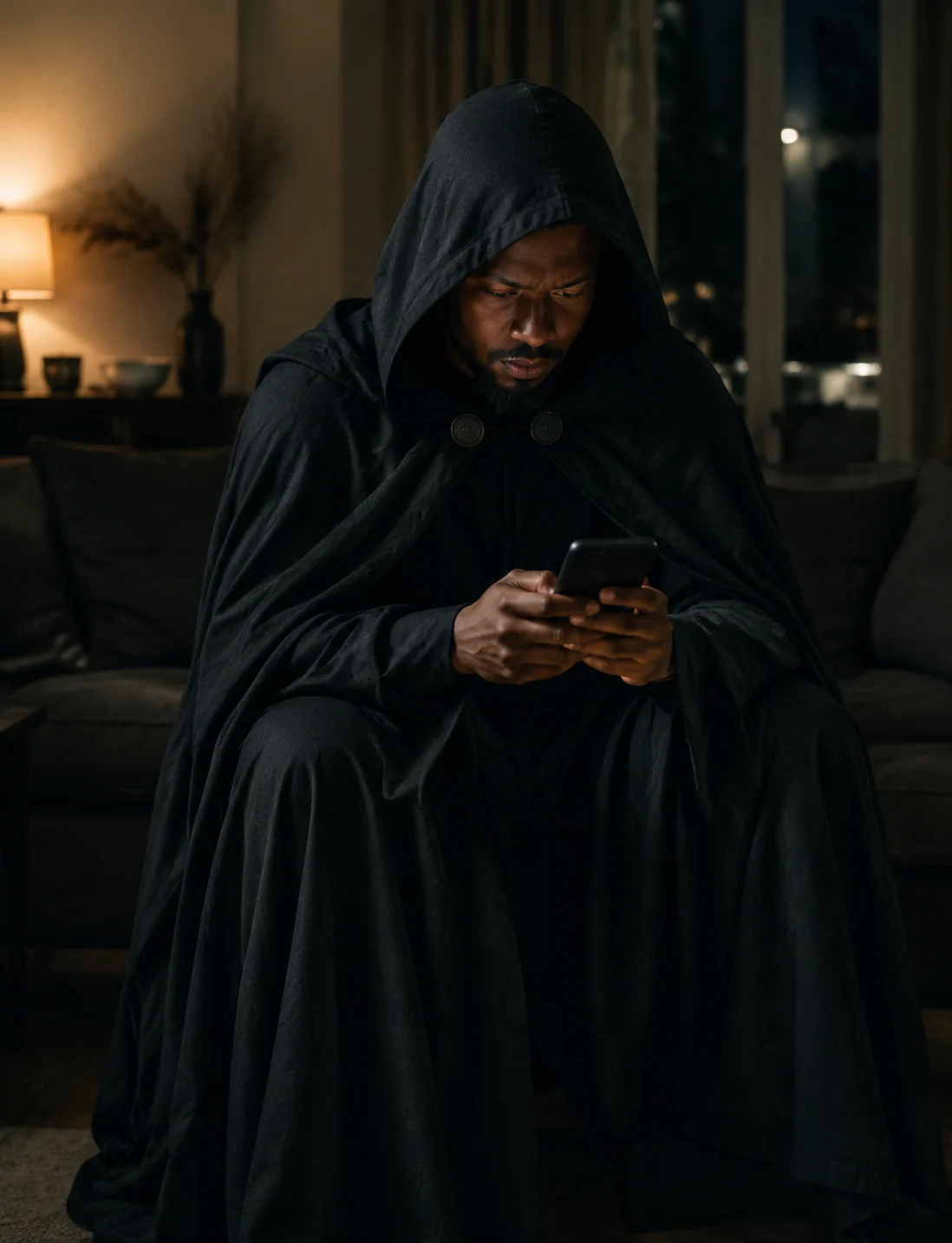
A cape that drowns you, a mask that hides your whole face, a shade of green that washes you out — you usually notice too late. An AI Halloween costume preview shows them on you first, so you can adjust the pieces and skip the costumes that fall flat.
Halloween looks our AI nails
Try Your Costume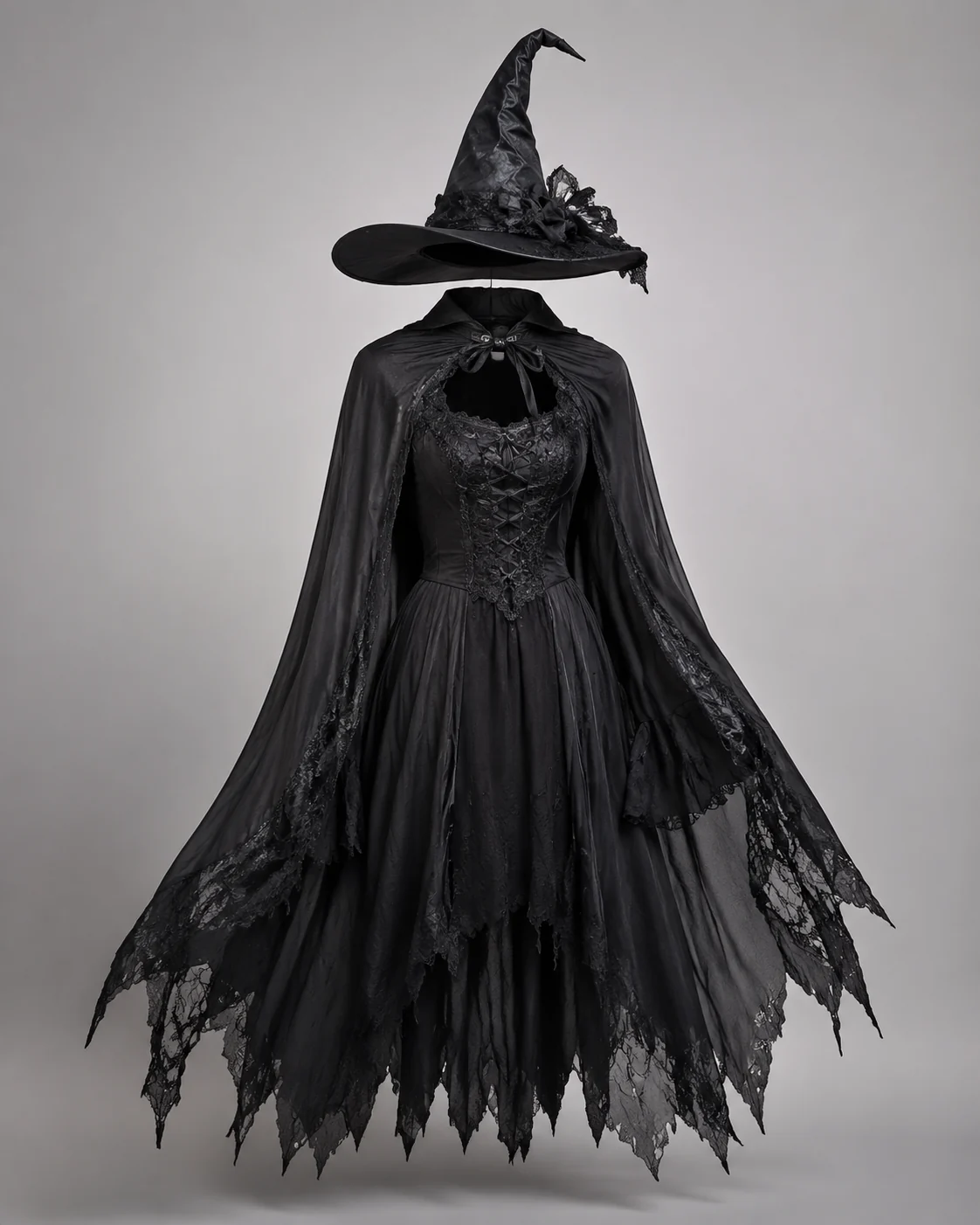
Witches & vampires
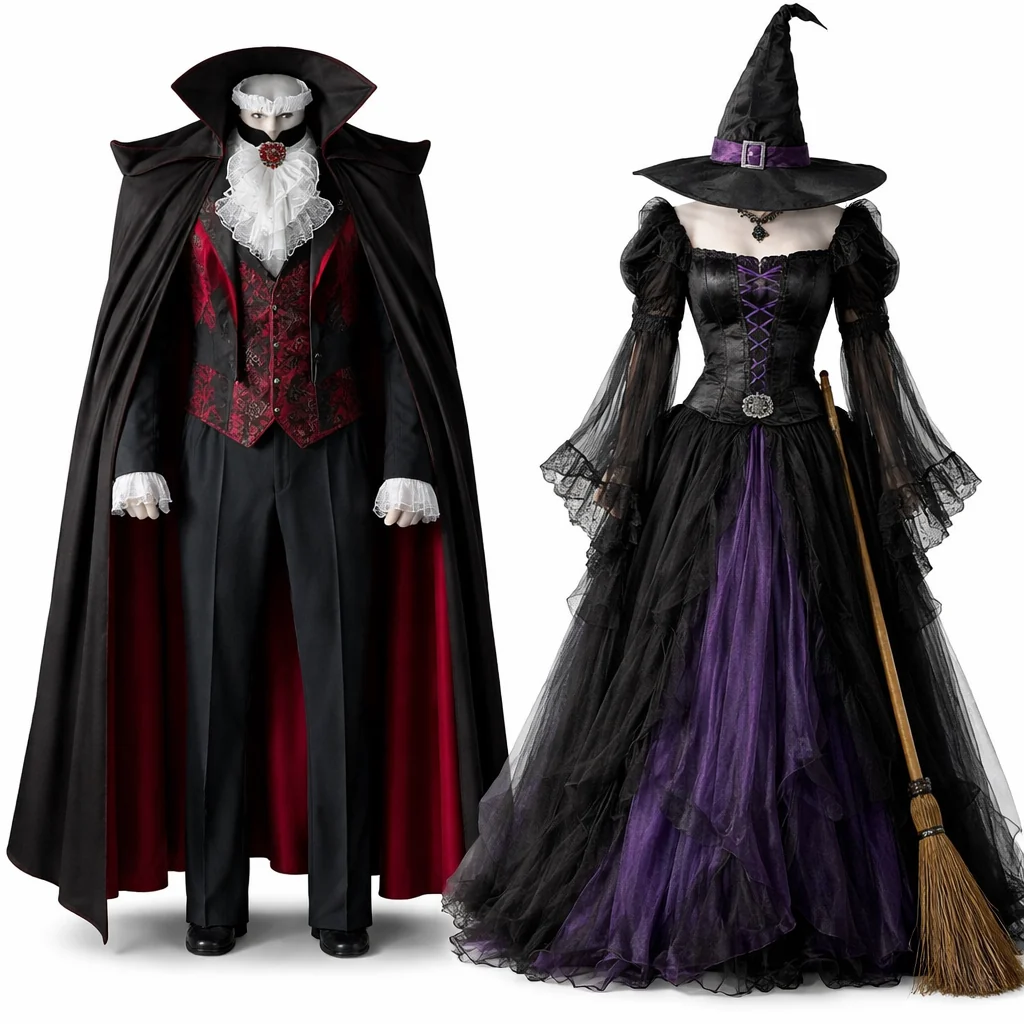
Flowing capes, lace collars, pointed hats, and dark layers render cleanly onto your photo, so you can judge the silhouette and color against your own complexion.
Ghosts, skeletons & reapers
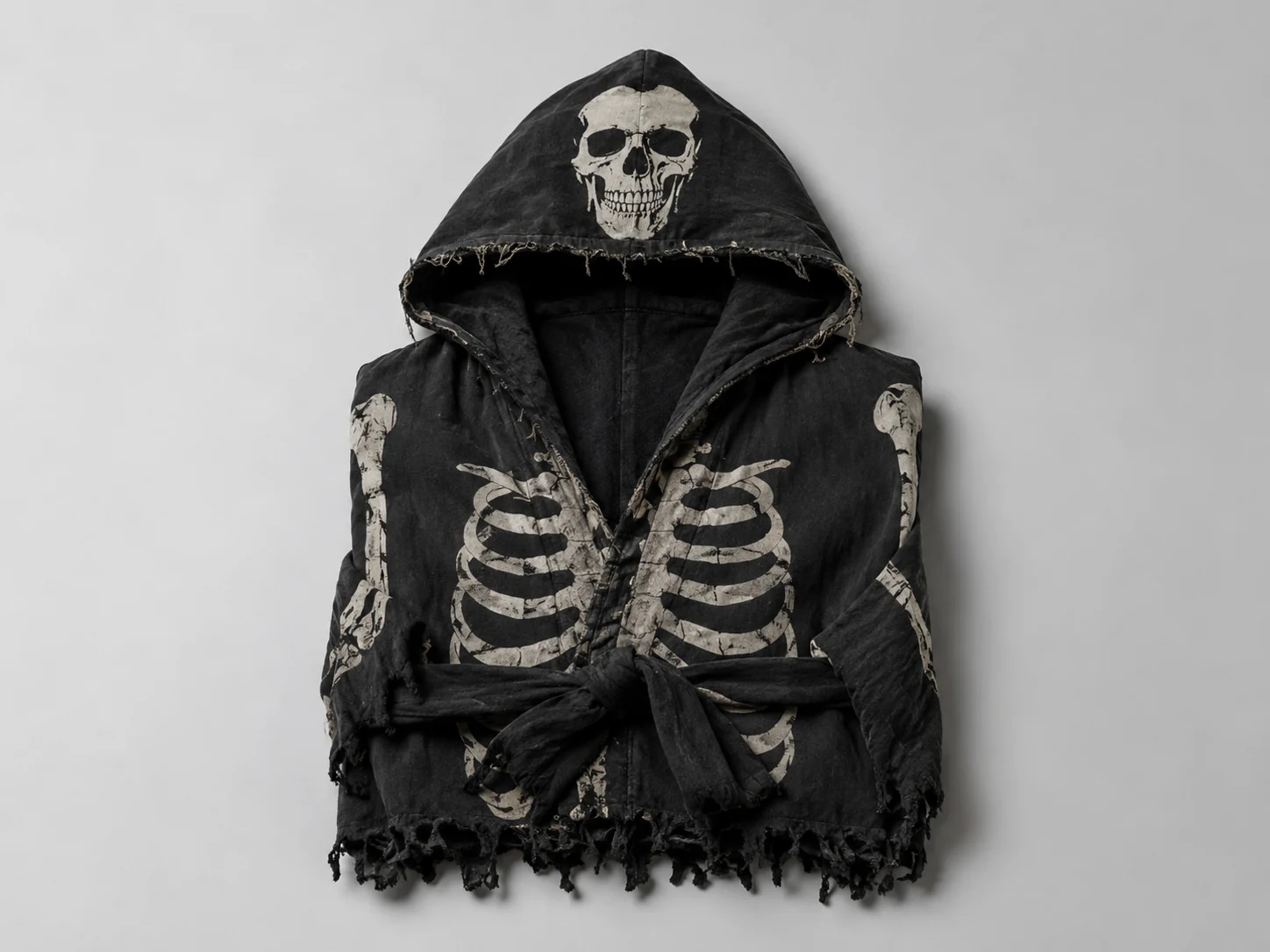
Hooded robes, bone prints, and tattered drapes fit to your proportions while your pose stays natural — handy for seeing how much an oversized look actually swallows you.
Couples & group themes
Run several photos against the same set of references so a matching duo or a coordinated crew can preview their lineup before anyone buys or rents.
More tools to use
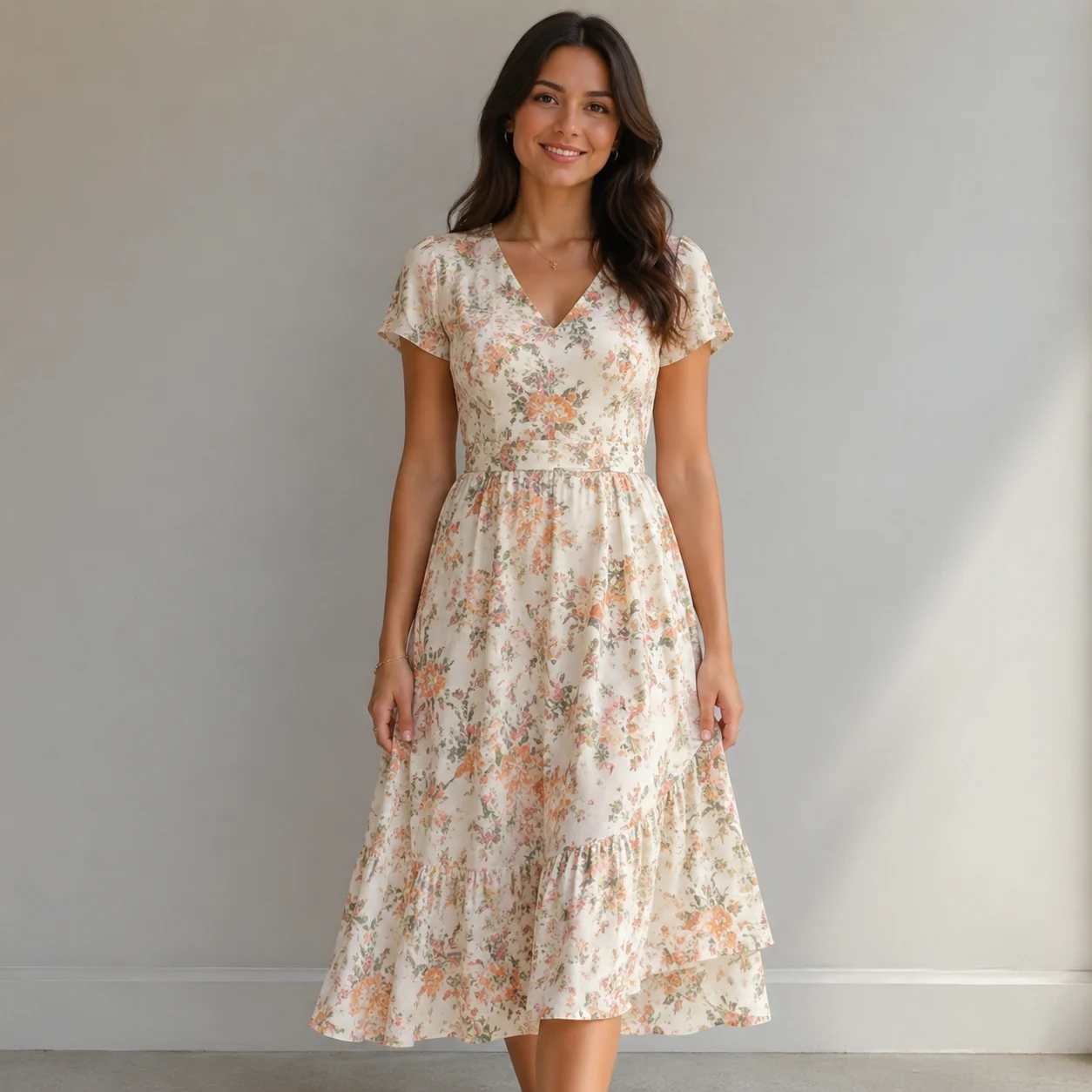
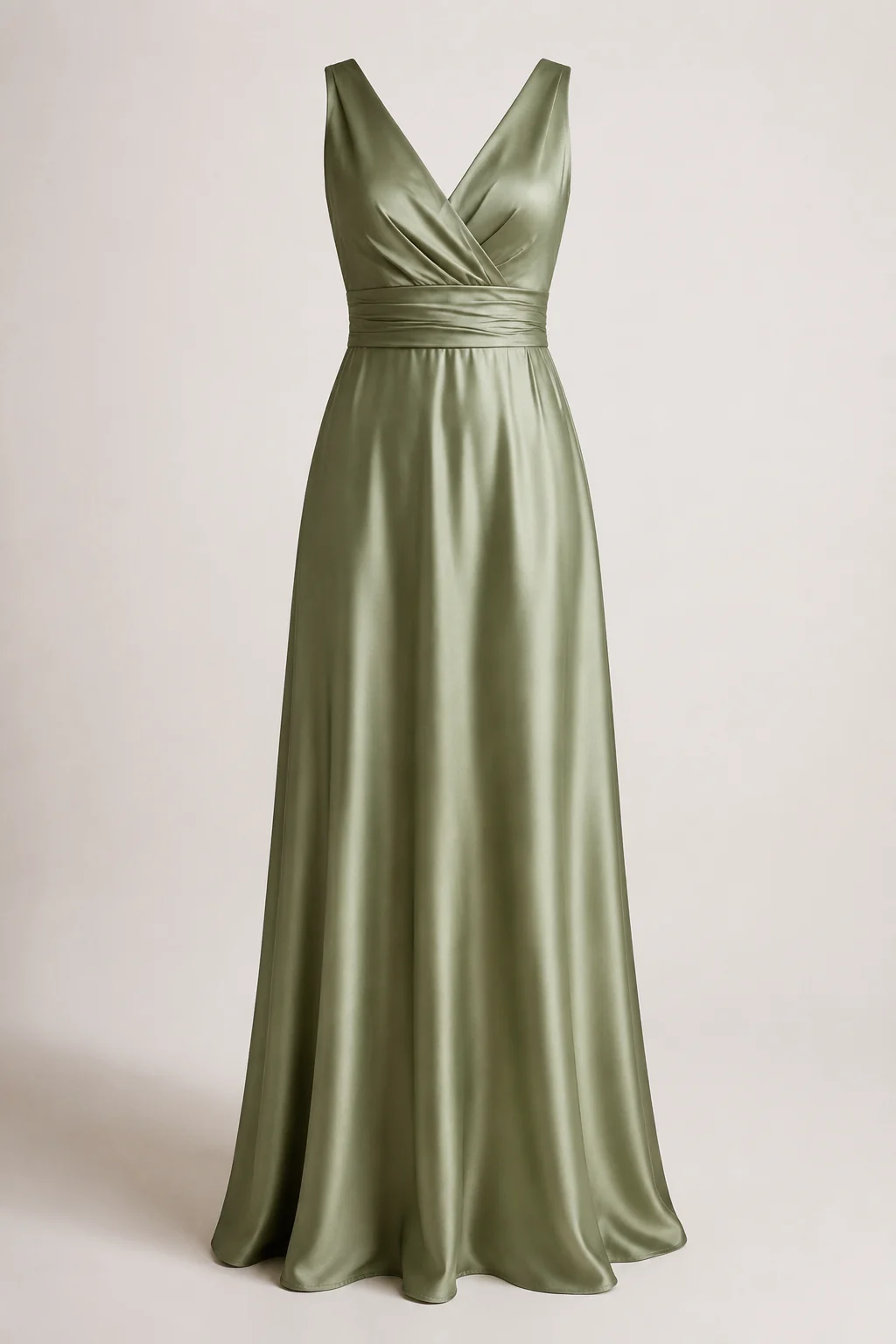
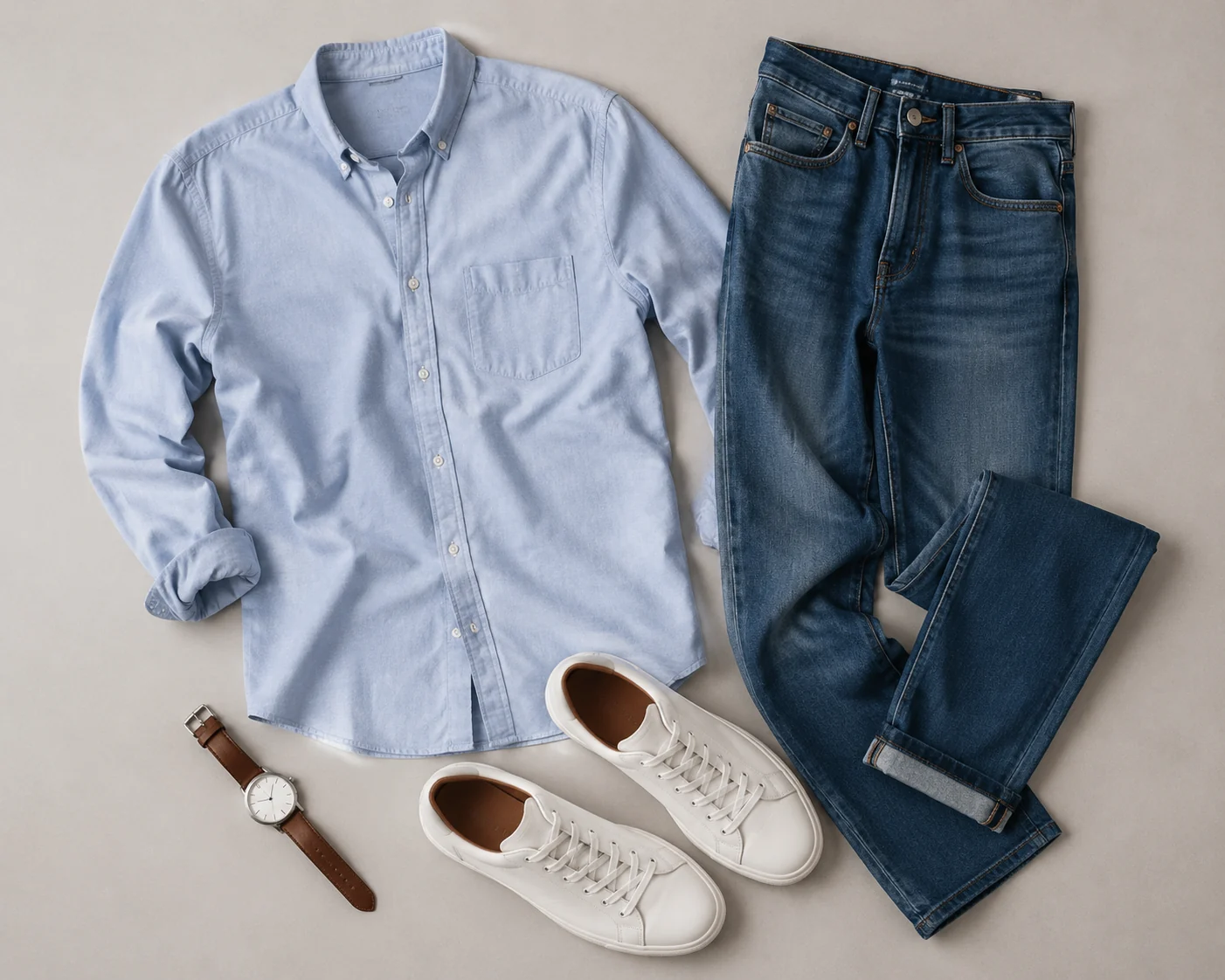
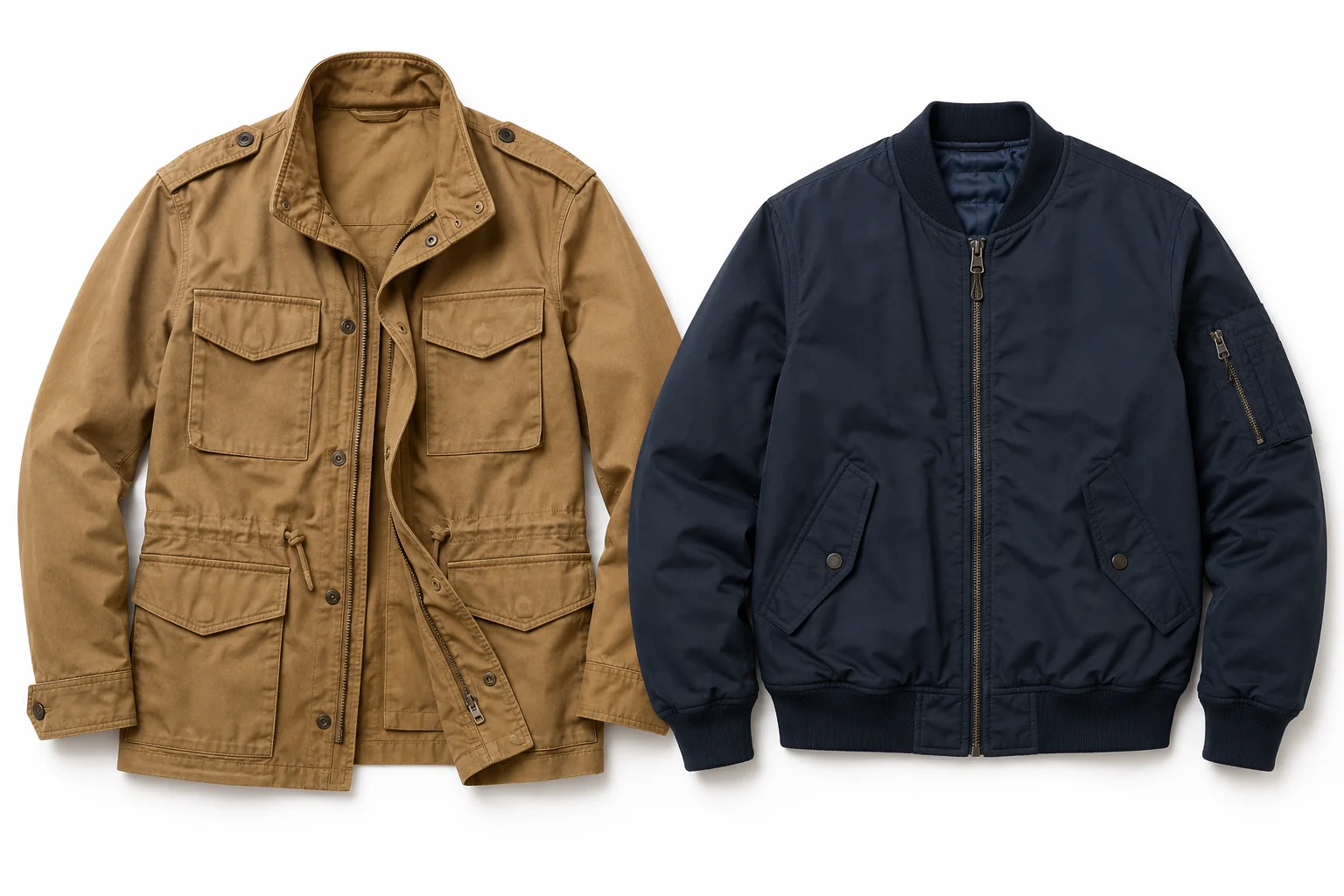
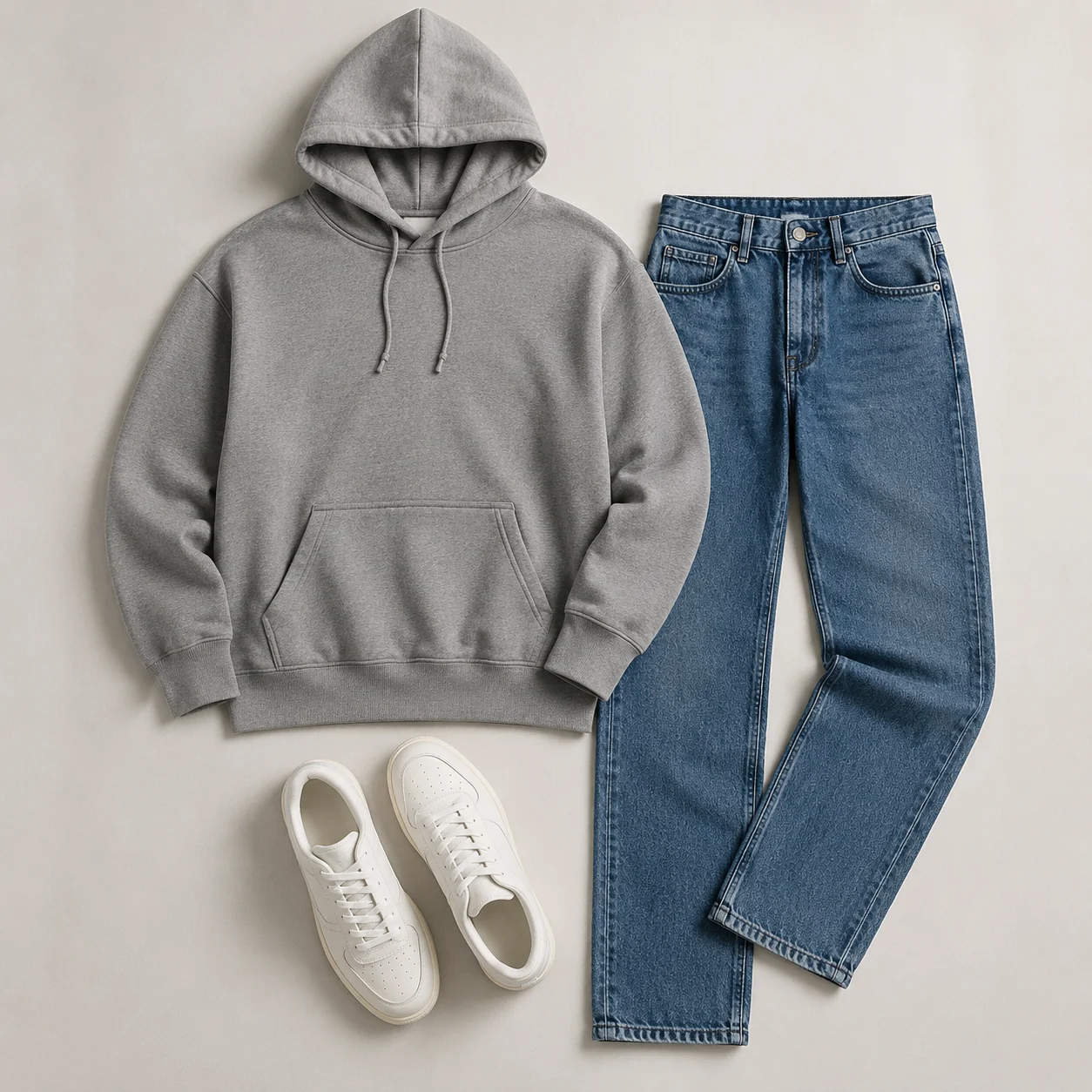
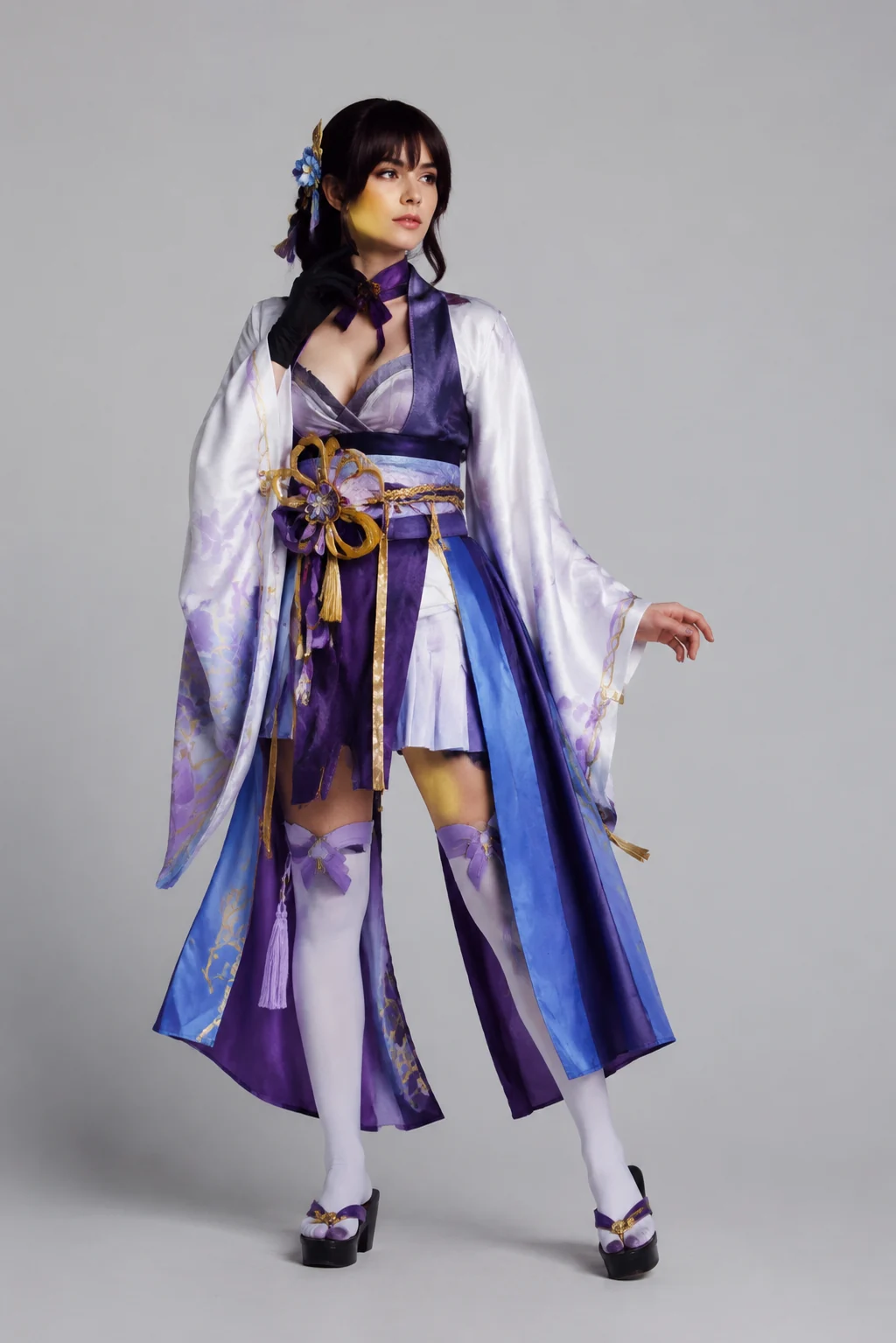
Explore more AI try on and outfit tools — each opens the same studio on your own photo.
How to Make a Halloween Costume with AI
Upload Your Photo
Add one clear, front-facing photo of yourself. It's the only image you need — the costume comes from your words.
Describe the Costume
Type the costume you want right in the box — we pre-filled an example you can edit to anything. No clothing photo needed. Prefer a reference? You can still add an image instead.
Generate It on You
In about a minute the AI dresses you in the costume you described, keeping your face, body, pose, and background natural. Download it, or tweak the words and run it again.
Start free. Go yearly — pay half.
More credits than a full year of monthly — for less than half the price.
No hidden fees. Secure checkout by Stripe.
Your card details go directly to Stripe. We never store your full card number or security code.
Stripe Checkout shows your total before you confirm payment. Your bank may charge additional fees.
Starter
Free forever2 free watermarked 1K trials before sign-in · 20 extra Standard credits after first sign-in · Check in on later days for 10 free credits · Free credits valid for 30 days · Standard only · Signed-in Standard results have no watermark (10 per eligible daily Claim)
Monthly
Flexible month-to-month. Cancel anytime.
- 750 credits every month
- ≈ 93 Standard 1K swaps / month
- No watermark on this account after any purchase
- Studio Quality: image editing, up to 6 outfit images, and precise results that better preserve faces, garments, and details
- Priority Generation sends every swap to the Priority queue whenever your paid account has credits
- Commercial use license
Yearly
billed annually
More credits than 12 months — for $150 less.
- 10,000 credits up front for the year
- 1,000 more than 12× monthly + save $150
- No watermark on this account after any purchase
- Studio Quality: image editing, up to 6 outfit images, and precise results that better preserve faces, garments, and details
- Priority Generation sends every swap to the Priority queue whenever your paid account has credits
- Commercial use license
≈ 1,250 swaps a year. Renews at $89.90/yr — cancel anytime.
One-time credit packs
No subscription. Credits never expire and work across every quality level. Studio Quality: image editing, up to 6 outfit images, and precise results that better preserve faces, garments, and details. Priority Generation sends every swap to the Priority queue whenever your paid account has credits. No watermark on this account after any purchase.
150 Credits
Quick top-up≈ 18 Standard 1K swaps
Studio Quality: image editing, up to 6 outfit images, and precise results that better preserve faces, garments, and details
No watermark on this account after any purchase
400 Credits
≈ 50 Standard 1K swaps
Studio Quality: image editing, up to 6 outfit images, and precise results that better preserve faces, garments, and details
No watermark on this account after any purchase
1,000 Credits
≈ 125 Standard 1K swaps
Studio Quality: image editing, up to 6 outfit images, and precise results that better preserve faces, garments, and details
No watermark on this account after any purchase
2,000 Credits
≈ 250 Standard 1K swaps
Studio Quality: image editing, up to 6 outfit images, and precise results that better preserve faces, garments, and details
No watermark on this account after any purchase
Prices in USD. Yearly renews annually; credit packs are one-time. Cancel anytime via the billing portal.
Plan Your Halloween Look Before You Spend a Dime
⌄
Picking a costume is half guesswork. You scroll through listings, imagine a vampire cape or a glam witch look on yourself, and hope it lands. An AI Halloween costume generator skips the guessing: you see the outfit on your own photo, so you can judge the proportions, the color, and the overall vibe before you ever hit buy. It pays off most for group themes, where everyone wants to weigh options and settle on a direction without ordering five different versions first.
You can test a huge spread of looks. Classic monsters like vampires, witches, and zombies, pop-culture characters, retro decades, fantasy armor, fairy and angel wings, superheroes, even matching outfits for you and your pet. You can also tweak color and detail on one idea, say a red devil against a black-and-gold one, until it looks the way you pictured. Couples and friend groups tend to run a few previews side by side, so they know the outfits work together in photos and not just one at a time.
Your photo matters more than the prompt here. Use a clear, front-facing shot in even lighting, with your shoulders and upper body in frame and nothing cropping you off. Skip heavy shadows, busy backgrounds, or sunglasses that hide your face. A plain wall and natural daylight give the cleanest preview, because your features stay recognizable while the costume layers on top, and a relaxed pose lets the fit show through accurately.
Compared with driving to a store to try on rack after rack, or wrestling with layers in Photoshop, this Halloween costume generator turns a thirty-minute fitting-room trip into a one-minute preview you can do from the couch. Nothing to return, no manual masking or cutout work. Run a few ideas, save the ones you like, then buy or rent only the costume you have already seen on yourself, a calmer way to pull together a last-minute look without the usual party-week scramble.
Halloween Costume Generator: Common Questions
Upload one photo of yourself and up to six costume references — a product listing, a character still, or a look you pinned. The tool fits that costume onto your photo while keeping your face, body shape, pose, lighting, and background unchanged, so you see how it really sits on you in about a minute.