
AI Clothes Color Changer
AI Clothes Color Changer
Change the color of any outfit in a photo — pick a shade or enter a hex, and the AI recolors just the clothes.
A free AI clothes color changer recolors the garment already in your photo. Upload one picture, pick a new color, and your face, pose, and background stay the same.
Free to try after signing in — eligible new accounts receive free first-day credits automatically. Come back tomorrow for another 10. No card required. Adults only (18+).
Create your try-on
Add a photo and choose the new clothing colour.
1 · Add your photos
Try 2 free 1K results with a watermark. Sign in for 20 Standard credits and watermark-free results.
Verify you are human to enable Generate.
Complete the secure check below.
Change the color of clothes, keep everything else
A clothes color changer should recolor the outfit without touching the person or the fabric. Upload one photo, pick a color, and the AI repaints only the clothing — so you can change a dress color, a shirt color, or a whole outfit and still see the real texture, pattern, and fit.
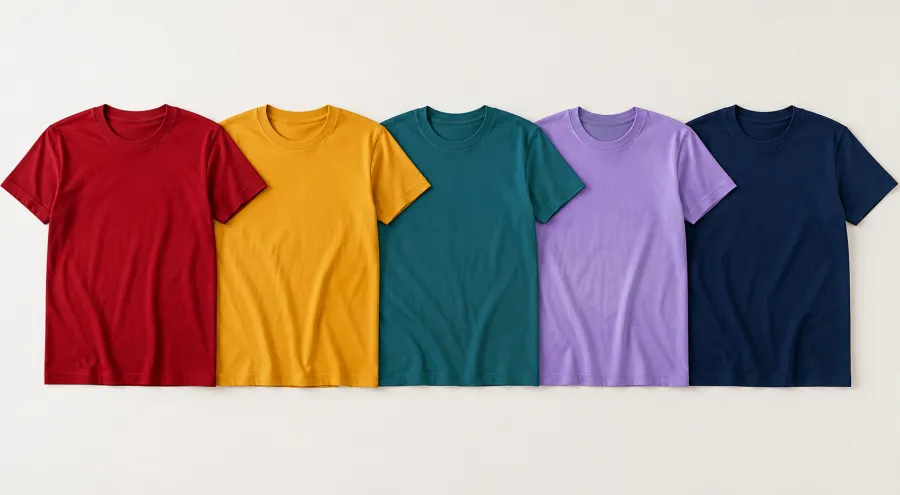
Try the same outfit in every color
Stop guessing whether a top works in red, sage, or cobalt. Recolor the exact piece you already own or are about to buy and compare colors side by side on the real garment — so you choose the shade that suits you instead of returning the wrong one.
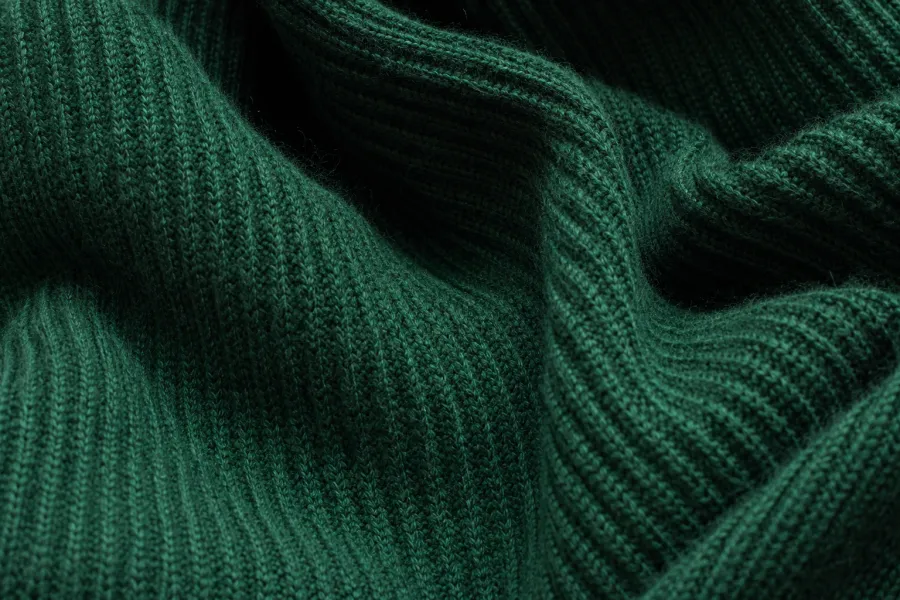
Only the color changes — fabric and fit stay real
A recolor is not a flat repaint. The AI keeps the weave, folds, shadows, prints, and the exact cut, then shifts only the hue — so a ribbed knit stays a ribbed knit and a pleated skirt keeps its pleats, just in the new color you picked.
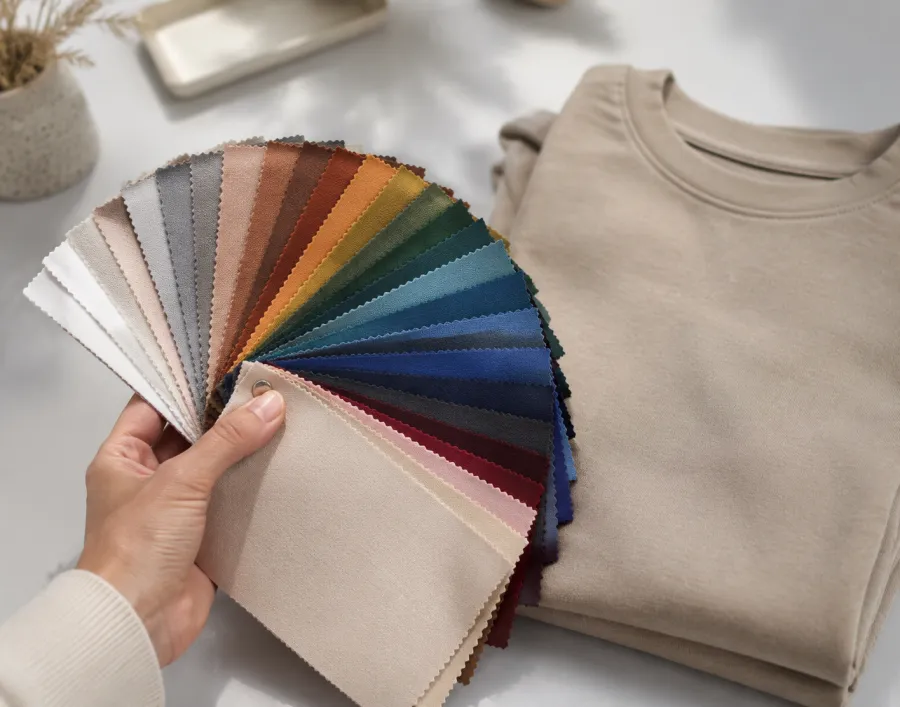
Match an exact shade or brand color
Need a specific color, not just “blue”? Enter a hex code or pull the color wheel to the exact tone — a brand palette, a bridesmaid swatch, or a piece already in your closet — and the clothes color changer matches it on the garment in your photo.
Colors the AI changes cleanly
Recolor My Outfit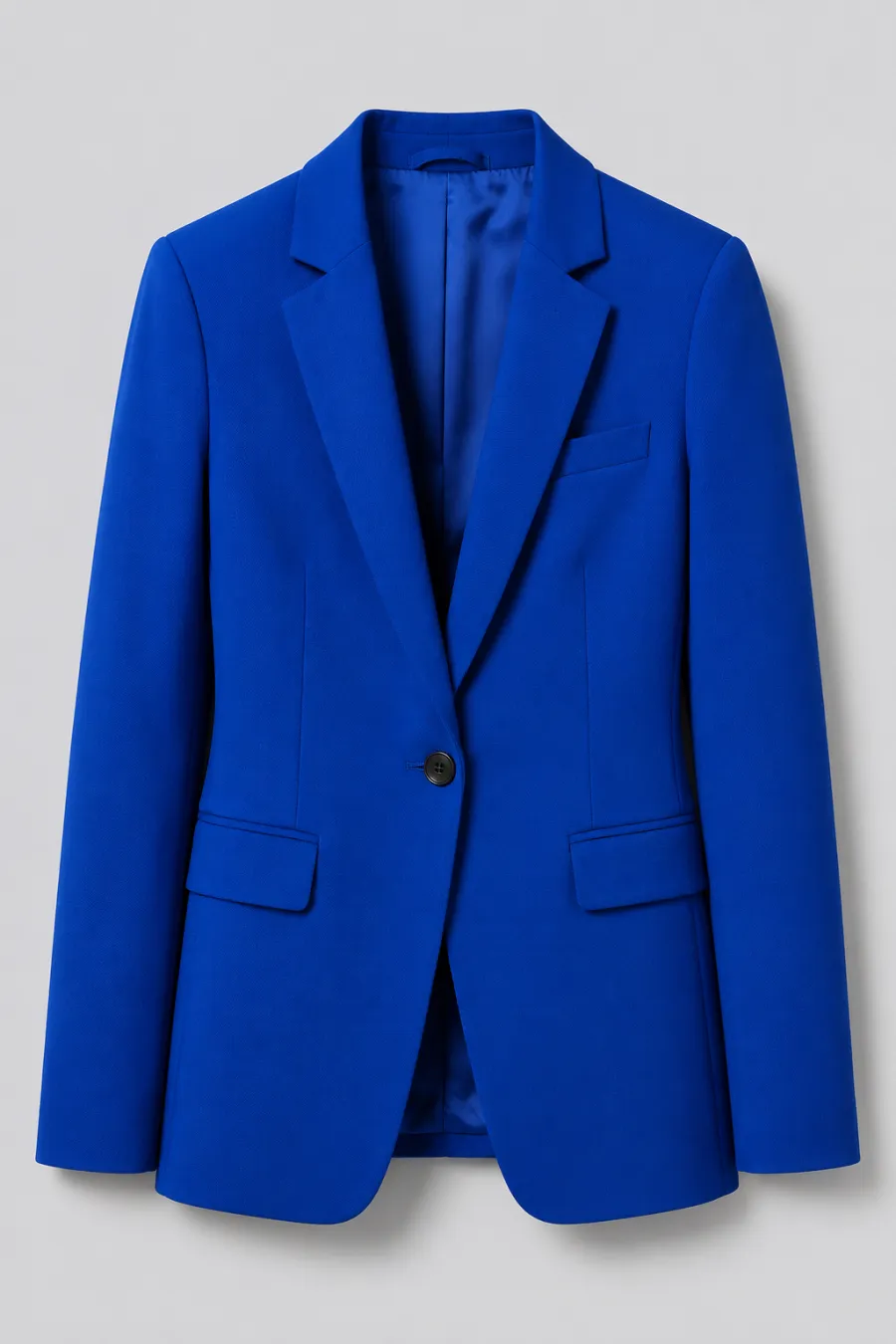
Bold & vivid
Crimson, cobalt, emerald, hot pink — push an outfit to a saturated statement color and see how it reads before you buy or wear it.
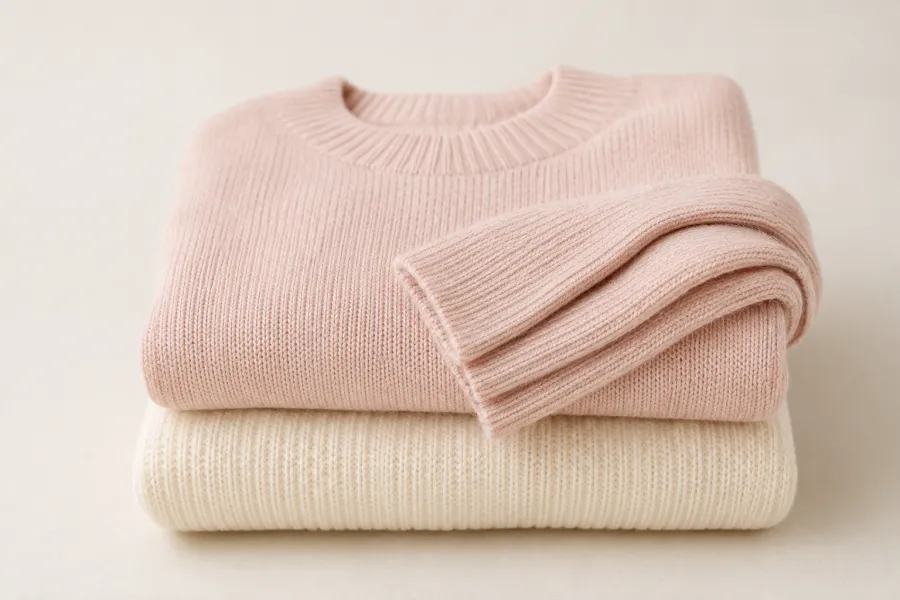
Soft pastels & neutrals
Blush, sage, cream, dove grey — recolor a piece into a calmer palette to check it against your skin tone and the rest of your wardrobe.
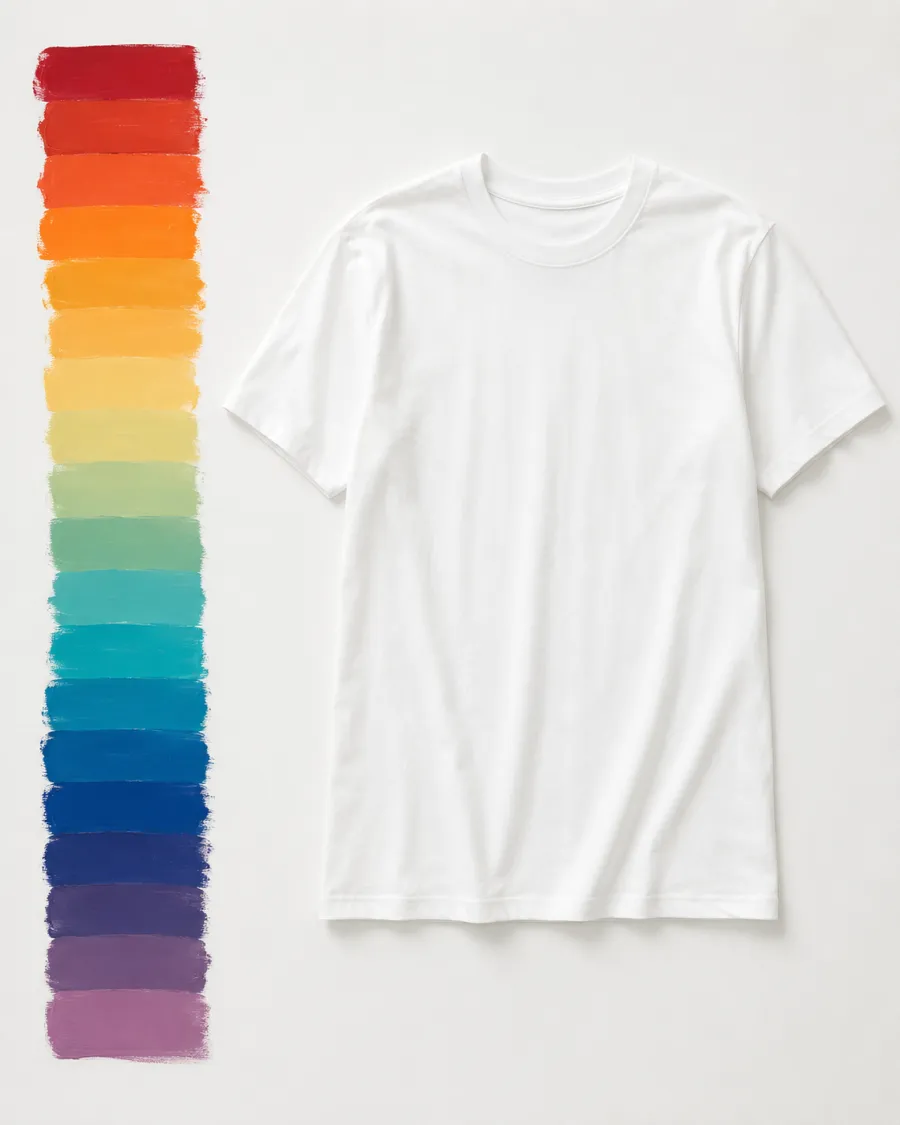
Any custom hex
Type an exact hex code or drag the color wheel to match a brand color, a swatch, or a piece you already own — down to the precise shade.
More tools to use
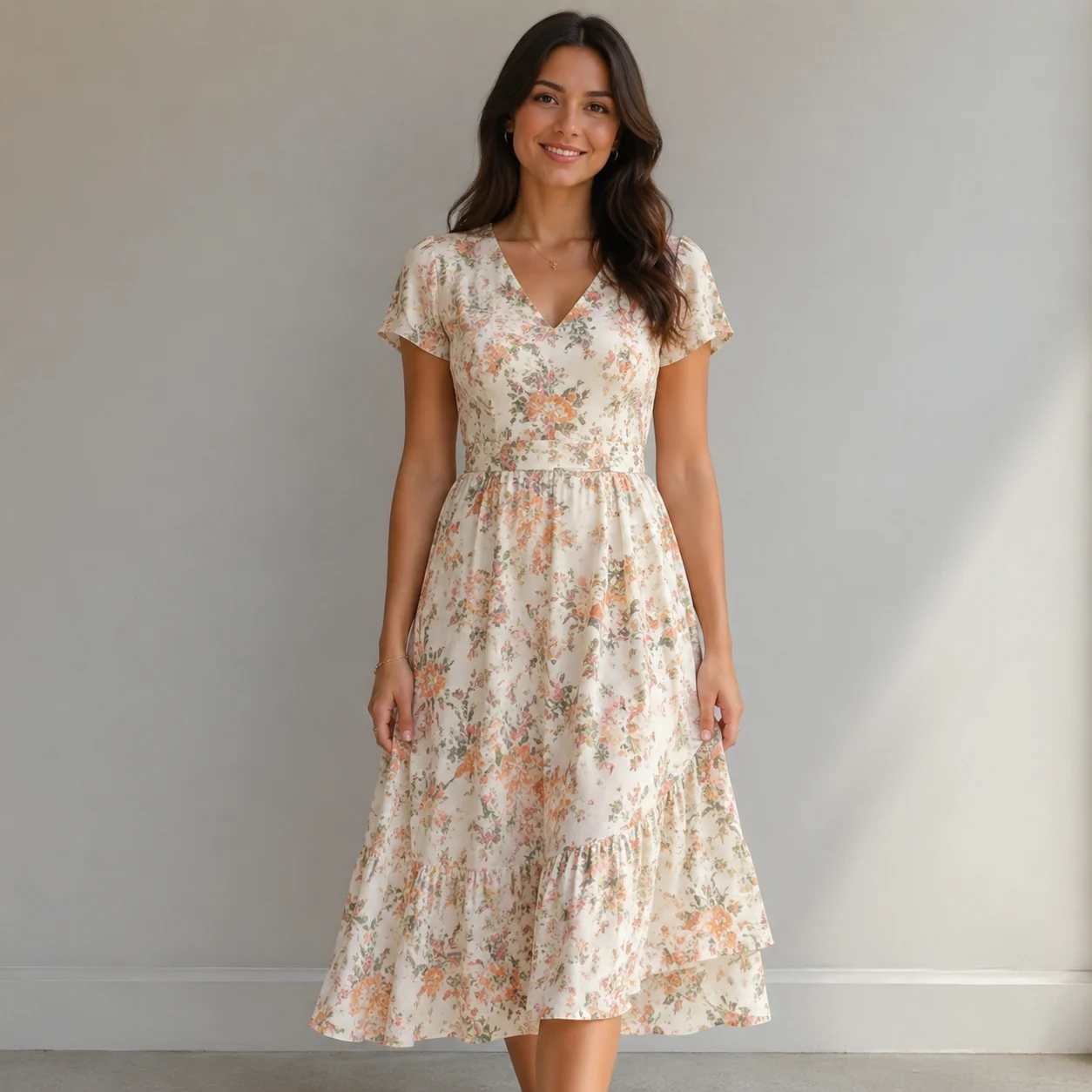
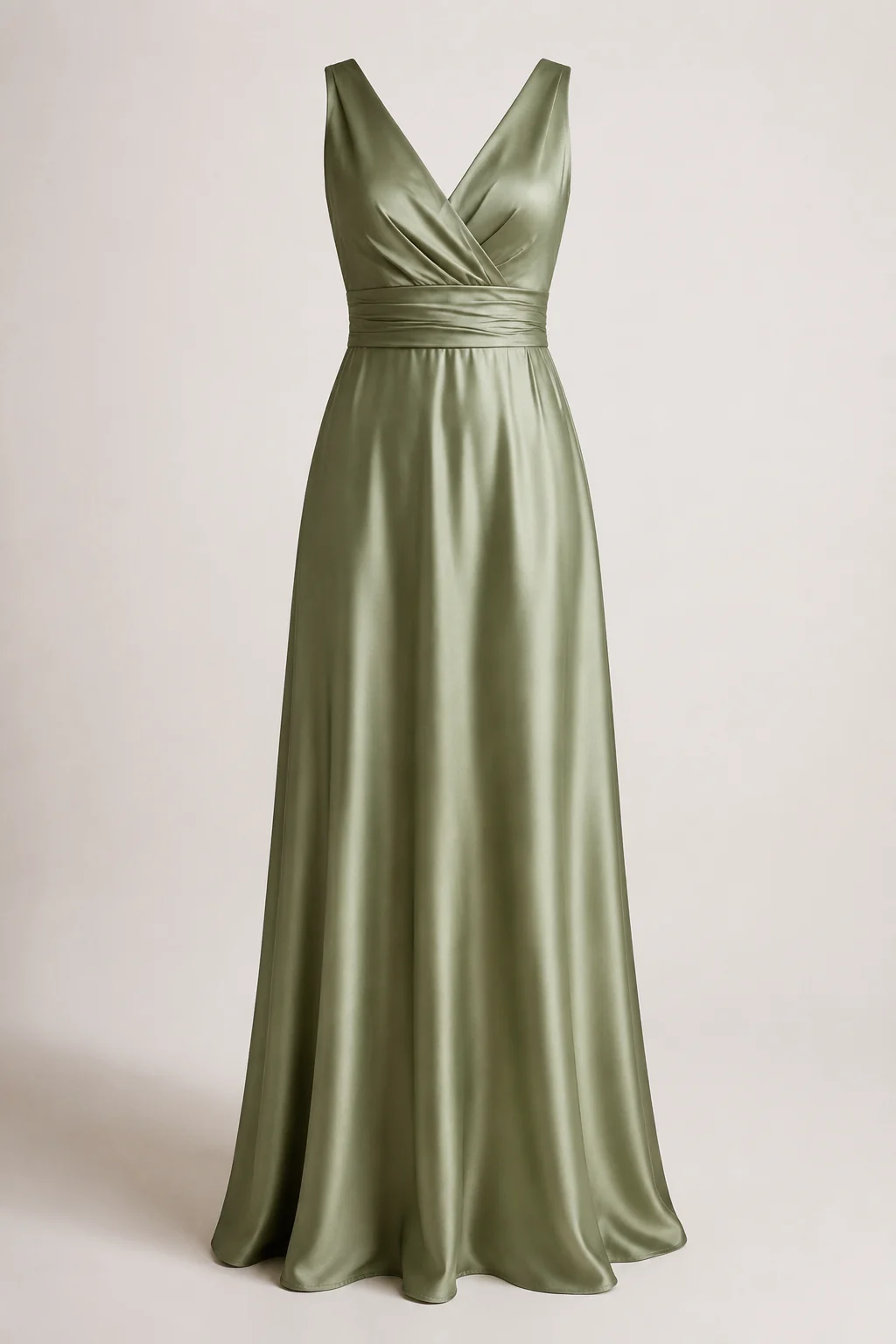
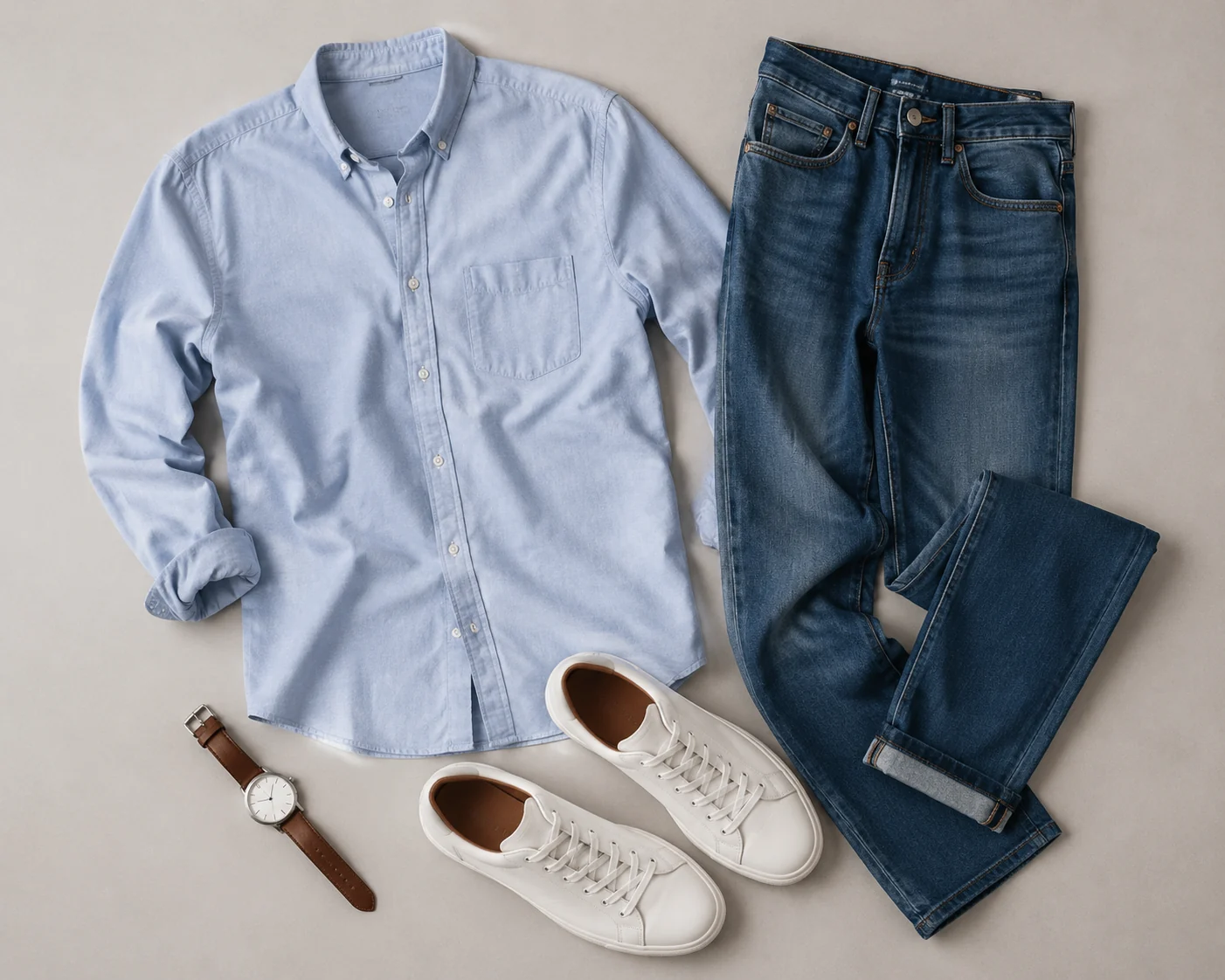
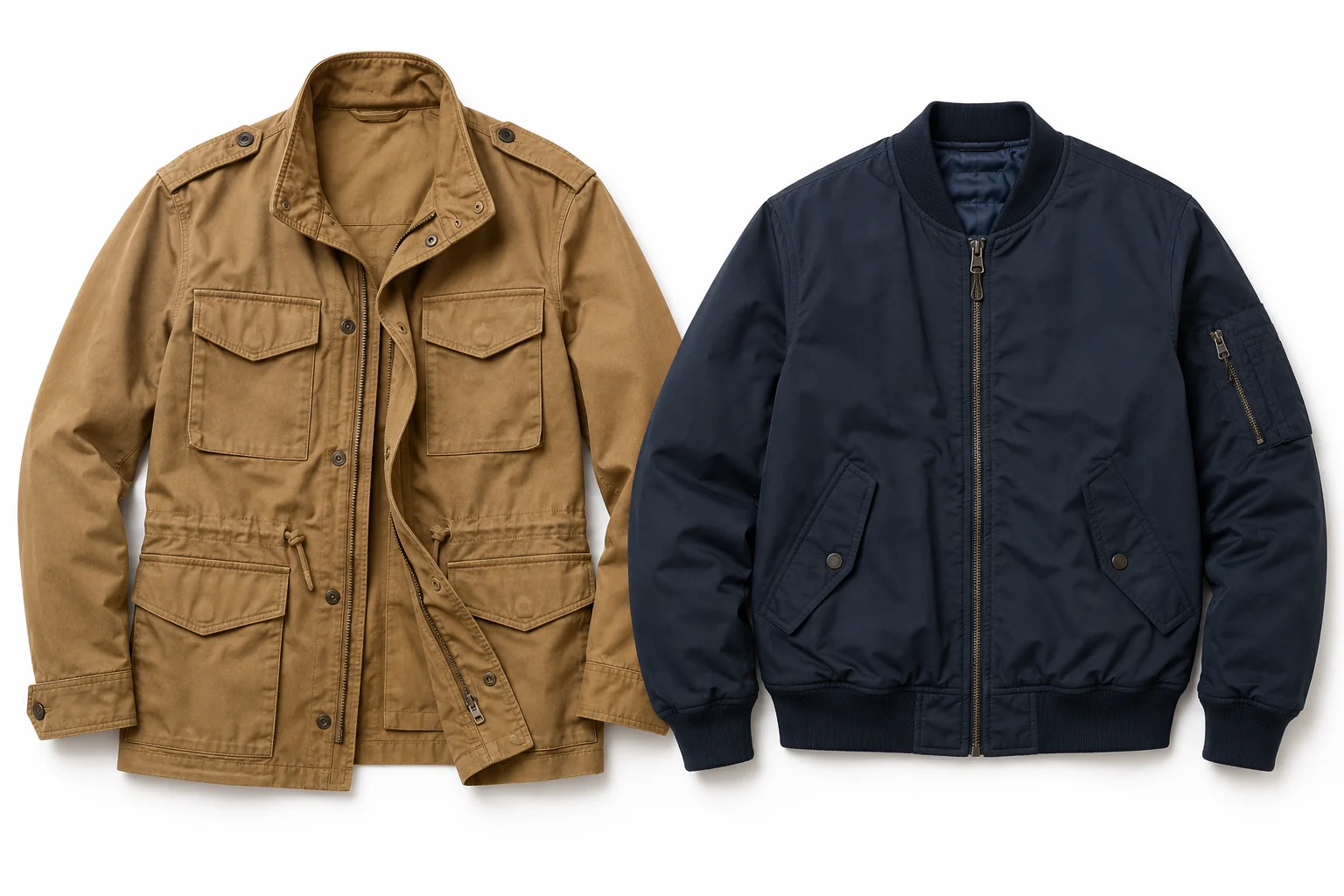
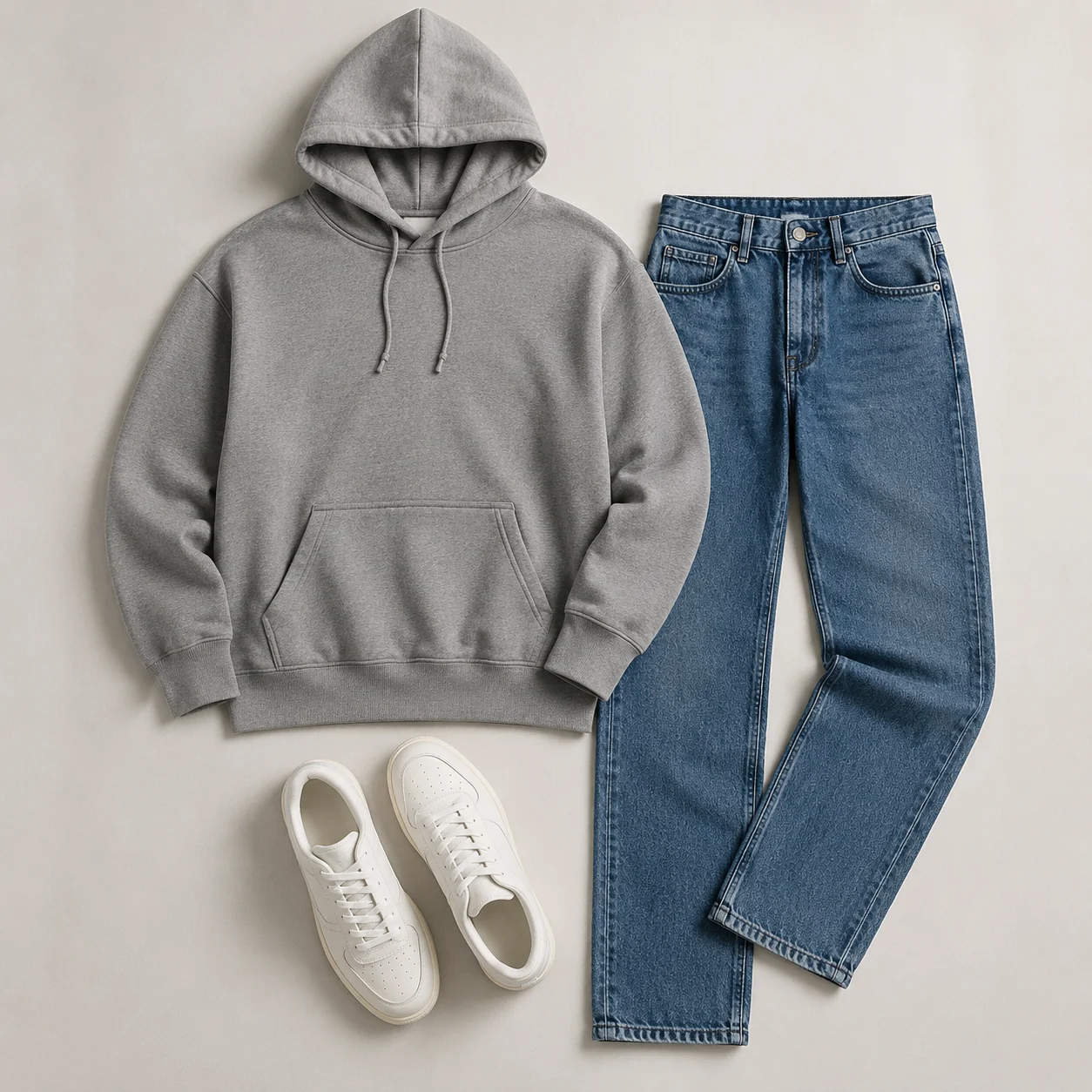
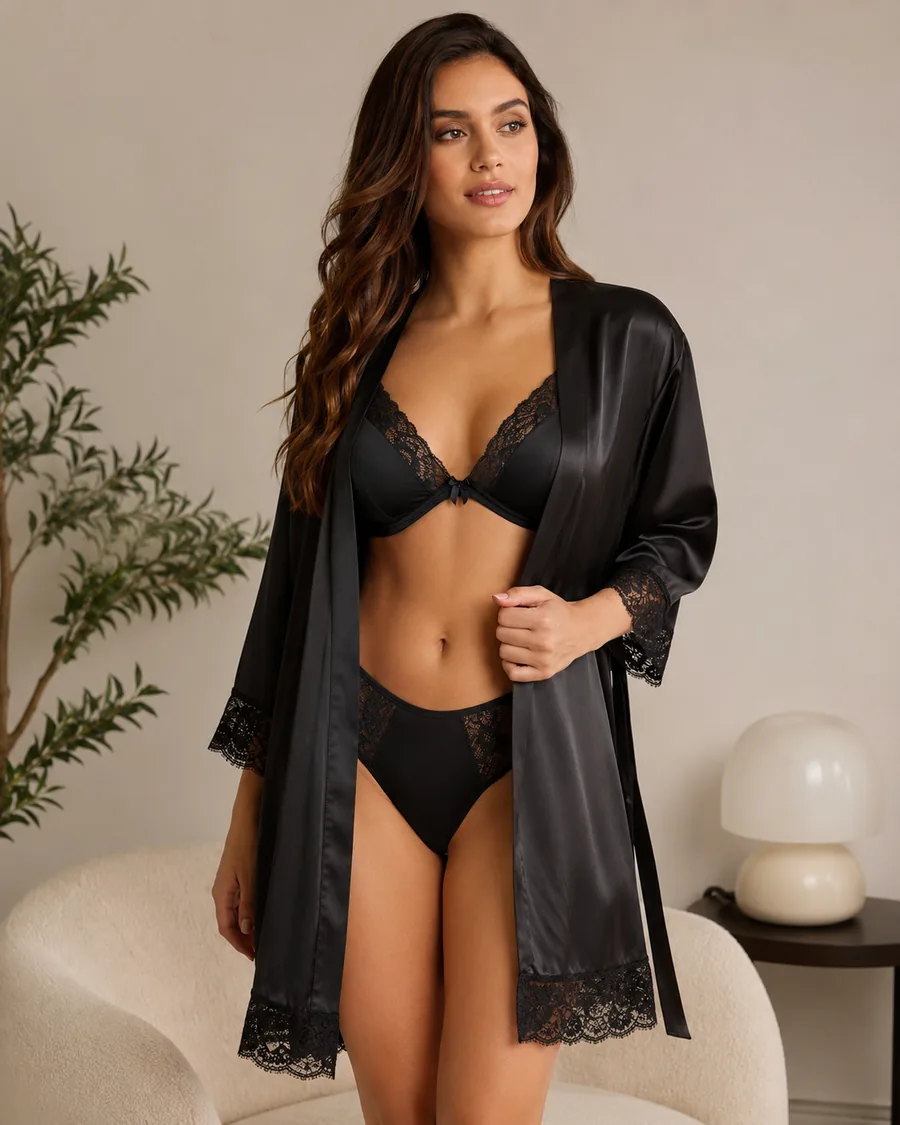
Explore more AI try on and outfit tools — each opens the same studio on your own photo.
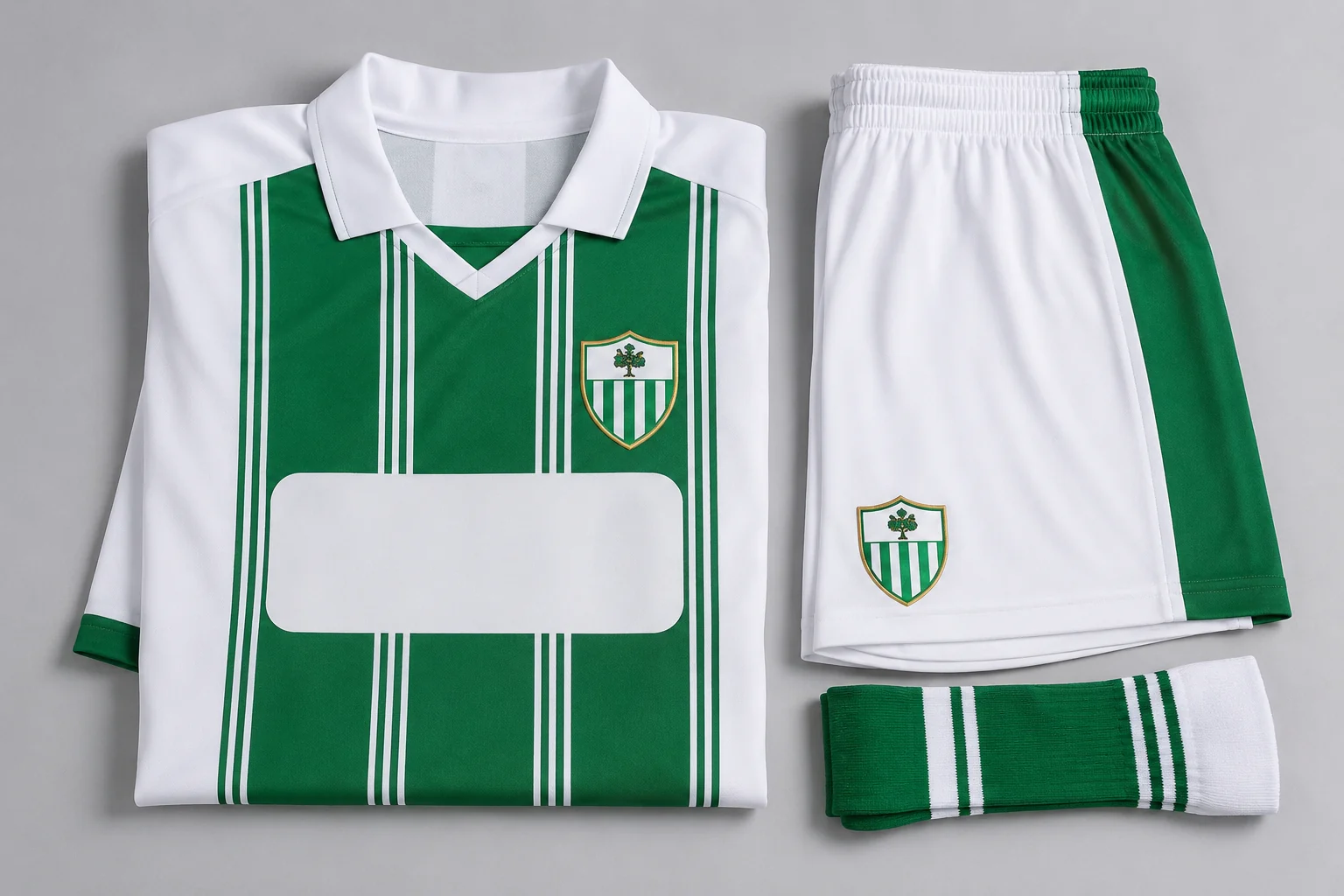
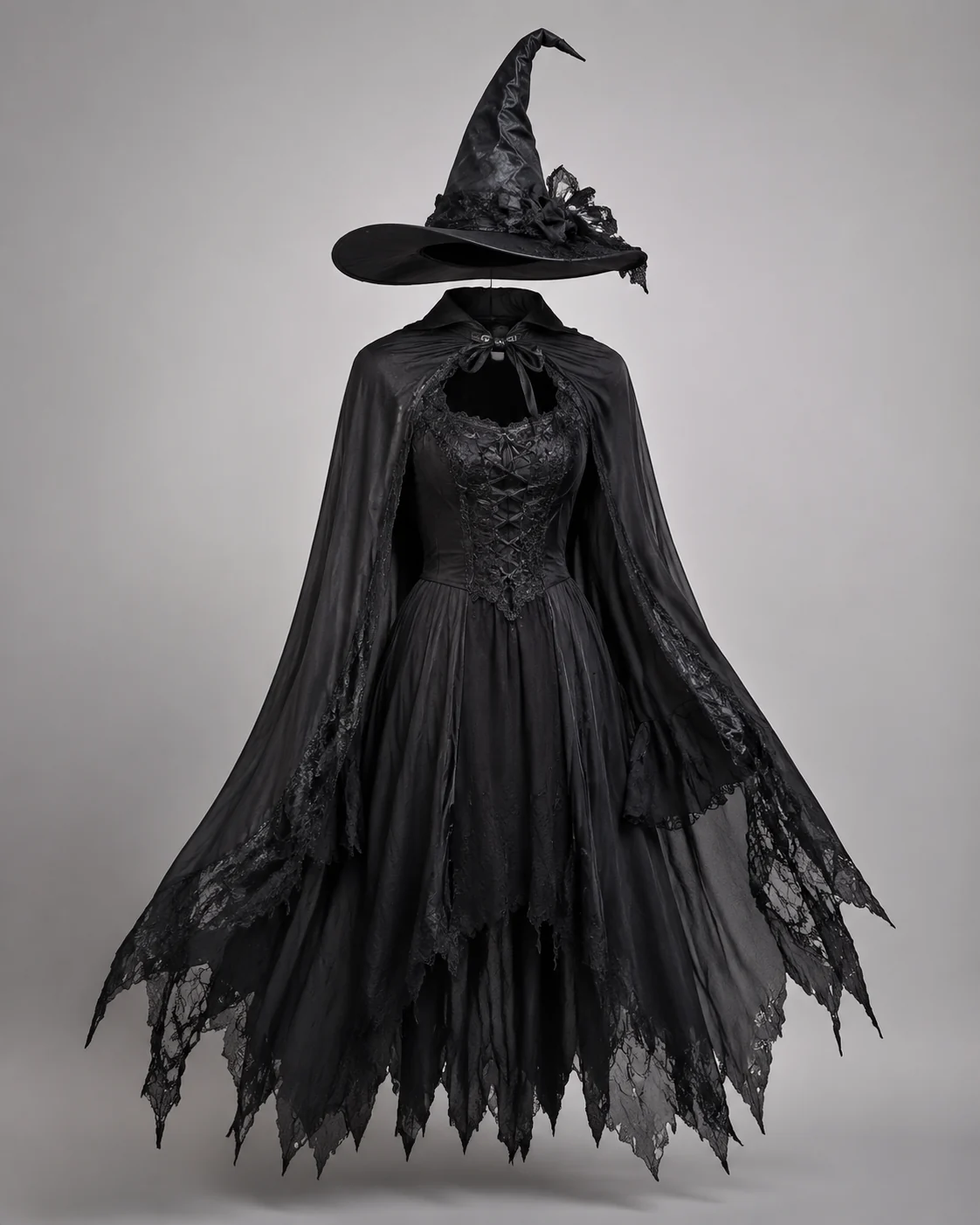
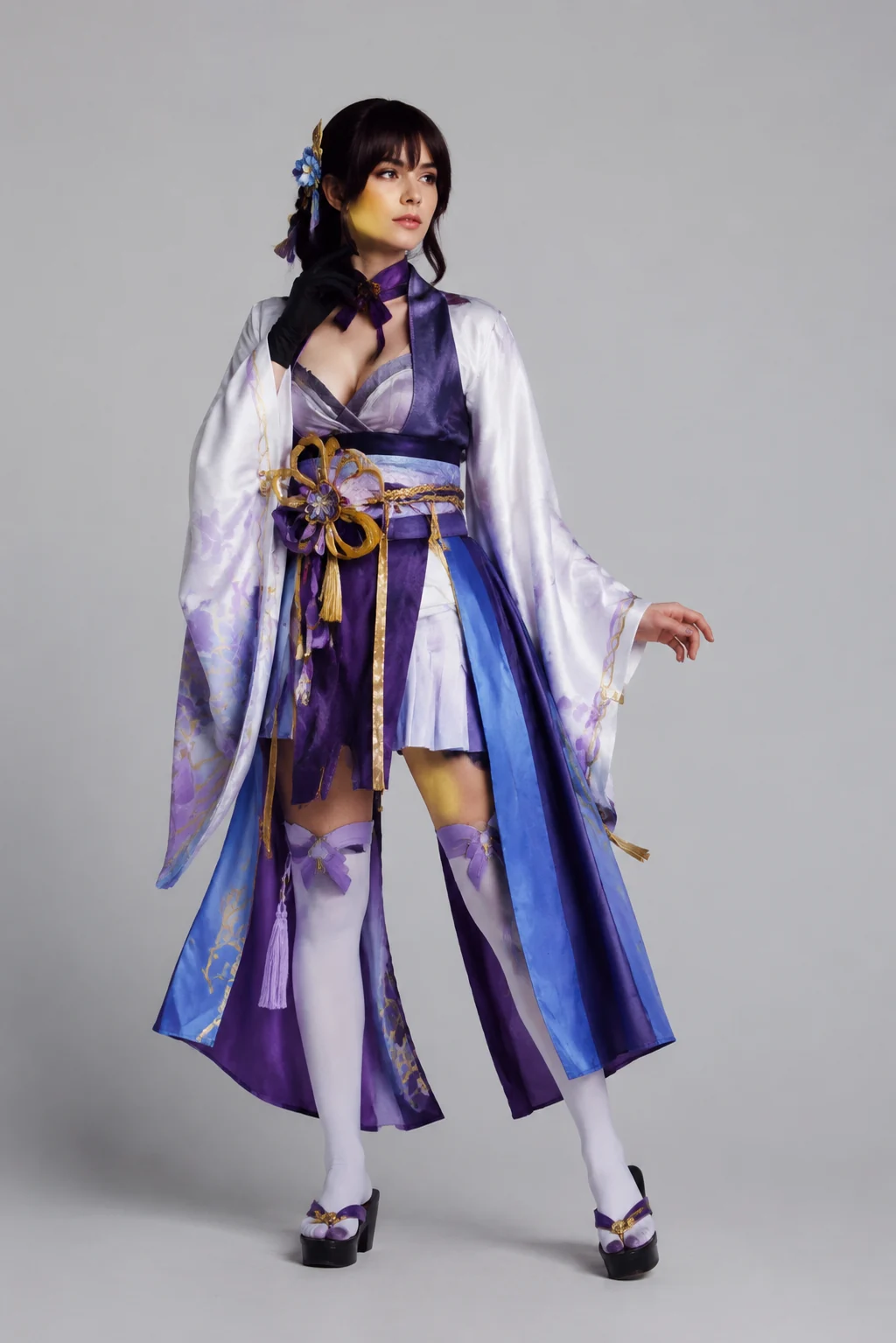
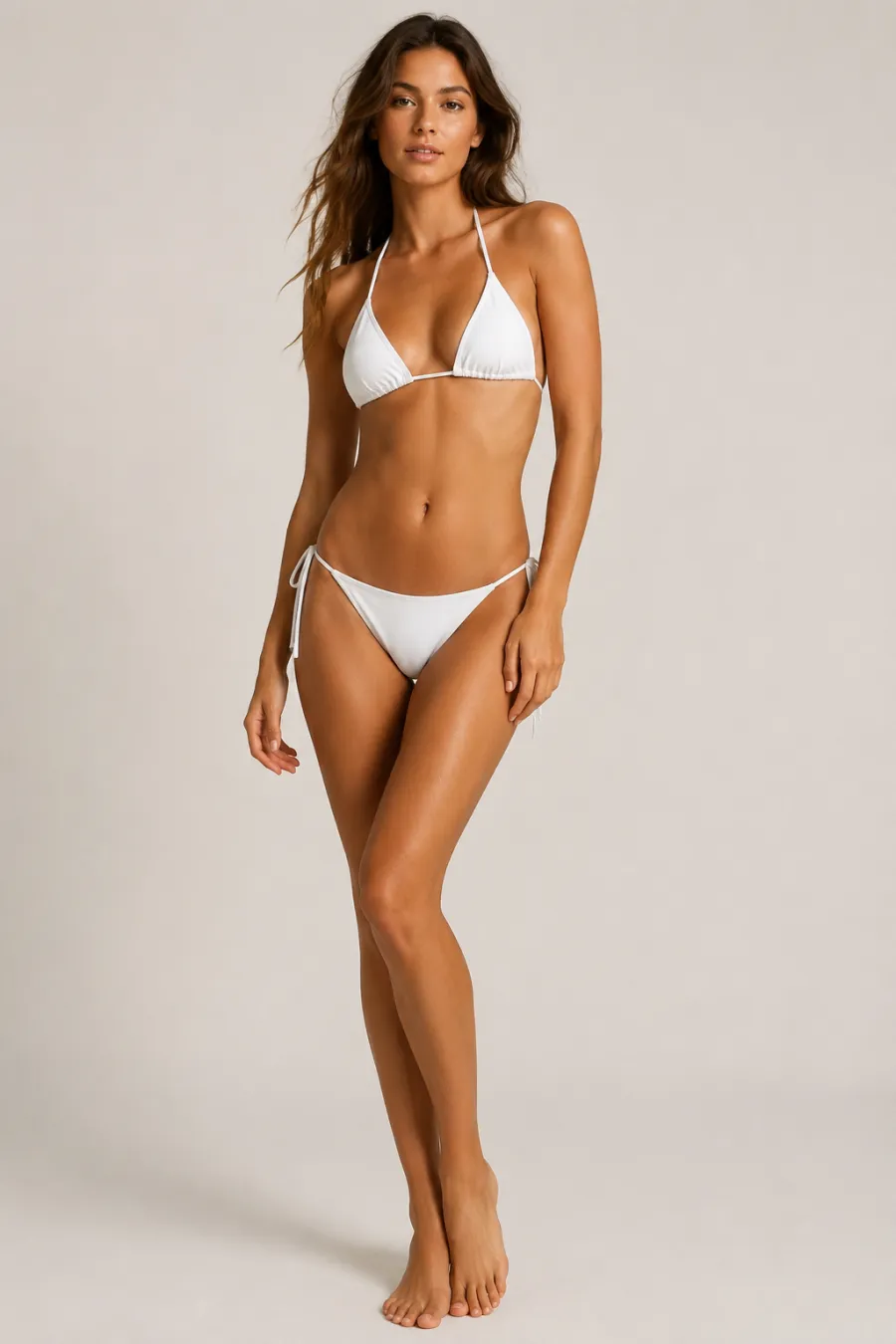
How to Change Clothes Color with AI
Upload Your Photo
Upload one clear photo of the person wearing the outfit you want to recolor. The AI reads the garment, fabric, and folds so the new color sits on the real clothing — no second image needed.
Pick a New Color
Tap a preset color swatch, drag the color wheel to any shade, or type an exact hex code like #2563EB. Recolor the whole outfit, or note in the instructions which single piece to change.
Get Your Recolored Look
Get your recolored photo in about a minute. The clothing changes color while the fabric texture, pattern, fit, pose, and background stay exactly as they were — then download it.
Start free. Go yearly — pay half.
More credits than a full year of monthly — for less than half the price.
No hidden fees. Secure checkout by Stripe.
Your card details go directly to Stripe. We never store your full card number or security code.
Stripe Checkout shows your total before you confirm payment. Your bank may charge additional fees.
Starter
Free forever2 free watermarked 1K trials before sign-in · 20 extra Standard credits after first sign-in · Check in on later days for 10 free credits · Free credits valid for 30 days · Standard only · Signed-in Standard results have no watermark (10 per eligible daily Claim)
Monthly
Flexible month-to-month. Cancel anytime.
- 750 credits every month
- ≈ 93 Standard 1K swaps / month
- No watermark on this account after any purchase
- Studio Quality: image editing, up to 6 outfit images, and precise results that better preserve faces, garments, and details
- Priority Generation sends every swap to the Priority queue whenever your paid account has credits
- Commercial use license
Yearly
billed annually
More credits than 12 months — for $150 less.
- 10,000 credits up front for the year
- 1,000 more than 12× monthly + save $150
- No watermark on this account after any purchase
- Studio Quality: image editing, up to 6 outfit images, and precise results that better preserve faces, garments, and details
- Priority Generation sends every swap to the Priority queue whenever your paid account has credits
- Commercial use license
≈ 1,250 swaps a year. Renews at $89.90/yr — cancel anytime.
One-time credit packs
No subscription. Credits never expire and work across every quality level. Studio Quality: image editing, up to 6 outfit images, and precise results that better preserve faces, garments, and details. Priority Generation sends every swap to the Priority queue whenever your paid account has credits. No watermark on this account after any purchase.
150 Credits
Quick top-up≈ 18 Standard 1K swaps
Studio Quality: image editing, up to 6 outfit images, and precise results that better preserve faces, garments, and details
No watermark on this account after any purchase
400 Credits
≈ 50 Standard 1K swaps
Studio Quality: image editing, up to 6 outfit images, and precise results that better preserve faces, garments, and details
No watermark on this account after any purchase
1,000 Credits
≈ 125 Standard 1K swaps
Studio Quality: image editing, up to 6 outfit images, and precise results that better preserve faces, garments, and details
No watermark on this account after any purchase
2,000 Credits
≈ 250 Standard 1K swaps
Studio Quality: image editing, up to 6 outfit images, and precise results that better preserve faces, garments, and details
No watermark on this account after any purchase
Prices in USD. Yearly renews annually; credit packs are one-time. Cancel anytime via the billing portal.
Who Uses a Clothes Color Changer (And How to Get the Best Results)
⌄
Designers and online sellers reach for a clothes color changer when one photoshoot has to sell a product in six shades. Instead of booking the model again or dyeing physical samples, you shoot the garment once and let the AI generate the red, navy, and forest-green versions for your listing. Small Etsy shops, print-on-demand brands, and boutique catalogs save the most here, because a single clean image becomes a full color range in minutes instead of days.
It also helps people who are not shopping at all. A bridesmaid might want to see her dress in the bridal party palette before the final fitting, or you are deciding whether a blazer reads better in charcoal or camel for a new headshot. Because the tool repaints only the garment and leaves skin, hair, and lighting alone, the recolored result still looks like a real photo of you, not a flat sticker pasted on top.
For the cleanest output, upload a well-lit shot where the clothing is fully visible and not buried in deep shadow. Solid fabrics and simple patterns recolor most accurately, and edges stay sharp when the outfit contrasts clearly with the background. You can change clothes color toward almost any target shade by picking a swatch or pasting an exact hex code, which matters when you need to match a brand color or a wedding theme to a specific value. Skip busy backgrounds and motion blur, since both make the AI work harder to find the garment edges.
Photoshop can do this with masking and hue-shift adjustment layers, but it fights you on folds, shadows, and texture, and one lazy selection leaves visible halos around sleeves and collars. The change clothes color AI reads the fabric on its own, so highlights and creases stay believable while only the hue moves. You get the realism of a careful studio edit without the hour of pen-tool work, which is why a color changer beats both a physical re-shoot and slow hand retouching when you just need quick, consistent variations.
AI Clothes Color Changer: Common Questions
Upload one photo of someone wearing the outfit, pick a color (tap a swatch or enter any hex like #2563EB), then click Generate. The AI repaints just the clothing in your chosen color while keeping the person, fabric texture, pattern, fit, pose, and background exactly the same. You do not need a second image — it recolors the clothes already in your photo.