
Pirate Filter
Pirate Filter
Put an original maritime outfit on your adult photo.
Try long coats, layered shirts, sashes, boots, and seafaring backdrops while the pirate filter aims to keep your face and pose recognizable.
Create original clothing-first portraits for adults. Presets exclude weapons, skull symbols, franchise costumes, logos, and celebrity likenesses.
Create your try-on
Add a person photo, then describe or upload the look.
1 · Add your photos
Describe the look (we pre-filled an example you can edit), or add a reference photo above.
Try 1 free 1K result with a watermark. Sign in for 20 Standard credits.
Verify you are human to enable Generate.
Complete the secure check below.
Build an original seafaring portrait with the Pirate Filter
Use original long coats, layered shirts, sashes, boots, and maritime settings to change the outfit while aiming to keep the adult subject recognizable.
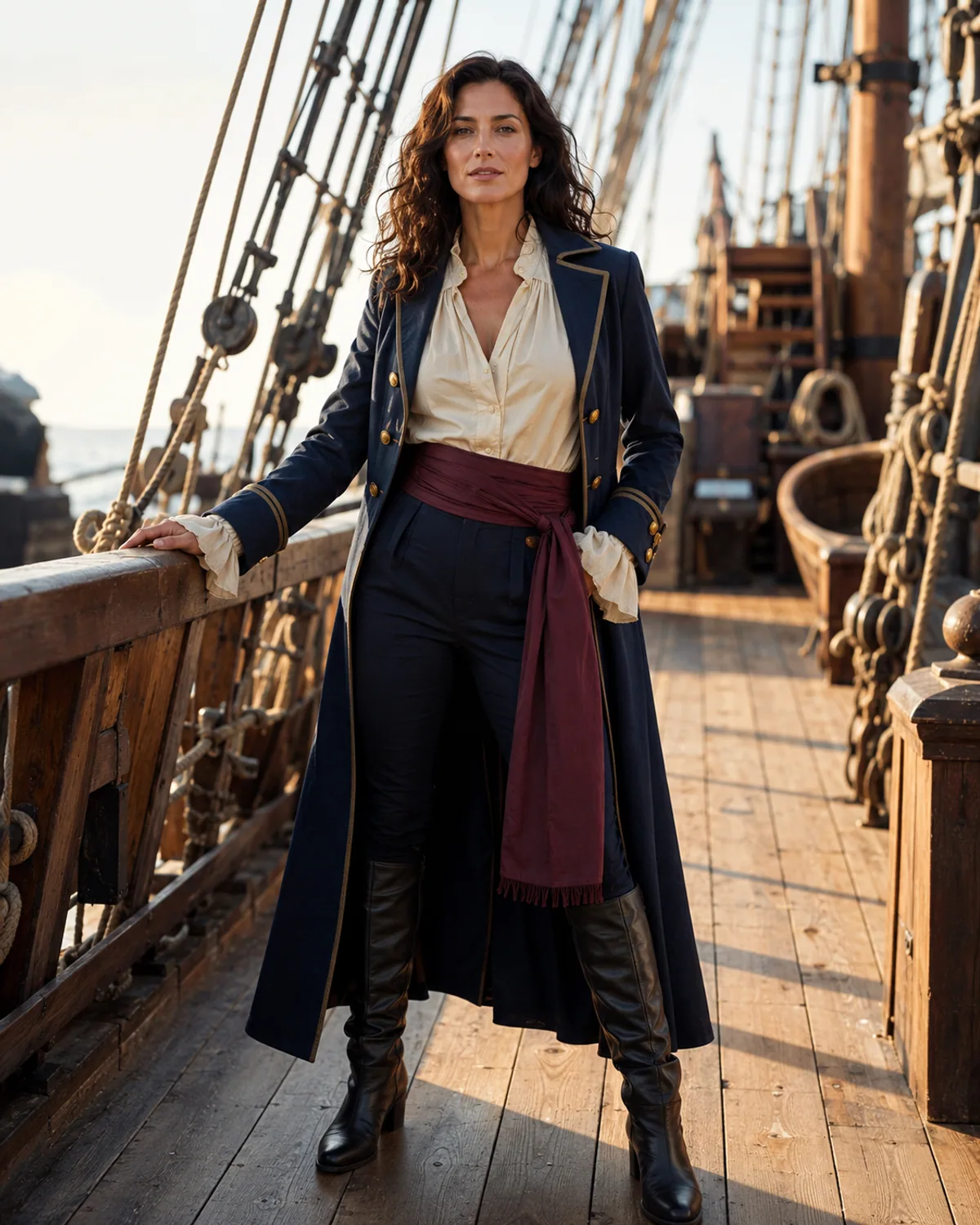
Create an original seafaring outfit with the Pirate Filter
Upload a clear adult photo and build an original maritime look around it. The pirate filter can add a weathered long coat, loose shirt, waistcoat, sash, boots, and a shipboard or coastal background without reproducing a familiar film, game, or theme-park costume. Keep the face visible so it remains the visual anchor. Three-quarter and full-body images give the generator more room to place outerwear, belts, trousers, and boots coherently.
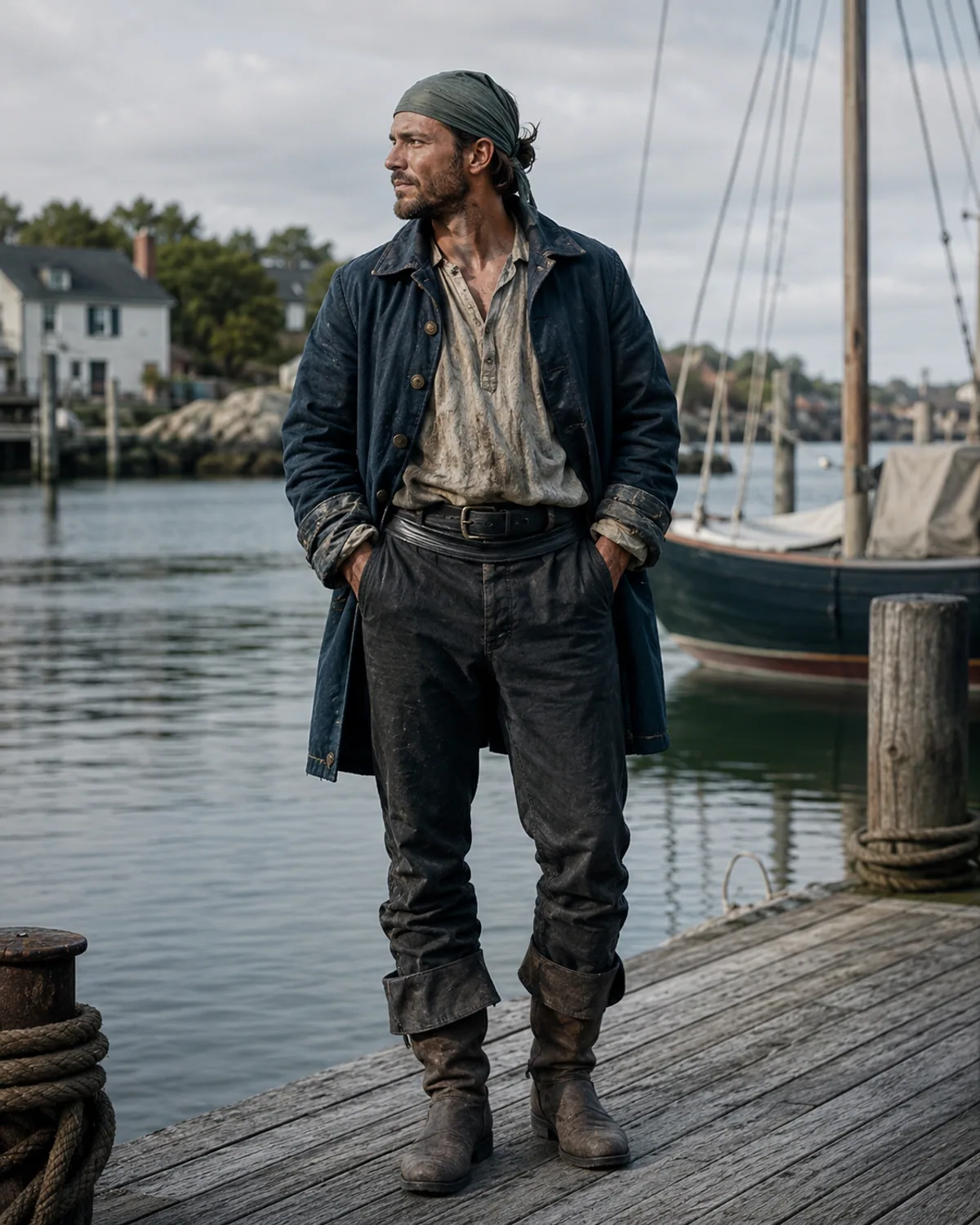
Choose Captain, Deckhand, or Formal Maritime Style
An AI pirate captain portrait can use structured outerwear, a high collar, brass-tone fasteners, and a composed stance. A deckhand direction can feel more practical, with layered cotton, a simple vest, rolled sleeves, and worn boots. A formal maritime concept can use cleaner fabric and controlled lighting. Describe the clothing and environment rather than naming a protected pirate or actor. The theme can be clear through silhouette, texture, rope, timber, ocean light, and weather without adding weapons or copied symbols.
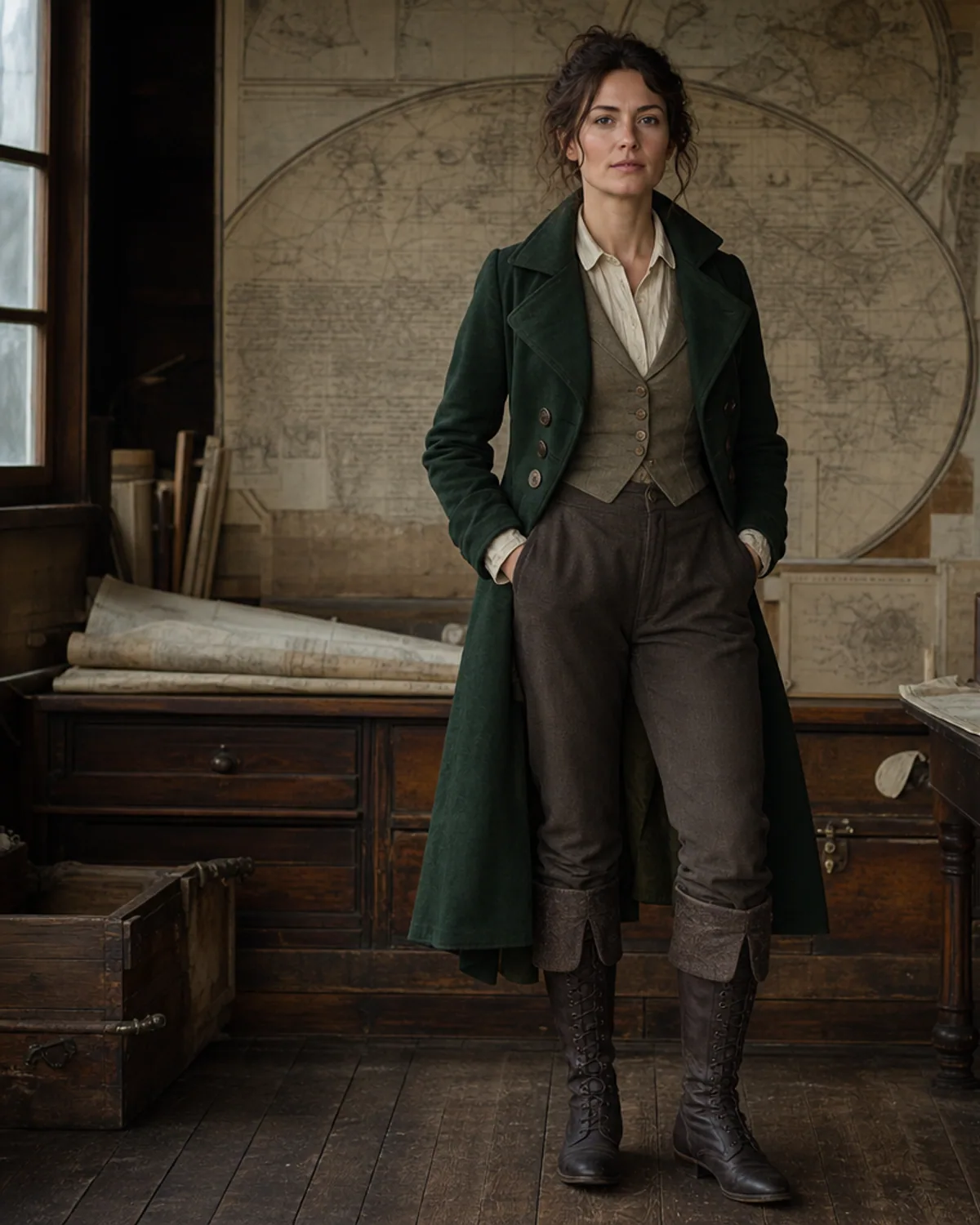
Keep the Scene Clothing-First and Original
Weapons are not needed to establish the look. A ship rail, harbor, sailcloth, map table without readable text, or windswept coastal background can support the outfit while keeping the image suitable for a broader range of uses. Review hat placement, hands, coat edges, belts, boots, background ropes, and facial consistency. Remove extra accessories when the composition becomes cluttered or when the generator introduces unwanted symbols.
Pirate Filter maritime outfit directions to try
Create This Pirate Look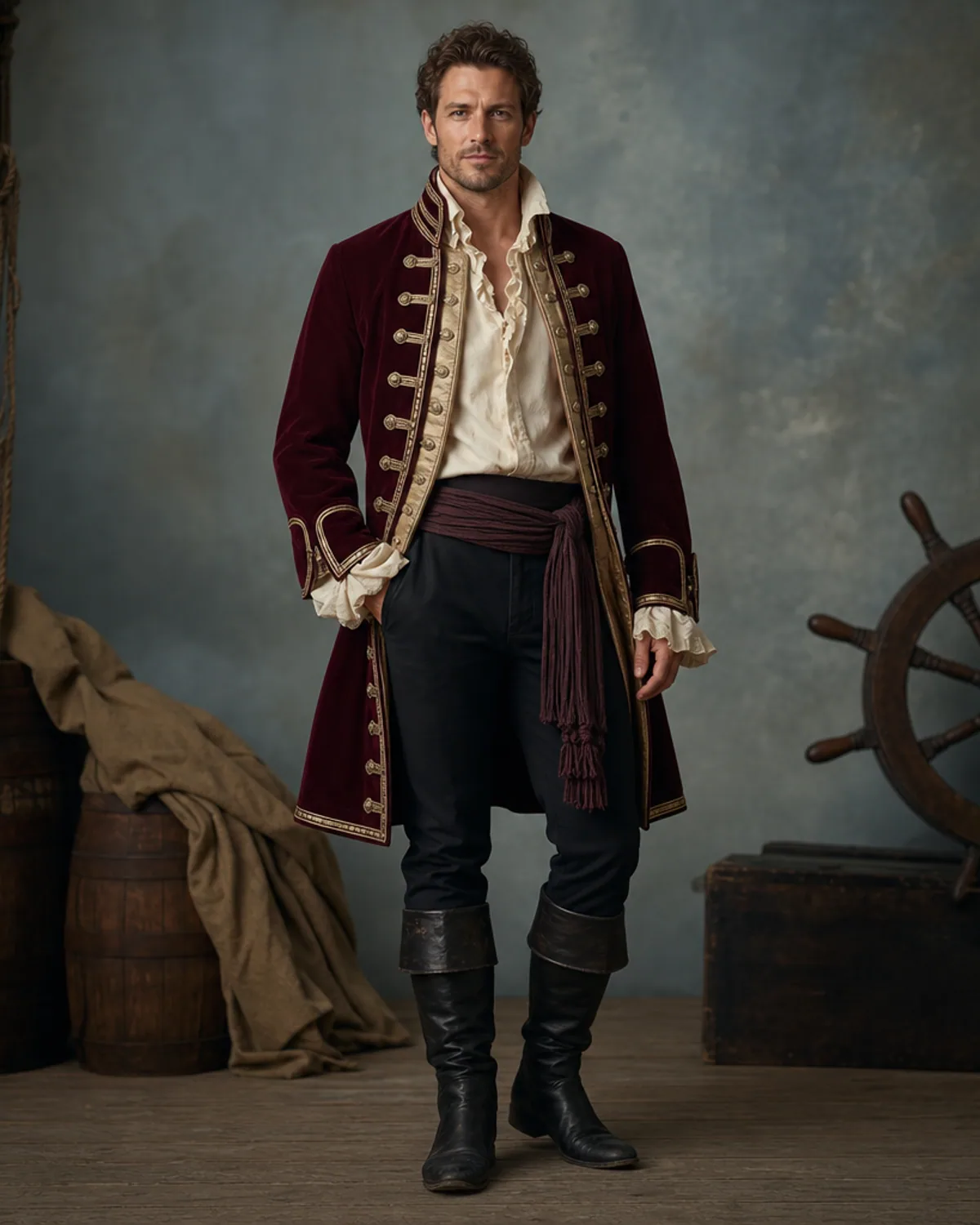
Weathered Maritime Captain
A dark long coat, layered shirt, waistcoat, muted sash, and tall boots on an original wooden vessel.
Coastal Deckhand Look
Practical layered clothing, natural-fiber texture, and worn boots for a relaxed harbor portrait.
Formal Seafaring Portrait
A clean navy long coat, high-collar shirt, and restrained brass-tone details in a quiet cabin.
More tools to use
Explore more AI try on and outfit tools — each opens the same studio on your own photo.
How to Use the Pirate Filter
Upload a Clear Adult Photo
A three-quarter or full-body image gives the pirate filter room for coats, sashes, trousers, and boots.
Choose an Original Maritime Direction
Describe captain, deckhand, or formal seafaring clothing along with color, texture, lighting, and setting.
Generate and Review the Image
Check the face, hat, hands, coat, belts, boots, and background for unwanted symbols or visual artifacts.
Start free. Go yearly — pay half.
More credits than a full year of monthly — for less than half the price.
A fully refunded purchase does not qualify for permanent watermark removal.
No hidden fees. Secure checkout by Stripe.
Your card details go directly to Stripe. We never store your full card number or security code.
Stripe Checkout shows your total before you confirm payment. Your bank may charge additional fees.
Starter
Free forever1 free watermarked 1K trial before sign-in · 20 extra Standard credits after first sign-in · Check in on later days for 10 free credits · Free credits valid for 30 days · Standard only · Free accounts can use Standard (10 per eligible daily Claim)
Monthly
Flexible month-to-month. Cancel anytime.
- 750 credits every month
- ≈ 93 Standard 1K swaps / month
- Permanent watermark removal with any valid purchase
- Studio Quality: image editing, up to 6 outfit images, and precise results that better preserve faces, garments, and details
- Priority high-speed queue — paid generations finish in about 1/3 of the time
- Priority Generation sends every swap to the Priority queue whenever your paid account has credits
- Commercial use license
Paid plans use the high-speed queue — about 3× faster
Yearly
billed annually
More credits than 12 months — for $150 less.
- 10,000 credits up front for the year
- 1,000 more than 12× monthly + save $150
- Permanent watermark removal with any valid purchase
- Studio Quality: image editing, up to 6 outfit images, and precise results that better preserve faces, garments, and details
- Priority high-speed queue — paid generations finish in about 1/3 of the time
- Priority Generation sends every swap to the Priority queue whenever your paid account has credits
- Commercial use license
≈ 1,250 swaps a year. Renews at $89.90/yr — cancel anytime.
Paid plans use the high-speed queue — about 3× faster
One-time credit packs
No subscription. Credits never expire and work across every quality level. Studio Quality: image editing, up to 6 outfit images, and precise results that better preserve faces, garments, and details. Priority high-speed queue — paid generations finish in about 1/3 of the time. Priority Generation sends every swap to the Priority queue whenever your paid account has credits. Permanent watermark removal with any valid purchase.
400 Credits
≈ 50 Standard 1K swaps
Studio Quality: image editing, up to 6 outfit images, and precise results that better preserve faces, garments, and details
Permanent watermark removal with any valid purchase
Paid plans use the high-speed queue — about 3× faster
1,000 Credits
≈ 125 Standard 1K swaps
Studio Quality: image editing, up to 6 outfit images, and precise results that better preserve faces, garments, and details
Permanent watermark removal with any valid purchase
Paid plans use the high-speed queue — about 3× faster
2,000 Credits
≈ 250 Standard 1K swaps
Studio Quality: image editing, up to 6 outfit images, and precise results that better preserve faces, garments, and details
Permanent watermark removal with any valid purchase
Paid plans use the high-speed queue — about 3× faster
Prices in USD. Yearly renews annually; credit packs are one-time. Cancel anytime via the billing portal.
Create an original maritime portrait with the Pirate Filter
⌄
A pirate filter can create an original maritime outfit around an adult photo without copying a familiar character. Long coats, loose shirts, waistcoats, sashes, fitted trousers, boots, and shipboard textures establish the visual direction. The person remains the center of the image rather than being replaced by a franchise figure.
Choose one role before generating. A weathered captain look can use a structured long coat and composed stance. A deckhand portrait can rely on practical layers and softer fabric. A formal seafaring image can use cleaner tailoring and an interior cabin setting. Clear choices help the clothing feel connected from shoulders to footwear.
An AI pirate scene does not need weapons, skull symbols, or copied insignia. Timber, sailcloth, rope, harbor light, ocean weather, and unbranded maps can support the story with fewer content and rights concerns. Avoid readable text because AI-generated lettering can distort and distract from the portrait.
With the AIClothSwap pirate filter, start from an adult photo you have permission to use and describe an original wardrobe. After generation, check the face, hands, hat, coat edges, belts, boots, and background symbols. Simplify the prompt and regenerate when accessories compete with the clothing or obscure the subject.
Pirate Filter: Common Questions
It can add an original maritime outfit and seafaring setting to an adult photo while trying to preserve the subject's recognizable face, pose, and overall proportions.