
Job Interview Outfit
Job Interview Outfit
See an interview outfit on yourself: upload your photo, describe the look, and preview it in about a minute.
Job interview outfit ideas for any workplace — corporate, business casual, or creative — with a free AI try on that fits the look onto your photo, keeping your face and pose.
Free to try after signing in — eligible new accounts receive free first-day credits automatically. Come back tomorrow for another 10. No card required. Adults only (18+).
Create your try-on
Add a person photo, then describe or upload the look.
1 · Add your photos
Describe the look, or add a reference photo above to swap instead.
Try 2 free 1K results with a watermark. Sign in for 20 Standard credits and watermark-free results.
Verify you are human to enable Generate.
Complete the secure check below.
Read the company, then see the look on you
There is no single interview outfit — what works at a law firm reads as overdressed at a startup. The move is to match the company's day-to-day dress, then nudge it one step sharper. Sort it out at home so you spend the morning thinking about your answers, not your collar.
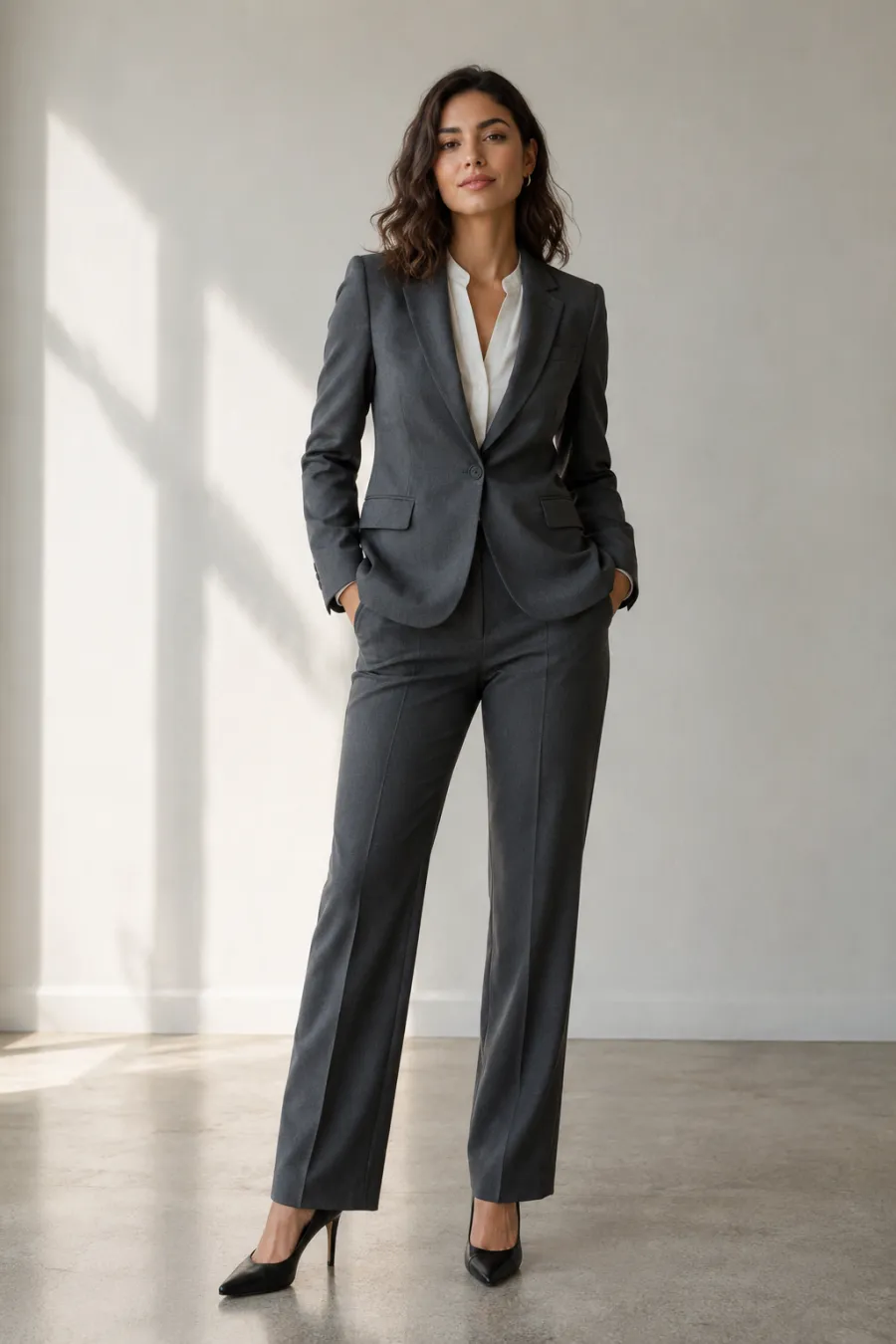
Match the industry's dress code
Banking, law, and corporate roles still expect a suit in navy or charcoal. Most office jobs land in business casual — a blazer with trousers, or a blouse and tailored pants, no tie required. Tech and creative shops run casual, but an interview is not the day to test the floor; a clean shirt or knit with dark jeans or chinos shows you took it seriously. When you are unsure, dress one notch up.
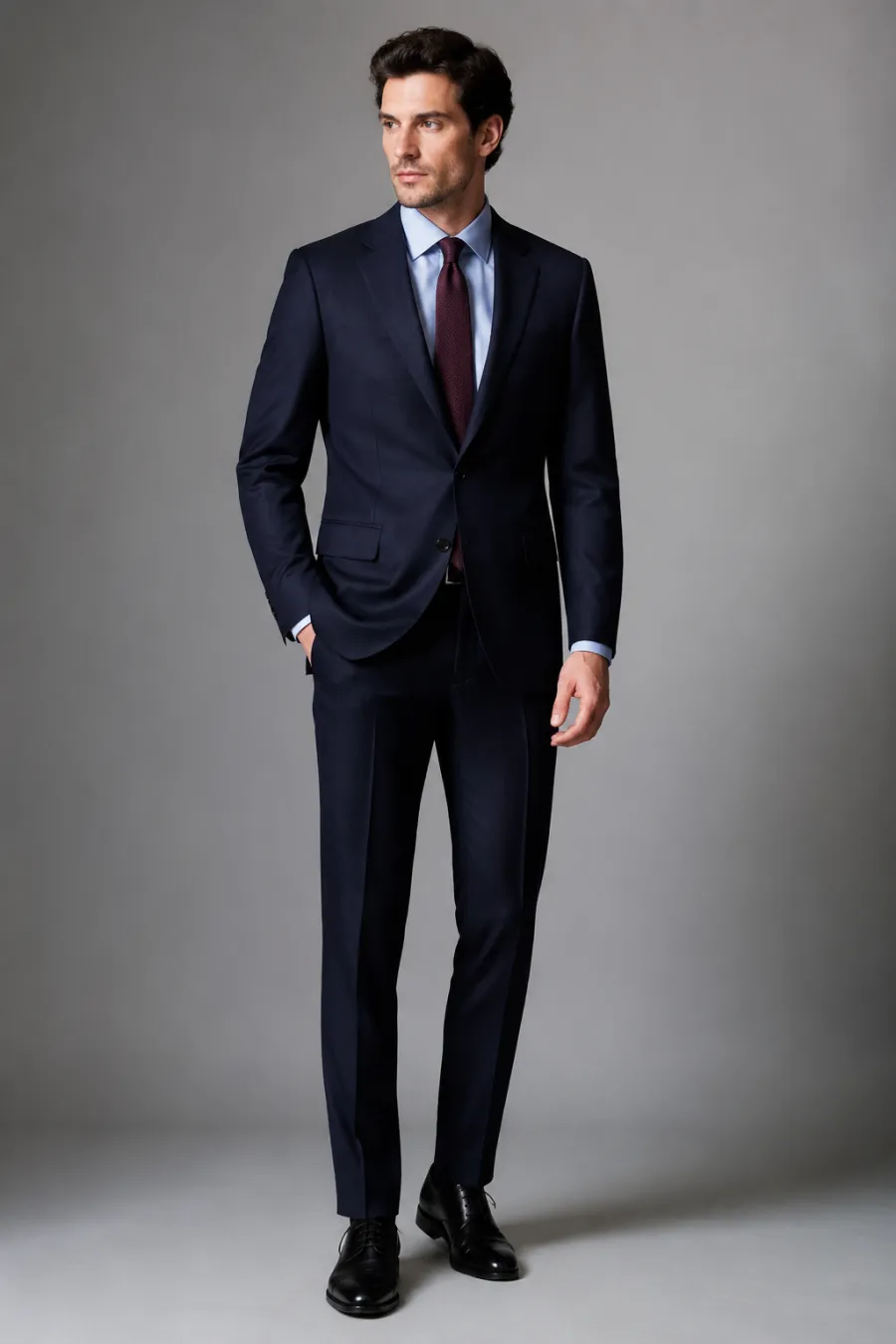
Pick colors that read as steady
Navy, charcoal, grey, and clean white do the heavy lifting — they look composed in person and on video calls. Keep one accent at most: a burgundy tie, a soft blue shirt, a muted scarf. Skip loud prints, neon, and anything sheer or distracting. You want the interviewer to remember you, not the outfit.
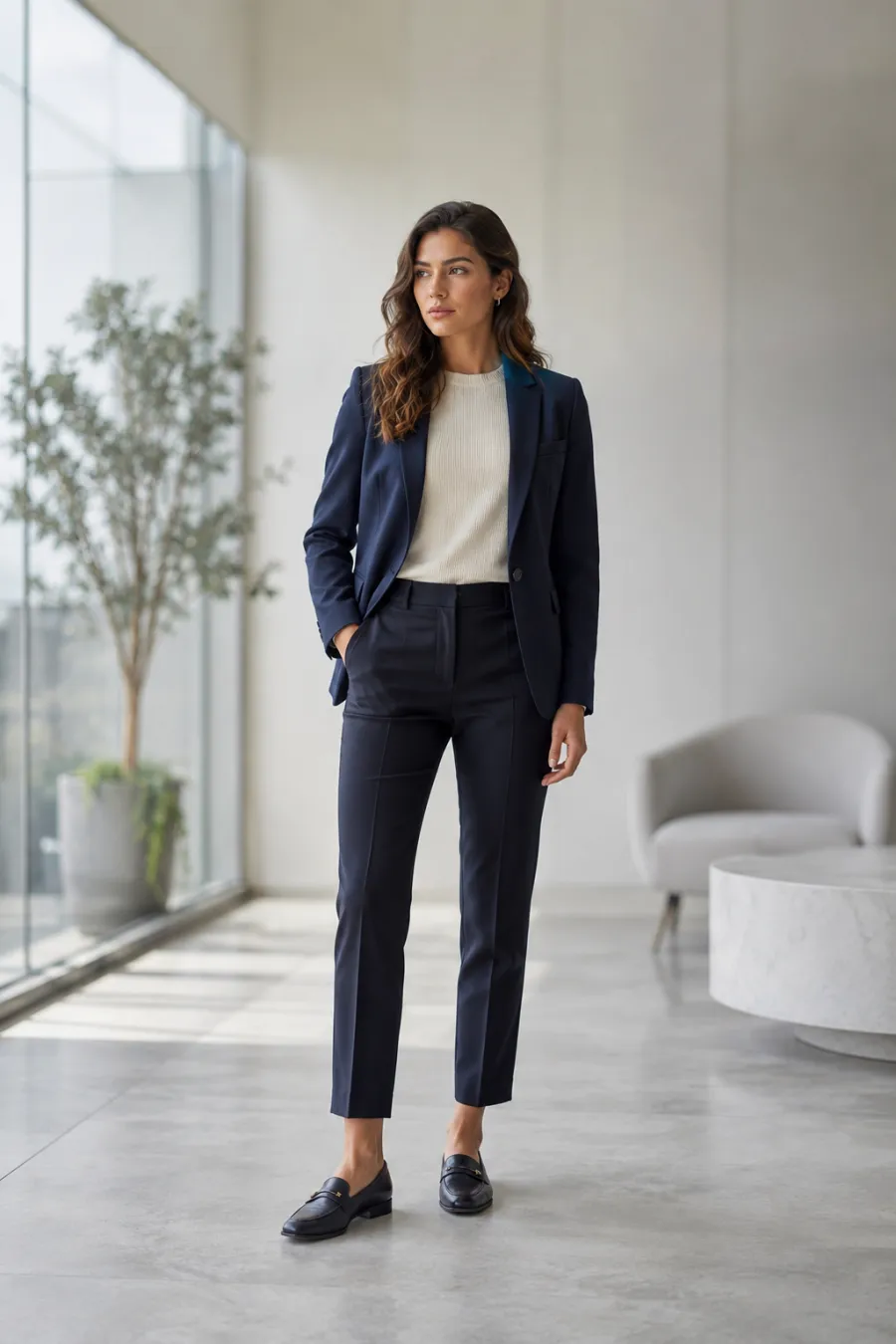
Get the fit and details right
Fit beats price every time. Trousers should break cleanly at the shoe, sleeves should end at the wrist bone, and a blazer should close without pulling. Press everything the night before, polish closed-toe shoes, and keep accessories minimal. For a creative or tech role, a sharp knit or button-down with dark, intact jeans clears the bar — wrinkled or beat-up never does. Preview the full look so you catch a baggy shoulder or short hem before the day.
Interview looks by industry
Try a Look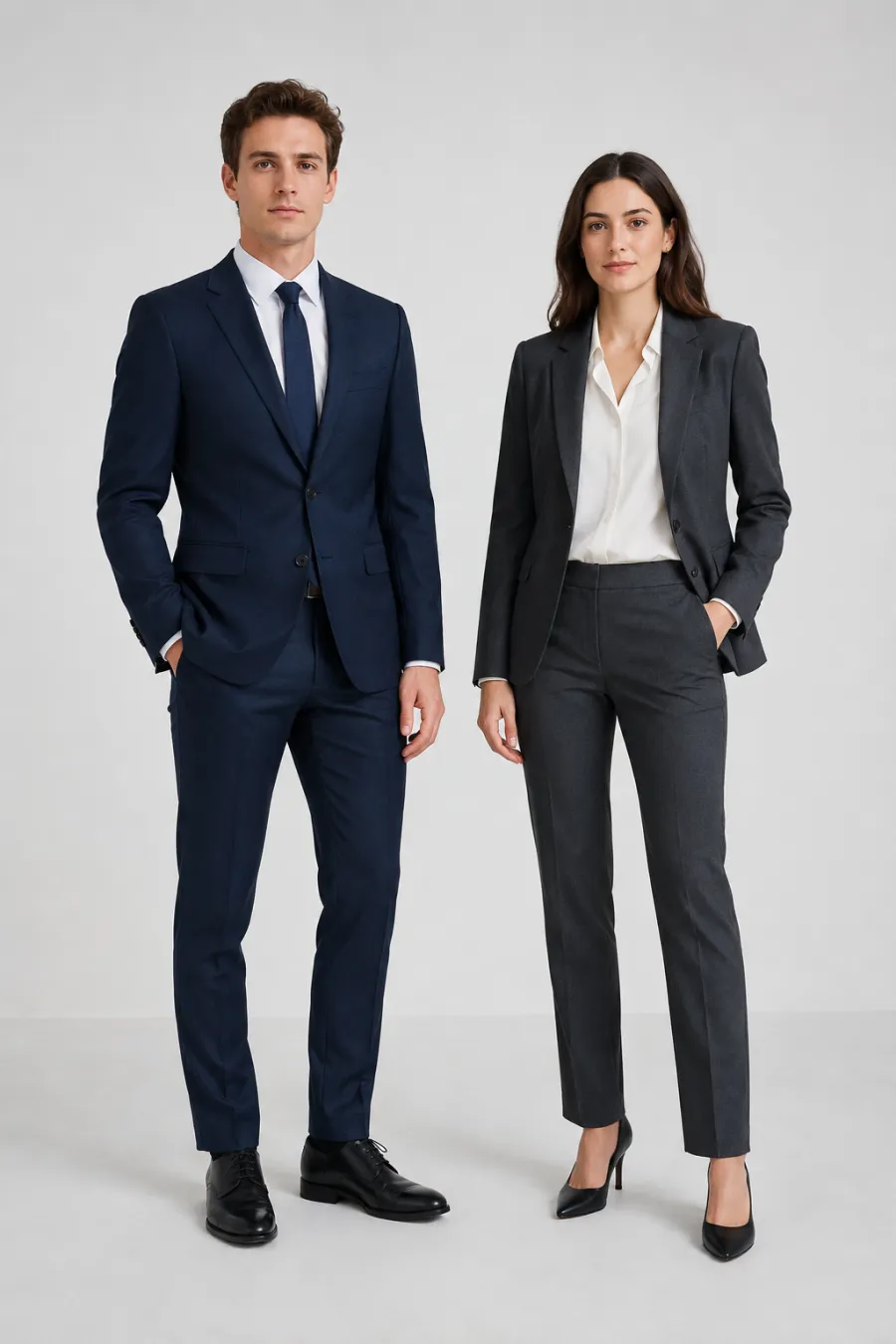
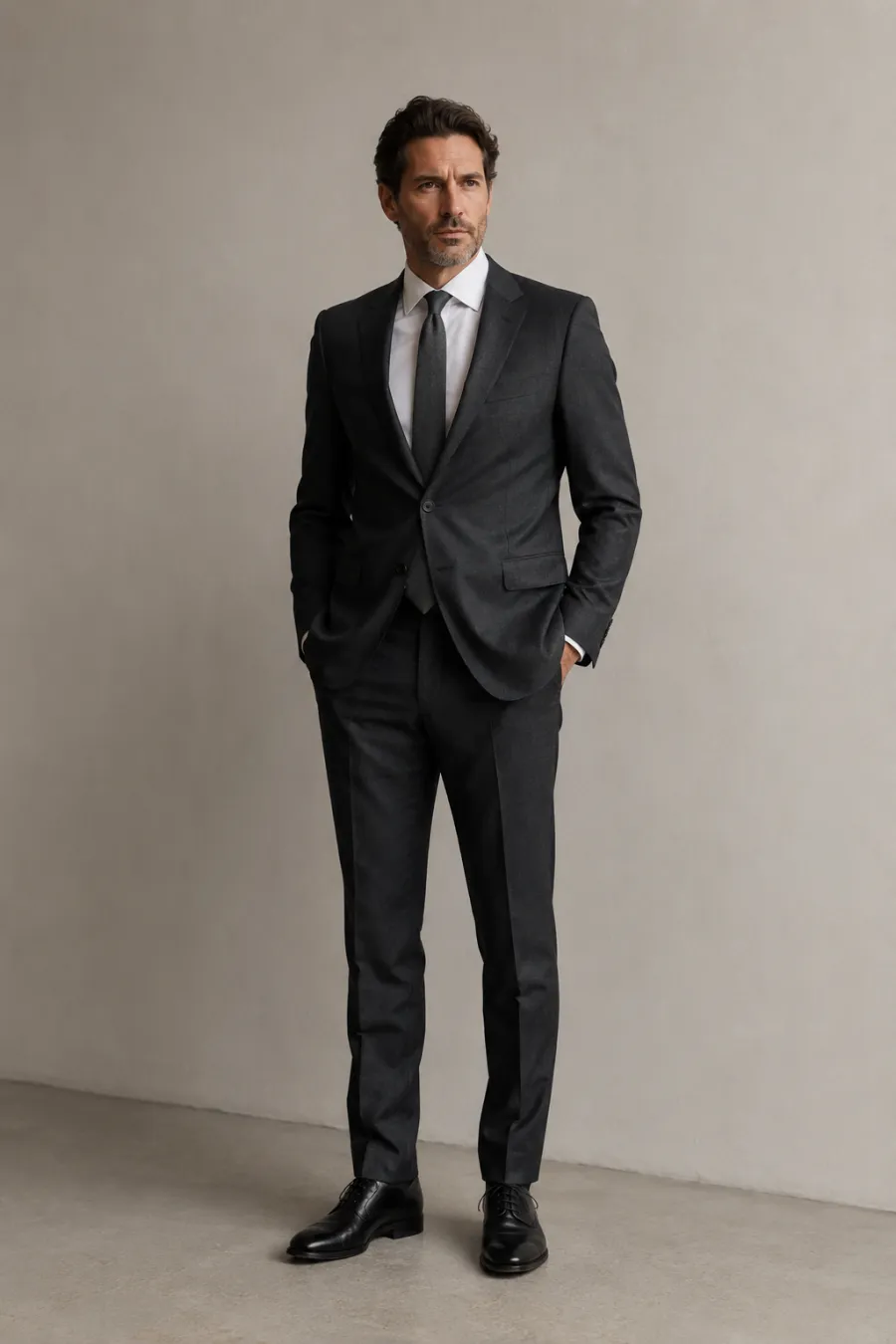
Corporate & formal
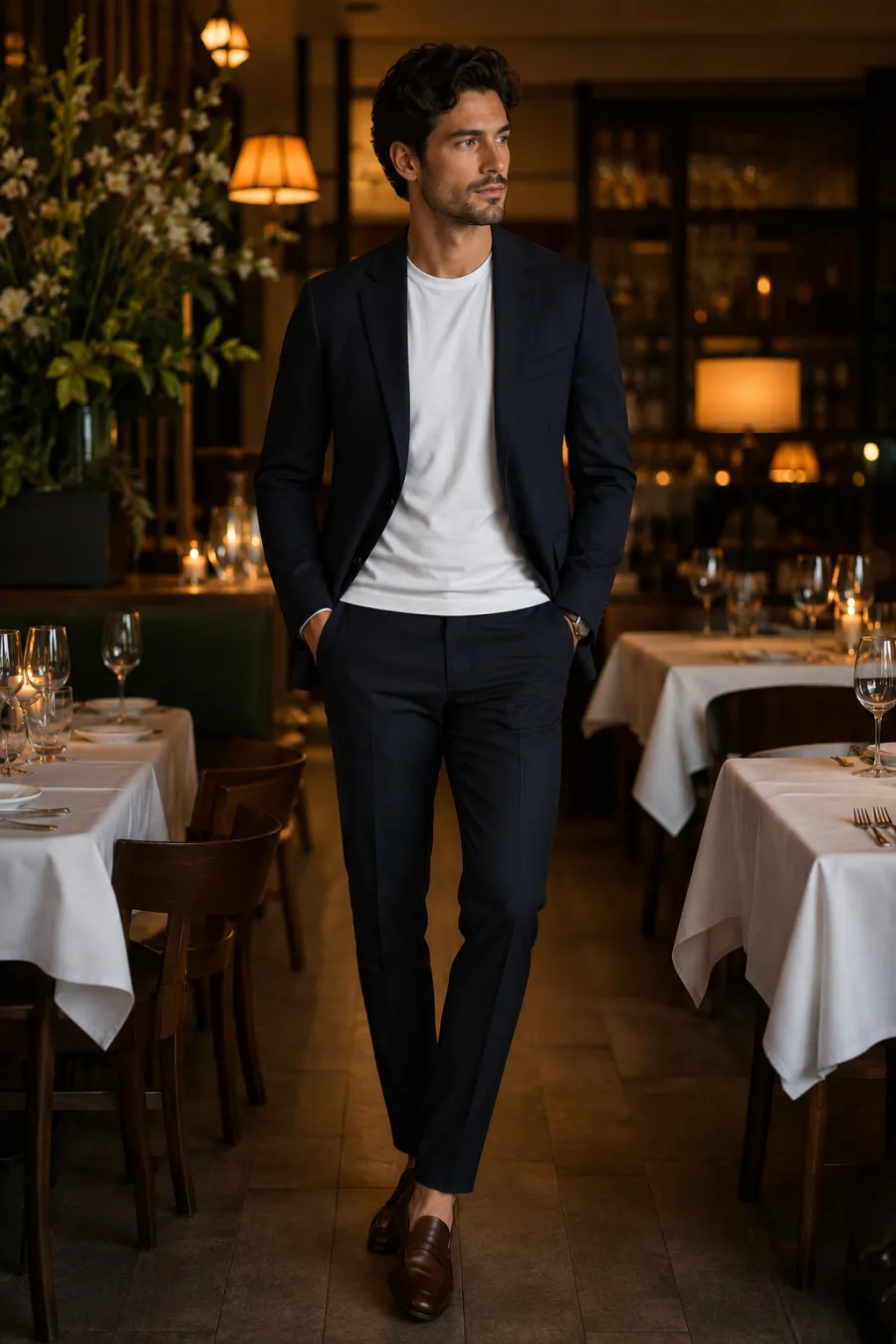
Matched suits in navy or charcoal for banking, law, and corporate roles. The fit keeps a clean shoulder line and a sharp trouser break so the most formal interview look reads true on you.
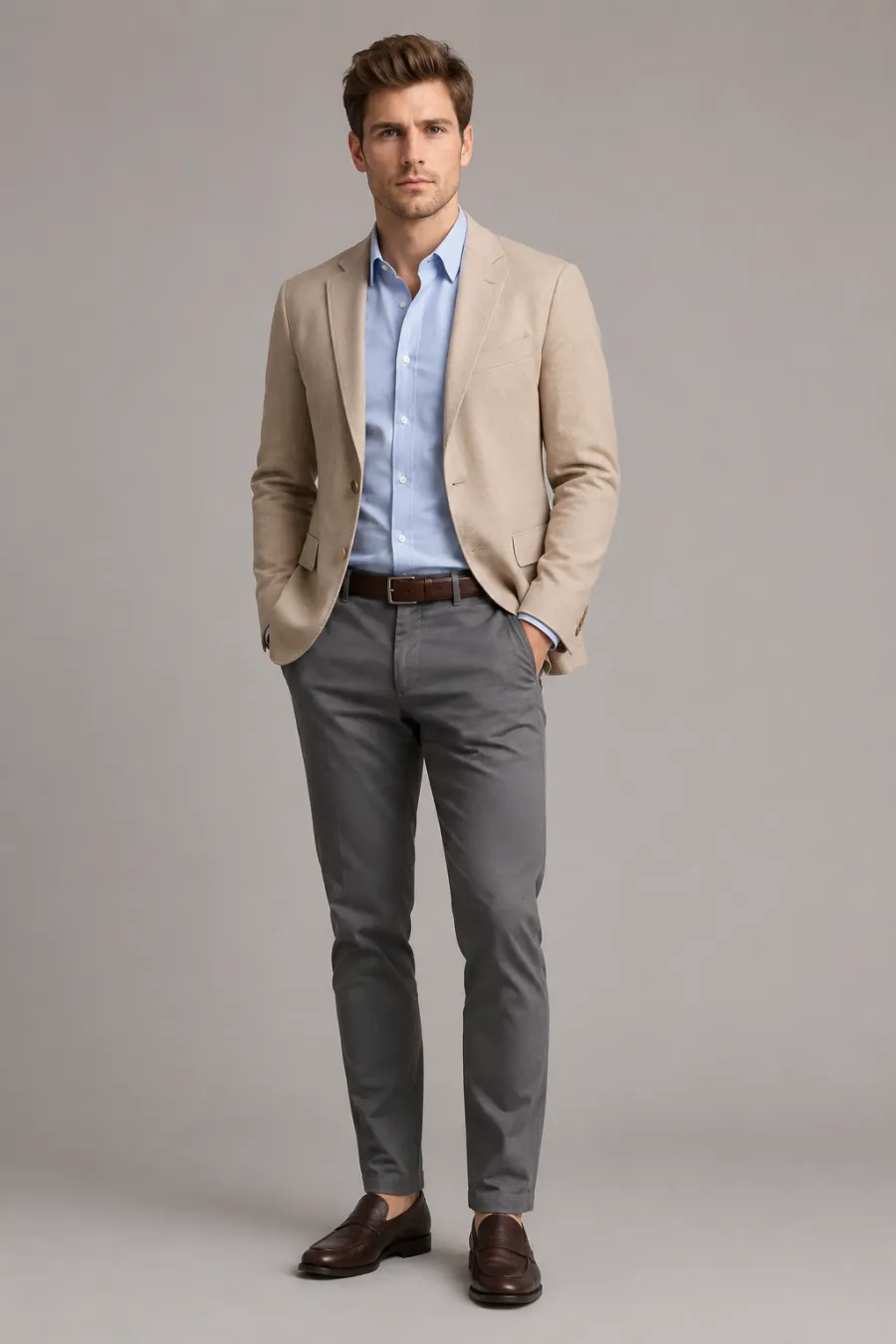
Business casual
Blazers with tailored trousers, blouses, and knit tops — the most common interview zone for office jobs. Polished but not stiff. Preview a few and compare before the day.
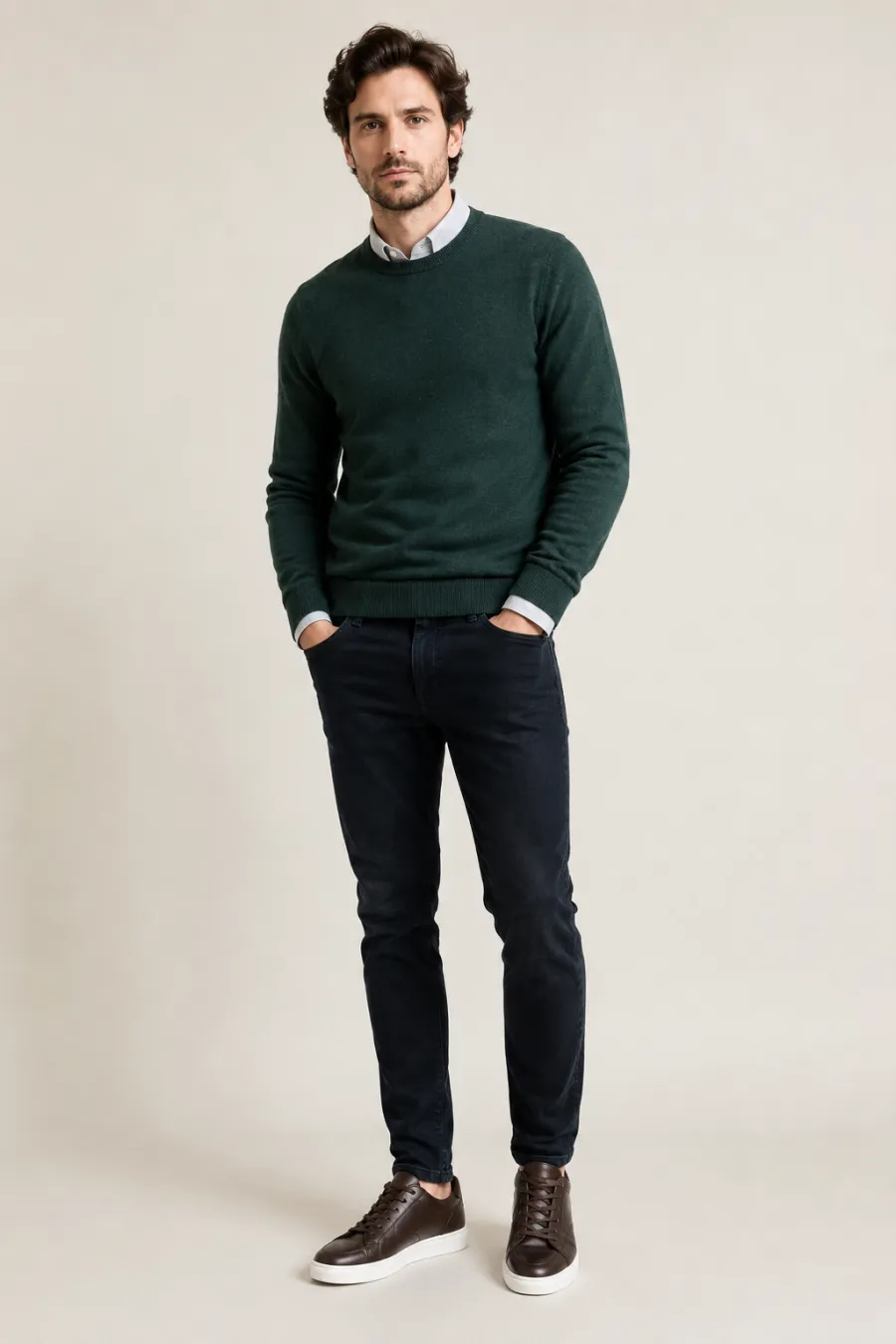
Creative & tech
A clean knit or button-down with dark chinos or intact jeans — relaxed enough to fit a startup, sharp enough to show you cared. Smart-casual looks built for creative and tech interviews.
More tools to use
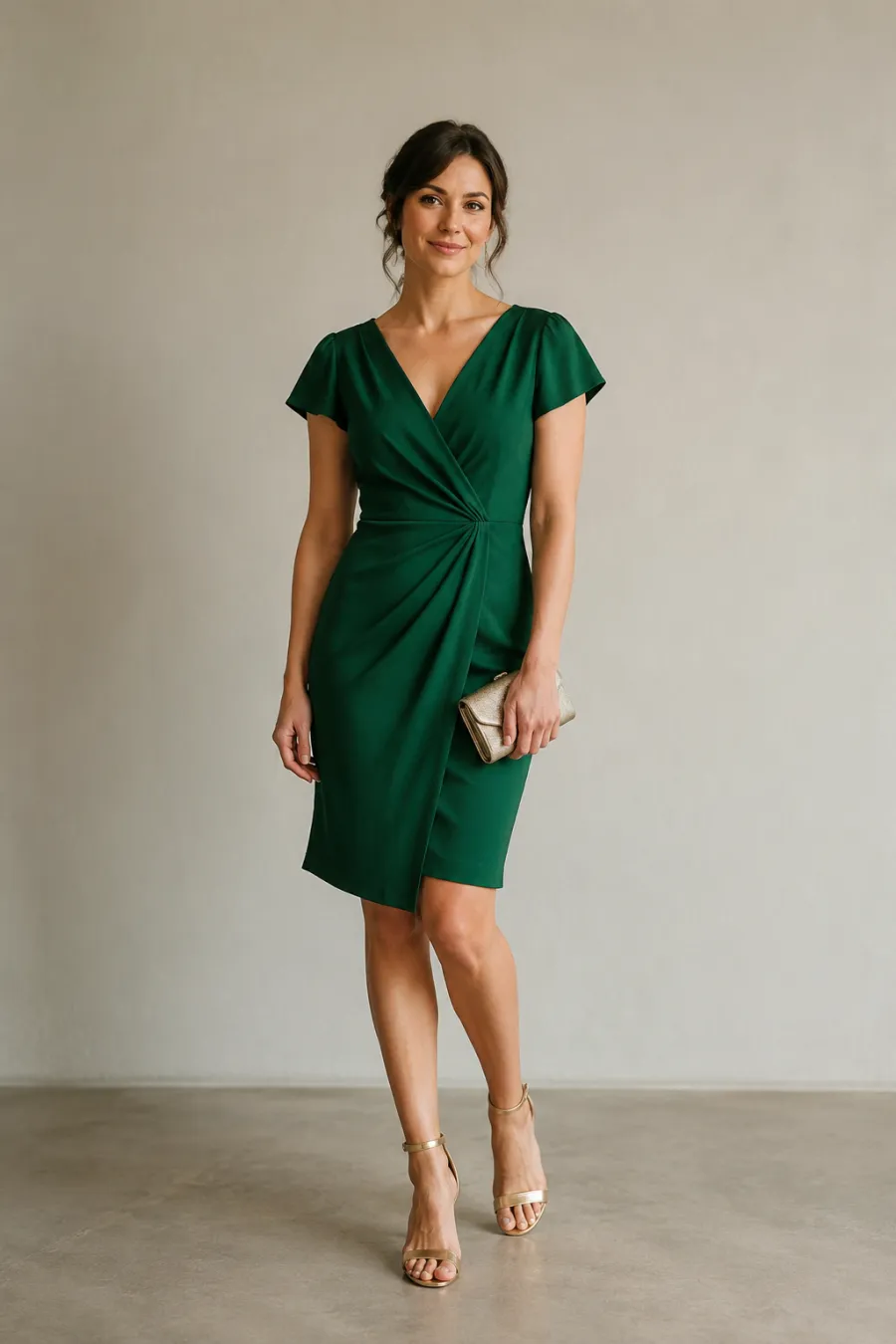
Explore more AI try on and outfit tools — each opens the same studio on your own photo.
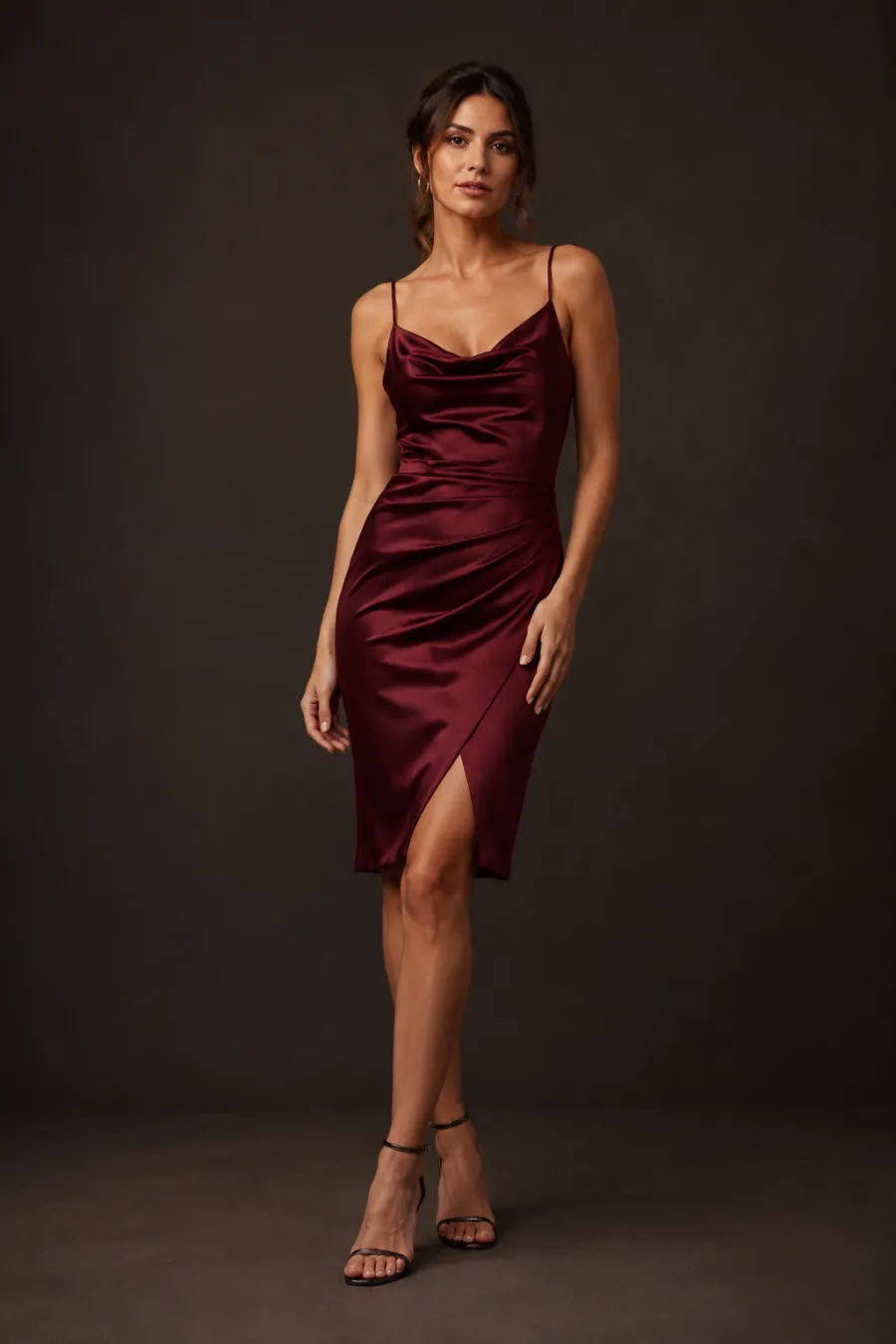
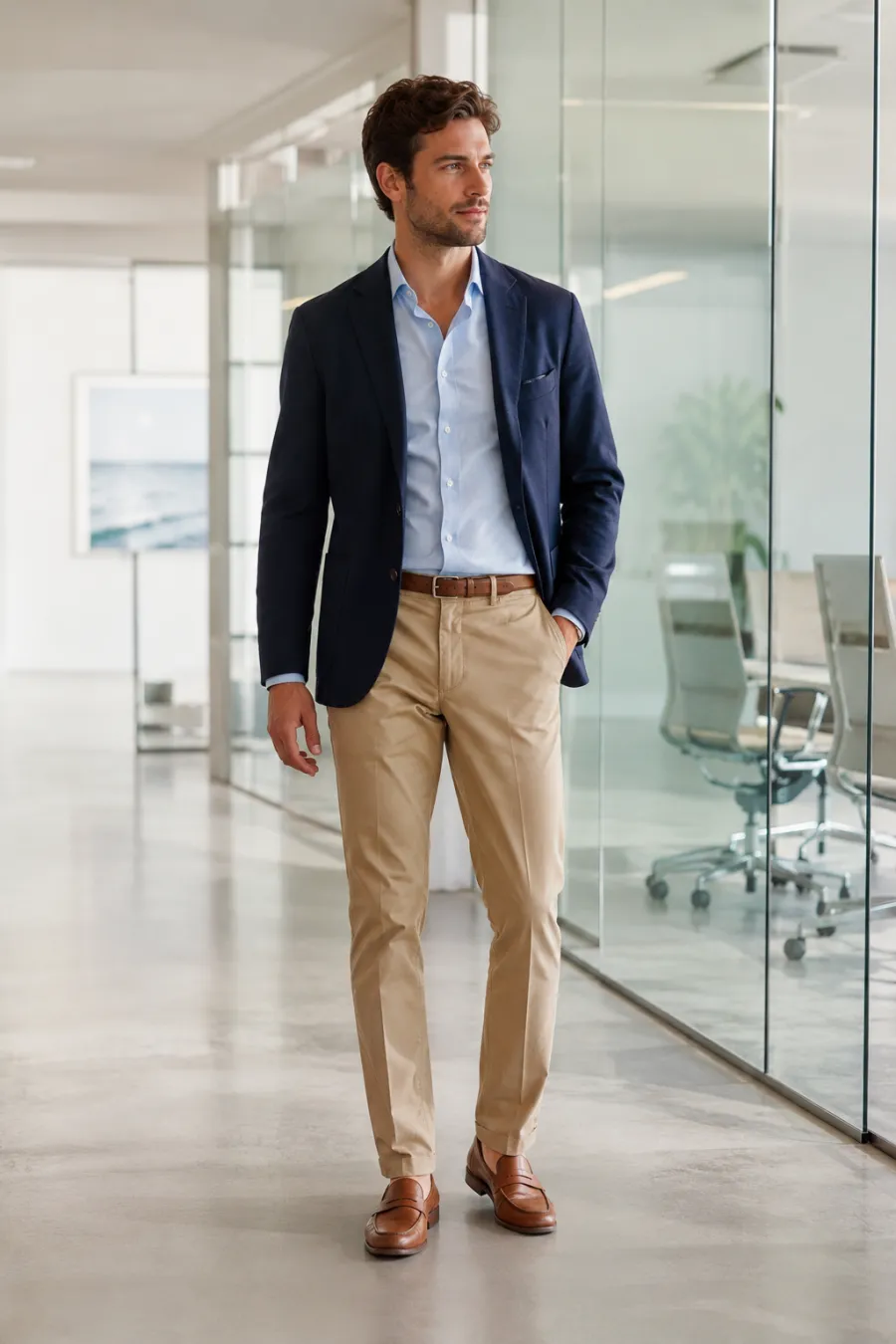
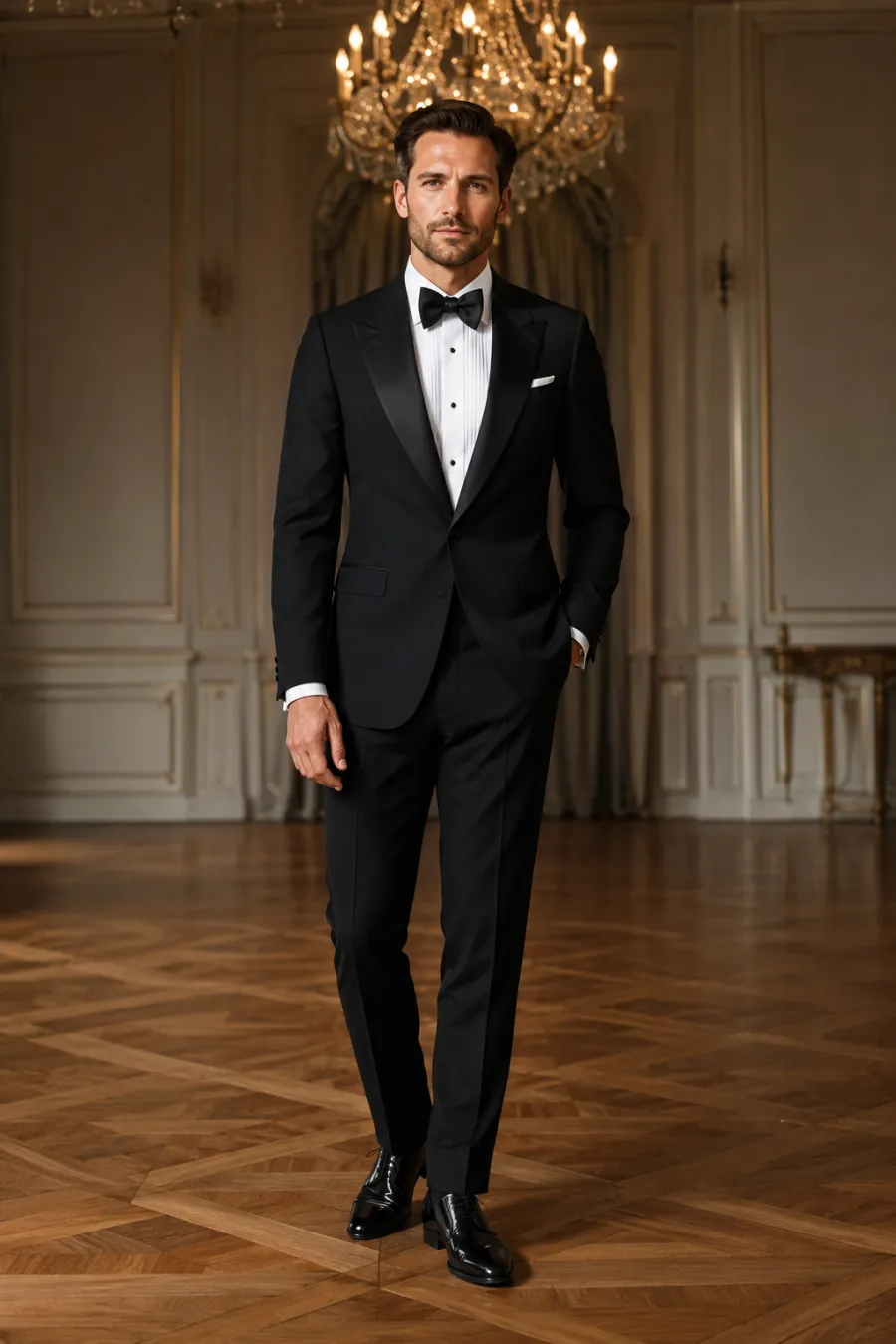
How to Try On a Job Interview Outfit with AI
Upload Your Photo
One clear, front-facing photo is all it takes. Good light and a simple background help the outfit sit naturally on your frame.
Describe or Add the Look
Type the interview outfit you have in mind — "navy suit, light blue shirt" or "blazer with grey trousers" — or drop in a product shot to try an exact piece.
See It on You
In about a minute you are looking at the look on your own body. Try a more formal and a more casual version and set them side by side before you decide.
Start free. Go yearly — pay half.
More credits than a full year of monthly — for less than half the price.
No hidden fees. Secure checkout by Stripe.
Your card details go directly to Stripe. We never store your full card number or security code.
Stripe Checkout shows your total before you confirm payment. Your bank may charge additional fees.
Starter
Free forever2 free watermarked 1K trials before sign-in · 20 extra Standard credits after first sign-in · Check in on later days for 10 free credits · Free credits valid for 30 days · Standard only · Signed-in Standard results have no watermark (10 per eligible daily Claim)
Monthly
Flexible month-to-month. Cancel anytime.
- 750 credits every month
- ≈ 93 Standard 1K swaps / month
- No watermark on this account after any purchase
- Studio Quality: image editing, up to 6 outfit images, and precise results that better preserve faces, garments, and details
- Priority Generation sends every swap to the Priority queue whenever your paid account has credits
- Commercial use license
Yearly
billed annually
More credits than 12 months — for $150 less.
- 10,000 credits up front for the year
- 1,000 more than 12× monthly + save $150
- No watermark on this account after any purchase
- Studio Quality: image editing, up to 6 outfit images, and precise results that better preserve faces, garments, and details
- Priority Generation sends every swap to the Priority queue whenever your paid account has credits
- Commercial use license
≈ 1,250 swaps a year. Renews at $89.90/yr — cancel anytime.
One-time credit packs
No subscription. Credits never expire and work across every quality level. Studio Quality: image editing, up to 6 outfit images, and precise results that better preserve faces, garments, and details. Priority Generation sends every swap to the Priority queue whenever your paid account has credits. No watermark on this account after any purchase.
150 Credits
Quick top-up≈ 18 Standard 1K swaps
Studio Quality: image editing, up to 6 outfit images, and precise results that better preserve faces, garments, and details
No watermark on this account after any purchase
400 Credits
≈ 50 Standard 1K swaps
Studio Quality: image editing, up to 6 outfit images, and precise results that better preserve faces, garments, and details
No watermark on this account after any purchase
1,000 Credits
≈ 125 Standard 1K swaps
Studio Quality: image editing, up to 6 outfit images, and precise results that better preserve faces, garments, and details
No watermark on this account after any purchase
2,000 Credits
≈ 250 Standard 1K swaps
Studio Quality: image editing, up to 6 outfit images, and precise results that better preserve faces, garments, and details
No watermark on this account after any purchase
Prices in USD. Yearly renews annually; credit packs are one-time. Cancel anytime via the billing portal.
How to Plan a Job Interview Outfit That Matches the Role
⌄
The right job interview outfit depends almost entirely on where you're walking in. For a law firm, bank, or consulting role, lean conservative: a tailored navy or charcoal suit, a crisp white or pale blue shirt, and closed-toe shoes read as polished without much effort. Business-casual workplaces like marketing teams, mid-size tech companies, and healthcare admin reward a smarter middle ground: dark trousers or a knee-length skirt with a blazer and a simple knit. Creative studios, agencies, and startups give you room to show taste, so a well-fitted blazer over a clean tee, dark denim, or a structured dress lands better than a stiff three-piece suit. The safe rule: dress one notch above the everyday code you see in the company's photos, never below it.
Color and fit matter more than logos. Solid neutrals such as navy, gray, black, and deep green photograph cleanly and keep attention on your face, while busy patterns can distract on a video call. If you want a quiet touch of personality, put it in one accessory: a watch, a scarf, or a single statement earring. Make sure shoulders sit flat, sleeves end at the wrist, and hems break correctly, because a borrowed or off-the-rack piece that fits poorly undercuts even an expensive jacket. Lining up a few interview outfit ideas side by side makes it obvious which silhouette actually flatters your frame.
Previewing the look on your own photo beats guessing in the mirror or buying first and returning later. Rather than picturing how a blazer-and-trouser combination reads, you upload one clear photo, describe or drop in the outfit, and see it on yourself in about a minute. Against a full Photoshop edit or a trip to the fitting room, it's quicker, free to test, and lets you hold a corporate suit up against a business-casual look without changing clothes. Your face, body, and pose stay exactly as they are, so the preview reflects how the outfit will really sit on you.
For the cleanest result, upload a well-lit, front-facing photo where your whole upper body is visible and you're standing against a plain background. Skip heavy shadows, sunglasses, or bulky coats that hide your shape, since the tool keeps your existing pose and lighting and only swaps the clothing. Run two or three looks through the same setup, screenshot the ones you like, and you'll walk into the room already sure the interview outfit works on you, not just on a hanger.
Job Interview Outfits: Common Questions
Match the company's everyday dress, then go one step sharper. Corporate and finance roles still call for a suit in navy or charcoal; most office jobs want business casual, like a blazer with tailored trousers or a blouse and pants; tech and creative roles are fine with a clean shirt or knit and dark jeans. When you cannot tell, dress up rather than down — it is rarely held against you. You can preview a look at each level on your own photo above.