
AI Dress Up
AI Dress Up
Dress up your real photo by describing the look — or upload an outfit — and try on style after style in seconds.
An AI dress up tool that runs on your real photo, not a doll on a screen. Upload a picture, add any outfit, and try on look after look while your face, body shape, pose, and background stay exactly as they are.
Free to play after signing in — eligible new accounts receive free first-day credits automatically. Come back tomorrow for another 10. No card required. Adults only (18+).
Create your try-on
Add a person photo, then describe or upload the look.
1 · Add your photos
Describe the look (we pre-filled an example you can edit), or add a reference photo above.
Try 2 free 1K results with a watermark. Sign in for 20 Standard credits and watermark-free results.
Verify you are human to enable Generate.
Complete the secure check below.
Dress up that uses your actual face, not a paper doll
Old dress-up games hand you a cartoon body and a wardrobe of stickers. AI dress up is different. Every look lands on your own photo, so the fit, the proportions, and the face are all genuinely yours. It is built for grown-ups who treat getting dressed as the fun part — try one thing, then five more, no commitment.
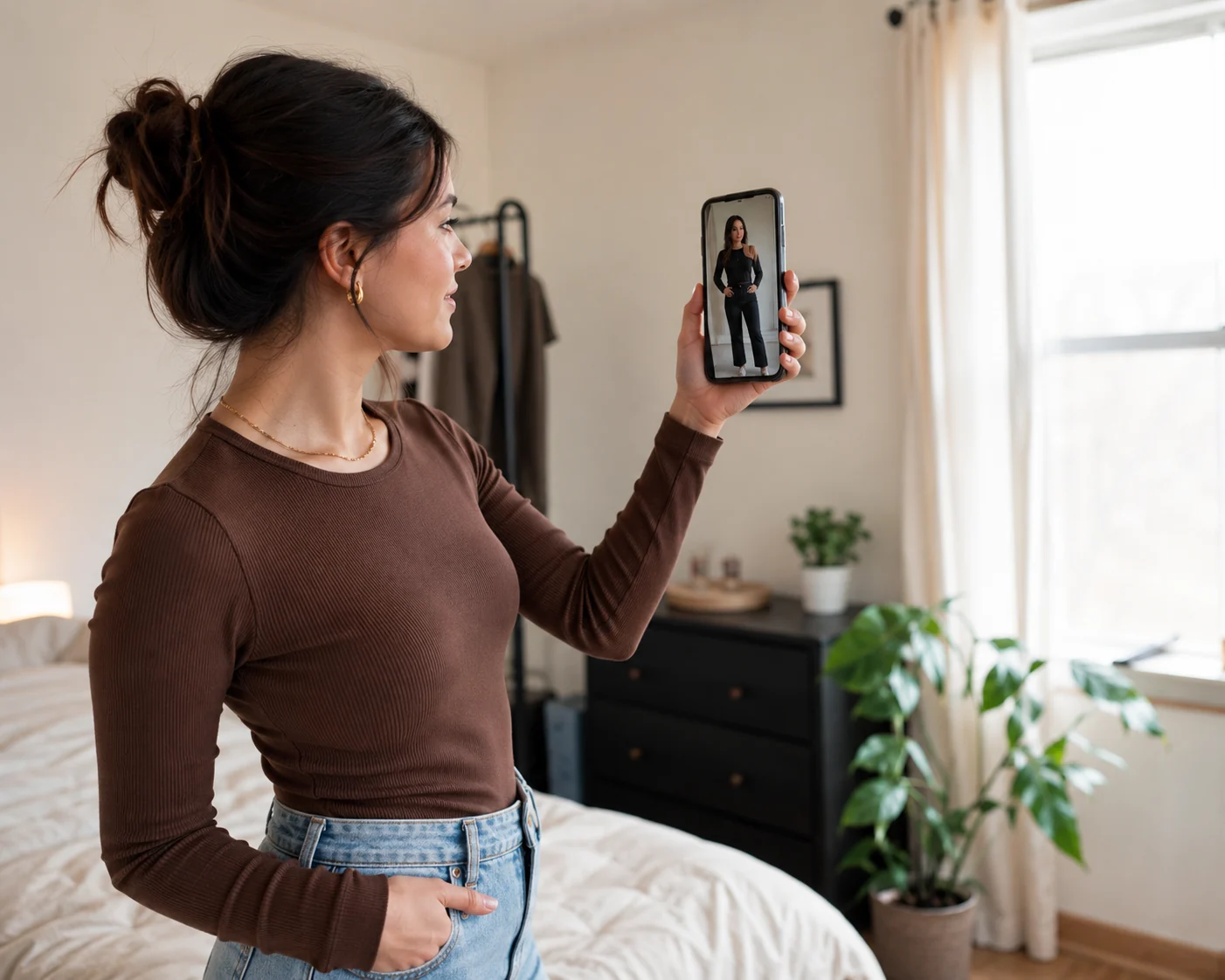
It is you, not an avatar
There is no character creator and no doll to customize. You upload a real photo of yourself and the clothes go onto that. What you see is how the outfit actually reads on your body, which a cartoon never tells you.
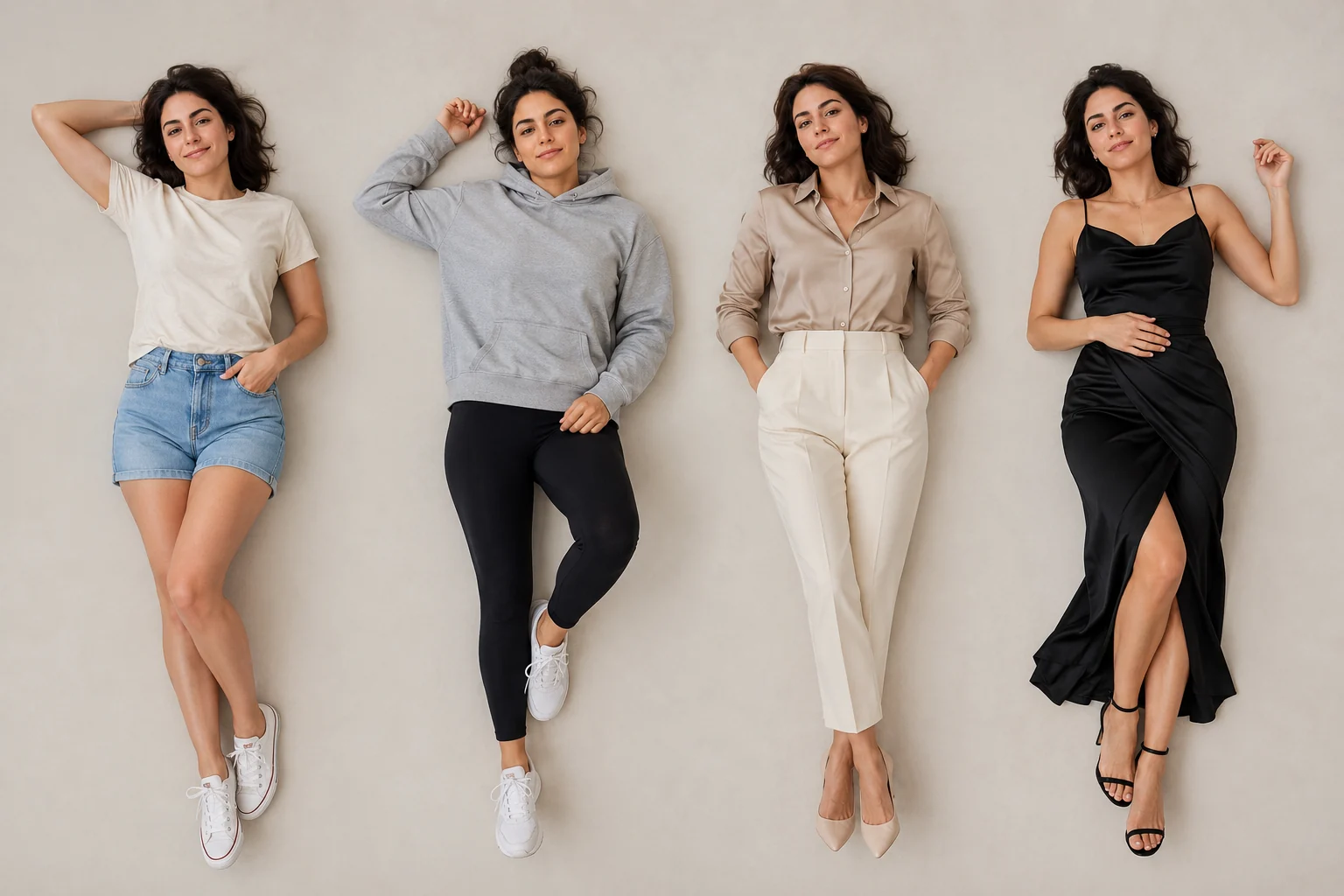
Try a dozen, keep none
Dress up is meant to be played, so re-trying is the whole point. Swap a blazer for a hoodie, a maxi for a mini, formal for streetwear — each run is a fresh look on the same you. Nothing to undo, nothing to buy.
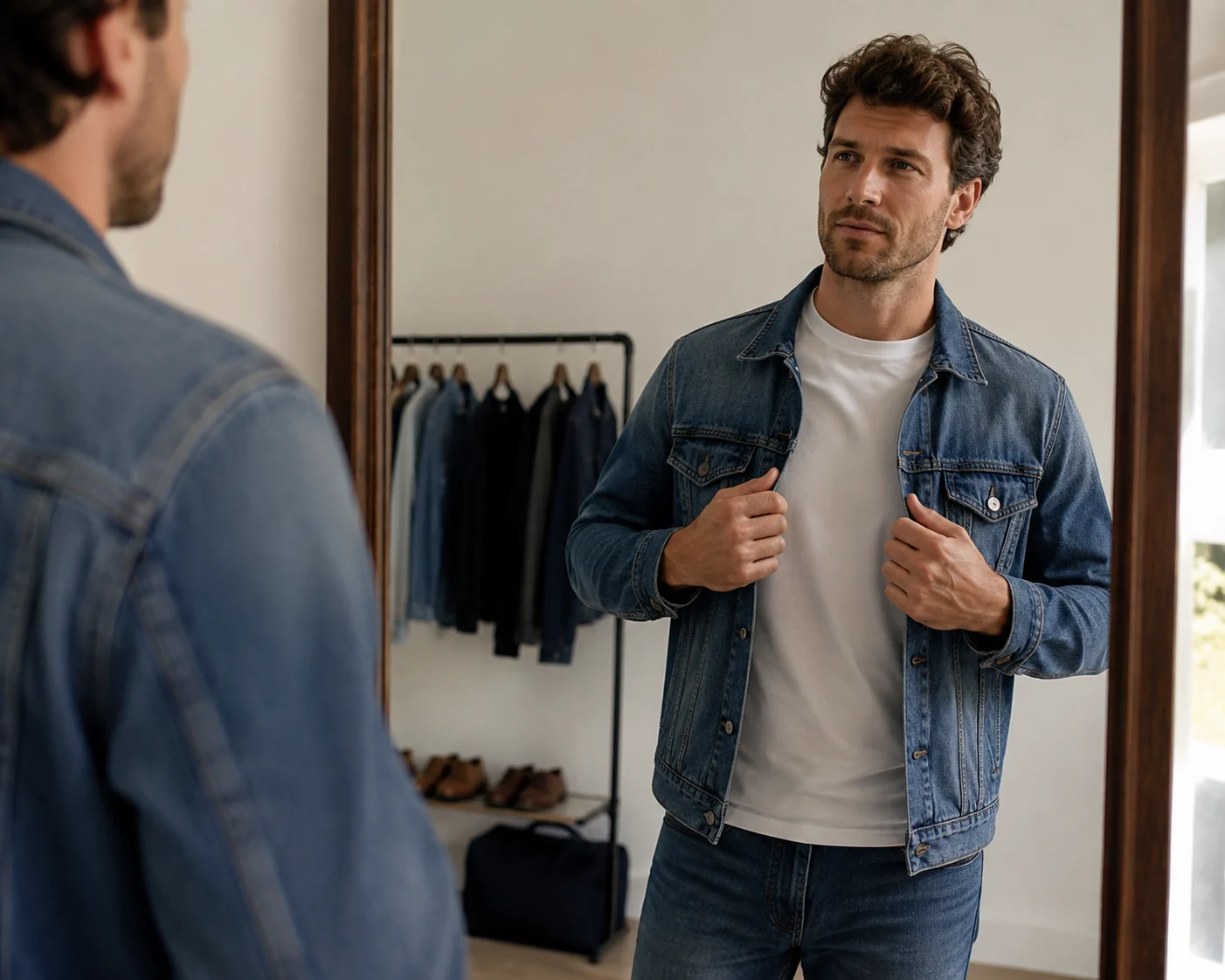
Mix pieces into a full look
Add up to six garment photos at once and the AI assembles them into one outfit on you. Pair a found jacket with your own jeans, or build a whole fit from screenshots you saved. Then change one piece and run it again.
Looks our AI dress up handles well
Dress Up Your Photo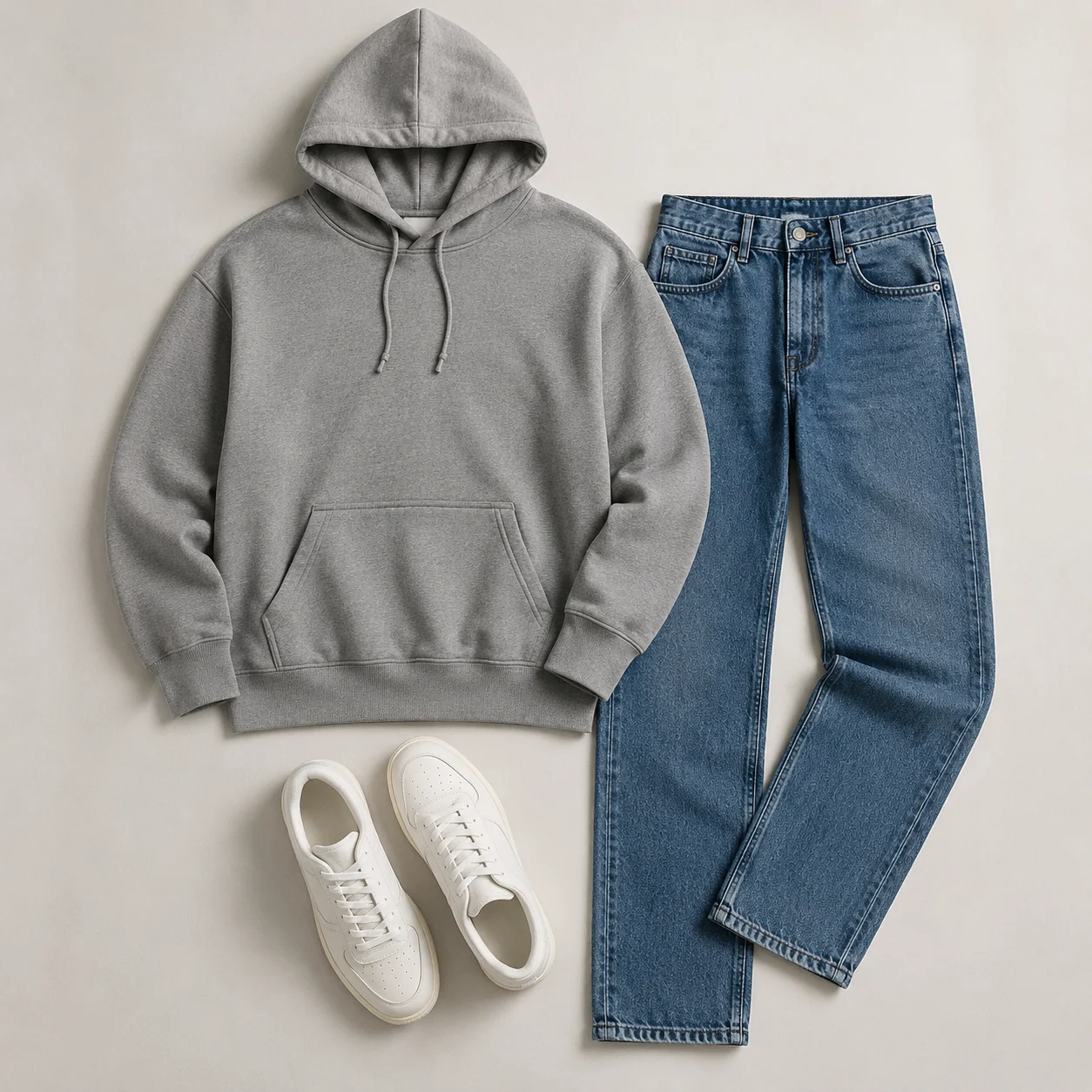
Casual everyday fits
Tees, hoodies, jeans, and sneakers land with natural drape and real proportions, so you can play with your day-to-day rotation fast.
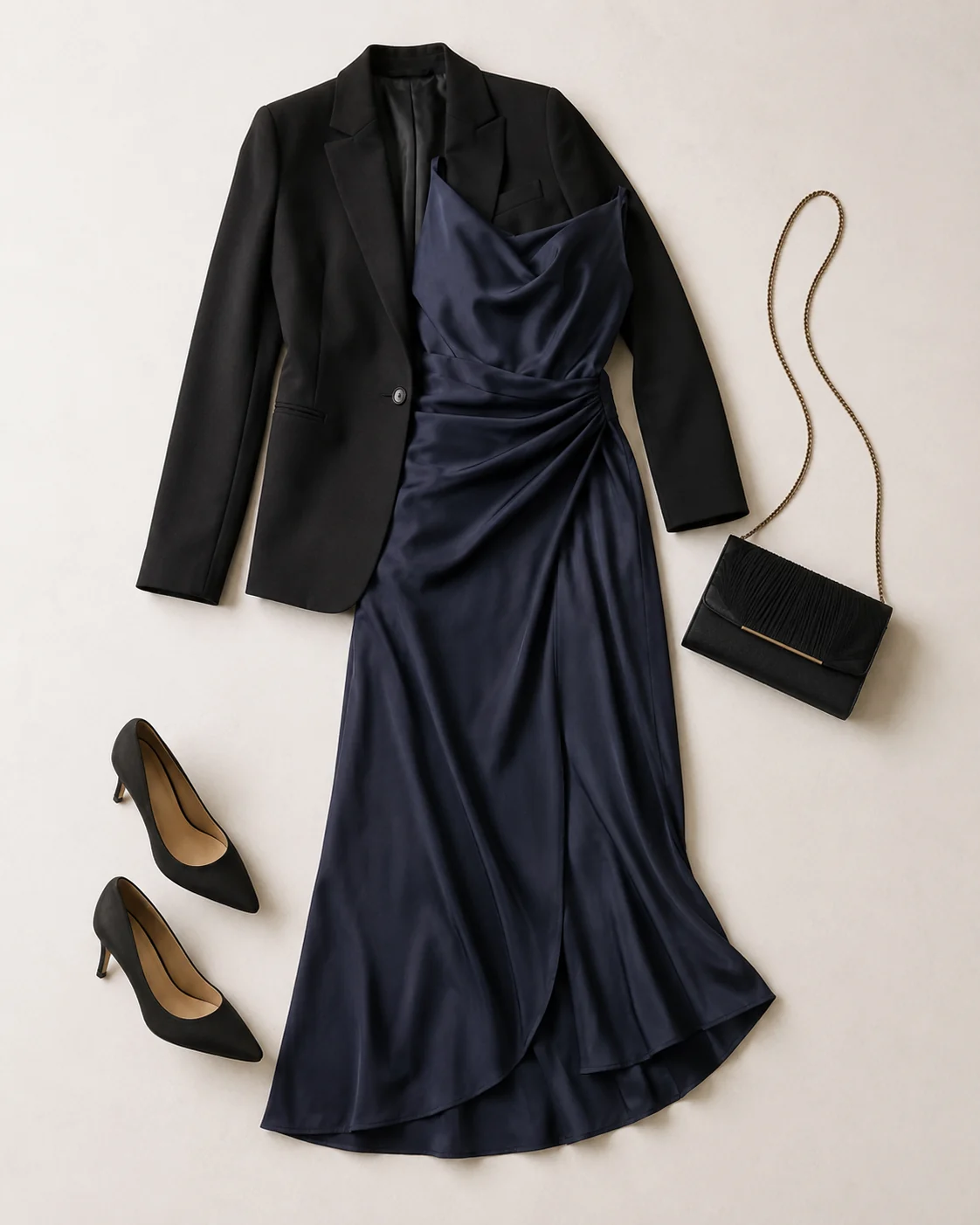
Dressed-up evening looks
Blazers, dresses, and tailored separates keep their structure and shoulders, so a sharper look reads sharp on you instead of flat.
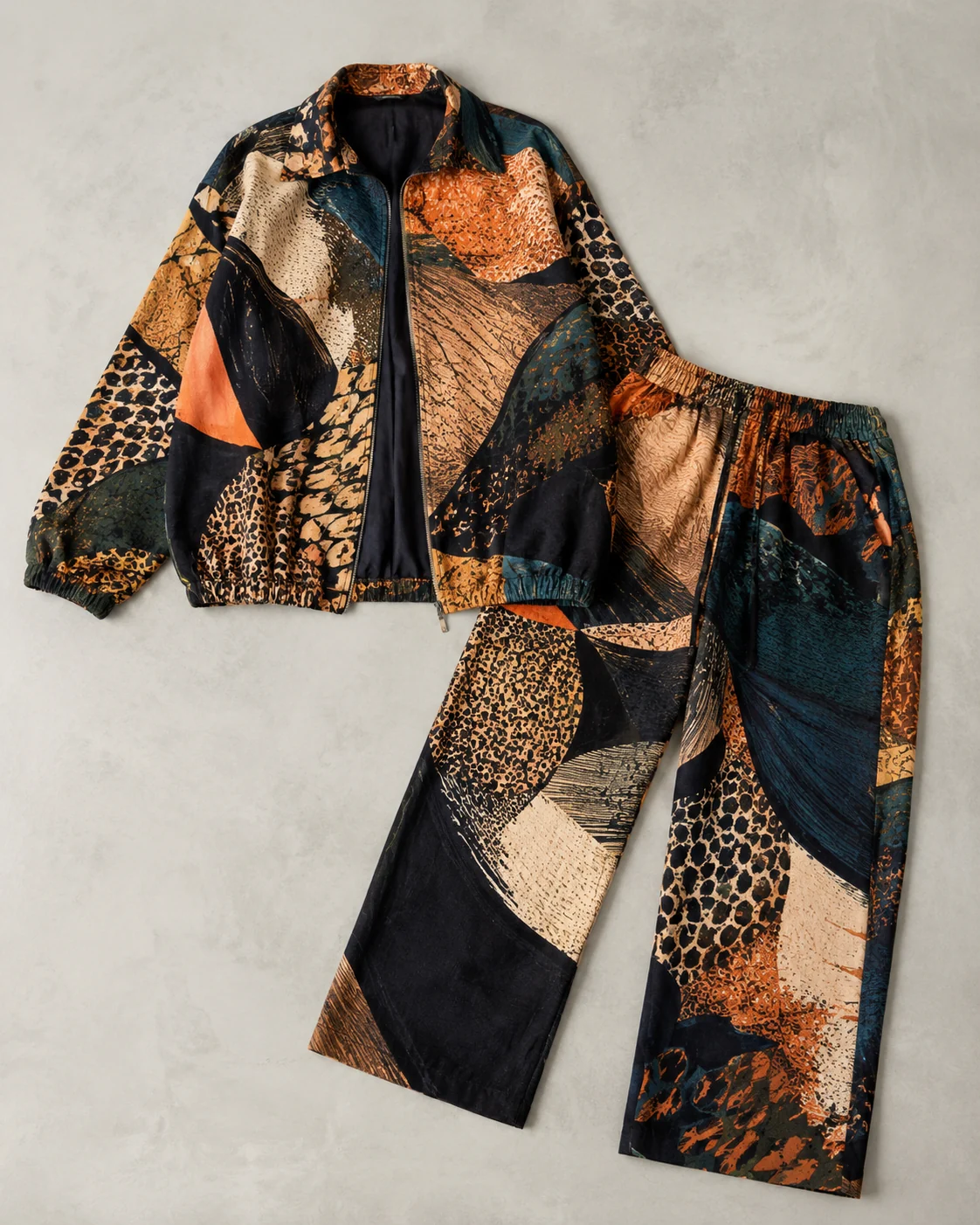
Statement and themed pieces
Bold prints, layered streetwear, and standout jackets hold their pattern and shape, perfect for trying a vibe you would never normally risk.
More tools to use
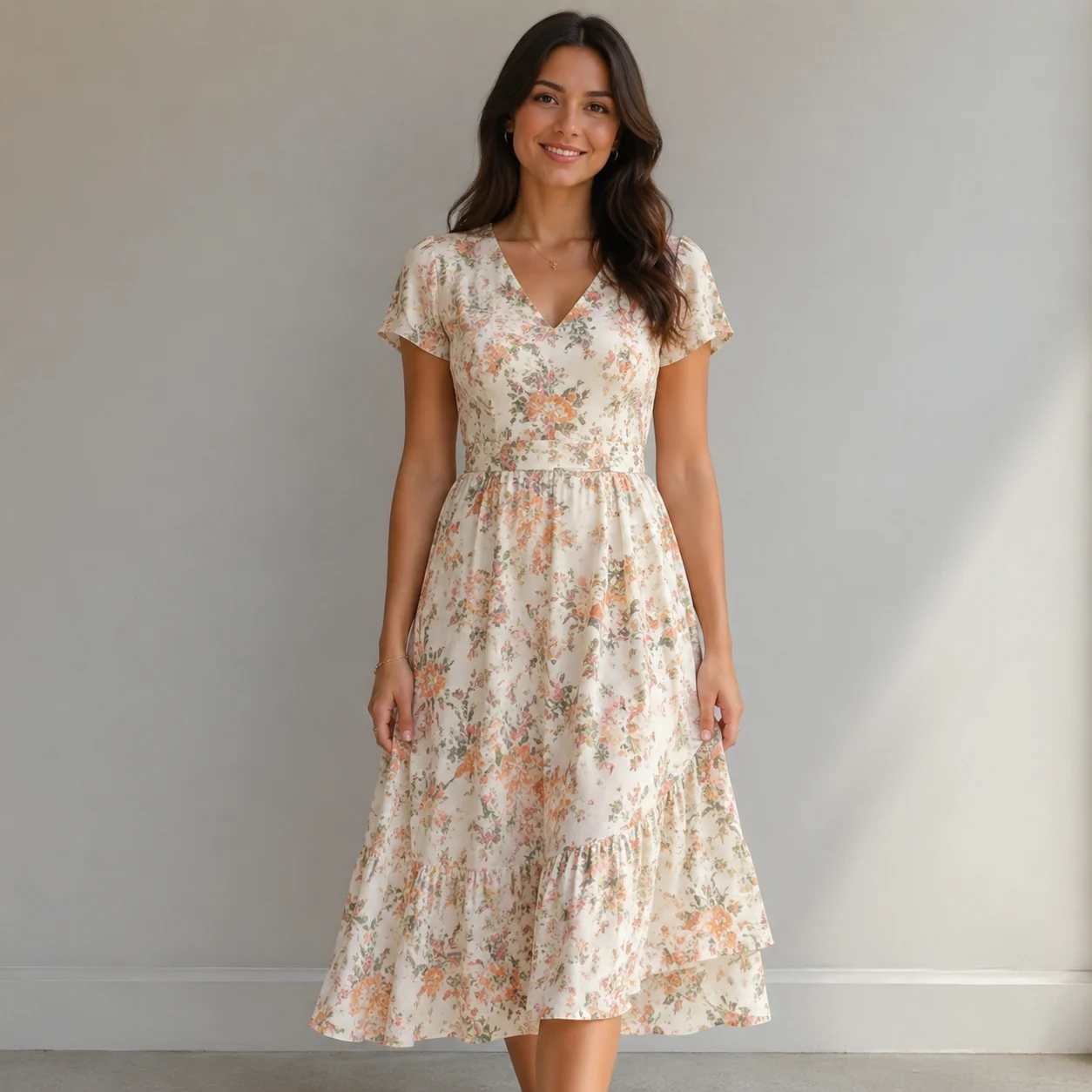
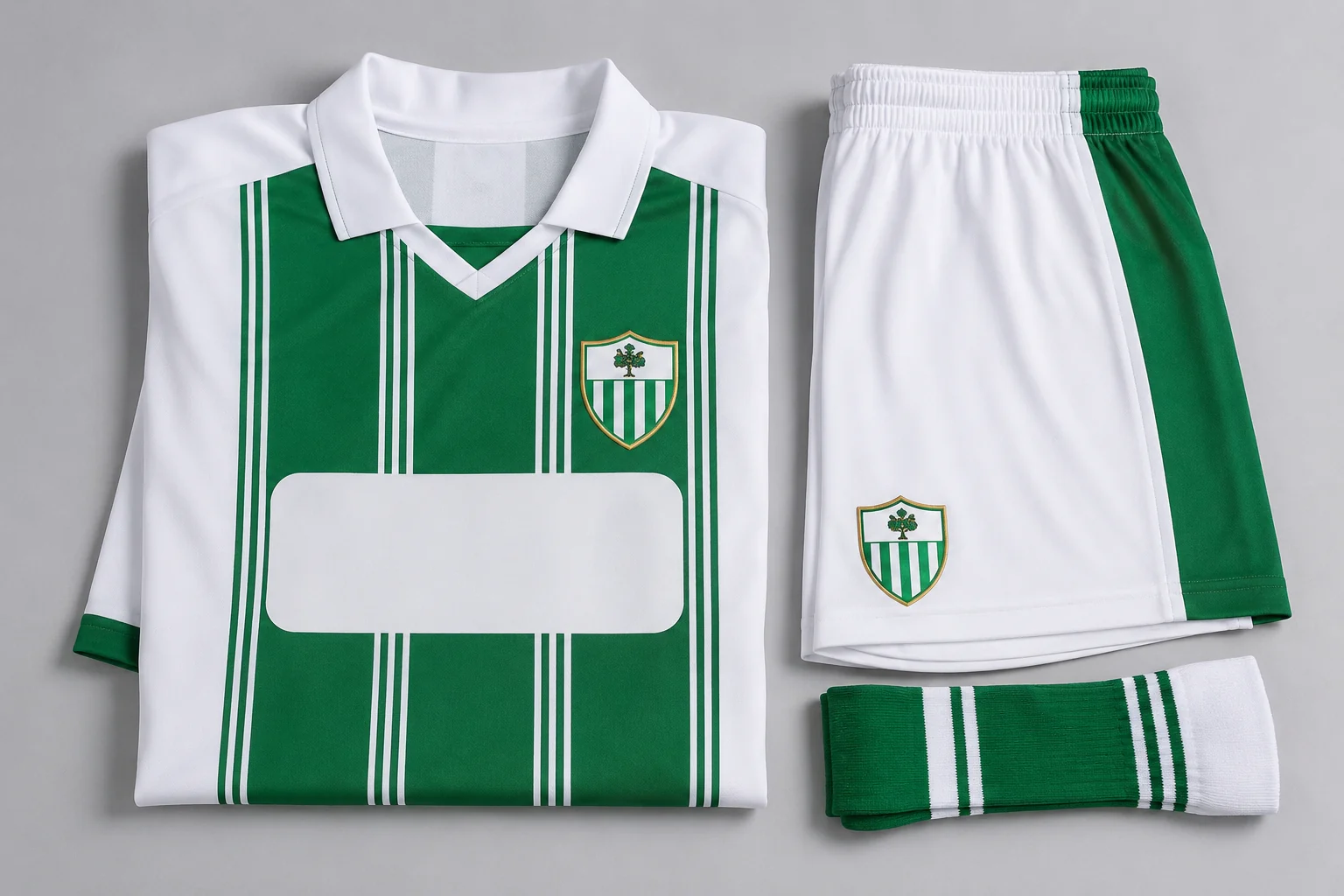
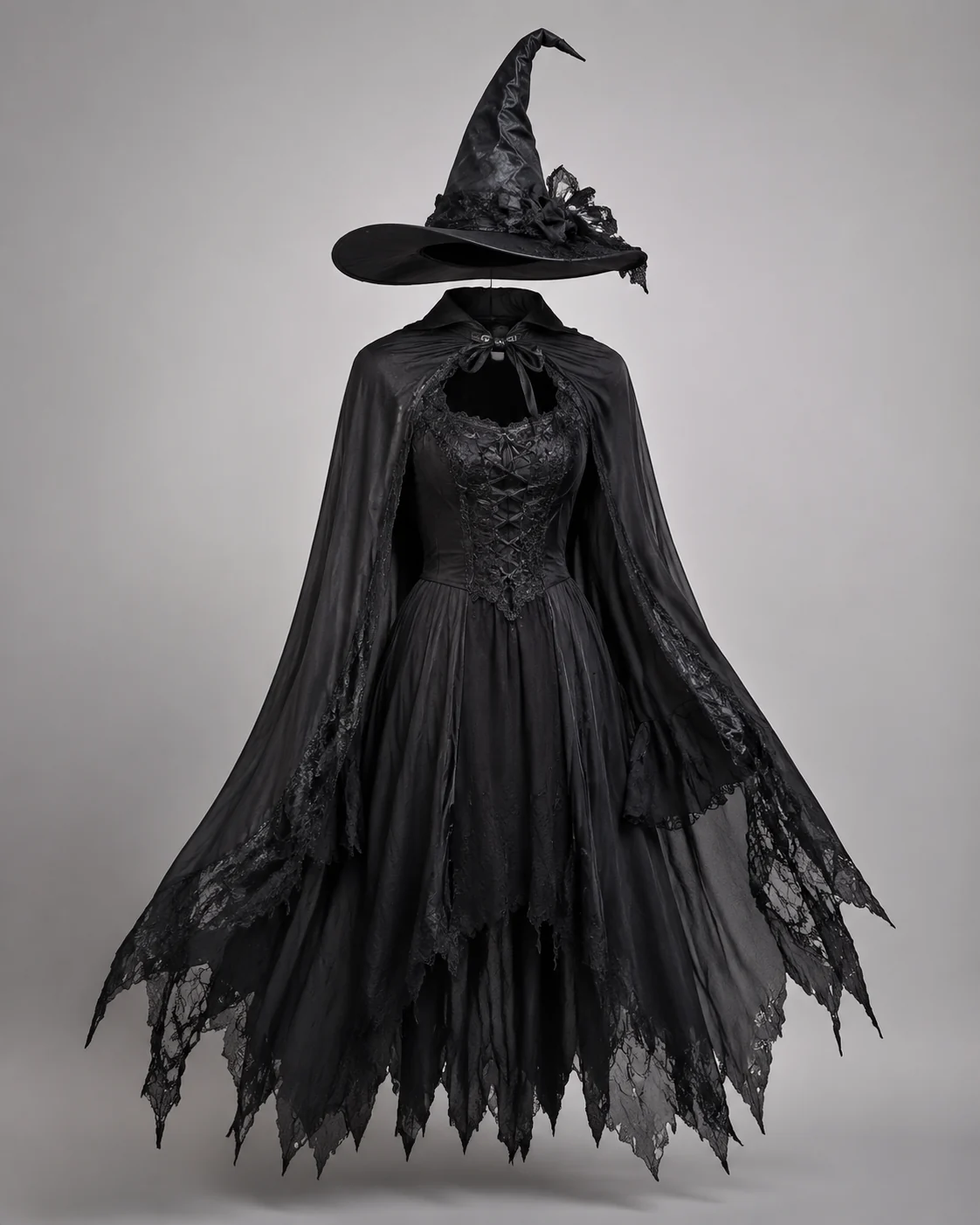
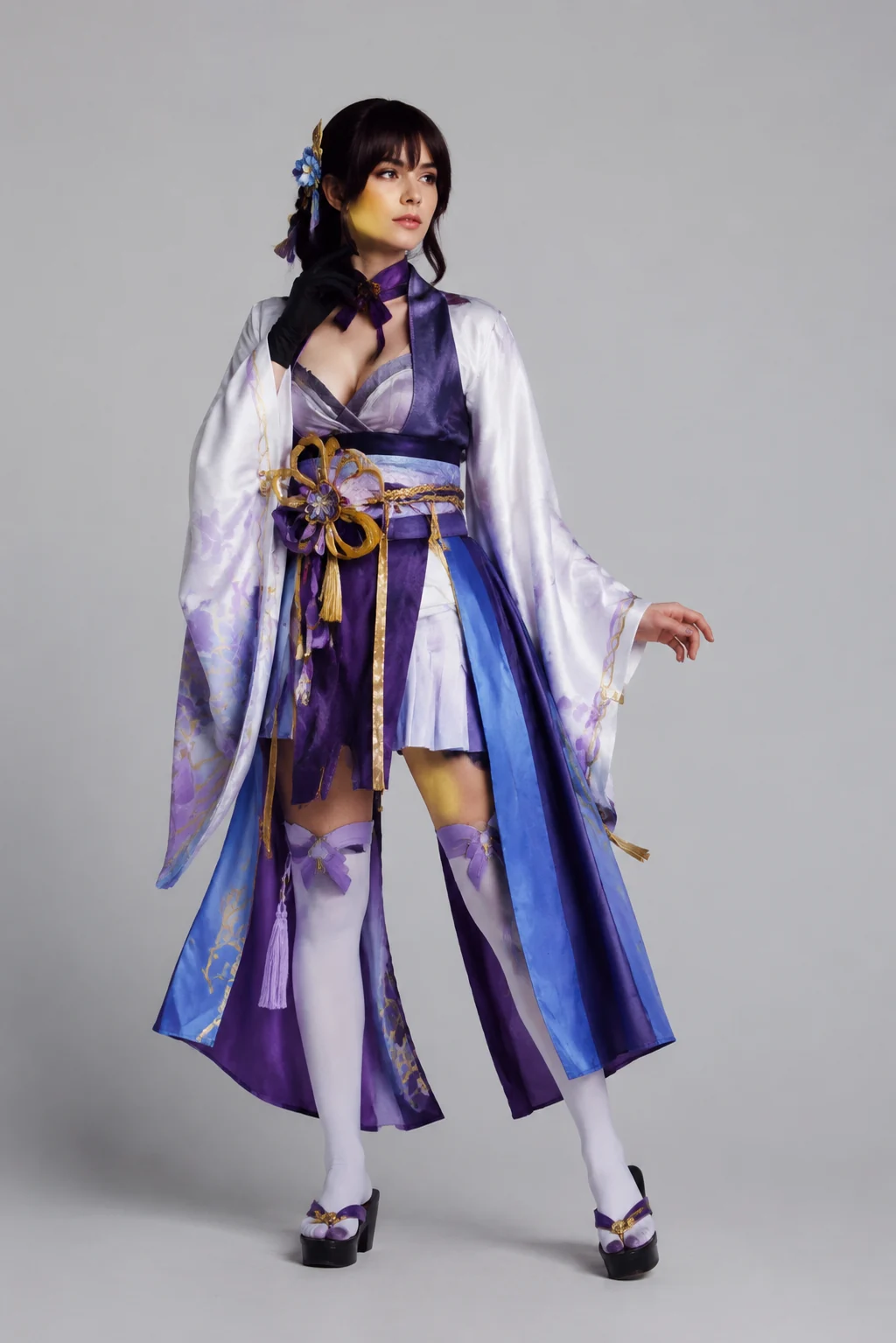
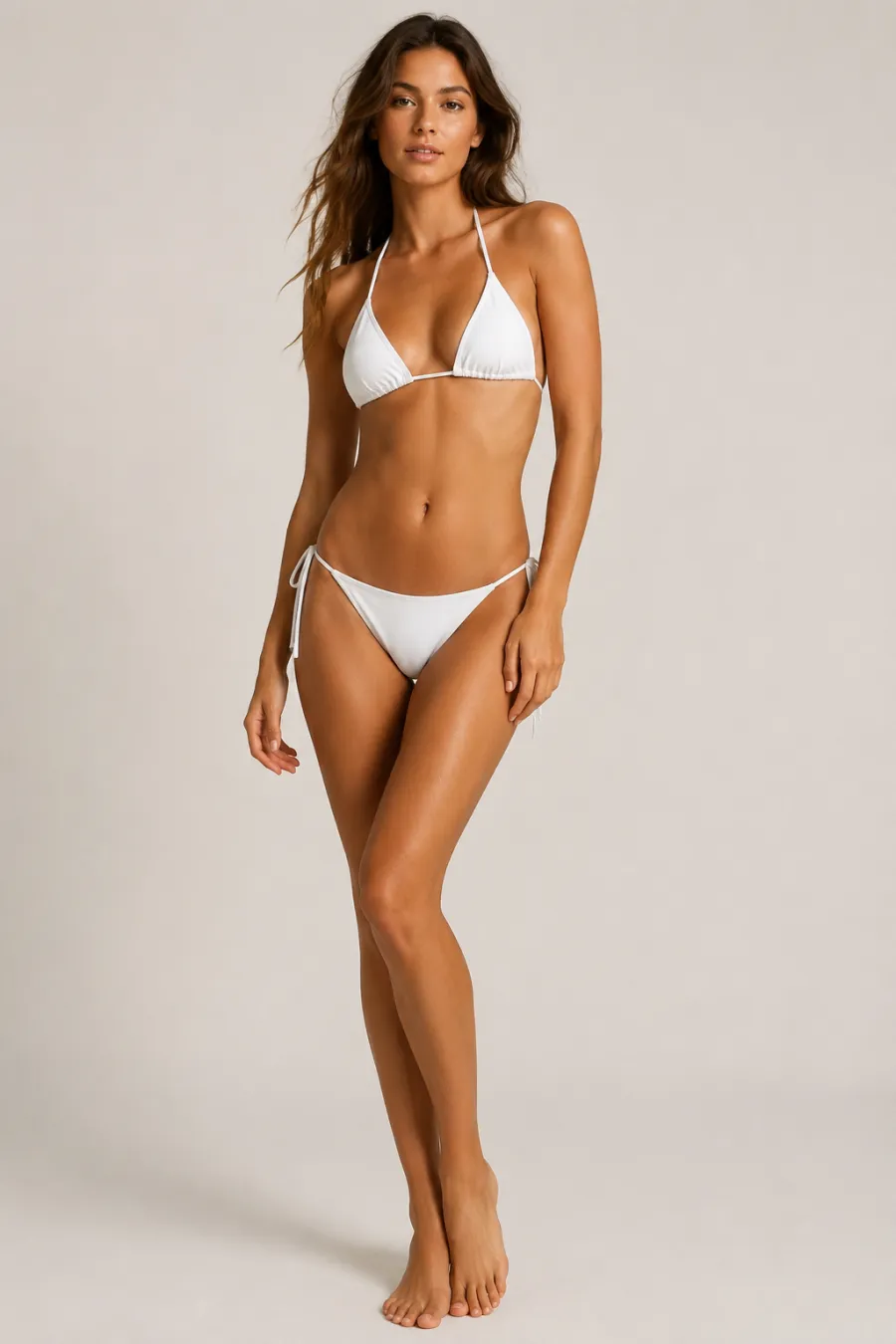
Explore more AI try on and outfit tools — each opens the same studio on your own photo.
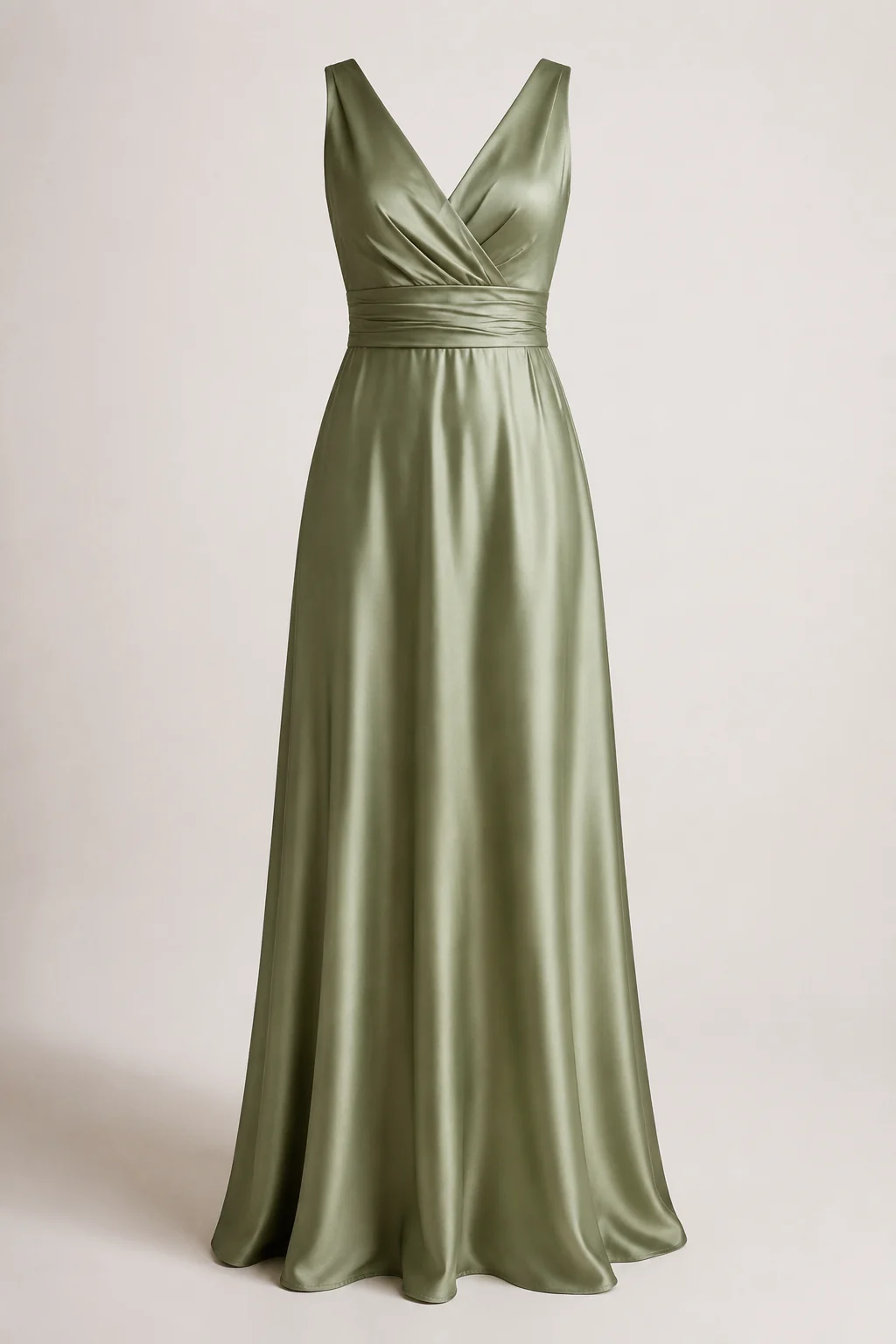
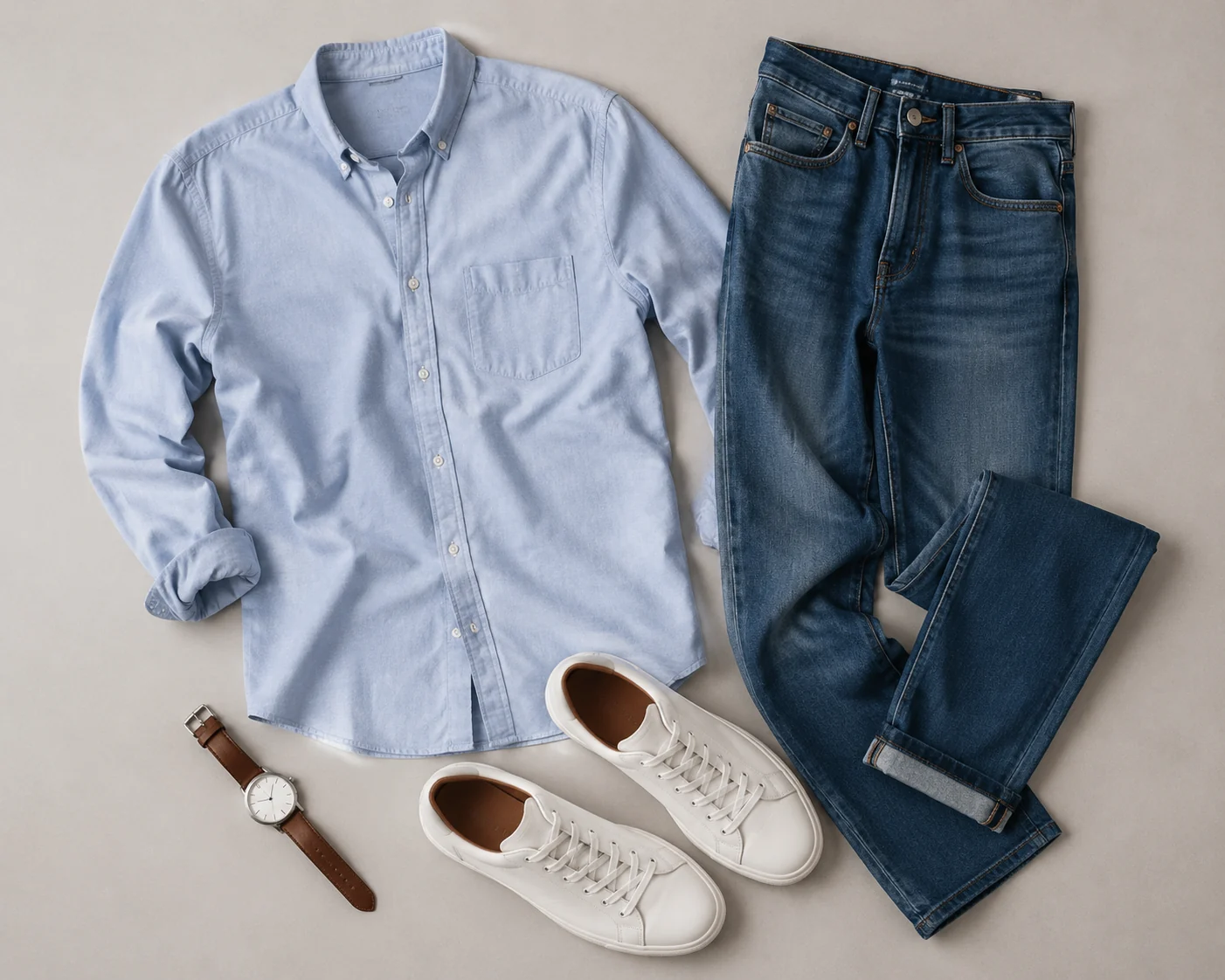
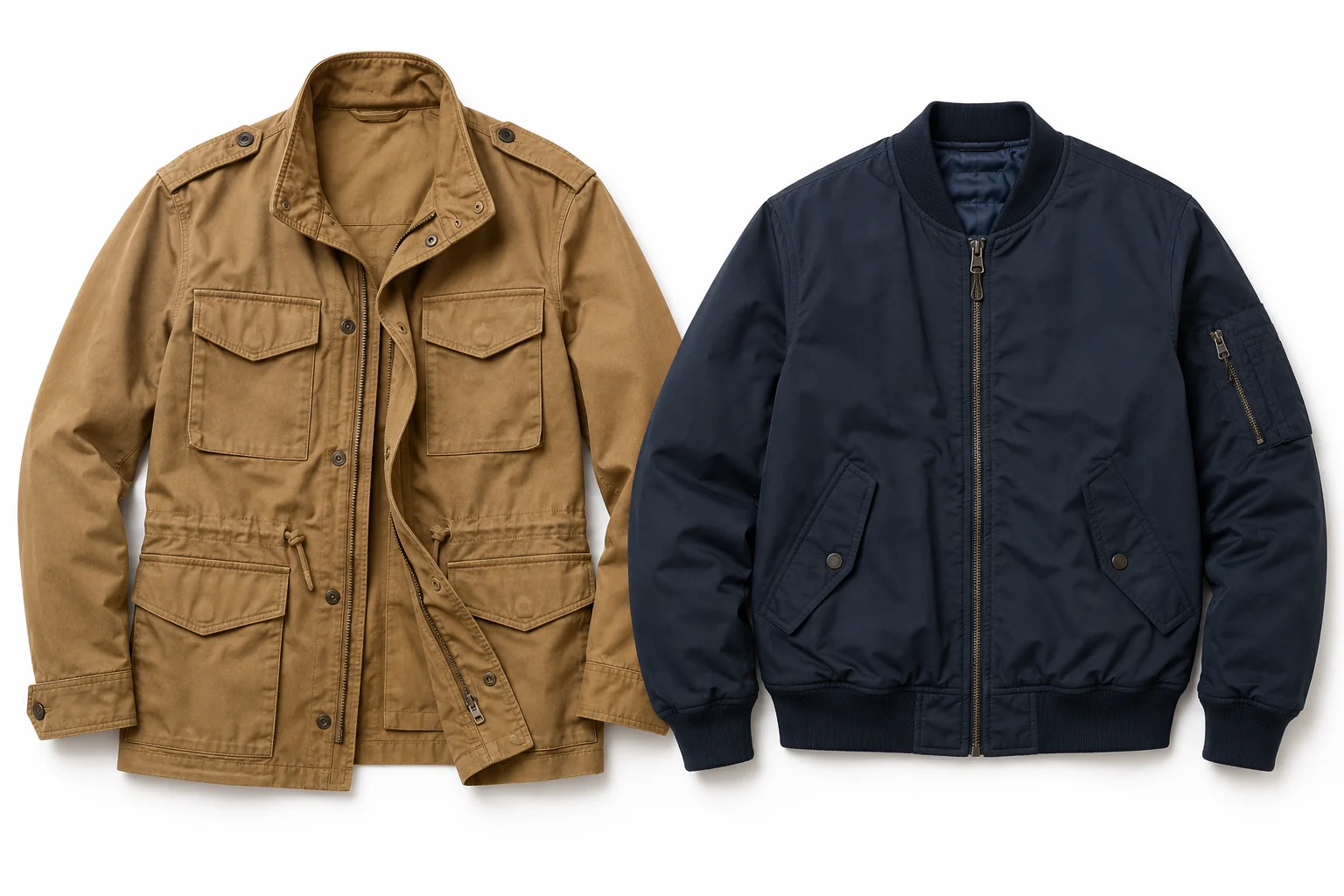
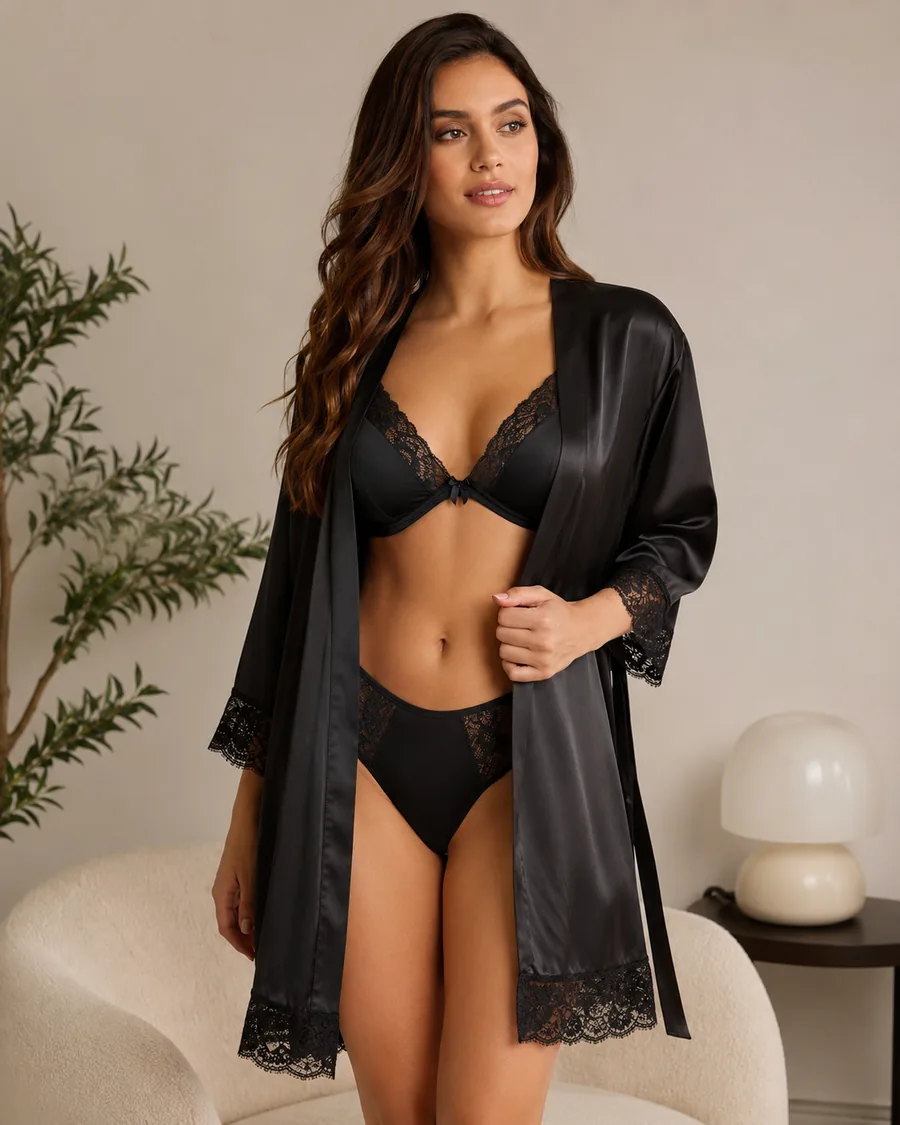
How to Dress Up Your Photo with AI
Upload Your Photo
Add one clear, front-facing photo of yourself. It's the only image you need — the look comes from your words.
Describe the Look
Type the look you want right in the box — we pre-filled an example you can edit to anything. No clothing photo needed. Prefer a reference? You can still add an image instead.
Generate It on You
In about a minute the AI dresses you in the look you described, keeping your face, body, pose, and background natural. Download it, or tweak the words and run it again.
Start free. Go yearly — pay half.
More credits than a full year of monthly — for less than half the price.
No hidden fees. Secure checkout by Stripe.
Your card details go directly to Stripe. We never store your full card number or security code.
Stripe Checkout shows your total before you confirm payment. Your bank may charge additional fees.
Starter
Free forever2 free watermarked 1K trials before sign-in · 20 extra Standard credits after first sign-in · Check in on later days for 10 free credits · Free credits valid for 30 days · Standard only · Signed-in Standard results have no watermark (10 per eligible daily Claim)
Monthly
Flexible month-to-month. Cancel anytime.
- 750 credits every month
- ≈ 93 Standard 1K swaps / month
- No watermark on this account after any purchase
- Studio Quality: image editing, up to 6 outfit images, and precise results that better preserve faces, garments, and details
- Priority Generation sends every swap to the Priority queue whenever your paid account has credits
- Commercial use license
Yearly
billed annually
More credits than 12 months — for $150 less.
- 10,000 credits up front for the year
- 1,000 more than 12× monthly + save $150
- No watermark on this account after any purchase
- Studio Quality: image editing, up to 6 outfit images, and precise results that better preserve faces, garments, and details
- Priority Generation sends every swap to the Priority queue whenever your paid account has credits
- Commercial use license
≈ 1,250 swaps a year. Renews at $89.90/yr — cancel anytime.
One-time credit packs
No subscription. Credits never expire and work across every quality level. Studio Quality: image editing, up to 6 outfit images, and precise results that better preserve faces, garments, and details. Priority Generation sends every swap to the Priority queue whenever your paid account has credits. No watermark on this account after any purchase.
150 Credits
Quick top-up≈ 18 Standard 1K swaps
Studio Quality: image editing, up to 6 outfit images, and precise results that better preserve faces, garments, and details
No watermark on this account after any purchase
400 Credits
≈ 50 Standard 1K swaps
Studio Quality: image editing, up to 6 outfit images, and precise results that better preserve faces, garments, and details
No watermark on this account after any purchase
1,000 Credits
≈ 125 Standard 1K swaps
Studio Quality: image editing, up to 6 outfit images, and precise results that better preserve faces, garments, and details
No watermark on this account after any purchase
2,000 Credits
≈ 250 Standard 1K swaps
Studio Quality: image editing, up to 6 outfit images, and precise results that better preserve faces, garments, and details
No watermark on this account after any purchase
Prices in USD. Yearly renews annually; credit packs are one-time. Cancel anytime via the billing portal.
How to Get the Most Out of an AI Dress Up Session
⌄
The people who get the cleanest results from an AI dress up tool are usually the ones planning something specific. Maybe you have a wedding next month and want to see whether a satin slip dress reads better than a structured midi before you spend money. Maybe you sell clothes online and need a quick way to show one piece on a real person instead of a flat lay. Students mocking up cosplay, content creators testing outfit ideas for a shoot, and anyone tired of the dressing-room shuffle all land here for the same reason: it answers "would this actually suit me?" without a trip to the store.
The reason the output looks believable comes down to what the model leaves alone. A good virtual try on keeps your facial features, body proportions, the angle of your shoulders, and the lighting in your original photo, then paints the new garment onto that foundation. When your skin tone, the way light falls across your collarbone, and your natural posture stay consistent, your brain stops flagging the image as fake. That is the gap between a convincing AI outfit swap and the stiff, mannequin-style edits older photo apps produced.
You can push the look in two directions. Describe an outfit in plain words and the tool builds it from scratch, which is handy for exploring colors and silhouettes you do not own yet, from an emerald slip to wide-leg linen trousers or a tailored blazer. Or upload a reference garment and try that exact piece on your photo, which suits shoppers eyeing a specific listing. Switching fabrics, necklines, and shades takes seconds, so you can run a dozen variations before committing to one.
Your photo does most of the heavy lifting, so feed the AI dress up tool something it can read clearly. A well-lit, front-facing or three-quarter shot with your whole upper body in frame works best; skip heavy shadows, busy backgrounds, and anything that hides your shoulders or waist. Compared with learning Photoshop or booking a fitting, this is far faster and forgiving of mistakes since a bad result costs you nothing but a fresh prompt. Treat the first few tries as drafts, adjust your wording, and the keepers tend to show up quickly.
AI Dress Up: Common Questions
Upload one clear photo of yourself, then add one to six pictures of clothing you want to try. The AI dresses your real photo in those pieces — keeping your face, body shape, pose, and background — and shows you the result in about a minute. Then you just go again with a new look.