
Suit Filter
Suit Filter
Add a business suit, blazer, or formal outfit to an adult photo.
Explore color, lapel, shirt, tie, and background combinations while the suit filter aims to keep your face and pose recognizable.
The result is a visual preview, not tailoring or sizing advice. It cannot predict measurements, physical fit, comfort, or garment drape.
Create your try-on
Add a person photo, then describe or upload the look.
1 · Add your photos
Quick try-on with one outfit image. Choose the garment area below.
Verify you are human to enable Generate.
Complete the secure check below.
Explore a more formal portrait with the Suit Filter
Use a headshot, half-body portrait, or full-body adult photo to preview suit color, jacket structure, shirt, tie, and setting without claiming real-world sizing or fit.
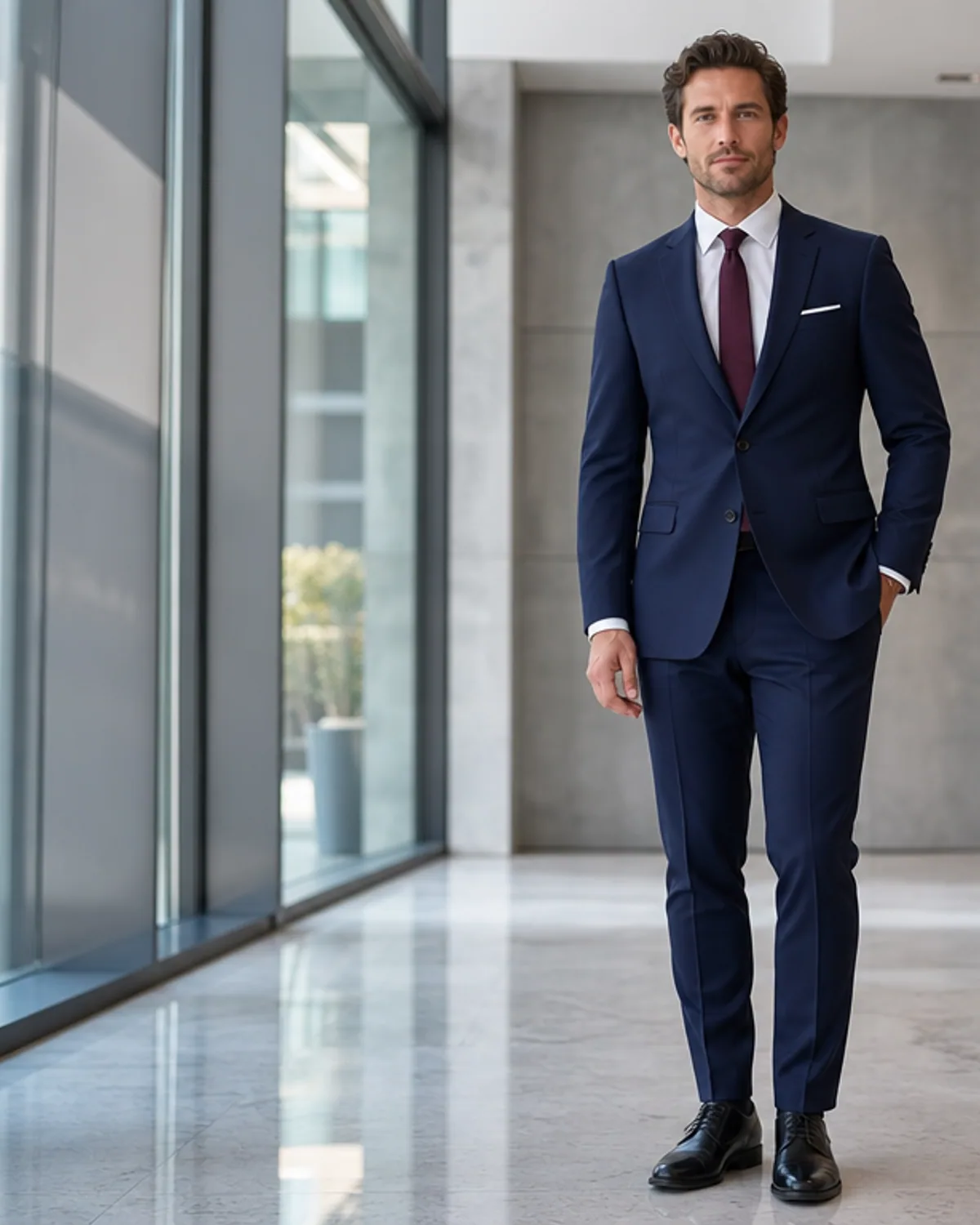
Preview a formal portrait with the Suit Filter
The suit filter is designed for visual outfit changes. Upload an adult headshot, half-body portrait, or full-body photo, then describe the suit color, jacket structure, shirt, tie, and setting you want to see. The result can help you explore a profile-photo direction, event concept, or business portrait before arranging a real outfit and shoot. It is not a tailoring tool and cannot determine the correct physical size or fit of a garment.
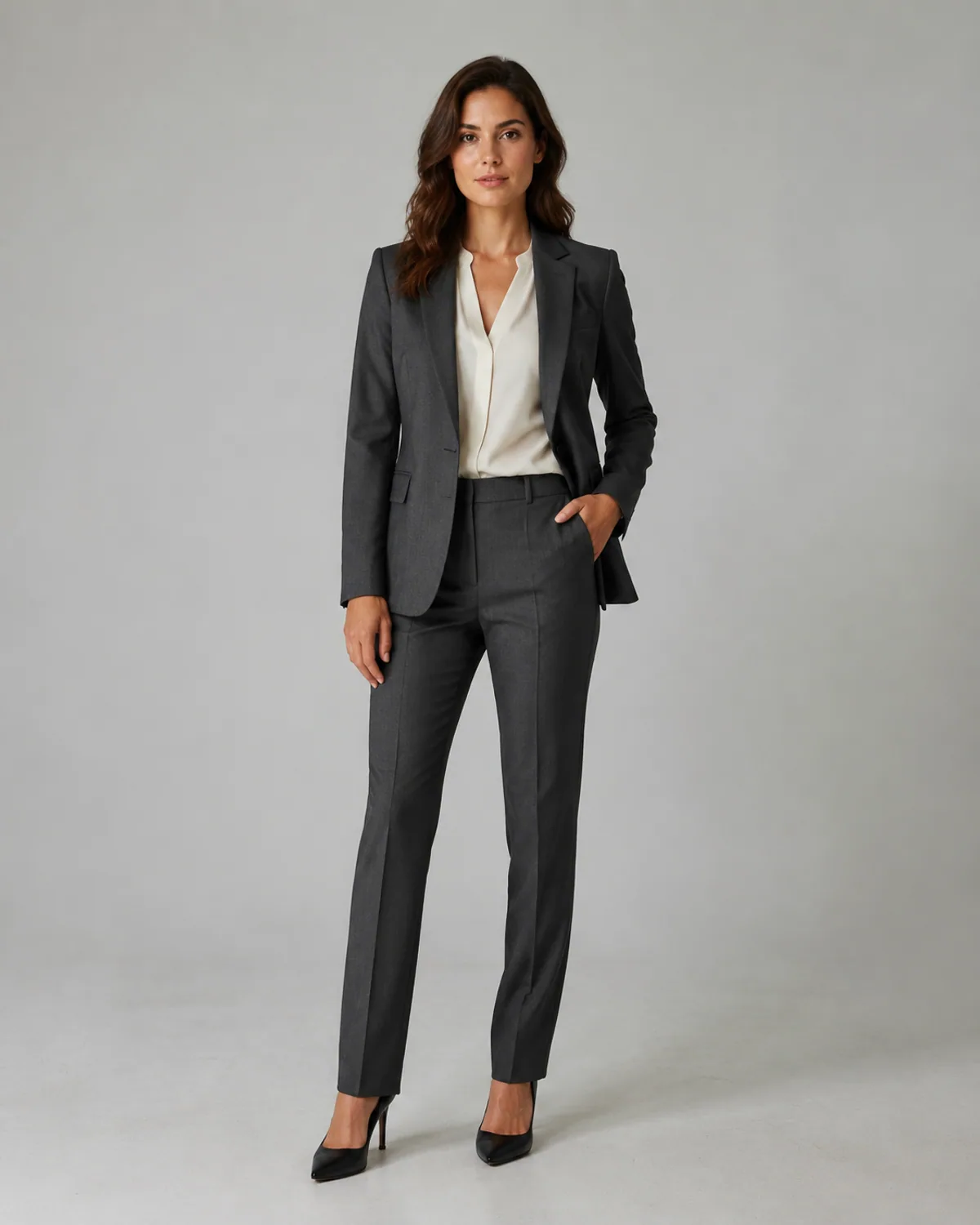
Choose the Right Level of Formality
A navy two-piece suit with an open-collar shirt creates a different impression from a charcoal suit with a tie or a black formal jacket for an evening event. Give the filter one clear use case so the clothing and background support each other. For a professional-looking image, keep patterns subtle, lighting even, and accessories restrained. Avoid company logos, branded uniforms, official credentials, or a misleading workplace identity.
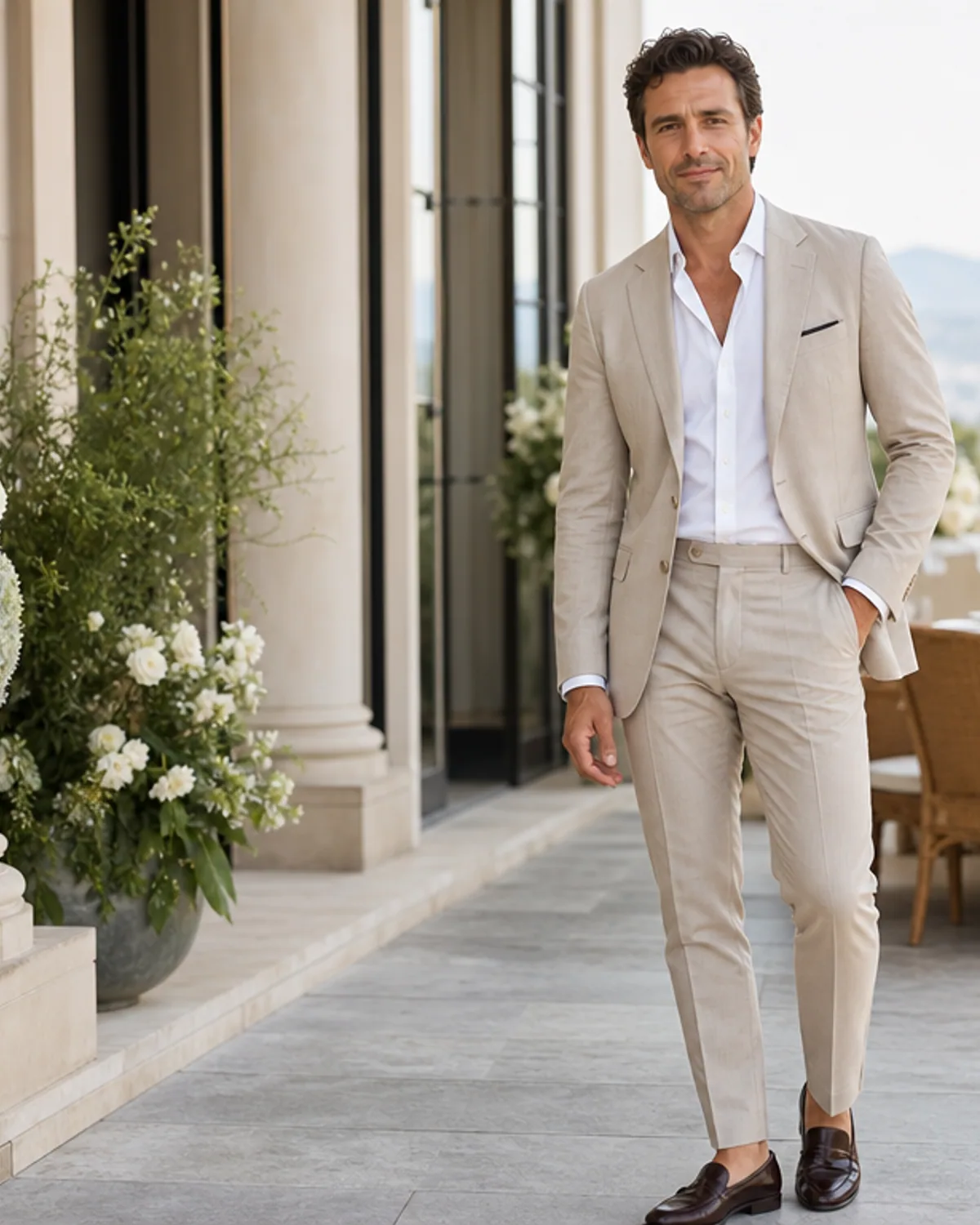
Review the Details That Make a Suit Look Real
Lapel symmetry, collar placement, tie knots, buttons, cuffs, pockets, and jacket edges determine whether the final image feels coherent. A well-lit source photo with visible shoulders and an unobstructed torso gives the generator the best starting point. Use the output as a visual preview. It cannot provide measurements, tailoring advice, product authentication, or a guarantee that a real suit will fit or drape in the same way.
Suit Filter formalwear styles to try
Create This Suit Look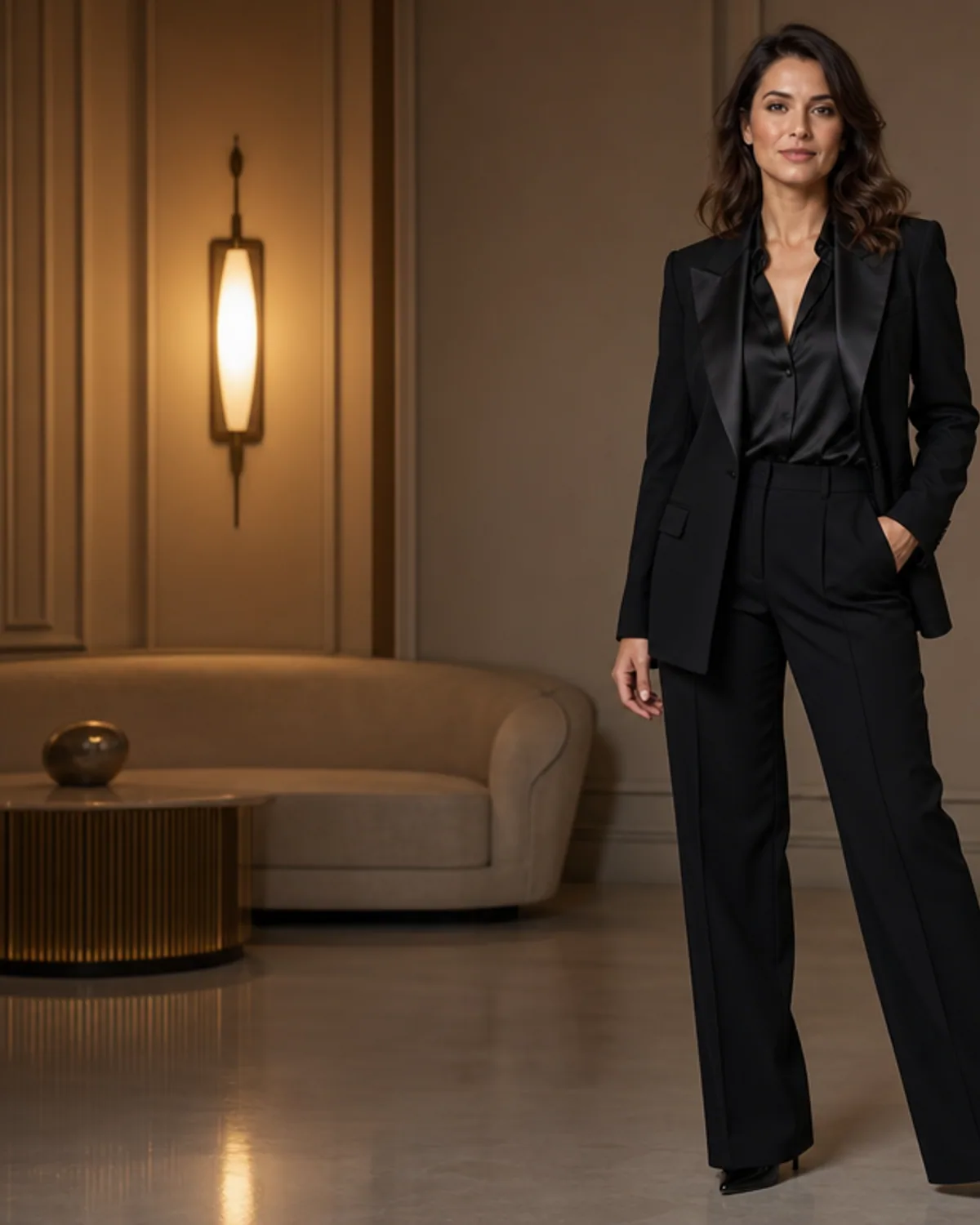
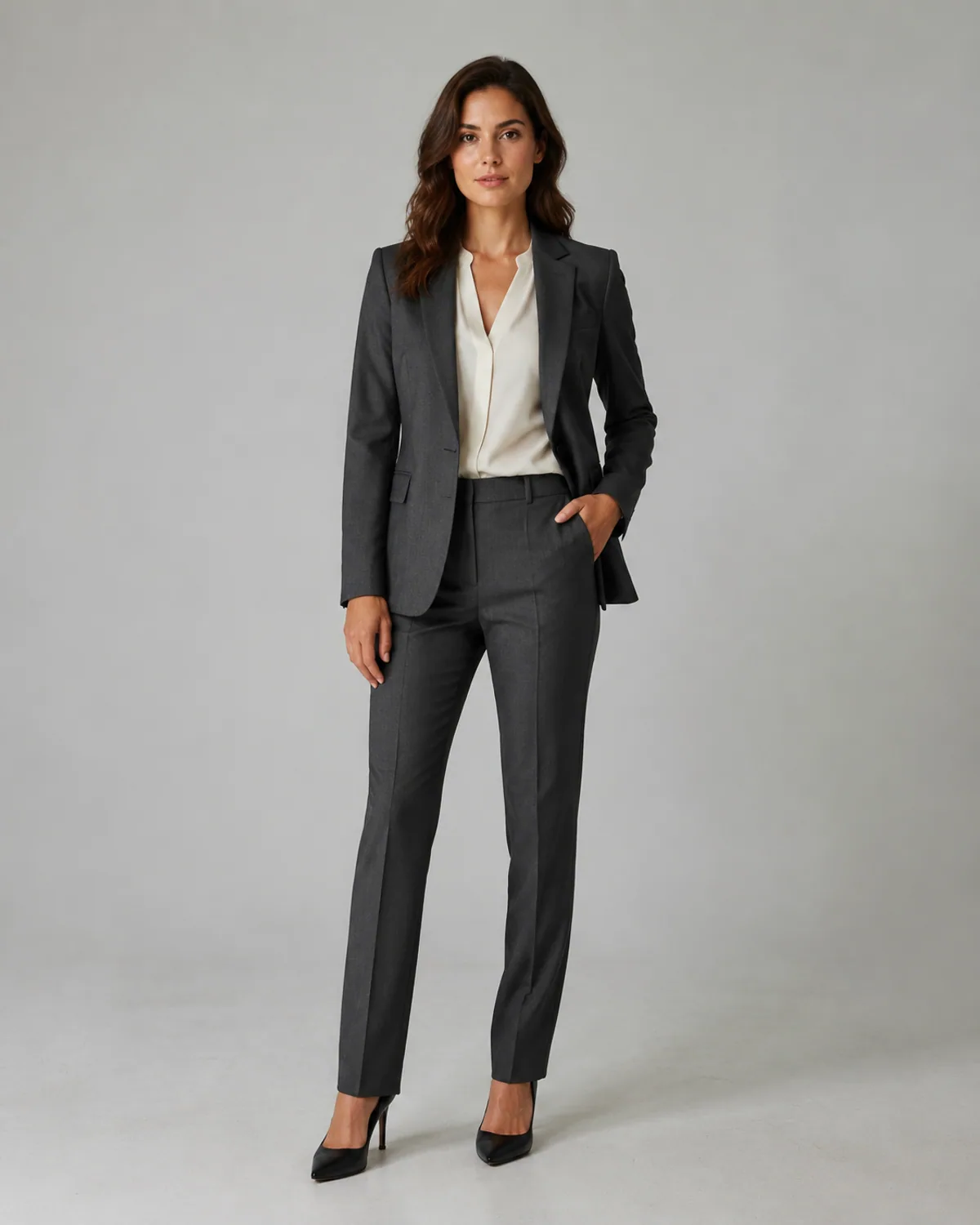
Navy Business Portrait
A versatile navy two-piece suit with a clean shirt, understated tie, and neutral professional background.
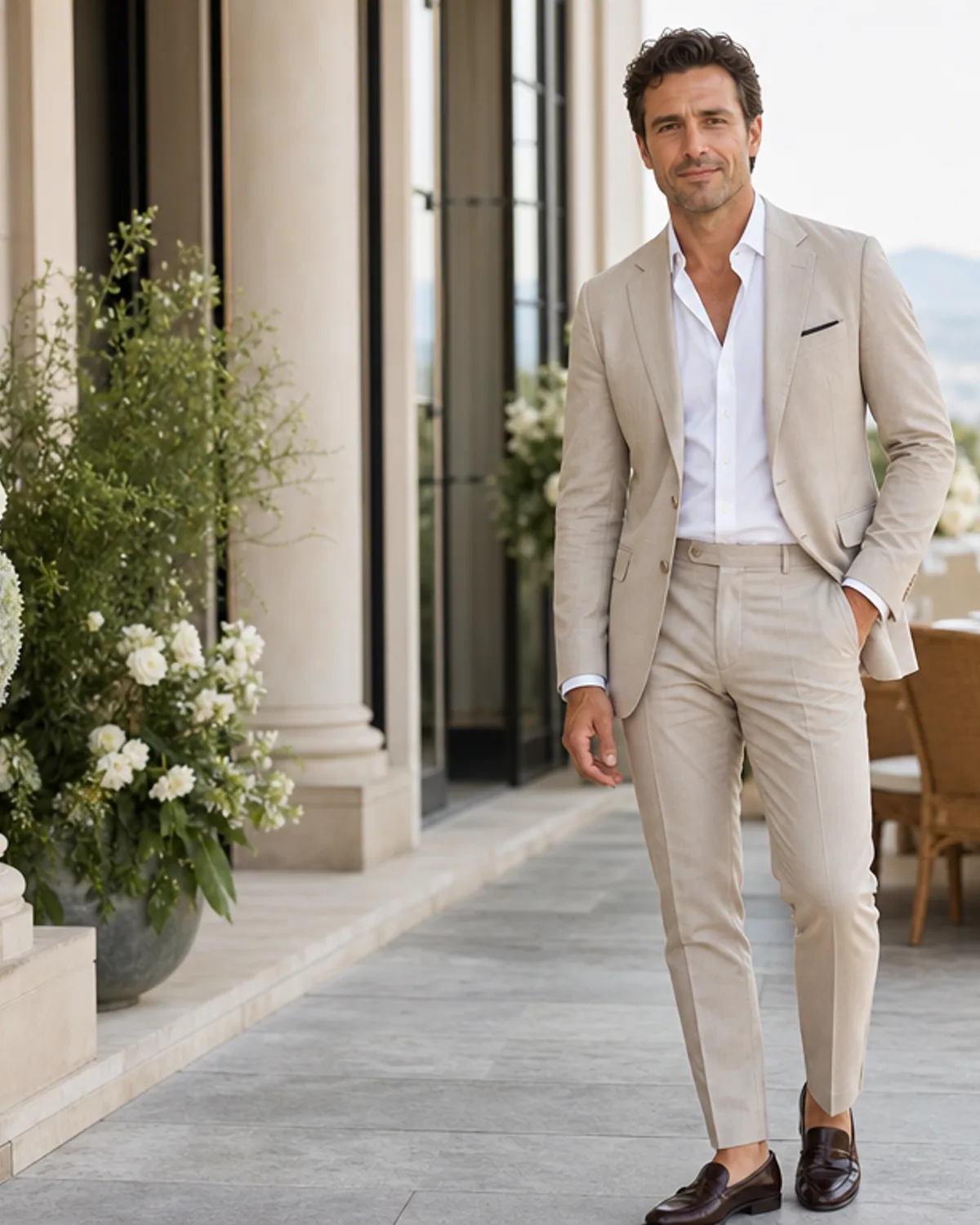
Smart Casual Blazer
A relaxed charcoal blazer and open-collar shirt for profiles, events, and polished portraits.
Formal Evening Suit
A refined dark evening suit with restrained lapel detail and warm event lighting.
More tools to use
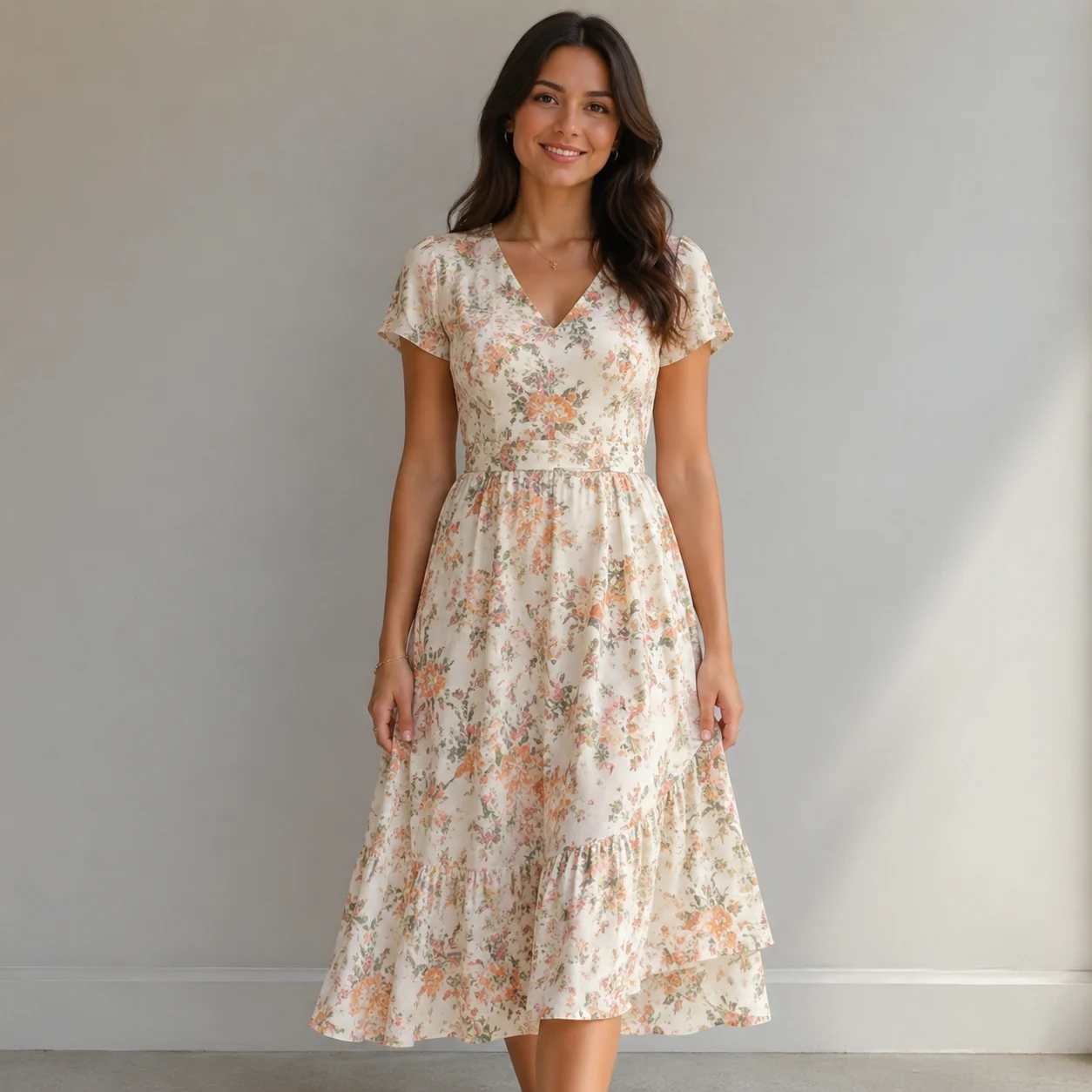
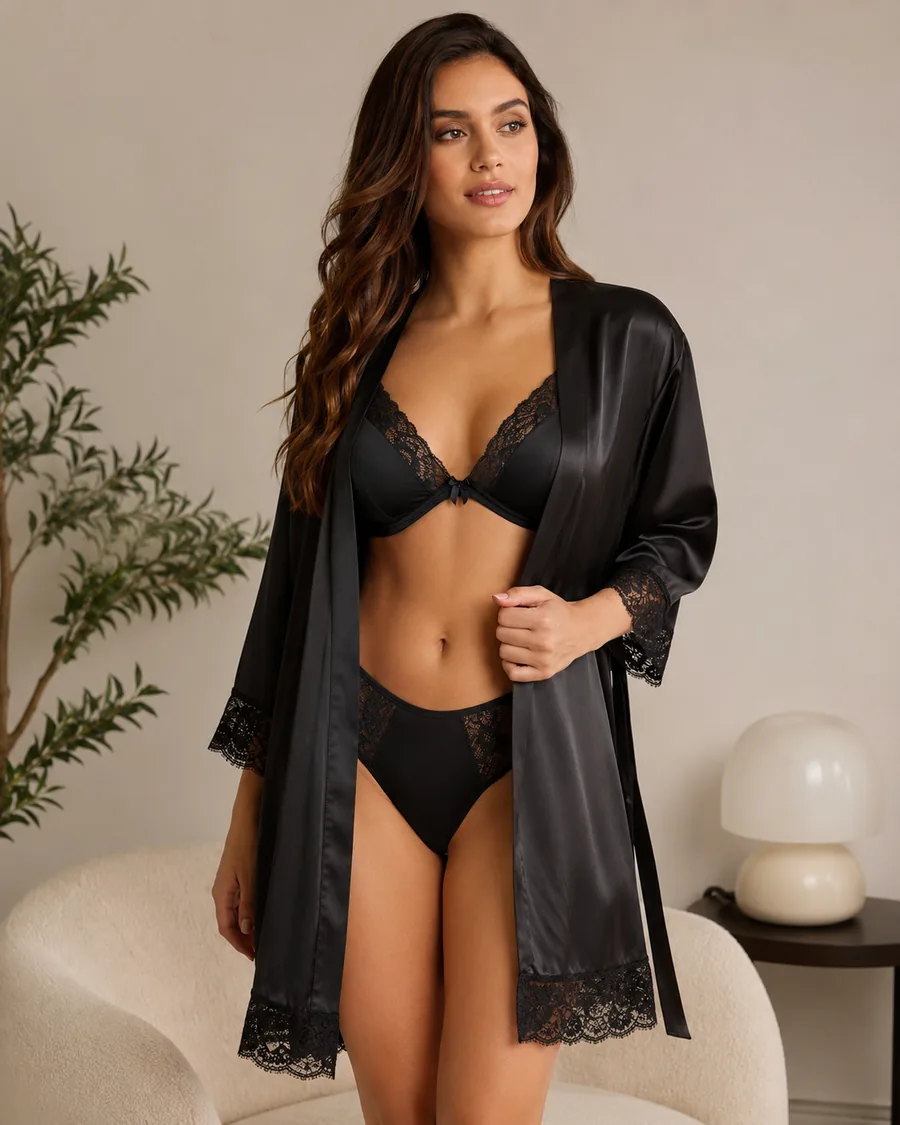
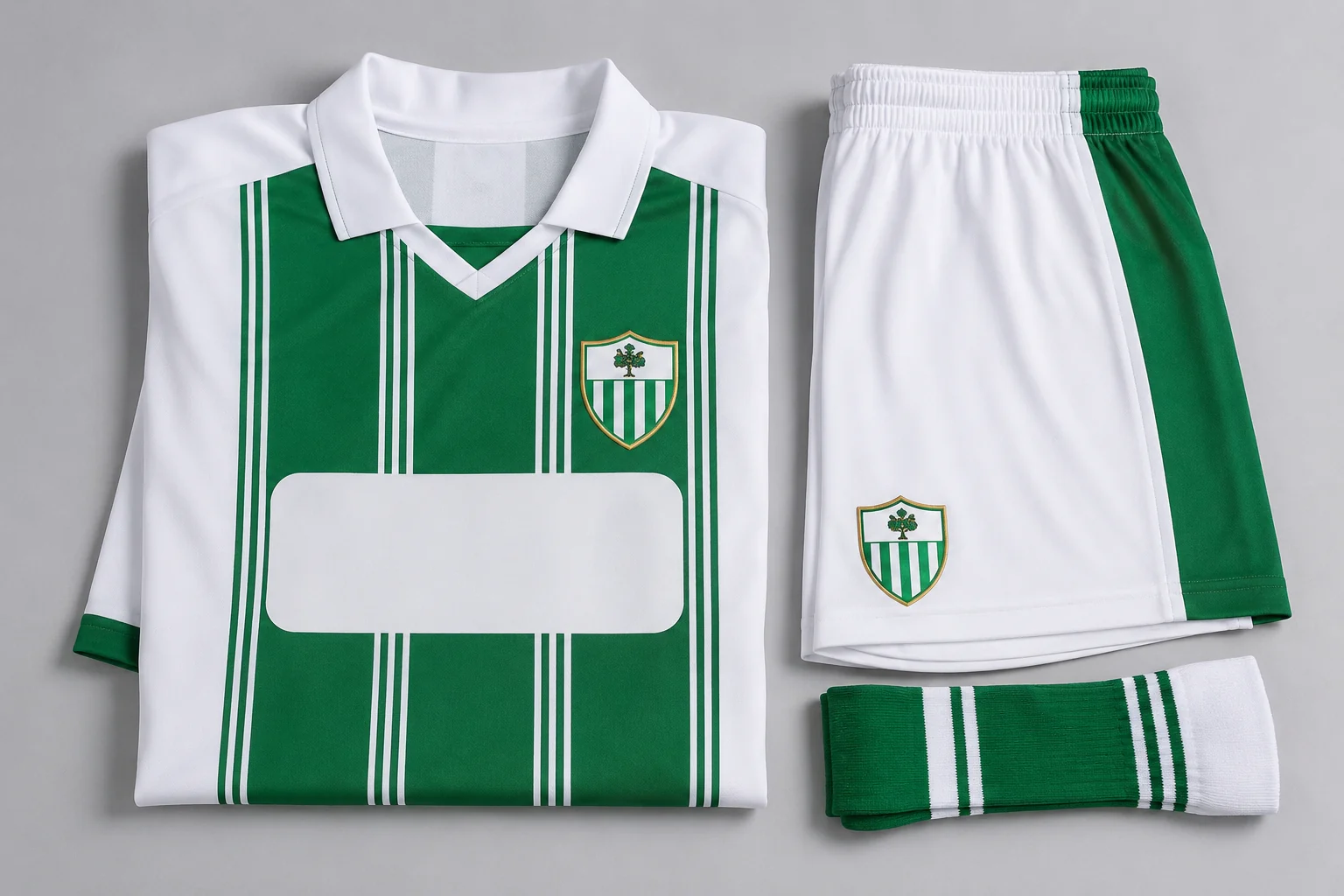
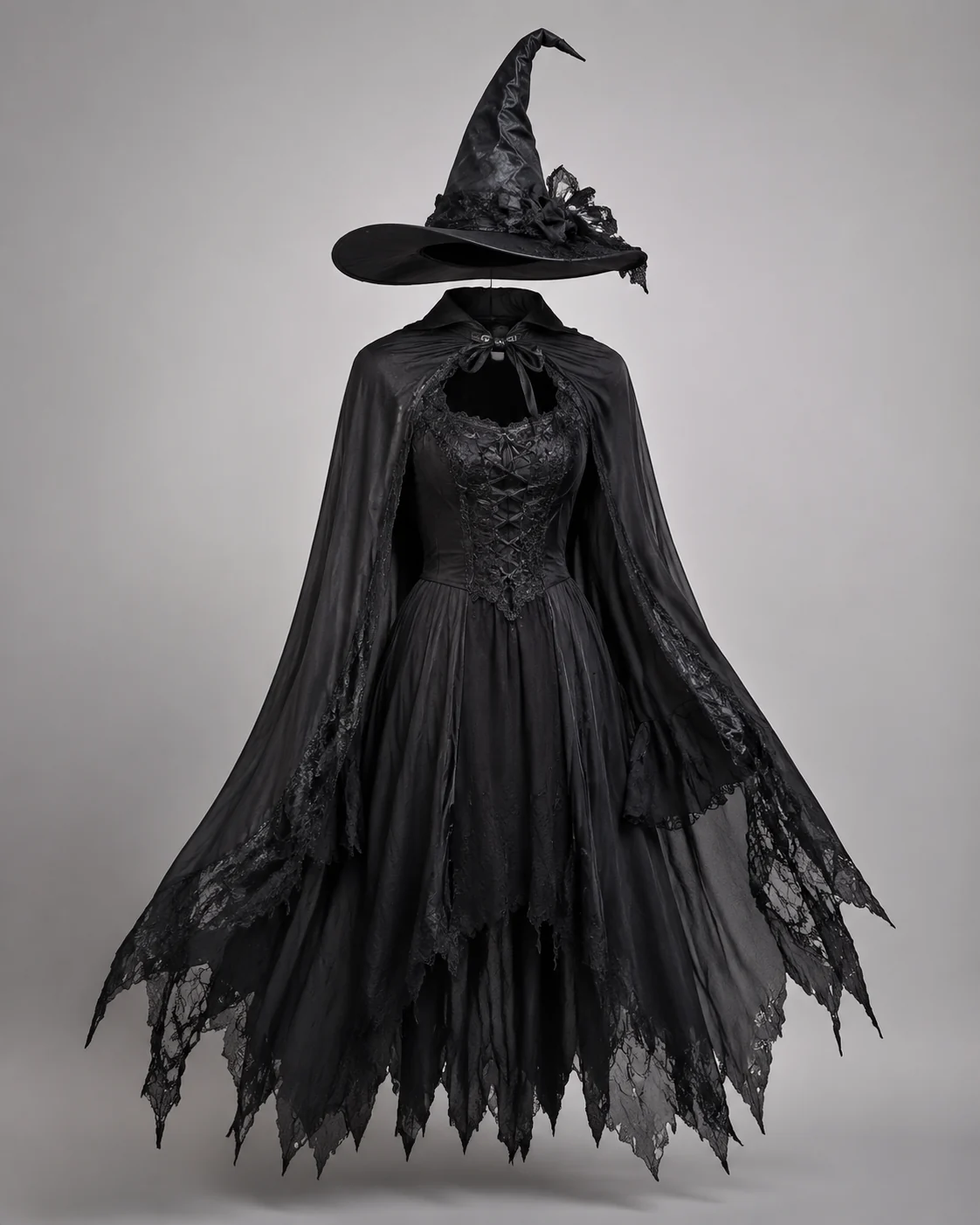
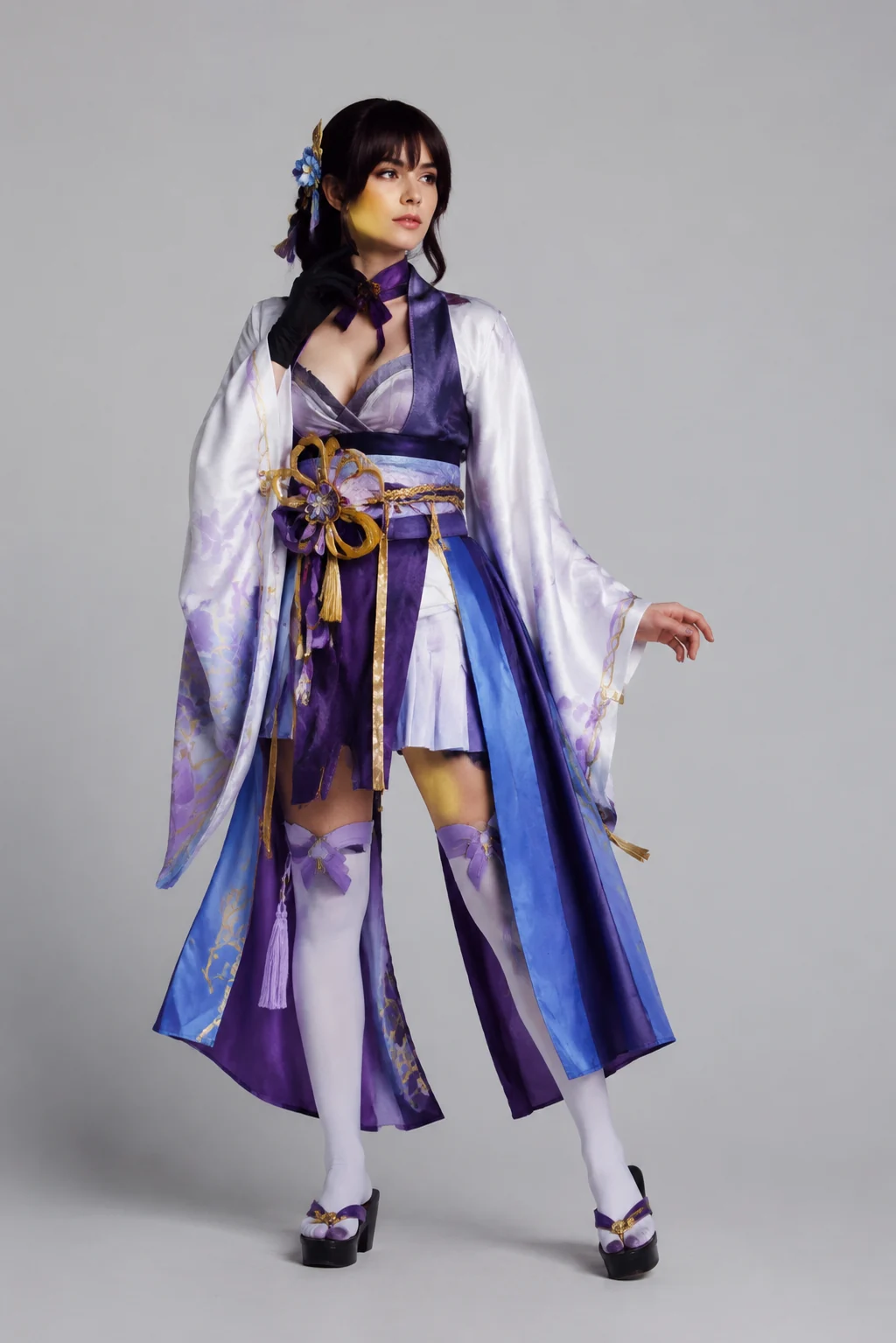
Explore more AI try on and outfit tools — each opens the same studio on your own photo.
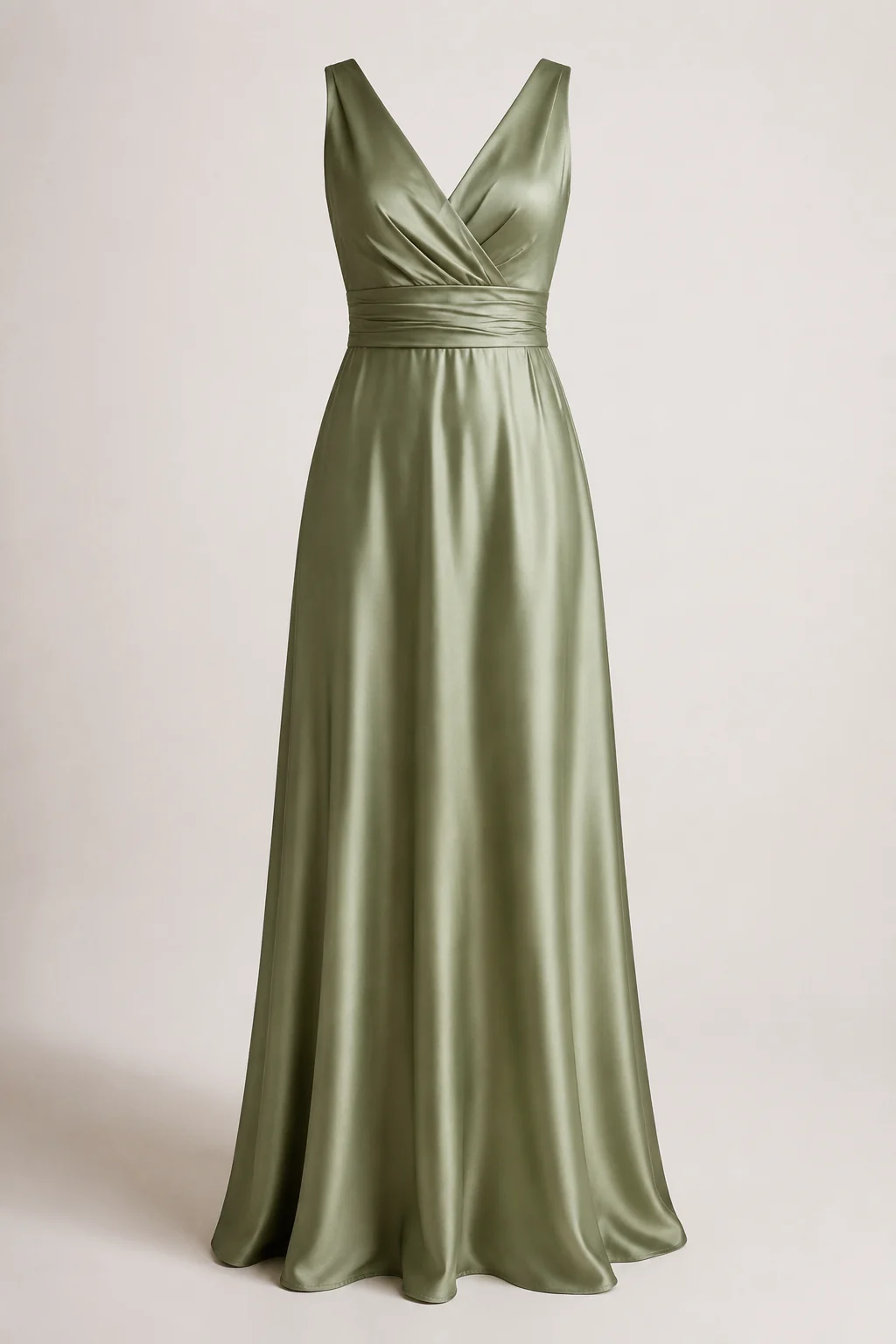
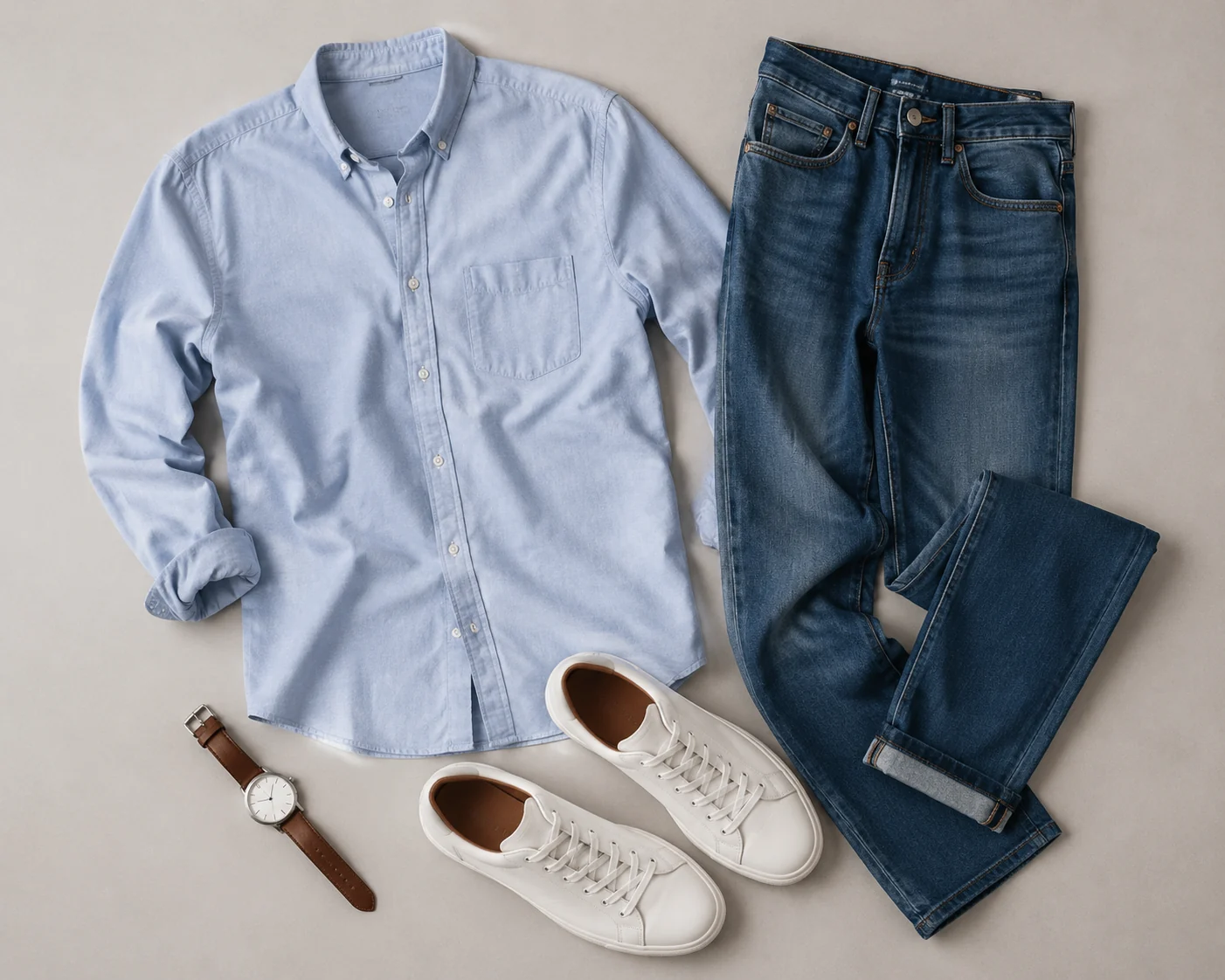
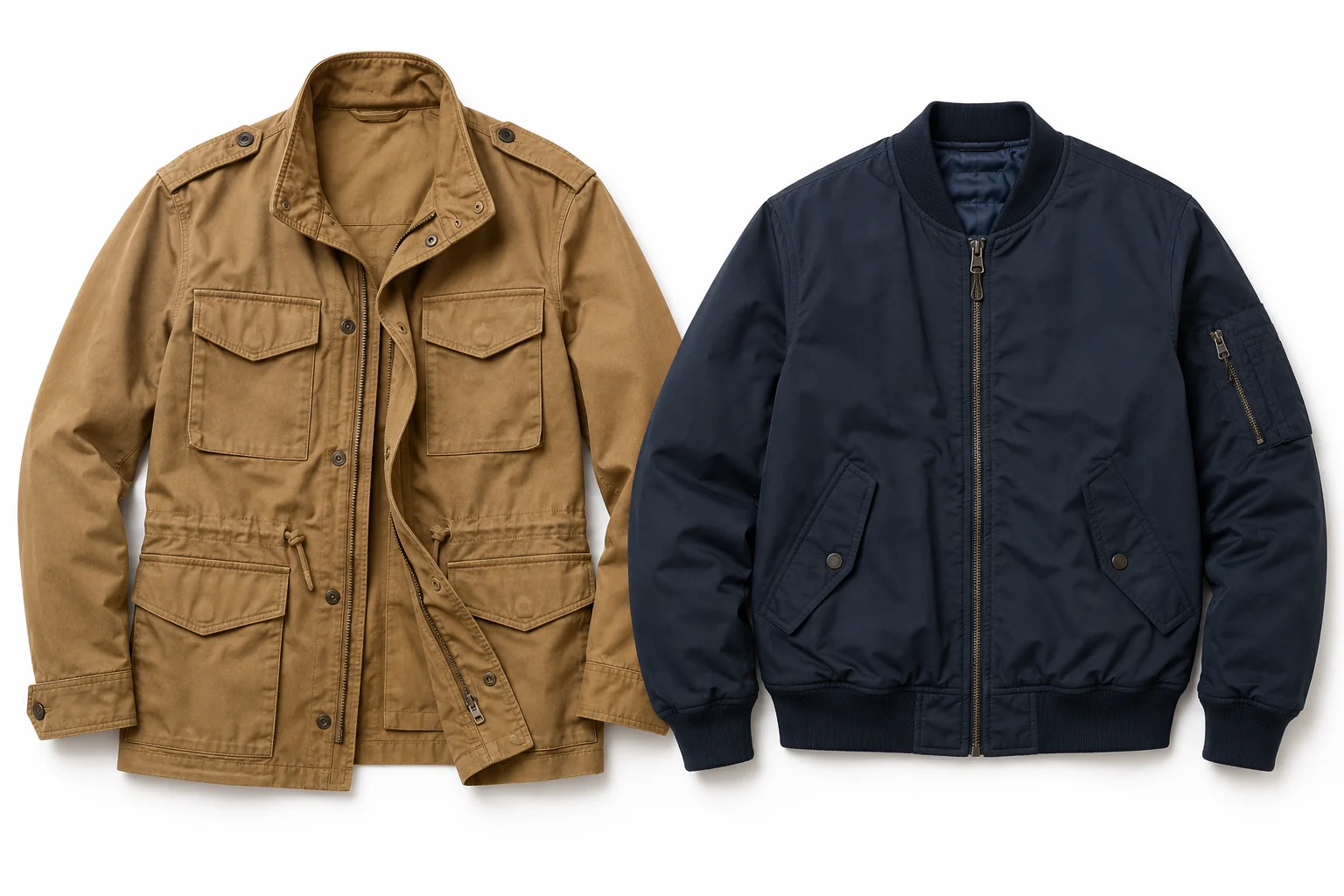
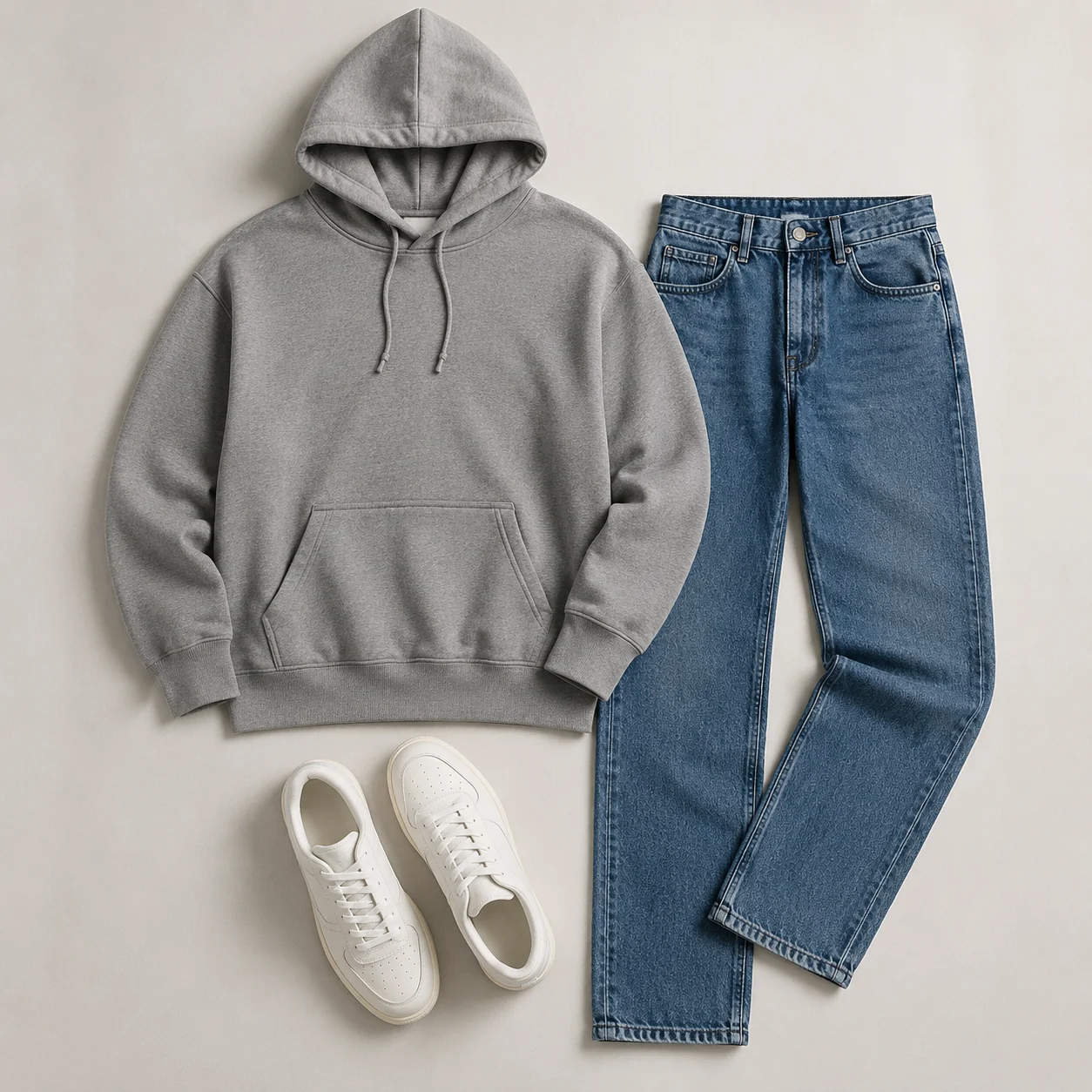
How to Use the Suit Filter
Upload an Adult Portrait
Choose a clear image with the face, shoulders, and torso visible; use a full-body photo if trousers and shoes matter.
Choose a Suit Direction
Describe jacket color, lapel, shirt, tie, formality, background, and lighting.
Generate and Check the Details
Review the face, collar, lapels, buttons, cuffs, tie, and jacket edges, then refine the prompt if needed.
Start free. Go yearly — pay half.
More credits than a full year of monthly — for less than half the price.
Starter
Free foreverWatermarked results for free accounts · First-day free credits added automatically · Come back tomorrow for another 10 credits · Sign-in required before generation (10 per eligible daily Claim)
Monthly
Flexible month-to-month. Cancel anytime.
- 750 credits every month
- ≈ 75 swaps / month
- Without watermark — permanent for this account after any payment (unless every payment is refunded)
- Ad-free after any payment — permanent for this signed-in account unless every payment is refunded
- Studio Quality: image editing, up to 6 images, and precise results that better preserve faces, garments, and details
- Priority Generation sends every swap to the Priority queue whenever your paid account has credits
- Commercial use license
Yearly
$179.80 $89.90 first year, billed annually
More credits than 12 months — for $150 less.
- 10,000 credits up front for the year
- 1,000 more than 12× monthly + save $150
- Without watermark — permanent for this account after any payment (unless every payment is refunded)
- Ad-free after any payment — permanent for this signed-in account unless every payment is refunded
- Studio Quality: image editing, up to 6 images, and precise results that better preserve faces, garments, and details
- Priority Generation sends every swap to the Priority queue whenever your paid account has credits
- Commercial use license
≈ 1,000 swaps a year. Renews at $179.80/yr — cancel anytime.
One-time credit packs
No subscription. Credits never expire and work across every quality level. Studio Quality: image editing, up to 6 images, and precise results that better preserve faces, garments, and details. Priority Generation sends every swap to the Priority queue whenever your paid account has credits. Without watermark — permanent for this account after any payment (unless every payment is refunded). Ad-free after any payment — permanent for this signed-in account unless every payment is refunded.
150 Credits
Quick top-up≈ 15 outfit swaps
Studio Quality: image editing, up to 6 images, and precise results that better preserve faces, garments, and details
Without watermark — permanent for this account after any payment (unless every payment is refunded)
Ad-free after any payment — permanent for this signed-in account unless every payment is refunded
400 Credits
≈ 40 outfit swaps
Studio Quality: image editing, up to 6 images, and precise results that better preserve faces, garments, and details
Without watermark — permanent for this account after any payment (unless every payment is refunded)
Ad-free after any payment — permanent for this signed-in account unless every payment is refunded
1,000 Credits
≈ 100 outfit swaps
Studio Quality: image editing, up to 6 images, and precise results that better preserve faces, garments, and details
Without watermark — permanent for this account after any payment (unless every payment is refunded)
Ad-free after any payment — permanent for this signed-in account unless every payment is refunded
2,000 Credits
≈ 200 outfit swaps
Studio Quality: image editing, up to 6 images, and precise results that better preserve faces, garments, and details
Without watermark — permanent for this account after any payment (unless every payment is refunded)
Ad-free after any payment — permanent for this signed-in account unless every payment is refunded
Prices in USD. Yearly renews annually; credit packs are one-time. Cancel anytime via the billing portal.
Add formalwear to a photo with the Suit Filter
⌄
A suit filter offers a quick way to explore a more formal version of an adult portrait. You can test a navy business suit, a smart casual blazer, or a dark evening outfit without manually masking the original clothes. The page is intended for visual planning and creative portraits, not for measuring the body or selecting a physical garment size.
Source-photo quality strongly influences the result. A clear face, visible shoulders, unobstructed torso, and even lighting help the generator place the collar, lapels, sleeves, and jacket edges. Headshots are useful for close professional portraits, while full-body images are better when trousers and shoes are part of the concept.
Specific prompts create more controlled results. Include the suit color, jacket type, lapel style, shirt, tie choice, background, and level of formality. Keep logos, official insignia, uniforms, and false credentials out of the request. A polished image should still represent the person honestly.
After using the AIClothSwap suit filter, inspect the collar, tie knot, lapel symmetry, buttons, cuffs, pockets, and face. Treat the image as a creative preview rather than evidence of real-world fit. For purchasing or tailoring decisions, rely on measurements and the garment maker's guidance.
Suit Filter: Common Questions
A suit filter uses AI to create a visual formal-outfit transformation from an uploaded adult photo. It can add a suit, blazer, shirt, tie, and complementary portrait background.