
Virtual Try On
Virtual Try On
See how any outfit looks on you before you buy — upload your photo, add the clothes, and preview the fit in a minute.
A free AI virtual try on that fits real clothing onto your own photo. Add a top, a dress, or a full outfit and preview the look, keeping your face, body, and pose.
Free to try after signing in — eligible new accounts receive free first-day credits automatically. Come back tomorrow for another 10. No card required. Adults only (18+).
Create your try-on
Add a person photo, then describe or upload the look.
1 · Add your photos
Describe the look, or add a reference photo above to swap instead.
Try 2 free 1K results with a watermark. Sign in for 20 Standard credits and watermark-free results.
Verify you are human to enable Generate.
Complete the secure check below.
Curated Presets
Try a Preset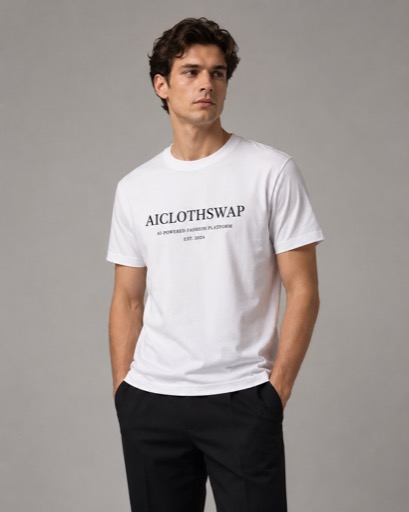
Perfect Text
Our AI is highly capable of blending text and graphics directly into images, without the blur or artifacts you might get with other platforms.
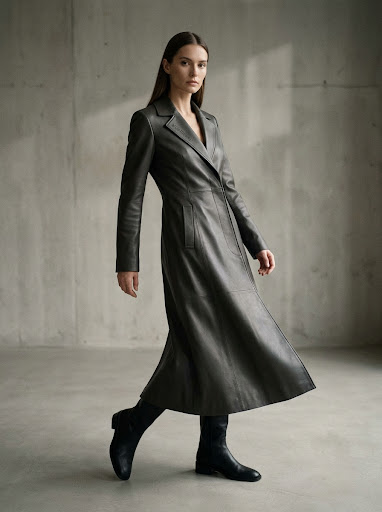
Editorial Draping
Amateur flat-lay photos can be transformed into on-model shots at any angle, preserving garment design and visible detailing.
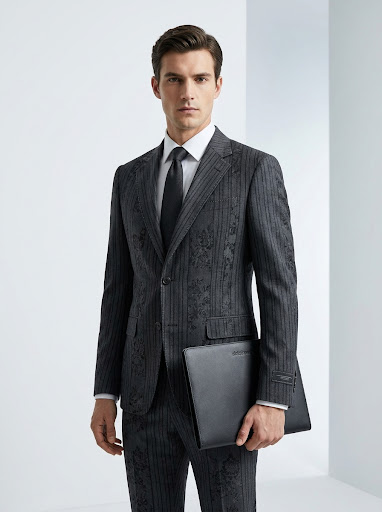
Complex Textures
Intricacies of garment design like patterns, stitching, or cut — are no problem for our AI. Get a true-to-life depiction with zero hassle.
More tools to use
Explore more AI try on and outfit tools — each opens the same studio on your own photo.
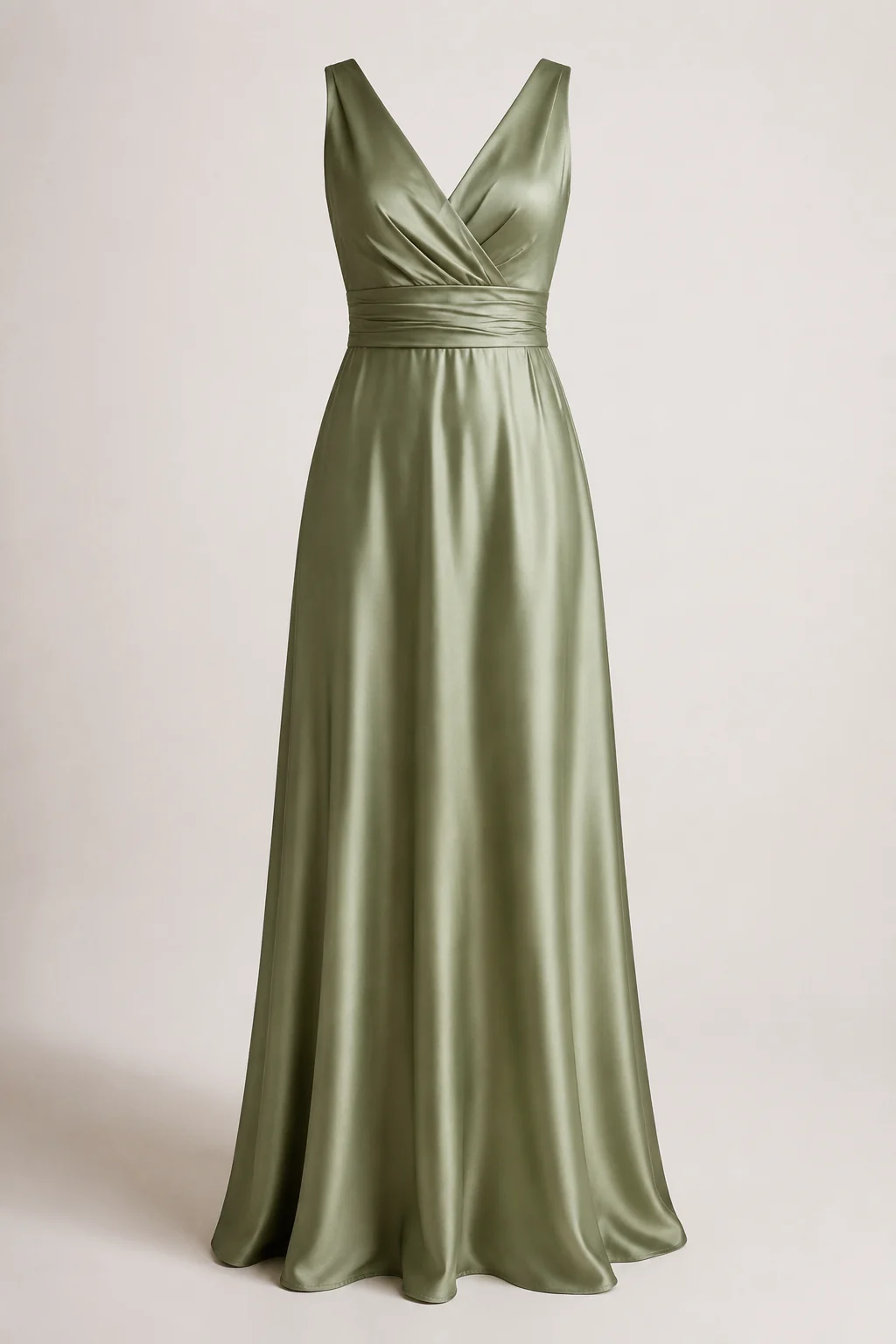
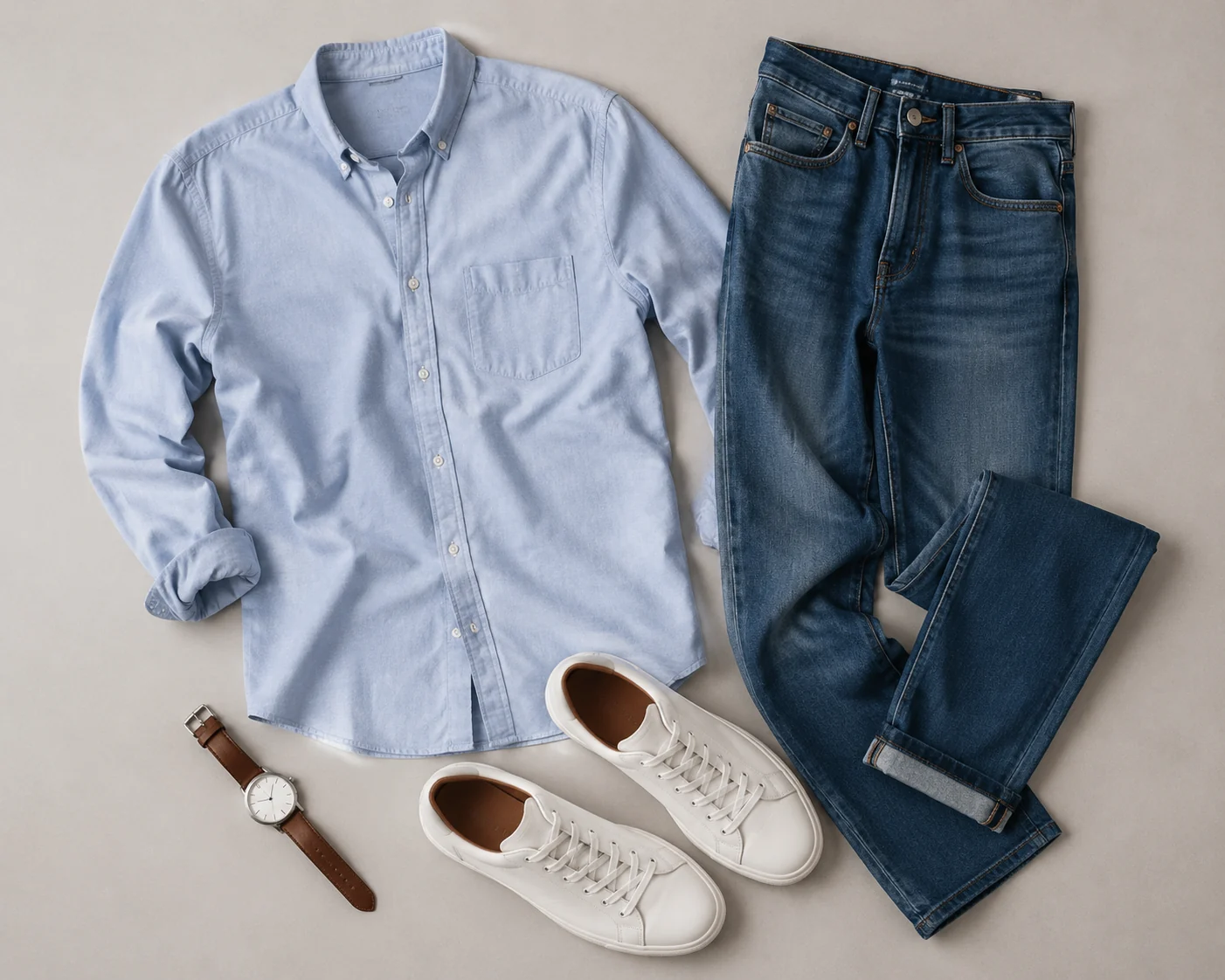
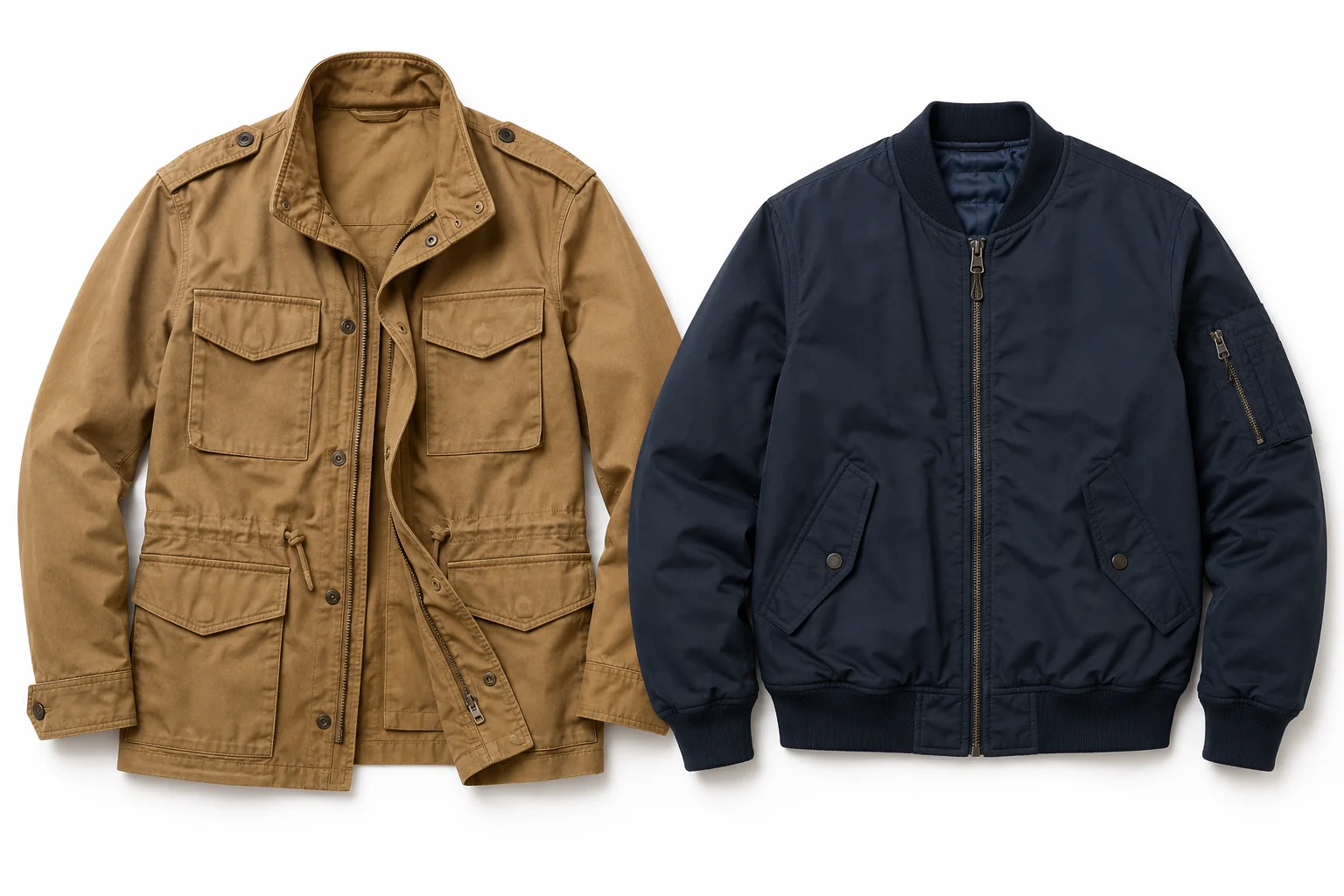
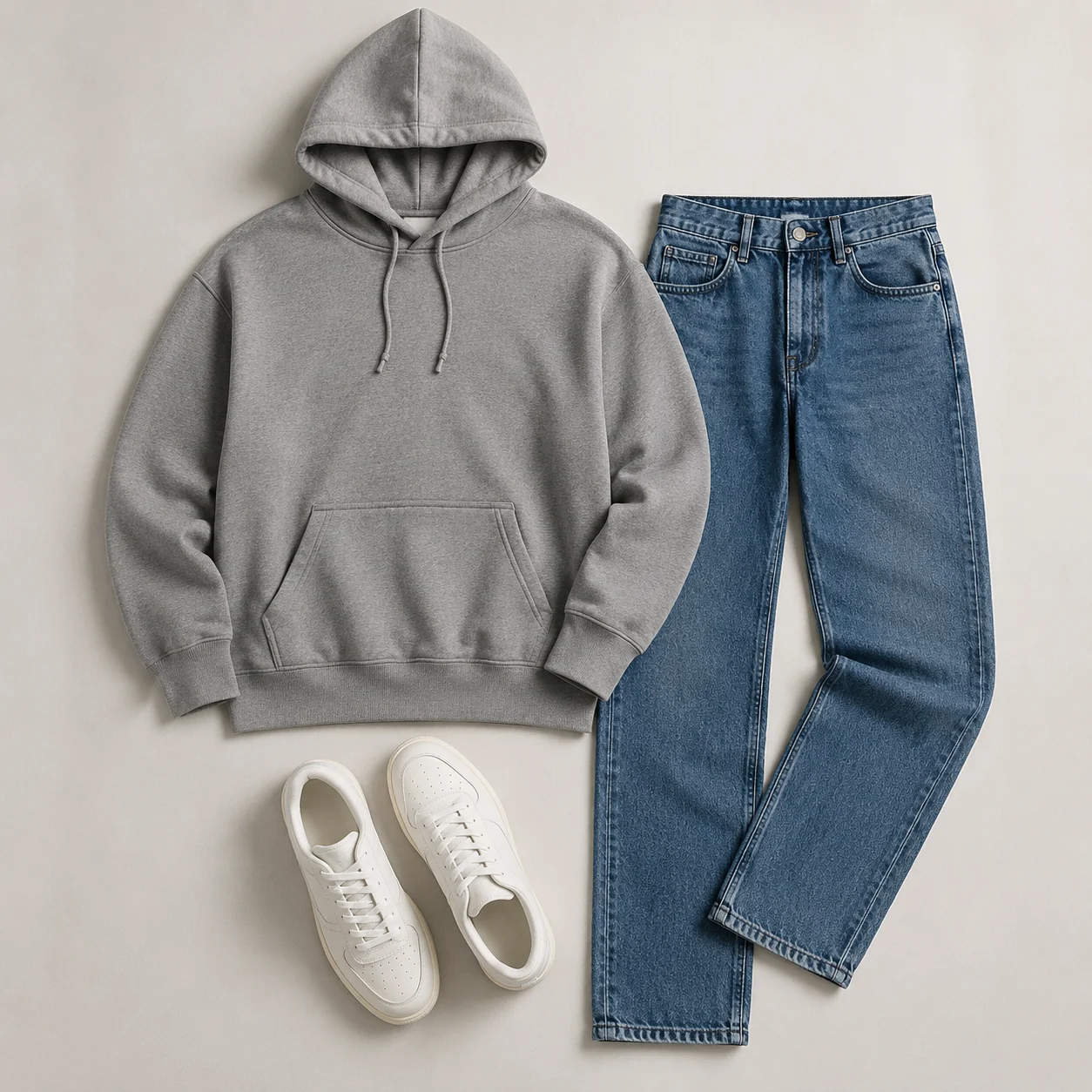
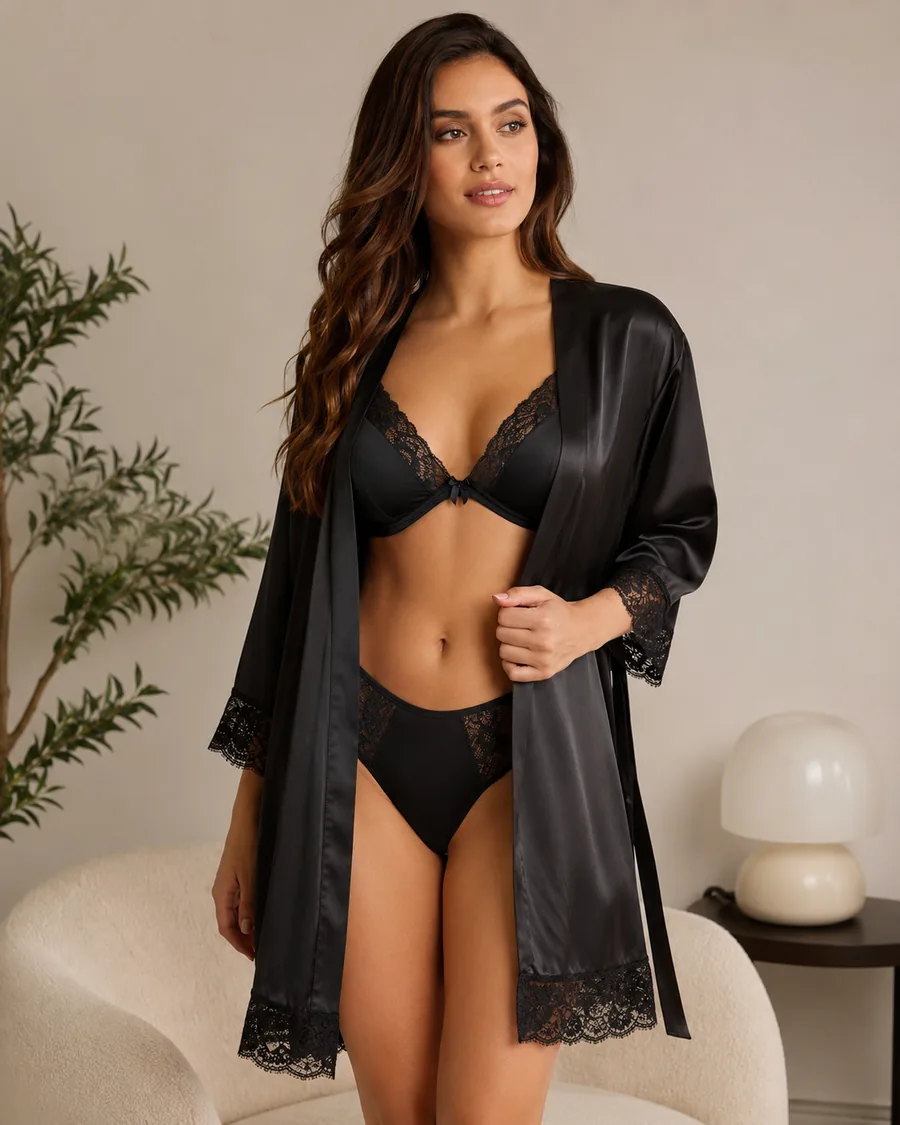
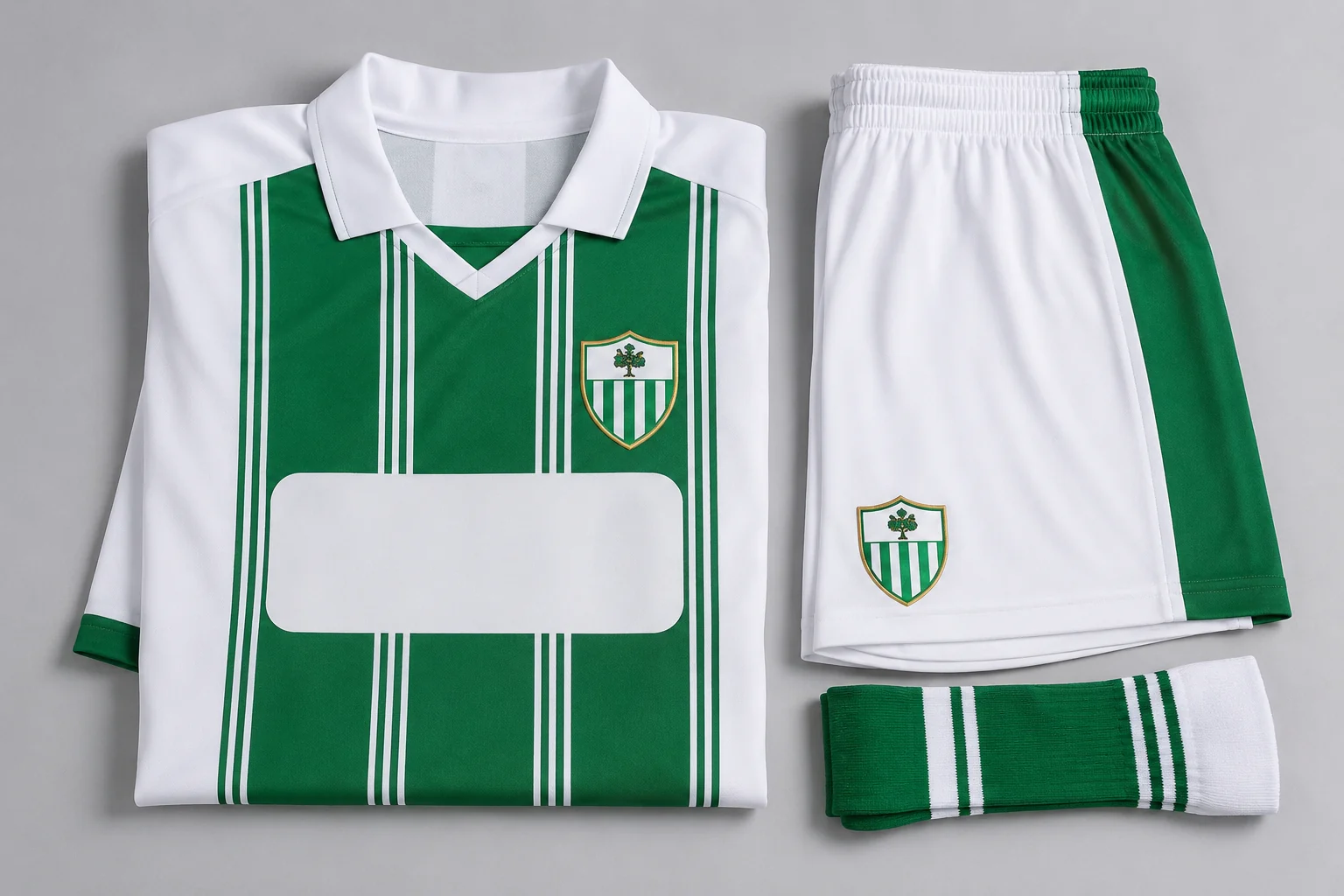
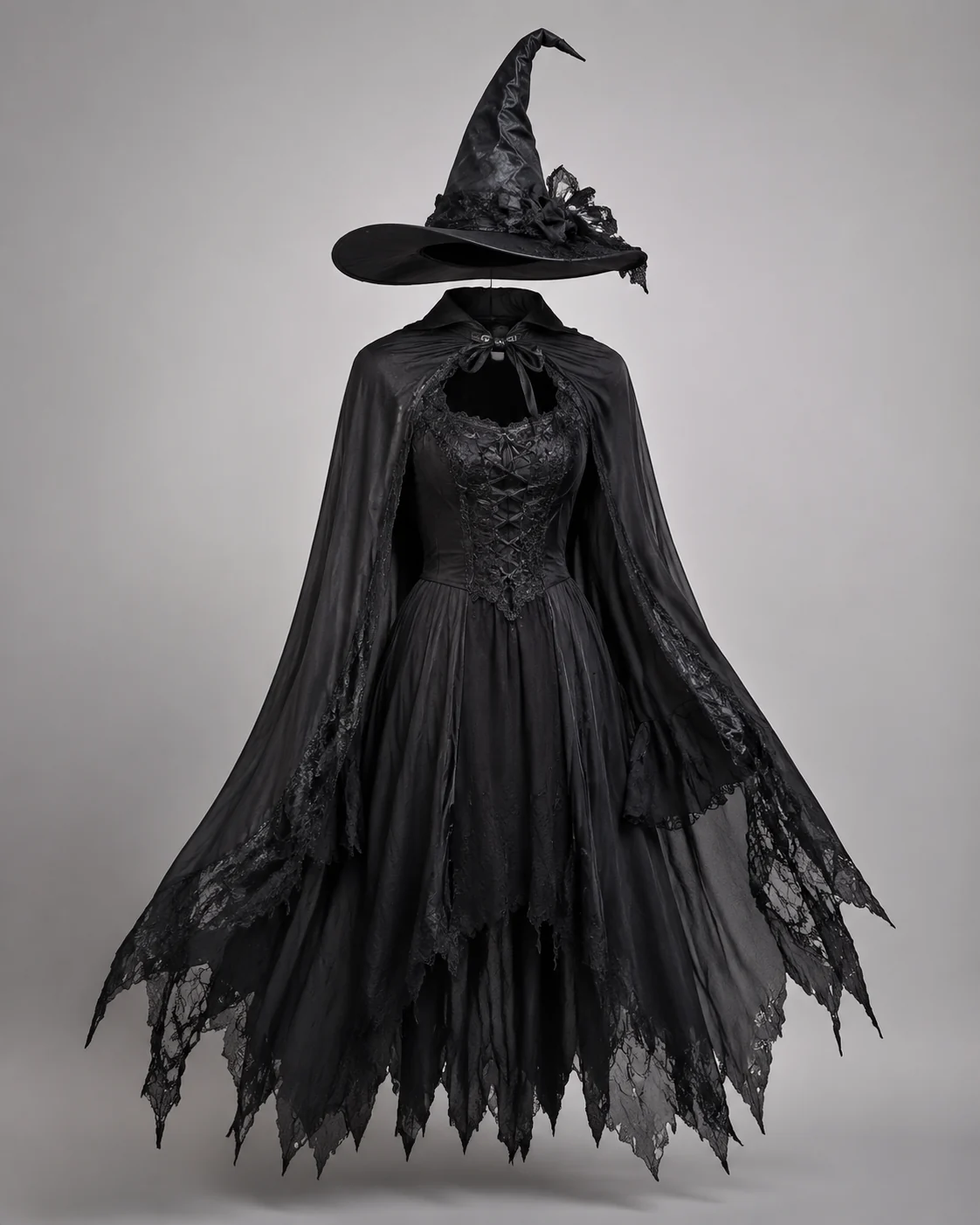
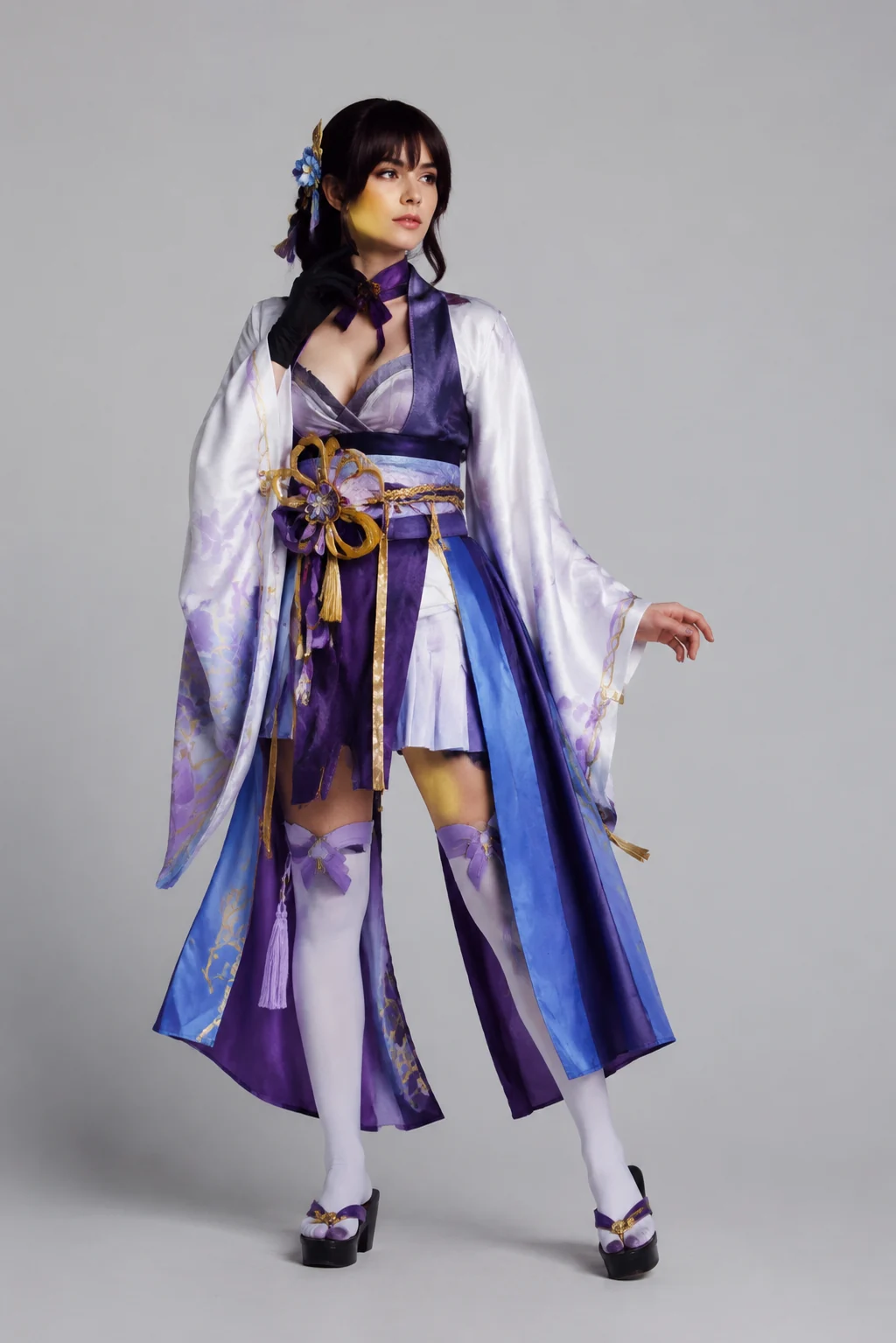
How to Try On Clothes Online with AI
Upload Your Photo
Upload a clear, front-facing or three-quarter photo where your upper body or full body is visible. The virtual try on reads your shape so the clothing fits your real proportions.
Add the Clothing
Add a photo of the item you want to try — a top, dress, jacket, or a full outfit of up to six pieces. Product shots saved from any online store work perfectly.
See It On You
Get your virtual try on in about a minute, check the fit against your original photo, then download it or try the next item. Decide before you buy.
Start free. Go yearly — pay half.
More credits than a full year of monthly — for less than half the price.
No hidden fees. Secure checkout by Stripe.
Your card details go directly to Stripe. We never store your full card number or security code.
Stripe Checkout shows your total before you confirm payment. Your bank may charge additional fees.
Starter
Free forever2 free watermarked 1K trials before sign-in · 20 extra Standard credits after first sign-in · Check in on later days for 10 free credits · Free credits valid for 30 days · Standard only · Signed-in Standard results have no watermark (10 per eligible daily Claim)
Monthly
Flexible month-to-month. Cancel anytime.
- 750 credits every month
- ≈ 93 Standard 1K swaps / month
- No watermark on this account after any purchase
- Studio Quality: image editing, up to 6 outfit images, and precise results that better preserve faces, garments, and details
- Priority Generation sends every swap to the Priority queue whenever your paid account has credits
- Commercial use license
Yearly
billed annually
More credits than 12 months — for $150 less.
- 10,000 credits up front for the year
- 1,000 more than 12× monthly + save $150
- No watermark on this account after any purchase
- Studio Quality: image editing, up to 6 outfit images, and precise results that better preserve faces, garments, and details
- Priority Generation sends every swap to the Priority queue whenever your paid account has credits
- Commercial use license
≈ 1,250 swaps a year. Renews at $89.90/yr — cancel anytime.
One-time credit packs
No subscription. Credits never expire and work across every quality level. Studio Quality: image editing, up to 6 outfit images, and precise results that better preserve faces, garments, and details. Priority Generation sends every swap to the Priority queue whenever your paid account has credits. No watermark on this account after any purchase.
150 Credits
Quick top-up≈ 18 Standard 1K swaps
Studio Quality: image editing, up to 6 outfit images, and precise results that better preserve faces, garments, and details
No watermark on this account after any purchase
400 Credits
≈ 50 Standard 1K swaps
Studio Quality: image editing, up to 6 outfit images, and precise results that better preserve faces, garments, and details
No watermark on this account after any purchase
1,000 Credits
≈ 125 Standard 1K swaps
Studio Quality: image editing, up to 6 outfit images, and precise results that better preserve faces, garments, and details
No watermark on this account after any purchase
2,000 Credits
≈ 250 Standard 1K swaps
Studio Quality: image editing, up to 6 outfit images, and precise results that better preserve faces, garments, and details
No watermark on this account after any purchase
Prices in USD. Yearly renews annually; credit packs are one-time. Cancel anytime via the billing portal.
How to Get the Best Results from a Virtual Try On
⌄
The photo you upload does most of the work. A clear, well-lit shot taken at roughly waist height, with your arms slightly away from your body and a fairly plain background, gives the AI the cleanest read on your shape and pose. Front-facing photos in fitted everyday clothes work better than baggy hoodies or busy patterns, because the model can see where your shoulders, waist, and hips actually sit. If you want to preview a full outfit, a head-to-toe shot beats a cropped selfie. Daylight near a window usually looks more natural than a harsh overhead bulb, and it keeps skin tones and fabric colors closer to real life.
For the clothing image, a flat-lay or a plain product photo from a store listing tends to map onto your body more accurately than a shot of someone else already wearing it. Screenshots from a shopping page are fine. This is where a virtual try on earns its keep: instead of guessing from a thumbnail, you can see whether that oversized blazer swamps your frame or whether a midi dress hits at a flattering length. Online shoppers use it to cut down returns, resellers use it to picture inventory on a model, and anyone planning a wardrobe refresh can test a dozen looks in the time it takes to drive to one store.
What sets this apart from a Photoshop edit or a physical fitting room is that you are not rebuilding the image by hand or committing to a single garment on the rack. The AI preserves your face, your pose, the lighting, and the background, then drapes the new piece on top so the result reads as one coherent photo rather than a sticker pasted over your shirt. You can swap a top, change a dress, or restyle an entire outfit, and you can rerun colors too, sampling the same jacket in black, olive, or burgundy without buying three of them.
A few habits sharpen the output. Match the garment category to your photo, so a try on of trousers reads best on a standing full-length shot. Keep one main subject in the frame to avoid the model splitting its attention. If a fit looks off, try a slightly different source photo before changing the clothing, since pose and angle drive most of the variation. Used this way, the tool becomes a quick, honest preview that helps you decide before you spend.
Virtual Try On: Common Questions
Upload a photo of yourself and a photo of the clothing you want to try, then click Generate. The AI fits the garment onto you while keeping your face, body proportions, pose, and the background unchanged — so you see how the item actually looks on you.