Cowboy Filter
Cowboy Filter
Put an original western outfit on your adult photo.
Try denim, suede, boots, hats, and long-coat styling while the cowboy filter aims to retain your recognizable face, pose, and setting.
Create original, unbranded western looks for adults. The clothing-first presets exclude weapons, protected characters, and celebrity likenesses.
Create your try-on
Add a person photo, then describe or upload the look.
1 · Add your photos
Describe the look (we pre-filled an example you can edit), or add a reference photo above.
Try 1 free 1K result with a watermark. Sign in for 20 Standard credits.
Verify you are human to enable Generate.
Complete the secure check below.
Build an original western look around your photo
The cowboy filter focuses on wardrobe styling rather than face replacement, using familiar western materials and silhouettes while aiming to keep the adult subject recognizable.
Add a Western Outfit Without Changing Who You Are
Upload a clear adult photo and describe the western look you want to try. The cowboy filter can build an original outfit from familiar materials such as denim, leather-look trim, suede, cotton shirts, boots, and a wide-brim hat. It aims to keep the subject recognizable, but the face and body can still vary. Full-body or three-quarter photos usually provide the clearest view of the shoulders, waist, legs, and current clothing.
Choose Ranch, Rodeo, or Modern Western Style
Western fashion covers more than one silhouette. A practical ranch look can use faded denim and a work shirt, while a polished rodeo direction might include a fitted jacket, decorative stitching, and cleaner boots. Name the materials, colors, and level of detail you want. Keep the concept original and unbranded so the image reads as a personal style transformation rather than a copy of a film, game, performer, or commercial costume.
Create a Safer, Clothing-First Character Portrait
A convincing AI cowboy image does not need weapons or violent props. Clothing, posture, lighting, and setting can carry the theme on their own. Ask for a ranch fence, an open plain, a timber stable, or a simple studio background instead. Review hat placement, hands, footwear, and garment edges. If the first result feels too theatrical, simplify the prompt and emphasize realistic materials and natural posture.
Original western styles to try
Create This Western Look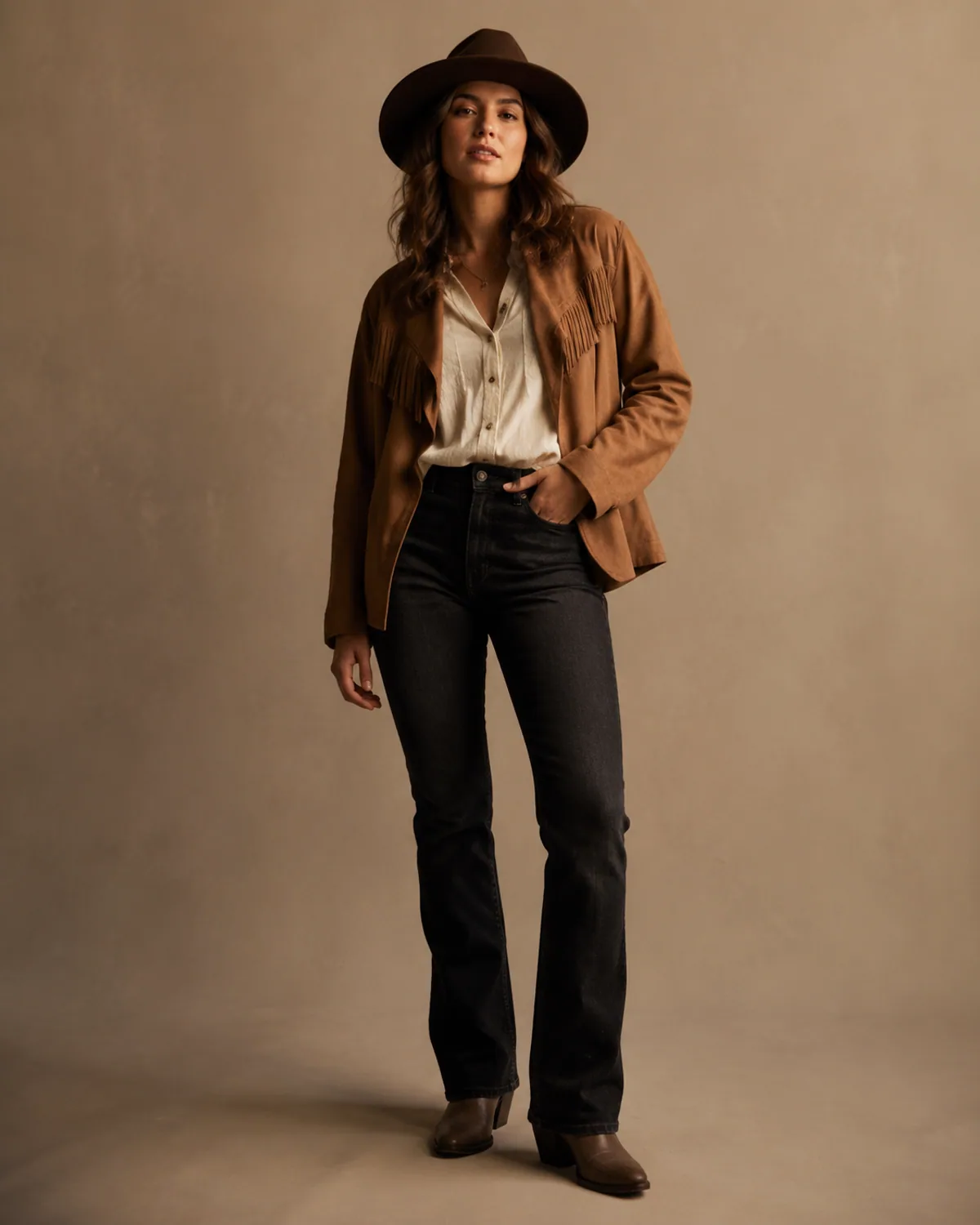
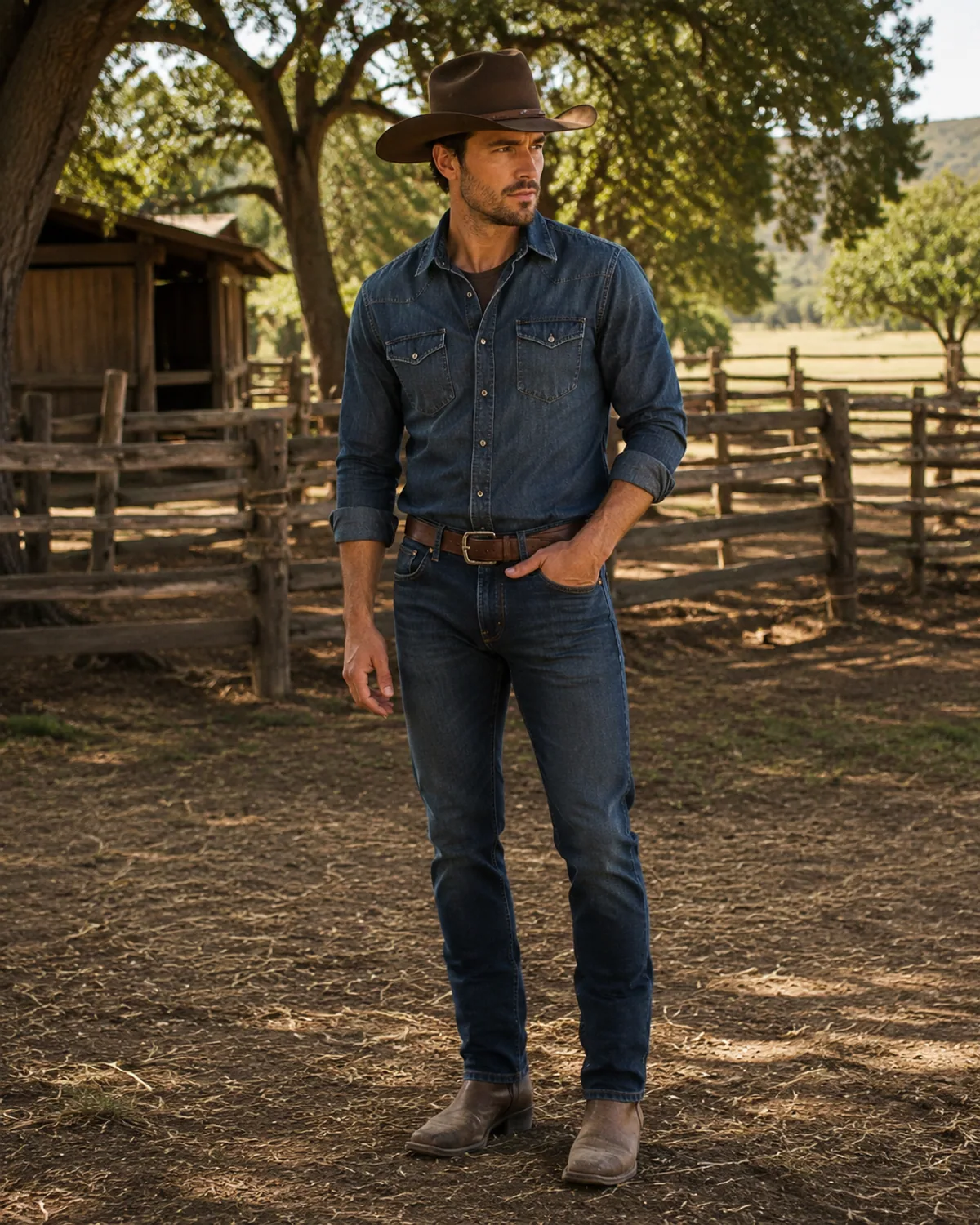
Modern Ranch Look
Relaxed denim, a work shirt, practical boots, and a simple western hat for a natural outdoor portrait.
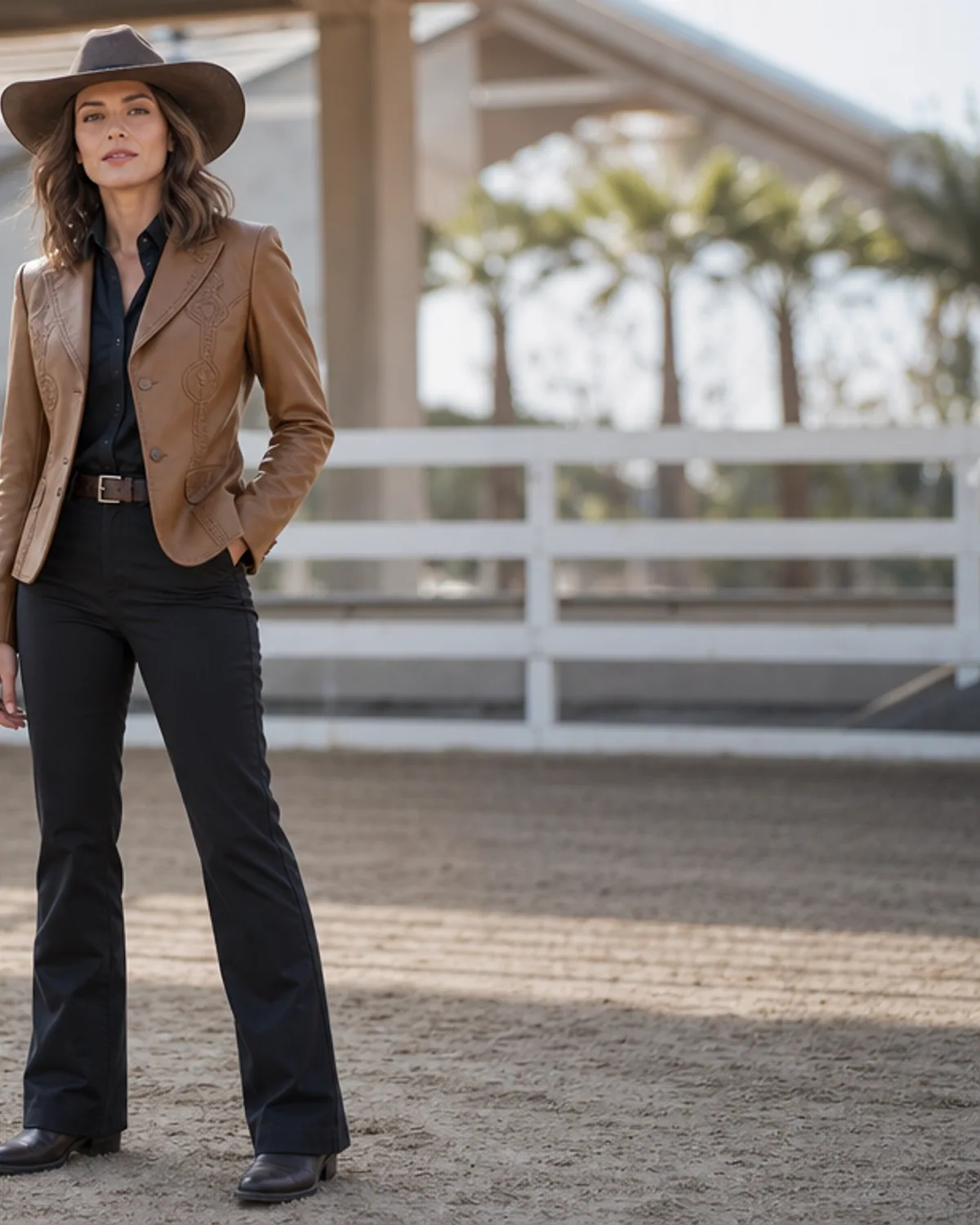
Polished Rodeo Style
A fitted jacket, subtle stitching, clean boots, and restrained accessories create a sharper western direction.
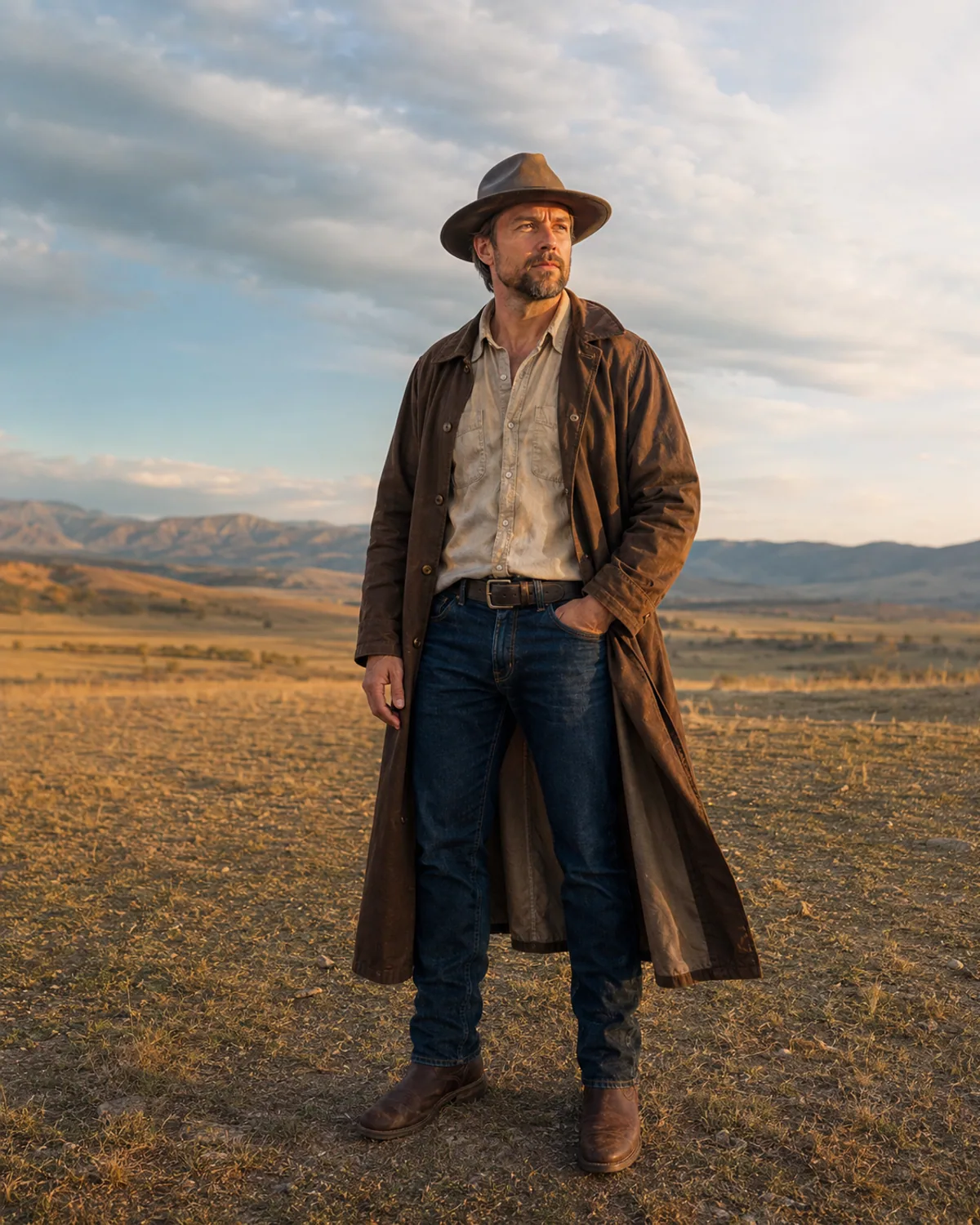
Western Duster Portrait
A long neutral coat, cotton shirt, dark denim, and sturdy boots form a cinematic but wearable silhouette.
More tools to use
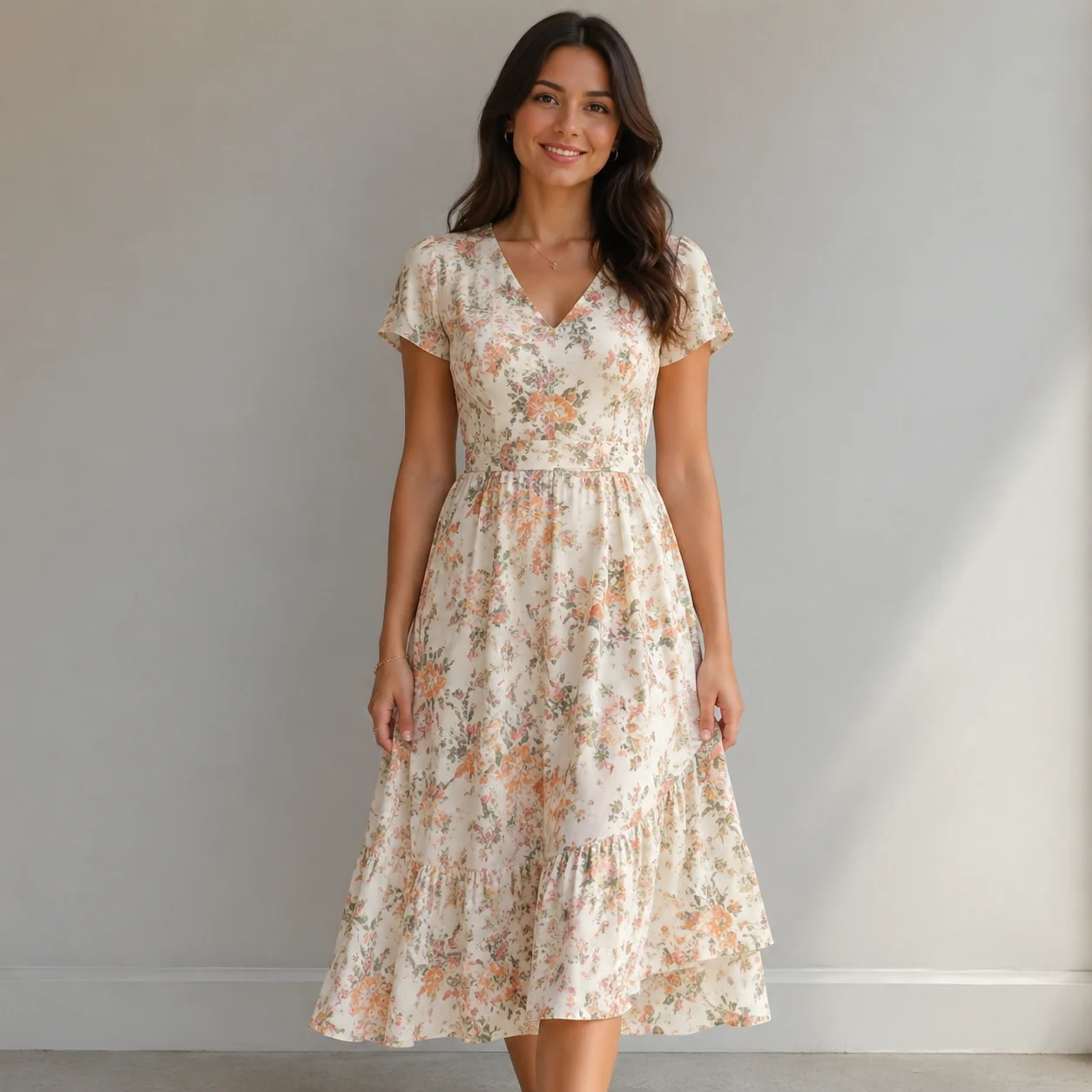
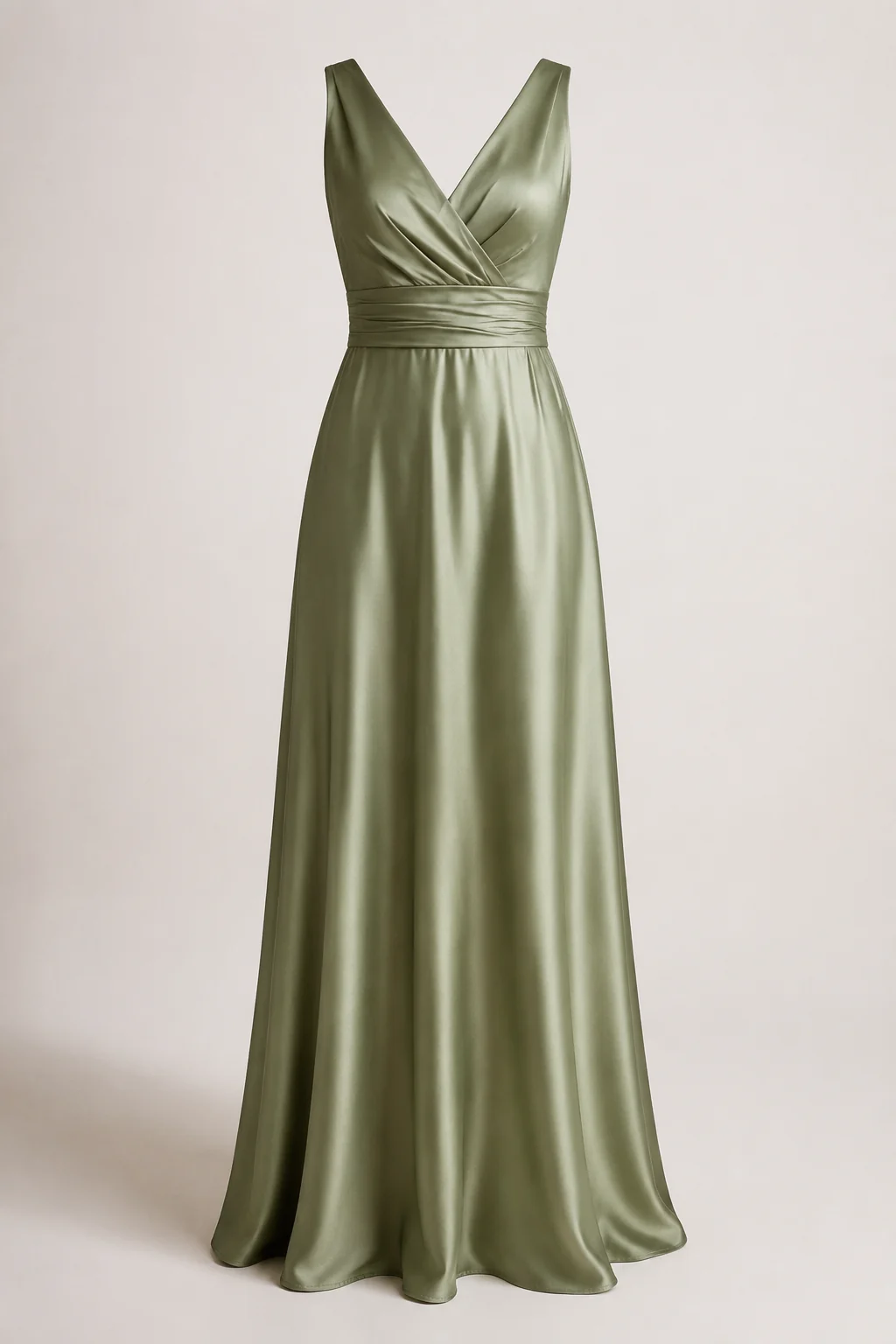
Explore more AI try on and outfit tools — each opens the same studio on your own photo.
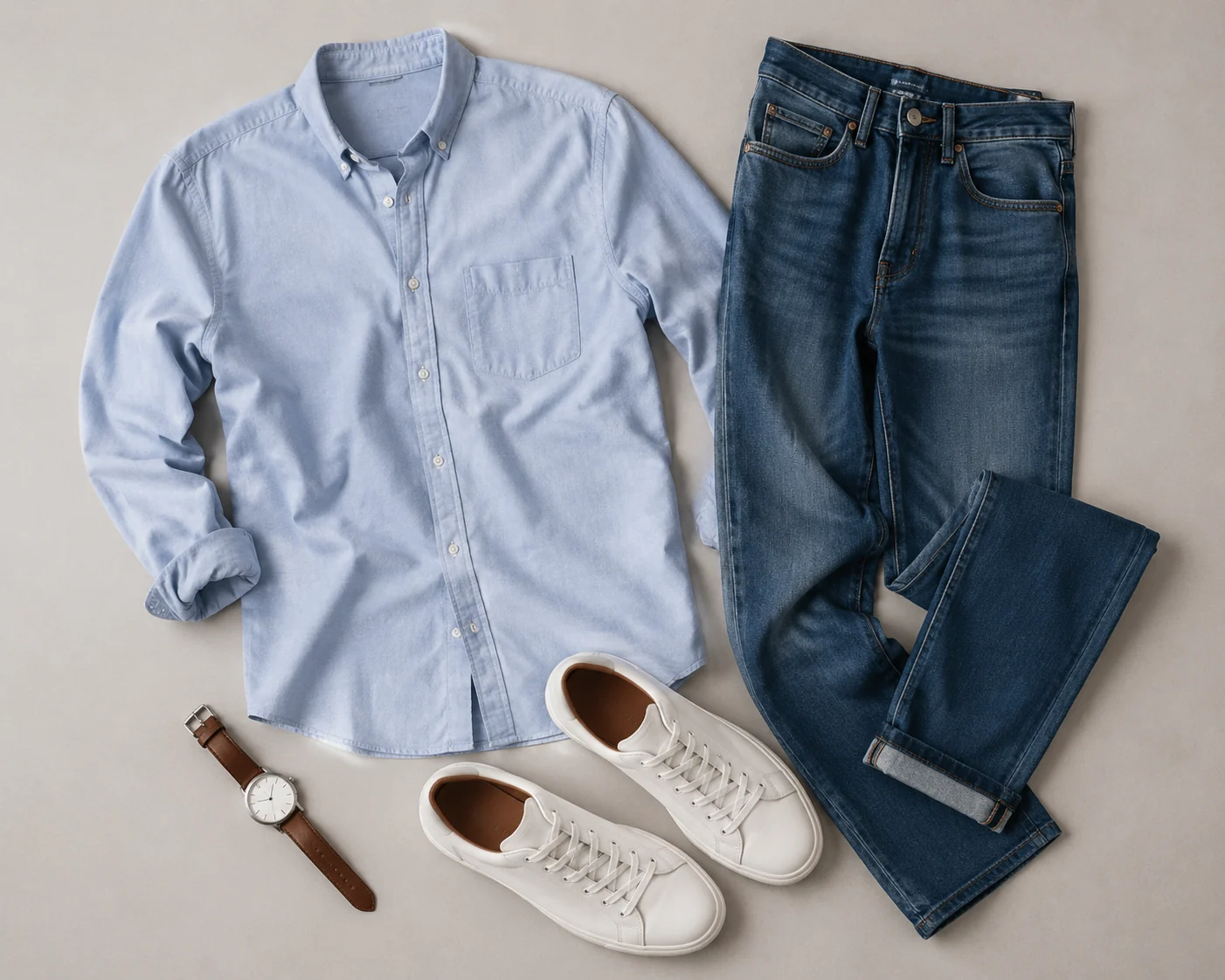
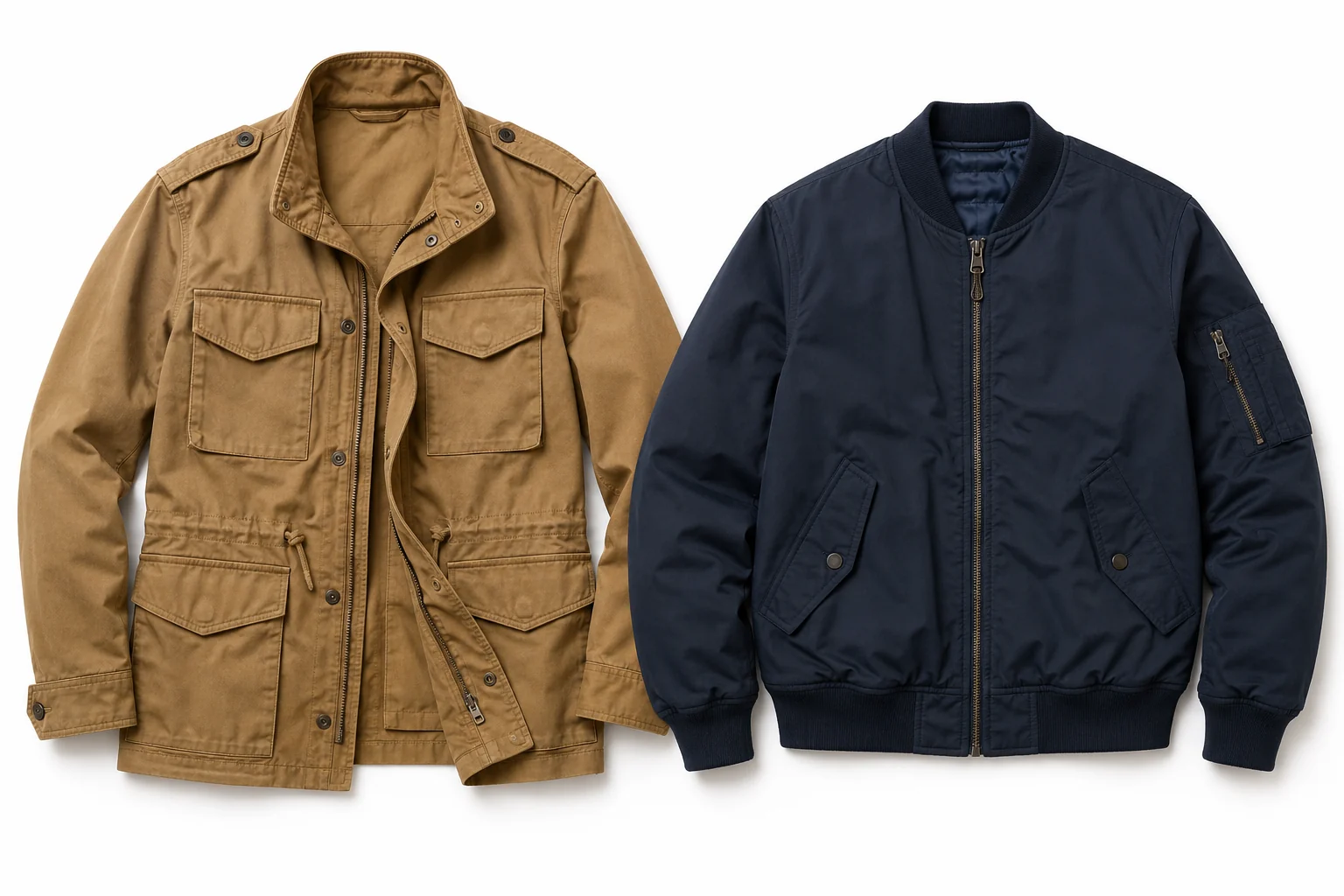
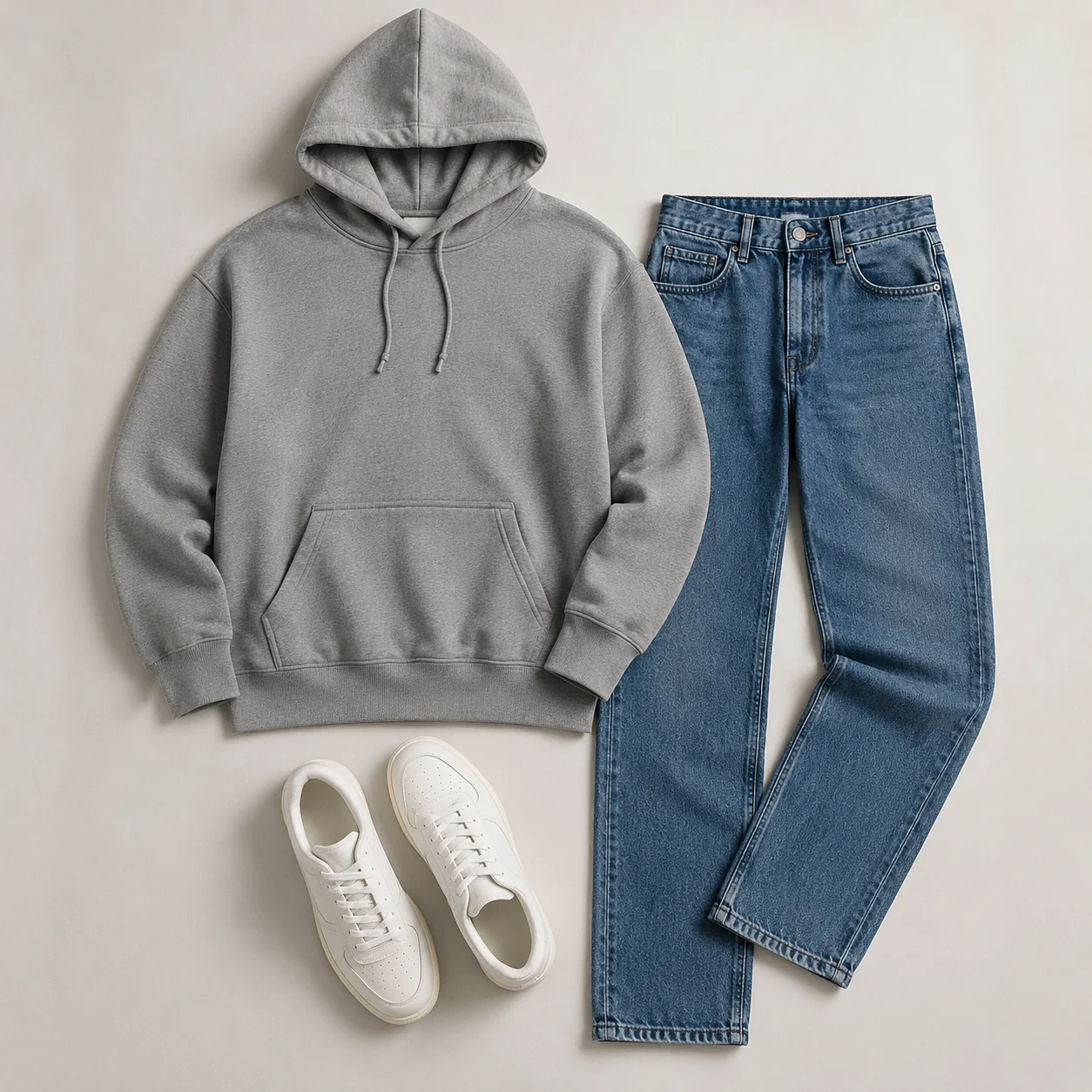
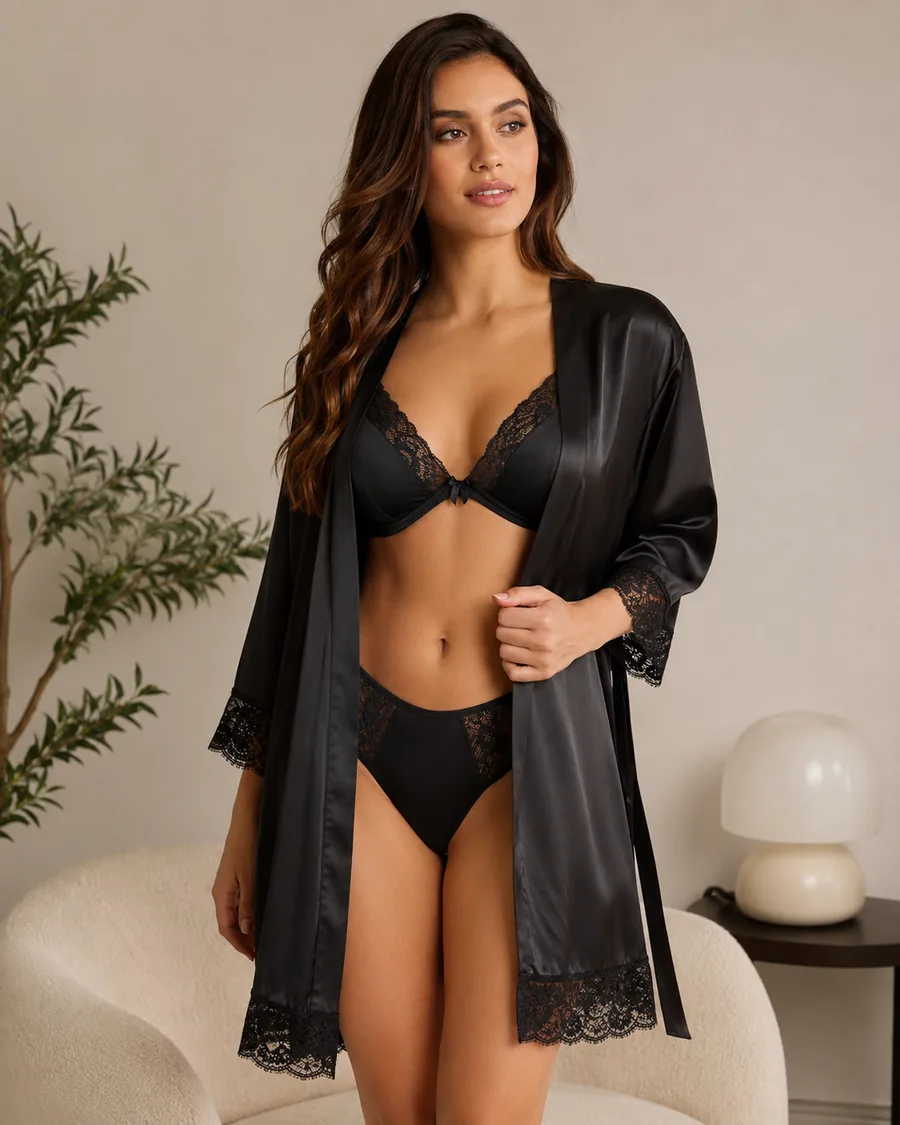
How to Use the Cowboy Filter
Upload a Clear Adult Photo
A full-body or three-quarter image gives the cowboy filter more room to rebuild the outfit.
Choose a Western Direction
Describe ranch workwear, polished rodeo fashion, a long-coat portrait, or your own original combination.
Generate and Refine the Result
Check the hat, boots, hands, clothing edges, and identity, then simplify or adjust the prompt if needed.
Start free. Go yearly — pay half.
More credits than a full year of monthly — for less than half the price.
A fully refunded purchase does not qualify for permanent watermark removal.
No hidden fees. Secure checkout by Stripe.
Your card details go directly to Stripe. We never store your full card number or security code.
Stripe Checkout shows your total before you confirm payment. Your bank may charge additional fees.
Starter
Free forever1 free watermarked 1K trial before sign-in · 20 extra Standard credits after first sign-in · Check in on later days for 10 free credits · Free credits valid for 30 days · Standard only · Free accounts can use Standard (10 per eligible daily Claim)
Monthly
Flexible month-to-month. Cancel anytime.
- 750 credits every month
- ≈ 93 Standard 1K swaps / month
- Permanent watermark removal with any valid purchase
- Studio Quality: image editing, up to 6 outfit images, and precise results that better preserve faces, garments, and details
- Priority high-speed queue — paid generations finish in about 1/3 of the time
- Priority Generation sends every swap to the Priority queue whenever your paid account has credits
- Commercial use license
Paid plans use the high-speed queue — about 3× faster
Yearly
billed annually
More credits than 12 months — for $150 less.
- 10,000 credits up front for the year
- 1,000 more than 12× monthly + save $150
- Permanent watermark removal with any valid purchase
- Studio Quality: image editing, up to 6 outfit images, and precise results that better preserve faces, garments, and details
- Priority high-speed queue — paid generations finish in about 1/3 of the time
- Priority Generation sends every swap to the Priority queue whenever your paid account has credits
- Commercial use license
≈ 1,250 swaps a year. Renews at $89.90/yr — cancel anytime.
Paid plans use the high-speed queue — about 3× faster
One-time credit packs
No subscription. Credits never expire and work across every quality level. Studio Quality: image editing, up to 6 outfit images, and precise results that better preserve faces, garments, and details. Priority high-speed queue — paid generations finish in about 1/3 of the time. Priority Generation sends every swap to the Priority queue whenever your paid account has credits. Permanent watermark removal with any valid purchase.
400 Credits
≈ 50 Standard 1K swaps
Studio Quality: image editing, up to 6 outfit images, and precise results that better preserve faces, garments, and details
Permanent watermark removal with any valid purchase
Paid plans use the high-speed queue — about 3× faster
1,000 Credits
≈ 125 Standard 1K swaps
Studio Quality: image editing, up to 6 outfit images, and precise results that better preserve faces, garments, and details
Permanent watermark removal with any valid purchase
Paid plans use the high-speed queue — about 3× faster
2,000 Credits
≈ 250 Standard 1K swaps
Studio Quality: image editing, up to 6 outfit images, and precise results that better preserve faces, garments, and details
Permanent watermark removal with any valid purchase
Paid plans use the high-speed queue — about 3× faster
Prices in USD. Yearly renews annually; credit packs are one-time. Cancel anytime via the billing portal.
Try Original Western Clothing With a Cowboy Filter
⌄
A cowboy filter shows how western clothing can change the character of a photo. The visual direction comes from the wardrobe: denim, suede, cotton shirts, boots, hats, decorative stitching, and long outerwear. These details can establish the theme without branded costume pieces or a request to imitate someone else.
For a natural result, begin with a well-lit adult photo where the body and current outfit are not heavily obstructed. Then describe one coherent direction. Modern ranch workwear with faded denim and practical boots gives the generator clearer guidance than a long list of unrelated props. Full-body images are useful for footwear and coat length, while three-quarter portraits work well for shirts and jackets.
The cowboy filter can move between practical and polished styles. You might test a subdued ranch look for a profile image, a tailored rodeo outfit for a party concept, or a long duster for a more cinematic portrait. Keeping materials realistic and brand-free helps the output feel original rather than copied from an existing character.
AIClothSwap treats an AI cowboy photo as an outfit transformation, not a face swap. Upload an image you have permission to use, choose a preset or write a custom prompt, and review the generated result for identity, hands, hat placement, boots, and clothing edges. Regenerate with a simpler prompt when the first version feels too busy.
Cowboy Filter: Common Questions
The cowboy filter primarily changes the visible outfit and can also adapt the background or lighting when requested. It aims to keep the adult subject's recognizable face, pose, and overall composition intact.