AI Princess Generator
AI Princess Generator
Create an original royal gown portrait from an adult photo.
Use the AI princess generator to add a refined dress, a tiara-inspired accessory, and a formal setting from an original design brief.
Describe original silhouettes, palettes, fabrics, and settings for adults. Avoid studio names, character names, logos, and celebrity likenesses.
Create your try-on
Add a person photo, then describe or upload the look.
1 · Add your photos
Describe the look (we pre-filled an example you can edit), or add a reference photo above.
Try 1 free 1K result with a watermark. Sign in for 20 Standard credits.
Verify you are human to enable Generate.
Complete the secure check below.
Create an original portrait with the AI Princess Generator
Build an original gown around an adult photo by describing its silhouette, color, sleeves, fabric impression, accessories, and setting instead of copying a known character.
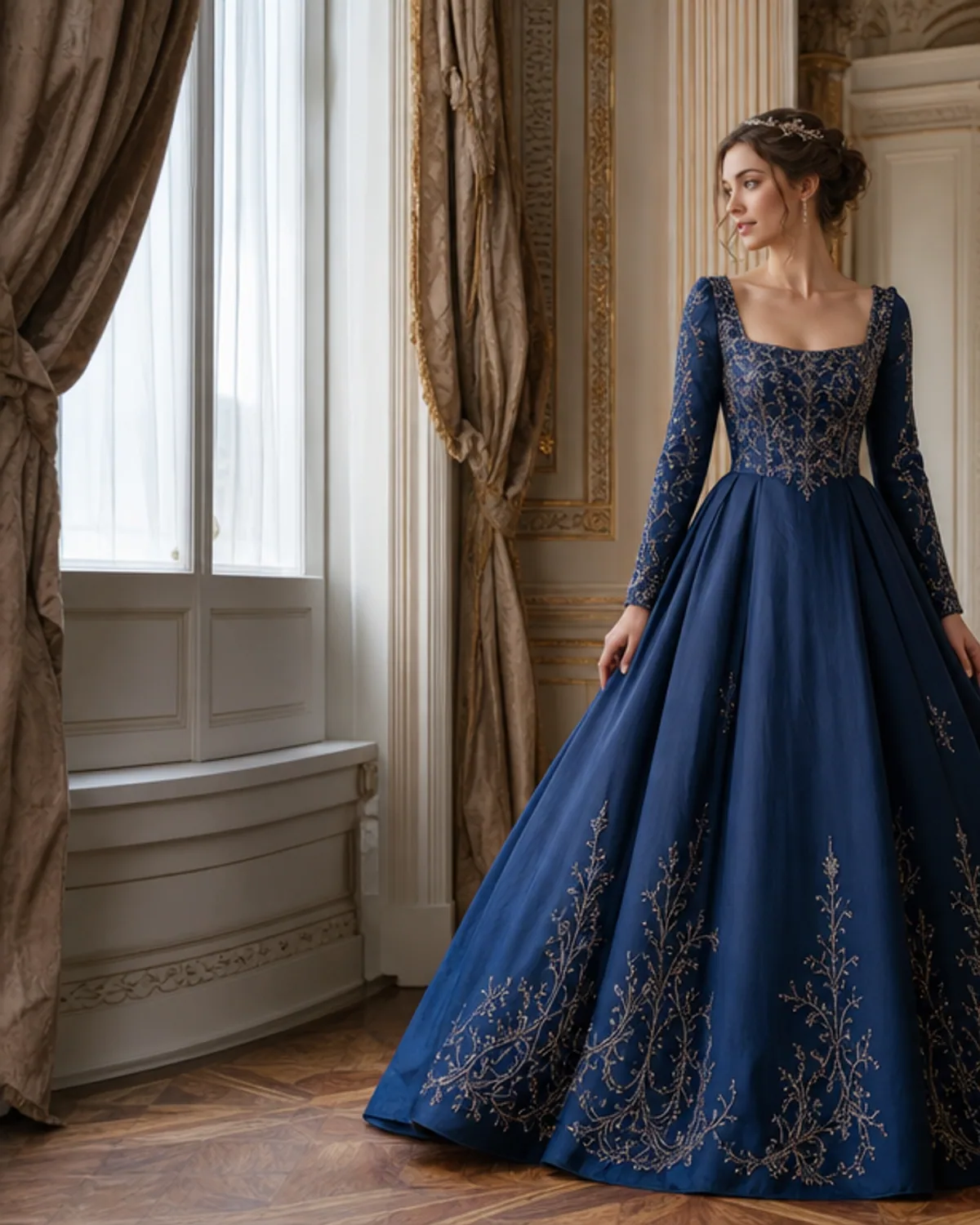
Build a royal look with the AI Princess Generator
Upload a clear adult photo and choose the royal style you want to explore. The generator can create a structured ball gown, a lighter garden dress, or a modern formal silhouette while aiming to keep the subject's face, pose, and proportions recognizable. Start from an original wardrobe brief. Describe color, neckline, sleeves, skirt volume, fabric impression, accessories, and setting instead of naming an existing princess, performer, studio, film, or game.
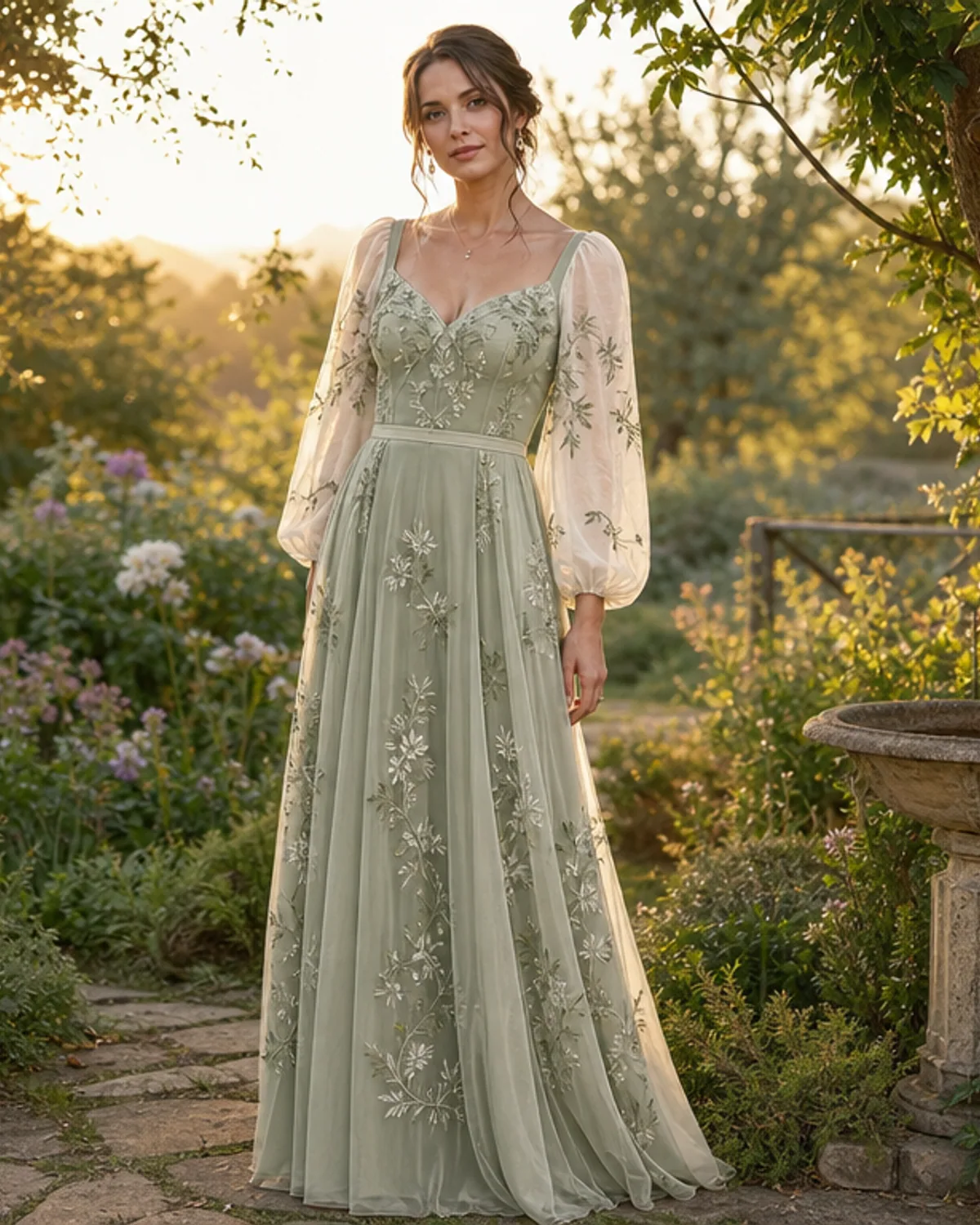
Shape the Gown With Specific Visual Details
A vague color request leaves many decisions open. A prompt such as a deep sapphire A-line gown with long sleeves, subtle embroidery, and a restrained silver hair accessory gives the AI princess generator a more coherent direction. Choose one visual story at a time. A palace interior, a garden at dusk, or a clean portrait studio can support the clothing without overwhelming the subject.
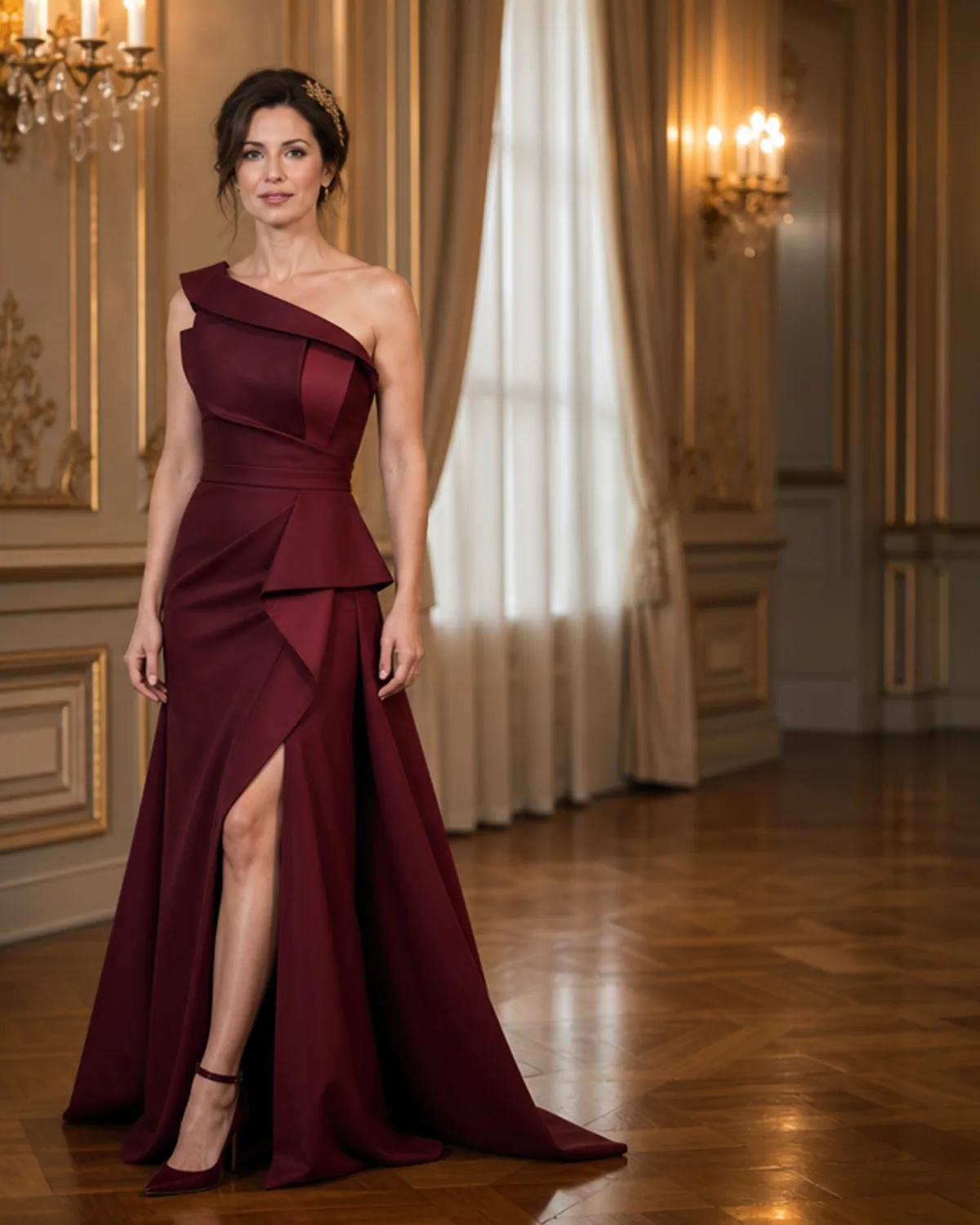
Keep the Portrait Elegant Rather Than Imitative
A royal image does not need to reproduce a familiar animated costume. Silhouette, fabric, posture, lighting, and architecture can create the theme with no protected character cues. Check hands, jewelry, dress edges, hair accessories, and facial consistency before sharing. If the output resembles an existing character too closely, change the palette, silhouette, accessories, and setting, then generate again.
AI Princess Generator gown directions to try
Create This Royal Portrait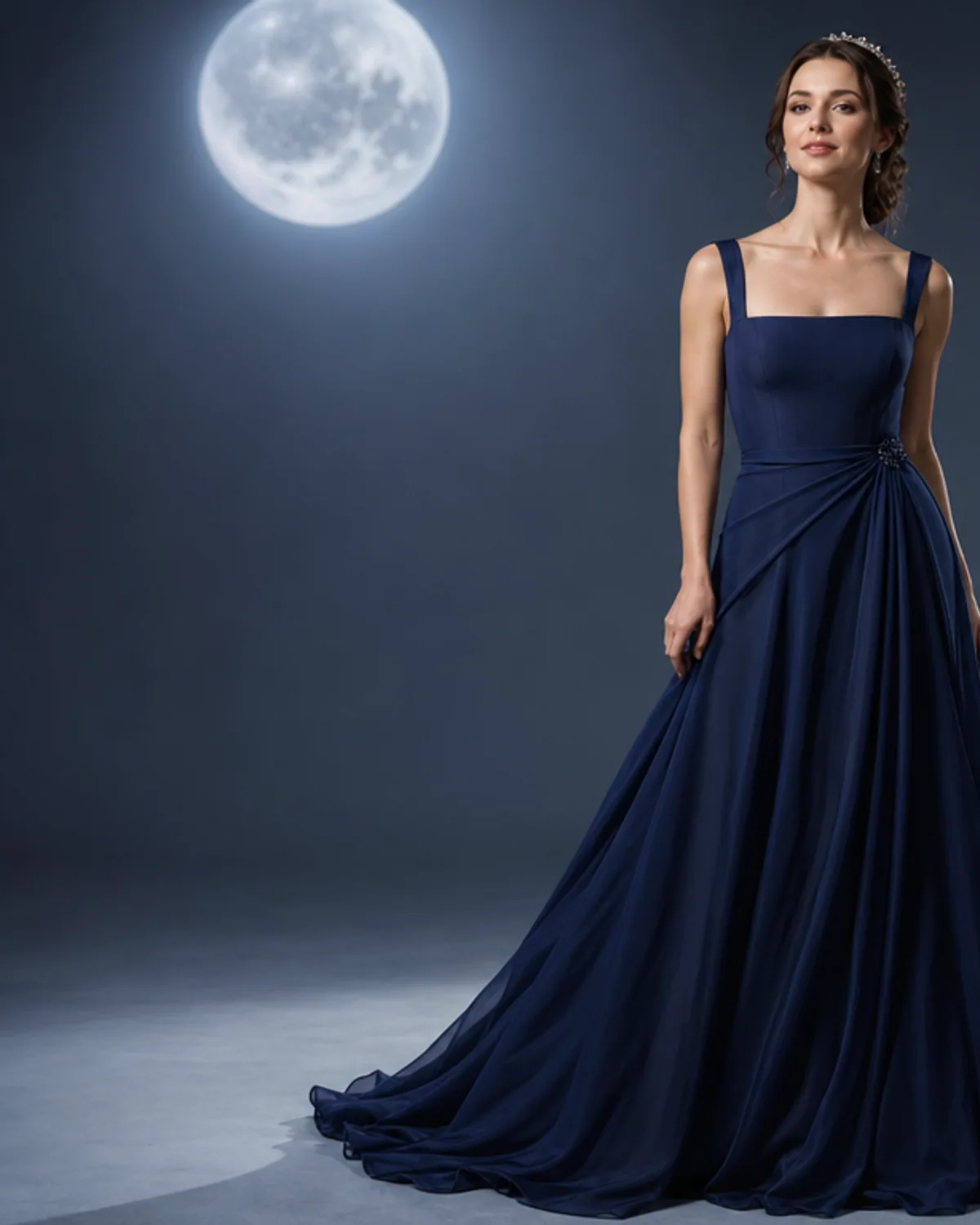
Sapphire Court Gown
A formal jewel-tone A-line gown with subtle embroidery for a composed original interior portrait.
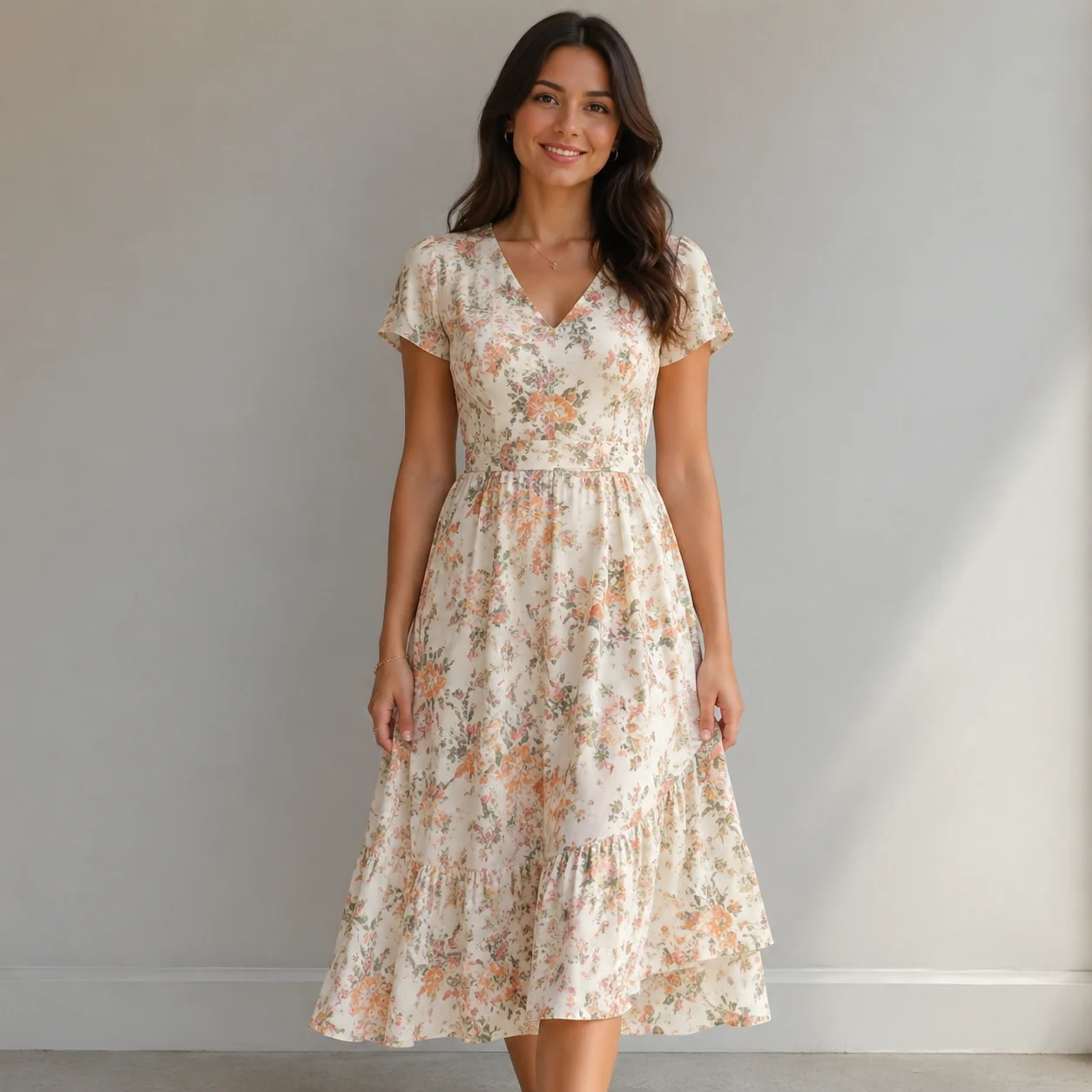
Garden Royal Portrait
A flowing sage and ivory gown with delicate botanical detail in a quiet outdoor setting.
Modern Princess Evening Look
A contemporary burgundy evening gown with an architectural neckline and restrained royal influence.
More tools to use
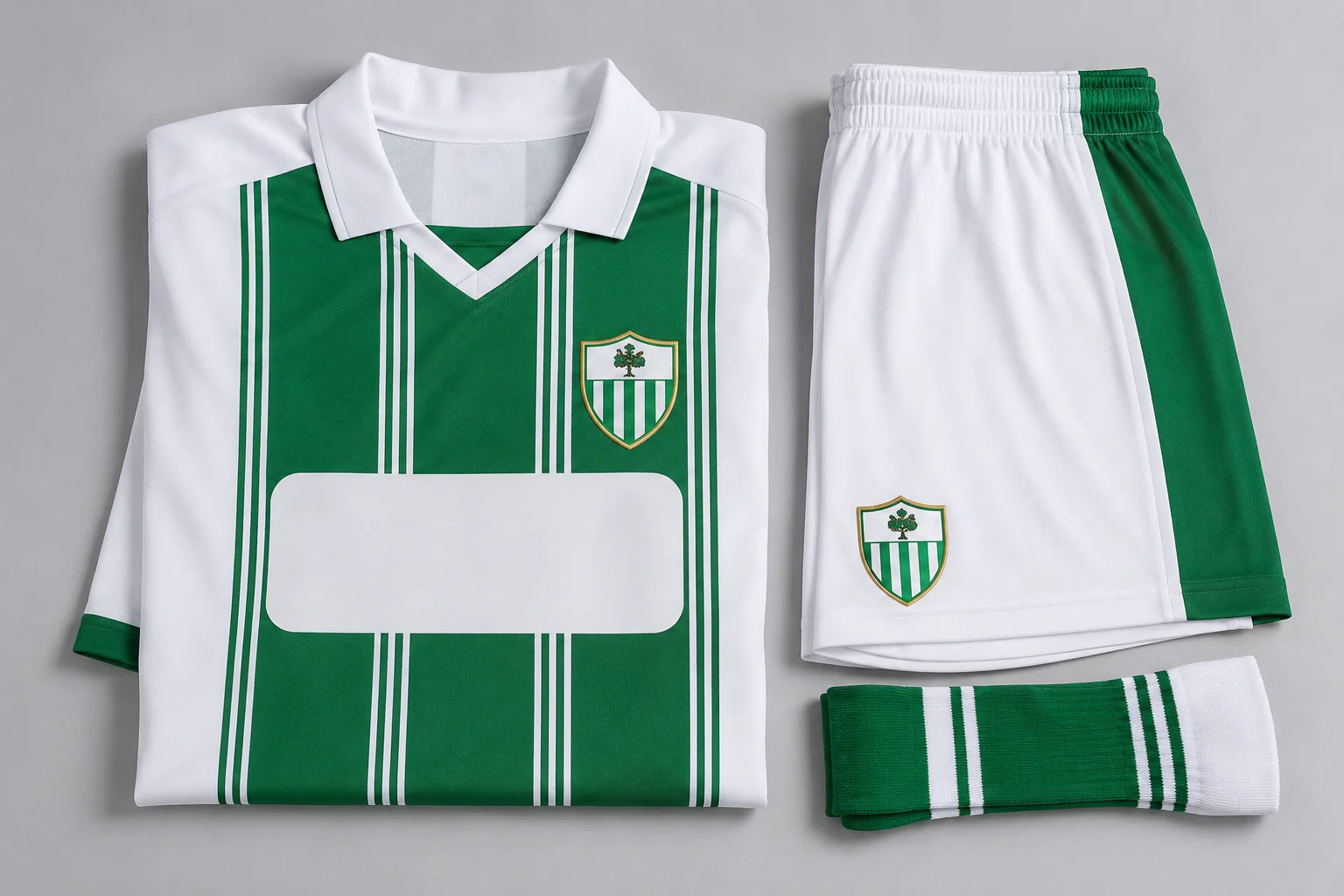
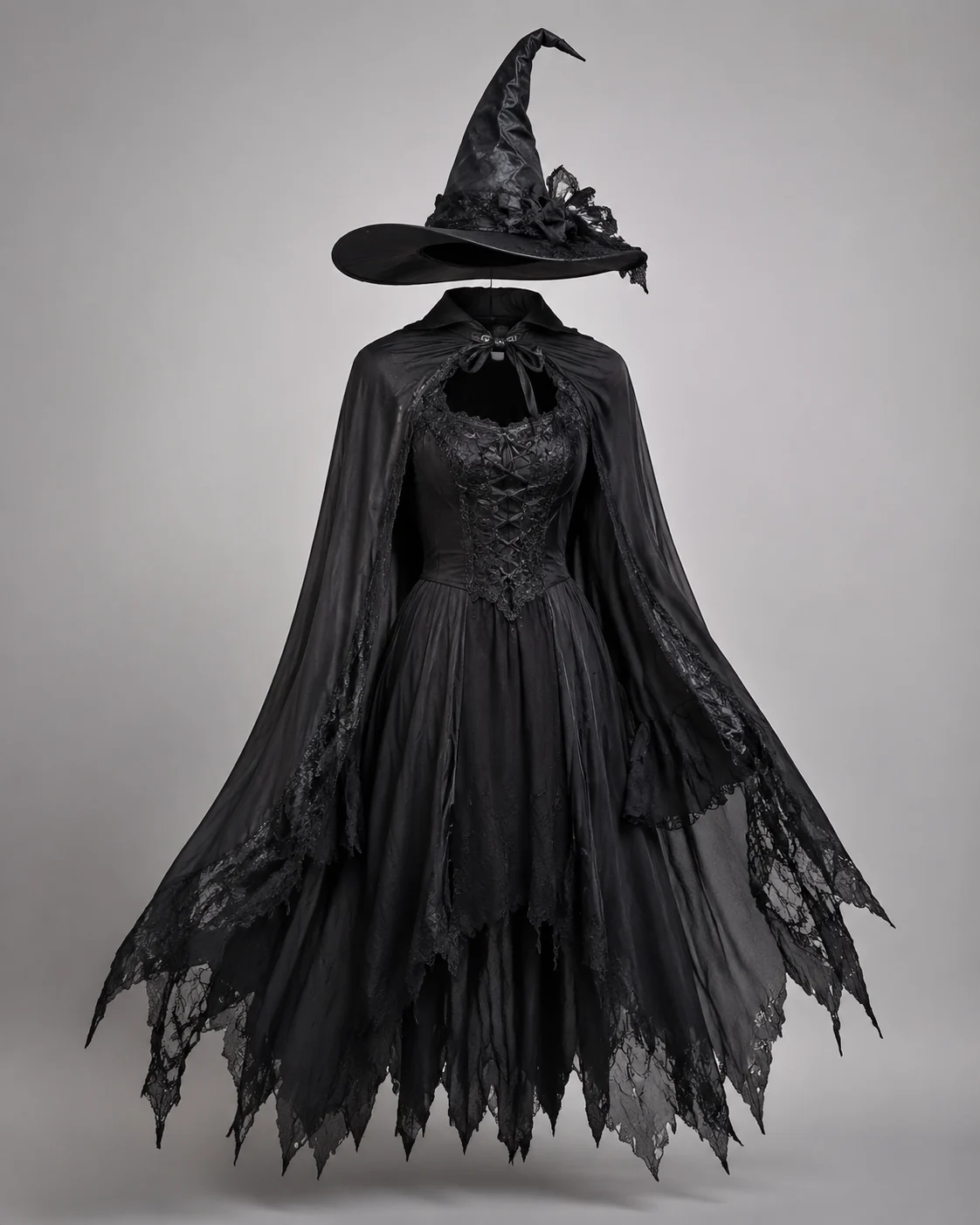
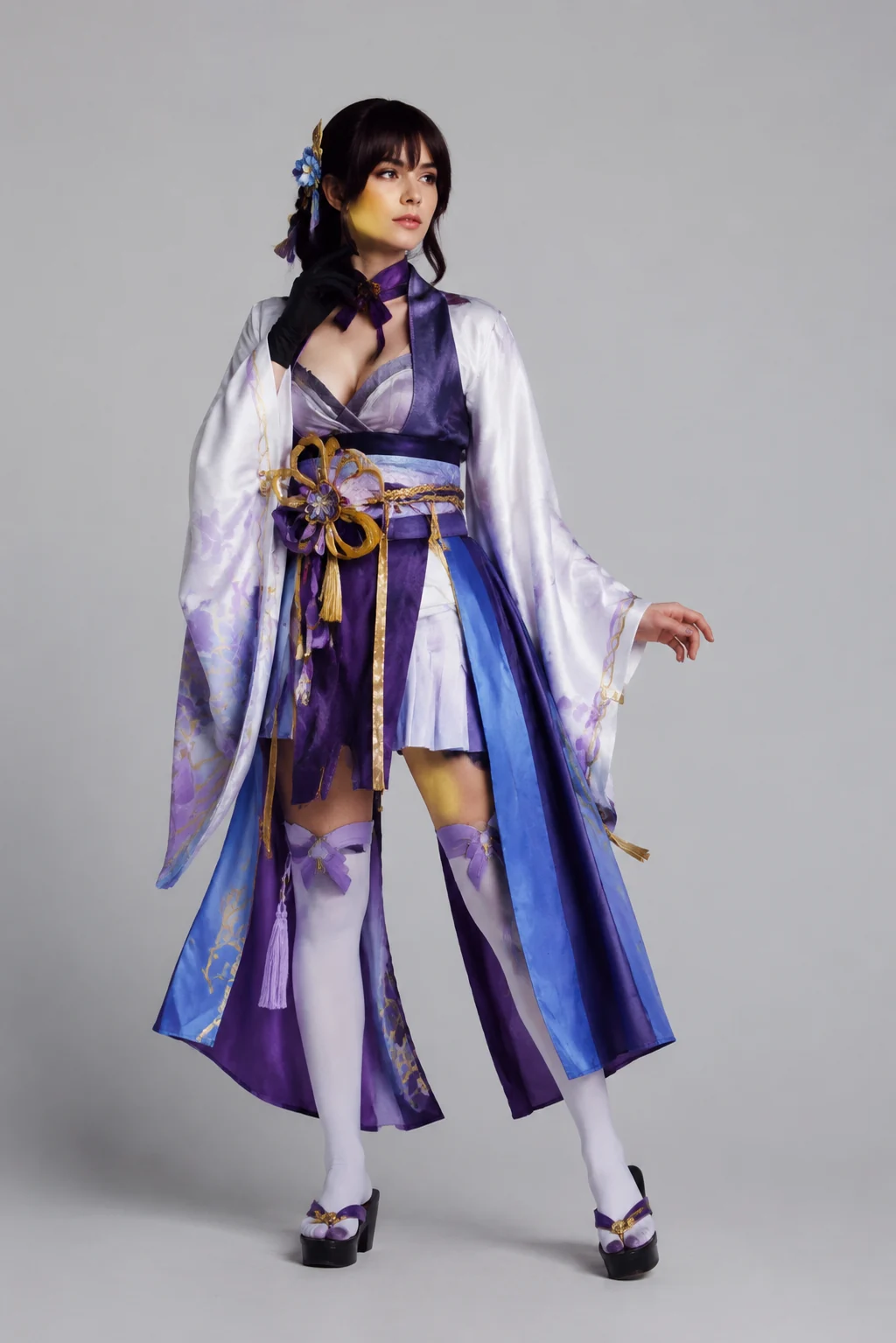
Explore more AI try on and outfit tools — each opens the same studio on your own photo.
How to Use the AI Princess Generator
Upload an Adult Portrait
Use a well-lit three-quarter or full-body photo with the face and outfit area visible.
Choose an Original Royal Direction
Describe the gown silhouette, color, sleeves, fabric impression, accessories, and setting.
Generate and Review the Portrait
Check identity, hands, jewelry, dress structure, and resemblance to existing characters before using the image.
Start free. Go yearly — pay half.
More credits than a full year of monthly — for less than half the price.
A fully refunded purchase does not qualify for permanent watermark removal.
No hidden fees. Secure checkout by Stripe.
Your card details go directly to Stripe. We never store your full card number or security code.
Stripe Checkout shows your total before you confirm payment. Your bank may charge additional fees.
Starter
Free forever1 free watermarked 1K trial before sign-in · 20 extra Standard credits after first sign-in · Check in on later days for 10 free credits · Free credits valid for 30 days · Standard only · Free accounts can use Standard (10 per eligible daily Claim)
Monthly
Flexible month-to-month. Cancel anytime.
- 750 credits every month
- ≈ 93 Standard 1K swaps / month
- Permanent watermark removal with any valid purchase
- Studio Quality: image editing, up to 6 outfit images, and precise results that better preserve faces, garments, and details
- Priority high-speed queue — paid generations finish in about 1/3 of the time
- Priority Generation sends every swap to the Priority queue whenever your paid account has credits
- Commercial use license
Paid plans use the high-speed queue — about 3× faster
Yearly
billed annually
More credits than 12 months — for $150 less.
- 10,000 credits up front for the year
- 1,000 more than 12× monthly + save $150
- Permanent watermark removal with any valid purchase
- Studio Quality: image editing, up to 6 outfit images, and precise results that better preserve faces, garments, and details
- Priority high-speed queue — paid generations finish in about 1/3 of the time
- Priority Generation sends every swap to the Priority queue whenever your paid account has credits
- Commercial use license
≈ 1,250 swaps a year. Renews at $89.90/yr — cancel anytime.
Paid plans use the high-speed queue — about 3× faster
One-time credit packs
No subscription. Credits never expire and work across every quality level. Studio Quality: image editing, up to 6 outfit images, and precise results that better preserve faces, garments, and details. Priority high-speed queue — paid generations finish in about 1/3 of the time. Priority Generation sends every swap to the Priority queue whenever your paid account has credits. Permanent watermark removal with any valid purchase.
400 Credits
≈ 50 Standard 1K swaps
Studio Quality: image editing, up to 6 outfit images, and precise results that better preserve faces, garments, and details
Permanent watermark removal with any valid purchase
Paid plans use the high-speed queue — about 3× faster
1,000 Credits
≈ 125 Standard 1K swaps
Studio Quality: image editing, up to 6 outfit images, and precise results that better preserve faces, garments, and details
Permanent watermark removal with any valid purchase
Paid plans use the high-speed queue — about 3× faster
2,000 Credits
≈ 250 Standard 1K swaps
Studio Quality: image editing, up to 6 outfit images, and precise results that better preserve faces, garments, and details
Permanent watermark removal with any valid purchase
Paid plans use the high-speed queue — about 3× faster
Prices in USD. Yearly renews annually; credit packs are one-time. Cancel anytime via the billing portal.
Design a royal gown with the AI Princess Generator
⌄
An AI princess generator can create a royal portrait without requiring a copied character costume. The strongest results start from an original design direction: a clear gown silhouette, a controlled palette, a few material details, and a setting that supports the subject. This approach keeps the image personal and avoids turning the transformation into a franchise imitation.
Use an adult photo with even lighting and enough visible body area for the gown you want. Three-quarter images can show bodice and sleeve details, while full-body images allow the generator to build a complete skirt and floor-length composition. A direct pose is usually easier to preserve than a heavily cropped or obstructed one.
Prompts should focus on design language. Name an A-line or column silhouette, sleeve length, neckline, fabric impression, embroidery level, hair accessory, and location. A sapphire court gown in a softly lit original interior creates a distinct direction without referencing a known film or animated character.
AIClothSwap keeps the experience centered on an outfit transformation for adults. After generation, review the face, hands, jewelry, hair accessories, hemline, and background. If the image accidentally echoes a protected costume, revise several defining details and create a more original version.
AI Princess Generator: Common Questions
It creates an original royal-gown transformation from an adult photo. The tool can change clothing, accessories, lighting, and setting while trying to retain the subject's recognizable identity.