
Vampire Filter
Vampire Filter
Put an original vampire costume on your adult photo.
Try high-collared capes, dark velvet, lace cuffs, and candle-lit gothic settings while the vampire filter aims to keep your face and pose recognizable.
Create clothing-first Halloween portraits for adults. No blood, bite marks, franchise costumes, or celebrity likenesses.
Create your try-on
Add a person photo, then describe or upload the look.
1 · Add your photos
Quick try-on with one outfit image. Choose the garment area below.
Verify you are human to enable Generate.
Complete the secure check below.
See an original vampire costume on you with the Vampire Filter
Use capes, velvet, lace, and candle-lit gothic settings to change the outfit while aiming to keep the adult subject recognizable.
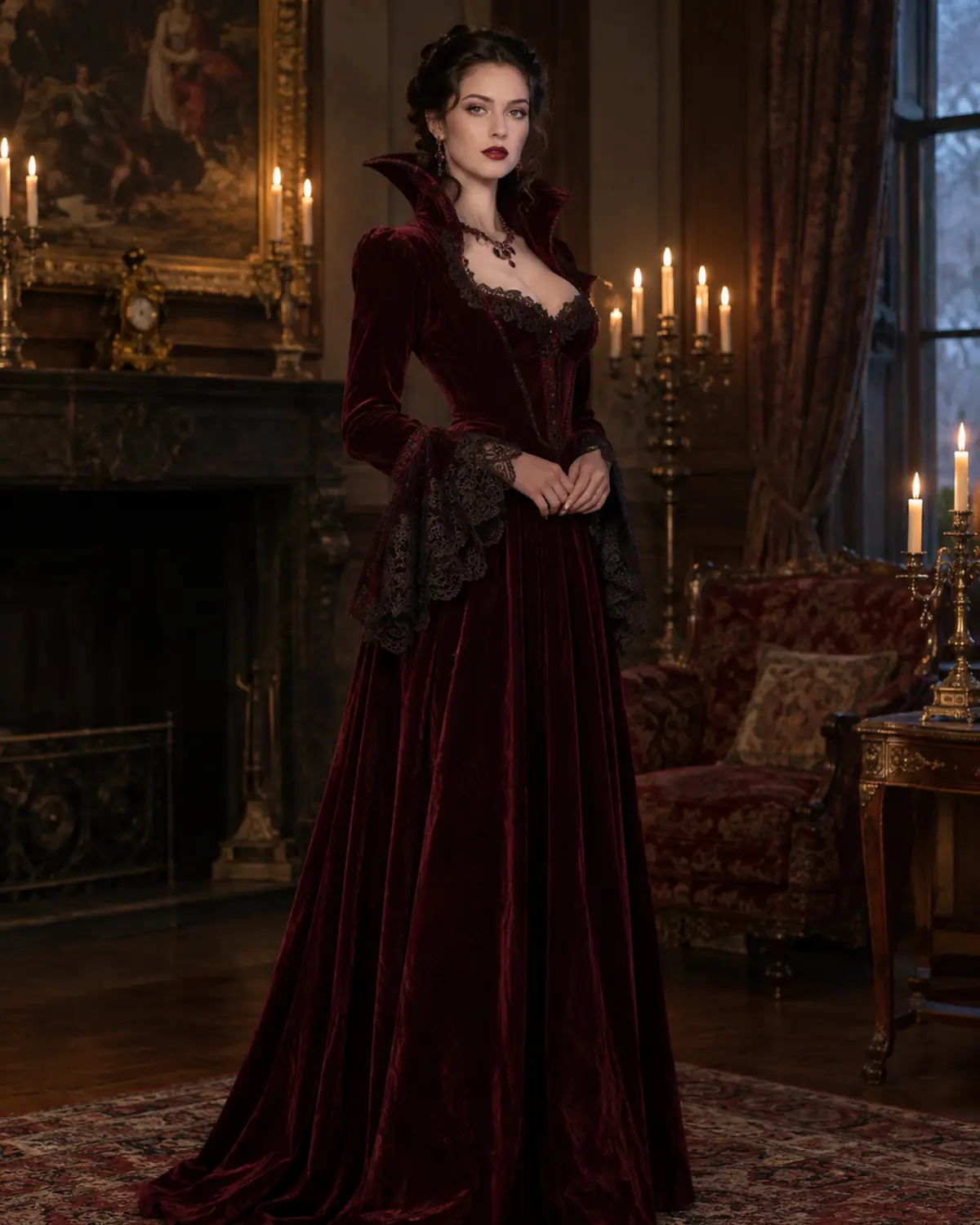
Try a classic cape-and-velvet look with the Vampire Filter
Upload a clear adult photo and the vampire filter builds a classic gothic outfit around it: a high-collared black cape with a red lining, a dark velvet waistcoat or gown, lace cuffs, and dark red lips, set in a candle-lit castle hall. Your face, skin tone, and pose stay as close to the original as possible, so the costume looks like something you could actually wear to a party.
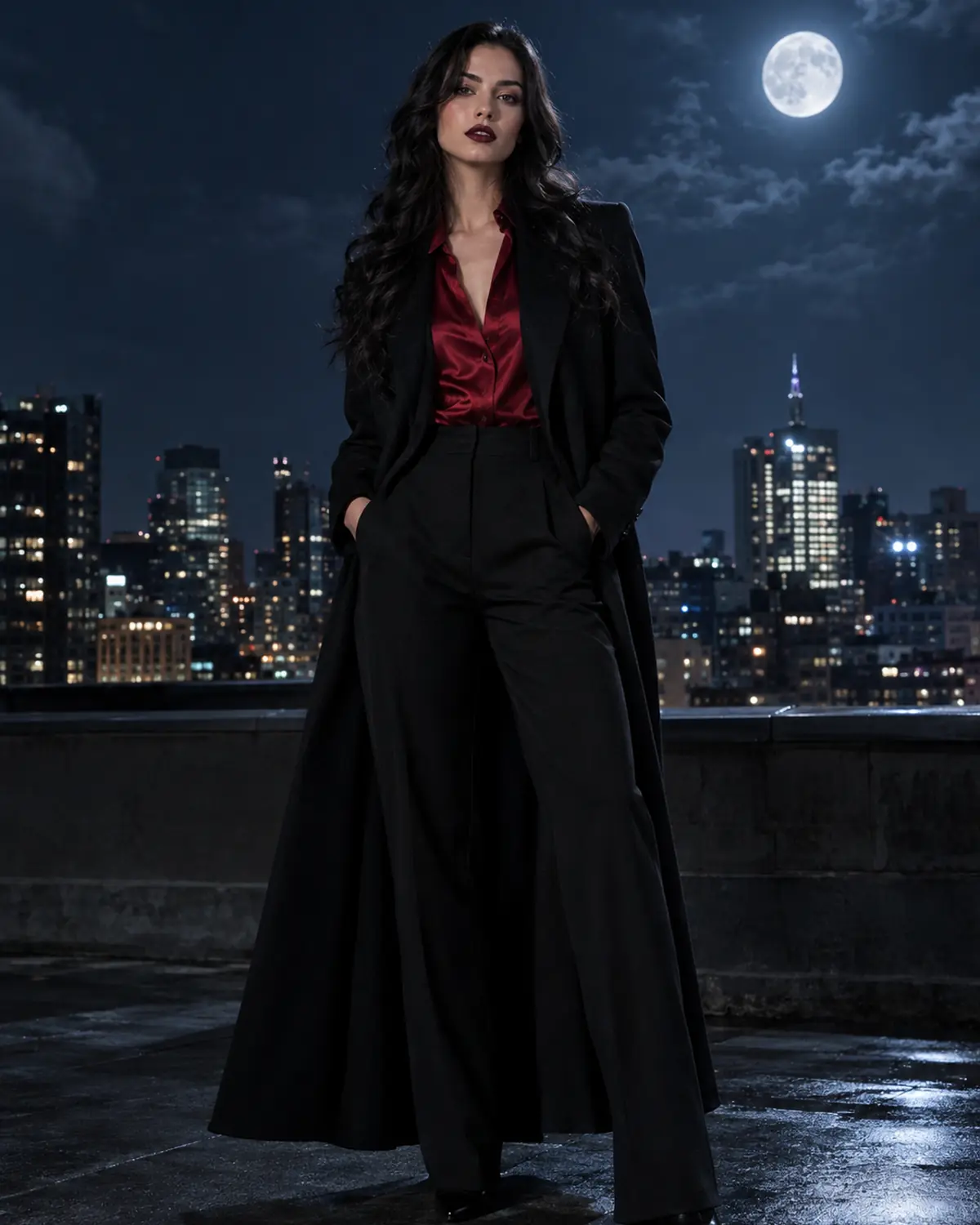
Choose Classic, Modern, or Victorian Vampire Styling
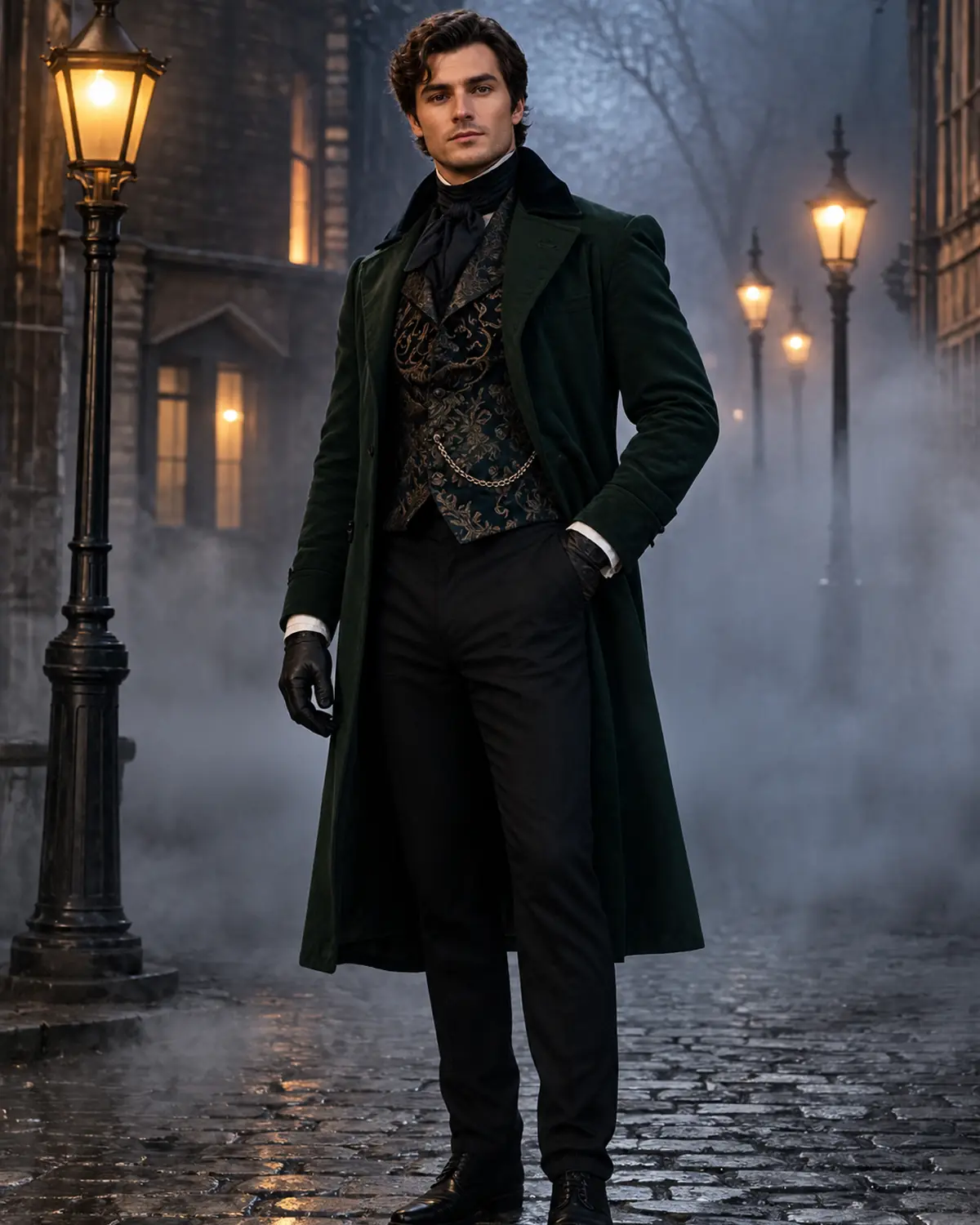
A classic vampire uses the cape and high collar. A modern vampire swaps the cape for a long black coat over a tailored suit and a red silk shirt, which is easy to assemble from a normal wardrobe. A Victorian vampire leans on a dark frock coat, embroidered waistcoat, cravat, and gloves on a foggy street. Describe the pieces and colors you want; there is no need to name a film character.
Keep the Vampire Elegant and Clothing-First
The look comes from silhouette, fabric, and light rather than gore. Before buying a costume or makeup kit, check the collar height, cape length, sleeves, and how the dark colors work with your skin tone. If the scene feels crowded, ask for fewer accessories and a plainer background and generate again.
Vampire Filter costume directions to try
Create This Vampire Look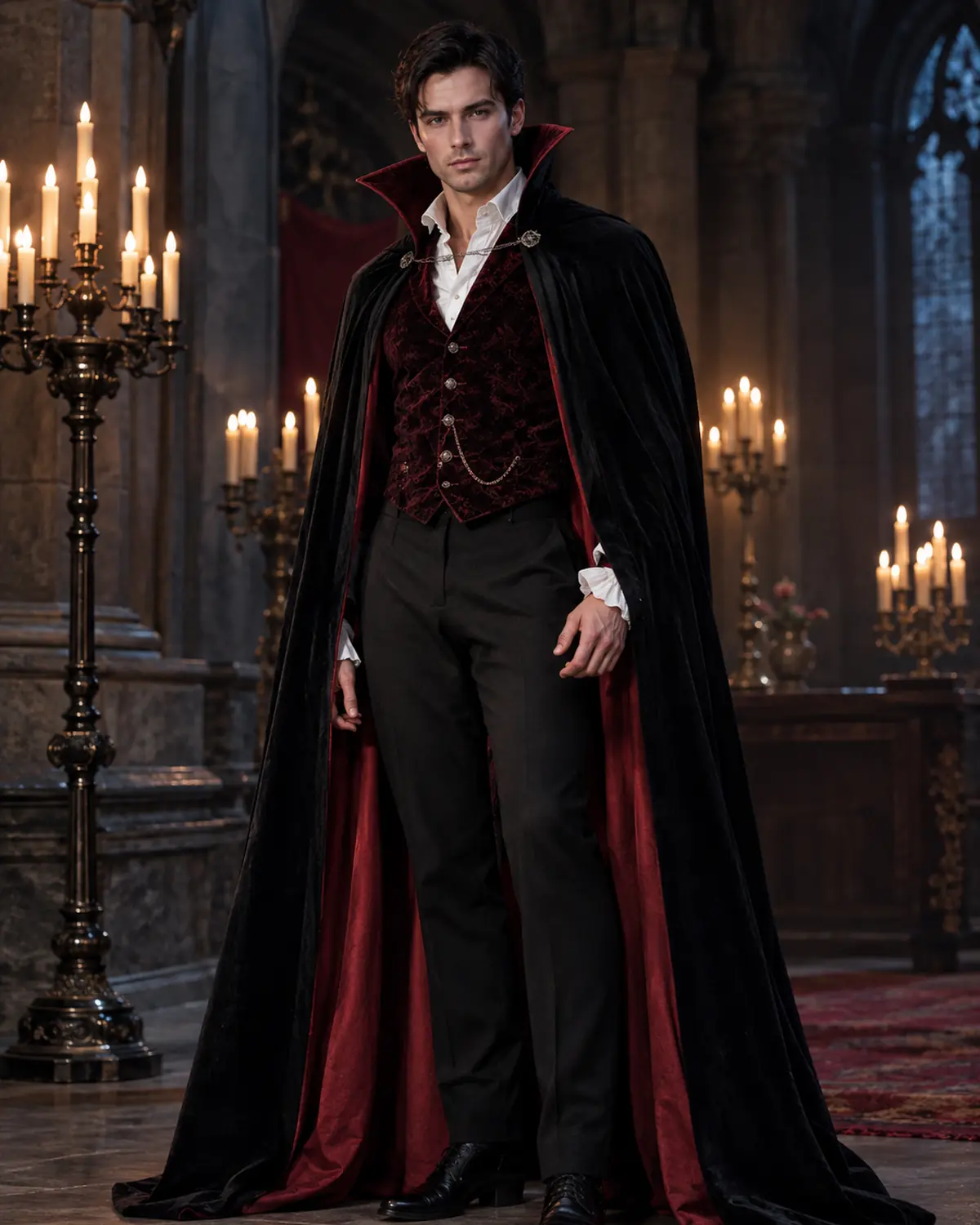
Classic Cape Vampire
A high-collared black cape with red lining over a dark velvet waistcoat in a gothic hall.
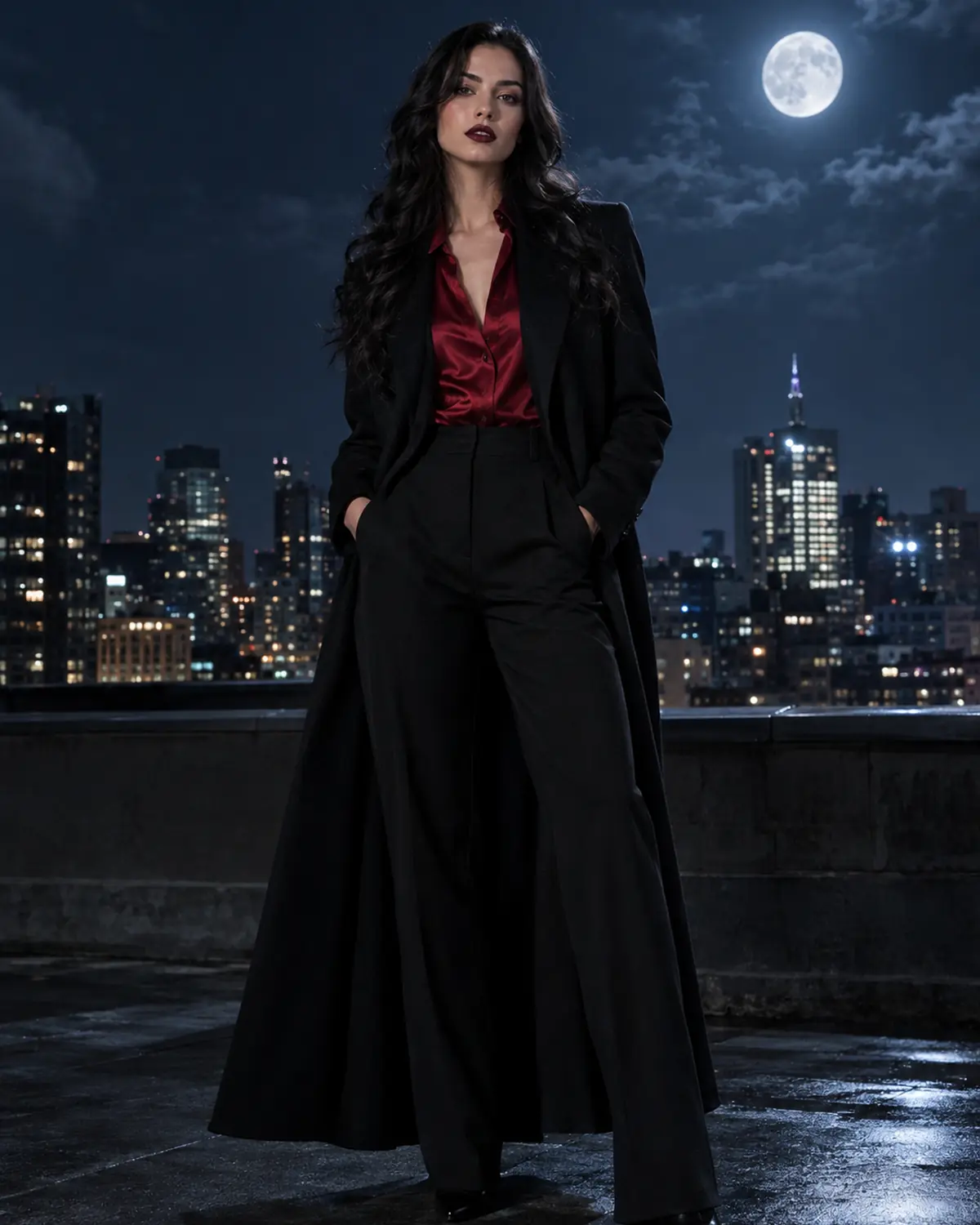
Modern Night Vampire
A tailored black suit, red silk shirt, and long coat for a city-at-night vampire look.
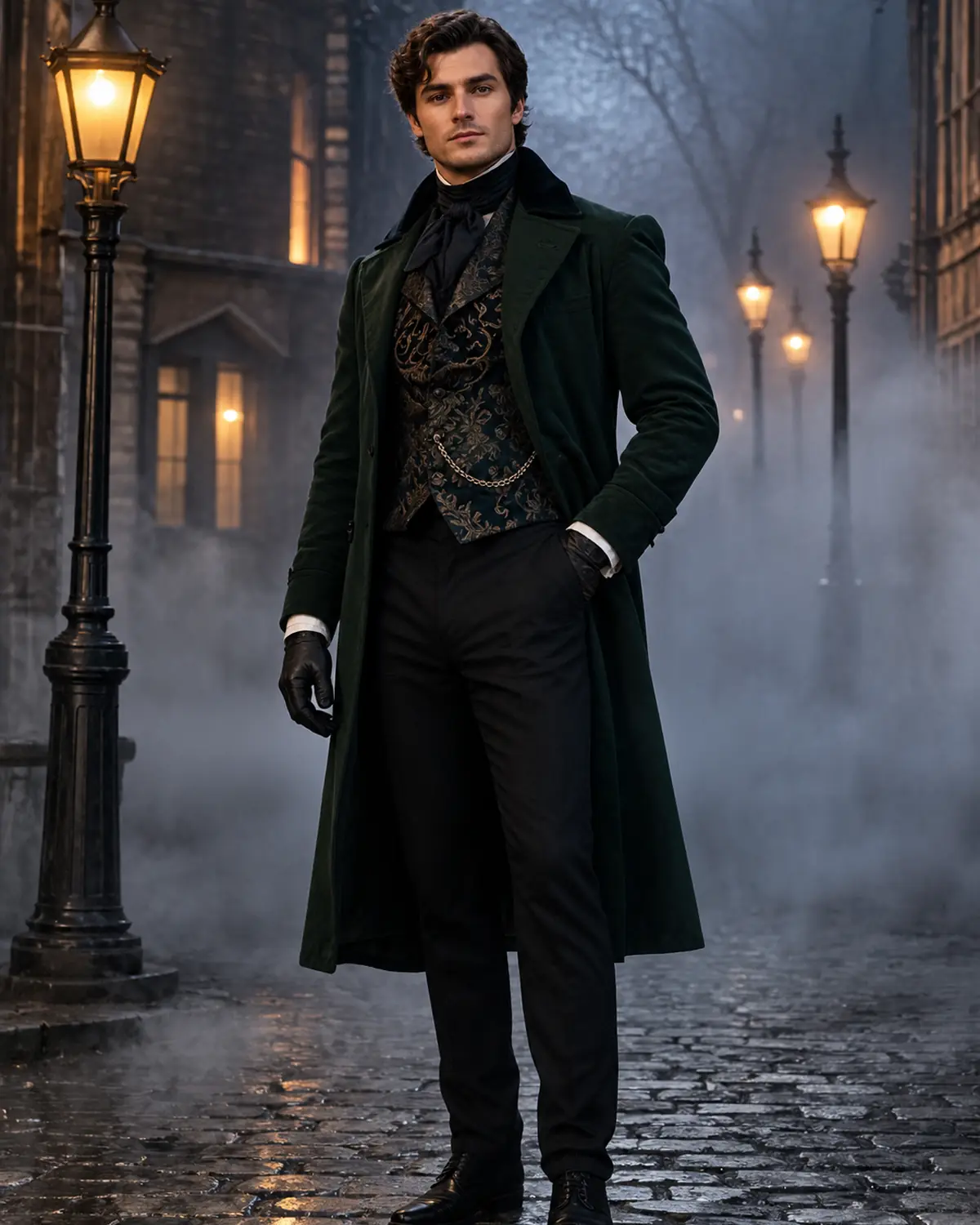
Victorian Gentleman Vampire
A dark frock coat, embroidered waistcoat, cravat, and gloves on a foggy gaslit street.
More tools to use
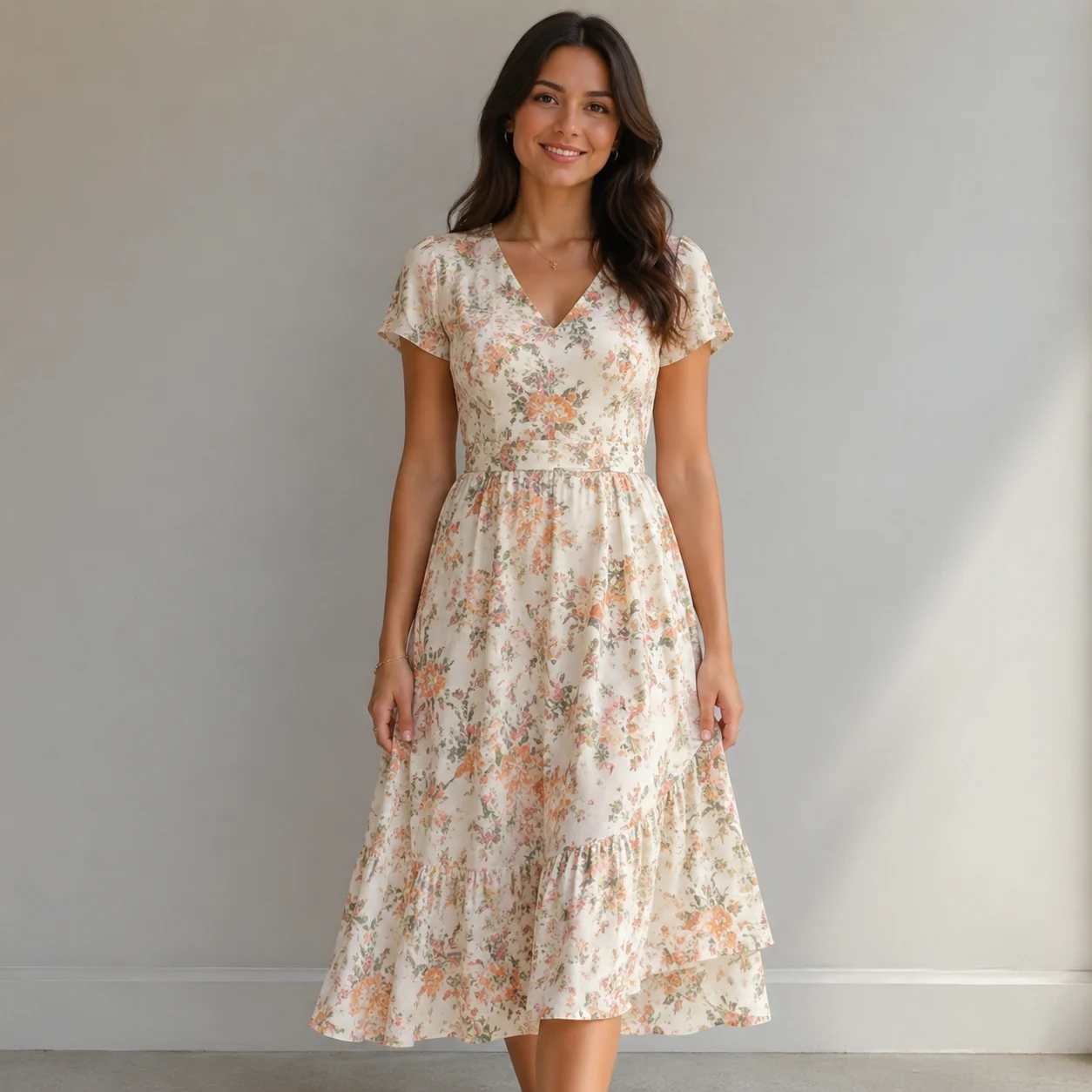
Explore more AI try on and outfit tools — each opens the same studio on your own photo.
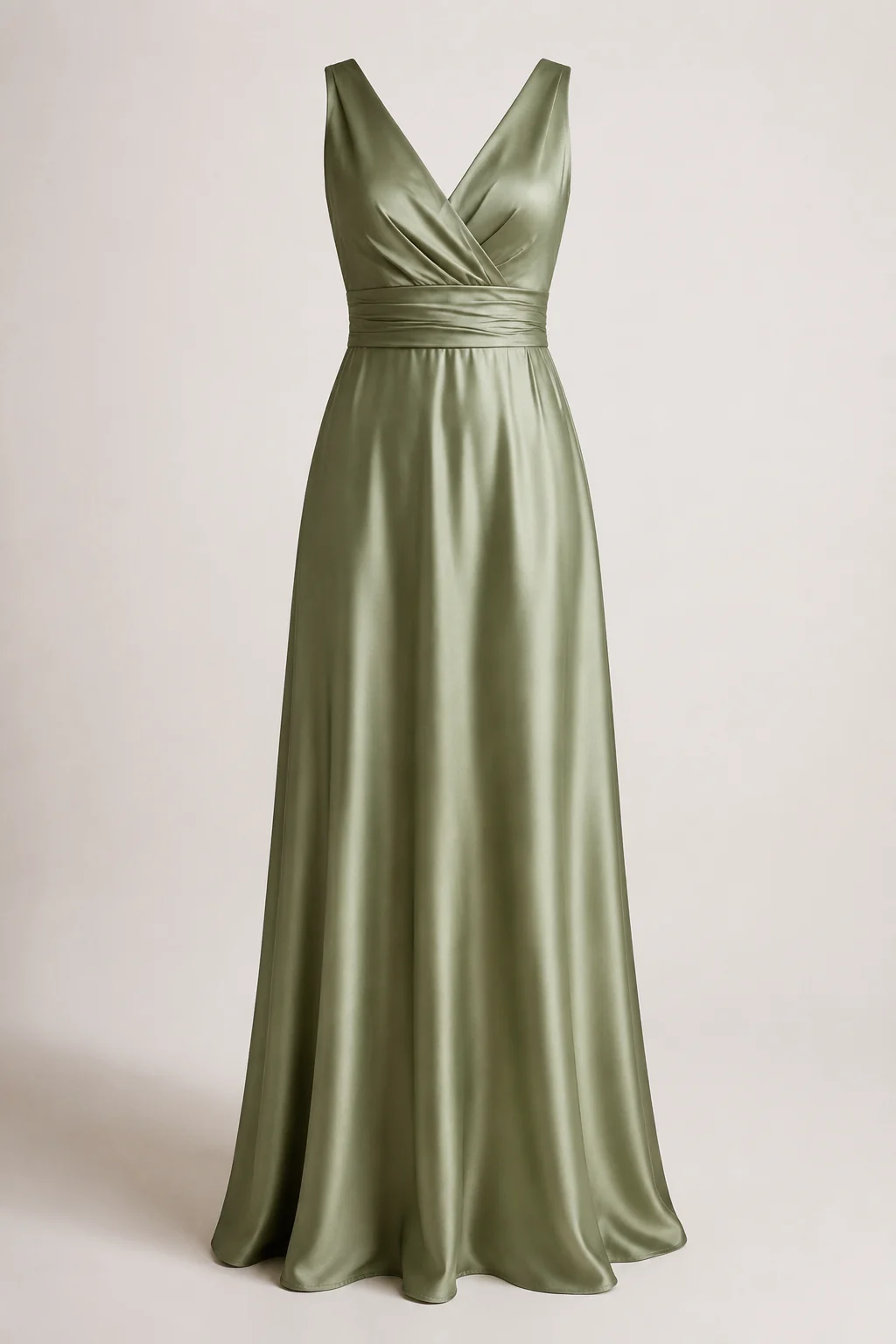
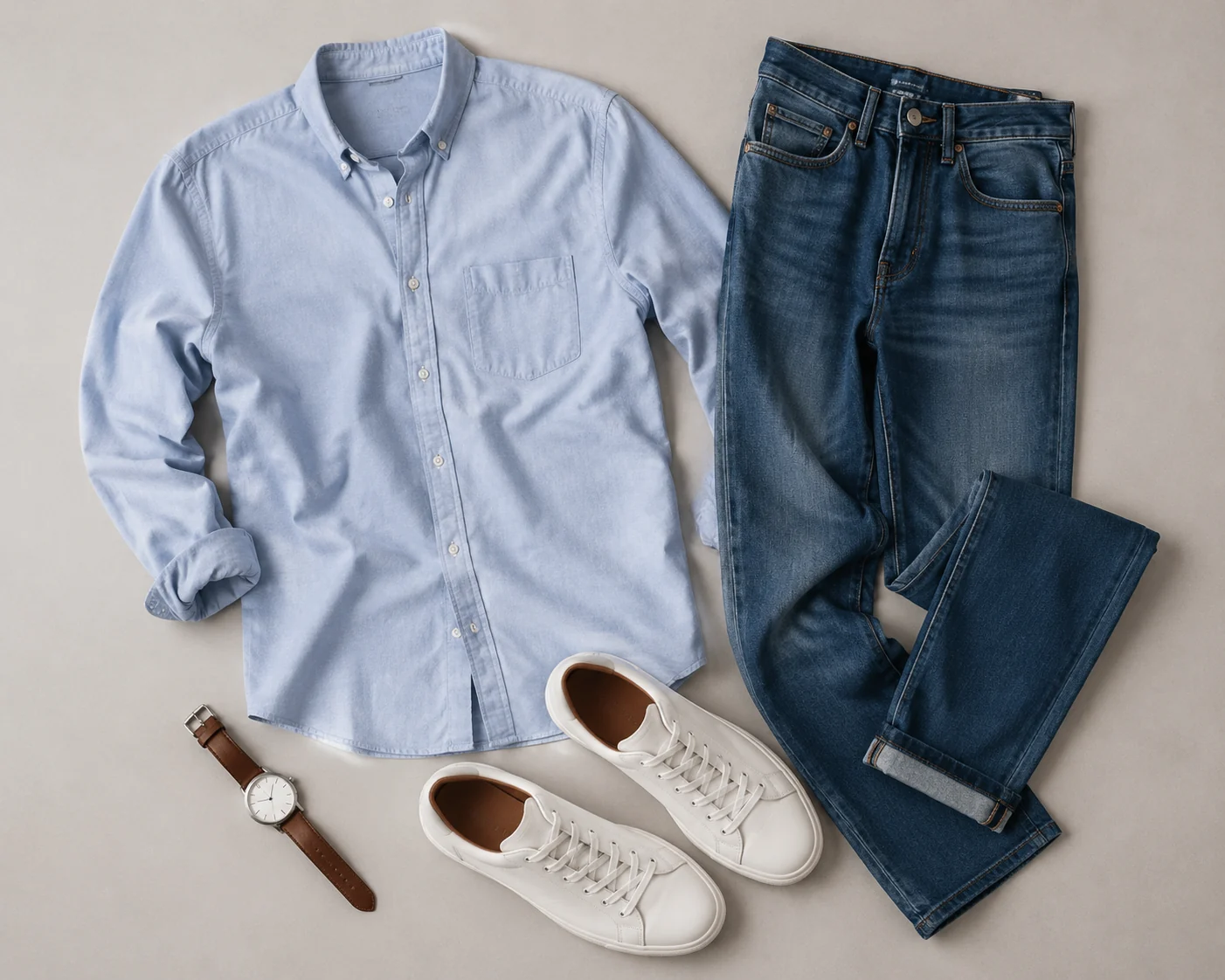
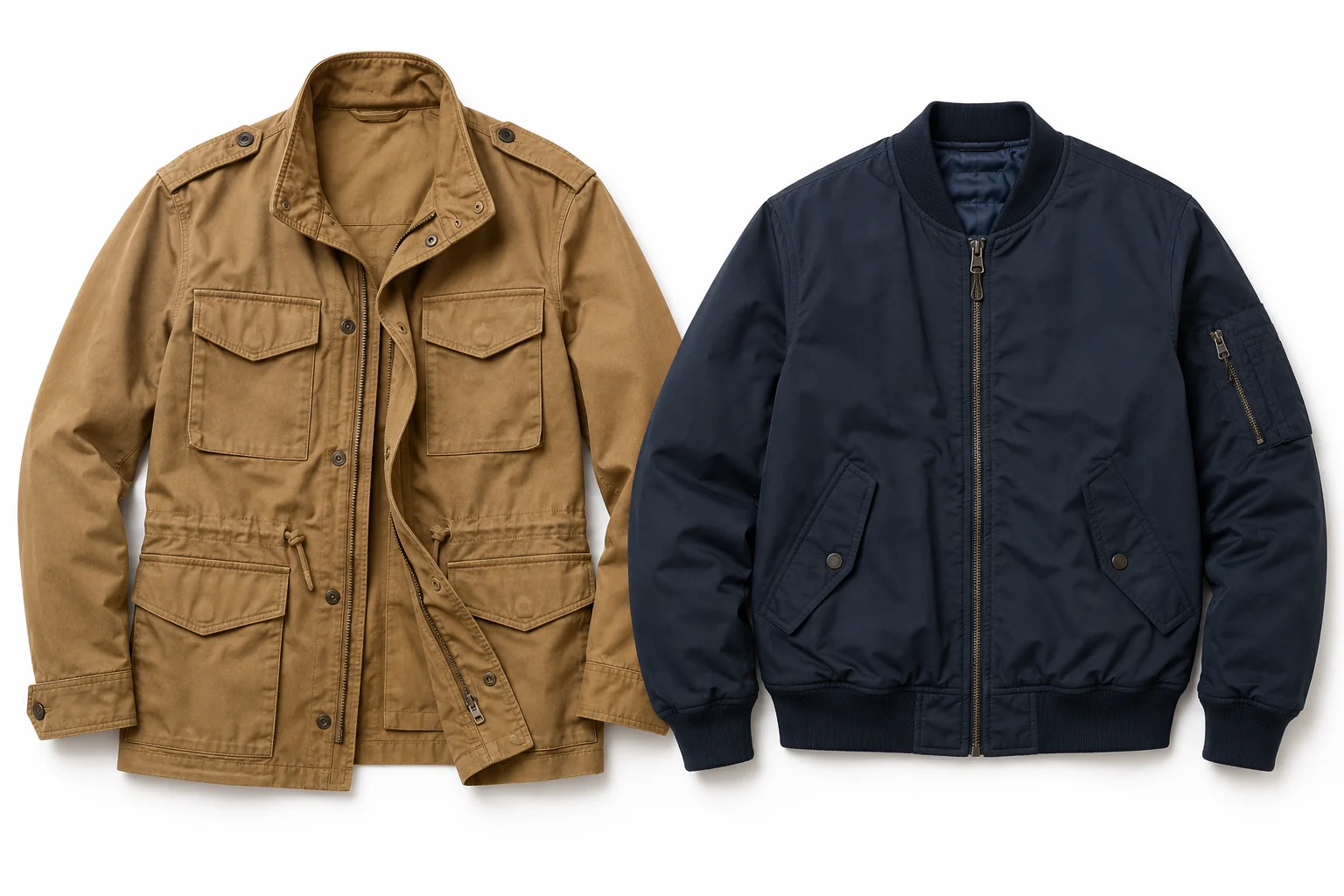
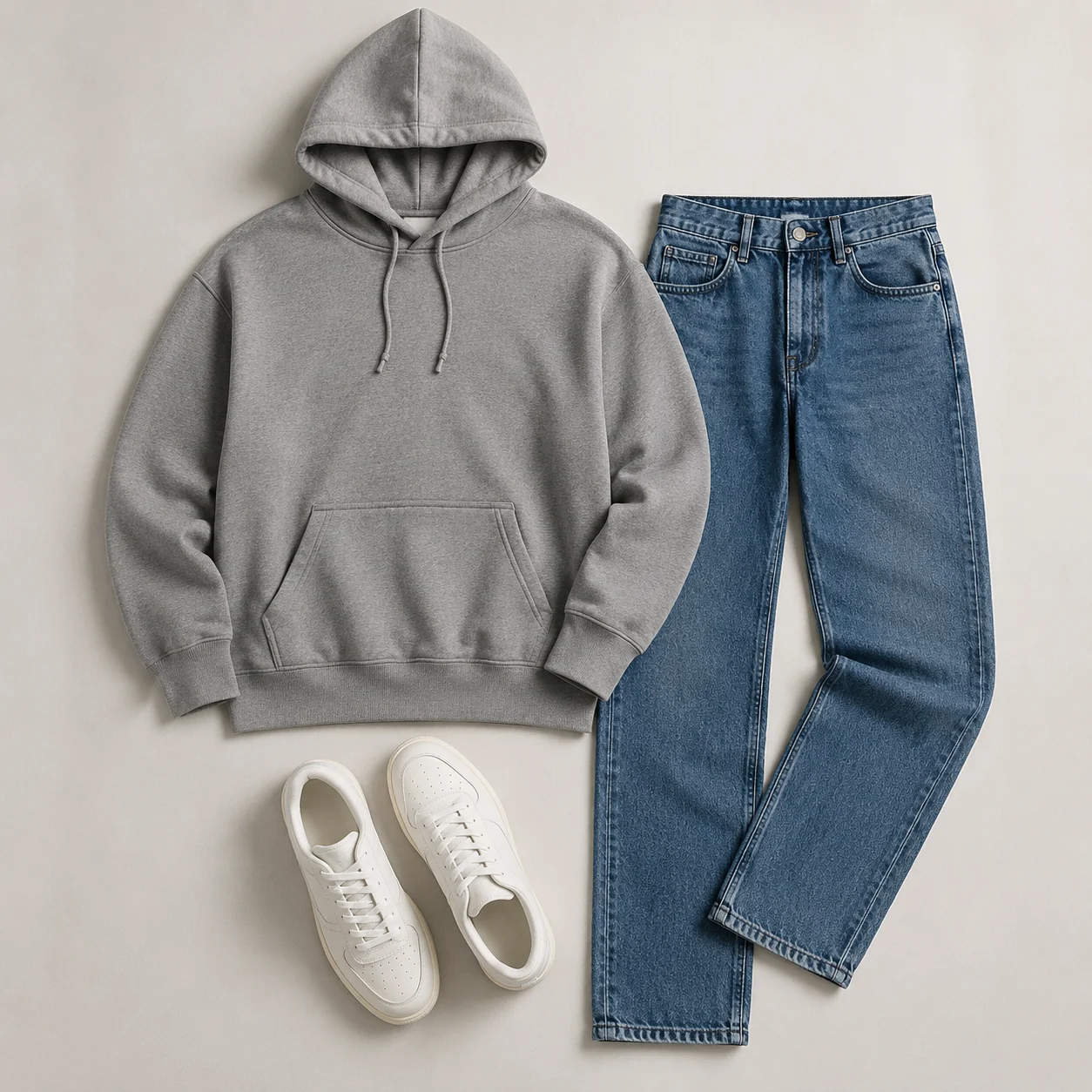
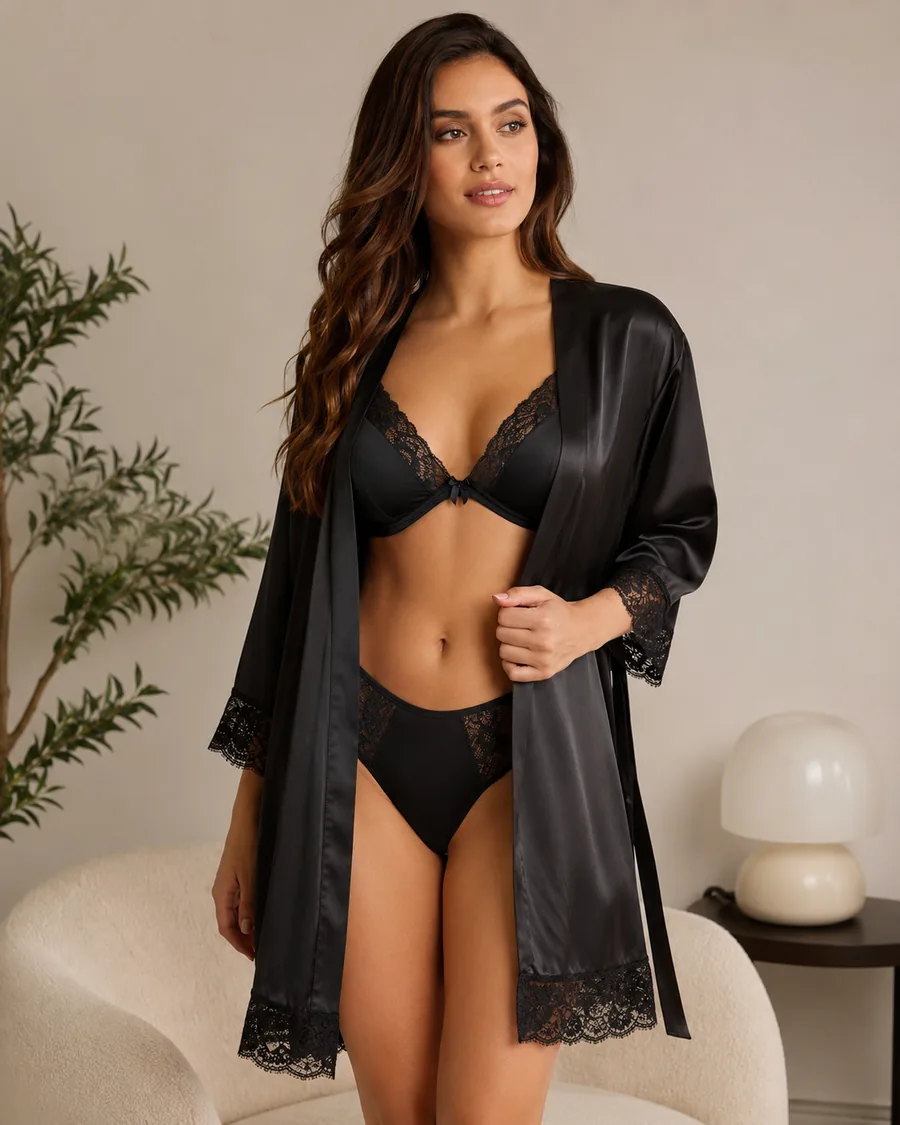
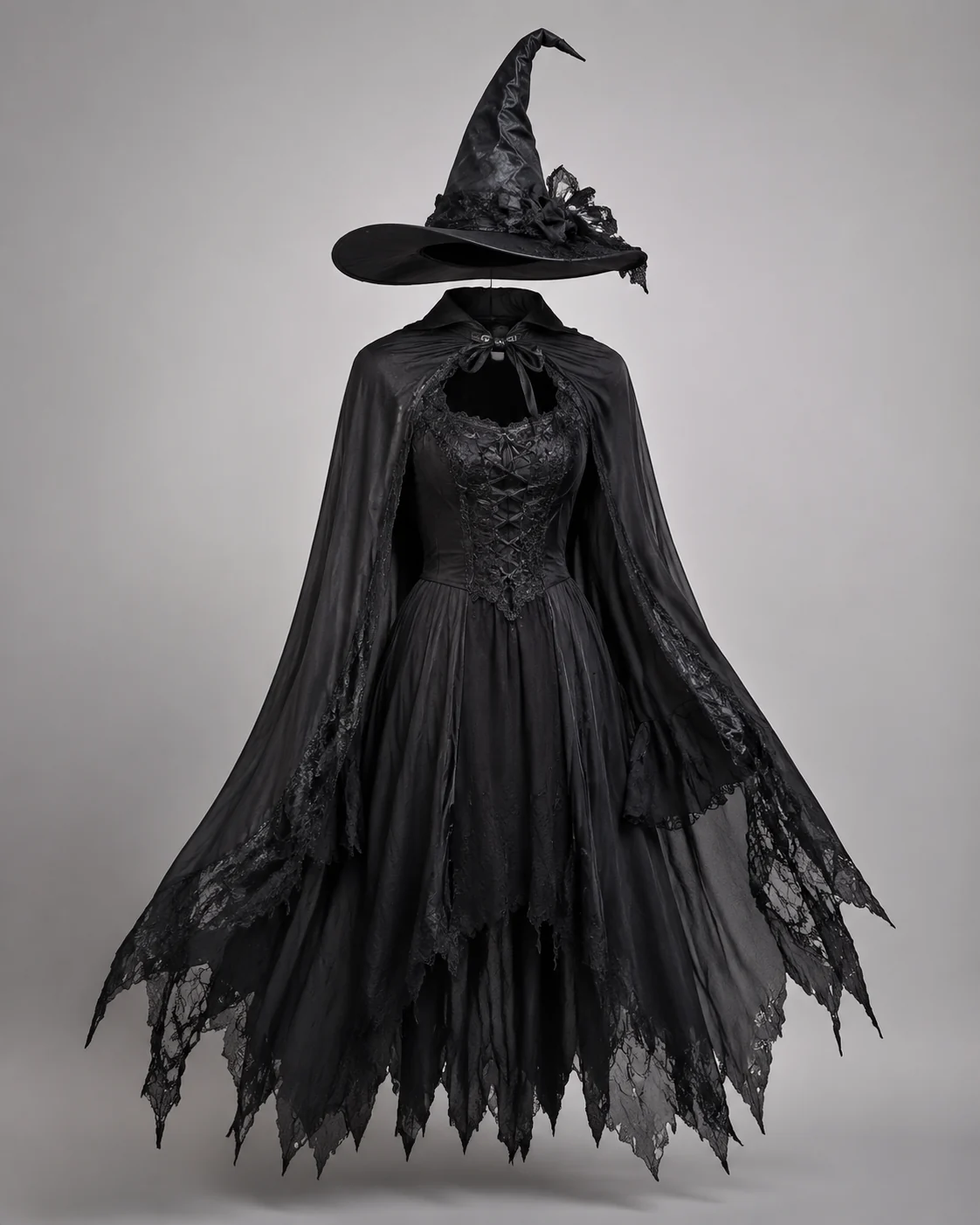
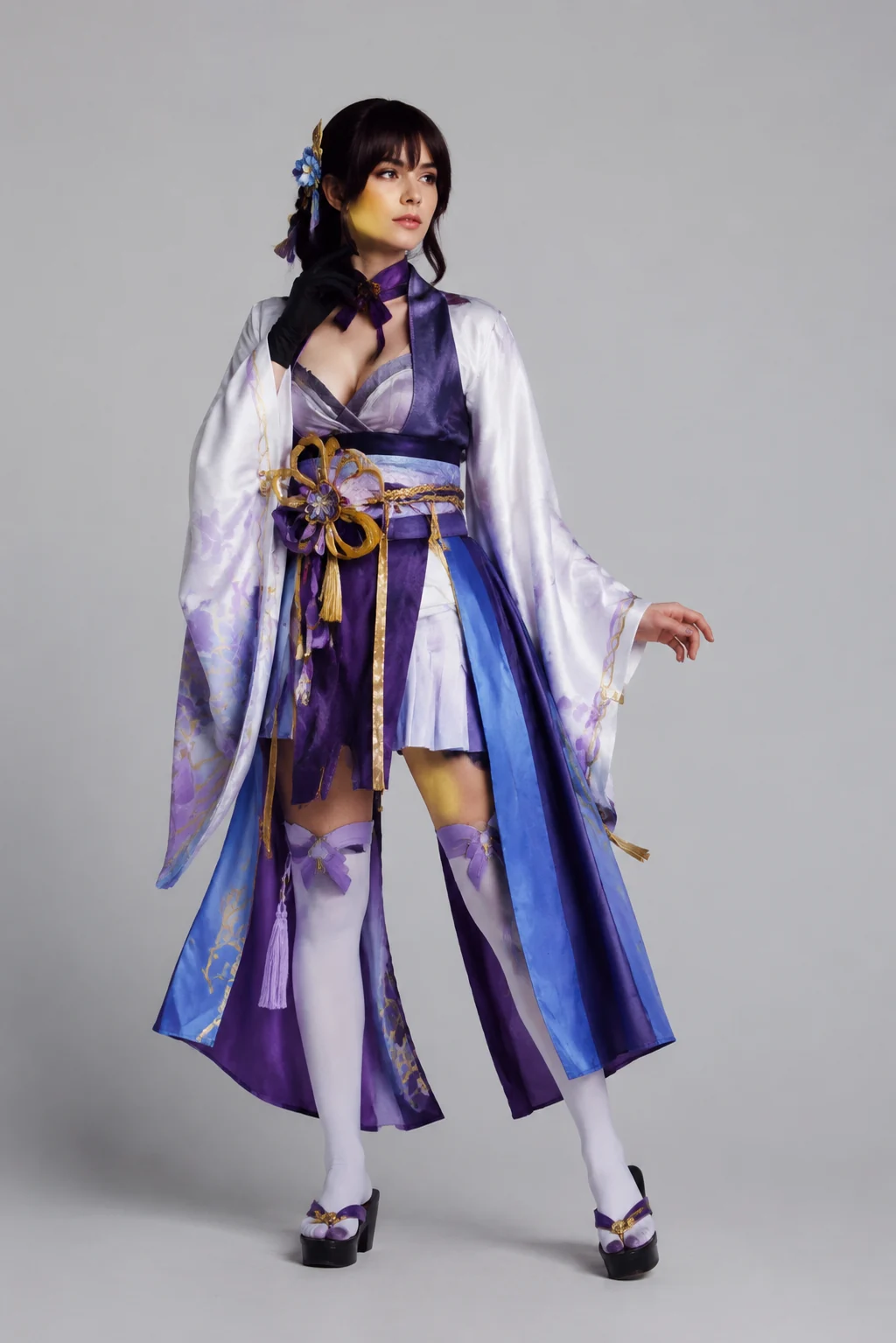
How to Use the Vampire Filter
Upload a Clear Adult Photo
A three-quarter or full-body photo gives the vampire filter room for capes, coats, and long gowns.
Choose a Vampire Direction
Tell the vampire filter whether you want classic, modern, or Victorian vampire clothing, plus fabric, color, and setting.
Generate and Review the Costume
Check the face, collar, cape edges, hands, and sleeves, then run the vampire filter again with a simpler prompt if needed.
Start free. Go yearly — pay half.
More credits than a full year of monthly — for less than half the price.
Starter
Free foreverWatermarked results for free accounts · First-day free credits added automatically · Come back tomorrow for another 10 credits · Sign-in required before generation (10 per eligible daily Claim)
Monthly
Flexible month-to-month. Cancel anytime.
- 750 credits every month
- ≈ 75 swaps / month
- Without watermark — permanent for this account after any payment (unless every payment is refunded)
- Ad-free after any payment — permanent for this signed-in account unless every payment is refunded
- Studio Quality: image editing, up to 6 images, and precise results that better preserve faces, garments, and details
- Priority Generation sends every swap to the Priority queue whenever your paid account has credits
- Commercial use license
Yearly
$179.80 $89.90 first year, billed annually
More credits than 12 months — for $150 less.
- 10,000 credits up front for the year
- 1,000 more than 12× monthly + save $150
- Without watermark — permanent for this account after any payment (unless every payment is refunded)
- Ad-free after any payment — permanent for this signed-in account unless every payment is refunded
- Studio Quality: image editing, up to 6 images, and precise results that better preserve faces, garments, and details
- Priority Generation sends every swap to the Priority queue whenever your paid account has credits
- Commercial use license
≈ 1,000 swaps a year. Renews at $179.80/yr — cancel anytime.
One-time credit packs
No subscription. Credits never expire and work across every quality level. Studio Quality: image editing, up to 6 images, and precise results that better preserve faces, garments, and details. Priority Generation sends every swap to the Priority queue whenever your paid account has credits. Without watermark — permanent for this account after any payment (unless every payment is refunded). Ad-free after any payment — permanent for this signed-in account unless every payment is refunded.
150 Credits
Quick top-up≈ 15 outfit swaps
Studio Quality: image editing, up to 6 images, and precise results that better preserve faces, garments, and details
Without watermark — permanent for this account after any payment (unless every payment is refunded)
Ad-free after any payment — permanent for this signed-in account unless every payment is refunded
400 Credits
≈ 40 outfit swaps
Studio Quality: image editing, up to 6 images, and precise results that better preserve faces, garments, and details
Without watermark — permanent for this account after any payment (unless every payment is refunded)
Ad-free after any payment — permanent for this signed-in account unless every payment is refunded
1,000 Credits
≈ 100 outfit swaps
Studio Quality: image editing, up to 6 images, and precise results that better preserve faces, garments, and details
Without watermark — permanent for this account after any payment (unless every payment is refunded)
Ad-free after any payment — permanent for this signed-in account unless every payment is refunded
2,000 Credits
≈ 200 outfit swaps
Studio Quality: image editing, up to 6 images, and precise results that better preserve faces, garments, and details
Without watermark — permanent for this account after any payment (unless every payment is refunded)
Ad-free after any payment — permanent for this signed-in account unless every payment is refunded
Prices in USD. Yearly renews annually; credit packs are one-time. Cancel anytime via the billing portal.
Create an original vampire costume portrait with the Vampire Filter
⌄
A vampire filter can turn an ordinary adult photo into a Halloween vampire portrait without blood or bite marks. A high collar, a cape with a red lining, dark velvet, lace cuffs, and candlelight are enough for an unmistakable vampire look.
Pick one direction before generating. A classic vampire relies on the cape. A modern vampire uses a long coat, tailored suit, and a single red accent. A Victorian vampire uses period tailoring and a foggy street. Committing to one keeps the outfit consistent from collar to shoes.
Use the result to decide what to buy. Capes, collars, and velvet look very different on different builds and skin tones, so a quick preview on your own photo saves a return or a last-minute costume swap on Halloween night.
With the AIClothSwap vampire filter, start from an adult photo you have permission to use. After generation, review the face, collar, hands, and cape edges, and regenerate with fewer accessories when the image looks busy.
Vampire Filter: Common Questions
It dresses the adult subject in an original vampire costume, such as a high-collared cape over dark velvet, and sets a gothic scene while trying to keep the face, skin tone, and pose recognizable.