
Rockstar Filter
Rockstar Filter
Turn an adult photo into an original stage-fashion portrait.
Explore glam, indie, and stadium-ready outfits. The rockstar filter aims to keep your face and pose recognizable without imitating a celebrity.
Describe clothing, color, silhouette, material, venue scale, and lighting rather than a real performer, band, tour, or signature costume.
Create your try-on
Add a person photo, then describe or upload the look.
1 · Add your photos
Quick try-on with one outfit image. Choose the garment area below.
Verify you are human to enable Generate.
Complete the secure check below.
Build an original stage portrait with the Rockstar Filter
Use an adult photo to explore glam, indie, and arena styling through original clothing and lighting, with no celebrity imitation.
Create an original stage look with the Rockstar Filter
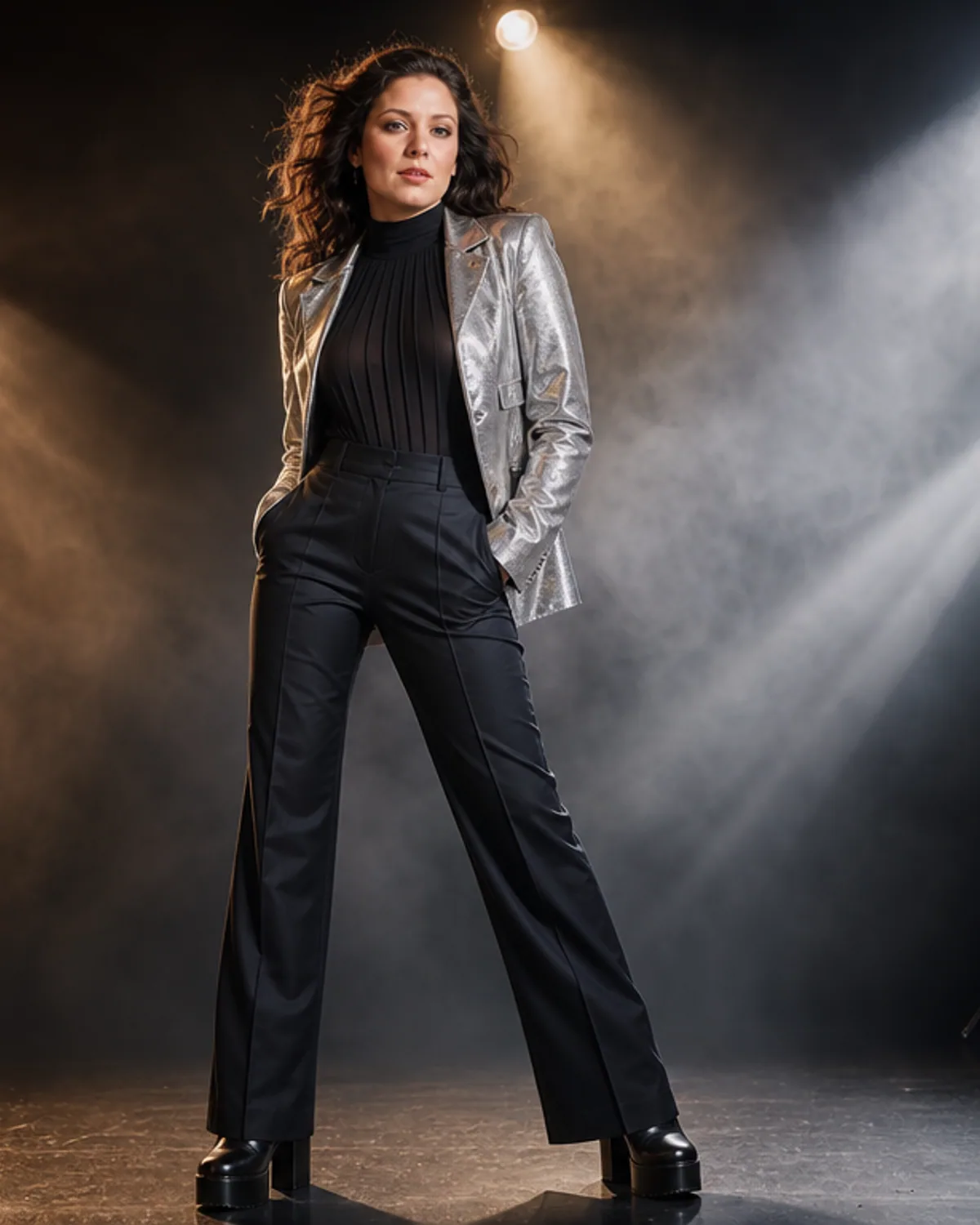
Upload a clear adult photo and describe the kind of music-fashion energy you want. The rockstar filter can add a structured jacket, layered shirt, metallic accents, boots, stage lighting, and a performance setting without asking the model to imitate a real performer. Focus on outfit language rather than a celebrity name. Color, silhouette, material, decade influence, venue scale, and lighting provide enough information for an original portrait.
Move Between Glam, Indie, and Arena Styling
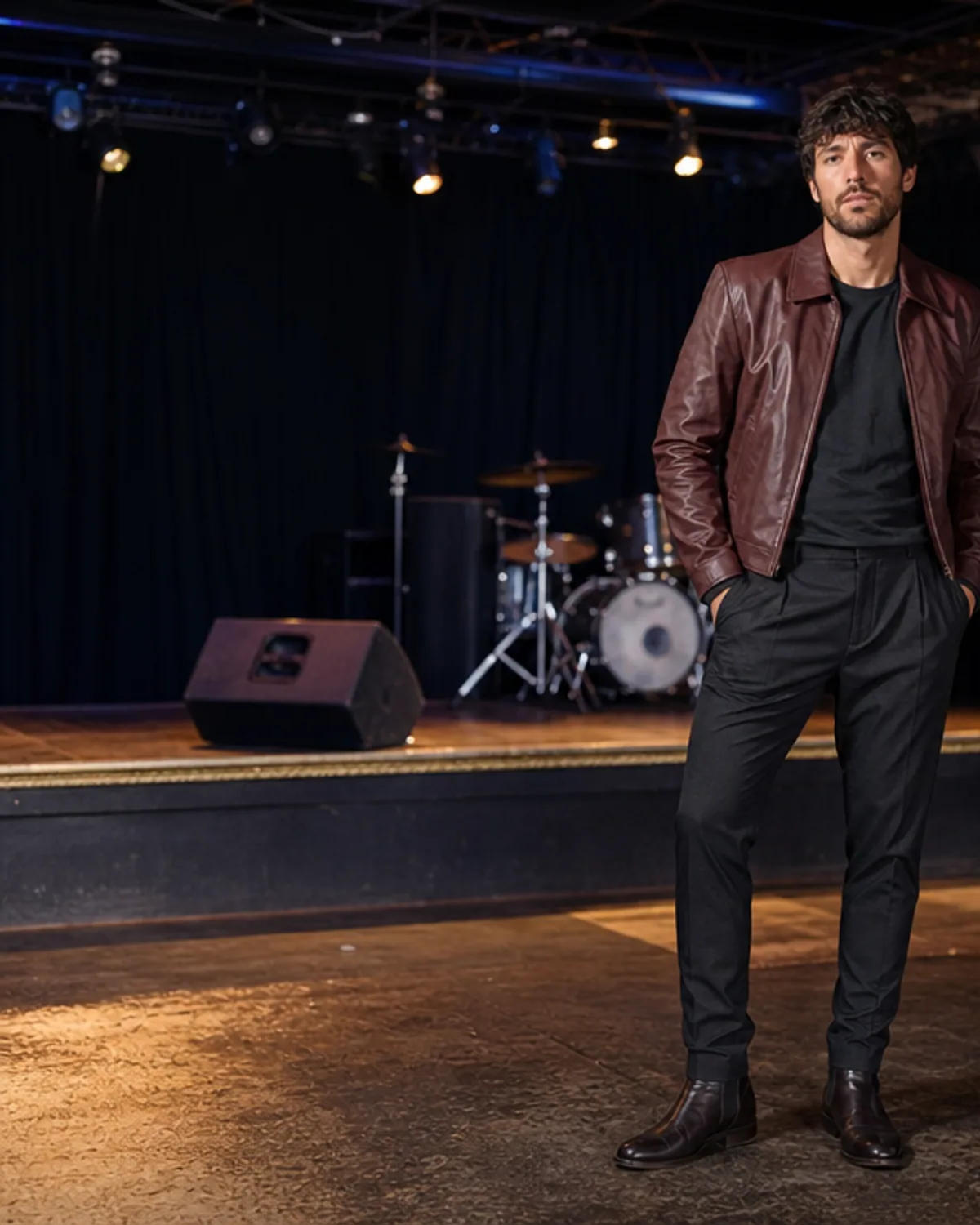
A glam direction might use a fitted jacket, reflective texture, bold boots, and bright colored light. Indie styling can feel more relaxed, with layered dark clothing, worn denim, and a smaller venue. An arena portrait can use a stronger silhouette and a wider stage atmosphere. Choose one direction per generation. Mixing several eras, genres, and costume ideas often creates an incoherent result and can accidentally resemble a known artist.
Let Clothing and Lighting Carry the Performance Mood
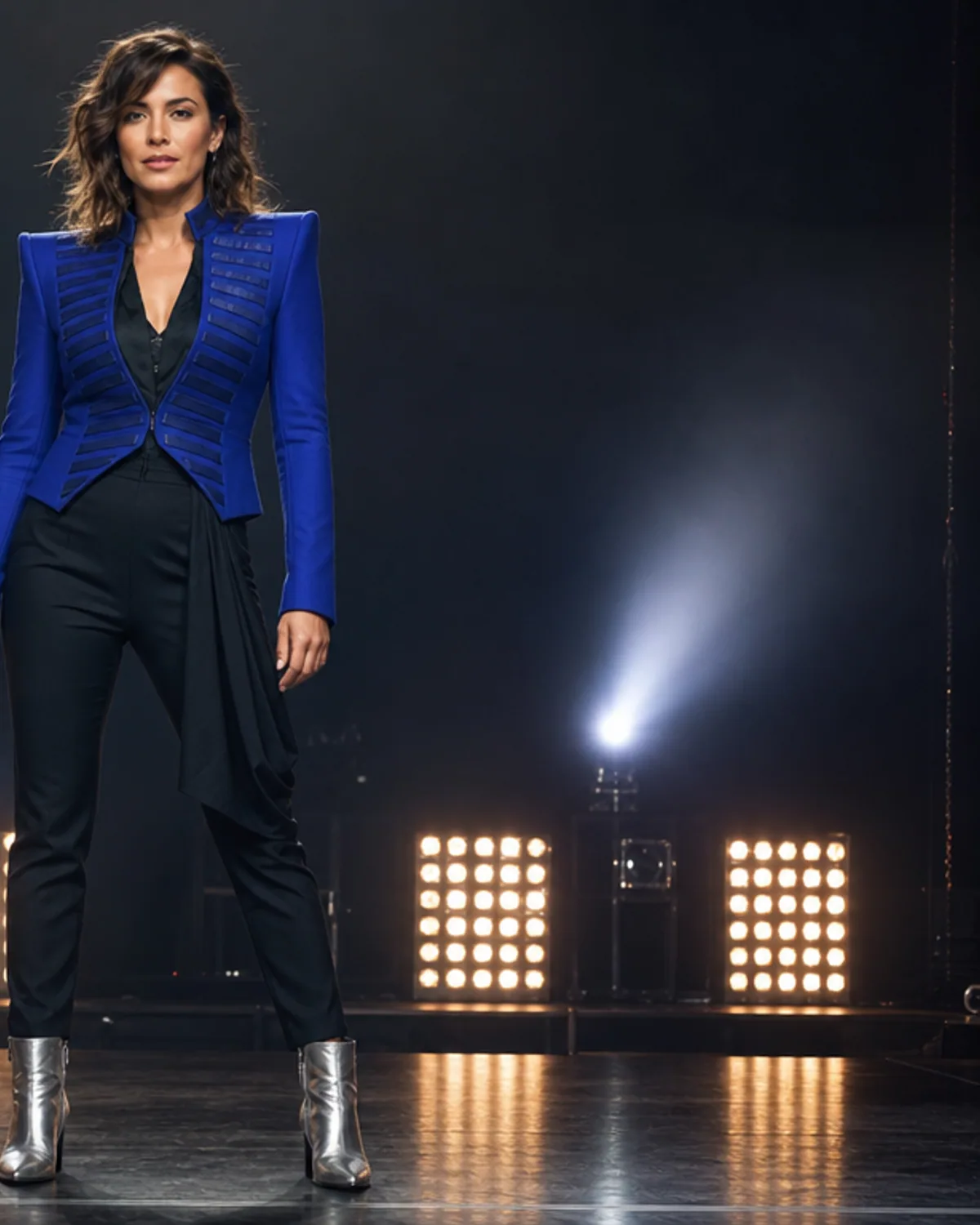
The page is designed around fashion transformation, not celebrity cloning. It does not need a recognizable public figure, copied signature outfit, brand logo, or famous venue to create a convincing stage portrait. Review hands, jacket edges, footwear, jewelry, facial consistency, and background text. Regenerate if the result includes an unwanted logo, name, instrument distortion, or close resemblance to a public figure.
Rockstar Filter stage-fashion directions to try
Create This Rockstar Look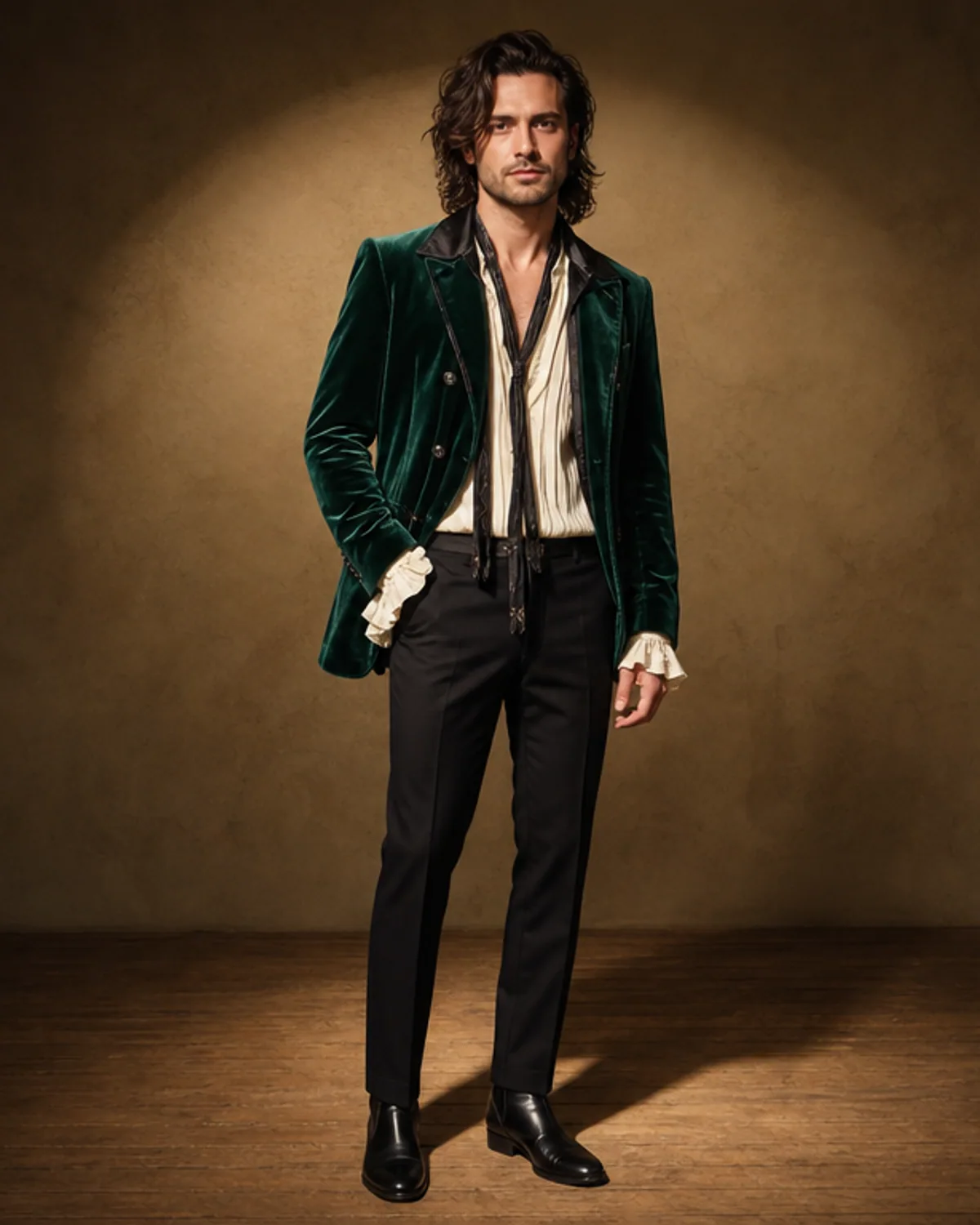
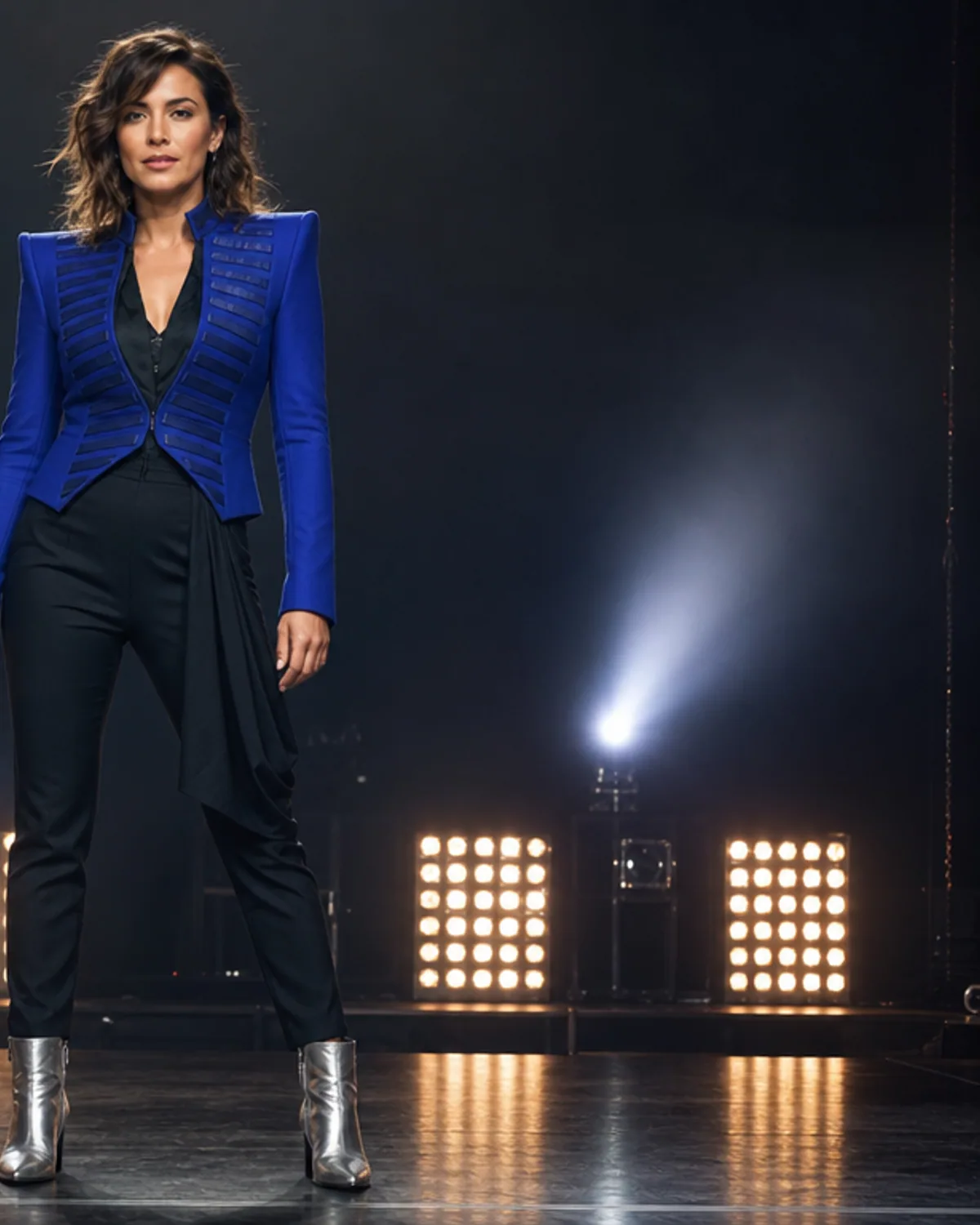
Modern Glam Stage Look
A fitted black jacket, subtle silver texture, dark trousers, and statement boots under bold stage light.
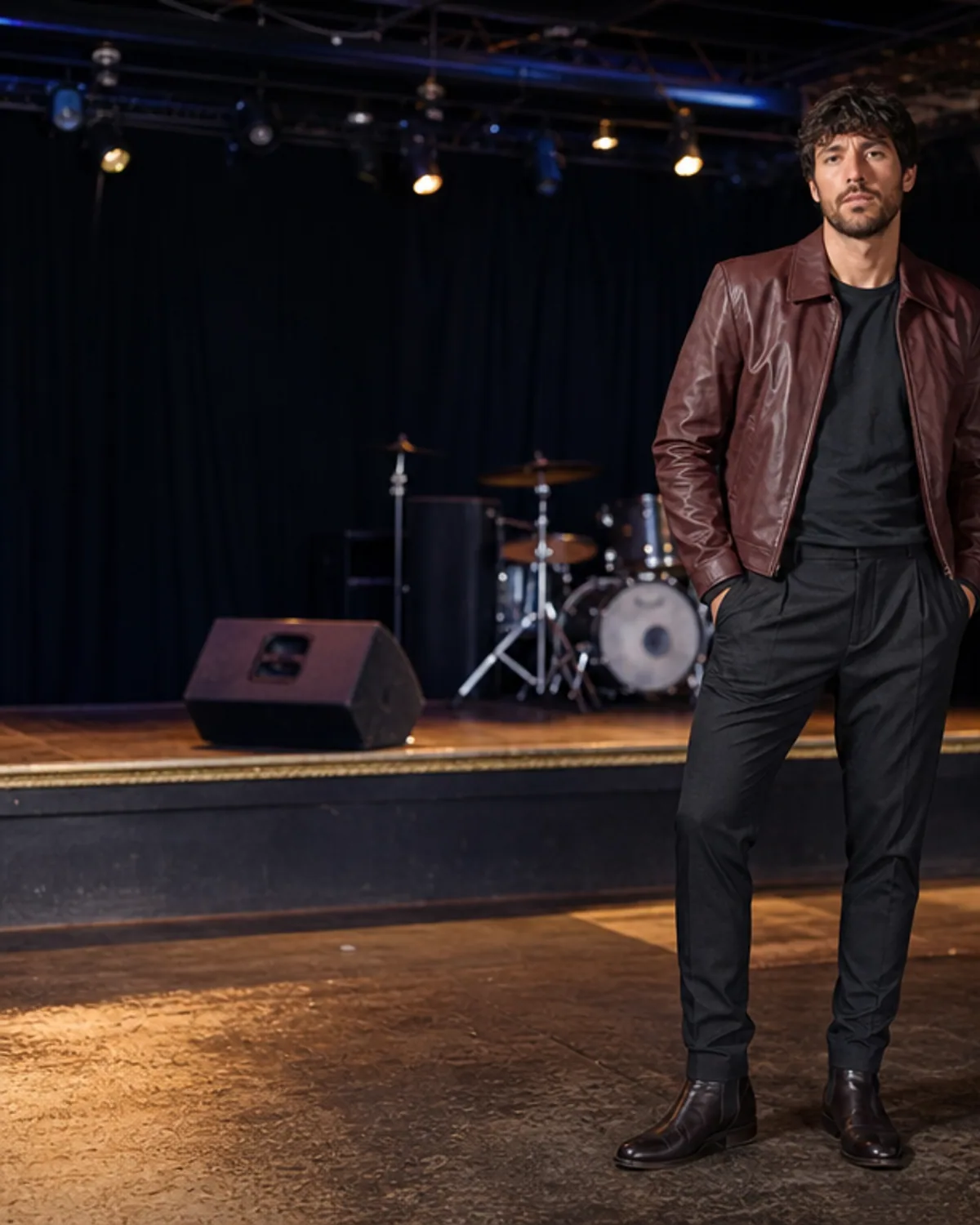
Indie Club Portrait
Relaxed layered fashion, black denim, and worn-in boots in a smaller unbranded music setting.
Stadium-Ready Jacket
A structured deep-red jacket and tailored dark outfit create a strong stage silhouette with restrained detail.
More tools to use
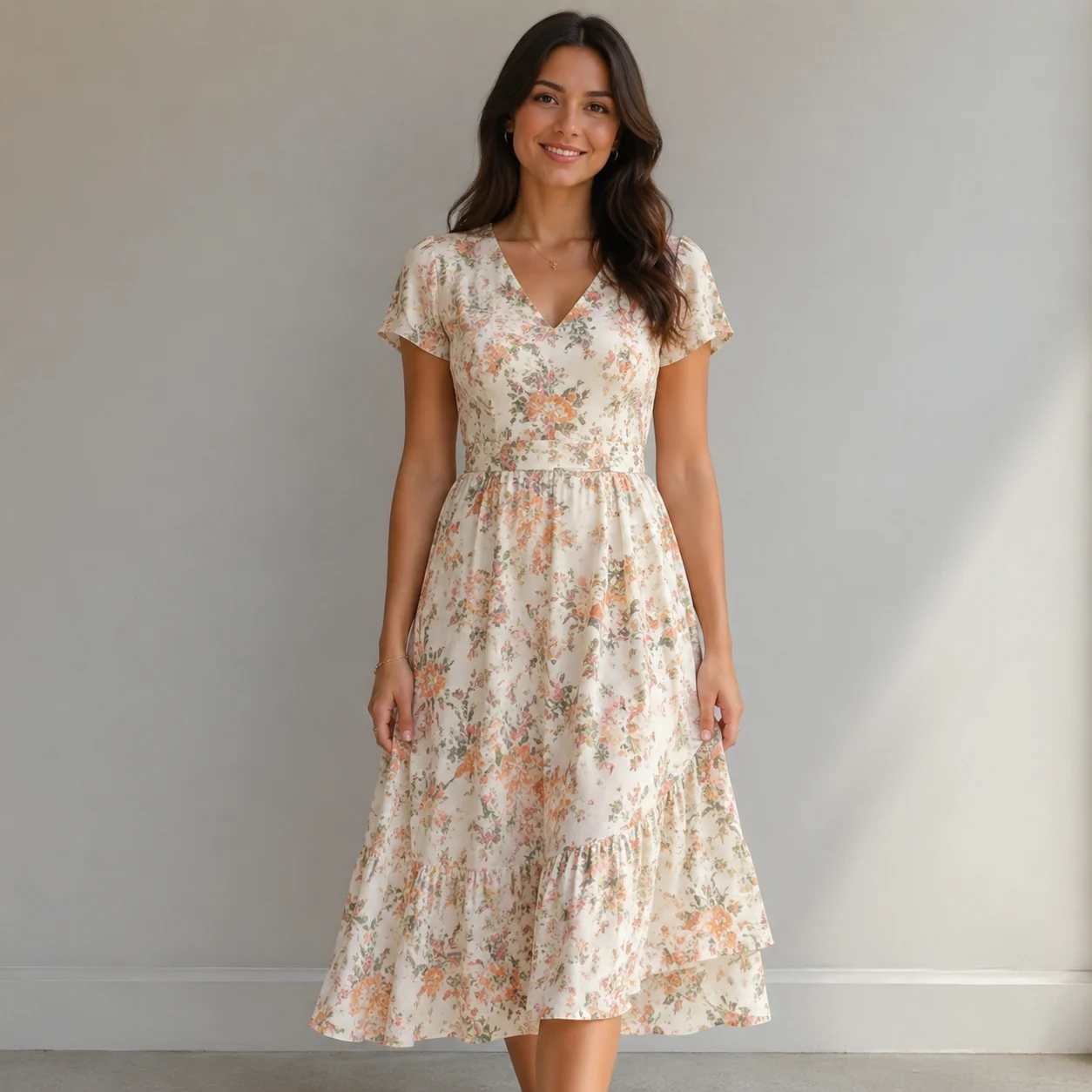
Explore more AI try on and outfit tools — each opens the same studio on your own photo.
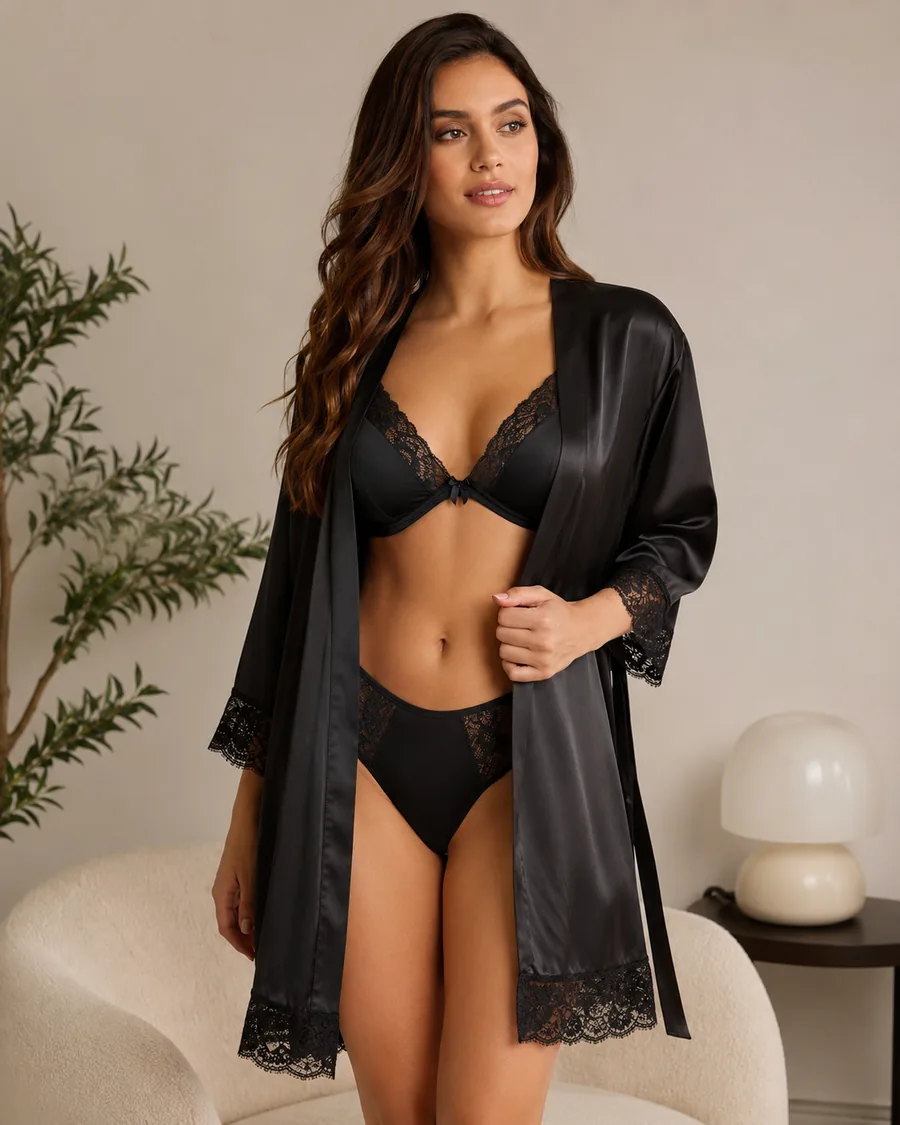
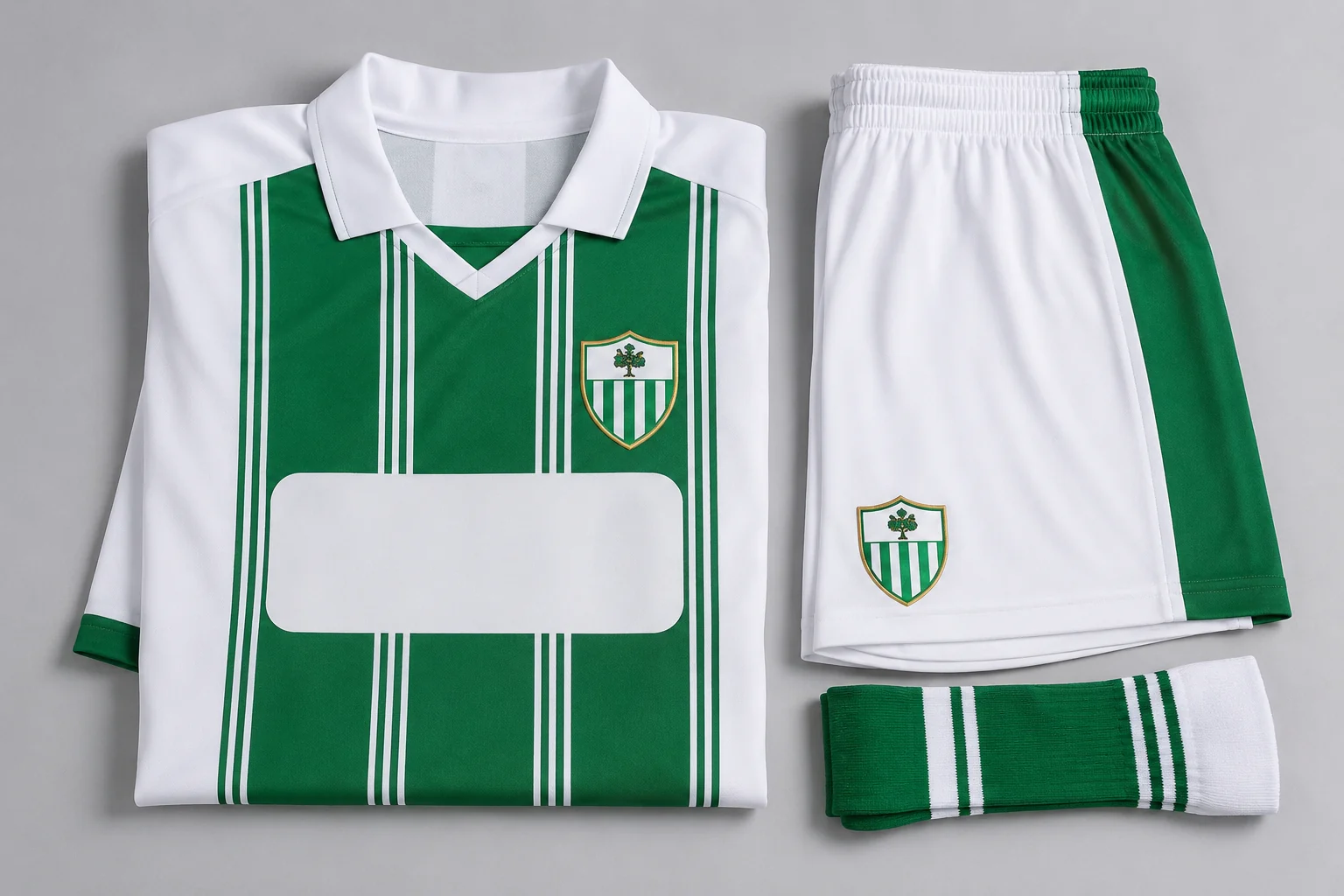
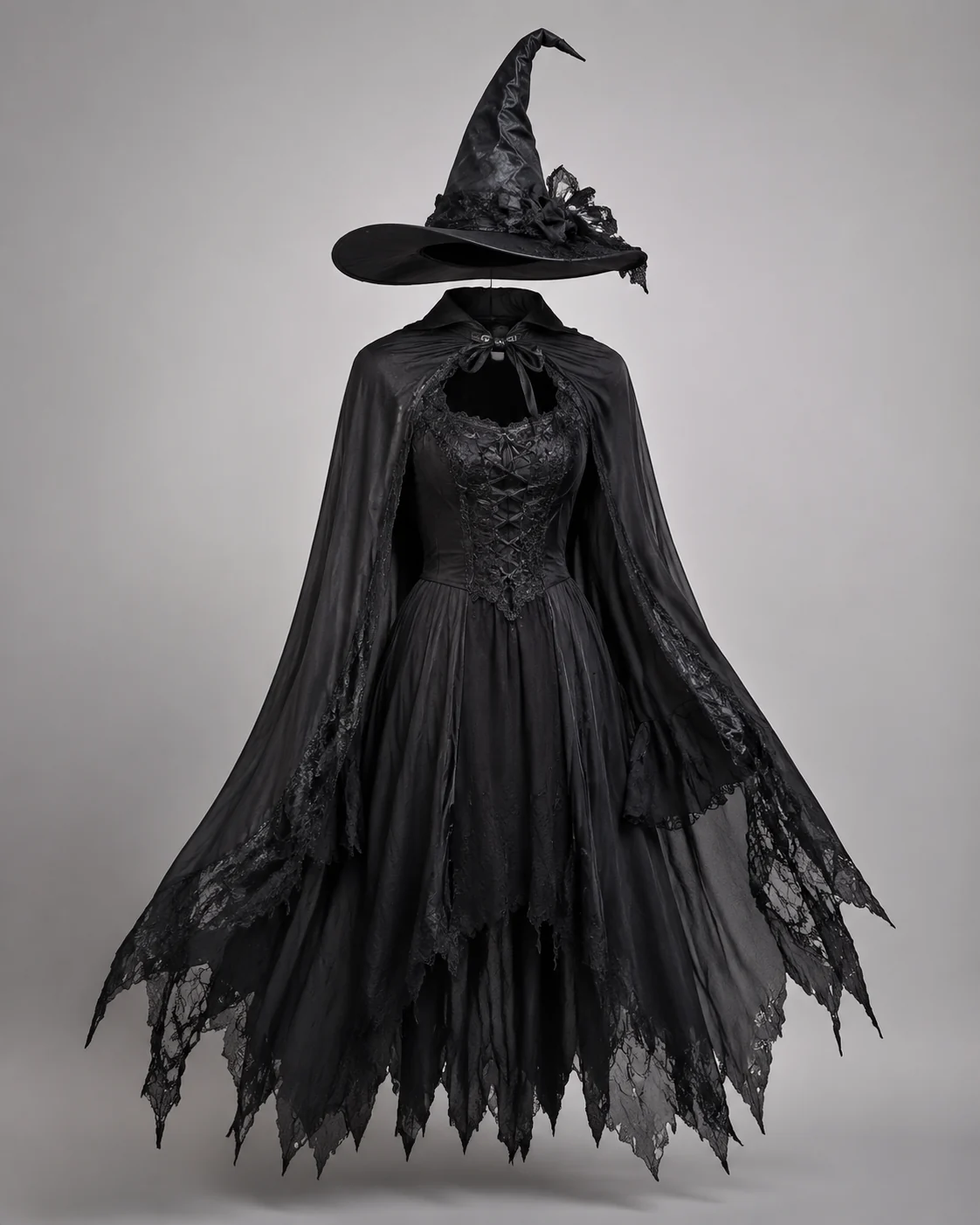
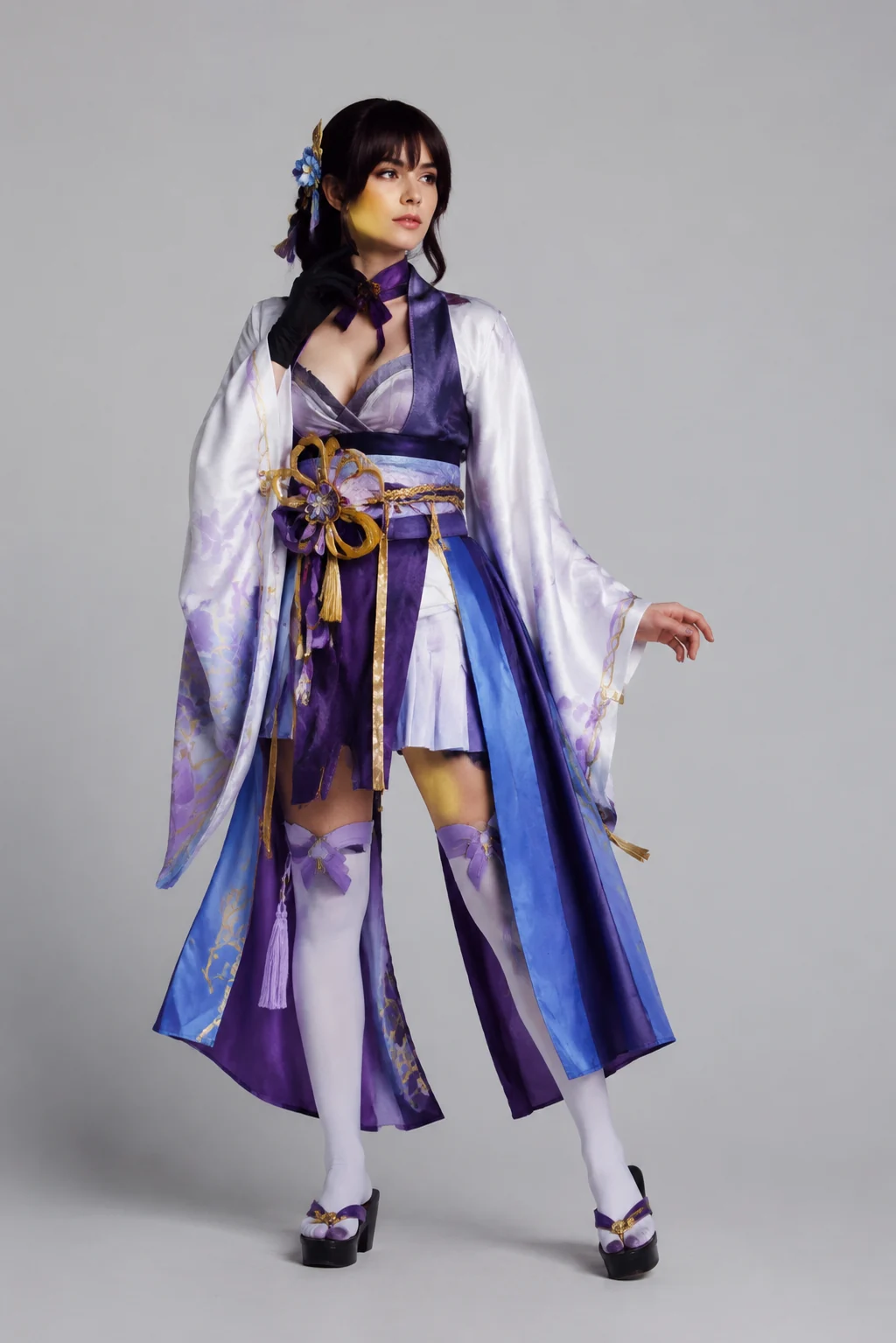
How to Use the Rockstar Filter
Upload an Adult Photo
Use a clear three-quarter or full-body image with visible clothing and a recognizable face.
Choose an Original Stage Style
Describe glam, indie, or arena fashion through color, silhouette, material, and lighting rather than a performer name.
Generate and Inspect the Portrait
Check identity, jacket edges, hands, footwear, jewelry, background text, and accidental resemblance before sharing.
Start free. Go yearly — pay half.
More credits than a full year of monthly — for less than half the price.
Starter
Free foreverWatermarked results for free accounts · First-day free credits added automatically · Come back tomorrow for another 10 credits · Sign-in required before generation (10 per eligible daily Claim)
Monthly
Flexible month-to-month. Cancel anytime.
- 750 credits every month
- ≈ 75 swaps / month
- Without watermark — permanent for this account after any payment (unless every payment is refunded)
- Ad-free after any payment — permanent for this signed-in account unless every payment is refunded
- Studio Quality: image editing, up to 6 images, and precise results that better preserve faces, garments, and details
- Priority Generation sends every swap to the Priority queue whenever your paid account has credits
- Commercial use license
Yearly
$179.80 $89.90 first year, billed annually
More credits than 12 months — for $150 less.
- 10,000 credits up front for the year
- 1,000 more than 12× monthly + save $150
- Without watermark — permanent for this account after any payment (unless every payment is refunded)
- Ad-free after any payment — permanent for this signed-in account unless every payment is refunded
- Studio Quality: image editing, up to 6 images, and precise results that better preserve faces, garments, and details
- Priority Generation sends every swap to the Priority queue whenever your paid account has credits
- Commercial use license
≈ 1,000 swaps a year. Renews at $179.80/yr — cancel anytime.
One-time credit packs
No subscription. Credits never expire and work across every quality level. Studio Quality: image editing, up to 6 images, and precise results that better preserve faces, garments, and details. Priority Generation sends every swap to the Priority queue whenever your paid account has credits. Without watermark — permanent for this account after any payment (unless every payment is refunded). Ad-free after any payment — permanent for this signed-in account unless every payment is refunded.
150 Credits
Quick top-up≈ 15 outfit swaps
Studio Quality: image editing, up to 6 images, and precise results that better preserve faces, garments, and details
Without watermark — permanent for this account after any payment (unless every payment is refunded)
Ad-free after any payment — permanent for this signed-in account unless every payment is refunded
400 Credits
≈ 40 outfit swaps
Studio Quality: image editing, up to 6 images, and precise results that better preserve faces, garments, and details
Without watermark — permanent for this account after any payment (unless every payment is refunded)
Ad-free after any payment — permanent for this signed-in account unless every payment is refunded
1,000 Credits
≈ 100 outfit swaps
Studio Quality: image editing, up to 6 images, and precise results that better preserve faces, garments, and details
Without watermark — permanent for this account after any payment (unless every payment is refunded)
Ad-free after any payment — permanent for this signed-in account unless every payment is refunded
2,000 Credits
≈ 200 outfit swaps
Studio Quality: image editing, up to 6 images, and precise results that better preserve faces, garments, and details
Without watermark — permanent for this account after any payment (unless every payment is refunded)
Ad-free after any payment — permanent for this signed-in account unless every payment is refunded
Prices in USD. Yearly renews annually; credit packs are one-time. Cancel anytime via the billing portal.
Create a stage-fashion portrait with the Rockstar Filter
⌄
A rockstar filter turns an adult portrait into an original stage-fashion concept. The transformation is built from clothing and atmosphere: jackets, layered shirts, denim, boots, metallic detail, colored light, and an unbranded performance setting. These elements can create a strong music-inspired image without copying a celebrity.
Start with one creative direction. Glam styling benefits from fitted shapes, reflective texture, bold footwear, and high-contrast light. An indie portrait can use softer layers, worn fabric, and a smaller venue. A stadium look can use a stronger jacket silhouette and wider lighting while keeping details controlled.
Avoid performer names, signature costumes, album imagery, band logos, and recognizable stage branding. The goal is to make the uploaded adult subject look like themselves in a new outfit, not to turn them into someone else. Original prompts also reduce the chance that the result will be confused with official artist material.
After using the AIClothSwap rockstar filter, review the face, hands, garment edges, jewelry, footwear, and background. AI-generated signs and instruments can distort, so remove them from the prompt when they are not essential. Regenerate any result that includes an unwanted name, logo, or public-figure resemblance.
Rockstar Filter: Common Questions
It can transform the visible clothing, lighting, and setting of an adult photo to create an original stage-fashion portrait while trying to preserve the person's identity and pose.