
AI Outfit Generator
AI Outfit Generator
Describe the outfit you want — or upload the pieces — and the AI outfit generator builds the whole look on your own photo in about a minute.
A free AI outfit generator that assembles a head-to-toe look on your real photo. Add the pieces — or a whole reference outfit — and every piece lands on you while your face, body shape, pose, and background stay exactly as they are.
Free to try after signing in — eligible new accounts receive free first-day credits automatically. Come back tomorrow for another 10. No card required. Adults only (18+).
Create your try-on
Add a person photo, then describe or upload the look.
1 · Add your photos
Describe the look (we pre-filled an example you can edit), or add a reference photo above.
Try 2 free 1K results with a watermark. Sign in for 20 Standard credits and watermark-free results.
Verify you are human to enable Generate.
Complete the secure check below.
Stop guessing how the whole outfit comes together
A single piece is easy to picture. The full outfit is the hard part — does that jacket sit right over that top, do the shoes pull it together, does the whole thing actually suit you? With an AI outfit generator you put every piece on yourself at once and find out before you commit.
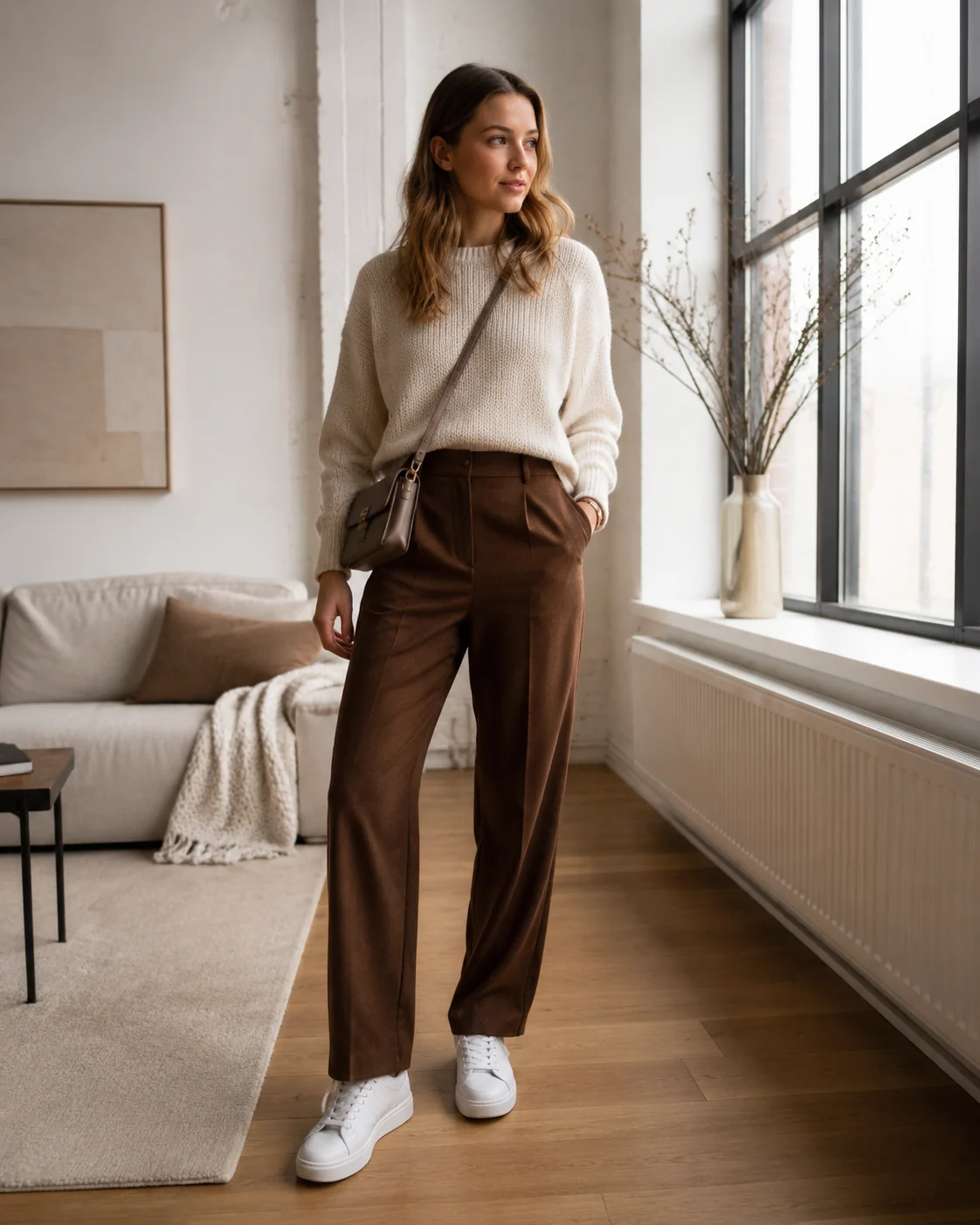
Layer real pieces into one look
Add each garment in turn — top, bottom, outerwear, footwear, even a hat or bag — and they stack into a single coherent outfit on your photo. No flat lay, no imagination required. You see the styled result on your own body, not a model's.
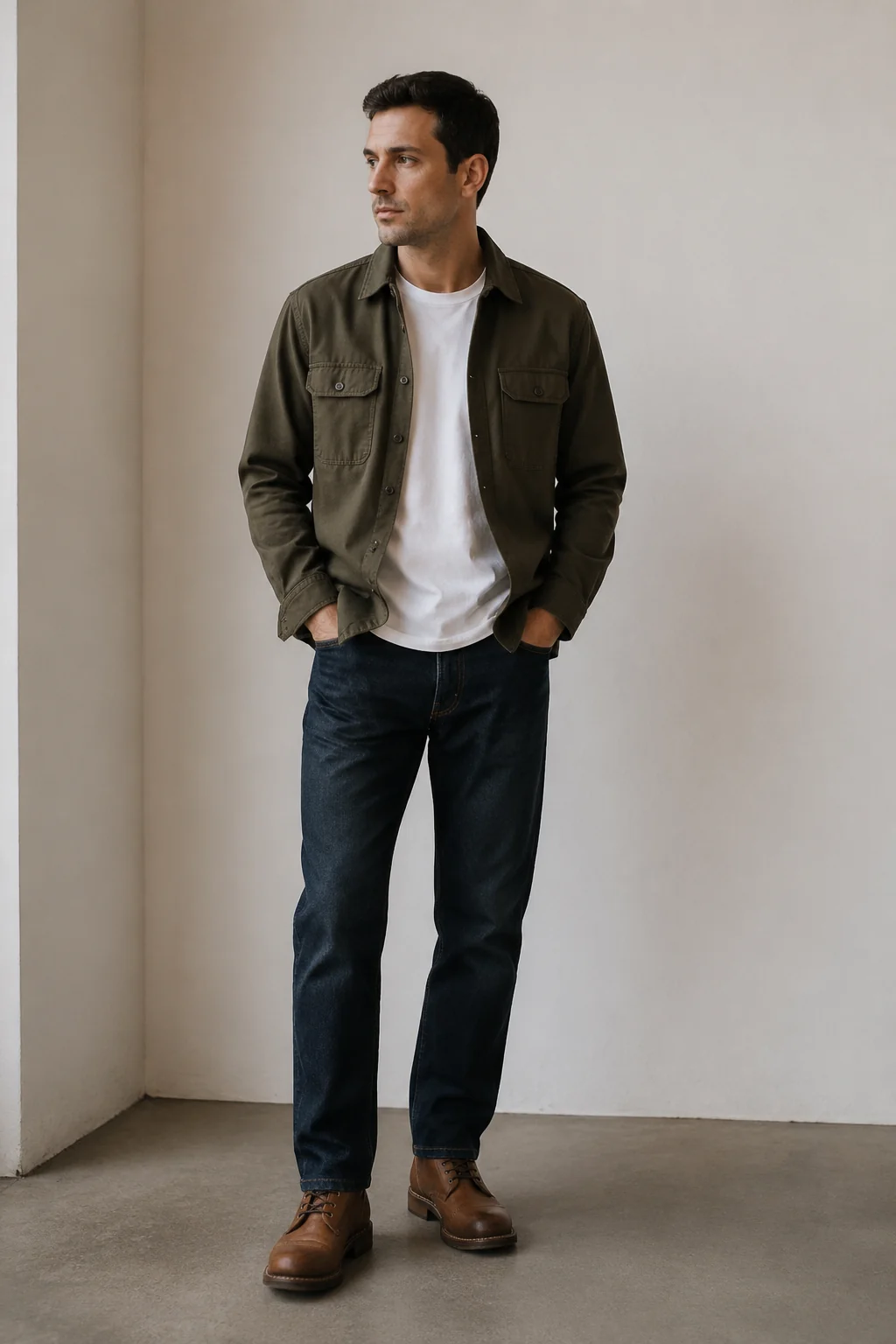
Recreate a look you saved
Have a screenshot of an outfit you love? Drop the reference image in and the styling gets rebuilt on you. Each piece is read from the look and placed on your frame, with your lighting and pose left untouched.
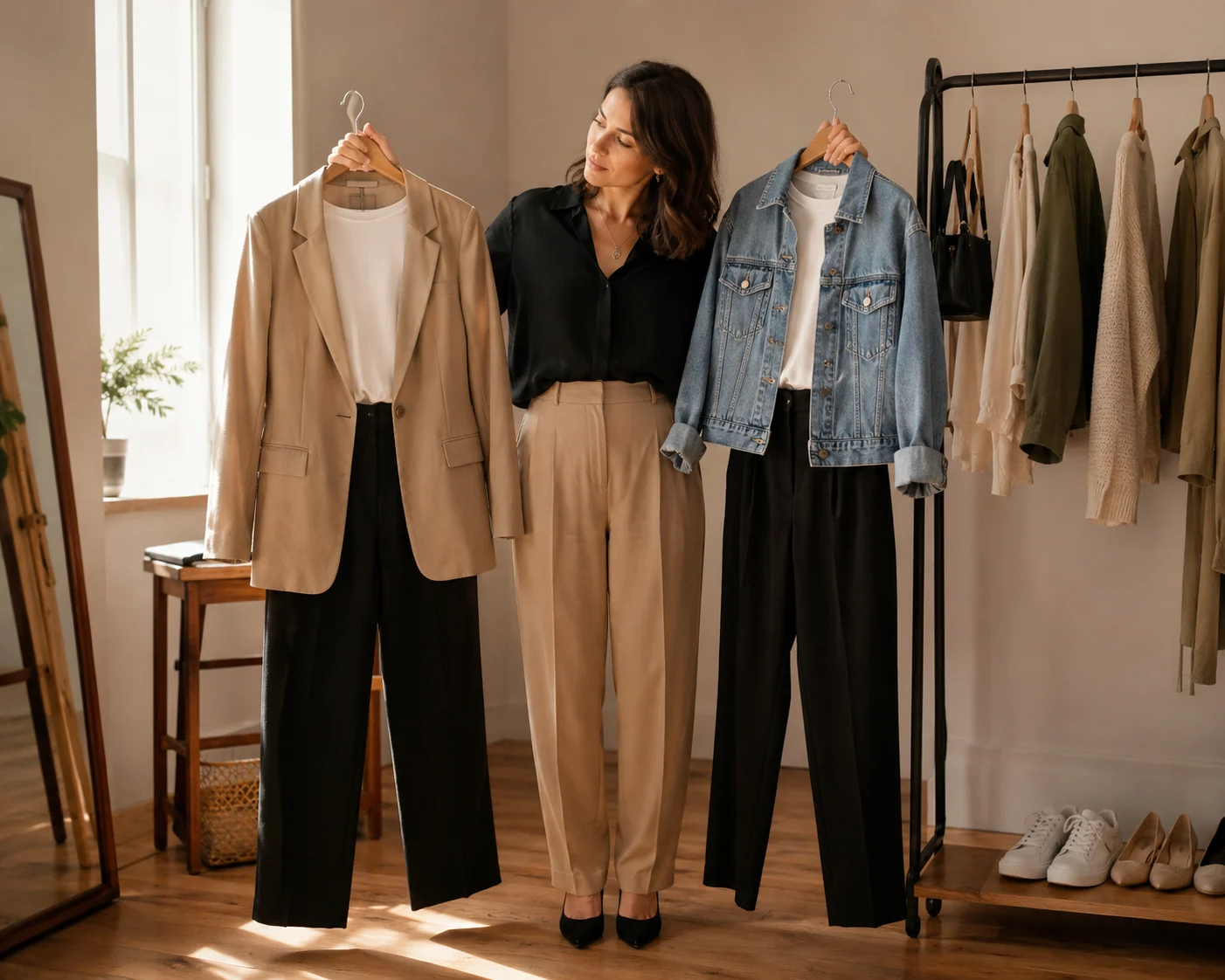
Mix, compare, then decide
Run one combination, swap the shoes, change the jacket, run it again. Lining up versions of a full look makes the call obvious — what to wear tonight, or what to actually keep in your cart.
Looks our AI styles well
Build Your Outfit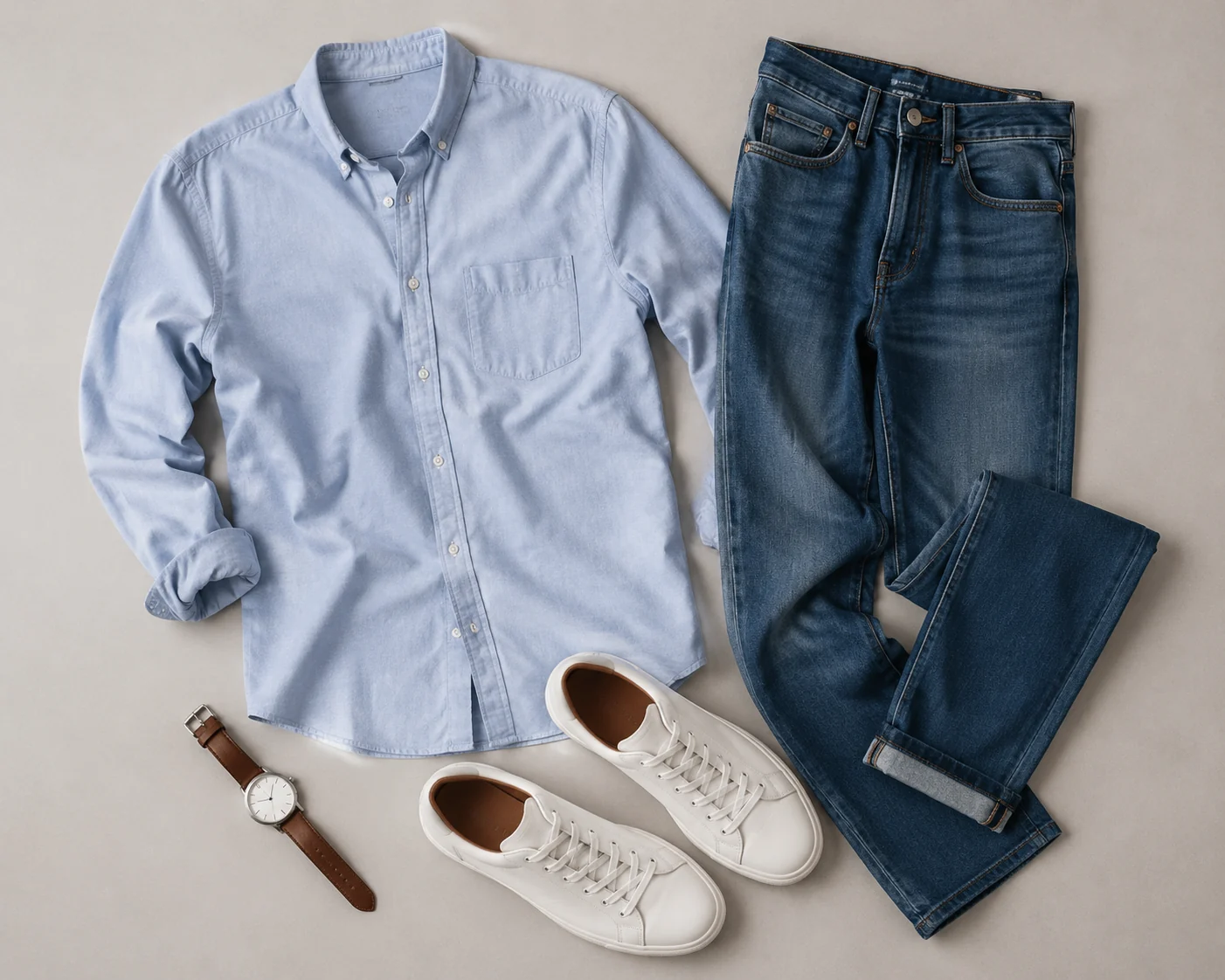
Smart-casual everyday
Layered tops, denim, a clean jacket and sneakers. The AI keeps the proportions believable, so the everyday combination reads natural on your body.
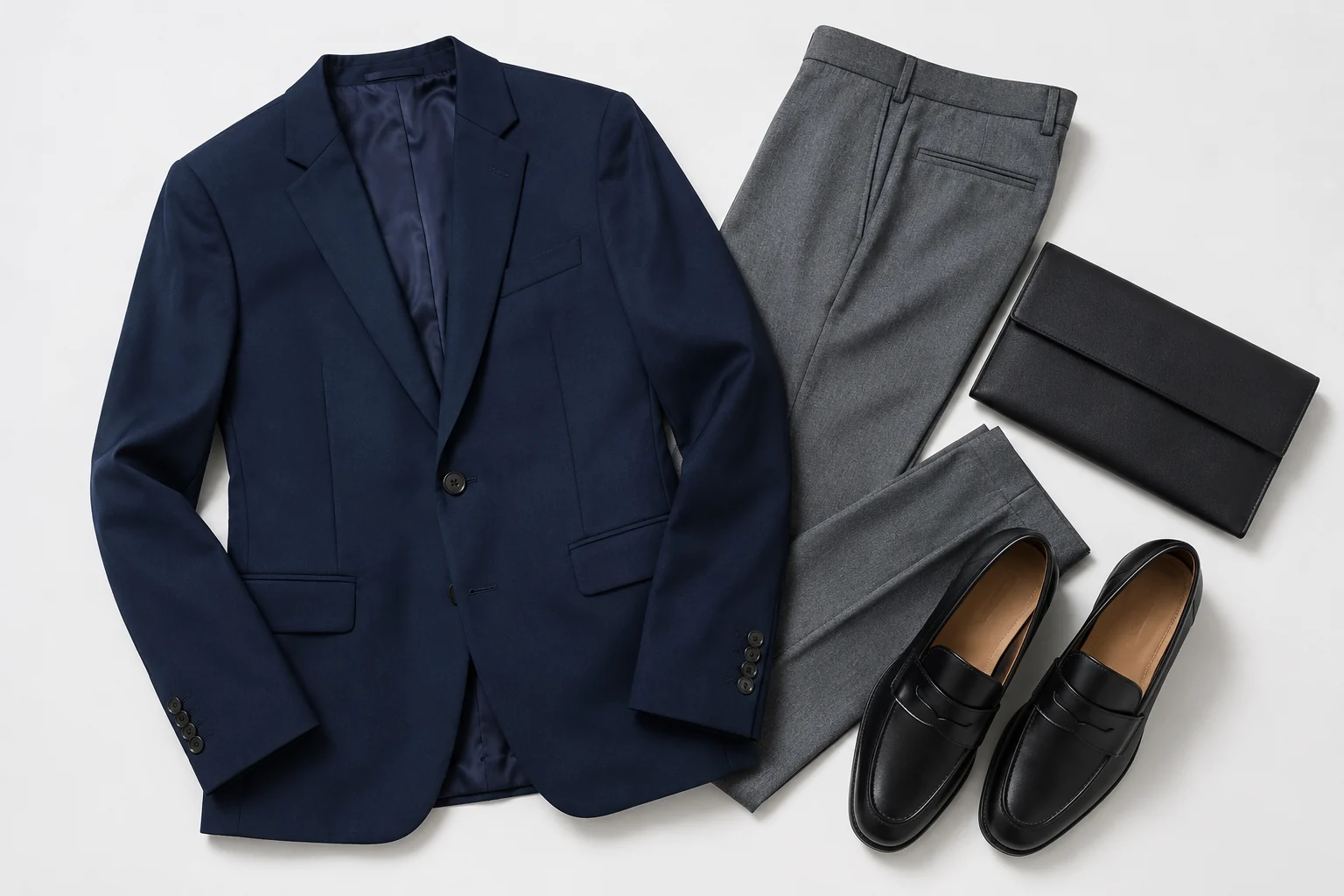
Tailored and dressed-up
Blazers, trousers, heeled shoes and structured bags layer cleanly, so you can judge how a polished outfit hangs and fits before an event.
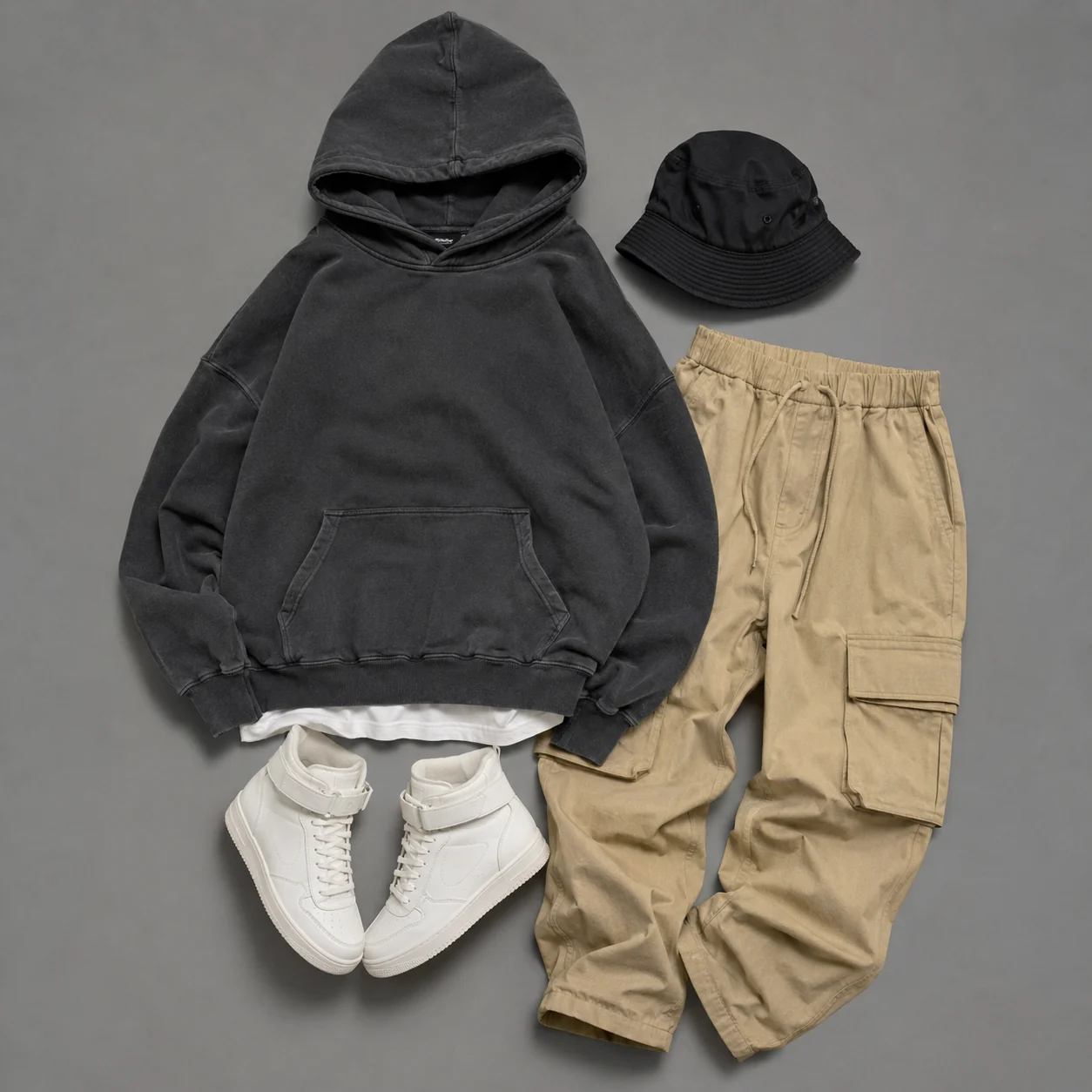
Streetwear and layered fits
Hoodies, overshirts, cargo pants and chunky shoes stack into one fit, with every layer staying readable on your photo.
More tools to use
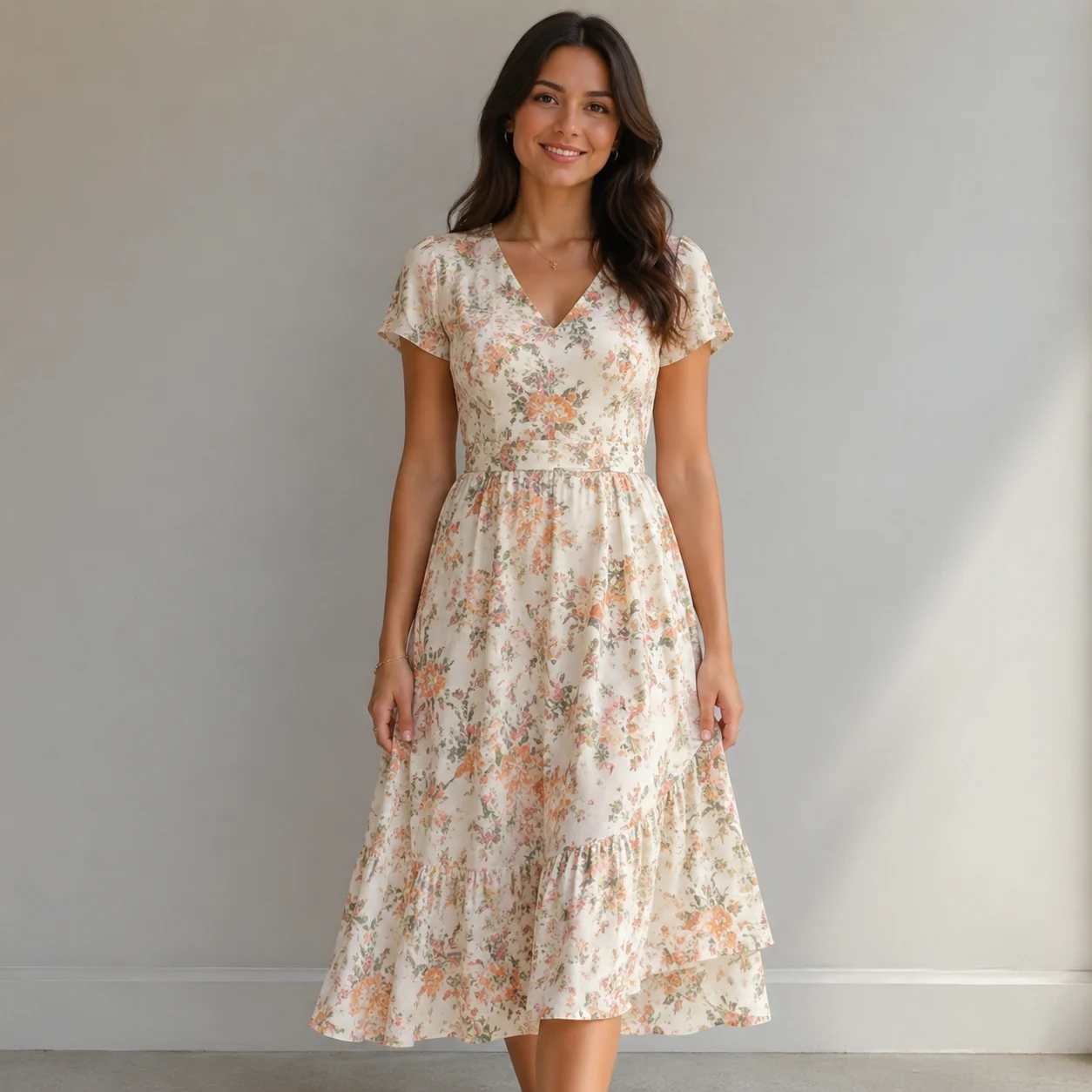
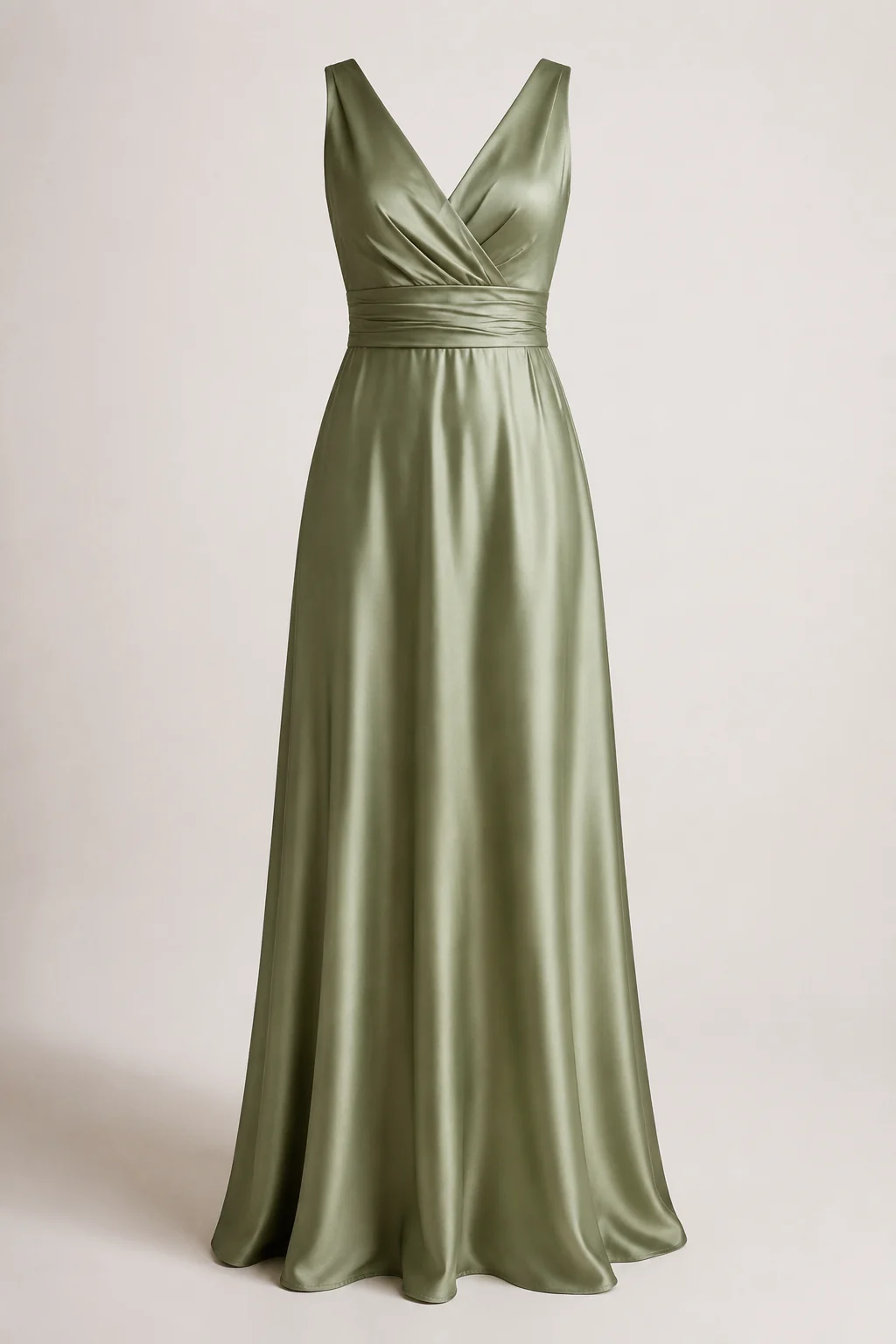
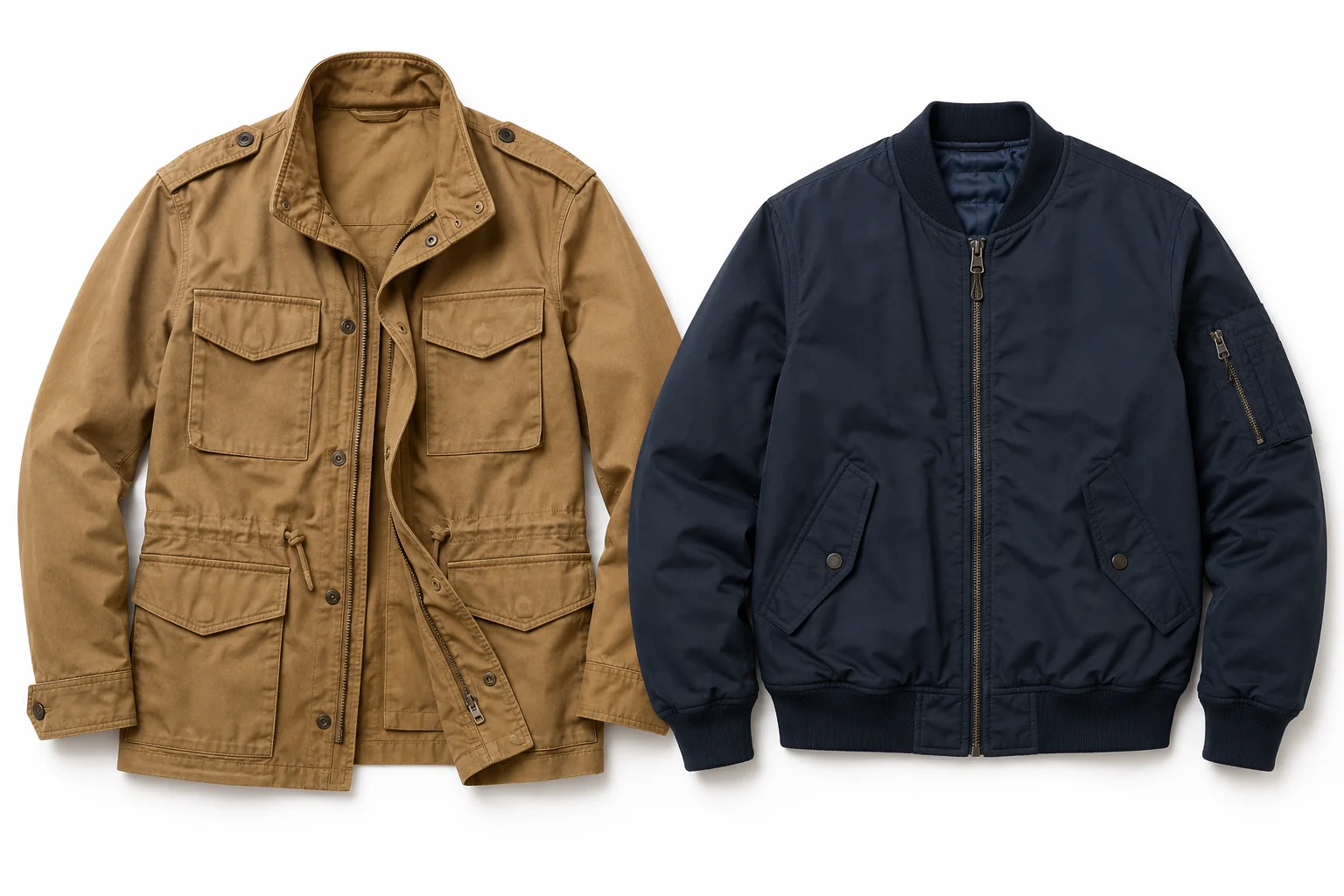
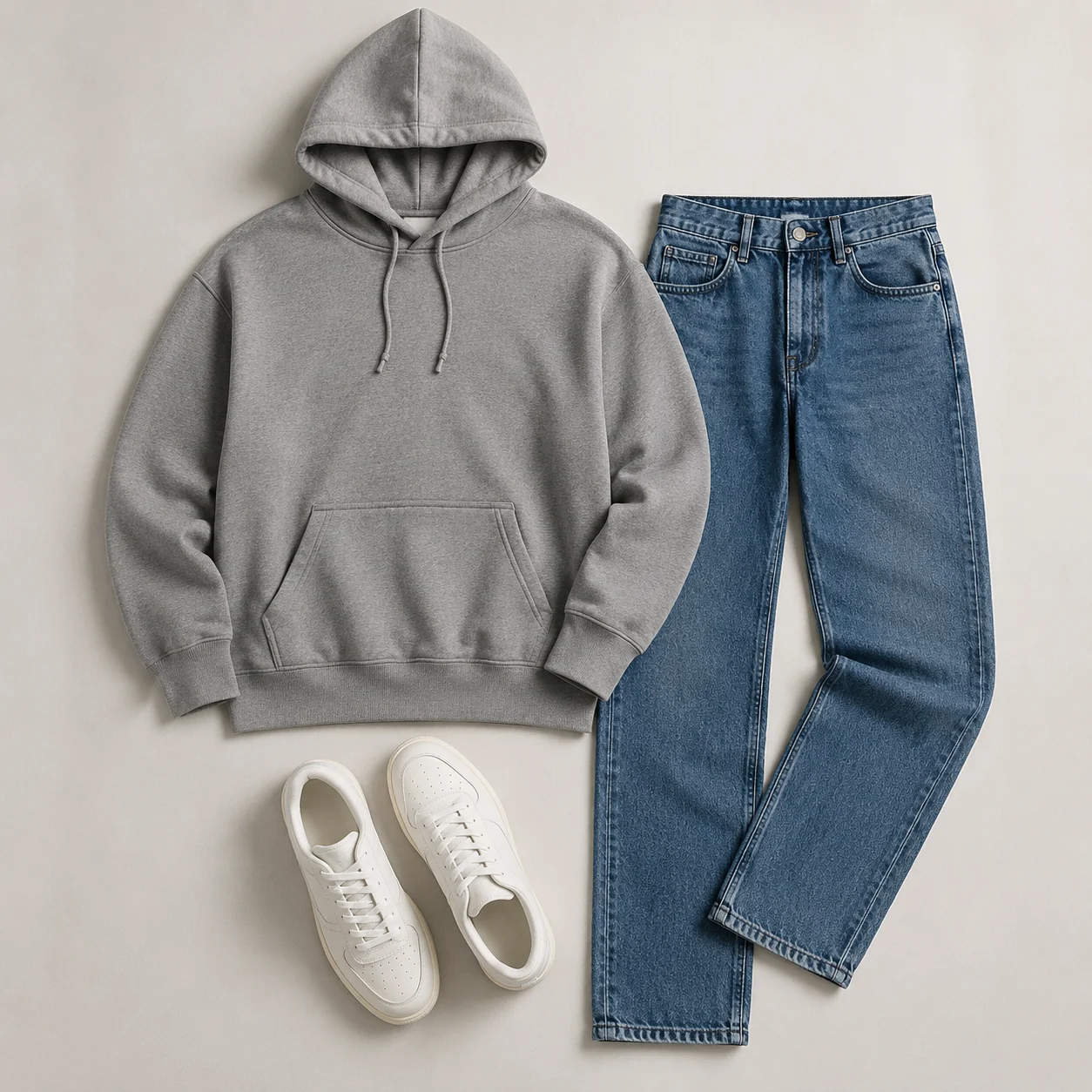
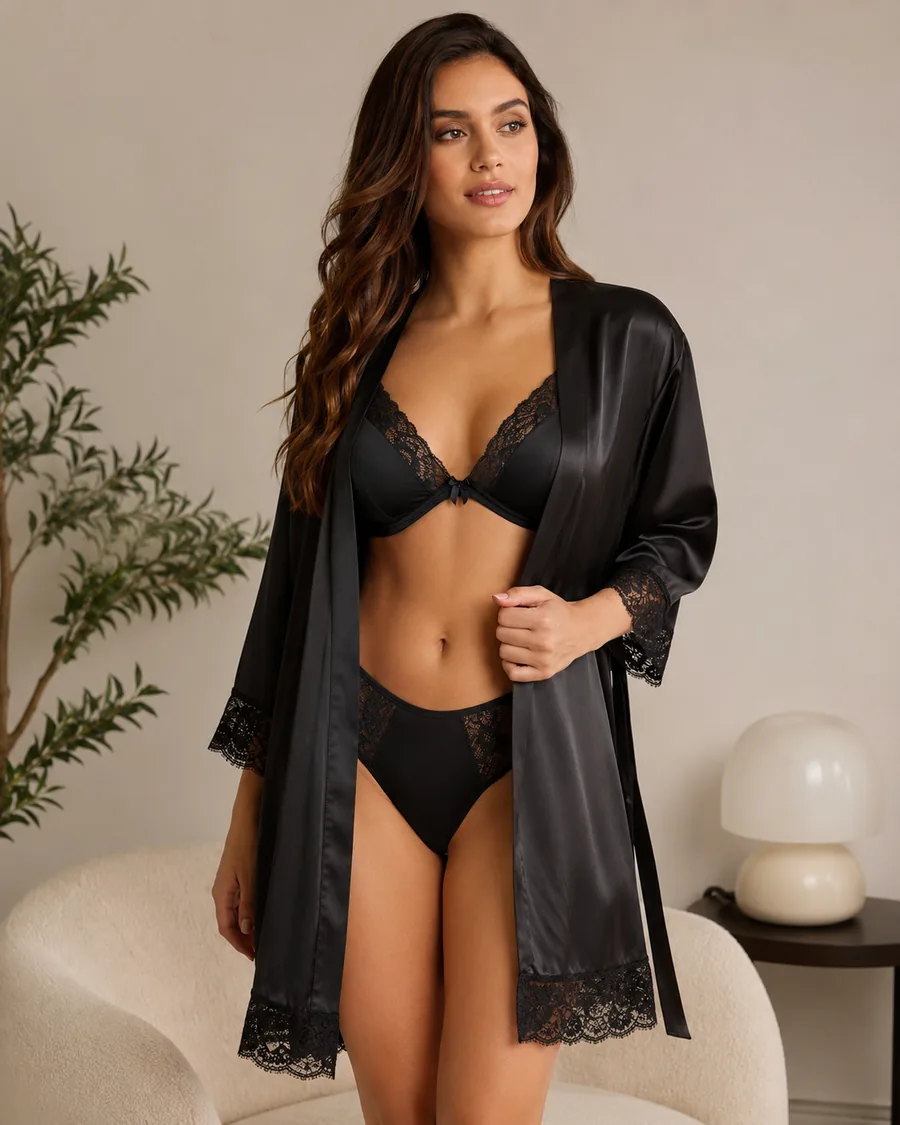
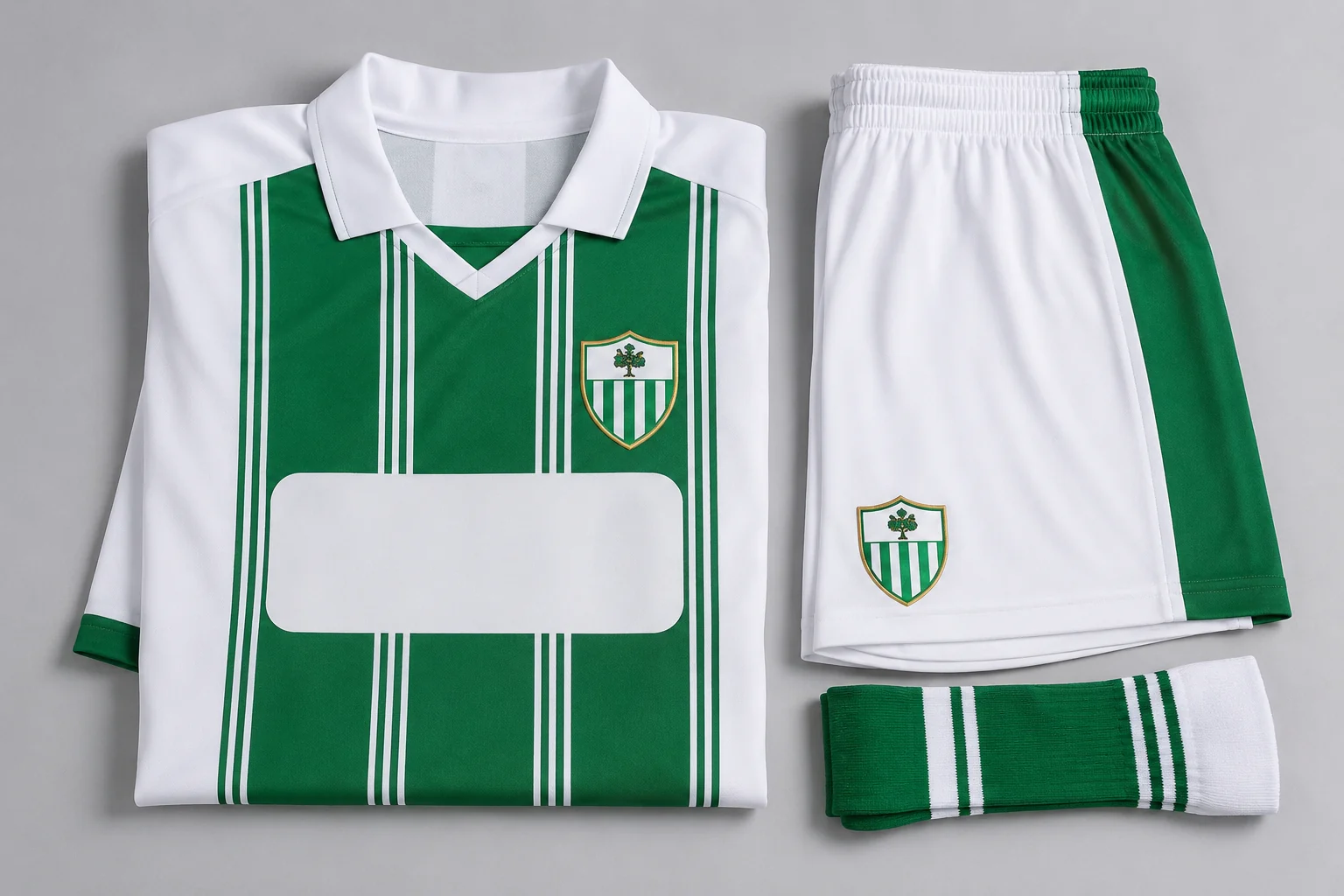
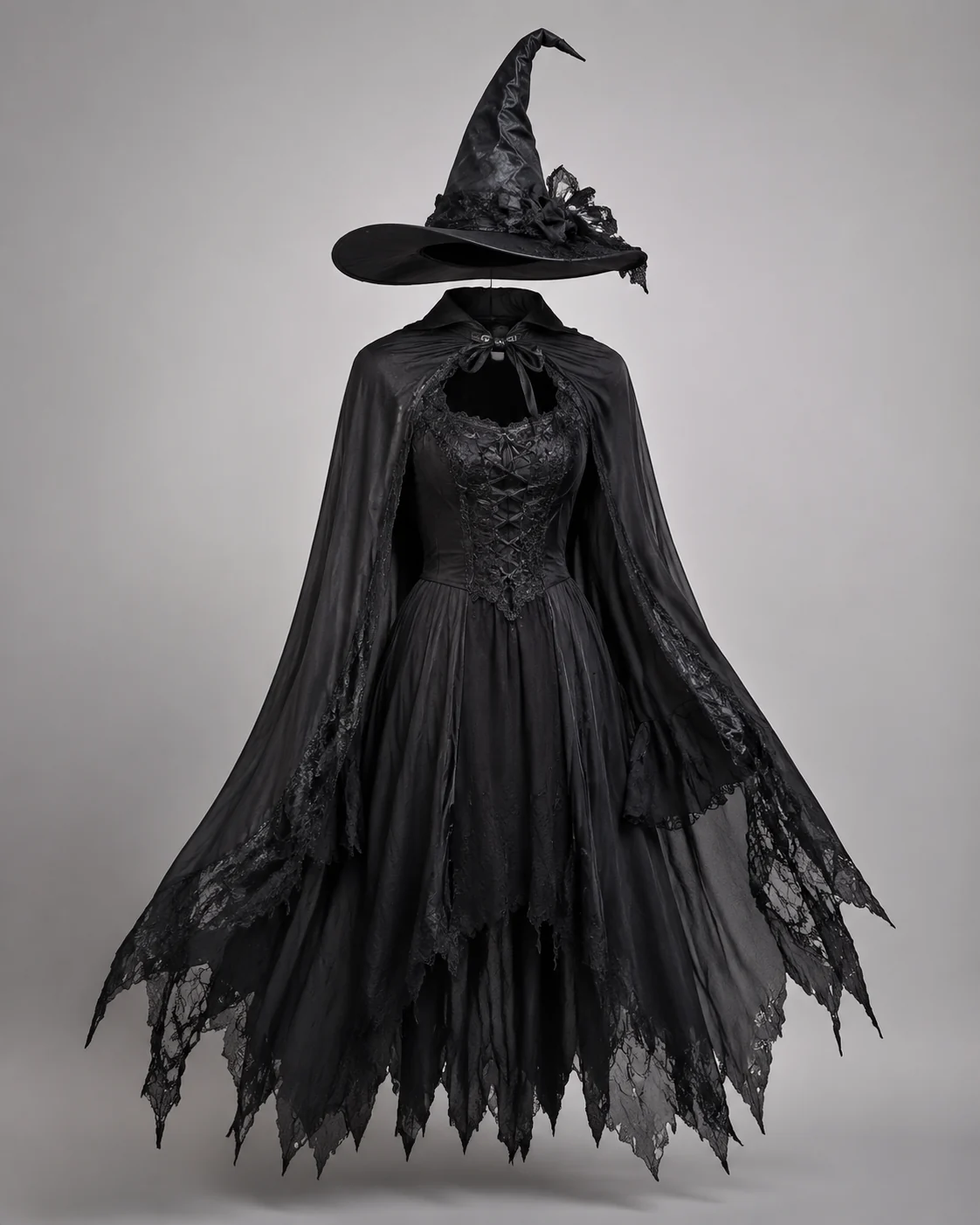
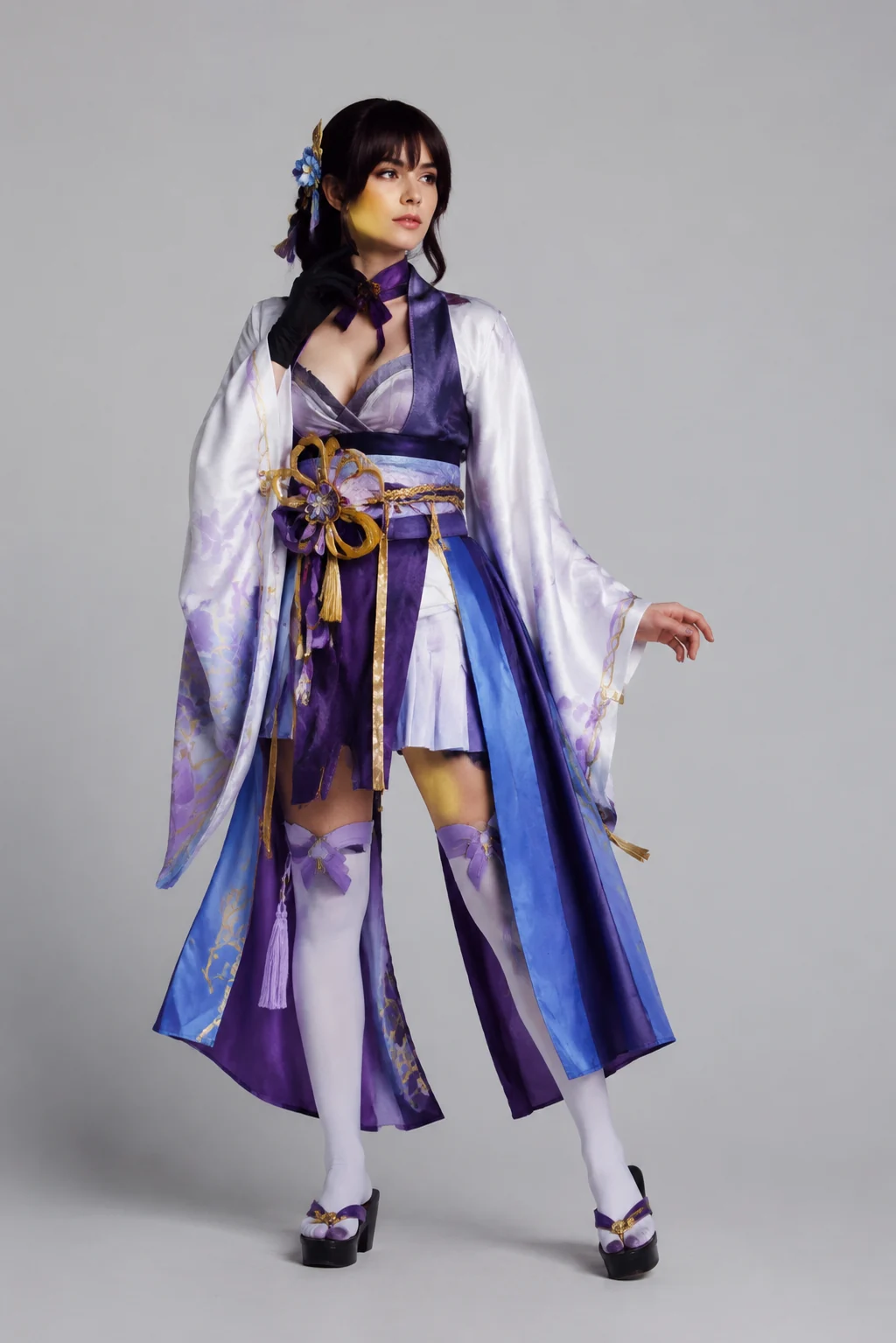
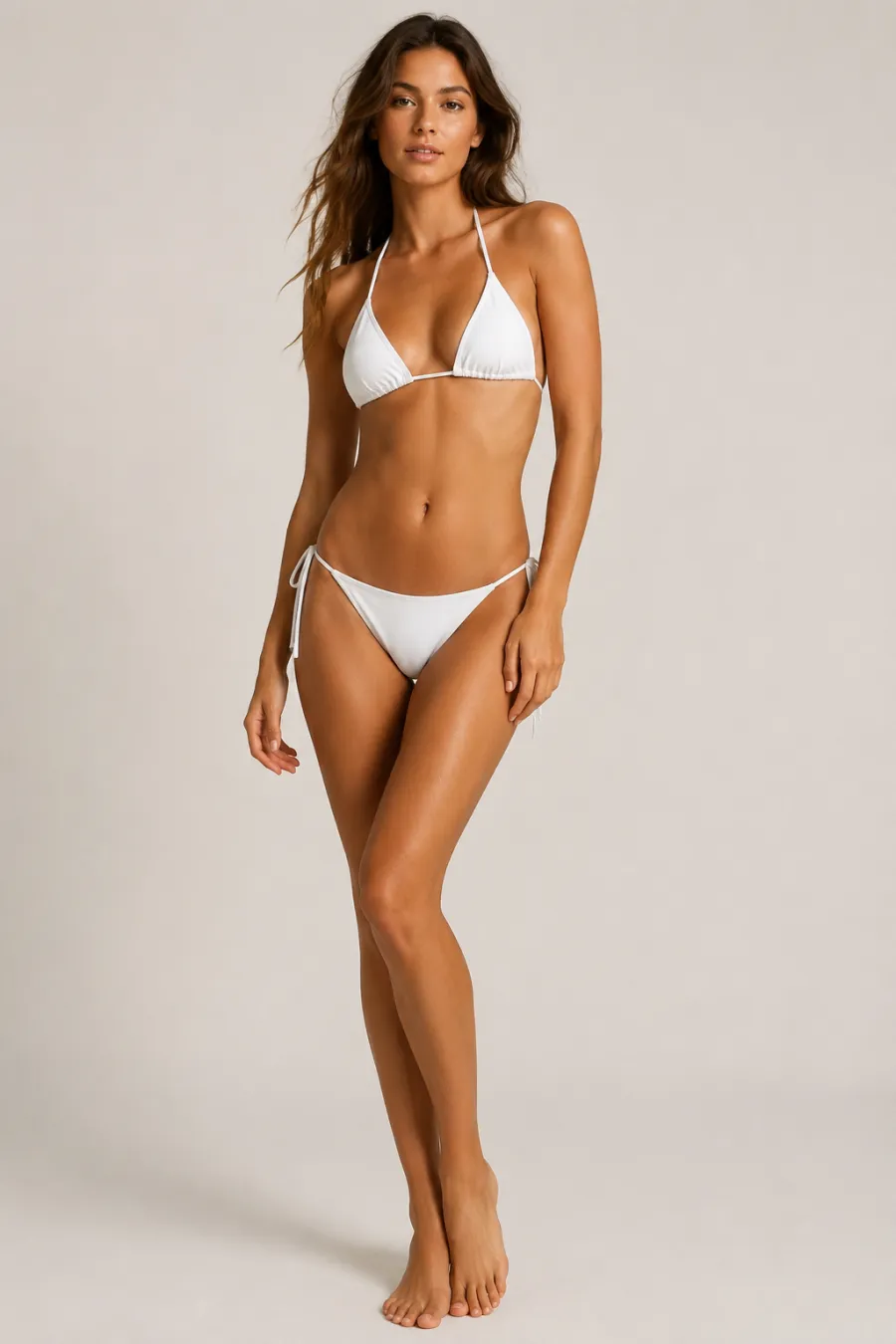
Explore more AI try on and outfit tools — each opens the same studio on your own photo.
How to Build an Outfit with AI
Upload Your Photo
Add one clear, front-facing photo of yourself. It's the only image you need — the outfit comes from your words.
Describe the Outfit
Type the outfit you want right in the box — we pre-filled an example you can edit to anything. No clothing photo needed. Prefer a reference? You can still add an image instead.
Generate It on You
In about a minute the AI dresses you in the outfit you described, keeping your face, body, pose, and background natural. Download it, or tweak the words and run it again.
Start free. Go yearly — pay half.
More credits than a full year of monthly — for less than half the price.
No hidden fees. Secure checkout by Stripe.
Your card details go directly to Stripe. We never store your full card number or security code.
Stripe Checkout shows your total before you confirm payment. Your bank may charge additional fees.
Starter
Free forever2 free watermarked 1K trials before sign-in · 20 extra Standard credits after first sign-in · Check in on later days for 10 free credits · Free credits valid for 30 days · Standard only · Signed-in Standard results have no watermark (10 per eligible daily Claim)
Monthly
Flexible month-to-month. Cancel anytime.
- 750 credits every month
- ≈ 93 Standard 1K swaps / month
- No watermark on this account after any purchase
- Studio Quality: image editing, up to 6 outfit images, and precise results that better preserve faces, garments, and details
- Priority Generation sends every swap to the Priority queue whenever your paid account has credits
- Commercial use license
Yearly
billed annually
More credits than 12 months — for $150 less.
- 10,000 credits up front for the year
- 1,000 more than 12× monthly + save $150
- No watermark on this account after any purchase
- Studio Quality: image editing, up to 6 outfit images, and precise results that better preserve faces, garments, and details
- Priority Generation sends every swap to the Priority queue whenever your paid account has credits
- Commercial use license
≈ 1,250 swaps a year. Renews at $89.90/yr — cancel anytime.
One-time credit packs
No subscription. Credits never expire and work across every quality level. Studio Quality: image editing, up to 6 outfit images, and precise results that better preserve faces, garments, and details. Priority Generation sends every swap to the Priority queue whenever your paid account has credits. No watermark on this account after any purchase.
150 Credits
Quick top-up≈ 18 Standard 1K swaps
Studio Quality: image editing, up to 6 outfit images, and precise results that better preserve faces, garments, and details
No watermark on this account after any purchase
400 Credits
≈ 50 Standard 1K swaps
Studio Quality: image editing, up to 6 outfit images, and precise results that better preserve faces, garments, and details
No watermark on this account after any purchase
1,000 Credits
≈ 125 Standard 1K swaps
Studio Quality: image editing, up to 6 outfit images, and precise results that better preserve faces, garments, and details
No watermark on this account after any purchase
2,000 Credits
≈ 250 Standard 1K swaps
Studio Quality: image editing, up to 6 outfit images, and precise results that better preserve faces, garments, and details
No watermark on this account after any purchase
Prices in USD. Yearly renews annually; credit packs are one-time. Cancel anytime via the billing portal.
How People Use the AI Outfit Generator to Plan Real Looks
⌄
Most people reach for an AI outfit generator when they have a closet full of separates but no idea how they go together. You can stack a blazer over a shirt, swap in wide-leg trousers, and add a pair of boots, then see the whole stack on your own body before you commit to anything. Shoppers use it to preview a cart full of items they haven't bought yet, content creators use it to mock up looks for a shoot, and plenty of people just use it to settle the daily "what do I wear" question without trying on six things in front of a mirror.
The reason the results hold up is that the tool works from your actual photo instead of dropping your face onto a generic model. Your face, hairline, skin tone, and the way you're standing carry straight through, so a finished look reads like a photo of you rather than a catalog cut-out. Lighting matters too: when the original shot is evenly lit, the generated fabric picks up the same shadows and highlights, which is what keeps a pasted-on jacket from looking flat. That consistency is what separates a usable preview from an obvious edit.
What you upload is the biggest lever on quality. A clear, front-facing shot taken at arm's length, with your full torso in frame and no baggy layers hiding your shape, gives the model the most to work with. Keep the background simple and the lighting flat (window light beats a harsh overhead bulb), and skip heavy filters that wash out detail. For the clothing side, you can describe pieces in plain words, drop in product photos, or upload a full reference outfit you saw online and want recreated on yourself.
Compared with the old routines, this saves real effort. Building a look in Photoshop means masking, warping, and color-matching every layer by hand, and a physical try on means a trip to the store and a fitting room queue. An AI outfit generator collapses both into a one-minute preview you can redo as many times as you like, tweaking colors, swapping a top, or restyling the whole outfit until it actually looks like something you'd wear out the door.
AI Outfit Generator: Common Questions
Upload one photo of yourself, then add the pieces you want to wear — up to six items, or a single reference image of a full look. The pieces are assembled into a complete outfit on your body, keeping your face, shape, pose, and background unchanged. Use the optional instructions box to nudge the scene or styling.