
AI Costume Generator
AI Costume Generator
Describe any costume — cosplay, character, or themed party — or upload a reference, and the AI costume generator puts it on you.
This free AI costume generator fits a full character look onto your photo. Add any cosplay, character, or themed-party look, and your face, body shape, pose, and background stay exactly as they were while the costume builds up on you.
Free to try after signing in — eligible new accounts receive free first-day credits automatically. Come back tomorrow for another 10. No card required. Adults only (18+).
Create your try-on
Add a person photo, then describe or upload the look.
1 · Add your photos
Describe the look (we pre-filled an example you can edit), or add a reference photo above.
Try 2 free 1K results with a watermark. Sign in for 20 Standard credits and watermark-free results.
Verify you are human to enable Generate.
Complete the secure check below.
Cosplay and character costumes, on your own photo
A costume is a long commitment — pieces from a dozen shops, a sewing weekend, and weeks of shipping. See it on yourself first. This AI costume generator maps a character outfit onto your photo so you can judge the silhouette, the color story, and whether it lands the way you pictured it.
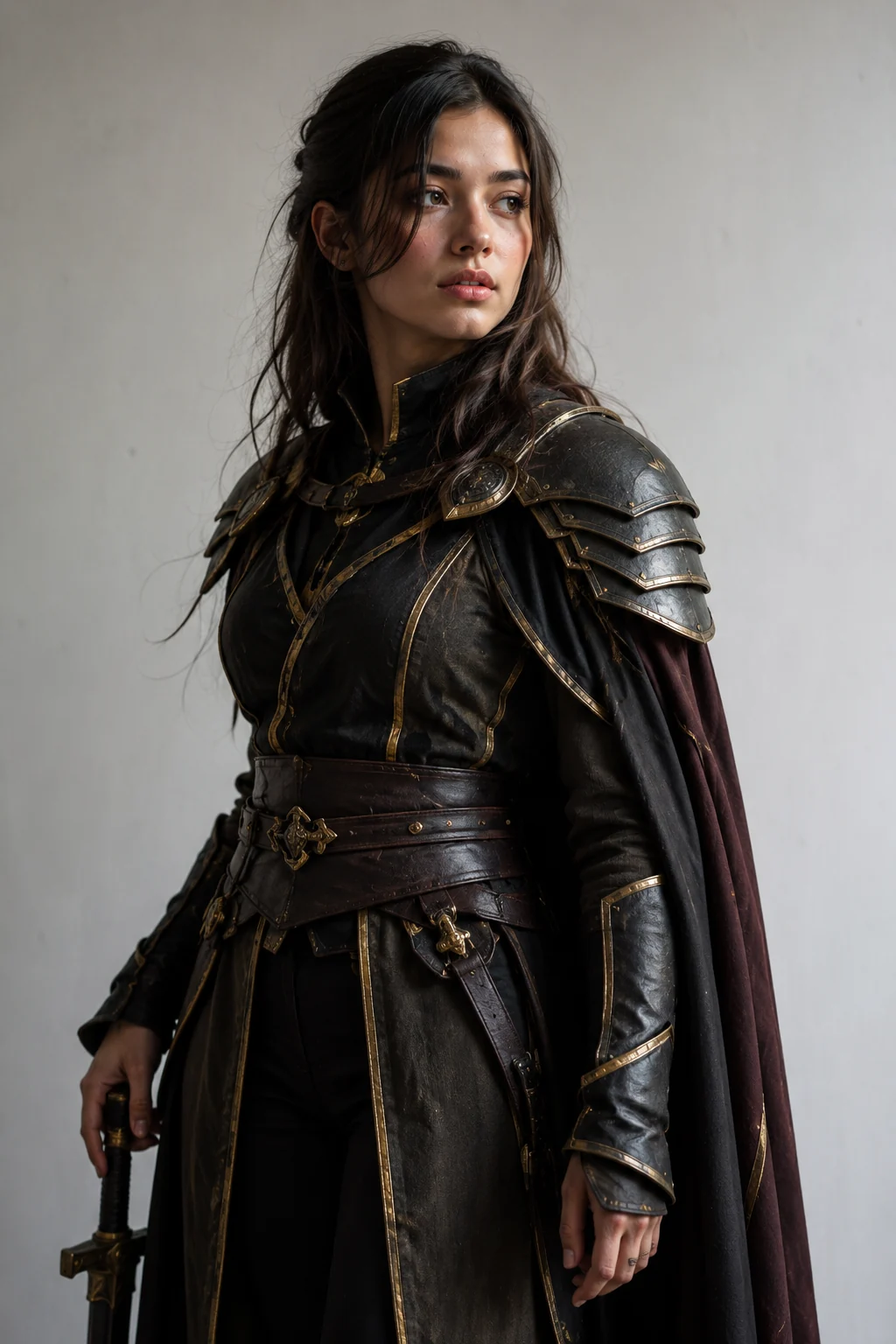
Pin down a cosplay before you commit
A cosplay is a kit: wig, props, layers, and accessories sourced piece by piece. Preview the assembled AI costume on your own face and frame first, so you know the proportions and palette work on you before the orders start going out.
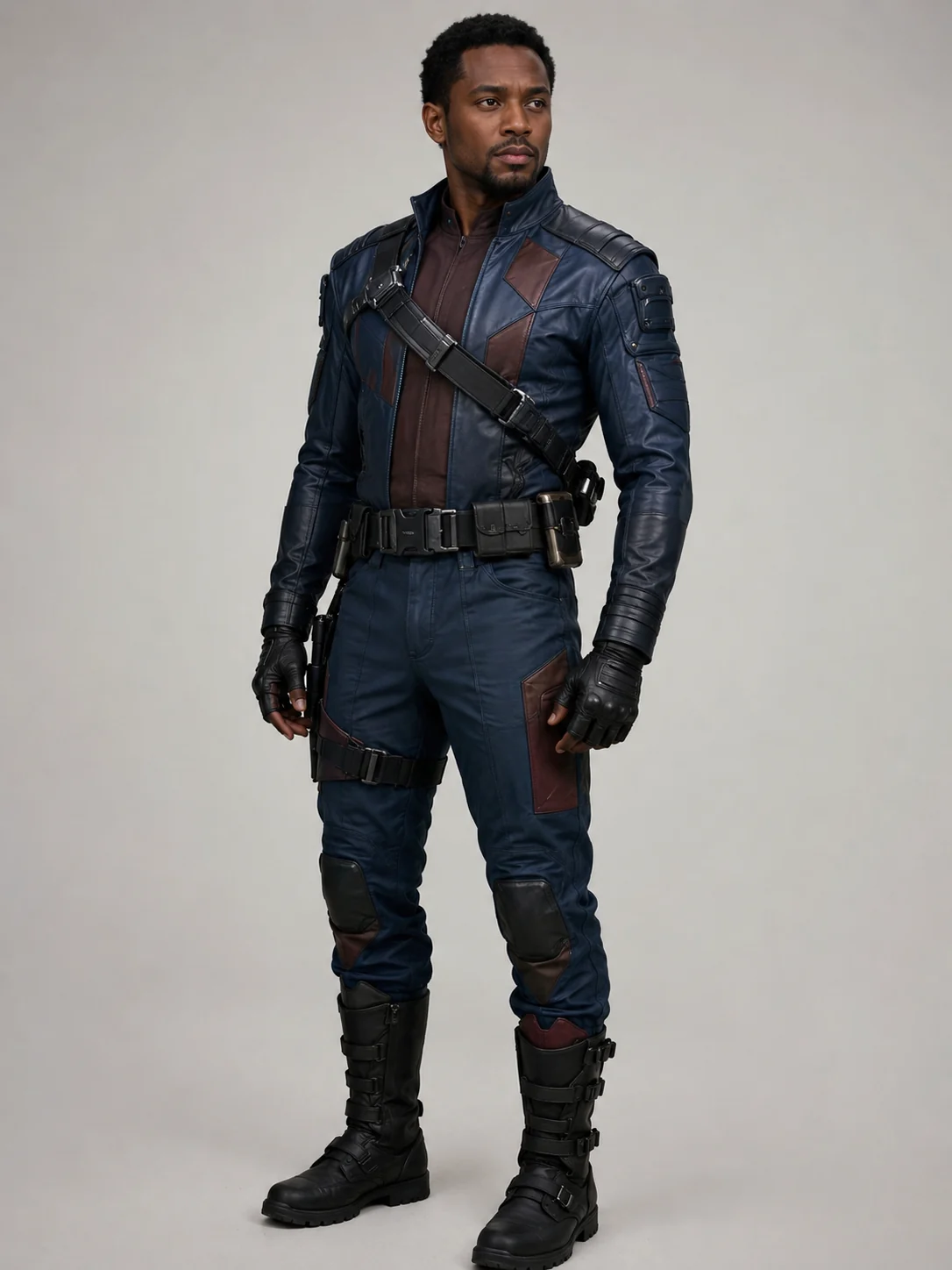
Try characters you'd never buy twice
Wondering how an anime lead or a game protagonist reads on you? Add the character reference and see it in a minute. It's a low-stakes way to audition bold looks you're nowhere near ready to spend a paycheck on.
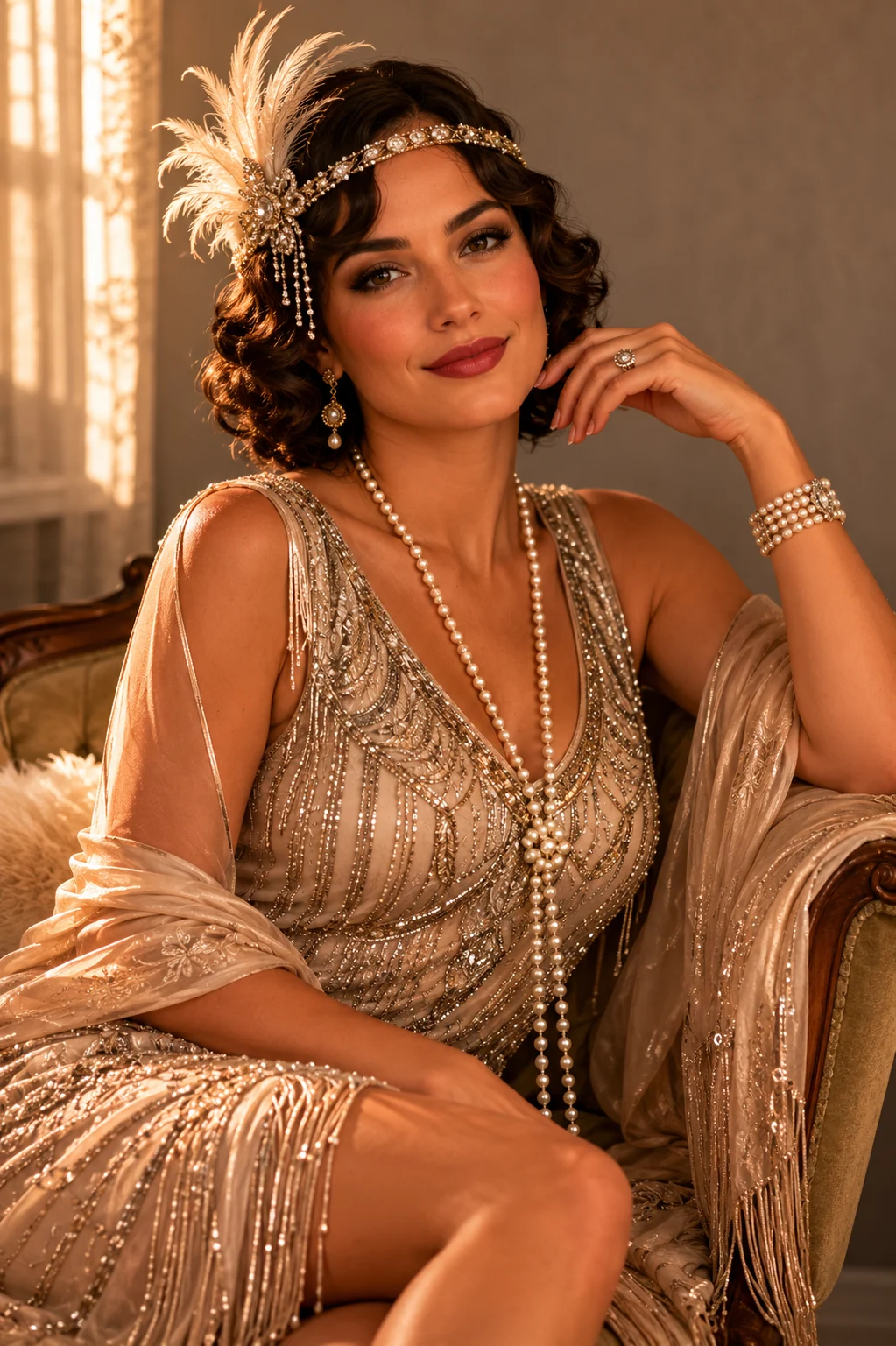
Dress for the theme, not the guesswork
Themed cons and parties run on a dress code, and a reference screenshot rarely shows how a costume sits on a real body. Run your photo through for an AI costume preview, check the fit on your shape, then walk in knowing the look holds together.
Costume looks our AI gets right
Try Your Costume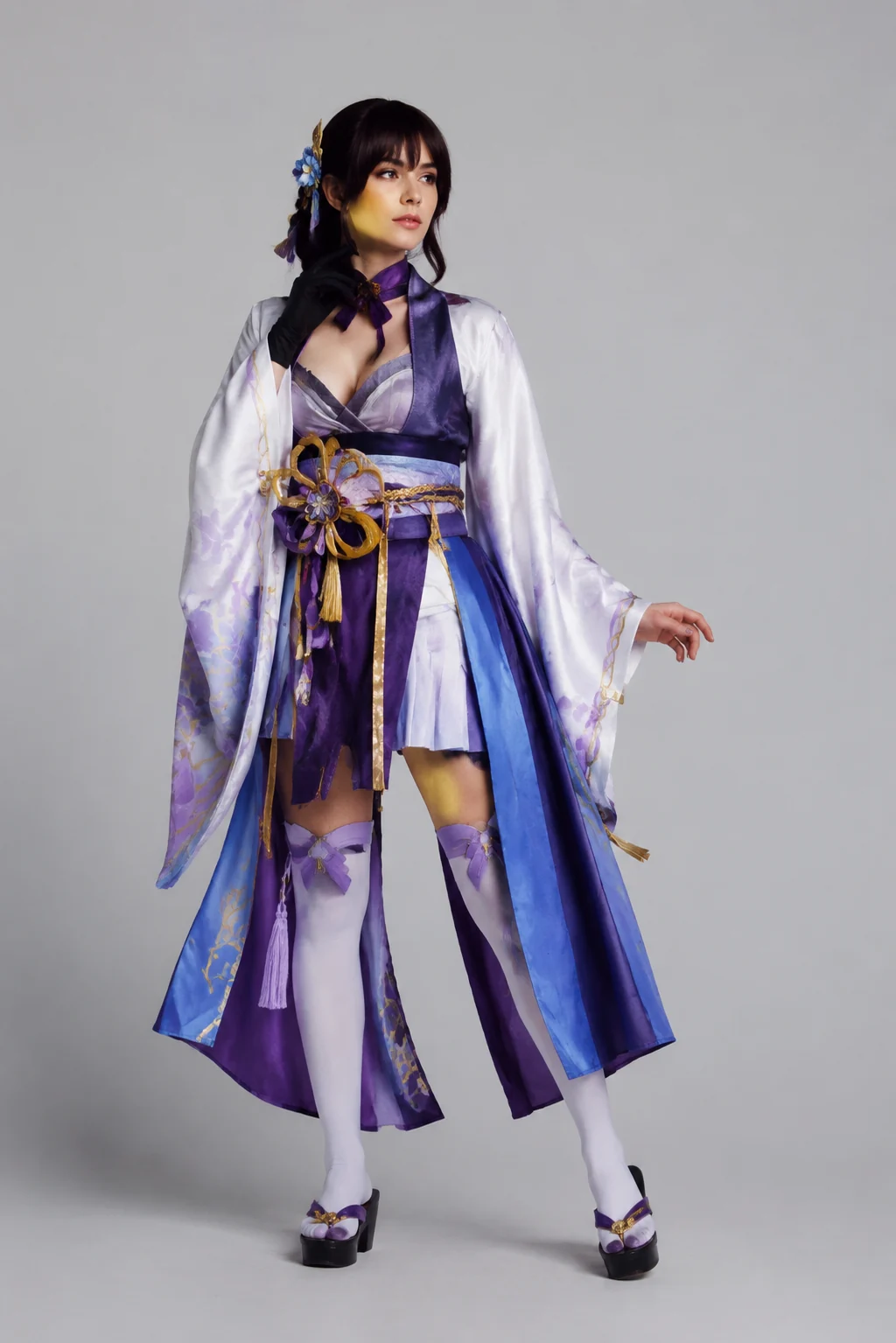
Anime & game cosplay
Layered armor, statement collars, and signature color blocks read cleanly, so a recognizable character comes through on your photo instead of a vague approximation.
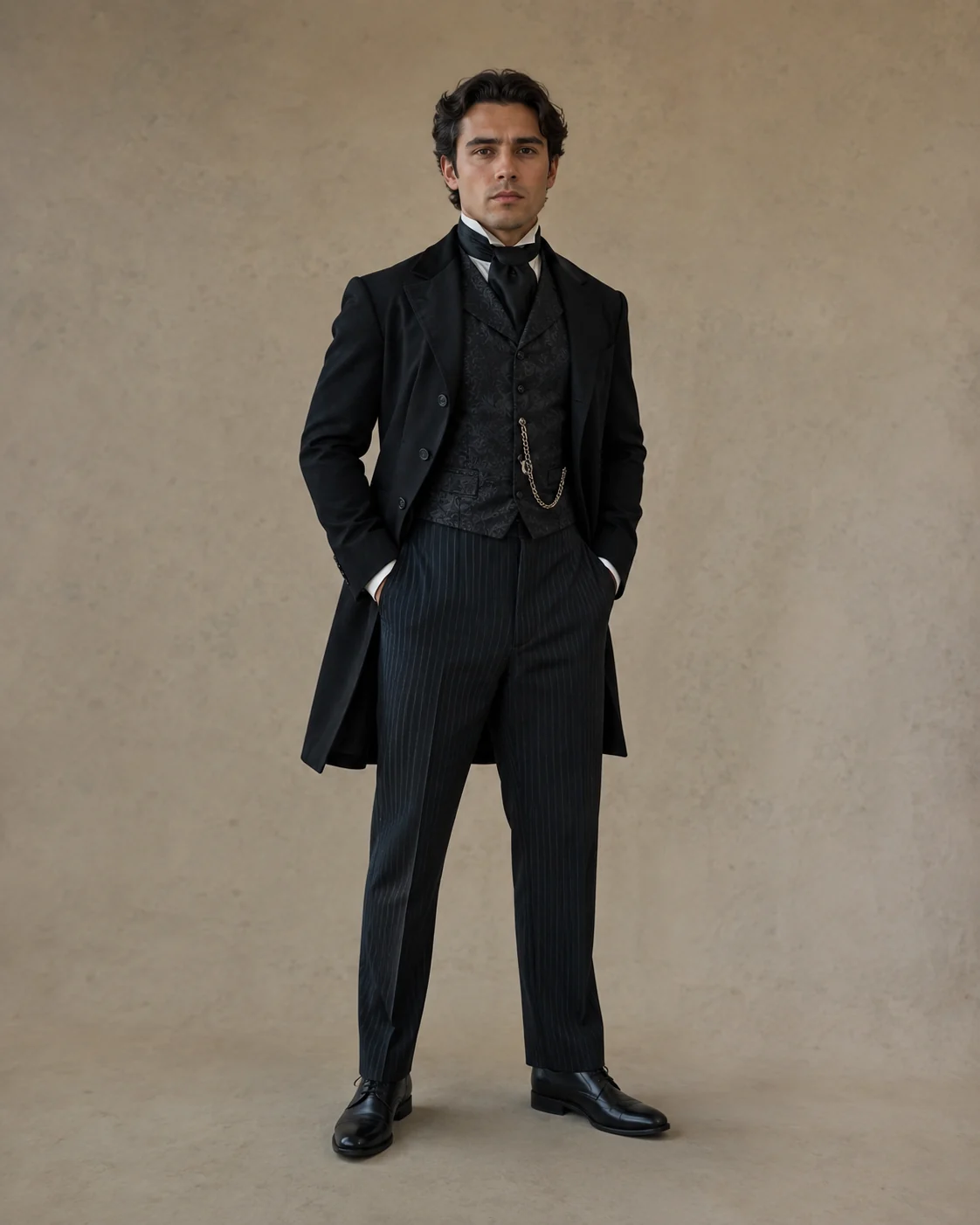
Historical & era costumes
Period shapes — corsetry, draping, structured tailoring — hold their texture when fitted to your frame, so a Victorian or vintage look still feels true to its era.
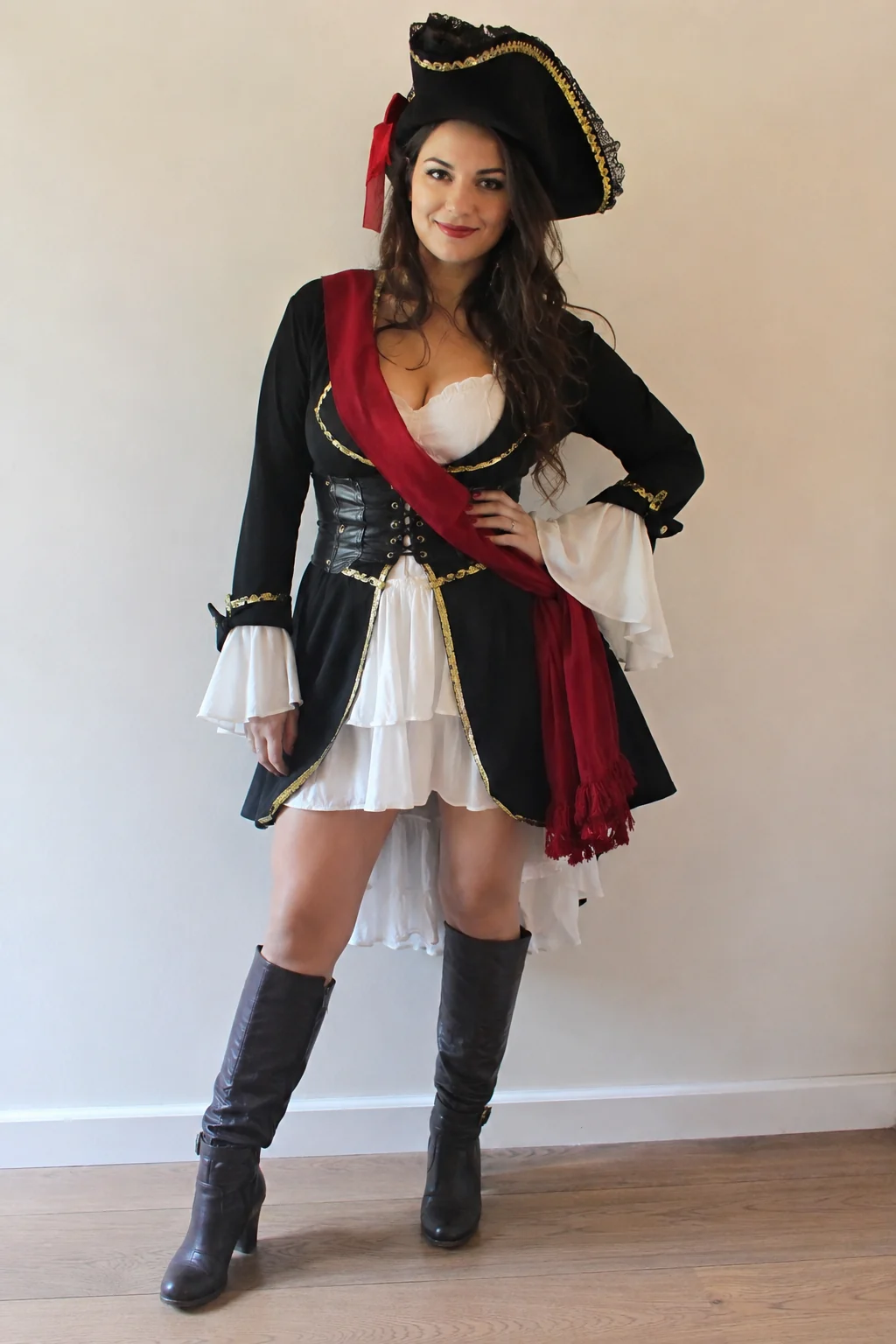
Themed-party & character kits
Full themed-party outfits and mascot-style character kits land as one complete look, head to hem, so you see the whole costume on you, not a single piece floating.
More tools to use
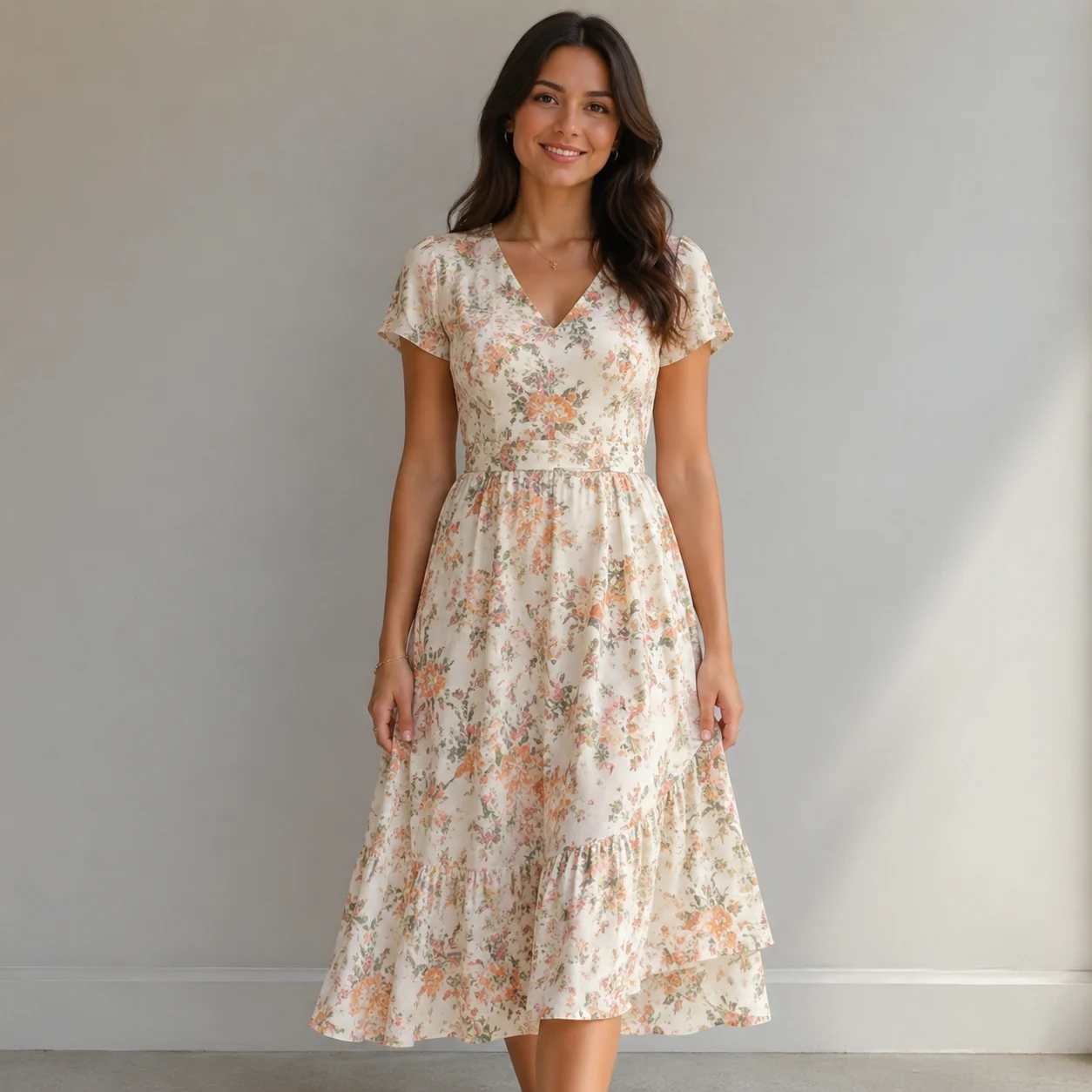
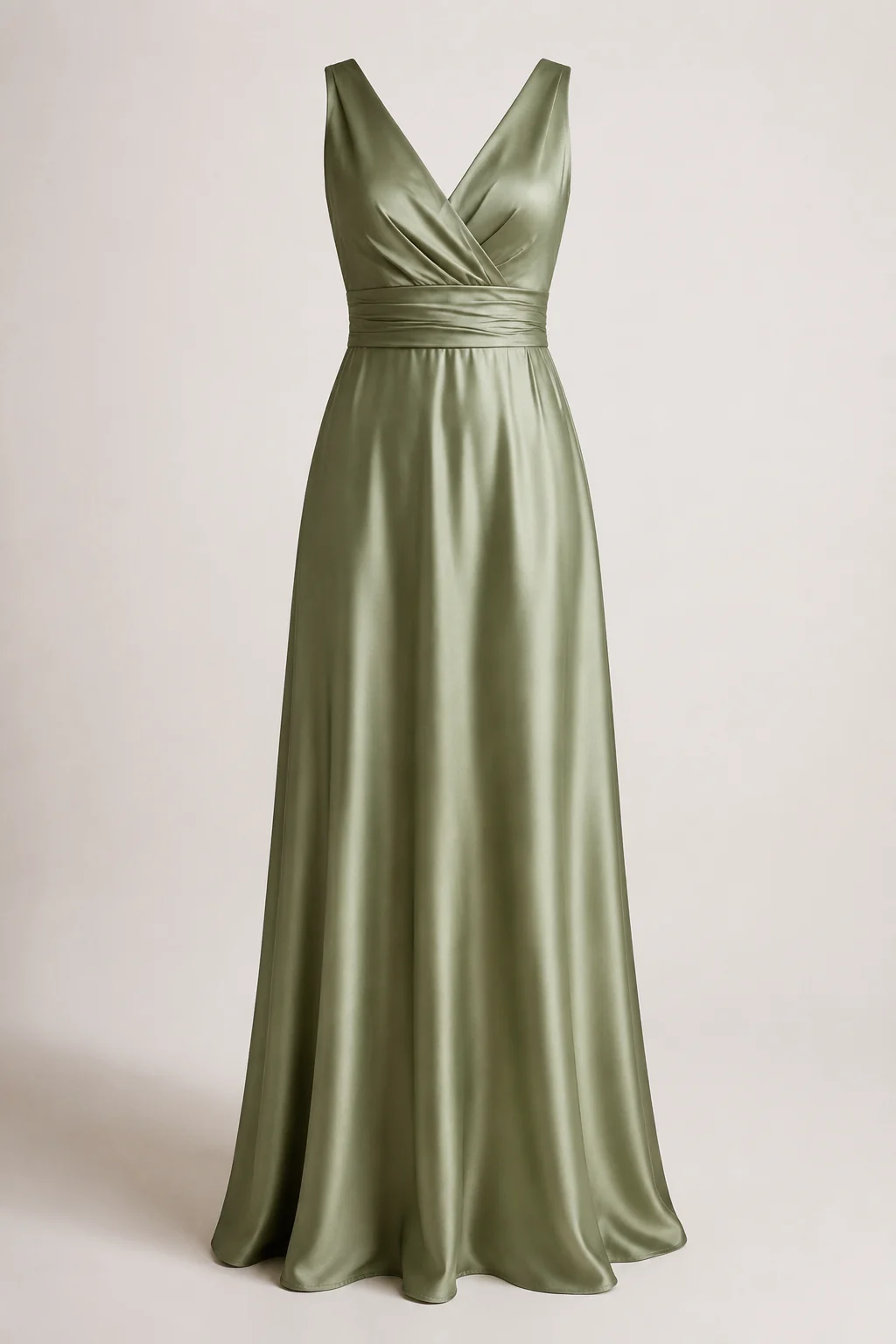
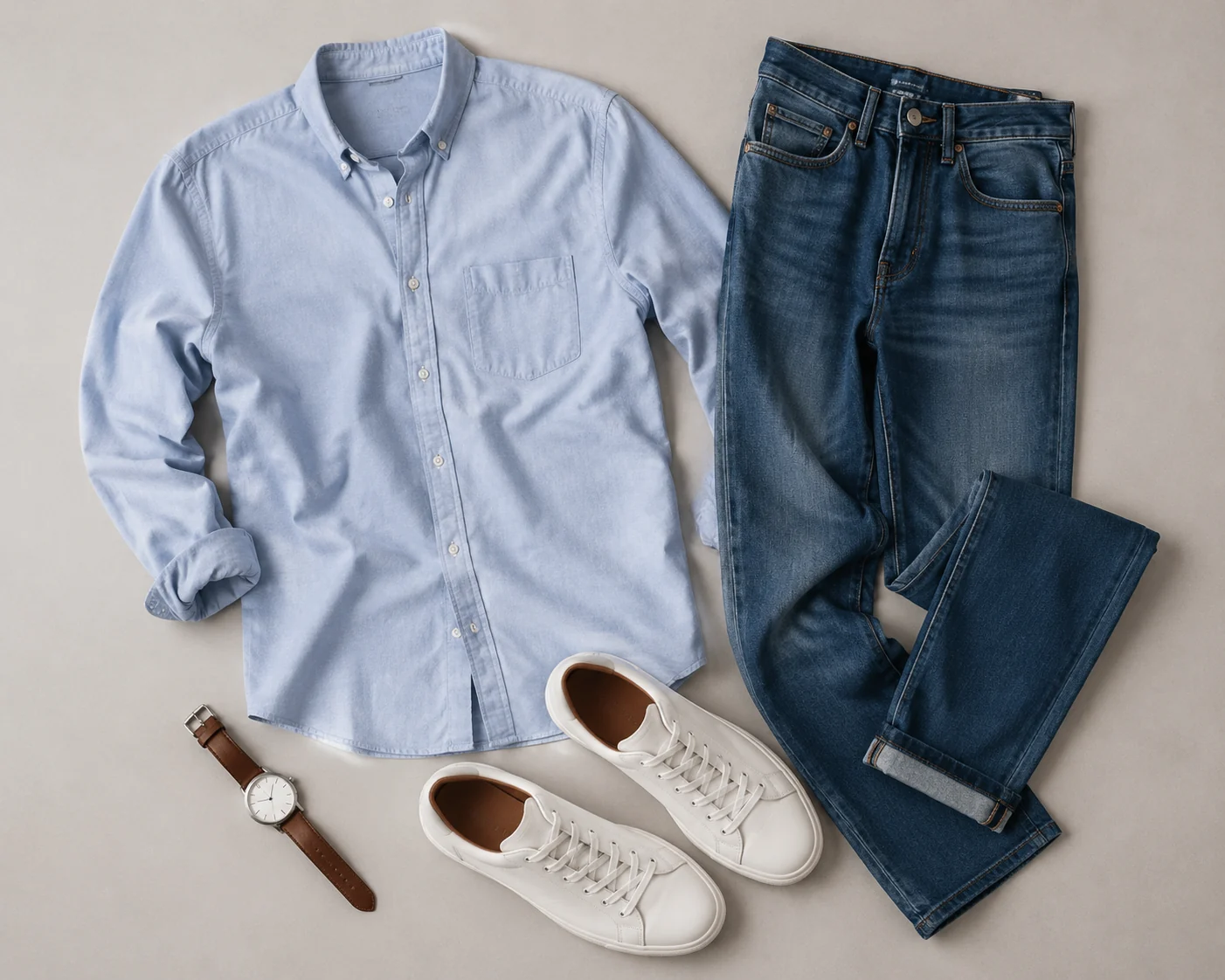
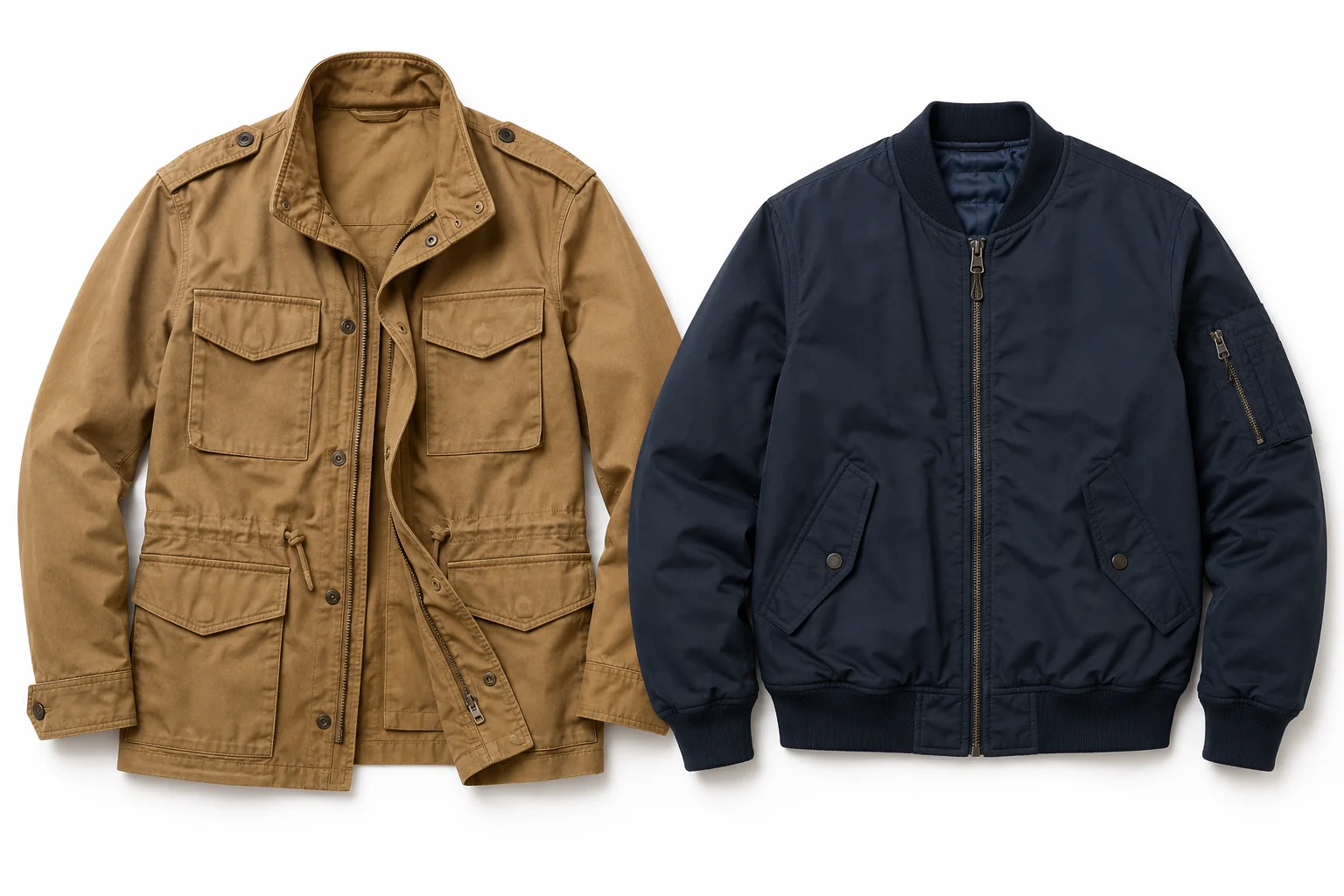
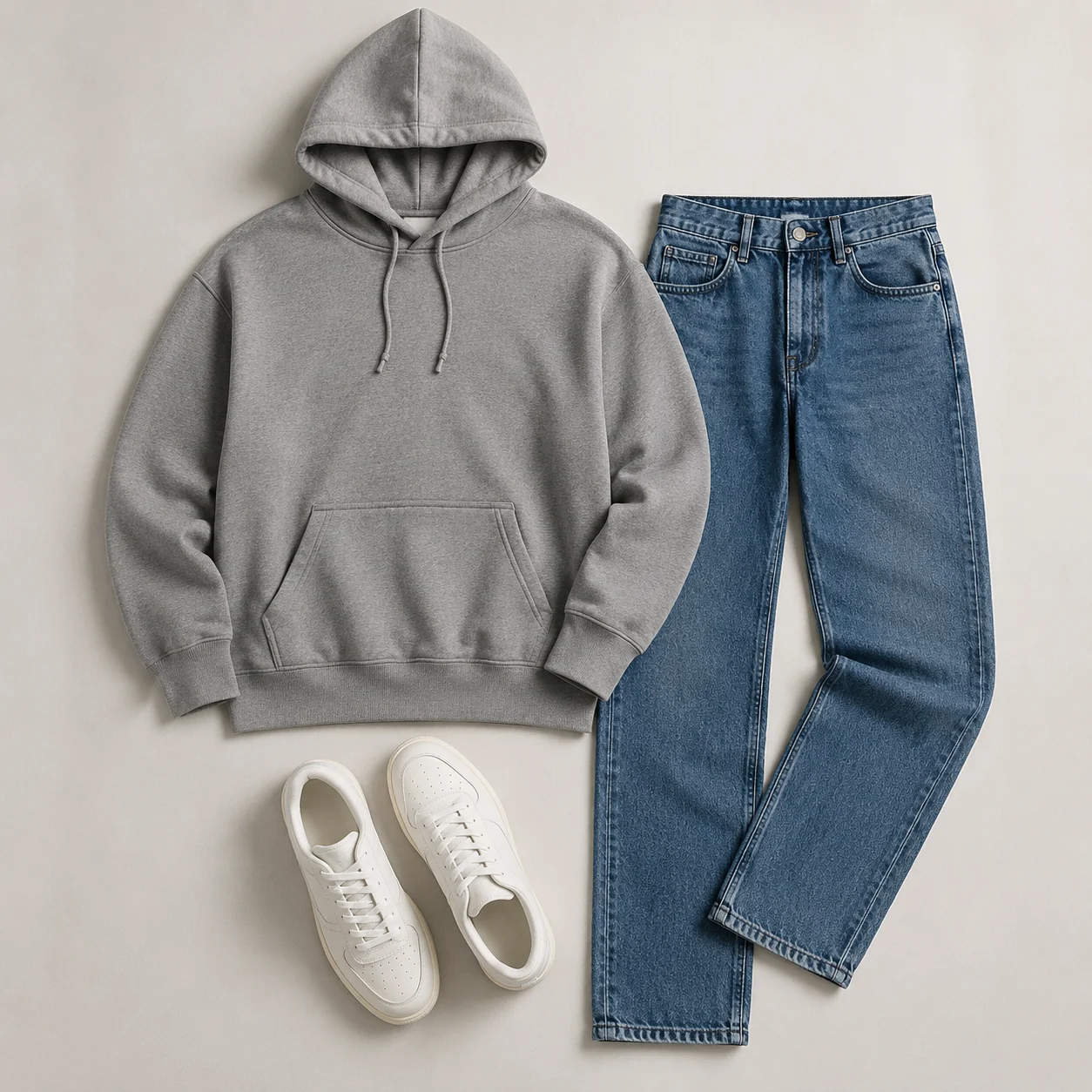
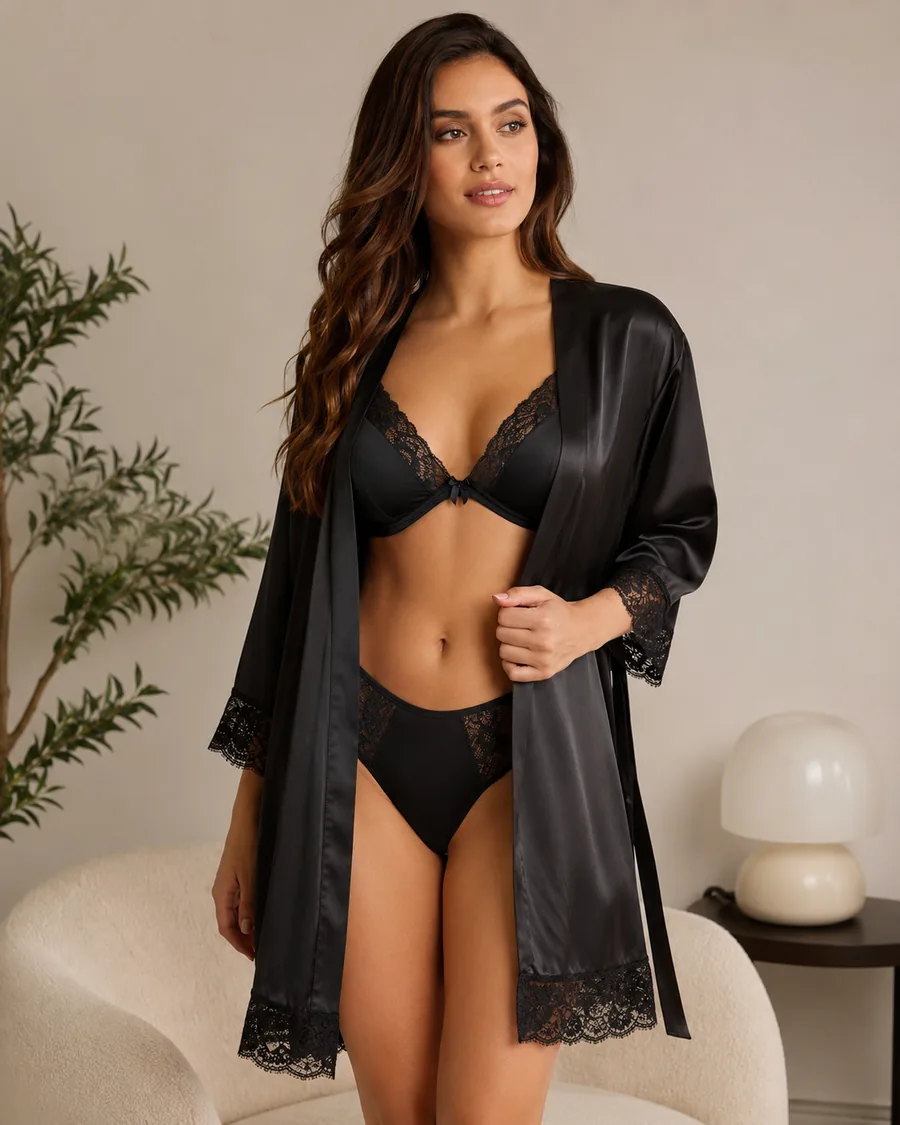
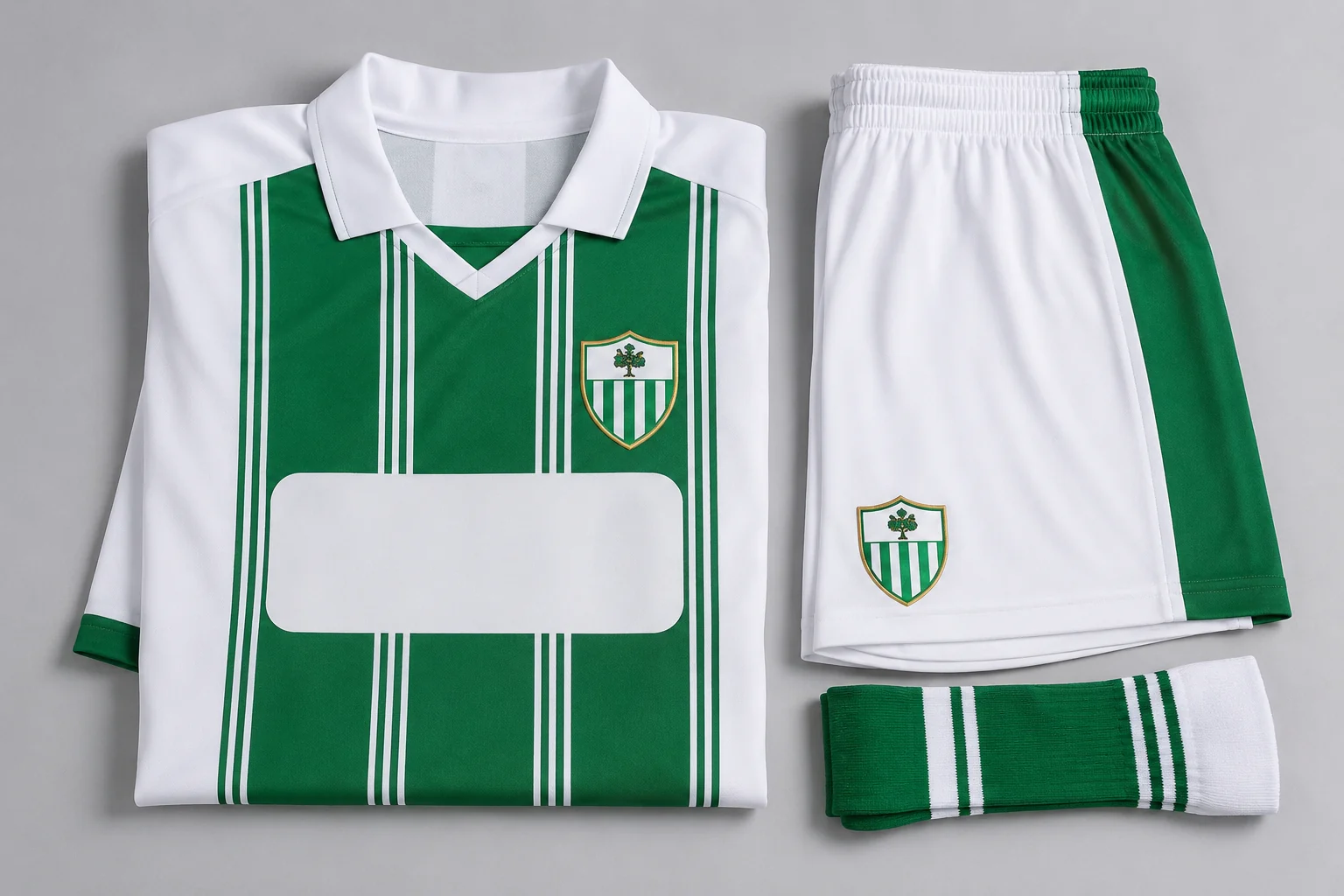
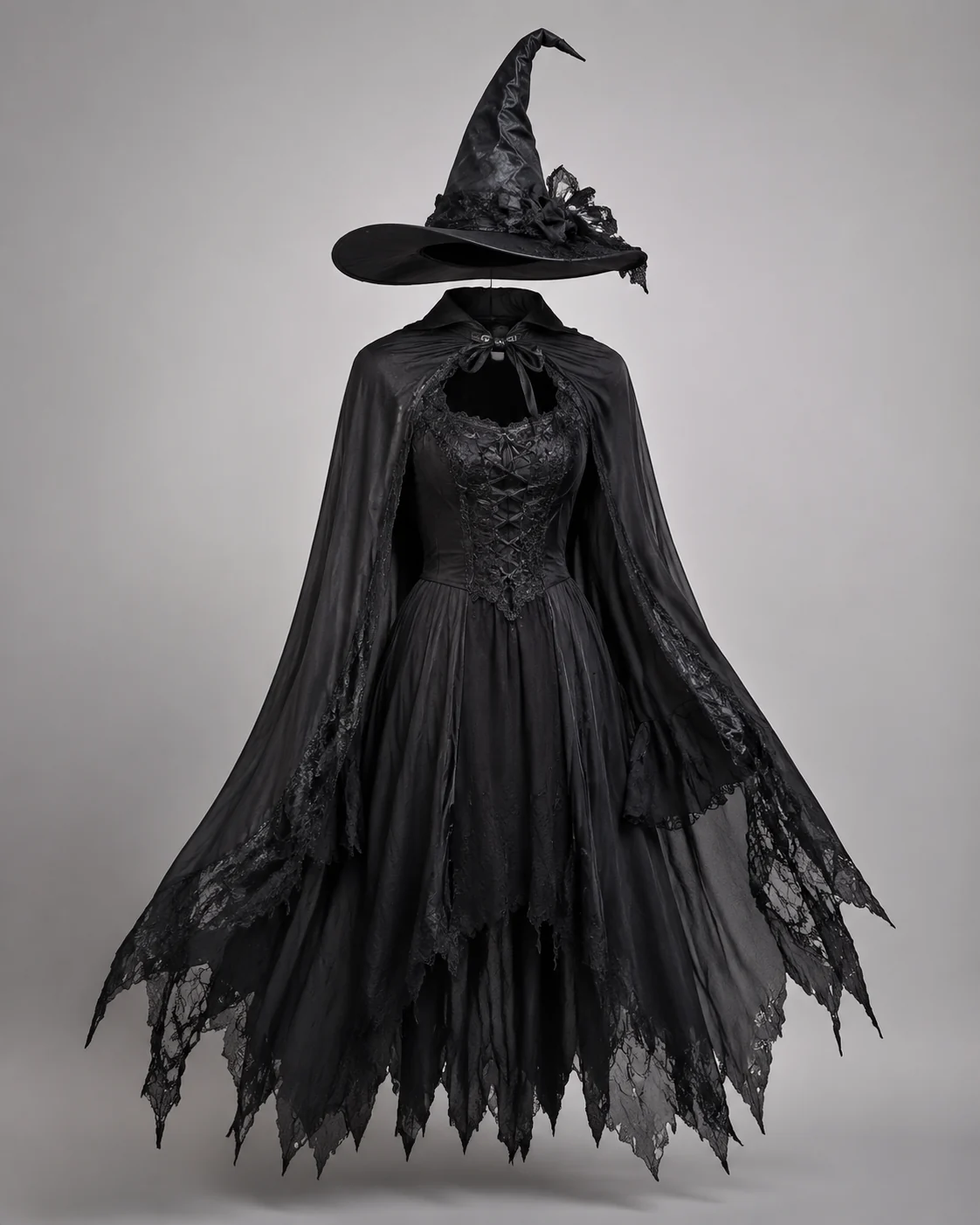
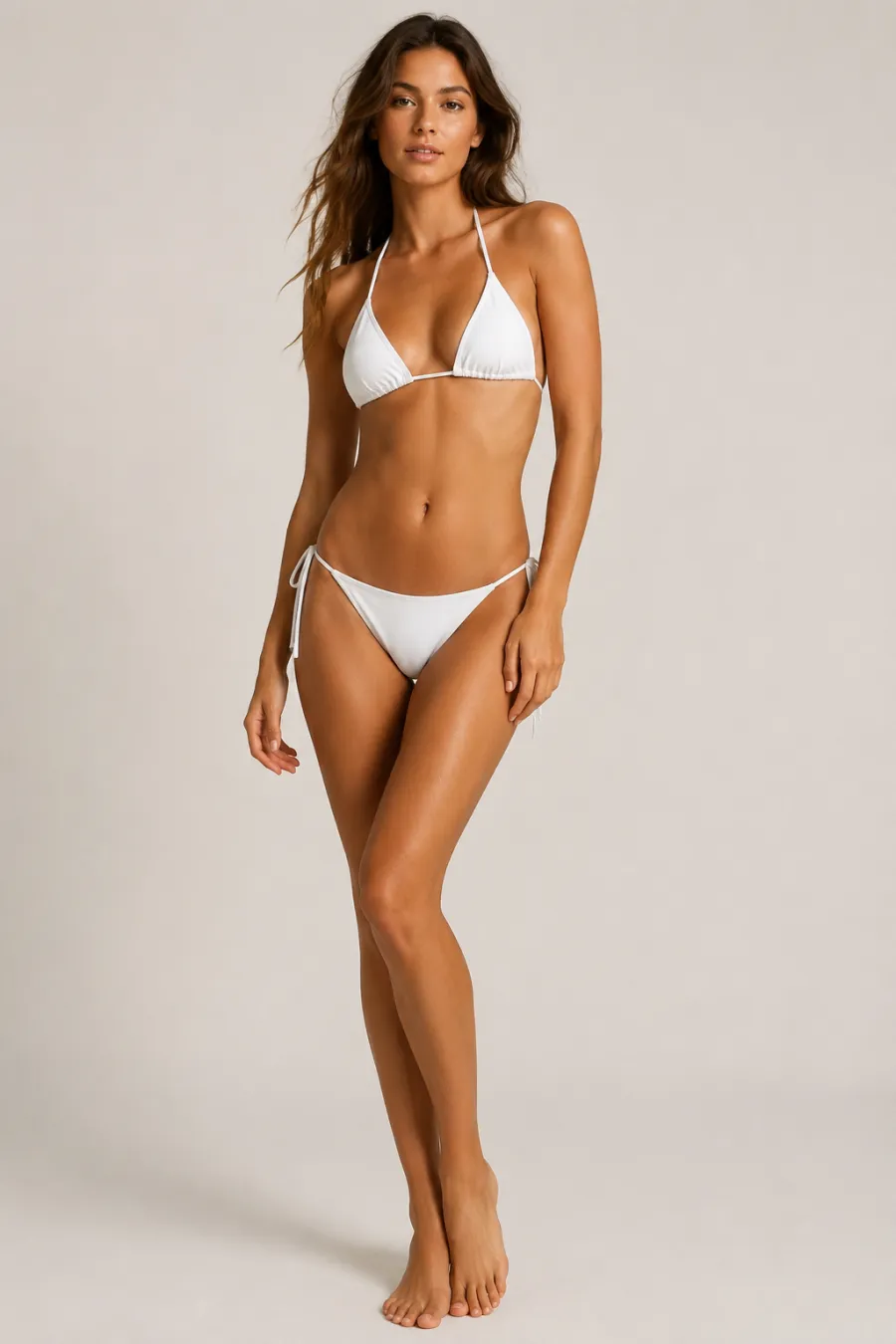
Explore more AI try on and outfit tools — each opens the same studio on your own photo.
How to Generate a Costume with AI
Upload Your Photo
Add one clear, front-facing photo of yourself. It's the only image you need — the costume comes from your words.
Describe the Costume
Type the costume you want right in the box — we pre-filled an example you can edit to anything. No clothing photo needed. Prefer a reference? You can still add an image instead.
Generate It on You
In about a minute the AI dresses you in the costume you described, keeping your face, body, pose, and background natural. Download it, or tweak the words and run it again.
Start free. Go yearly — pay half.
More credits than a full year of monthly — for less than half the price.
No hidden fees. Secure checkout by Stripe.
Your card details go directly to Stripe. We never store your full card number or security code.
Stripe Checkout shows your total before you confirm payment. Your bank may charge additional fees.
Starter
Free forever2 free watermarked 1K trials before sign-in · 20 extra Standard credits after first sign-in · Check in on later days for 10 free credits · Free credits valid for 30 days · Standard only · Signed-in Standard results have no watermark (10 per eligible daily Claim)
Monthly
Flexible month-to-month. Cancel anytime.
- 750 credits every month
- ≈ 93 Standard 1K swaps / month
- No watermark on this account after any purchase
- Studio Quality: image editing, up to 6 outfit images, and precise results that better preserve faces, garments, and details
- Priority Generation sends every swap to the Priority queue whenever your paid account has credits
- Commercial use license
Yearly
billed annually
More credits than 12 months — for $150 less.
- 10,000 credits up front for the year
- 1,000 more than 12× monthly + save $150
- No watermark on this account after any purchase
- Studio Quality: image editing, up to 6 outfit images, and precise results that better preserve faces, garments, and details
- Priority Generation sends every swap to the Priority queue whenever your paid account has credits
- Commercial use license
≈ 1,250 swaps a year. Renews at $89.90/yr — cancel anytime.
One-time credit packs
No subscription. Credits never expire and work across every quality level. Studio Quality: image editing, up to 6 outfit images, and precise results that better preserve faces, garments, and details. Priority Generation sends every swap to the Priority queue whenever your paid account has credits. No watermark on this account after any purchase.
150 Credits
Quick top-up≈ 18 Standard 1K swaps
Studio Quality: image editing, up to 6 outfit images, and precise results that better preserve faces, garments, and details
No watermark on this account after any purchase
400 Credits
≈ 50 Standard 1K swaps
Studio Quality: image editing, up to 6 outfit images, and precise results that better preserve faces, garments, and details
No watermark on this account after any purchase
1,000 Credits
≈ 125 Standard 1K swaps
Studio Quality: image editing, up to 6 outfit images, and precise results that better preserve faces, garments, and details
No watermark on this account after any purchase
2,000 Credits
≈ 250 Standard 1K swaps
Studio Quality: image editing, up to 6 outfit images, and precise results that better preserve faces, garments, and details
No watermark on this account after any purchase
Prices in USD. Yearly renews annually; credit packs are one-time. Cancel anytime via the billing portal.
How to Get the Best Results From the AI Costume Generator
⌄
The AI costume generator pays off in the moments before you commit to anything. Comic con cosplayers use it to test a build idea before buying fabric or armor parts. Parents preview a Halloween costume on their kid without a single fitting-room meltdown. Streamers and TikTok creators spin up themed looks for a bit they're filming that afternoon, and Dungeons & Dragons groups give every player a portrait that matches their character sheet. None of that needs a sewing machine, a costume rental deposit, or a trip across town. You see the look on your own face first, then decide whether it's worth chasing in real life.
Almost any character look is fair game. Anime and game cosplay, classic Halloween staples like vampires, witches, and pirates, superhero suits, fantasy armor, historical period dress, and silly themed-party outfits all translate well. If a specific character is hard to describe, upload a reference image of the outfit and let the costume design tool match the silhouette, color palette, and key props. You can also nudge a single detail at a time, swapping a cape color or trading a helmet for a hood, instead of rebuilding the whole virtual costume from scratch.
Your source photo carries most of the result. A clear, front-facing or three-quarter shot in even daylight gives the AI the cleanest read on your face and body, so the costume lands naturally instead of fighting harsh shadows. Frame yourself from at least the waist up, keep your pose relaxed and your hands visible, and skip busy backgrounds that compete for attention. Loose, plain clothing underneath helps the model judge your shape, and a steady, in-focus image beats a high-res blurry one every time.
Against the old way of guessing, this is a far calmer process. Renting or sewing a costume means money and hours sunk before you know if the look suits you, and wrestling layers in Photoshop demands masking and lighting skill most people don't have. The AI costume generator collapses all of that into a one-minute preview that keeps your identity intact, so you can compare three or four ideas back to back. Try the watermark-free preview, find the look you actually want to wear, and only then spend on the real thing.
AI Costume Generator: Common Questions
Upload one clear photo of yourself and one to six images of the costume or character you want. The AI fits that costume onto your photo, keeping your face, body shape, pose, lighting, and background unchanged, then renders the finished look. Add notes in the instructions box to adjust the scene or pose.