
How to Create Clothing Color Variants Without a Product Reshoot
Create clothing color variants from one product photo without a new shoot. A practical workflow for ecommerce teams using AI recoloring, QA, and clear reshoot rules.
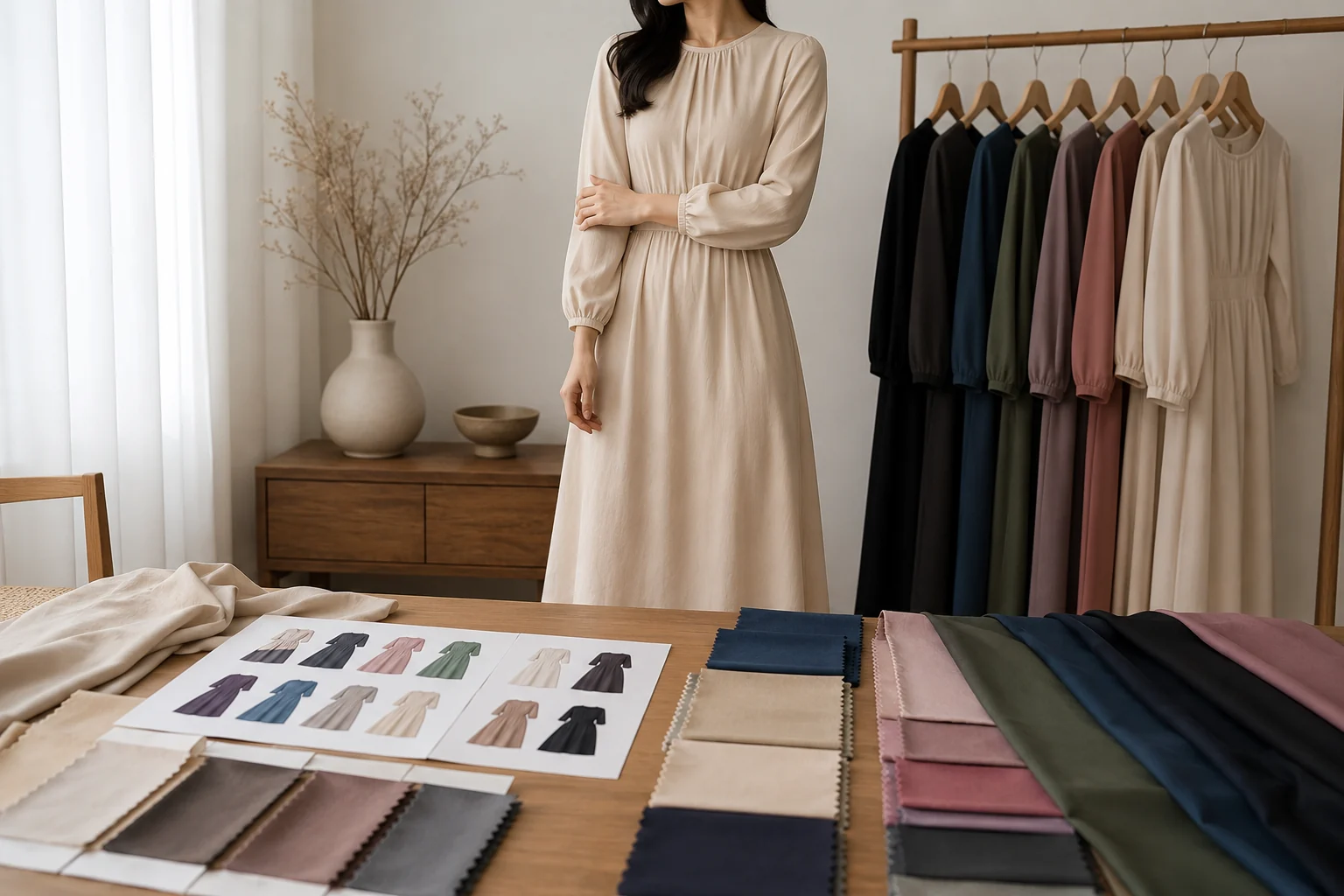
You can create clothing color variants without a product reshoot when the garment shape, pose, lighting, and fabric texture stay the same. Start with one clean product photo, recolor the clothing with a clothes color changer, compare every variant against swatches, and only reshoot colors where fabric, shine, or transparency changes the look.
Last updated: July 1, 2026 - ~7 min read
Small shops often need the same dress, hoodie, or shirt shown in five colors before inventory is ready. A full reshoot gives the most reliable result, but it is slow: book the model, prep every SKU, match the lighting, retouch the files, then repeat when a supplier changes the shade. AI recoloring is useful when the product is already photographed well and the job is color expansion, not fabric invention.
When AI color variants make sense
AI is strongest when the original product photo already has the right pose, fit, texture, and lighting. You are asking it to change the visible color, not rebuild the garment.
| Use case | AI recolor is a good fit? | Why |
|---|---|---|
| Cotton T-shirt in new solid colors | Yes | Texture is simple and color can change cleanly |
| Satin dress from ivory to black | Maybe | Shine and shadows may need manual QA |
| Sheer blouse from white to red | Risky | Transparency can change how the body/background shows through |
| Patterned fabric into another pattern | No | That is a design swap, not a color variant |
| Same hoodie, same model, five colorways | Yes | Strong catalog use case if seams and shadows stay stable |
Use AI for colorways that share the same material behavior. If the new SKU uses different fabric, different trim, or different transparency, treat it as a real product change and shoot it.
The 5-step workflow for ecommerce color variants
- Start with one clean base image. Use a sharp, front-facing product photo. Avoid heavy wrinkles, harsh shadows, and cluttered backgrounds. If the base image is weak, every variant will inherit the problem.
- Keep one editing target per run. Recolor the garment only. Do not ask for a new pose, new model, new background, and new color in the same prompt.
- Generate the first color family. Use the AIClothSwap clothes color changer to create one target color first, such as navy, beige, red, or olive.
- Build the SKU grid. Once the first result is clean, run the rest of the color list from the same base photo so every variant has the same crop, shadow geometry, and model pose.
- QA before upload. Compare the images against real swatches, supplier photos, or the physical sample. Check seams, buttons, labels, texture, skin spill, and background bleed.
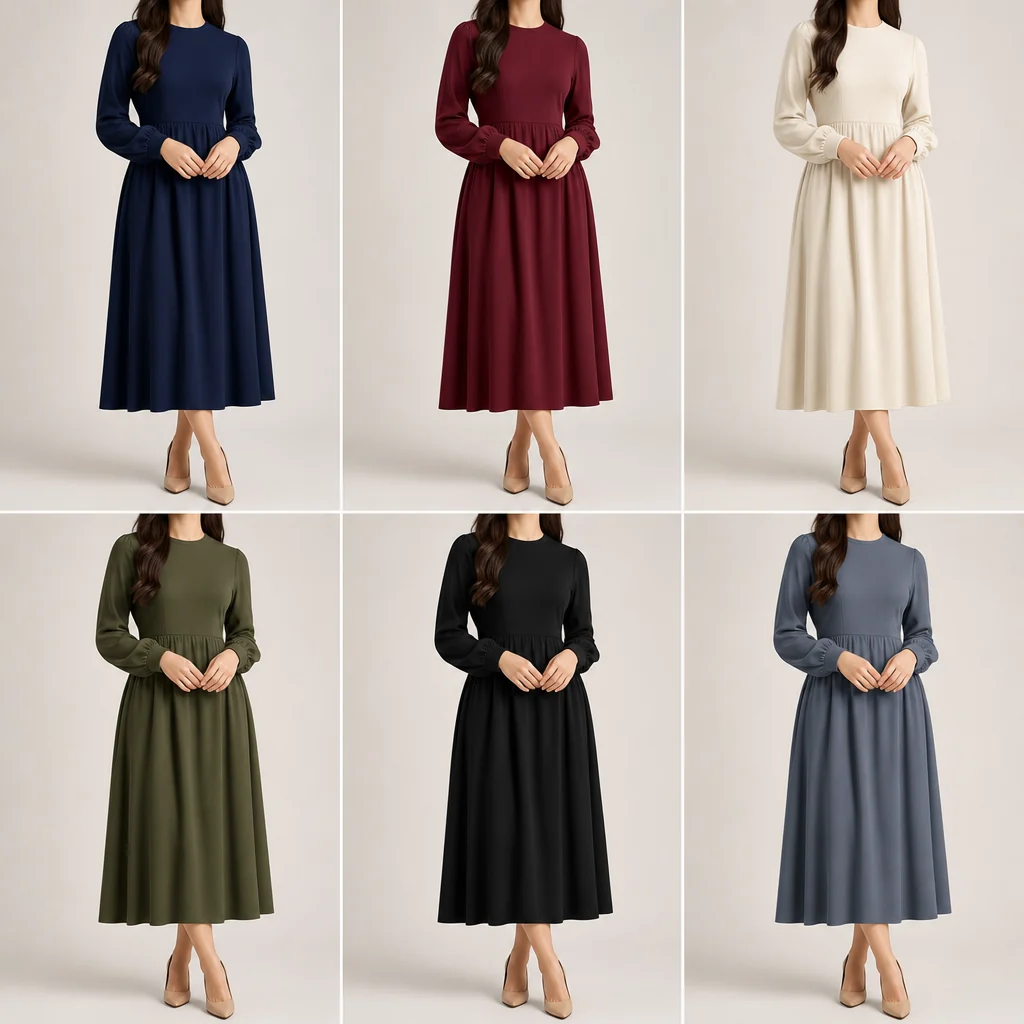
Illustrative preview: one garment organized into multiple ecommerce color variants for a SKU grid.
Color variant QA checklist
Before these images go on Shopify, Amazon, Etsy, or a product landing page, check them like a buyer would.
- Color accuracy: Is the final color close enough to the real SKU under normal product-page lighting?
- Texture preservation: Did cotton still look like cotton, knit still look like knit, and satin still reflect light naturally?
- Edge control: Did the color bleed onto skin, hair, hands, hangers, props, or the background?
- Shadow logic: Do folds and shadows still match the original light direction?
- SKU consistency: Do all color variants look like they came from the same photoshoot?
- Disclosure risk: Would a customer feel misled if the delivered item shade differs from the image?
The goal is not to make the color "prettier." The goal is to make a useful buying preview. If the product arrives and feels different from the image, the variant failed.
What still needs a real reshoot?
AI recoloring should not replace photography when the physical product changes beyond color.
Use a real reshoot when:
- The fabric changes from matte to glossy.
- The garment has transparency, lace, sequins, embroidery, or reflective trim.
- The new SKU has a different fit, cut, length, sleeve shape, collar, or zipper.
- The color changes how the garment behaves under light, such as black velvet or white satin.
- You need legal, marketplace, or wholesale-grade product accuracy.
AI works best as a speed layer between sample production and a final product shoot. Many teams use it to test demand, build prelaunch pages, and show color options early. Then the winners get photographed for the final catalog.
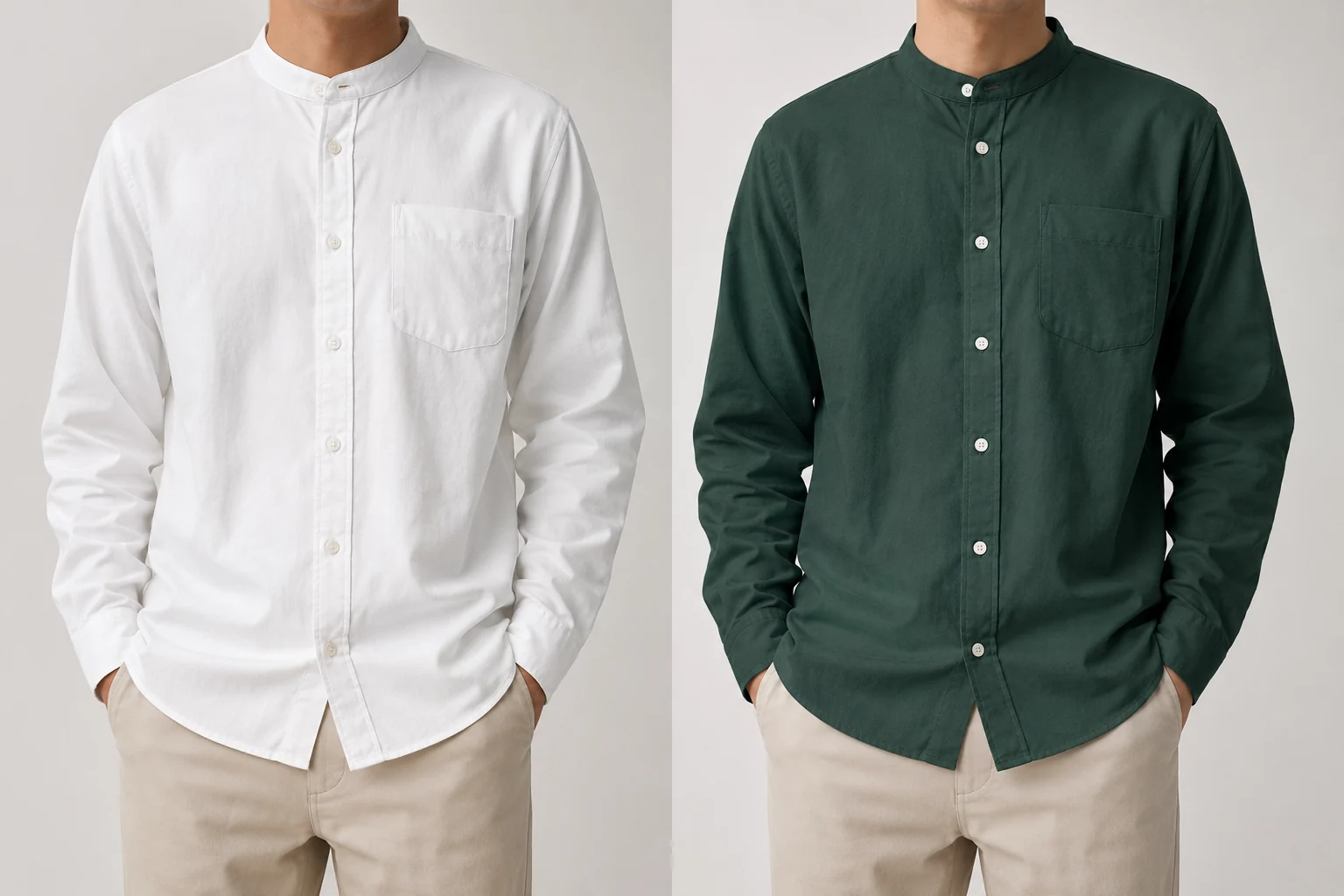
Illustrative preview: a clothing color workflow where the garment color changes while folds and shadows remain the focus.
How this fits with model photos
If you also need a product-on-model look, pair color variants with a broader AI clothing model workflow. Keep the order simple:
- Confirm the base garment photo.
- Create clean color variants.
- Put the strongest variants on a model or lifestyle scene.
- Link back to the true product page and keep SKU photos honest.
For style testing rather than SKU accuracy, the AI outfit generator is better. For direct ecommerce color expansion, stay focused on the clothes color changer.
Frequently asked questions
Can I create clothing color variants from one product photo?
Yes, if the product shape, material, and lighting stay the same. AI recoloring can turn one clean product photo into several color variants, but you still need to compare the results against real swatches or supplier references before using them on a sales page.
Is AI recoloring accurate enough for ecommerce?
It can be accurate enough for early listings, ads, preorder pages, and variant previews. For final catalog images, accuracy depends on the fabric and the source photo. Simple cotton, denim, and knitwear are easier than satin, velvet, lace, sheer fabric, or reflective trim.
What is the biggest mistake with AI product color variants?
The biggest mistake is treating the image as final without QA. Check color bleed, texture, shadows, seams, buttons, skin edges, and consistency across the SKU grid. A pretty image that misrepresents the product can increase returns.
Do I still need Photoshop?
Not for every variant. A dedicated AI recolor workflow is faster for simple color changes. Photoshop is still useful for fine edge cleanup, masks, exact brand-color matching, and final retouching on high-value product pages.
Related guides
Try the free AI clothes changer ->
- Clothes color changer - recolor garments while preserving folds and texture.
- AI clothing models for ecommerce - place products on realistic model photos.
- How to change clothes color in a photo - compare AI, Photoshop, and Canva workflows.
- AI outfit generator - test styling ideas rather than SKU color accuracy.
CTA
Start with one clean product image, generate two test variants, and QA the details before scaling the whole colorway. Try the AIClothSwap clothes color changer and build a realistic SKU grid without booking a new shoot.