AI Virtual Try-On: See Clothes on You Before You Buy
AI virtual try-on lets you preview how clothes look on your own photo before you buy. Here's how it works, where it helps, and how it compares to a fitting room.
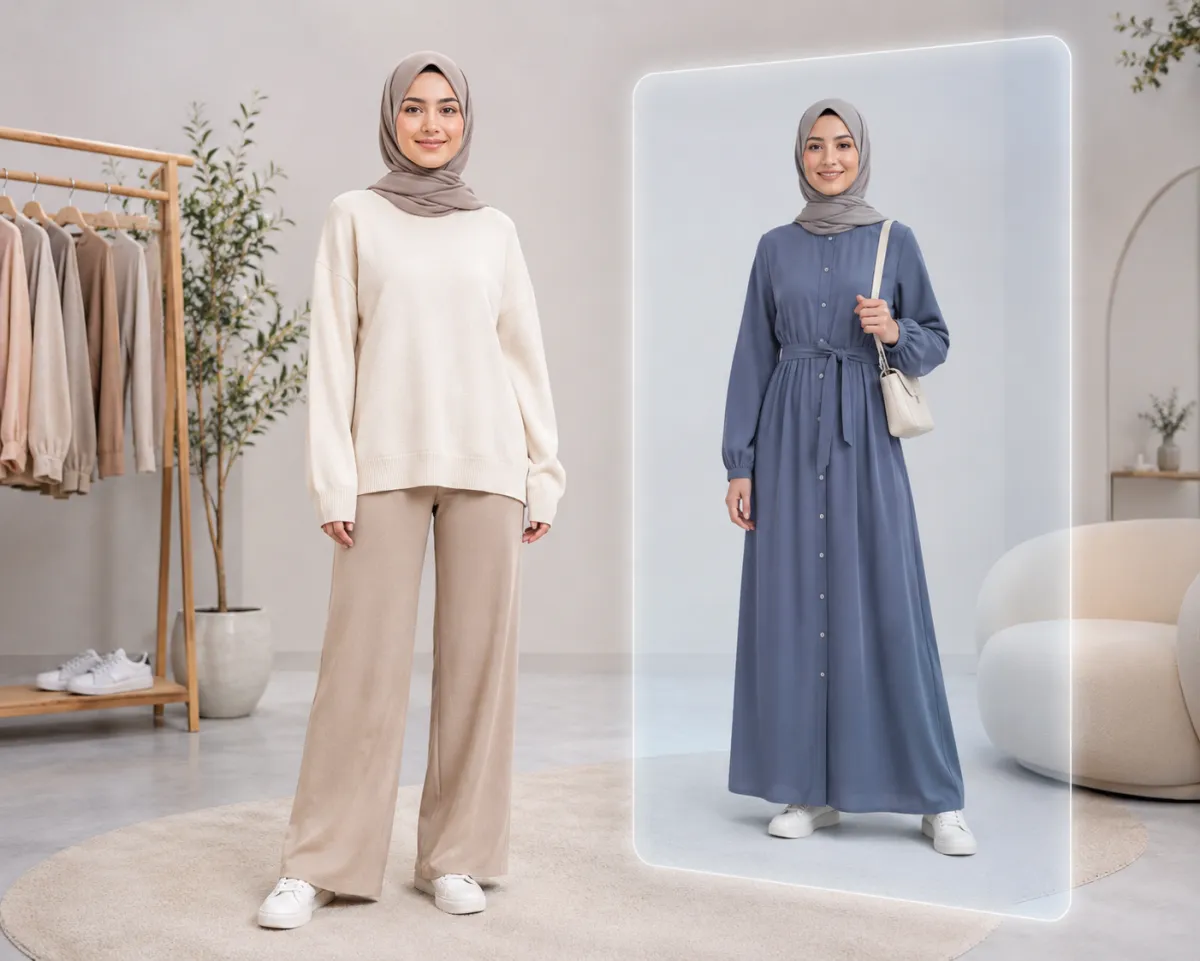
AI virtual try-on shows you how an outfit looks on your own photo before you buy it — upload a clear picture of yourself, pick or describe the garment, and the tool renders it onto you in about a minute. No app store download and no live camera: an AI clothes changer does the same preview from a single still photo.
That's the part most people get wrong. "Virtual try-on" sounds like a 3D body scan or an AR mirror, but for everyday online shopping you don't need any of that — one good photo is enough to see whether a look suits you.
Last updated: June 17, 2026 · ~6 min read
What AI virtual try-on actually is
Virtual try-on (often shortened to VTO) places a garment onto a photo of a real person so you can preview the look without putting it on. There are two flavors worth knowing:
- Live AR try-on: uses your phone camera in real time, common in big retail apps for glasses, makeup, or shoes.
- Photo-based try-on: takes one still image of you and re-renders the outfit onto it. This is what a clothes changer does, and it works on any photo you already have.
For clothing specifically, the photo-based route is usually more reliable. A still image keeps your pose steady, so the AI can match the garment to your shoulders, waist, and proportions instead of chasing a moving camera feed.
Try on clothes on your own photo in 3 steps
The whole flow is upload → choose the outfit → preview, and you can repeat it for as many looks as you like.
- Upload a clear, front-facing photo. Good light, your whole upper body visible, and the current outfit not too baggy or hidden. The cleaner the original, the better the fit looks.
- Pick or describe the garment. Reference an item ("a fitted beige trench coat") or describe a style ("swap this top for a navy crew-neck sweater"). You're styling the clothes, not the person.
- Preview and compare. The tool keeps your face and pose and renders the new outfit on top. Save a couple of versions and put them side by side to decide.
Tip: Try-on previews are non-destructive, so generate three or four variations of the same item — a different neckline or color often reads completely differently on you than it does on a catalog model.
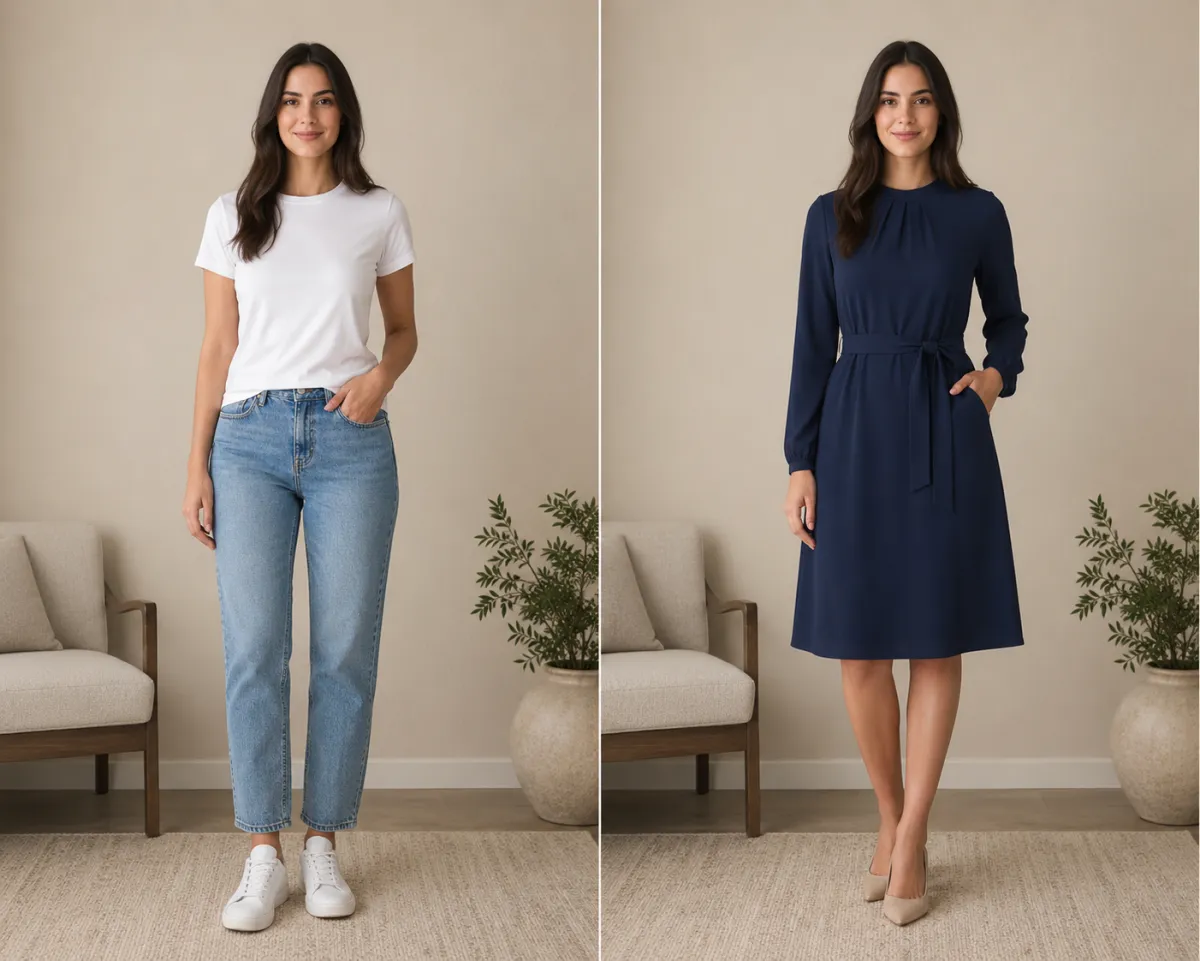
Same photo and pose — her everyday top is previewed as a structured blazer she's considering buying.
Where virtual try-on actually helps
People reach for clothes try-on tools for a few very practical reasons. Here's where the preview pays off:
| Use case | What you're answering | Why a preview helps |
|---|---|---|
| Online shopping before you buy | "Does this style suit me, not the model?" | Cuts impulse buys and return trips before checkout |
| Outfit planning | "Which of these three tops works best?" | Compares looks side by side without changing clothes |
| Gifting | "Will this suit them?" | Preview a look on their photo before you order |
| Special occasions | "Is this right for the event?" | Test formal vs. casual on yourself in minutes |
The common thread: virtual try-on answers "on me, will this look right?" — a question a product page photo of a model can never quite answer.
Honest limits: fit vs. style
Be clear about what a try-on preview can and can't tell you, so the result doesn't disappoint:
- It's great for style, not for sizing. A preview shows whether a color, cut, and silhouette suit you. It does not measure your body or confirm whether the medium or large will fit — always check the retailer's size chart for that.
- Loose or layered originals are harder. A bulky coat or an arms-crossed pose hides your shape, so the rendered garment has less to work with. A simpler starting photo gives a truer preview.
- Fabric and drape are approximations. The AI gets the overall look right, but exact texture, weight, and how a fabric falls in person can differ.
If a preview looks off, regenerate or start from a cleaner photo — outputs vary run to run, and a sharper original is the single biggest quality lever.
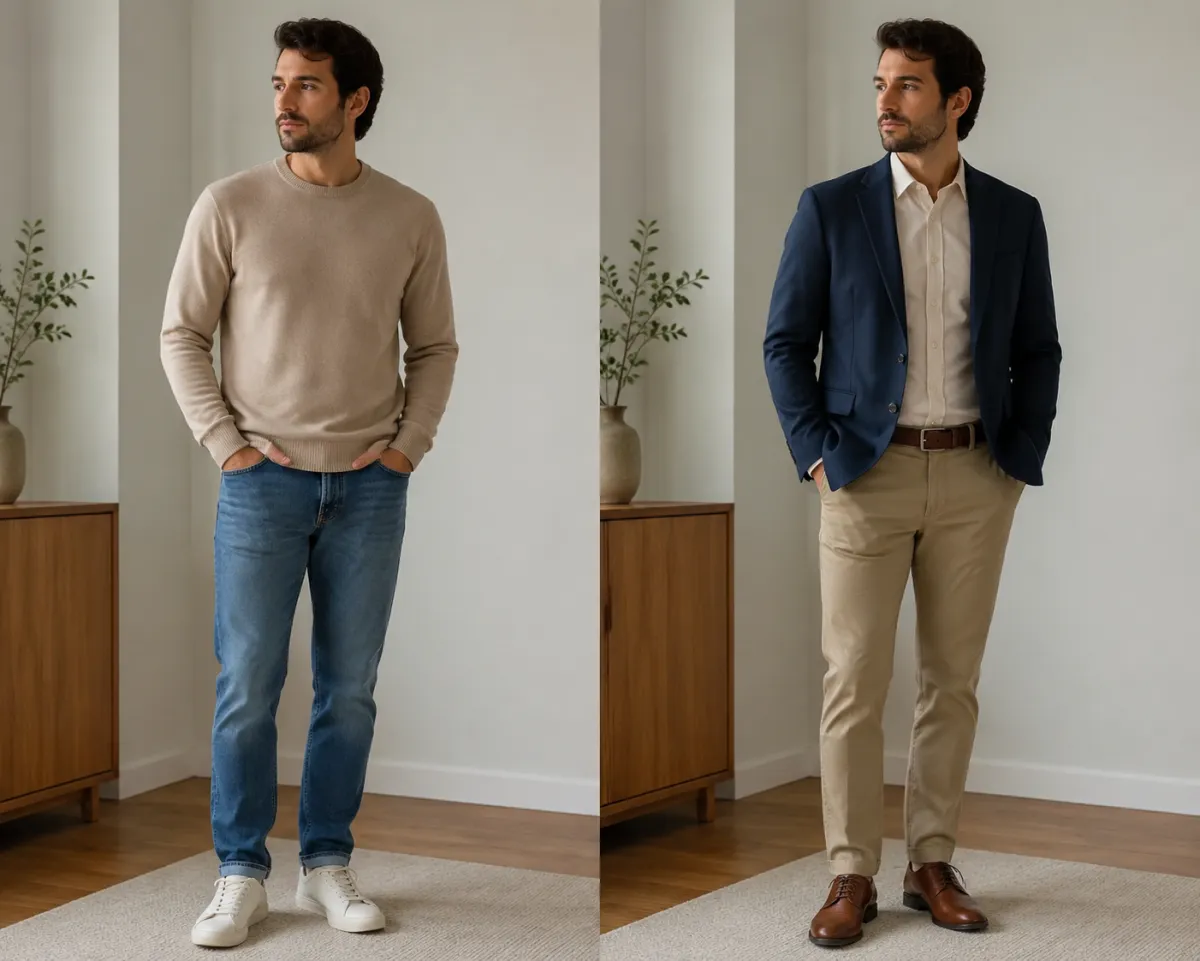
Two looks on one photo — a casual button-down and a smart sweater, compared on the same person before buying.
Virtual try-on vs. a fitting room vs. a generic chatbot
If you're weighing your options, here's the honest comparison:
| Option | Time | Best for | Limitation |
|---|---|---|---|
| AI virtual try-on | ~1 minute | Previewing style on your own photo before buying | Approximates fit, not exact sizing |
| Store fitting room | A trip + queue | Confirming true fit and feel | Requires you to be in-store with the stock on hand |
| Generic AI chatbot | A few minutes | Quick text styling advice | Inconsistent edits, faces and poses often shift |
A fitting room still wins for confirming exact fit. But for the "would this even suit me?" question — the one that stops most online purchases — virtual try-on on your own photo is faster and you can do it from the couch. A purpose-built clothes changer also holds your face and pose steady, which a general chatbot frequently does not.
Frequently asked questions
What is AI virtual try-on?
AI virtual try-on places a garment onto a photo of a real person so you can preview how the outfit looks on you before buying. For clothing, photo-based try-on renders the new look onto one still image while keeping your face and pose, so you see the style on yourself in about a minute.
Is there an app to try on clothes virtually?
Yes, and you don't have to install one. A web-based AI clothes changer does photo virtual try-on right in your browser, so it works on a phone or laptop with nothing to download. Many big retailers also offer in-app AR try-on for items like glasses and shoes.
Can I try on clothes online before buying?
You can. Upload a clear photo of yourself, choose or describe the garment, and the tool renders it onto you so you can judge the style before checkout. It's a fast way to cut impulse buys and reduce returns, though it previews look rather than exact size.
How accurate is virtual try-on?
It's accurate for style — color, cut, and overall silhouette on your body — and only approximate for fit. A clean, front-facing photo gives the truest preview; loose clothing or hidden poses lower accuracy. Always check the retailer's size chart for actual sizing.
Is there a free virtual try-on?
Yes. You can try on clothes free online by starting from the home page, uploading a photo, and generating your first previews in the browser with no download. It's the quickest way to test the style on yourself before you commit.
Can I try clothes on my own photo?
Yes — that's exactly what photo-based virtual try-on does. Upload your own picture, pick the outfit, and the AI re-renders just the clothing while keeping your face, pose, and background, so the preview is genuinely you in the new look.
Related guides
Keep exploring before you start shopping:
- Try the free AI clothes changer → — upload your photo and preview any outfit on the home page.
- How to change clothes in a photo with AI (no Photoshop)
- AI outfit generator: get outfit ideas from your photo
- How to change the color of clothes in a photo
See it on yourself first
Stop guessing from catalog photos. Upload a photo and preview an outfit free → and see how it looks on you in about a minute.