
Pietra AI Clothes Color Changer: What to Check First
Evaluate the Pietra AI clothes color changer for garment recolors. Check access, color controls, detail preservation, and exports before committing.
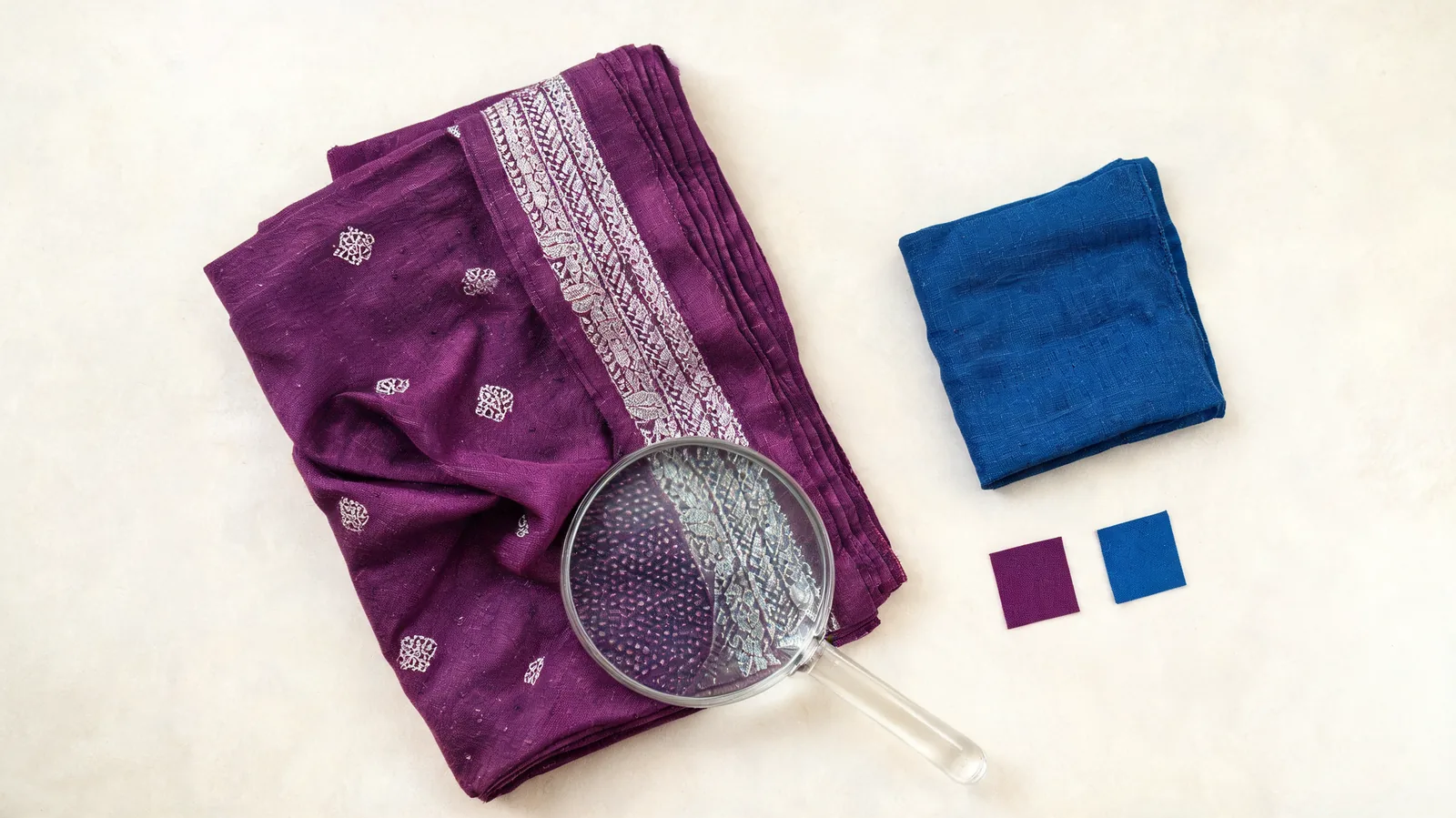
The Pietra AI clothes color changer is worth evaluating if you need garment color variations, but check access, color controls, and export conditions before relying on it. Use one difficult photo to see whether the edit preserves the details you care about. A focused AI clothes changer workflow is another option when your task is a single outfit preview.
Last updated: October 12, 2026 · about 9 min read
This is a selection guide published by AIClothSwap, which offers its own clothing tools. We reviewed Pietra's public information as of October 12, 2026; we did not perform a logged-in generation or export test. The cover illustrates fabric and color choices, rather than a result produced by either service.
What does Pietra currently say about clothing recoloring?
Pietra's official AI tools page presents a broader ecommerce suite and describes an AI clothing editor that adjusts colors and changes patterns. Its manufacturing article by Aaron Anders, dated November 11, 2024, describes a Color Changer that accepts Pantone or Hex codes.
Those statements support a color-variation use case. They do not establish the exact controls available to every current account, the handling of a complex saree border, or the quality of a downloaded file. An older supplier-oriented explanation also should not be treated as a complete walkthrough of today's interface.
Start from the official suite or your account rather than assuming that an old link opens a standalone recoloring tool. Check that the tool you reach actually edits your uploaded garment, rather than generating a new clothing design from a description. Both can be useful, but they answer different tasks.
What should you confirm before uploading?
Use a small, permitted test image before sending a whole collection. Read the current upload instructions and confirm that you can retrieve an output in a form you can use. Do not infer these details from a polished example or a testimonial.
| Question to check in the current account | Why it matters | What would make you pause? |
|---|---|---|
| Which file formats and sizes are accepted? | Your source needs to fit the actual upload rules | Converting the source destroys detail you need |
| Can you target one garment or region? | A blouse and saree body may need separate treatment | The whole outfit changes together |
| Can you specify the intended shade? | “Blue” alone leaves several color directions open | No way to distinguish navy from royal blue |
| What does each attempt cost? | Repeated corrections affect a small project too | The allowance or charging point is unclear |
| What file can you download? | A preview is not the same as a usable final asset | The exported file is too small for your placement |
| What rights and retention terms apply? | Client or catalog images may have specific conditions | The applicable terms do not cover your use |
Pietra advertises a free starting route. That is not enough to conclude that every recolor or final export is free. Check the current allowance and conditions directly, including whether the result you want requires a different plan. This guide does not assign a price or promise unlimited access.
How can a purple saree reveal the important limitations?
A saree is a useful proposed evaluation case because it has more than a large patch of color. It can include a contrasting blouse, a narrow border, repeating motifs, a draped pallu, pleats, and reflective fabric. This guide does not claim that Pietra passed or failed that case.
Choose a photo where the boundaries are visible. A hand covering the border or a crop hiding most of the pallu limits what you can judge. Keep the lighting and source fixed across attempts. Otherwise, a nicer second photo can make a weak edit look like a better tool.
Define the intended change in one sentence: the purple saree body should become royal blue, while the blouse, silver border, motifs, person, jewelry, and background remain unchanged. If you also want a blue blouse, make that a separate decision. “Make the outfit blue” is too broad for a controlled evaluation.
The purple-to-blue saree tutorial explains the garment-specific editing process. Here, use those preservation requirements to decide whether a tool suits your work before committing to it.
A clean overall color change is only the first check. A tool is unsuitable for an exact garment record if it improves the image by inventing a different border or pattern.
How do you evaluate a recoloring tool in three steps?
- Write the acceptance criteria before generating. Name the target region and shade, plus the features that must stay unchanged. Decide whether you need a rough style comparison or a product image. Keep those criteria beside the original photo.
- Make one controlled attempt with the available controls. If the interface offers a region selection, check that it covers the intended fabric. If it offers a color code, enter your reference. If it accepts instructions, keep the request narrow. Do not assume Pietra supplies every one of these controls to your account.
- Inspect the exported image against the original. Compare the full frame, then enlarge borders, patterns, folds, and nearby skin or jewelry. Record what changed unintentionally. Decide whether the output is usable, needs a correction, or belongs only in an exploratory mood board.
Avoid changing the target shade, photo, and preservation instructions all at once. If the blouse also changed, tighten the region or request first. If the garment structure changed, try a more controlled editing method rather than repeatedly asking for a prettier version.
Which details decide whether the recolor is usable?
Inspect the garment's structure before judging whether you like the blue. Color preference can distract from lost detail. A visually attractive image may still be a poor representation of the item.
| Detail | A useful recolor should show | Reason to reject or correct it |
|---|---|---|
| Blouse | The intended original color and construction | It turns blue when it was meant to stay purple |
| Border | Continuous edges and recognizable decoration | The border widens, vanishes, or gains new motifs |
| Repeating pattern | The original spacing and shapes | Small motifs become different marks |
| Pleats and folds | Shading that still describes the drape | Blue looks painted over the shadows |
| Pallu | Continuity with the rest of the saree | Parts of the drape retain unintended purple patches |
| Nearby objects | Skin, jewelry, and background stay consistent | Color bleeds beyond the fabric |
Look at the actual downloaded file, not just an interface thumbnail. Confirm its pixel dimensions and open it at the size you intend to publish. Export suitability depends on the destination: a small social graphic and a detailed product-page image may need different files.
Do not interpret a Hex or Pantone input as proof of a physical fabric match. A code states the target; fabric sheen, source lighting, and your display influence what the image looks like. For physical color approval, compare a real swatch under appropriate lighting.
When is AIClothSwap's color workflow useful?
AIClothSwap's clothes color changer offers a focused recolor mode: upload a person photo, choose a preset or custom color, and describe what should stay the same. Recolor mode does not require a separate replacement garment image. It is a practical route when the immediate job is to compare a color on an existing outfit.
If your task is specifically a dress, the dress color changer provides a relevant starting page. If your task is replacing the garment's design using a reference, virtual try-on addresses that broader job. Choose the workflow by the intended change rather than using recoloring to imitate a different garment.
These are available workflow options, not evidence that AIClothSwap preserves every border or outperforms Pietra. Apply the same acceptance checklist to its output. A focused entry point can make the request easier to frame, but the image still needs inspection.
How should you decide before committing to a larger project?
Choose Pietra if the controls available in your account fit your garment task, the exported result meets your requirements, and its broader brand workflow is useful to you. Choose a focused recoloring route if your immediate need is a single photo and a clear target color. Choose manual editing when exact boundaries matter more than a quick variation.
Save the source, selected output, and a short note about any remaining differences. That gives you a useful handoff for a designer or client: the intended blue, what changed, and what still needs approval. Label exploratory images as previews so they are not mistaken for photographs of a manufactured colorway.
Frequently asked questions
Does Pietra have an AI clothes color changer?
Pietra's official AI tools page describes clothing editing that adjusts colors, and its manufacturing article describes a Color Changer using Pantone or Hex codes. Confirm the current tool and controls in your account before choosing it for a project; public marketing copy does not establish every upload or export condition.
Is Pietra's clothes color changer free?
Pietra advertises a free starting route, but that does not establish unlimited recoloring or free final exports. Check the current account allowance, generation cost, and download conditions before uploading a complete project.
Can AI recolor a saree without changing its border?
You can request a color change limited to the saree body while preserving its border, blouse, motifs, and folds. Inspect the result at full size because generative editing may still alter details. Use a manual selection or correction workflow if the border must remain exact.
Does entering a color code guarantee an exact fabric match?
No. A code specifies the intended color direction, while lighting, fabric sheen, image processing, and the display affect appearance. A digital recolor is useful for comparison, but physical color approval requires a real fabric reference.
Related guides
- Try the AI clothes changer →
- How to change clothes color in a photo
- How to change saree color from purple to blue digitally
Have one outfit and a color in mind? Open AIClothSwap and keep the preservation checklist beside your original photo.