
Magic Hour AI Clothes Changer: What It Does and When to Try an Alternative
See how Magic Hour’s AI clothes changer works, what to inspect in its two-image workflow, and when a focused alternative may better fit your photo.
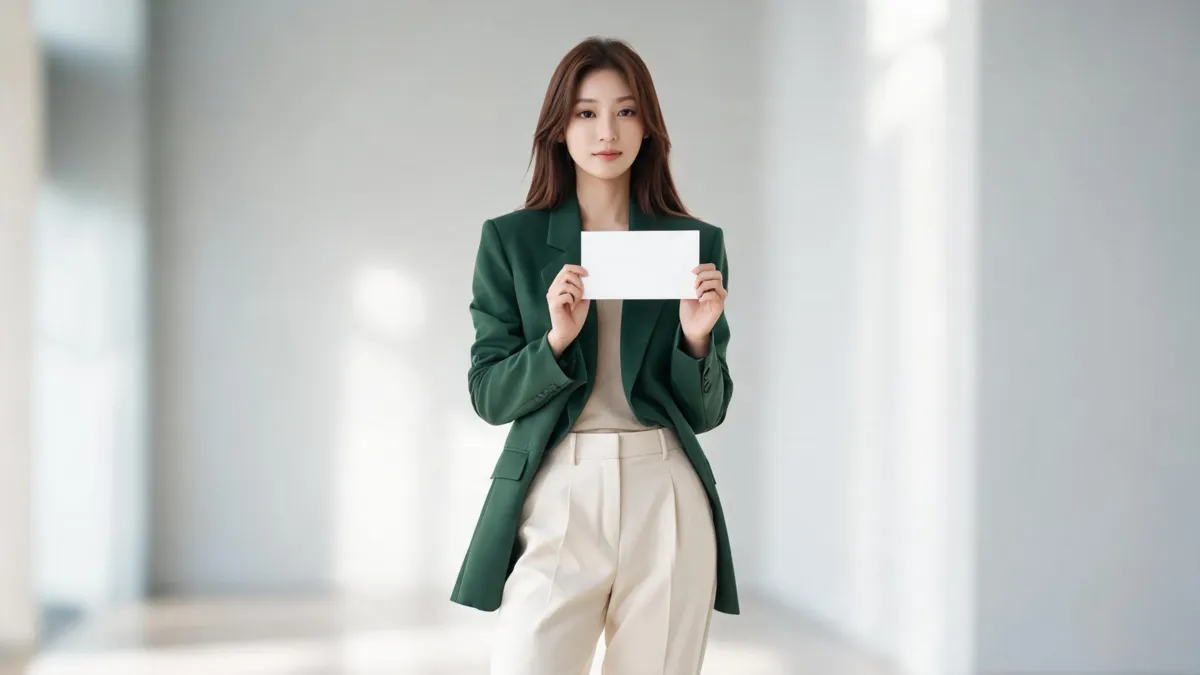
Magic Hour’s AI Clothes Changer is a two-image outfit-editing workflow: its current page asks for a person photo and a clothing image, then generates a changed outfit. It is a reasonable option for a quick visual comparison. If you only need to test one look on one adult photo, a focused AI clothes changer can be a simpler alternative—provided you judge the result against the original rather than treating it as proof of fit or product accuracy.
Last updated: September 9, 2026 · ~8 min read
This is an independent workflow review, not a sponsored ranking. We checked Magic Hour’s public AI Clothes Changer page on September 9, 2026. Its page currently describes changing clothes or dresses in a photo and markets a free, no-sign-up, no-watermark experience. Access, credits, image handling, output terms, and controls can change, so confirm the live page before you upload a personal image or start commercial work.
What does Magic Hour’s clothes changer do?
The central idea is clear: give the service a photo of the person and a clothing image, then ask it to place the clothing on the person. That makes it closer to a garment-reference preview than a basic color filter. A readable clothing reference gives the model visible details to reconcile with the person’s pose, lighting, hair, hands, and existing layers.
It is still a generative image edit. The result may be useful for deciding whether a color family, proportion, or styling direction is worth exploring. It does not prove that the real garment will fit, remain in stock, have the same shade, or drape the same way. Keep the claim as small as the evidence.
| Decision point | Magic Hour’s current workflow | Focused AI clothes changer |
|---|---|---|
| Starting inputs | Person photo plus clothing image | Person photo plus garment reference or outfit direction |
| Best initial question | “How does this visible item look on this photo?” | “Which outfit direction should I compare on this photo?” |
| What to inspect | Identity, garment transfer, hands, edges, and light | Identity, garment boundaries, scene stability, and fabric detail |
| What it cannot prove | Fit, sizing, exact stock, fabric feel, or product authenticity | Fit, sizing, exact stock, fabric feel, or product authenticity |
Use the reference image only when you have the right to use it. A clear, flat garment shot with the neckline, sleeves, closures, and hem visible is easier to assess than a cropped listing photo. If your task is only to test a different shade on the same garment, use a clothes color changer instead of re-rendering the entire look.
A two-image workflow does not remove the need for review. The most persuasive-looking result can still change a face, merge fingers into a sleeve, or invent buttons and seams that are not on the real item.
How to test Magic Hour fairly
The best comparison is controlled. Do not give one tool a clean studio portrait and the other a dim, cropped selfie; that measures the inputs, not the tools.
- Choose one clear adult portrait. Use a straight or slight three-quarter pose, even light, and a visible torso. Avoid heavy hair overlap, crossed arms, bags over the waist, and a garment that vanishes into the background.
- Prepare one complete garment reference. Show the main silhouette and construction. If a blazer is folded closed or a sleeve is cut off, the generator must guess the missing information.
- Write down what must not change. Ask to keep the face, hair, body, pose, hands, background, and lighting stable. A focused request is easier to audit than a complete makeover.
- Run the same brief in any alternative. Keep the person image and garment reference fixed. Change one variable at a time if you need another attempt.
- Inspect at full size before saving. Start with the face and collar, then review hands, cuffs, buttons, waist, hem, shadows, and nearby background objects.
For source-photo preparation, use our best photo checklist. For a broader distinction between garment transfer and outfit replacement, see AI virtual try-on versus clothes changer.
Watch the official walkthrough, then verify the output yourself
This tutorial from Magic Hour’s official YouTube channel shows how its clothes changer works; it is a vendor demonstration, not an independent benchmark.
The full-size review that catches costly errors
Review the original and output side by side. An outfit that looks credible in a social-media-sized preview can fall apart at the collar, cuff, or hand.
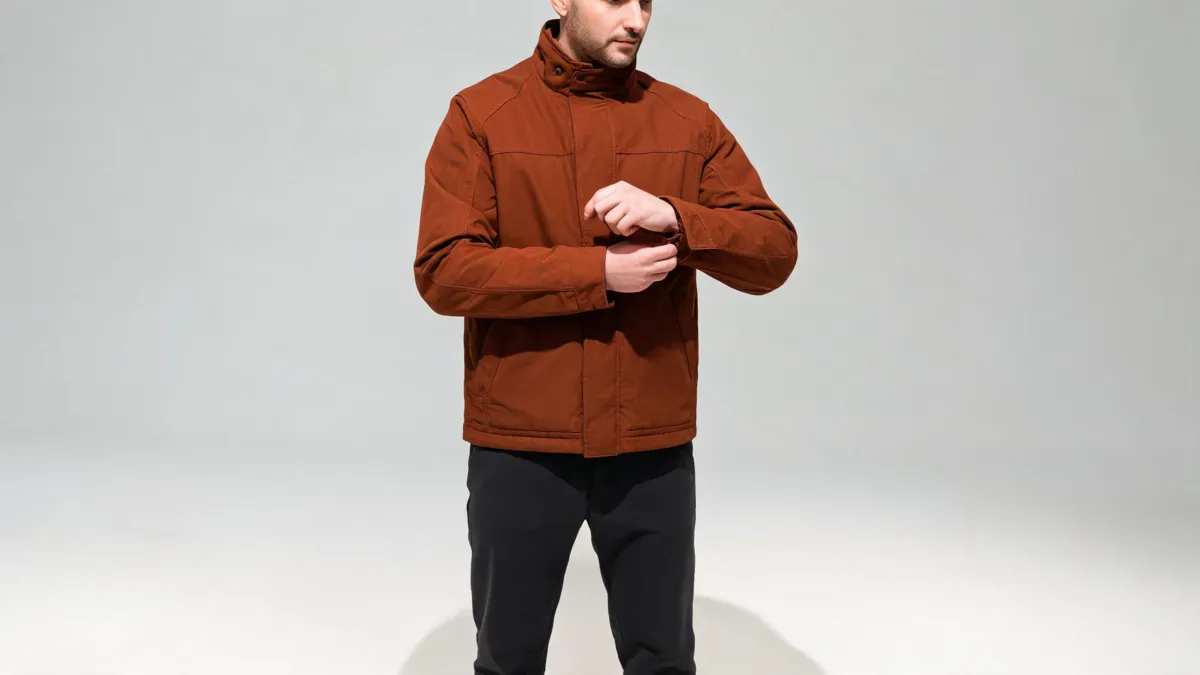
Editorial quality-check image, not a Magic Hour or AIClothSwap result. Evaluate the garment’s construction and scene continuity independently.
Identity and pose
The source person should remain recognisable. Check facial proportions, expression, hairline, skin tone, and body position before you admire the outfit. A new jacket is not usable if the subject has become a different person.
Garment construction
Inspect collars, lapels, sleeve openings, waistbands, pockets, closures, and hems. The material should wrap around the body and react to the pose. Repeated prints, tiny lettering, and logos are weak evidence in a generative result; use an original licensed asset when exact product detail matters.
Hands, hair, and overlaps
Fingers touching a cuff or waist are common failure points. Look for missing fingers, sleeves merging into skin, straps that disappear, or hair that turns into garment texture. If a result fails here, a cleaner source or simpler pose is a more useful next test than a longer prompt.
Lighting and the surrounding scene
Check shadow under the chin and arms, fabric highlights, the silhouette around the shoulders, and the background beside the hem. An outfit edit can alter pixels outside the garment region. For fixes to these problems, read why AI clothes swaps look fake.
When should you try an alternative?
Try a focused alternative when a broader creative suite is not the work you need, or when the two-image path repeatedly misses a specific acceptance criterion:
- You want to compare several written outfit directions on the same photo.
- You need a direct person-photo-and-garment workflow with fewer unrelated controls.
- The face, hands, or background changes despite a clear source.
- The real garment’s shape, pattern, or closure needs a second rendering path for comparison.
- You are doing a personal styling preview rather than a wider creative-media project.
AIClothSwap is a useful comparison path for that narrower task. It accepts an outfit direction or garment reference and keeps the review focused on what changed. It has the same fundamental limits as any generator: low-resolution inputs, extreme poses, dense patterns, and heavy occlusion reduce reliability. It is not a substitute for a retailer’s listing, measurements, or authorised production photography.
Privacy, consent, and commercial use
Only upload an adult’s photo with their permission. Do not create deceptive, intimate, or non-consensual images. For client or retail work, confirm that you own or are licensed to use the person photo, garment image, and surrounding scene.
Before publishing a result, read the provider’s current privacy policy and terms for retention, deletion, training use, watermarking, and commercial rights. “Free” and “no sign-up” are not the same as a guarantee about every account state or business use. AIClothSwap’s Content Policy describes our own allowed-use boundary.
Frequently asked questions
How does Magic Hour AI Clothes Changer work?
Magic Hour’s current clothes-changer page presents a two-image workflow: upload a person photo and a clothing image, then generate an outfit change. Check the current page for its live limits, account rules, and export terms.
Is Magic Hour’s clothes changer a fitting tool?
No. A generated image can help compare color and silhouette, but it does not confirm real-world fit, sizing, fabric feel, availability, or garment construction.
When should I try a focused alternative?
Try a focused alternative when you only need one person photo plus a garment reference or written outfit direction, and want a shorter comparison workflow with a careful full-size quality check.
Related guides
- Try the free AI clothes changer →
- Preview a garment with virtual try-on
- Write a better outfit prompt
- Change an outfit without changing the face
- See current plans
Use the smallest workflow that answers the question
Magic Hour’s two-image clothes changer is worth testing when a garment reference is central to the decision. Keep the person photo, item image, and acceptance checks consistent, then compare it with a focused AI clothes changer. Choose the result that preserves the source and answers your actual styling question with the least rework.