
AI Virtual Try-On vs Clothes Changer: Choose a Workflow
Compare AI virtual try-on and AI clothes changer workflows, including the inputs, results, and checks that matter before you use an outfit preview.
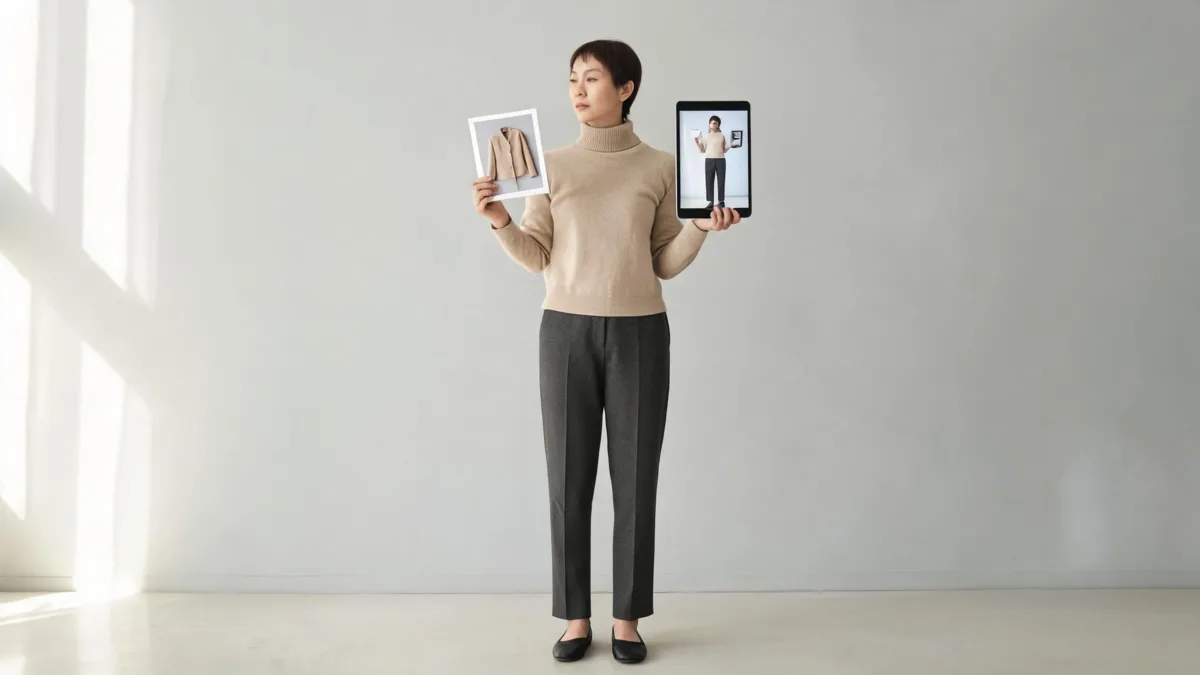
AI virtual try-on is usually the better label when you want to preview a specific garment on a person; an AI clothes changer is broader and can create or replace an outfit from a garment reference or a written direction. Use AIClothSwap's virtual try-on to compare a planned look, then treat the result as a visual mockup—not evidence of size, comfort, stock, or exact fabric behavior.
Last updated: August 30, 2026 · about 7 min read
What is the practical difference?
The names overlap, so start with the input and the decision you need to make.
| If you need to… | Start with | Keep in mind |
|---|---|---|
| See one real jacket, dress, or shirt on one person | AI virtual try-on | A result can show visual direction, not fit or fabric feel |
| Compare several outfit directions from a brief | AI clothes changer | Keep the person, pose, and light fixed between versions |
| Replace a whole look for a mood board or concept | AI clothes changer | Check every garment edge, hand, and background before sharing |
| Decide what size to order | The retailer's size chart and return policy | Neither image workflow measures the body or garment |
AIClothSwap can work from a person photo plus an outfit image, or from a clear outfit direction. That makes it useful for both labels. The important difference is editorial: call the result a try-on preview when it helps someone choose between real garments, and call it an outfit change when the image is a creative variation rather than a purchase decision.
A convincing preview is still an image. Do not use it to promise precise sizing, inventory, warmth, stretch, or a garment's real-world color under every light.
Choose the right workflow in three steps
- Name the decision. “Would this blazer silhouette work with these trousers?” is a try-on question. “What would a relaxed travel outfit look like in this photo?” is an outfit-change question.
- Prepare only the inputs that matter. For a try-on, use a clear person photo and a garment reference where the cut and material are visible. For an outfit change, write one specific direction and avoid adding several unrelated requests.
- Compare a controlled set. Keep the same face, pose, hair, lighting, and background. Change one garment, color, or silhouette at a time, then check the real item before buying or publishing.
The controlled comparison is the useful part. A one-off generated image can be fun, but it is hard to learn from if the pose, scene, body shape, and outfit all change together.
What each workflow can and cannot answer
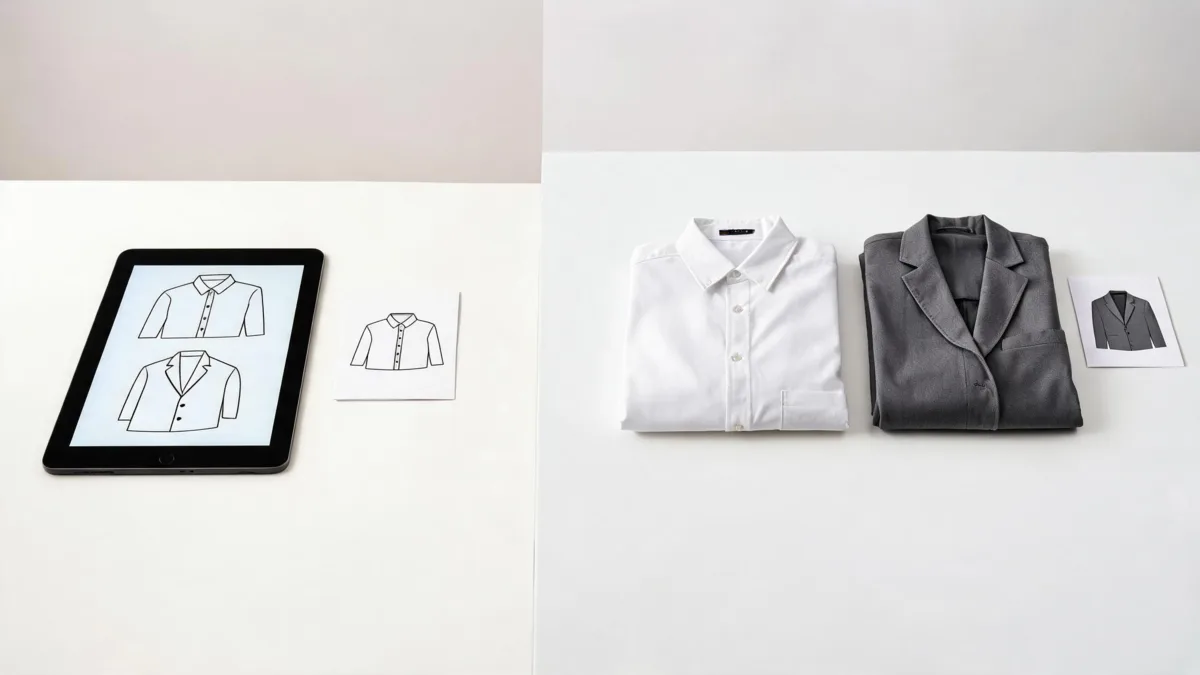
Use garment references for a specific visual question; use a broader clothes-changing brief when the outfit itself is exploratory.
| Question | A useful preview can help with | It cannot confirm |
|---|---|---|
| “Do I like this color near my face?” | Contrast, overall palette, and visible styling direction | Dye lots, screen accuracy, or how a color changes outdoors |
| “Does this jacket look too formal?” | Relative silhouette and occasion direction | Actual tailoring, ease of movement, or garment weight |
| “Which of these two outfits should I photograph?” | A consistent visual comparison before a shoot | How the real fabrics behave on set |
| “Will it fit me?” | Nothing reliable enough to replace retailer information | Size, measurements, stretch, or returns |
For a color-only question, use an AI clothes color changer so the change stays narrow. For an idea that starts from no specific garment, an AI outfit generator is a better discovery step. Those are different jobs from claiming a real item will fit.
Watch a virtual try-on walkthrough
This video demonstrates a virtual-try-on workflow with a real garment choice. It is relevant to the question, but it covers another product, so use it for orientation rather than as a claim about AIClothSwap's interface or policies.
A prompt and review checklist
When a specific garment is the point, give the model clear preservation instructions:
Keep the same adult person, face, hairstyle, pose, body shape, lighting, and background. Use the uploaded jacket reference as the outfit direction. Preserve the jacket's visible silhouette and fabric texture. Do not add labels, logos, or extra accessories.
Before you use a result, check:
- The person and pose did not change enough to make the comparison unfair.
- Sleeve ends, collars, seams, hands, and overlapping hair remain believable.
- The preview has not invented branding, pricing, fabric claims, or product details.
- The real seller's size chart, product photos, material information, and return policy still support the buying decision.
- You have permission to use the person photo and garment reference.
Google's published guidance on image search and shopping results is a useful reminder that product information needs its own accurate source; a generated preview is not a substitute for a seller's factual product data.
Frequently asked questions
Is AI virtual try-on the same as an AI clothes changer?
Not exactly. Virtual try-on usually means previewing a particular garment or look on a person. An AI clothes changer is broader: it can replace or invent an outfit direction. The two overlap when a clothes-changing tool accepts a garment reference.
Can a virtual try-on tell me what size to buy?
No. It can help you compare visual direction, but it cannot measure your body, the garment, stretch, cut, or brand sizing. Use the seller's size chart and return terms for that decision.
What photo works best for an AI clothing preview?
Use a clear, well-lit photo with one adult subject, visible clothing edges, and a natural pose. Avoid heavy filters, crowds, low resolution, and hands or hair covering the garment area.
Can I use an AI outfit preview for a store listing?
Only if the listing remains accurate about what is shown. Do not use a generated image to imply a real garment has a feature, fit, color, or availability that you have not verified. Review marketplace rules and disclose synthetic imagery where applicable.
Related guides
- Try the free AI clothes changer →
- AI virtual try-on
- How to change clothes in a photo with AI
- How accurate are AI clothes changers?
Use the preview for the decision it can support
Use a specific garment reference when you want a visual try-on comparison. Use a broader outfit direction when you are exploring ideas. In both cases, keep the real-world purchase, permissions, and product facts separate from the generated image.