
How Accurate Are AI Clothes Changers? What They Can and Cannot Show
Understand AI clothes changer accuracy before you rely on a result. Learn what a preview can show well, where it can mislead, and how to test outfits responsibly.
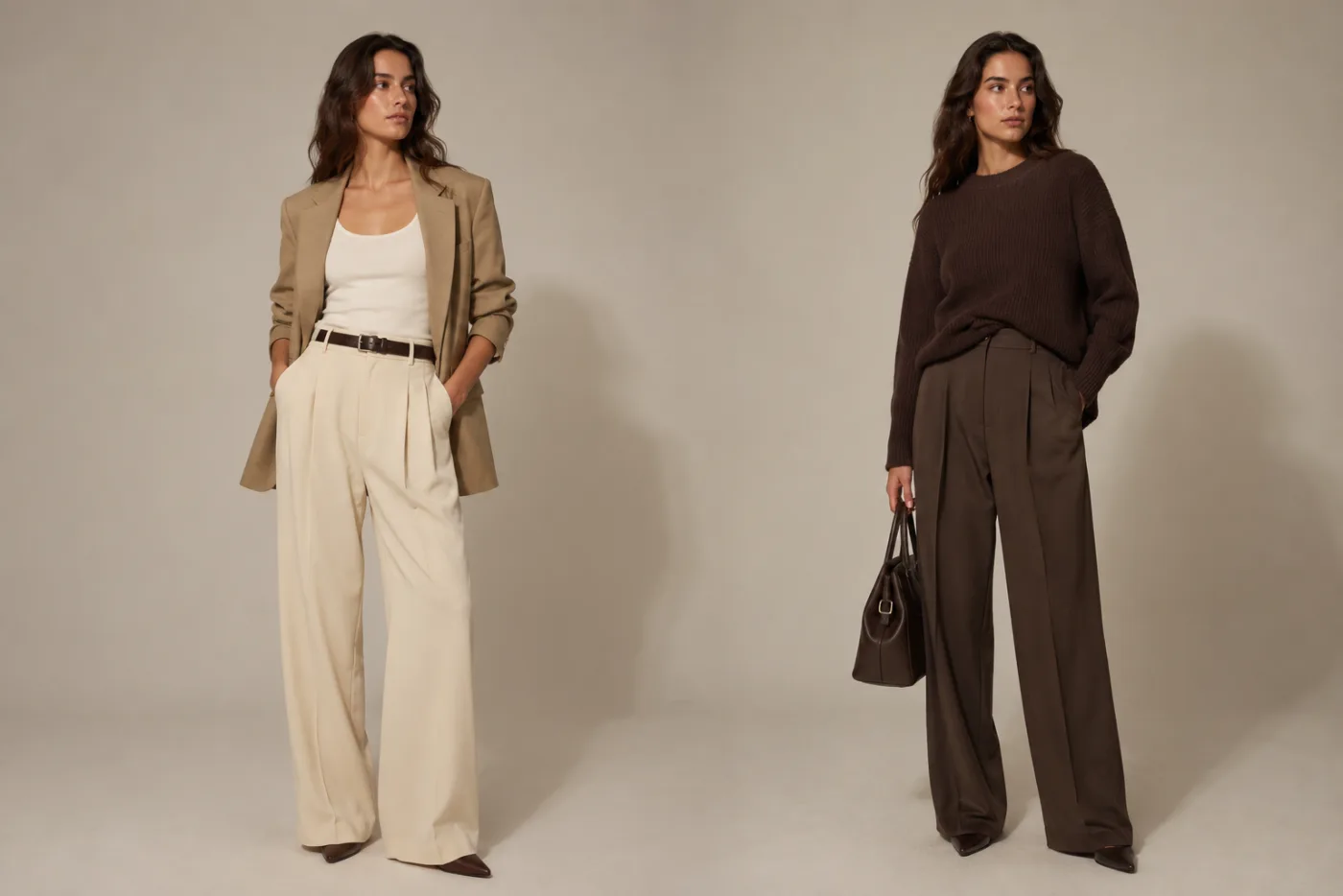
An AI clothes changer is accurate enough to compare the look of an outfit on your photo: color, neckline, sleeve shape, jacket structure, and overall styling direction. It is not accurate enough to guarantee size, comfort, fabric weight, or how a real item will move. That makes it a useful visual planning tool, not a virtual fitting-room measurement. Try an AI clothes changer when you need to narrow an idea before you shop, shoot, or plan a look.
Last updated: July 16, 2026 - about 10 min read
Accuracy is not one thing. A result can preserve your face and still get a cuff wrong. It can make a color comparison useful while inventing a fabric texture that does not exist. People get better outcomes when they decide what they need to learn before they generate: "Does this warmer color suit the photo?" is answerable. "Will this exact blazer fit my shoulders in a size medium?" is not.
The useful definition of accuracy
For outfit previews, accuracy means the edited image keeps enough of the original person, pose, lighting, and background that you can judge the clothing decision. It does not mean the model has recreated a garment from a technical pattern or simulated a real body in motion.
Think of the tool as a styling sketch made from your own photo. It is more personal than a generic mood board, and less literal than a real try-on. That middle ground is valuable when the alternative is guessing from a hanger photo or a model with different proportions and lighting.
What you can reasonably judge from a result
The table below is the practical boundary. Use it to decide whether a preview has answered your question or whether you need a real-world check next.
| Visual question | Can an AI clothes changer help? | What to inspect | What still needs real evidence |
|---|---|---|---|
| Does navy, cream, or burgundy suit this photo? | Usually yes | Skin contrast, background balance, shadow consistency | The real fabric shade under different light |
| Would a blazer make the look more formal? | Usually yes | Shoulder line, lapel shape, overall silhouette | Actual tailoring and shoulder fit |
| Do I prefer a crew neck or V-neck direction? | Often yes | Neckline framing and proportion | Exact depth, coverage, and comfort |
| Would longer sleeves change the mood? | Often yes | Wrist edges, hand overlap, sleeve proportion | Sleeve length on your body and fabric movement |
| Can I buy the exact outfit shown? | No | Treat it as a style reference only | Product listing, availability, size chart, returns |
| Will this dress drape the same way in real life? | No | Use the image for silhouette only | Fabric composition, lining, weight, and reviews |
The strongest use cases sit in the first four rows. The last two are where many people accidentally ask an image to provide information it does not contain.
Why source photo quality changes the answer
The source image sets the ceiling. If a collar is hidden by hair, an arm blocks the waist, or a black shirt disappears into a dark background, the model must guess. That guess may still look polished, but it is a weaker comparison.
For a reliable visual test, choose a photo with one person, enough of the outfit visible, clear edges around the shoulders and arms, and lighting that shows the clothing rather than flattening it. A front-facing or slight-angle pose is generally easier to read than a dramatic mirror selfie or a tightly cropped face photo.
You also get a more honest comparison when the background stays the same. Changing the room, pose, hairstyle, and clothes in one request can make an outfit look better simply because the entire image became more flattering. Preserve the original scene whenever you are deciding between looks.
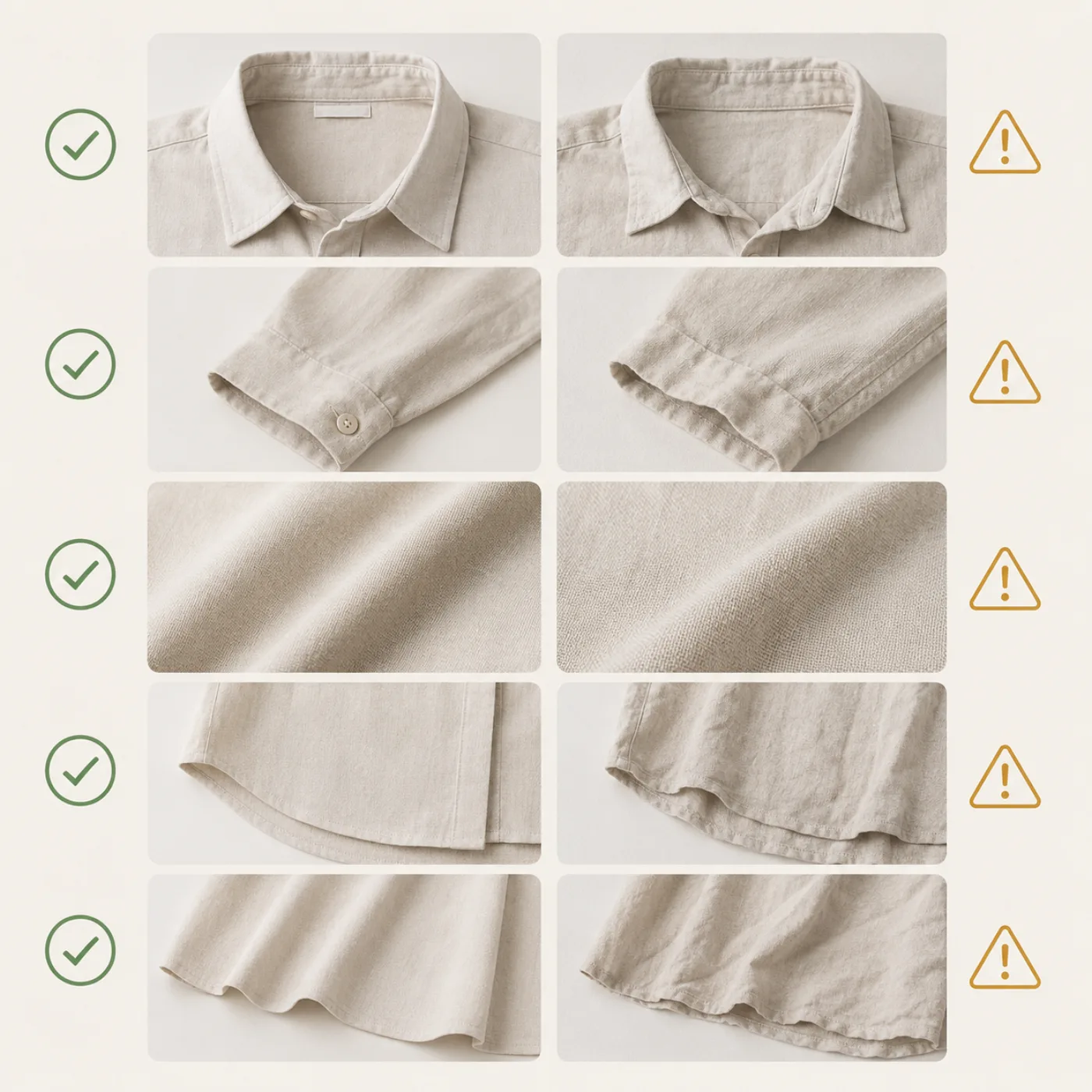
A controlled comparison keeps the person and setting steady, so the clothing direction is the thing you are actually judging.
What makes a generated outfit look less reliable
You do not need special software to spot a weak result. Zoom in and look at the places clothing meets other objects: collar against hair, cuff against hand, hem against a chair, jacket edge against the background, buttons, zips, patterns, and jewelry. These intersections reveal whether the edit held together.
Be cautious when a result does any of the following:
- Changes the face or body while changing the outfit.
- Smears fingers, hands, accessories, seams, or buttons.
- Makes a patterned or transparent fabric look like a smooth solid material.
- Changes the light direction on the clothes but not the person.
- Replaces the background even though you only asked for clothing.
- Makes the outfit more dramatic by changing the pose or proportions.
One small artifact does not make the whole image useless. It may simply mean the result is good enough for color and mood, not good enough for a close-up product or portfolio image. Match the quality bar to the decision.
Use a controlled test instead of one dramatic render
The fastest way to learn whether a clothes-changing preview is helping is to create a mini comparison. Start with the same photo and ask for two or three close alternatives. For example: charcoal blazer, navy blazer, and warm camel jacket. Or: short sleeve, long sleeve, and structured overshirt.
Keep the instruction narrow: "Keep my face, body, pose, hair, background, and lighting unchanged. Replace only the jacket with a structured navy blazer." Then run a separate version for charcoal. When the outputs are controlled, you can make a genuine visual decision.
This approach also reduces the temptation to accept a pretty but irrelevant result. If the navy version changes your face and the charcoal version keeps the original pose, they are not comparable. Regenerate the weaker one with a simpler request.
Accuracy by use case
Personal outfit planning
This is where the tool is most helpful. You can explore color, layering, formality, and broad silhouette before a dinner, a headshot, a trip, or a closet clean-out. Use it to choose a direction, then assemble the real look from clothes you already own or can verify.
Professional photos and social profiles
An outfit preview can help you test whether a calmer color, jacket, or collar makes the image read more professional. Keep the result honest: do not use it to imply a uniform, credential, or role you do not have. For a more targeted experiment, the put a suit on photo workflow focuses on formal styling.
Ecommerce and product images
The bar is higher. AI can help with internal creative direction, early concepts, or color-variant planning, but it should not replace verification when a customer needs accurate material, color, fit, branding, or SKU details. Use the clothing color variant QA checklist before a generated image reaches a sales page.
Shopping decisions
Treat the result as a filter, not a purchase guarantee. It can show that you like a cream trench more than a black puffer on your photo. It cannot tell you whether a specific retailer's item has the same cut, length, warmth, or return policy.
Questions to ask after you generate
Before you save or share a result, ask yourself:
- Did the tool preserve the parts of the photo I need for a fair comparison?
- Is the clothing decision still visible if I ignore the polished background and pose?
- Are the garment edges, hands, collar, and shadows believable enough for my use case?
- Am I using this to choose a visual direction, or am I asking it to prove a real product claim?
- What will I verify next with a seller page, size chart, stylist, or real garment?
Those questions prevent the two common extremes: dismissing every generated image because it is not a physical fitting room, or trusting every generated image as though it were one.
FAQ
Are AI clothes changers accurate enough for outfit ideas?
Yes. They are often useful for comparing color, silhouette, layering, neckline, sleeve shape, and overall styling direction on your own photo. Use the result as an idea test, not a guarantee about a real garment.
Can an AI clothes changer show my exact size?
No. A generated image does not measure your body or simulate the exact pattern, fabric stretch, and cut of a real item. Check the brand's size chart and returns information for that decision.
Why does a generated outfit sometimes look fake?
Complex intersections and details are harder to preserve: hands, hair, collars, sheer fabric, patterns, accessories, and dramatic lighting. Simplify the request and start from a clear source photo for a more useful comparison.
Should I use a generated result in a product listing?
Only after a strict quality and accuracy review, and never as a substitute for details that customers need to trust. For final retail imagery, verify the real garment, color, texture, fit, and legal requirements.
Use the image for the decision it can answer
AI clothes changer accuracy is strongest when you use it to compare a look, not when you ask it to replace a fitting room or product specification. Start with a clear photo, change one clothing variable at a time, inspect the result carefully, and verify the real-world details separately. When you are ready to test an outfit direction, use the AI clothes changer as the visual starting point.