
AI Clothes Changer Bikini: Preview Swimwear Before Buying
Use an AI clothes changer bikini preview to compare swimsuit cuts on an authorized adult photo, then verify fit, sizing, and returns before buying.
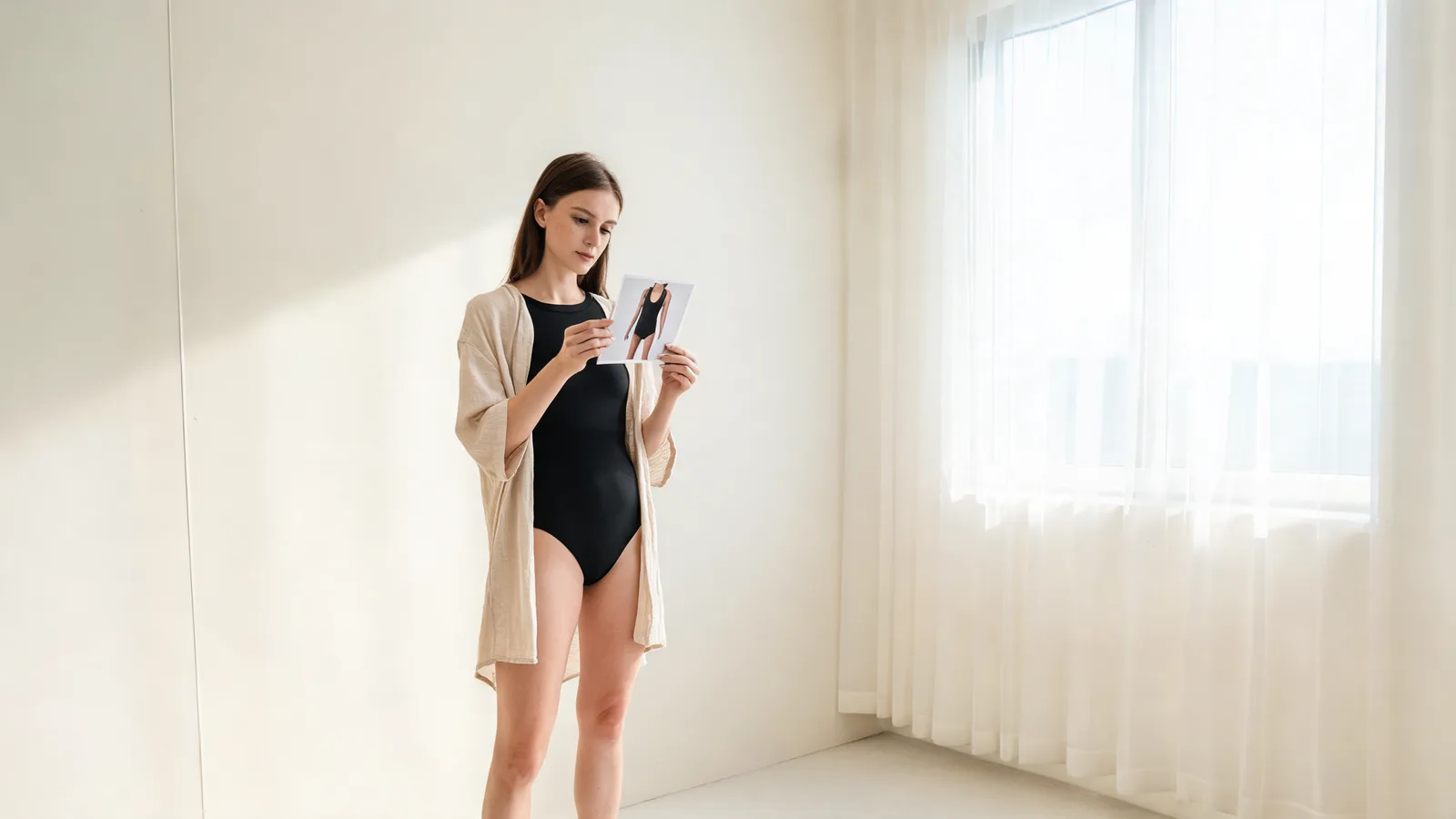
An AI clothes changer bikini preview can help an adult shopper compare how a swimsuit's colour, coverage, and general silhouette read on one authorized photo before buying. It cannot tell you whether the real suit will fit, feel comfortable, or be returnable. Use a clear source photo, change one swimsuit variable at a time, then check the retailer's size chart and policy before you order. Start the visual step with the AI clothes changer.
Last updated: September 27, 2026 · about 7 min read
This guide answers the shopping question behind the query, not a promise of a virtual fitting room. A generated preview is useful for narrowing a shortlist: perhaps you are choosing between a high-waisted set, a tankini, and a one-piece, or deciding whether a colour feels right near your face. It is not evidence of measurements, stretch, lining, support, stock, or the seller's returns terms.
AIClothSwap's bikini and swimwear try-on is an adults-only (18+) visual-preview workflow. Use it only with a photo you are allowed to edit and a swimwear reference you are allowed to use. Keep the result private while you decide; do not present it as retailer photography or as proof of a product claim.
How to make an AI clothes changer bikini preview useful
The best first run is deliberately small. It answers one visible question and gives you a clear reason to keep or reject the result.
- Choose a clean, authorized adult photo. Use even light, a visible upper body or full body, and a straightforward standing pose. Avoid a crowded scene, heavy filters, large bags, or hands and hair covering the swimsuit area. Save the untouched original.
- Use one swimsuit reference at a time. Start with a product image where the major edges, straps, colour, and cut are visible. If you only have a written idea, describe one modest category such as a black one-piece, high-waisted two-piece, tankini, or cover-up. Do not ask for a new pose, body shape, location, and swimsuit in the same run.
- Compare against the source, not your imagination. Look at the neckline, straps, side seams, waistline, overlap with hair and hands, and shadows. If the person, pose, or scene changes enough that the comparison is no longer fair, reject it.
- Repeat only the one decision you still need. For example, keep the same person photo and compare a one-piece against a high-waisted option. Do not chain edits from a generated image; return to the original each time.
A convincing image is a visual draft, not a fit test. It cannot measure torso length, cup support, fabric compression, coverage while moving, or sizing across brands.
If you want to compare colour without changing the full garment, a clothes color changer is the narrower experiment. If you are still deciding on the overall look, use the AI outfit generator to explore directions before you spend time on a particular swimwear reference.
What an AI preview can and cannot decide
| Question | A controlled preview can help with | Check elsewhere before buying |
|---|---|---|
| Does this colour look harmonious in this photo? | Broad colour direction and contrast | The retailer's listed shade, customer photos, and lighting where you will wear it |
| Do I prefer a one-piece, tankini, or high-waisted look? | Relative silhouette and coverage direction | Actual coverage, rise, support, and comfort |
| Does this product appear to match the reference image? | General visual resemblance only | Item details, fabric, construction, labels, and availability on the seller's page |
| Will this size fit? | No | Size chart, garment measurements, reviews, and returns policy |
The distinction matters most with swimwear because small construction details change the wearing experience. A picture can make two styles look close even when their straps, lining, leg opening, closure, or fabric composition differ. Use the preview to decide what you want to investigate—not to skip that investigation.
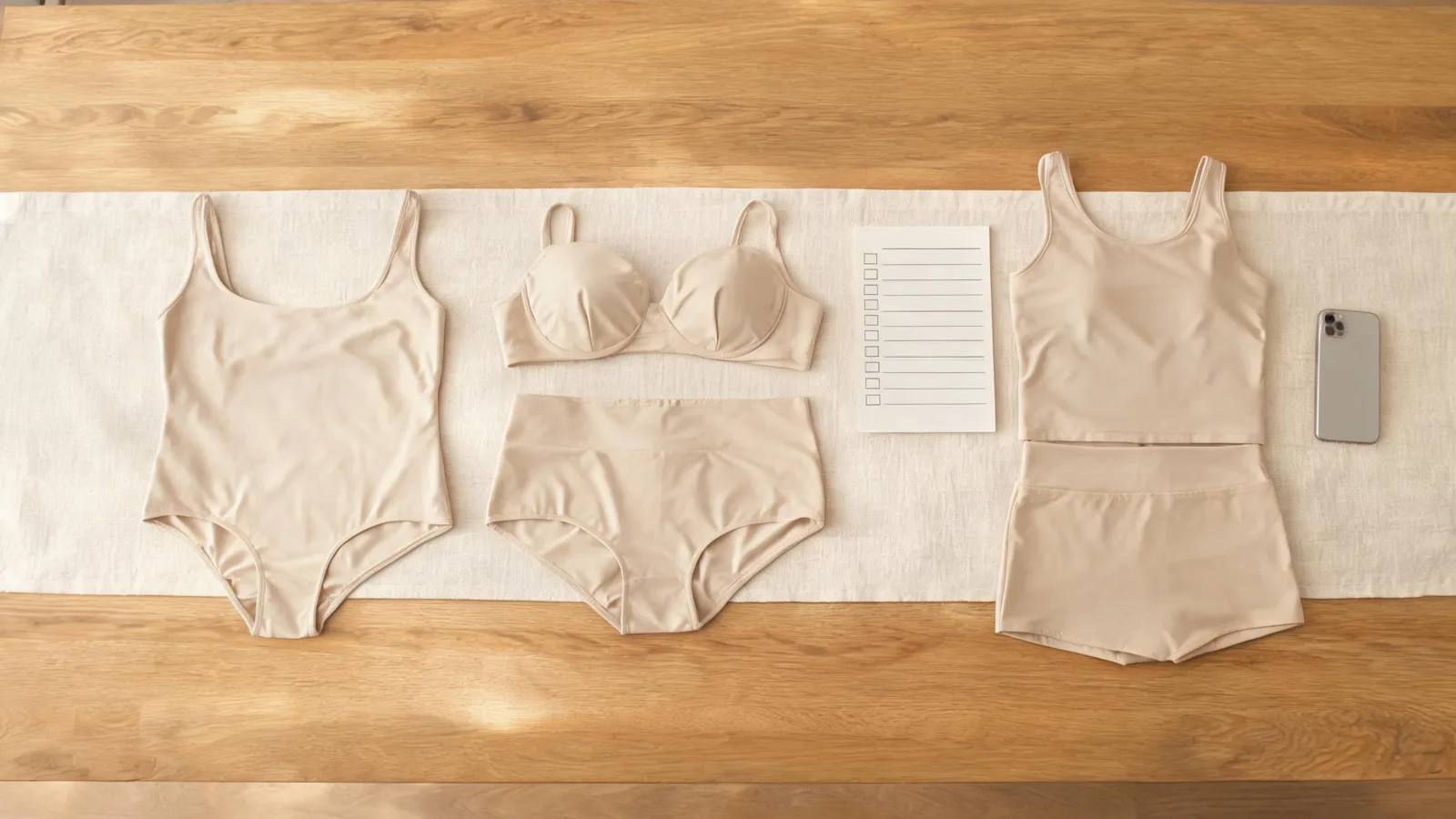
An editorial comparison scene: use the same decision criteria for every swimsuit candidate rather than trusting a single attractive preview.
A five-point review before you keep a result
Open the original and generated image side by side at a useful size. Then review these points in order:
- Identity and pose: The face, apparent age, body proportions, hands, hair, pose, and background should remain consistent enough to answer the original style question.
- Garment boundaries: Check straps, neckline, arm openings, waist, leg openings, and the hem or cover-up edge. These are common places for a generative result to become implausible.
- Light and texture: Look for shadows that follow the source image's light direction. Treat prints, stitching, embellishment, and tiny logos as unverified even when the overall image looks coherent.
- Appropriate scope: Keep the output modest and adults-only. A swimsuit preview is not a request to remove clothing, alter someone else's image, or create a deceptive image.
- Purchase separation: Label the file as a generated preview where that context matters. Do not use it as a listing photo, size recommendation, endorsement, or statement about a real garment.
For a deeper quality check, see why AI clothes swaps look fake. It explains the boundary, lighting, and identity changes that should make you stop rather than retry blindly.
Turn a shortlist into a real buying decision
Once two or three styles survive the visual comparison, leave the AI tool and open the retailer pages. Record the exact product URL, selected colour, and size option. Then compare the information that a preview cannot supply:
- Measurements and sizing method. Read the size chart and note whether it uses body or garment measurements. If the retailer gives rise, torso, or cup-related guidance, compare it with your own measurements rather than a photo.
- Material and construction. Check fibre content, lining, removable pads, straps, closures, care directions, and any feature that matters to you. A generated image cannot inspect these reliably.
- Seller and policy details. Confirm the actual seller, delivery dates, total price, return window, hygiene conditions, and whether a return label or fee applies in your location.
- Independent evidence. Read recent reviews and customer photos with the same caution you would use for any shopping content: they can add context, but they are not a substitute for the listed policy.
When your reference began as a screenshot rather than a product listing, Google's image-search help explains how to start a Lens search. It may surface similar items, not a verified exact SKU. Check every candidate on the seller's own page before you buy.
Limits, consent, and disclosure
Use only adult photos you own or have permission to edit. Do not upload another person's private image, a minor's image, or a reference you are not permitted to use. Read the current service and retailer terms before a sensitive, commercial, or client-facing use.
This article also has a practical limitation: no generic YouTube tutorial was embedded. A DataForSEO YouTube search for “ai clothes changer bikini” returned broad outfit-changing tutorials and unrelated swimwear clips, not a verified, exact swimwear-preview walkthrough suitable for this page. A generic video would add confidence without answering the decision this guide covers.
Frequently asked questions
Can an AI clothes changer show whether a bikini will fit me?
It can help you compare the visual direction of a swimsuit on a photo, such as coverage, colour, and silhouette. It cannot measure your body or the garment, confirm sizing, predict comfort, or replace a retailer's size chart and returns policy.
What photo works best for an AI bikini preview?
Use an authorized adult photo with clear light, a visible torso or full body, and as little obstruction from hair, hands, bags, or furniture as possible. Keep the original photo so you can compare the result fairly.
Can I use a retailer's swimwear photo in an AI try-on?
Use product images only when you are allowed to use them and follow the retailer's terms. A reference can help you assess a broad visual direction, but the generated result does not verify the original item's construction, availability, colour, or fit.
What should I check before buying swimwear online?
Check the product's measurements, size chart, material and care information, current seller information, delivery terms, and returns conditions. Treat an AI preview as one visual input, not a substitute for those purchase checks.
Related guides
- Try the free AI clothes changer →
- Bikini and swimwear virtual try-on
- AI virtual try-on: see clothes on you before you buy
- How to photograph clothes for AI outfit edits
Make the visual decision, then verify the purchase
Use one authorized photo to narrow the swimwear shortlist, then buy only after the real product details hold up. Start an adult-only swimwear preview with AIClothSwap →