
AI Clothes Color Changer vs Photoshop: Which Is Better for Recoloring Outfits?
Compare an AI clothes color changer with Photoshop for recoloring outfits. Learn when AI is faster, when manual editing wins, and how to check fabric, shadows, and edges.
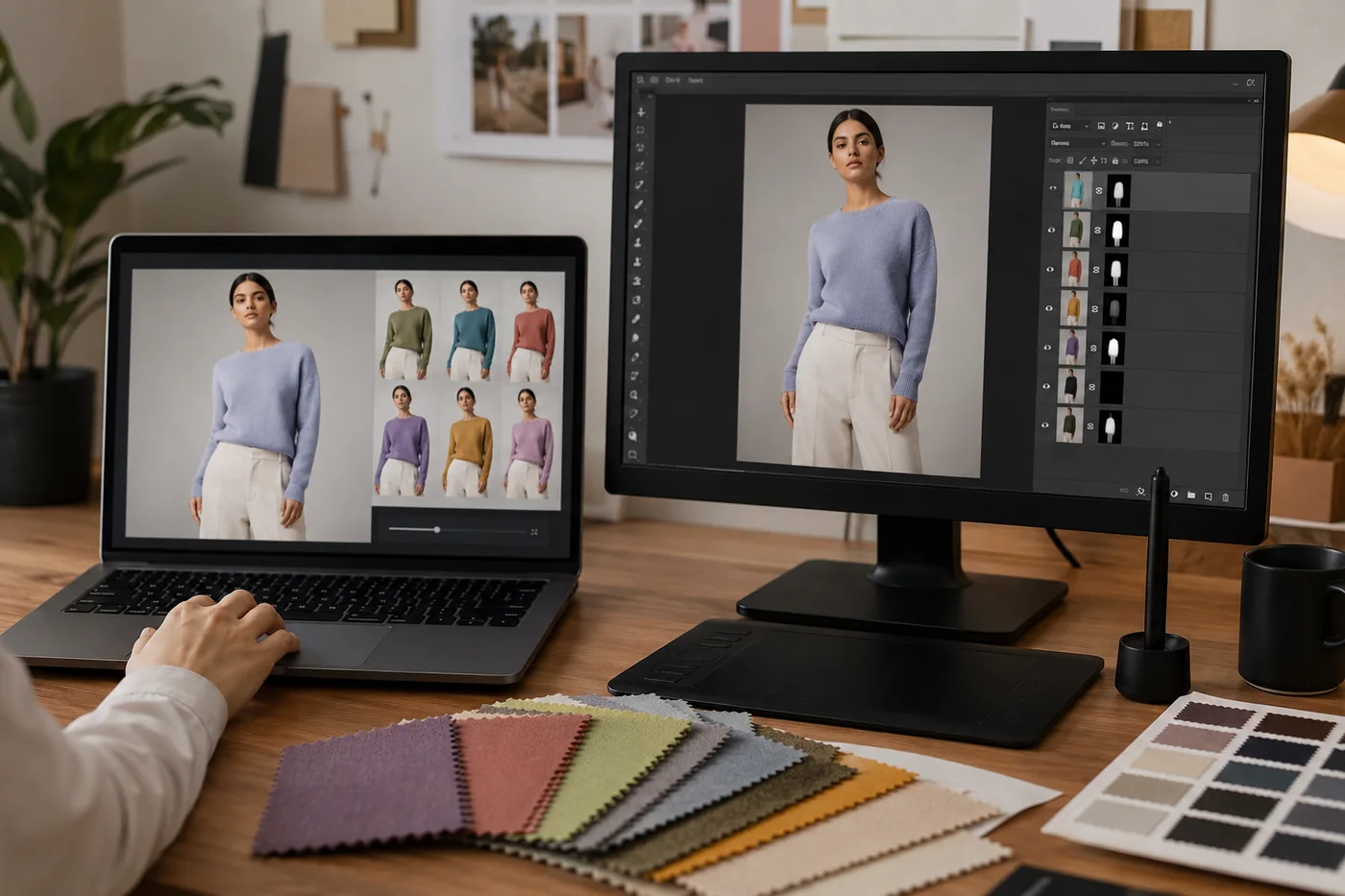
An AI clothes color changer is usually the faster choice when you need to preview outfit colors, test product variants, or decide whether a shirt, dress, or jacket color works in a photo. Photoshop is still useful when the image needs pixel-level cleanup, brand-critical color matching, or manual retouching around difficult edges. The right choice depends less on which tool is "better" and more on the risk of the photo.
If you are recoloring one clean product shot, AI can save a lot of time. If you are preparing a hero image for a paid campaign, Photoshop or a manual review pass may still be worth it. This guide compares the two workflows in plain terms: speed, skill, texture, shadows, edge control, and ecommerce QA.
Concept visual: AI is strongest for fast color exploration; manual editing is strongest when a final asset needs detailed retouching.
Quick Answer: Use AI for Previews, Photoshop for Precision Fixes
Use AI when the clothing item is clearly visible, the fabric is not too reflective, and you need several color directions quickly. Use Photoshop when the garment has complex lace, transparent fabric, heavy shadows, strong wrinkles, brand logos, or color-critical catalog requirements. Many teams use both: AI for the first pass, then manual editing only on the images that are worth publishing.
For personal outfit planning, creator thumbnails, and early ecommerce variant testing, an AI clothes swap tool is often enough. For a product detail page where the exact shade affects returns, a human QA step matters.
AI Clothes Color Changer vs Photoshop: Side-by-Side Comparison
The main difference is workflow. Photoshop gives control through selections, masks, layers, hue adjustments, blend modes, and manual cleanup. AI tries to infer the garment region and preserve the rest of the photo while changing the color for you. That makes AI easier, but also means you should inspect the output instead of assuming it is perfect.
| Need | AI clothes color changer | Photoshop |
|---|---|---|
| Fast color ideas | Best for quick previews and multiple variants. | Slower unless you already have a reusable mask. |
| Beginner workflow | Simple upload, choose color, review result. | Requires selection, masking, color adjustment, and cleanup skills. |
| Fabric texture | Good on simple cotton, denim, knitwear, and matte fabric. | Better when texture needs manual protection or repair. |
| Exact brand color | Useful for previewing, but final shade needs checking. | Better for color sampling, curves, and controlled corrections. |
| Hard edges | Can struggle around hair, jewelry, straps, hands, and folds. | Better for detailed edge cleanup. |
When an AI Clothes Color Changer Works Better
AI is strongest when the photo has a clean garment boundary. A plain shirt, simple dress, coat, hoodie, blazer, or pair of pants is a good candidate. The tool can keep the face, background, pose, and lighting intact while changing the clothing color. That is useful when you want to change clothes color in a photo without rebuilding the whole image.
If the job is simply to change color of clothes for a preview, AI usually gives you the fastest useful answer. If the job is to deliver a final product image with exact brand color, use AI as the first pass and keep a manual review step.
AI also works well when you are comparing options rather than publishing the first result blindly. For example, a seller can test whether sage, navy, black, or cream belongs in a product lineup before booking another shoot. A creator can preview whether a red jacket or a neutral blazer fits a thumbnail. A shopper can check whether a color direction suits their photo before buying.
The biggest advantage is iteration speed. A manual editor might spend several minutes building a mask and cleaning edges for one color. With AI, you can test a set of color options first, choose the few that look promising, and only spend manual time where it matters.
When Photoshop Still Wins
Photoshop still wins when a final asset needs exact control. White clothing can pick up color casts from the room. Black clothing can lose detail. Satin, sequins, sheer fabric, lace, and glossy jackets can react strangely when recolored. Logos and printed graphics may need to stay untouched while the base fabric changes. Those cases often need manual masking and selective adjustments.
Photoshop is also better when the image is already messy. If a hand covers part of the shirt, hair crosses the neckline, or the garment blends into the background, AI may change too much or too little. Manual editing lets you repair only the damaged area. A good rule is simple: if the recolor would be expensive to get wrong, plan for a manual review pass.
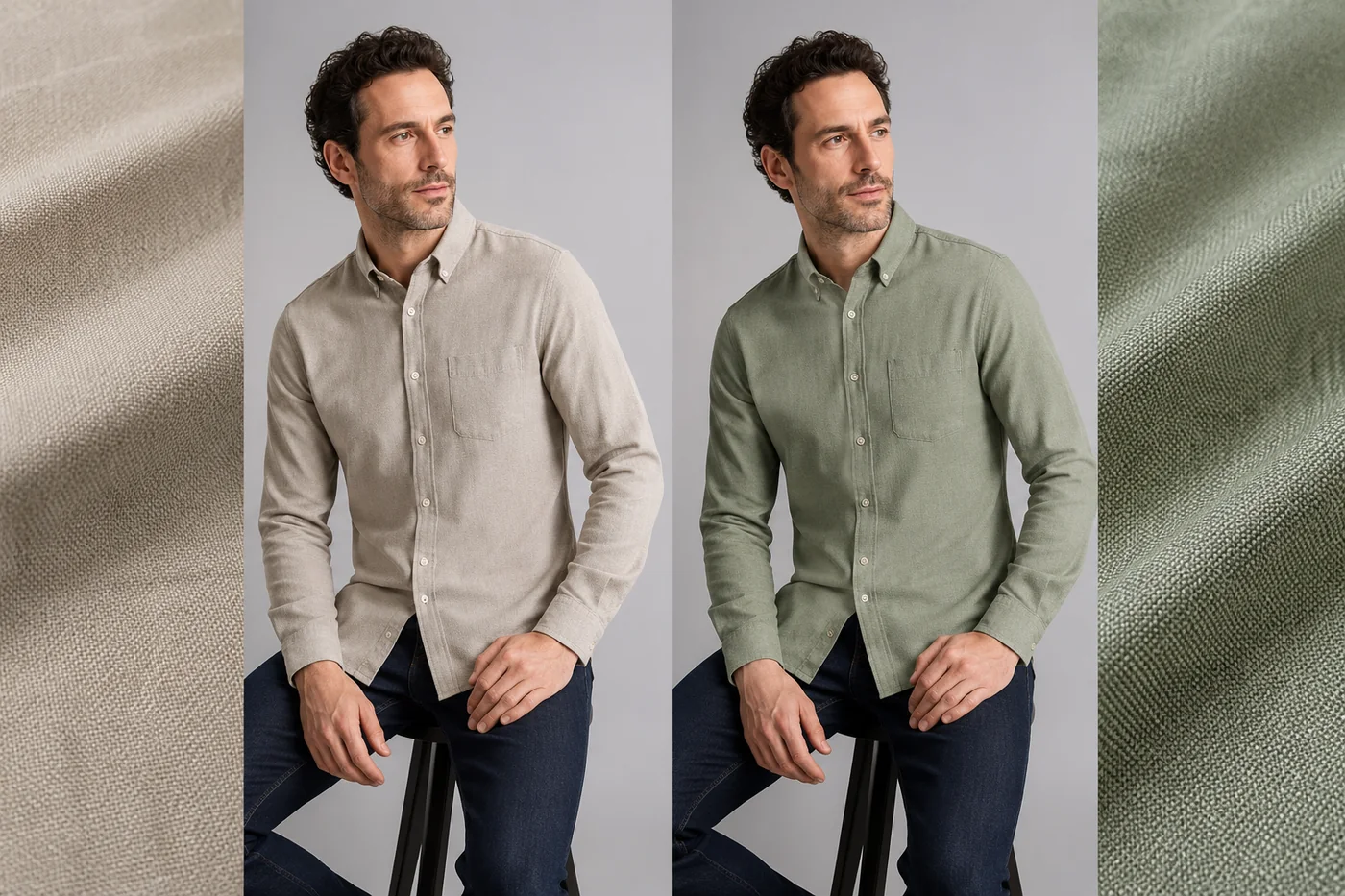
Concept visual: review fabric texture, edges, and shadows before treating any recolor as publish-ready.
Quality Checklist Before You Use a Recolored Outfit Photo
Whether you use AI or Photoshop, do not judge the result only from a zoomed-out preview. Open the image large enough to inspect the garment boundary, face, hands, background, and fabric detail.
- Check the neckline, sleeves, cuffs, hem, and folds for color bleed.
- Look at skin and hair near the clothing edge. They should not pick up the new garment color.
- Inspect shadows. A darker color should still keep believable highlights and folds.
- Zoom in on prints, buttons, stitching, zippers, and logos. They should not melt or change by accident.
- Compare the recolor with the original photo. The face, pose, and background should stay stable.
If the input photo is poor, improve that before blaming the tool. A clean, front-facing photo with visible clothing edges usually performs better. The guide on the best photo for an AI clothes changer can help you prepare safer inputs.
A Practical Workflow for Ecommerce Teams
For ecommerce, use AI as a screening step. Start with one strong source photo. Generate several color directions. Remove any result with obvious edge bleed, texture loss, or mismatched shadows. Then send only the strongest variants to a final human review. This keeps the workflow fast without pretending that every AI output is catalog-ready.
That approach also reduces wasted reshoots. If a color direction looks weak in preview, you can drop it before hiring a photographer. If it looks promising, you can decide whether an AI variant is good enough for a secondary asset or whether the color deserves a real shoot. For prompt-driven edits, the AI clothes changer prompt examples guide gives useful language for describing garments and color changes.
Bottom Line
An AI clothes color changer is best for fast previews, outfit planning, and early ecommerce color testing. Photoshop is best for final polish, difficult fabric, and exact color control. The strongest workflow is not AI or Photoshop. It is AI first for speed, then manual review where quality risk is high.