
ImagineArt AI Clothes Changer: What to Check Before You Upload
Check the person photo, garment reference, output limits, and current terms before using ImagineArt AI Clothes Changer for an outfit preview.

ImagineArt AI Clothes Changer is best treated as a two-image outfit-preview workflow: use an authorized person photo and a clear garment reference, then inspect the generated result before you share or rely on it. Its public page describes uploading both images, generating, and downloading; it does not turn a visual preview into proof of fit, fabric, stock, or permission. A focused AI clothes changer is a useful controlled comparison when you want to test the same input elsewhere.
Last updated: September 22, 2026 · about 8 min read
This is an independent workflow guide, not a sponsored review or a benchmark. We checked ImagineArt's public AI Clothes Changer page and apps directory on September 22, 2026. The public instructions describe a person-photo upload, a clothes-photo upload, generation, and download. Product controls, credits, account requirements, retention, and commercial-use terms can change, so confirm the live service before a consequential project.
What should you upload to ImagineArt AI Clothes Changer?
Start with two readable images: one person photo and one garment photo. ImagineArt's public guide calls for a clear person photo and a clothing image; that is a sensible starting point because the system has to reconcile the body, pose, lighting, garment cut, and any visible pattern.
The useful question is not whether the first result is attractive. It is whether the result answers one decision without quietly changing the evidence around it.
| Input or decision | A better starting point | What to inspect | What stays unproven |
|---|---|---|---|
| Person photo | Authorized adult, front or slight-angle pose, even light | Face, hair, hands, body proportion, background | Measurement or exact size |
| Garment photo | Full garment with collar, sleeves, hem, closures, and pattern visible | Shape, pattern, seams, and edge blending | Real texture, weight, and construction |
| Style comparison | One person and one garment at a time | Whether the look changes as intended | Which item to buy |
| Commercial concept | Rights-cleared source assets and a review owner | Truthfulness of every visible product detail | SKU, color, availability, or a fit claim |
A generated preview can be helpful and still be the wrong evidence for a purchase, catalog, or client promise. Keep the original images and use a real product page, sample, size chart, or approval process for the facts an image cannot establish.
Set up a controlled first test
Use a small test before you make a gallery, campaign, or shopping choice. It keeps failures easy to identify and gives you an honest comparison with another tool.
- Choose one clean source portrait. Use an adult photo you are allowed to edit. The shoulders, torso, and target clothing area should be visible; avoid heavy filters, crowded scenes, and hands or hair covering the garment.
- Choose one complete garment reference. A clear product photo or flat lay is better than a tiny thumbnail. Include the neckline, sleeves, main pattern, and hem. Do not use a reference you lack permission to reuse.
- Generate a literal baseline. Keep the goal narrow: replace the existing top with the reference garment while preserving the face, body, pose, hair, background, and light. Do not add a new location, camera angle, hairstyle, or dramatic style in the first pass.
- Review at a useful size. Compare the original and output side by side. Identify one failure—an altered face, a warped cuff, a lost pattern, or a changed shadow—before you try again.
- Change one variable only. Try a clearer garment reference, a less obstructed portrait, or a simpler request. If the comparison becomes less stable, revert that change rather than layering more instructions on top.
For a garment-specific test, a virtual try-on workflow keeps the brief focused. If color is the only decision, use a clothes color changer instead of asking a full outfit swap to preserve every detail.
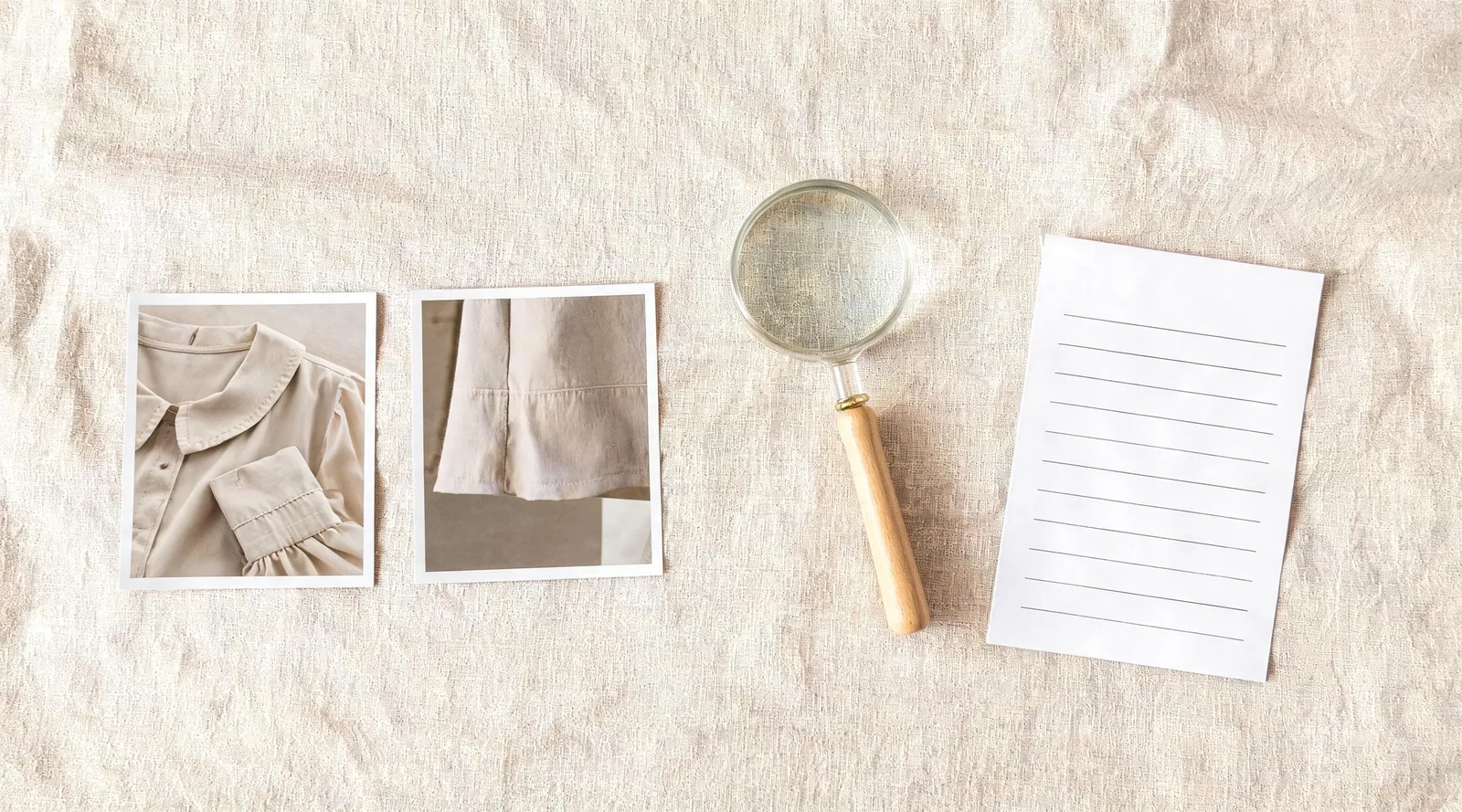
Editorial review visual: inspect garment construction and image boundaries separately; this is not a claimed ImagineArt result.
What should you check before downloading a result?
Start at the boundaries. Generative edits are often most convincing at normal viewing size and least dependable where fabric meets a hand, hair, a bag, jewelry, a chair, or a background object.
Person and scene continuity
The subject should still look like the source person. Compare expression, hairline, skin tone, proportions, pose, and background before judging the outfit. An image that improves the jacket by changing the person is not a clean outfit test.
Garment construction and repeated detail
Look at shoulder seams, collars, lapels, cuff openings, waistlines, hems, buttons, stripes, checks, and any visible label. A generator may make a plausible shirt while inventing a closure or breaking the pattern at a fold. That may be acceptable for an early mood test and unacceptable for a product page.
Light and material limits
Check shadows beneath the collar, at the underarm, beside the sleeves, and around the hem. The direction of light should make sense across the person and clothing. Even a convincing image cannot prove a fabric's composition, drape, stretch, opacity, color under another light, or comfort.
Privacy, consent, and claims
Upload only content you have the right to edit. For a client, team, or retail image, decide who approves the source portrait, garment reference, generated output, and final description. Read the provider's current terms and privacy material before assuming how uploads are kept, how account deletion works, or whether a plan permits a particular use.
AIClothSwap applies the same practical boundary in its Content Policy: a preview can support a creative decision, but it cannot stand in for permission or a factual product representation.
Keep a small test record
For work that may be shared with a client or team, save the original person photo, the garment reference, the date of the test, and a short note about what the image was meant to answer. For example: “compare a cream blazer with a navy blazer for a portrait crop.” That record makes it easier to spot when a later output changed the source, and it keeps a styling exploration from becoming an unsupported product statement. It also gives the next reviewer a clear reason to reject an otherwise polished image.
An ImagineArt fashion-workflow video
ImagineArt's official video, Elevate Your FASHION Brand with AI Photography on ImagineArt, shows a broader fashion-image workflow, so treat it as context—not proof that every current clothes-changer control, plan, or policy is unchanged.
When should you use a focused alternative?
ImagineArt makes sense when its broader creative workspace is part of the job. A focused alternative can be simpler when the task is one authorized person photo, one garment direction, and one careful visual decision. Neither option should be judged by a single unusually flattering render.
Run the same portrait and garment through a second workflow, then review the same categories: person continuity, garment edges, repeated detail, light, and scene stability. Our guide to why AI clothes swaps look fake gives a more detailed fault-finding sequence, and how accurate AI clothes changers are explains where a preview stops being evidence.
Frequently asked questions
How does ImagineArt AI Clothes Changer work?
ImagineArt's public clothes-changer page describes uploading a person photo and a clothes photo, generating an outfit preview, and downloading the result. Check the live page and account controls before relying on a particular allowance, turnaround, or output-rights claim.
What photo should I upload to ImagineArt AI Clothes Changer?
Use an authorized adult photo with even light, a visible torso and clothing boundary, and limited overlap from hands, hair, bags, or furniture. Keep an untouched original so you can judge whether the edit preserved the person and scene.
Can an AI clothes changer prove that a garment will fit?
No. An AI preview can help compare styling, broad silhouette, and color direction. It cannot measure a body, confirm a size, reproduce physical fabric behavior, or verify a retailer's product, stock, or return terms.
Related guides
- Try the free AI clothes changer →
- Compare a garment with virtual try-on
- Change garment color while preserving the item
- Why AI clothes swaps look fake
- How accurate are AI clothes changers?
Keep the test narrower than the claim
Use ImagineArt AI Clothes Changer to compare one visual direction, then verify the real garment and the permission separately. A controlled source photo, a complete reference image, and a clear review standard will tell you more than a pile of loosely related generations. For a parallel test, use the AI clothes changer with the same authorized inputs.