
How to Change Clothes in an Old Photo Without Damaging the Face
Learn a preservation-first AI clothes changer workflow for old photos. Protect faces, grain, edges, lighting, and the character of the original image.
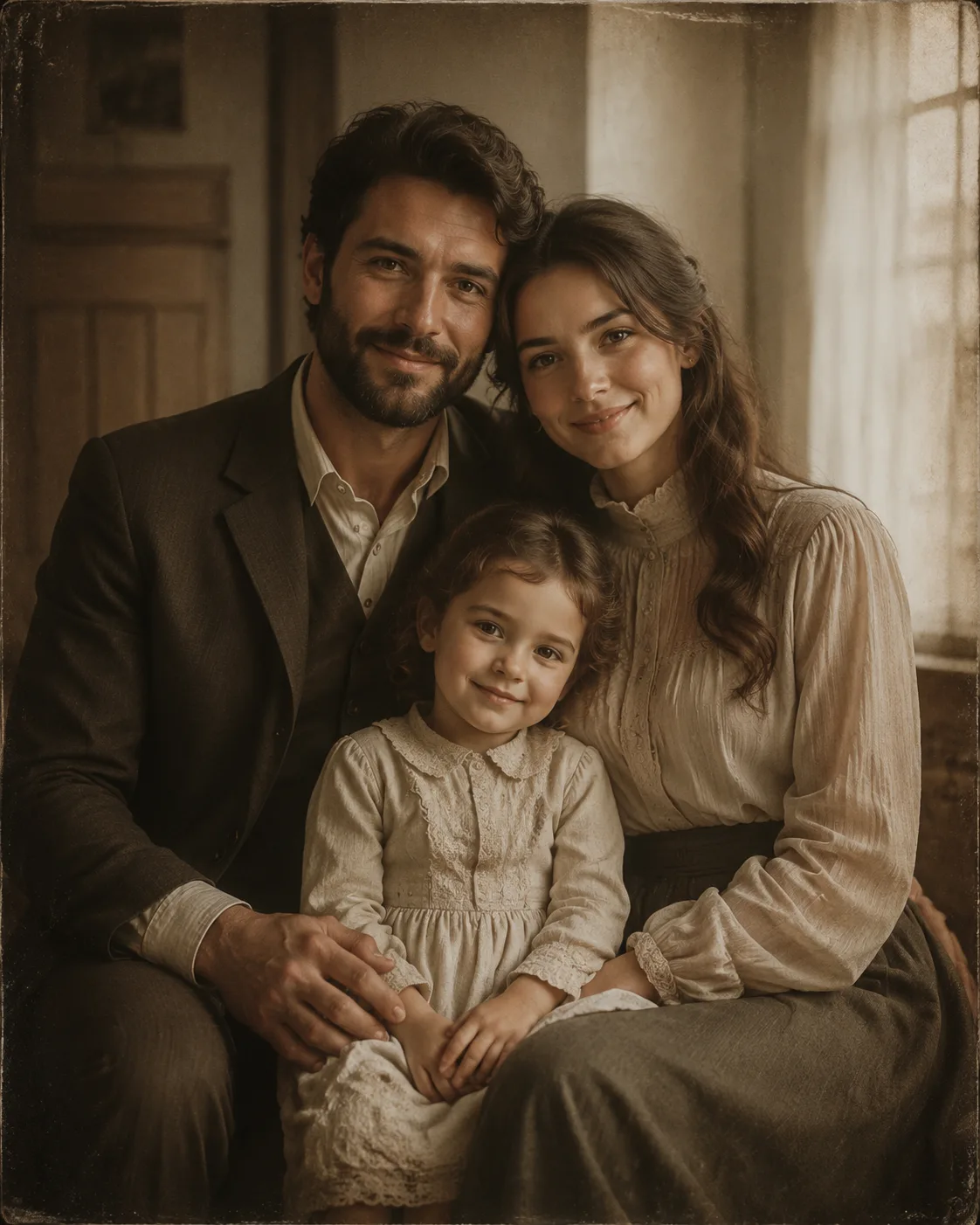
Changing clothes in an old photo is less about making a dramatic outfit swap and more about protecting what makes the photo recognizable. In a faded family picture, the face, expression, grain, lighting, and small imperfections often matter more than the new shirt. Use an AI clothes changer as a careful preview tool, not a reason to rebuild the whole image.
Last updated: July 10, 2026 - about 7 min read
Old photos are difficult because they are already carrying visual damage and history. A model may mistake film grain for texture, soften a face that should stay sharp, or repaint the background around a shoulder. The safest workflow narrows the edit: change only the clothing direction, keep the face and scene stable, and stop when the tool starts inventing too much.
Quick answer
To change clothes in an old photo without damaging the face:
- Start from the best available scan, not a screenshot of a screenshot.
- Crop only if it removes unrelated damage; keep the face, shoulders, and original lighting visible.
- Ask for one modest clothing change at a time.
- Explicitly preserve face, hair, pose, background, and photo character.
- Compare the output against the original at 100% size before saving it.
The goal is a respectful variation, not a replacement for the original photograph.
Start with the cleanest source you have
An AI clothes changer needs enough information around the collar, shoulders, sleeves, and body outline to make a plausible edit. Old photos often lose exactly those edges first.
Before you upload, look for a version with:
- A face that is in focus enough to compare.
- Both shoulders or a visible upper-body outline.
- No heavy glare across the clothing.
- A reasonably straight scan.
- The original background still visible near the body.
- No aggressive beauty filter added after scanning.
If you have a print, scan it at a useful resolution and keep the original file untouched. If you only have a tiny compressed image, do not expect an outfit edit to restore missing detail. The edit can still be a fun concept, but it should not be treated as archival restoration.
Preserve the face before you describe the outfit
The first instruction should protect identity and the photo itself. Then add the clothing direction.
For example:
Change only the shirt into a simple, period-neutral cardigan in muted blue. Keep the same face, expression, hair, pose, hands, lighting, background, film grain, and vintage photo character.
That is safer than asking for a full scene rewrite. Avoid prompts that combine a new outfit with new makeup, a new background, brighter lighting, a different pose, or a modern camera look. Each extra request makes it harder to tell whether the person still looks like the person in the original.
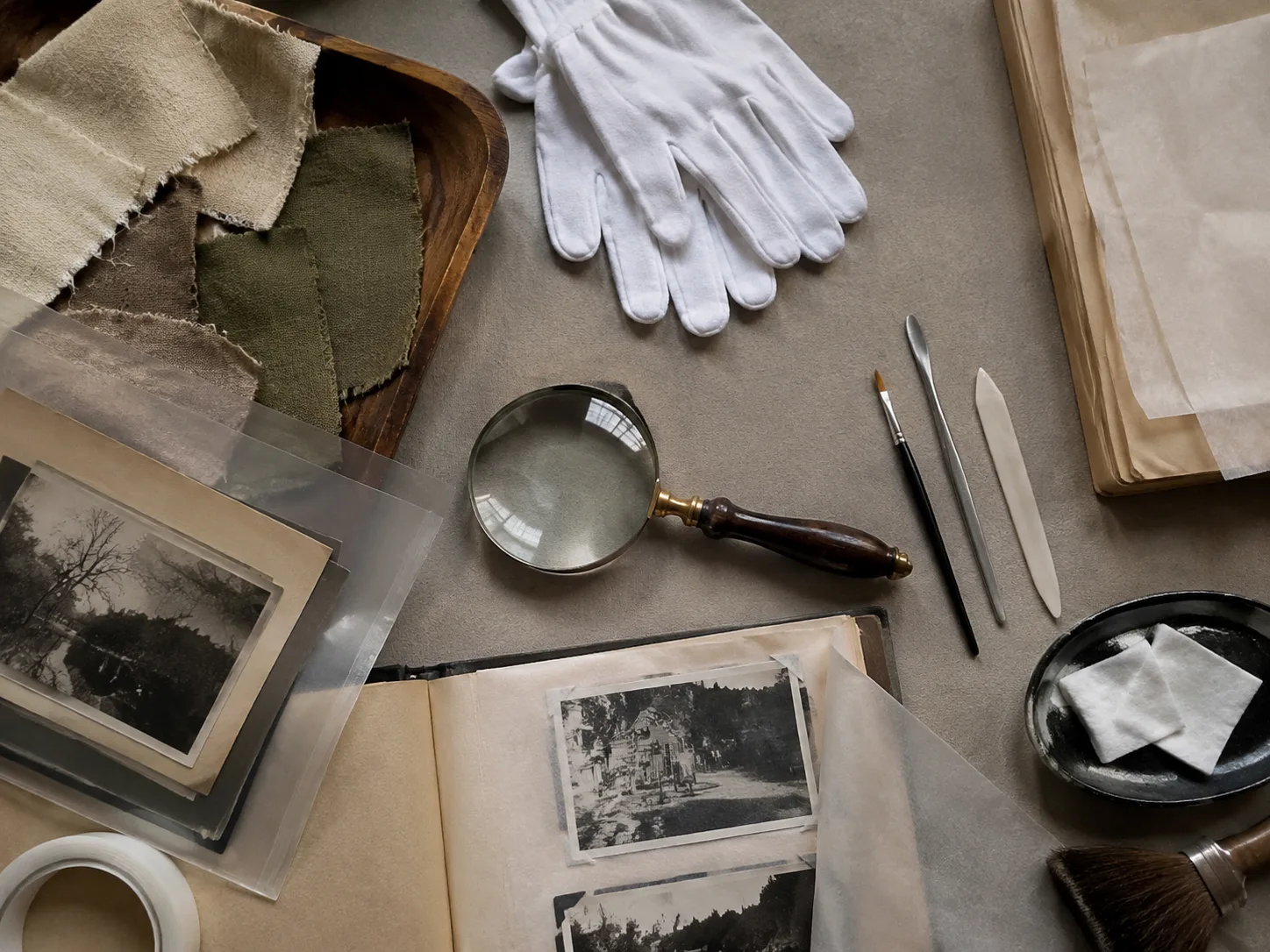
Treat the original as the reference. The wardrobe change should be the smallest part of the edit.
Choose clothing that fits the photograph
A convincing old-photo edit respects the time, light, and formality of the image. A bright modern technical jacket may be possible, but it will pull attention away from the photograph itself. A simpler change often feels more believable.
Good first tests include:
| Clothing direction | Why it works |
|---|---|
| Plain cardigan or sweater | Simple edges and soft texture are easier to integrate. |
| Modest collared shirt | Keeps the neckline readable without adding tiny details. |
| Neutral blouse or dress | Lets the face remain the focal point. |
| Period-neutral jacket | Works when shoulders and torso are already visible. |
Be cautious with logos, tiny patterns, layered jewelry, text, or high-contrast stripes. They can look pasted into a grainy photograph and may pull the edit away from the original mood.
Check the fragile areas first
Do not judge the new clothing only by looking at the center of the shirt. Open the original and the edit side by side, then inspect the spots where old photos tend to break.
Face and hairline
Check whether the eye shape, mouth, nose, cheek edges, and hairline still match the original. If the face looks smoother, younger, or more symmetrical than the source, reject the edit. The clothing change is not worth an identity change.
Shoulders and hands
Look for melted edges, missing fingers, or altered shoulder width. A clean collar cannot compensate for a pose that no longer makes sense.
Grain and lighting
The edited clothing should not look like it came from a much newer camera. If the shirt is sharply rendered while the rest of the image is soft and grainy, reduce the detail in the request or choose a simpler outfit.
Background boundaries
Inspect the space around the neck, arms, and torso. If wallpaper, furniture, or sky changes around the subject, the model has gone beyond the clothing task.
The best photo guide for an AI clothes changer has broader input advice, but old images need an extra rule: keep the visual history intact even when the result is imperfect.
Use a small-edit workflow
The most reliable way to change clothes in an old photo is to work in small passes.
- Make one neutral outfit variation.
- Check the face, shoulders, and background against the original.
- If the person is stable, adjust color or neckline only.
- Stop after one or two useful versions.
Trying ten wildly different outfits can push every generation further from the source. Small changes make it easier to identify the version that still belongs to the same photograph.
If the old photo has serious scratches, tears, or missing areas, consider restoring a copy before you make an outfit concept. Restoration and clothing changes are different tasks. Combining them can create a polished image that no longer preserves what was real in the original.
What AI should not decide for you
An AI clothes changer can offer a visual idea. It cannot tell you what the person actually wore, how a fabric felt, or what a historical moment meant. Avoid using a generated variation to overwrite, label, or replace an important archival original.
Keep both files:
- The untouched scan or photograph.
- The clearly labeled AI variation.
That is especially important for family history, memorial images, school portraits, and documentary work. The variation can be meaningful or useful without pretending to be the original record.
For a general modern-photo workflow, see how to change clothes in a photo with AI. The old-photo version needs more restraint because preservation is the main success criterion.
Final checklist
Before you keep an edited old photo, confirm that:
- The face and expression still match the source.
- Hair, hands, shoulders, and pose are unchanged.
- The new clothing matches the photo's lighting and texture.
- No important background detail was repainted.
- The original scan is still saved separately.
- The result is labeled as an AI variation, not an archival original.
The best old-photo clothing edit is often the quietest one. It lets you explore a different wardrobe direction while keeping the person, the moment, and the photograph itself intact.
FAQ
Can AI change clothes in a damaged old photo?
It can create a variation if the face and upper body are still visible, but it may struggle where the source is missing information. Keep expectations modest and preserve the original file.
Will an AI clothes changer restore an old photo too?
Not reliably as part of the same edit. Restoration and outfit changes have different goals. Restore a copy first if needed, then make a simple wardrobe variation.
What outfit works best for a vintage photo edit?
Start with a plain, modest, low-detail outfit that fits the image's lighting and era. Simple cardigans, collared shirts, and neutral colors usually preserve the photo's character better than bold logos or intricate patterns.