
Concert Outfit Ideas: Preview One Look on Your Photo Before You Shop
Turn concert outfit ideas into a practical comparison by previewing a few fully clothed looks on one photo before you buy or pack.
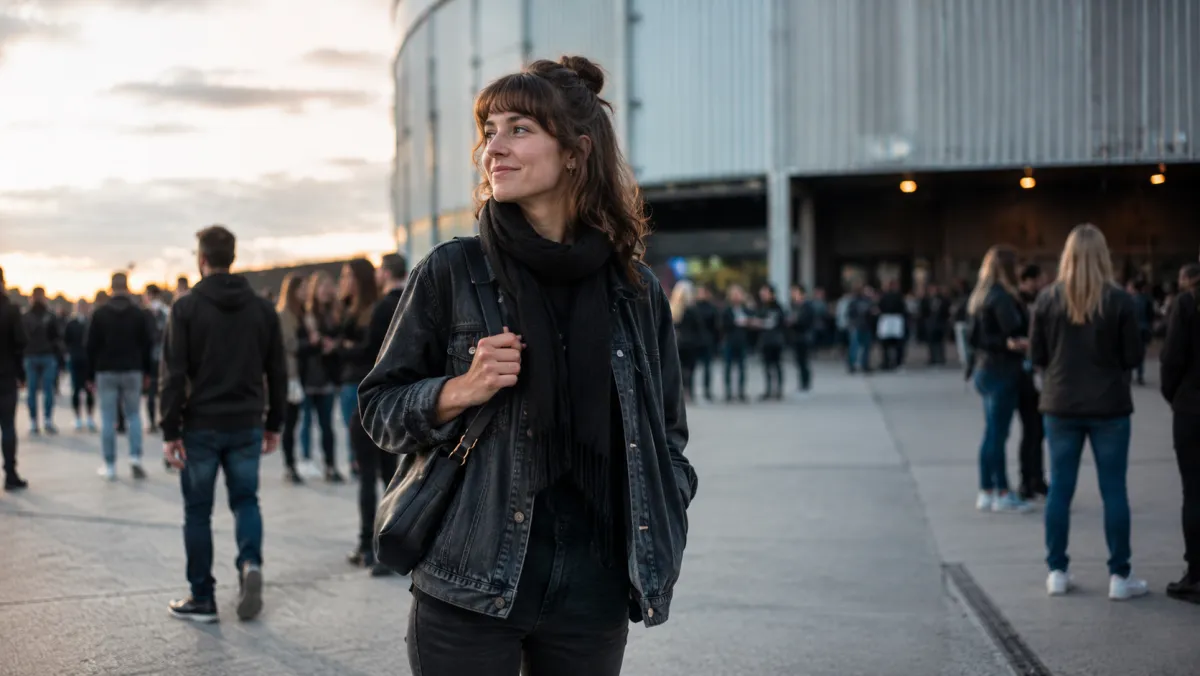
Concert outfit ideas are easier to use when you narrow them to two or three real directions and compare those looks on the same photo. An AI outfit generator can help you test proportion, layering, and color balance before shopping; it cannot tell you whether an item will fit, meet venue rules, or stay comfortable all night.
Last updated: July 30, 2026 · about 6 min read
Start with the concert constraints, not a trend board
Inspiration boards are good at showing mood. They are less useful for answering whether you need a jacket after sunset, whether your shoes will work in a standing area, or whether a bag meets the venue's rules. Write down those constraints before choosing a look.
| Constraint | What to decide before a preview |
|---|---|
| Venue and weather | Indoor/outdoor, temperature changes, rain plan, and bag restrictions |
| Movement | Standing, seated, dancing, walking, or public transport home |
| Color and light | Daylight versus dark room, flash photos, and a crowded background |
| Personal comfort | Layers, shoes, coverage, and items you already know you can wear |
A practical outfit can still have a clear style. The point is to avoid selecting a look that only works in a posed photo and falls apart when it meets the actual event.
Compare three directions, not thirty items
- Name each direction. For example: dark denim and a light jacket, a monochrome base with one bright layer, or a relaxed shirt with a practical outer layer.
- Use one consistent source photo. Ask for a fully clothed look and keep your face, pose, background, and body proportions stable so you can compare the outfit instead of a changed portrait.
- Use the preview to ask a small question. Does the jacket make the silhouette clearer? Does the shoe color compete with the outfit? Does one option look too similar to the venue background?
A preview is a visual planning aid, not a fitting room. Check the retailer's size chart, return policy, weather, and venue guidance before you spend money.
The does this outfit match guide is useful when your issue is color balance rather than concert planning. For broader virtual styling, see AI dress up.
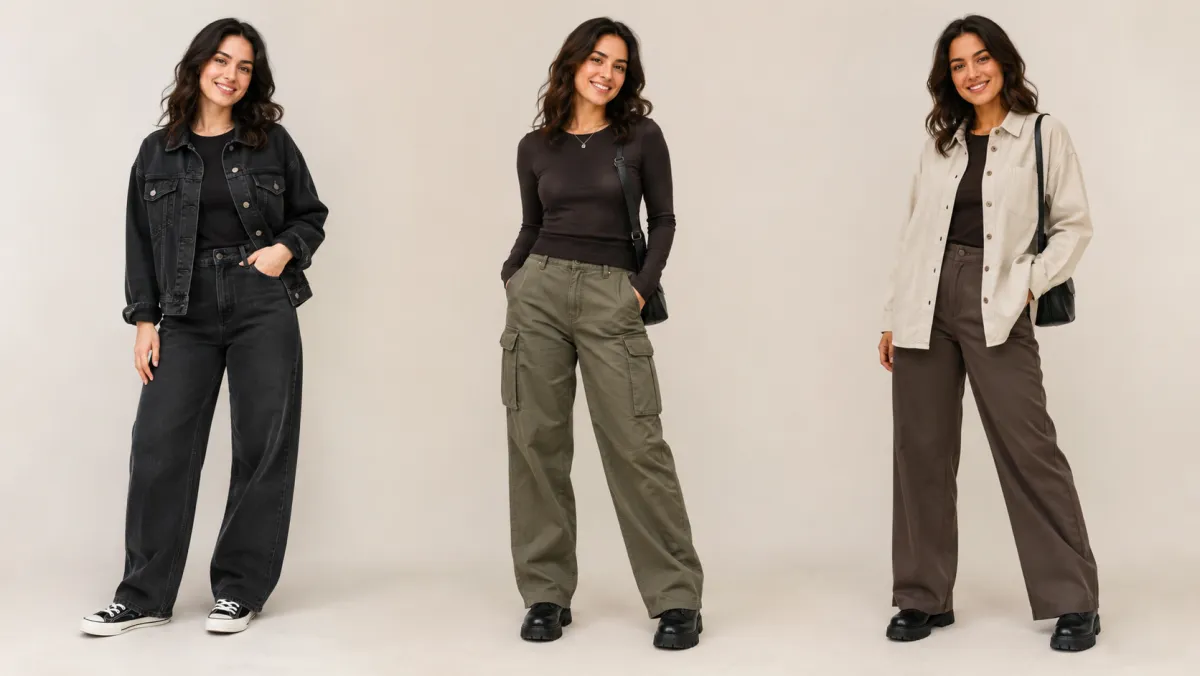
Compare the same person in a few clear directions, then make the real-world checks separately.
A quick decision rule for the final look
Keep the option that passes all three questions: you can move in it, you can adapt it for the venue, and you still like the proportions in an ordinary photo. If a look only passes the third question, it belongs back on the inspiration board.
This is where an AI clothes changer can be helpful: it reduces the number of directions you need to order or lay out at home. It cannot verify fabric weight, pocket depth, ticket rules, or the exact color of an item delivered to you.
Avoid misleading or unsafe edits
Use a photo of yourself or someone who has agreed to the preview. Keep people fully clothed and avoid asking the tool to copy a celebrity, artist, branded costume, or retailer's proprietary campaign image. If an outfit is being used for an event role, workplace, or uniform, use the approved dress guidance rather than a generated picture.
Frequently asked questions
Can an AI outfit preview tell me what size to buy?
No. It can help you compare a style direction, but it cannot measure a garment or predict fit. Use the retailer's measurement guidance and your own tried-and-tested sizes.
How many concert outfit ideas should I preview?
Two or three is usually enough. Testing too many variables at once makes it hard to see whether you prefer the color, the layer, or the overall silhouette.
Related guides
Try a focused comparison
Pick the constraints first, preview only a few fully clothed directions, and use AIClothSwap to make the next shopping decision clearer.