
AI Face Swap vs. Clothes Changer Guide
AI face swap and clothes changer tools edit different parts of an image. Compare their jobs, risks, and the safest choice for an outfit preview.
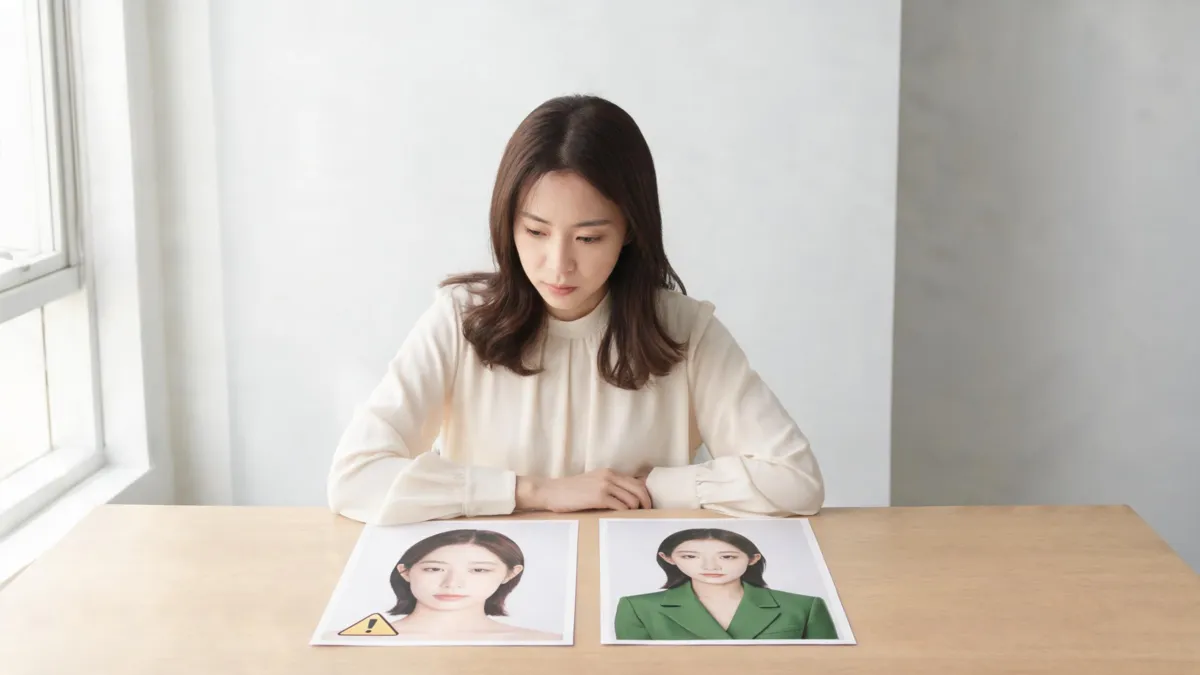
An AI face swap changes who appears to be in an image; an AI clothes changer is for changing the garment while keeping the depicted person recognizable. If you want to judge a jacket, dress, or color on the same photo, use an AI clothes changer, preserve the original, and reject any result that alters identity, pose, or scene. Neither tool proves fit, fabric, stock, or permission.
Last updated: September 5, 2026 · about 8 min read
The short answer: the edit target is different
Both tools may use generative image editing, but they answer different questions. A face swap is identity-directed: it replaces or changes facial likeness so a different person appears to be in the image. A clothes changer is garment-directed: it aims to alter the outfit while leaving the original person's face, hair, pose, lighting, and surroundings stable enough for a fair clothing comparison.
That distinction matters before you upload anything. If the question is “Would this blazer look too formal on me?” changing the face defeats the point. You need to recognize the same person in the same photo so the only useful variable is the outfit. If the goal is character play, parody, or a clearly authorized creative composite, a face swap may be the intended operation—but that is not an outfit preview.
| Decision | Face swap | Clothes changer |
|---|---|---|
| Main thing that changes | Facial identity or likeness | Garment, color, or styling direction |
| Good fit for | Authorized creative composites with clear context | Testing an outfit idea on the same person photo |
| What should stay stable | It depends on the creative brief | Face, hair, pose, body context, lighting, and background |
| Biggest review risk | Misleading identity or use without permission | Face/scene drift that makes the outfit comparison unfair |
| What it cannot prove | A person's participation, identity, or approval | Real fit, measurements, fabric, stock, or product facts |
If your task can be honestly described as “change the clothes, not the person,” a face swap is the wrong starting point.
Decide which operation you actually need in three steps
- Name the variable you want to test. “Would this color work with my complexion?” and “Does this layer look business-casual?” are garment questions. “What would this scene look like with a different person?” is an identity question. Do not blur the two in one prompt.
- Choose the narrowest edit. For a clothing choice, ask for one garment change and specify what must remain stable: face, hair, hands, pose, lighting, and background. The best photo for an AI clothes changer guide explains why a clear, front-facing source makes this easier to review.
- Review against the source and intended use. Zoom in. If the face, jawline, expression, body context, or room shifts, the output is no longer a controlled clothes preview. Start again with a simpler request or use a different source image.
The rule becomes stricter as the image becomes more consequential. A private styling experiment may only need an honest self-check. A retailer listing, paid promotion, application image, news-like image, or client deliverable needs an approved workflow, clear ownership, and a higher standard of disclosure and review.
Why identity preservation matters for outfit previews
An outfit preview is useful because it lets you compare a visible choice on a stable person and scene. Once the face or body has been regenerated, you can no longer tell whether you like the clothing or simply like the new image. A flattering output may be a new concept image rather than evidence about the outfit.
This is also a consent issue. A likeness is not interchangeable with a shirt. Work only with images you are authorized to edit, and do not use an identity-changing result to imply that a person participated in, endorsed, or wore something when they did not. When your organization uses provenance or disclosure tools, follow its workflow and the platform's current policies; the C2PA technical specification is one reference for content-credentials systems, not a substitute for permission or human review.
For a professional portrait, that boundary is especially important. Compare a conservative jacket or shirt on the same clear photo, then ask whether the edited image accurately represents the purpose. The AI business attire preview page is designed for that narrower clothing question; it is not a way to manufacture a credential or documentary record.
Watch a combined-tool demonstration with the distinction in mind
The video below demonstrates tools that combine a face swap and a clothes change, so watch it to spot where one operation ends and the other begins.
Use a clothing-only review before saving a result
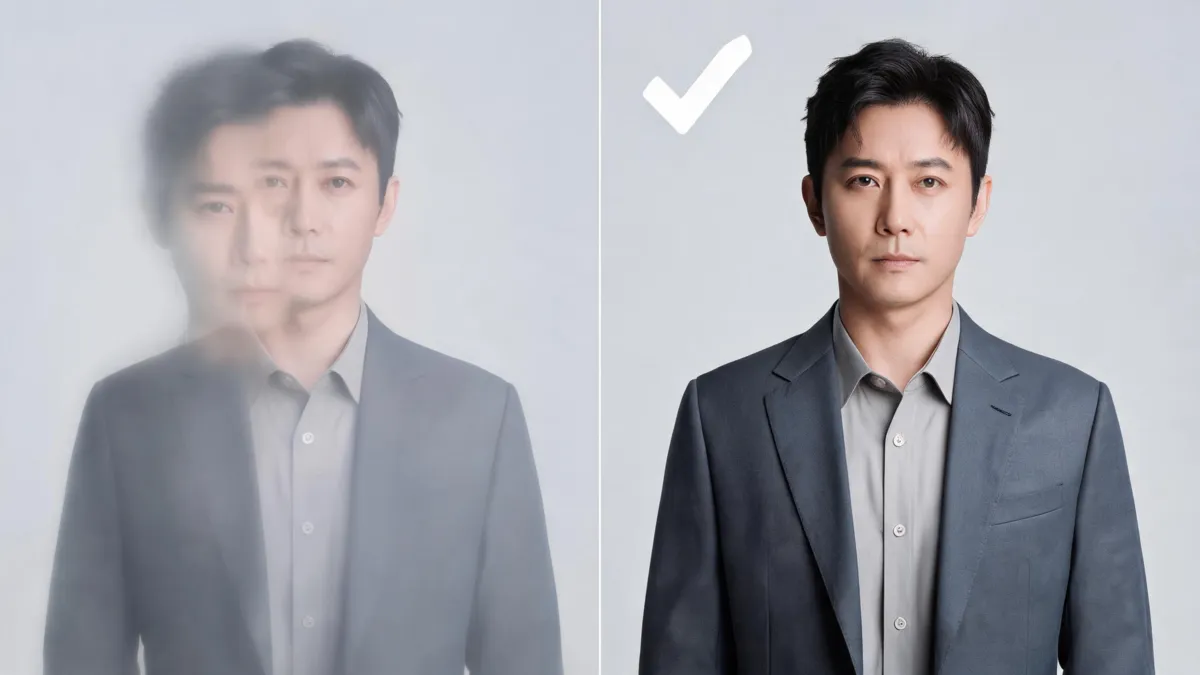
For an outfit decision, the person and scene should remain recognizable while the garment is the variable under review.
Use this checklist after any clothing edit:
- Face and hairline: Compare eye shape, skin detail, jawline, expression, ears, and hair edges with the source. Any unexpected identity shift is a failure for a clothes-only preview.
- Hands and body context: Check fingers, arms, shoulders, and body proportions. These areas often reveal that the model has rebuilt more than the garment.
- Garment edges: Inspect the neckline, lapels, sleeves, hems, bags, jewelry, and hair overlap. Choose a simpler garment request when those boundaries fail.
- Light and background: Look for changed shadows, bent architecture, missing objects, or a different time of day. A new scene makes the outfit test less reliable.
- Representation: Ask what a reasonable viewer would think the image shows. Do not let an edited result imply a real outfit, affiliation, attendance, product feature, or personal approval that you cannot support.
If you are comparing an existing garment in a different shade, a clothes color changer is narrower still: it asks to keep the shape and texture while testing color. For a full outfit replacement, use the separate preservation checks in how to change an outfit without changing the face.
Limits and disclosure are part of the tool choice
Neither operation makes a result automatically safe to share. A face swap is not permission to use someone else's likeness, and a clothes edit is not proof that a person wore the garment or that a product will fit. Keep an original file, document the approved use case when it matters, and label a material synthetic edit where a viewer might reasonably mistake it for a record.
This article is an editorial comparison, not legal advice or a claim that every tool uses identical methods. Product behavior, platform rules, and applicable law can change. For high-stakes, commercial, or public-facing work, have the rights holder and an accountable reviewer approve the source, edit, caption, and final use before publishing.
Frequently asked questions
Is a face swap the same as an AI clothes changer?
No. A face swap changes or replaces identity-related facial content, while a clothes changer is meant to change the garment while preserving the depicted person's identity, pose, and setting for a clothing comparison.
Should I use a face swap to try on clothes?
Usually no. If the goal is to judge an outfit on the same person, choose a clothing-only workflow and reject a result that changes the face or identity. Use real product information for fit, size, and fabric decisions.
What should I check after an AI clothing edit?
Compare the output with the original at full size. Check the face, hairline, hands, garment edges, lighting, background, logos, and whether the image could mislead someone about identity or a real product.
Related guides
- Try the free AI clothes changer →
- Virtual try-on
- How to change an outfit without changing the face
- Why AI clothes swaps look fake
Change the garment, not the person
For a clothing decision, keep the identity and scene stable enough to inspect. Try a controlled clothes-only preview → and use real-world product information for everything the image cannot show.