
AI Fashion Model Image Checklist Guide
Use this AI fashion model image checklist before publishing an ecommerce visual. Check the SKU, garment details, implied fit, claims, and image context.
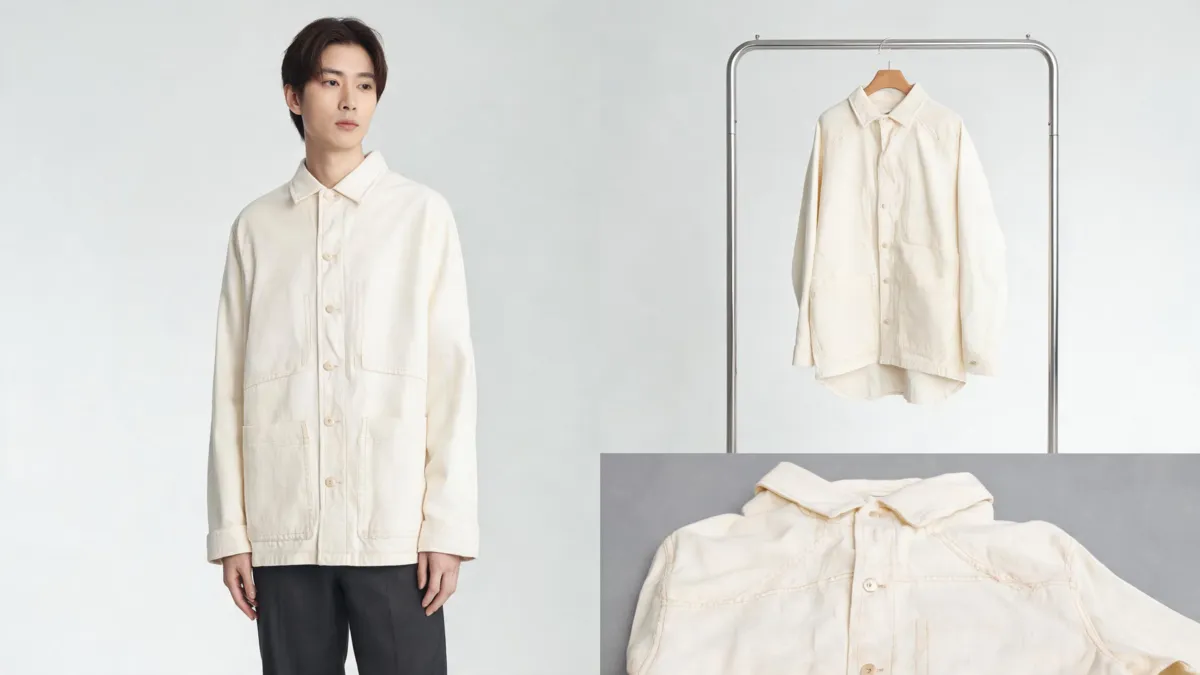
An AI fashion model image checklist starts with the approved SKU, the real garment or trusted product photography, and the copy on the page. Before publishing, reject an image that changes a buying-critical detail—such as color, cut, buttons, print, included pieces, or apparent fit—even if the model image looks polished. An AI clothes changer can help a team make a visual draft; it cannot verify what a customer will receive.
Last updated: September 3, 2026 · about 7 min read
This is a companion to AI clothing models for ecommerce. That guide helps a seller decide when to create on-model imagery. This checklist answers the later, separate decision: should this particular generated image be allowed onto a product page, campaign, or internal review board?
Give every image a declared job
Start by naming the intended use before you inspect pixels. A planning mockup, an internal merchandising review, a social concept, and a product-page image have different risk. The closer an image comes to helping a customer choose a product, the more it must match the real product and approved facts.
| Intended use | Useful evidence | Do not infer from the image |
|---|---|---|
| Internal style direction | A stable source, one requested visual change, reviewer notes | SKU facts, fit, or inventory |
| Collection planning | Approved source garment and a controlled comparison | A final product-page claim |
| Product-page support image | Physical garment or approved photography plus catalog data | Exact size, drape, color, or included items unless verified |
| Primary marketplace image | The marketplace's current rules and a physical-product review | That a generated scene will meet a channel requirement |
Shopify's product-photography guidance emphasizes making the product the focus and using images that help customers understand what they will receive. Its product photography help is a sensible baseline, but each selling channel can set additional requirements. Check the relevant current policy before publishing.
Run the five pre-publish checks
- Match the item. Confirm the SKU, color name, and approved source before you look at aesthetics. If the image has the wrong garment, it is finished—do not repair it with a caption.
- Inspect buying-critical details. Compare neckline, sleeve length, seams, pockets, closures, prints, hardware, texture, and included accessories with the physical garment or approved source image. A plausible new button or invented lining is still a reason to reject the asset.
- Separate appearance from fit. A model image can communicate styling direction, but it does not measure a garment or prove how it fits a specific body. Keep size charts, measurements, and fit notes grounded in product information.
- Read the page as a shopper would. Put the proposed image beside its title, variants, price, and description. Ask what a reasonable shopper could infer from the complete presentation, not only from one sentence.
- Record the decision. Save the original, the candidate image, SKU, reviewer, date, and result: planning only, revise, or approved for the stated channel. A repeatable record makes the next review faster.
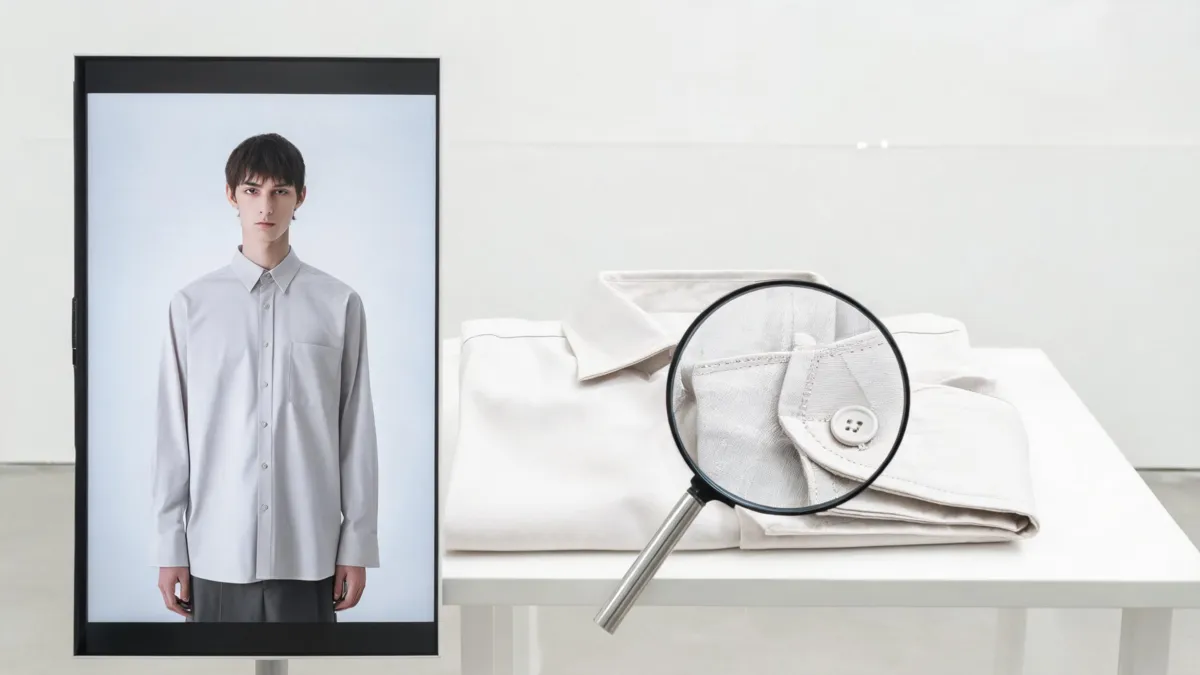
A convincing model image still needs a comparison with the actual garment and the approved product record.
Never use an attractive generated image to fill a gap in product knowledge. If the team cannot verify a feature, either obtain a real photograph or remove that visual claim from the customer-facing page.
Use the physical garment as the authority
The product record and physical item—not the most realistic render—are the source of truth for customer-facing details. Keep at least one clean approved photo of the garment available during review. It gives a reviewer somewhere to check a print repeat, zipper, pocket, collar shape, or color direction without relying on memory.
This matters most when an image is likely to influence a purchase. The FTC's advertising and marketing guidance says advertising claims must be truthful, not deceptive or unfair, and evidence-based. This article is operational guidance, not legal advice; the practical takeaway is simple: do not let a generated visual communicate a product fact your team cannot support.
For a color-variant workflow, use the clothing color variant QA checklist alongside this one. It is designed for the extra failure modes that occur when an image needs to distinguish several sellable colors.
Know when to request a real reshoot
Choose real photography when the selling decision depends on a detail the generated image cannot establish. That includes complex drape, transparency, a specific print placement, construction details, a fit-critical cut, a technical feature, or a must-match accessory.
It is also reasonable to request a reshoot when the candidate keeps failing at the same edge: hands against a cuff, hair across a collar, layered fabric, or a garment interacting with furniture. Repeated generations can make an image prettier without making it more truthful. The AI versus clothing product reshoot guide can help a team make that cost-and-evidence decision.
Treat provenance as context, not approval
When a compatible tool and workflow support it, provenance information can document how a media asset was created or changed. C2PA's Content Credentials explainer describes this as a way to record an asset's origin, modifications, and AI use. That can be useful context for an asset library.
But provenance is not an accuracy test. It does not prove that a generated sleeve is the correct length, a color is the sellable shade, or the garment is in stock. Keep the human product review even when provenance is available.
A small approval queue beats a heroic cleanup pass
Review a few SKUs first. Let one person prepare a candidate, a second person compare it with the product record, and record the outcome. Look for repeatable issues before scaling: a model choice that obscures a collar, lighting that changes navy to black, or prompts that invent accessories.
If the process survives that small batch, standardize only what stayed factual: source-photo requirements, permitted visual changes, naming, reviewer roles, and the places where a real image is mandatory. The aim is not to make every picture look generated perfectly. It is to help a shopper understand the real garment without adding avoidable doubt.
Frequently asked questions
Can an AI fashion model image be a product-page image?
It can support a product page only after a careful review against the physical garment and the listing's approved facts. Do not let an image imply an unverified feature, fit, color, included item, or availability.
What should I compare an AI model image against?
Compare it against the approved SKU record, the real garment or approved source photography, and the product copy. Check the silhouette, color, seams, closures, print, accessories, and every detail a shopper could reasonably rely on.
Do Content Credentials prove that an AI fashion image is accurate?
No. Provenance information can help explain an image's history or AI involvement when a compatible workflow is used. It does not validate garment accuracy, fit, inventory, permissions, or marketing claims.
Related guides
- Try the free AI clothes changer →
- AI clothing models for ecommerce
- Batch outfit edits for fashion sellers
- Clothing product photo color consistency
Publish only what you can stand behind
Use an AI fashion model image to speed a checked visual workflow, then let the real garment, catalog data, and a named reviewer decide what reaches customers. Start a controlled clothing-image draft →.