
Batch Outfit Edits for Fashion Sellers: A Safe Workflow
Use batch outfit edits to prepare fashion listing visuals faster without letting AI invent SKU facts, fit details, or final catalog claims.
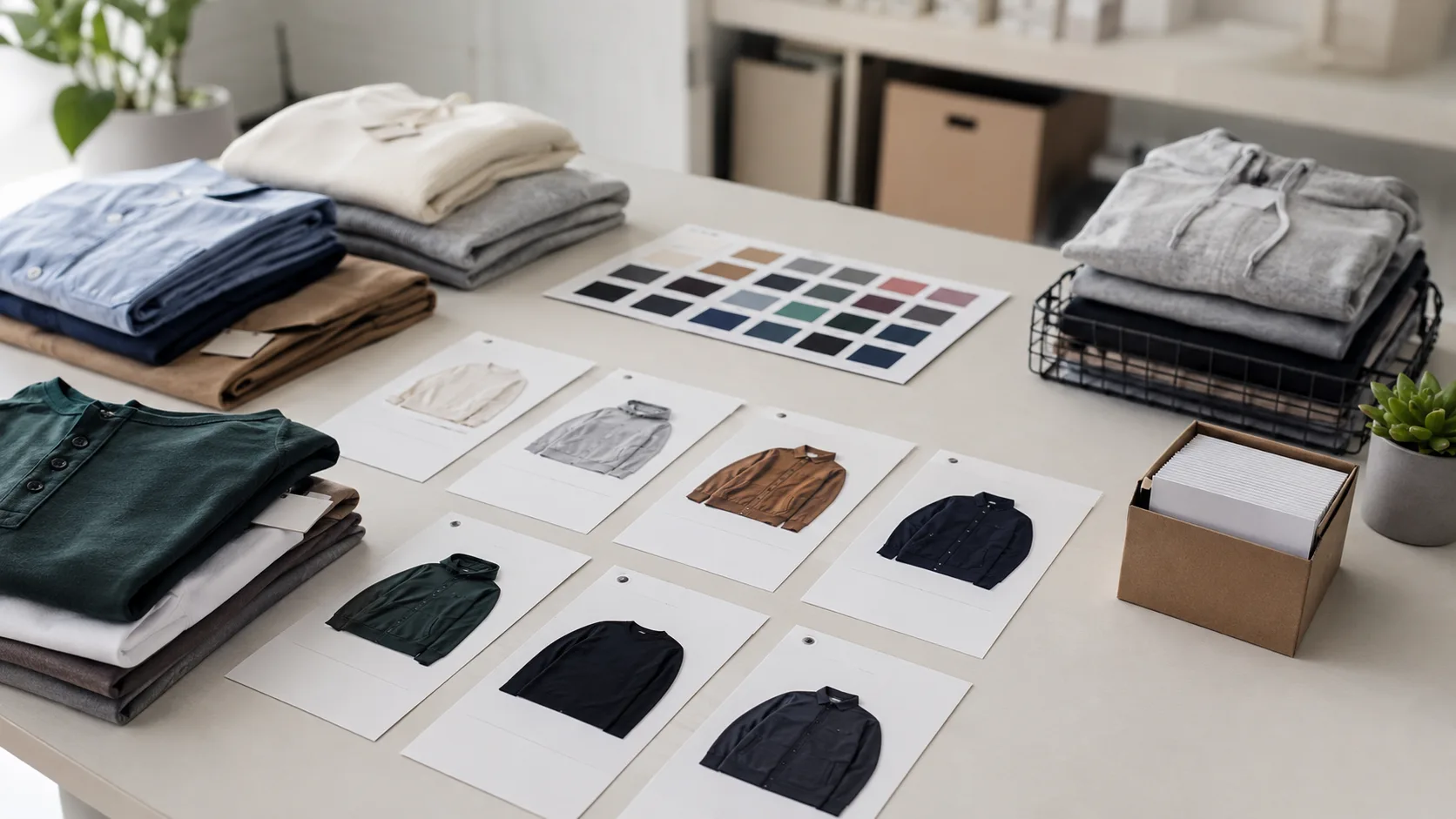
Batch outfit edits can speed up a fashion team’s visual planning, but only when every image starts from an approved source and every export has a human review step. An AI clothes changer can help create controlled visual drafts; it cannot verify a SKU, confirm fabric behavior, or replace the product information your customer relies on.
Last updated: July 27, 2026 · about 6 min read
The useful question is not “can I edit a hundred images?” It is “which parts of a hundred images are safe to standardize?” For most small shops, the answer is crop, background direction, color-planning drafts, and a repeatable review queue—not product facts.
Build a clean batch before you edit
Start with a folder where each item has a stable SKU, one approved source image, and a note describing what may change. If one source is a flat lay, another is a mirror selfie, and a third is a tightly cropped mannequin shot, they do not belong in the same batch rule.
| Lock before a batch | Why it matters |
|---|---|
| SKU and approved source | Prevents one garment being carried into another listing |
| Crop and aspect ratio | Keeps cards comparable across the catalog |
| Product facts | Stops generated text or visuals from becoming a source of truth |
| One allowed edit | Lets reviewers see what actually changed |
| Reviewer and export destination | Creates accountability before publishing |
Choose the one change that belongs in the batch
An AI clothes changer is most helpful when the source already shows the garment clearly and the change is visual rather than factual. A team might test a seasonal color direction, explore a simpler styling layer, or create a planning mockup from the same approved camera angle.
Use the AI clothes changer as the visual step inside that controlled process, not as the system that decides what a SKU is. That distinction keeps a fast batch useful without turning a draft into product evidence.
Do not combine a recolor, new pose, new model, new background, and new product claim in one request. If the final result looks wrong, no one will know which change caused the problem. Controlled batches also make it easier to return to the original when a draft does not pass review.
For color-specific work, start with the clothes color changer and compare each version against the original. For the source-image standard, see clothing product photo consistency.
Keep these checks human
Some details should never be inferred from a batch edit:
- Size, fit, and length. A visual draft does not establish how a garment fits a real body.
- Fabric, print, and hardware. Inspect seams, buttons, texture, and label details against the physical item.
- Color naming and availability. Use your catalog data, not an image, for the official variant name.
- Marketplace rules. Check the platform’s current image requirements before you publish.
- Final claims. Add verified copy in your normal commerce workflow, not inside a generated visual.
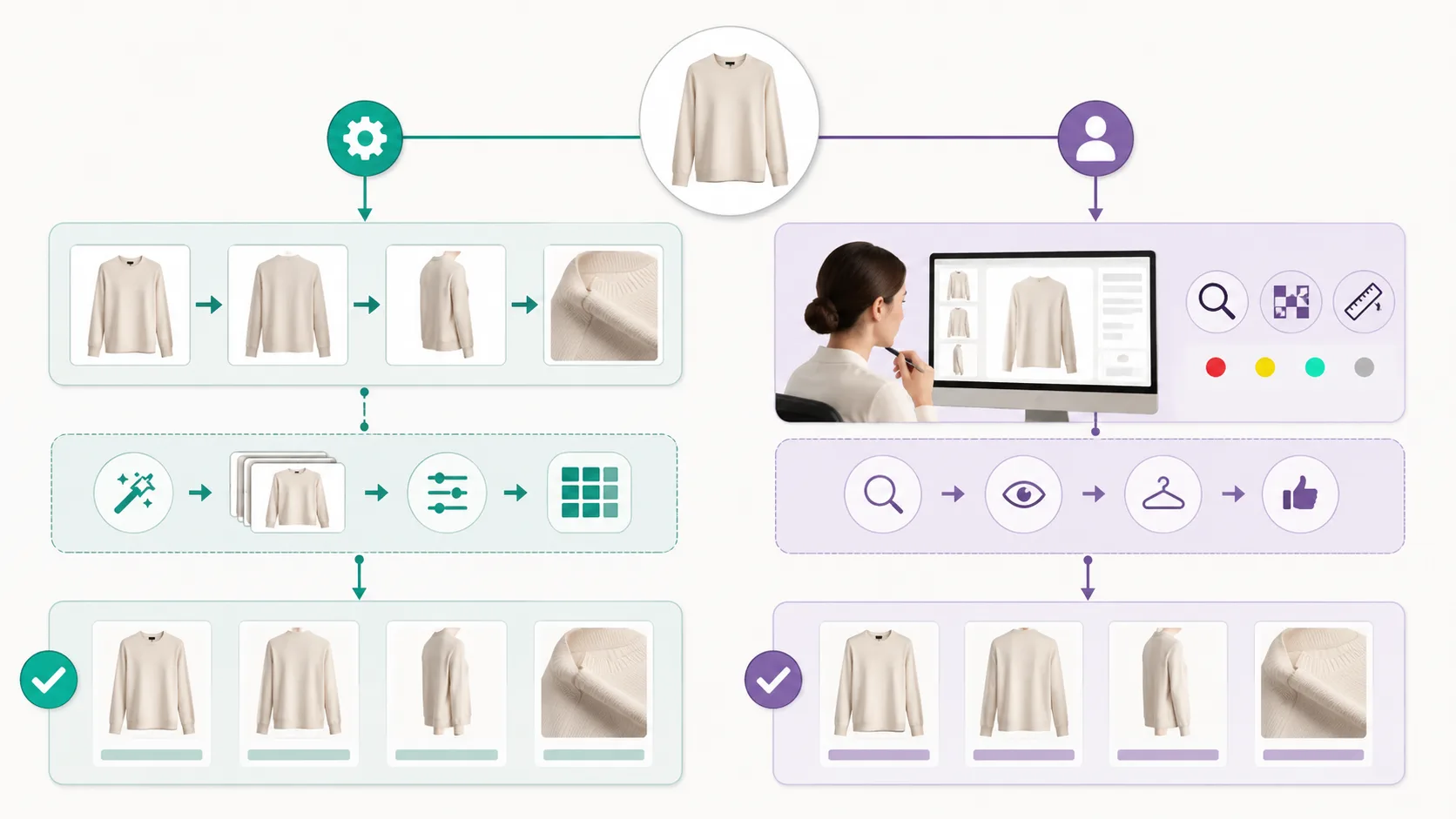
Automation handles repetition; a reviewer protects the product facts.
Use a three-lane handoff
Give each generated file one of three labels: planning draft, needs product review, or ready for approved export. A planning draft can help a buyer, stylist, or merchandiser decide what to test next. It should not quietly become a final PDP image just because it looks polished.
When a visual needs to prove a new angle, exact construction, or physical drape, schedule a real photograph instead. The AI versus product reshoot guide explains that boundary in more detail.
A batch workflow is successful when it makes the next decision faster without making the listing less honest. Start with five controlled images, review the failure modes, then scale only the steps that stayed reliable.
That is the right scale for an AI clothes changer: repeat a checked visual task, then stop when the next claim needs a person or the physical garment.