
BitStudio AI Clothes Changer: What It Does and When to Try an Alternative
See how the BitStudio AI clothes changer works, what inputs it needs, and when a focused AI clothes changer may fit your workflow better.

The BitStudio AI clothes changer is a browser tool for putting a garment reference onto a person photo. It is especially relevant to fashion sellers because BitStudio also offers model, campaign, and virtual-fitting-room workflows. If your job is simply to preview a new outfit on one photo, a focused AI clothes changer can be the shorter path.
Last updated: August 10, 2026 · ~8 min read
This is not a sponsored review, and it does not pretend that one tool wins every job. We checked BitStudio's current clothes-changer page and broader fashion-studio positioning, then separated the facts it publishes from the checks you still need to run on your own images.
What does the BitStudio AI clothes changer do?
BitStudio's current workflow asks for two main inputs: a person image and an outfit image. The clothing reference may be a flat lay, a mannequin photo, or clothing already worn by another model. An optional instruction field lets you add direction, and the page currently offers Turbo, Standard, and Max quality choices.
That input design tells you what the product is for. It is not merely a color picker. It tries to transfer the visible garment onto the person while reconciling fit, folds, lighting, and pose. BitStudio also places the tool inside a broader fashion-photo platform with model creation, scene styling, campaign assets, and storefront virtual fitting rooms.
According to BitStudio's official AI Clothes Changer page, the free experience can be tried without signing in, with daily limits and a watermark. Its page also says that higher tiers add quality and customization. Those details can change, so verify the live controls before planning a production batch.
A tool's feature list is not proof that it will preserve your exact logo, plaid, seam, or face. Treat the first generation as a visual test, not a product-photography guarantee.
Who is BitStudio built for?
BitStudio makes the most sense when the clothes swap is one step in a larger fashion-content workflow. Its homepage is aimed at brands turning garment references into studio, lifestyle, UGC, or editorial images—not someone asking, “How would this jacket look on me?”
BitStudio is worth shortlisting when you need several of these tasks together:
- Put flat-lay or mannequin garments on a model.
- Produce a set of ecommerce or social assets around the same product.
- Evaluate a storefront virtual-fitting-room integration.
- Keep garment references and fashion production inside one workspace.
A focused virtual try-on workflow is usually easier when you only need one person photo, one outfit reference, and a quick decision. The broader studio becomes valuable when the output must feed a catalog or campaign rather than answer a single outfit question.
BitStudio versus a focused AI clothes changer
The fairest comparison is not “which homepage has more features?” It is “which workflow matches the output I need?”
| Decision point | BitStudio AI clothes changer | Focused AI clothes changer |
|---|---|---|
| Primary job | Fashion content and garment-on-model creation | Change or preview an outfit on a person photo |
| Typical inputs | Person image, outfit image, optional direction | Person photo plus garment reference or written outfit request |
| Broader workspace | Models, scenes, campaign images, storefront options | Short upload → generate → inspect flow |
| Best fit | Sellers, brands, creative teams | Personal previews, one-off edits, quick comparisons |
| First quality check | Garment detail plus overall campaign usability | Face, pose, body, garment boundaries, and lighting |
| Possible trade-off | More platform than a one-off edit needs | Fewer campaign-production features |
Neither column guarantees a better render. The table is about operational fit: the steps around the edit, what you need to export, and what you must review.
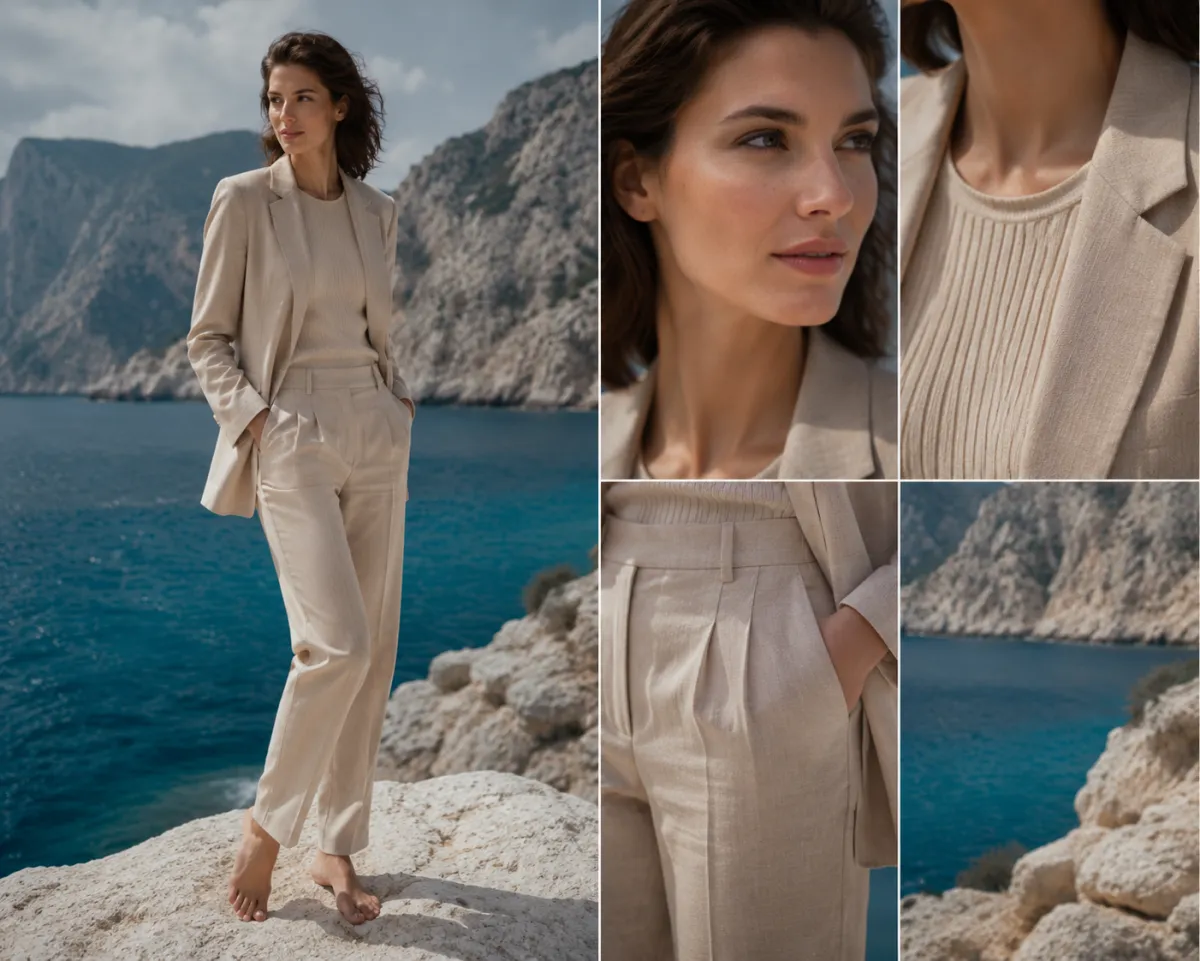
Conceptual QA visual, not a claimed BitStudio or AIClothSwap output: inspect garment detail, identity, edges, and scene lighting separately.
How to test the BitStudio AI clothes changer fairly
Do not compare two tools with different source photos. Build a small test set and keep the inputs fixed.
- Choose a readable person photo. Use a full or three-quarter view with even light, visible clothing boundaries, and minimal obstruction. Avoid crossed arms covering most of the garment.
- Choose a readable outfit reference. A garment laid flat against a plain background is easier to interpret than a wrinkled item in a crowded room. If text or a logo matters, make it large enough to inspect.
- Run the same edit twice. Use the same person, outfit, and short instruction in BitStudio and the alternative. Do not add styling words to one prompt and omit them from the other.
- Review at full size. Check the face first, then neckline, sleeves, hands, waist, hem, pattern direction, shadows, and background spill.
- Count usable results, not attractive thumbnails. A polished thumbnail may still contain a broken cuff or altered face. Record how many attempts produce an image you would actually keep.
“Realism” is not one score. One tool may preserve the face but alter garment graphics; another may keep the jacket shape but invent hands. Your acceptance criteria decide the winner.
What makes a good source image?
The person image and outfit reference do different jobs, so evaluate them separately.
For the person photo, prioritize:
- One adult subject, clearly visible.
- Sharp face and clothing edges.
- Neutral or simple pose.
- Enough resolution to inspect details after generation.
- Lighting that already suits the intended result.
For the garment reference, prioritize:
- The whole item in frame.
- Minimal folds hiding important construction.
- Visible texture, seams, closures, and pattern direction.
- A plain background when possible.
- No other garment overlapping the target item.
No garment photo? An AI outfit generator can start from a written idea. If only the shade needs changing, use a clothes color changer instead of regenerating the outfit.
The quality checklist that matters after generation
Inspect the result in this order:
1. Identity and anatomy
Zoom into the face and hands. The person should still look like the source, and fingers should not merge into cuffs, pockets, or accessories. If identity drifts, try a clearer portrait and a simpler pose before changing the garment reference.
2. Garment construction
Check where the garment begins and ends. Necklines, lapels, sleeve openings, waistbands, and hems reveal errors quickly. The new item should sit on the body rather than float over it.
3. Pattern and text fidelity
Repeated motifs should stay aligned through folds. Small lettering is particularly fragile in generative edits. If exact text is commercially important, plan a manual retouch or composite the verified label afterward.
4. Lighting and contact shadows
The garment should inherit the scene's light direction and color. Look for missing shadows under collars, arms, belts, and layered pieces. A clean silhouette with inconsistent light still reads as fake.
5. Background contamination
Inspect the outline around shoulders, hair, arms, and the hem. Generative editors sometimes rewrite nearby objects or carry garment color into the background. Compare against the original, not your memory of it.
For a reusable version of this process, see our guide to why AI clothes swaps look fake and how to fix them.
When should you try an alternative?
Try a focused alternative when BitStudio is broader than the task or your controlled test misses an important detail:
- You need a single personal outfit preview, not campaign production.
- You want to describe a complete look without preparing a fashion project.
- You need a second rendering model to test face or garment preservation.
- You want to isolate a color change from a full garment replacement.
Keep BitStudio in the shortlist for flat-lay-to-model work, multiple campaign scenes, or a storefront fitting-room discussion. An alternative can be a second tool rather than a permanent replacement.
Privacy, consent, and commercial checks
Only upload an adult's photo with permission. Do not use private, deceptive, or intimate images. For client or store work, confirm you own or license every source asset.
Before production, read the current terms for:
- Upload retention and deletion.
- Whether inputs or outputs may be used for training.
- Watermarks on the tier you plan to use.
- Commercial rights and any plan restrictions.
- How to delete an account and stored assets.
BitStudio currently publishes terms, privacy, and security links in its site footer. AIClothSwap's Content Policy explains our consent and allowed-use boundaries. Written policies, not a marketing claim, should govern what you upload.
Frequently asked questions
Is the BitStudio AI clothes changer free?
BitStudio's clothes-changer page currently offers a free option without login, alongside daily limits and watermarked output. It also shows paid quality choices. Check the live page before relying on a particular allowance because free limits and plan details can change.
What photos work best in BitStudio?
BitStudio recommends clear, high-resolution garment references and says flat lays, mannequin photos, and existing model photos can work. Pair that reference with a sharp adult portrait where the body and current outfit are easy to see.
Does BitStudio work for ecommerce clothing photos?
That is one of its main use cases. BitStudio positions the clothes changer inside a broader AI fashion-photo studio with model, scene, campaign, and virtual-fitting-room workflows. Sellers should still inspect logos, construction, color, and fabric details before publishing any generated image.
When is AIClothSwap the simpler alternative?
Use AIClothSwap when the job is a direct outfit preview: upload an adult person photo, add a garment reference or describe a look, generate, and inspect. It is less suitable when you want a full campaign workspace with model management and storefront integration.
Related guides
- Try the AI clothes changer →
- Preview garments with virtual try-on
- Generate a complete outfit idea
- Change clothing color without replacing the garment
- How to photograph clothes for AI outfit edits
- Best photo for an AI clothes changer
Choose around the job, then test the result
BitStudio is a credible option when a clothes change belongs inside a larger fashion-content workflow. For a direct one-photo preview, try the focused AI clothes changer, keep the inputs identical, and judge both tools on the details your final image must preserve.