
FixO AI Clothes Changer: What to Check Before You Upload
Check FixO AI Clothes Changer's current upload, style, access, and privacy conditions, then run one controlled outfit-preview test before uploading more images.
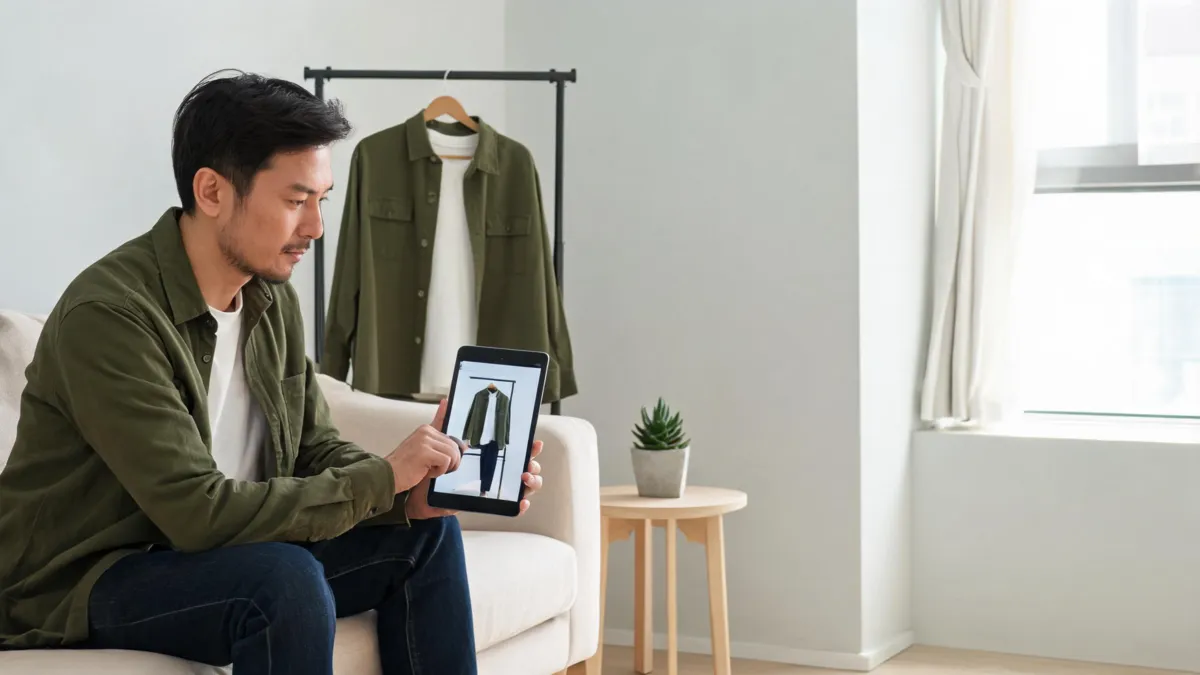
FixO AI Clothes Changer currently presents a three-step outfit-preview flow: upload a photo, choose a supplied style, add a garment image, or describe a look, then generate and download. Before you upload, verify the live access and privacy conditions, use one authorized adult photo, and test one clothing decision at a time. A focused AI clothes changer offers another way to make the same controlled comparison.
Last updated: September 15, 2026 · about 7 min read
This is a branded evaluation guide, not another prompt library. Our earlier AI clothes changer prompt examples explain how to phrase a controlled edit. This article answers a different question: what does FixO say its current workflow accepts, how can you check it without making assumptions, and when should you stop after the first result?
We checked FixO's public AI Clothes Changer page on September 15, 2026. It describes uploading a photo, choosing a style from a library, uploading a garment image, or describing a target look, followed by generation and download. Its FAQ also says basic access does not require mandatory login and discusses optional account history. Product screens, free-use limits, account rules, and privacy terms can change; read the live page before a sensitive or business-critical upload.
Match the FixO input to one real decision
The page describes several possible starting points. Choose one rather than combining them. A good first test answers a question you can actually review: whether a jacket makes a portrait more formal, whether a color works with the scene, or whether a specific garment's broad silhouette is plausible on the person photo.
| What you have | FixO's described option | What the result can help you judge | What it cannot prove |
|---|---|---|---|
| A clear person photo and no garment image | Select a supplied style or describe a look | Broad formality, silhouette, and color direction | Exact item availability, size, or fabric |
| A clear garment reference | Upload the garment image | Whether the overall garment direction reads on the person | Exact fit, pattern fidelity, label details, or retailer accuracy |
| One existing garment and a color idea | Describe the new color or style | Whether the color changes the visual balance of the photo | Real dye result, colorfastness, or material behavior |
“Looks natural” is a quality judgment, not a measurement. Keep an AI output separate from a purchase, sizing, or product-description claim.
Set up a controlled first run
Use only a photo you have the right to edit. For another person, ask first and be clear about the service you will use and why. Keep minors' images out of clothing-editing workflows. Then keep the visual variables steady.
- Choose an authorized source photo. Use a sharp, well-lit adult portrait with visible clothing boundaries, a simple background, and arms that do not cover the torso. Save the original separately.
- Pick one input route. Use either a supplied style, a single garment reference, or a short description. Do not add a new background, pose, hairstyle, and outfit in the first request.
- Generate one baseline. Record what you selected. If you compare two options, keep the person photo and review criteria identical so the difference is meaningful.
- Review before downloading or sharing. Open the result at full size and compare it side by side with the source. Make a single change only after you can name the specific fault.
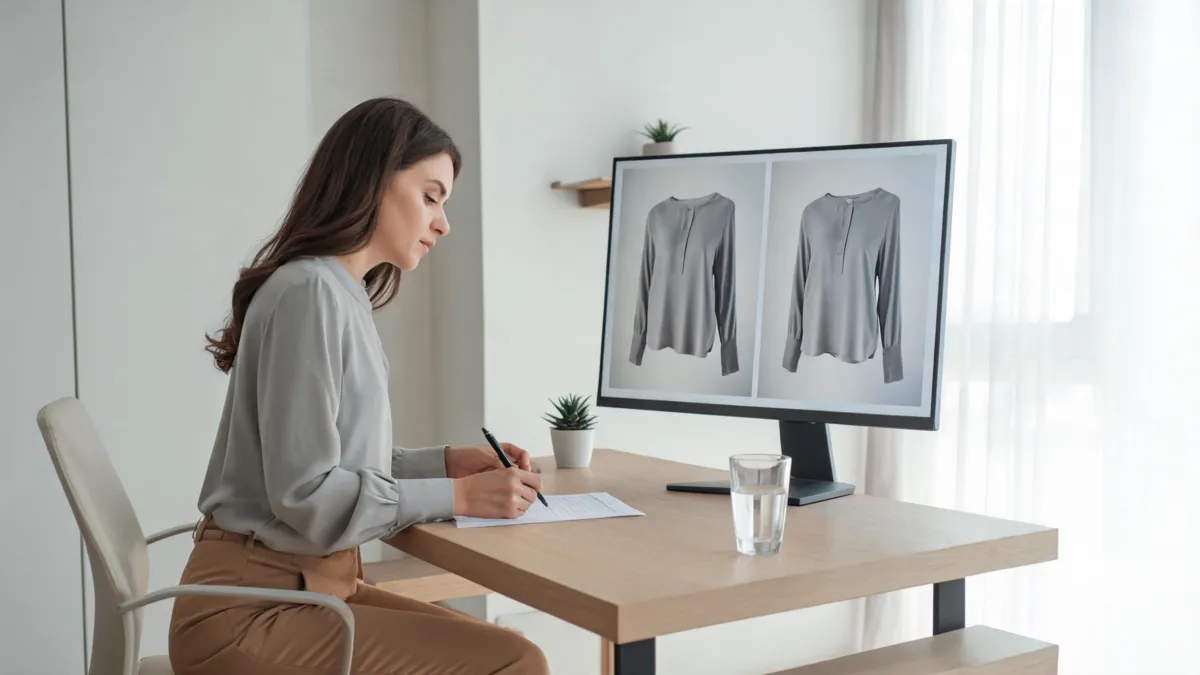
Editorial illustration of a result-review routine, not a claimed FixO output.
If your only question is shade, use a clothes color changer workflow so the task does not need to invent a new garment. If you want to compare a real clothing reference on your own photo, begin with virtual try-on and keep the photo and reference unchanged between attempts.
The checks that decide whether a result is usable
Do not judge only the center of the garment. Most poor clothing edits reveal themselves where one visual element crosses another.
Identity and pose
The face, hairline, expression, body proportions, and pose should remain consistent with the source. A different-looking person is not a successful outfit preview. If identity drifts, reject the result rather than trying to explain it away.
Construction at edges
Inspect the collar, shoulder line, lapels, cuffs, sleeve openings, waist, hem, and any hand or hair overlap. For reference garments, do not assume tiny prints, buttons, logos, or stitching are preserved just because the overall silhouette is plausible.
Lighting and scene continuity
Folds and shadows should agree with the original light direction. Check beneath the chin, near the arms, and along the hem. Then scan the rest of the image: a changed background, accessory, skin tone, or furniture detail is still a changed result.
| Review outcome | Decision |
|---|---|
| Person and scene stayed stable; only the intended outfit direction changed | Keep it as a private style reference. |
| One local defect, such as a cuff or hand overlap | Retry with a cleaner source photo or narrower request. |
| Identity, pose, or background changed | Reject it; the comparison no longer answers the intended question. |
| Output could imply a real product claim | Do not use it for that claim; verify the product separately. |
For more diagnostic detail, use our guide to why AI clothes swaps look fake. It helps separate a source-photo problem from a garment-edge or lighting problem.
Access and privacy: confirm, do not assume
FixO's current FAQ says its core tool can be used without mandatory login and that an account may be optional for history. That statement is useful for a first check, but it is not a promise that every future session, location, upload size, or feature follows the same rule. Before uploading a photo you care about, confirm the current screen, policy links, and any notice about retention, deletion, account creation, or free-use limits.
The same caution applies to a result you might publish. A generated clothing preview can support a styling conversation. It cannot substantiate a size, material, availability, endorsement, or performance claim about a real product. For commercial or client work, preserve the original, record permission, keep the AI version labeled internally, and get human approval before publication.
When a focused alternative is the better fit
FixO may suit someone who wants a browser-based first experiment with a supplied style, garment image, or text description. A focused tool can be simpler when the decision is one person, one garment, and one acceptance standard. AIClothSwap's AI clothes changer is intended for that bounded workflow: upload an authorized photo, add a garment direction, and inspect whether the person and scene remain stable.
For broader styling exploration, use the AI outfit generator. For a real occasion and a shortlist of outfit directions, our outfit ideas guides can help narrow the decision before you generate anything. The best result is often the one that tells you to stop: it has answered the visual question without becoming a stand-in for a real fitting room.
Frequently asked questions
How does FixO AI Clothes Changer work?
FixO's current clothes-changer page describes a three-step flow: upload a photo, choose a library item, upload a garment image, or describe a requested look, then generate and download the result. Interfaces and access conditions can change, so confirm the live page before relying on a specific option.
Do I need to sign in to use FixO AI Clothes Changer?
FixO's current public FAQ says its basic clothes-changing tool can be used without mandatory login, while optional accounts may be offered for saved history. Treat that as a current provider statement rather than a permanent promise and verify the live flow before you upload a sensitive image.
What should I inspect in an AI outfit preview?
Compare the output with the original at full size. Check whether identity, hands, neckline, garment edges, shadows, fabric details, and background stayed believable. Reject a result that changes the person or scene beyond the intended clothing decision.
Related guides
- Try the free AI clothes changer →
- Compare a garment with virtual try-on
- Explore a full look with AI outfit generator
- AI clothes changer prompt examples
- Best photo for an AI clothes changer
Treat the image as a decision aid
Run one authorized, controlled comparison and keep only the outputs that preserve the person and scene. Then use the result to guide a real-world check—not to replace it. Try the AI clothes changer when you want that narrower workflow.