Fotor Clothes Changer Alternative: 4 Better Apps (2026)
Looking for a Fotor clothes changer alternative? Compare 5 apps like Fotor on outfit fidelity, free tier, and privacy — plus how to switch.
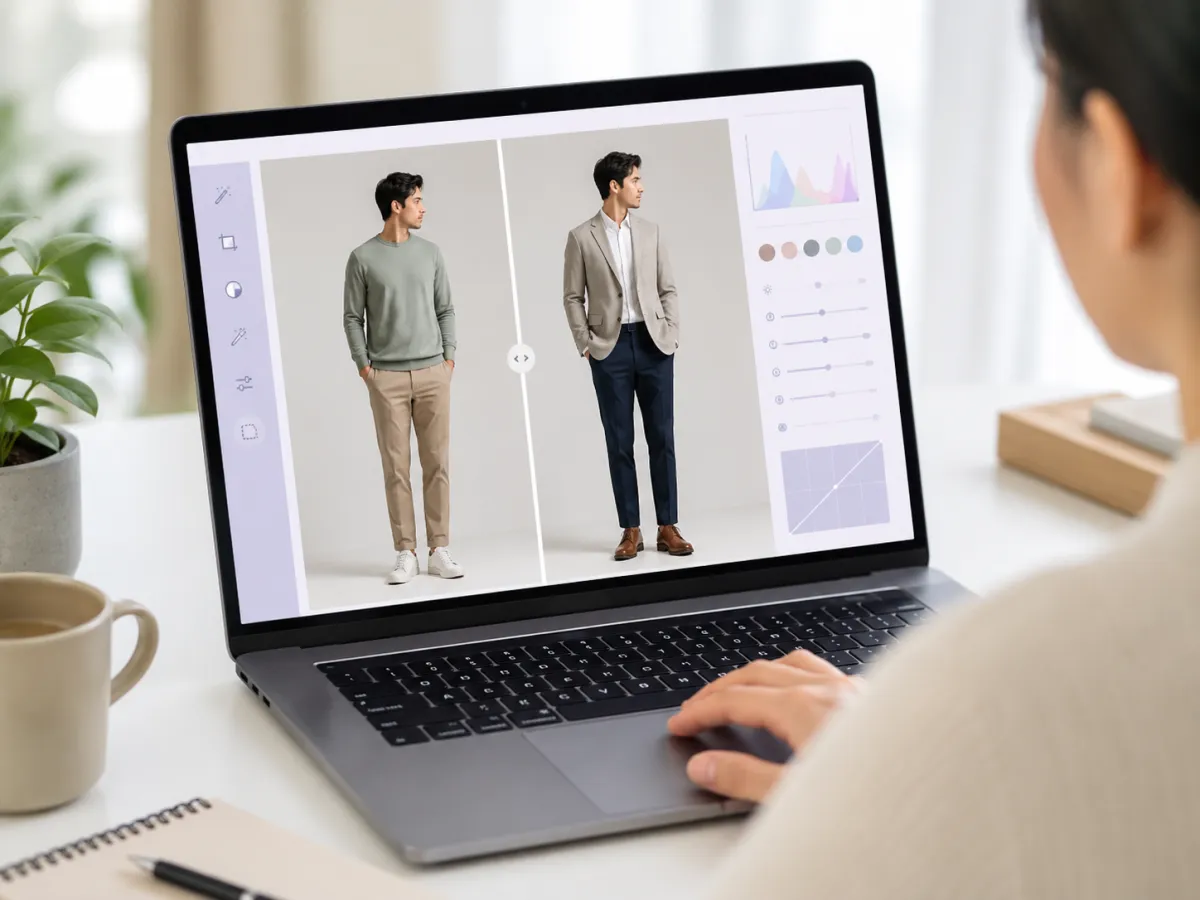
The best Fotor clothes changer alternative is a dedicated tool built only for outfit changes. Fotor is a strong all-in-one photo editor with a built-in AI clothes feature, but a focused AI clothes changer tends to preserve faces and garments better and keeps its privacy terms clearer. Below we compare both fairly.
Last updated: June 22, 2026 · ~7 min read
Fotor is a well-known general AI photo editor, and its clothes feature is convenient if you already edit there. But "convenient" and "best for this one job" aren't always the same thing. This guide explains what the Fotor clothes changer does well and who it suits, then compares four Fotor clothes changer alternatives — our dedicated tool first, with one honest drawback — so you can pick on facts, not hype.
What the Fotor clothes changer does (and who it's for)
Fotor is an all-in-one editor: background removal, retouching, design templates, and an AI suite that includes outfit and clothing edits. According to Fotor's own site, it positions itself as a broad creative platform rather than a single-purpose tool, which shapes both its strengths and its trade-offs.
It's a good fit if you:
- Already use Fotor for other edits and want everything in one tab.
- Need clothing changes alongside design work — posters, social graphics, thumbnails.
- Want a familiar, browser-based editor with a generous template library.
Where a general editor can fall short is depth on the specific task. A clothes change is hard: the model has to keep the person's face, pose, and lighting identical while convincingly rewriting only the garment. Tools built solely for that job usually spend more of their engineering on exactly that — which is the core reason people search for an alternative in the first place.
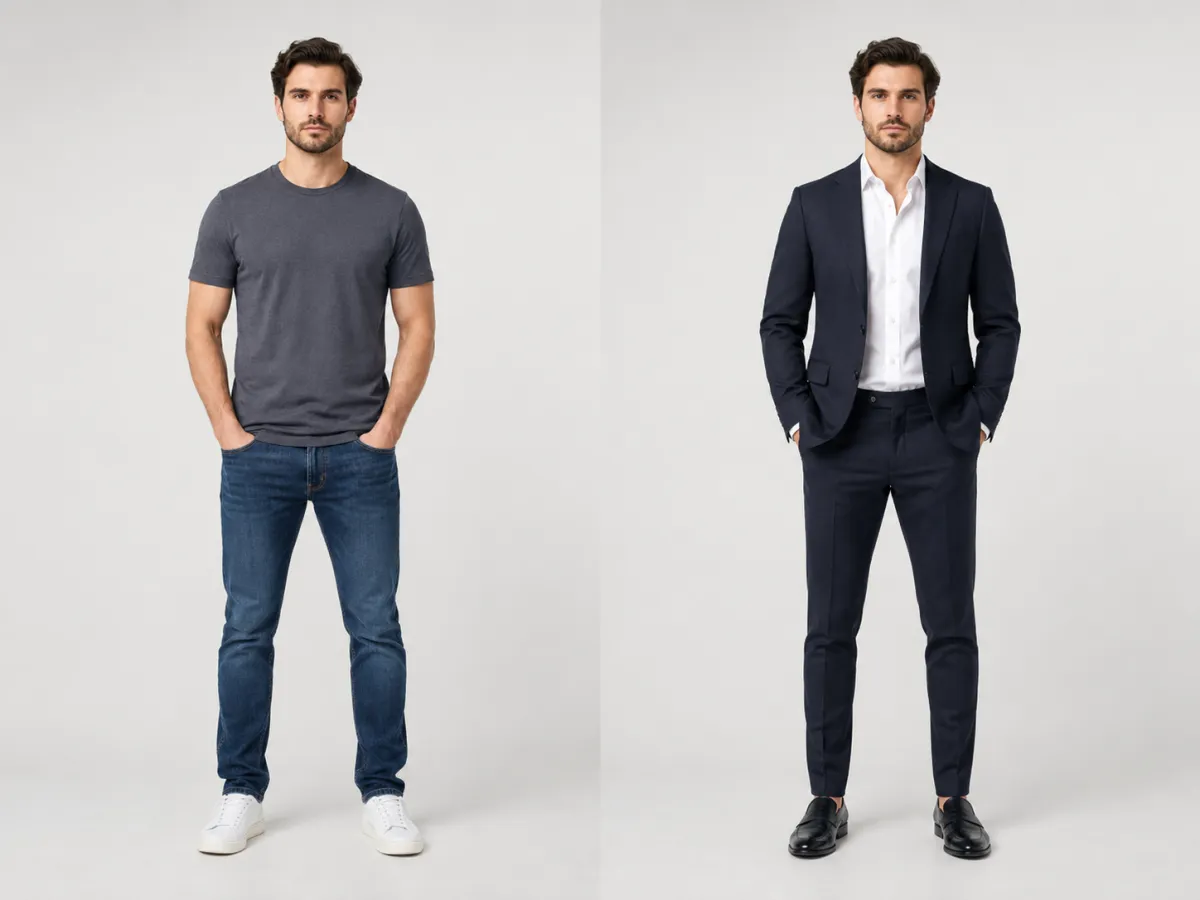
A dedicated clothes changer keeps the same face, pose, and lighting — only the outfit changes, which is the one job it's built to do.
Why look for a Fotor clothes changer alternative
There's nothing wrong with Fotor. People look for a Fotor clothes changer alternative for practical reasons, not because the tool is bad:
- Outfit fidelity. When your main task is changing clothes, a specialist tool is more likely to hold the face, body, and pose steady and render the new garment cleanly.
- A focused workflow. All-in-one editors put the clothes feature behind menus shared with dozens of other tools. A dedicated changer drops you straight into upload → swap → download.
- Privacy clarity. Broad platforms often have long, multi-product privacy policies. For something as personal as a face-and-body photo, you want the three key answers — retention, training, and encryption — stated plainly. We cover how to check this below and in our guide to whether an AI clothes changer is safe.
- Pricing fit. If you only need clothing edits, paying for a whole creative suite can be more than you need; a focused tool may have a free tier sized to the single task.
The honest framing: Fotor is a capable generalist. The question isn't "is Fotor good?" — it's "for changing clothes specifically, do I want a generalist or a specialist?" If clothes are your main job, lean specialist.
4 best Fotor clothes changer alternatives
Here are four alternatives that handle clothing changes, compared against Fotor (the baseline) on the factors that matter for this task. We lead with our own tool and include one honest drawback, then list real general-purpose alternatives. This compares public, general facts about each tool's category — always check each tool's current features and policy yourself, since they change.
| Tool | Dedicated clothes change | Face & garment fidelity | Free tier | Privacy policy clarity | Platform |
|---|---|---|---|---|---|
| aiclothswap.com | Yes — built only for this | Excellent — locks face & pose | Yes, in-browser | Clear: retention, no-training, HTTPS stated | Web (any browser) |
| Fotor | No — one feature in a suite | Good | Yes, with limits | Broad multi-product policy | Web, desktop, mobile |
| Pincel | Partly — brush/inpaint based | Good with careful masking | Trial credits | Standard editor policy | Web |
| Photoroom | Partly — fashion-model & recolor tools | Good for product-on-model | Useful free tier | Standard, commerce-oriented | Web, mobile |
| Canva | No — recolor within designs | Fair | Broad free plan | Large platform policy | Web, desktop, mobile |
aiclothswap.com — best dedicated clothes changer. Built for one job: upload a photo, change the outfit or its color, and download a result that keeps the same face, body, and pose. Free to try in the browser with no install. Honest drawback: because it's specialized, it isn't an all-in-one studio — if you also need posters, background design, or video editing in the same tab, you'll still want a general editor like Fotor or Canva alongside it.
Fotor — strong generalist. A polished, mature editor with templates, retouching, and an AI clothes feature. The right call when clothing edits are one of many things you do in a session and you value having everything in one place.
Pincel — brush-based control. An AI editor that leans on inpainting and masking. Useful when you want to paint over a specific region and regenerate it, though it asks for more manual effort than a one-click outfit swap.
Photoroom — ecommerce and fashion specialist. Strong for product shots and clean backgrounds, with a growing fashion toolset (AI fashion models, ghost mannequin, flat-lay, clothing recolor). It's aimed at ecommerce product imagery more than free-form outfit restyling on a personal photo, so for swapping a complete outfit on your own picture a dedicated changer is more direct.
Canva — design-first. Great for graphics, with AI features layered into a design workflow. Best for light recolors inside a layout rather than precise, identity-preserving clothing swaps.
Different tools, different jobs: generalists cover many tasks, while a dedicated clothes changer concentrates on outfit fidelity.
Privacy: what to check before uploading
A clothes photo is your face and body, so privacy isn't optional. Whatever tool you pick — Fotor or an alternative — read the policy for three things, a habit the UK Information Commissioner's Office also recommends for any service handling personal images:
- Retention. How long are your photos kept? "Deleted after processing" or "you can delete anytime" is good; indefinite, unstated retention is a red flag.
- Training. Does the tool train its AI models on your uploads? A clear "we do not train on your photos" removes that risk.
- Encryption. Uploads should travel over HTTPS so they can't be intercepted in transit.
For reference, aiclothswap.com keeps uploads only as long as needed to deliver your result, does not train its models on your photos, and runs all transfers over HTTPS — the data-handling terms are in our privacy policy, and the consent and SFW rules are in our Content Policy. Treat any tool's written policy, not its homepage copy, as the real promise.
How to switch from Fotor to a dedicated clothes changer
Moving over takes about a minute — there's nothing to migrate, since these tools work on a single photo at a time:
- Pick your photo. Use a clear, well-lit image where the person and current outfit are fully visible. Front-facing shots give the cleanest swaps.
- Upload to the dedicated tool. Open the AI clothes changer in your browser, drop in the photo, and describe the new outfit — or pick a preset. For color-only edits, the clothes color changer changes the shade while keeping the fabric and fit.
- Generate, review, and download. Check that the face, pose, and lighting match the original, then download. If anything looks off, tweak the prompt and regenerate.
Tip: keep edits modest and only upload photos you have the right to use — your own image, or one you have consent to edit. That's both the safe choice and what responsible tools require.
You don't have to abandon Fotor entirely. Many people keep a general editor for design work and use a dedicated changer purely for outfit edits — the best result for each job.
Frequently asked questions
Is there a free alternative to Fotor's clothes changer?
Yes. Several tools, including aiclothswap.com, let you change clothes in a photo for free in the browser with no install. Free tiers usually cap how many edits or downloads you get per day, then offer modest paid credits for more. Fotor also has a free tier with limits, so compare the free allowances and the per-edit quality before committing to either.
Is Fotor safe to upload photos to?
Fotor is an established editor with a published privacy policy, so it's a mainstream choice. As with any tool handling face-and-body photos, read its current policy for three points: how long your photos are kept, whether they're used to train AI models, and whether uploads are encrypted (HTTPS). Those written answers — not marketing copy — are what tell you it's safe to use.
What is the best dedicated AI clothes changer?
For changing clothes specifically, a tool built only for that job usually wins on outfit fidelity. aiclothswap.com is designed solely to swap outfits and recolor garments while keeping the same face, body, and pose, and it states its retention, no-training, and encryption policies plainly. The trade-off is that it isn't an all-in-one studio, so you may still use a general editor for design work.
Does Fotor keep my photos?
That's answered in Fotor's own privacy policy, which can change over time, so check the current version. Look specifically for the retention line — how long uploaded and generated images are stored — and whether you can delete them yourself. If a retention period is unstated or indefinite, treat that as a reason to ask questions or choose a tool that spells it out.
Can I change clothes in a photo without Fotor?
Absolutely. You don't need Fotor at all — a dedicated AI clothes changer does the same outfit edit in three steps: upload a photo, describe or pick the new outfit, then download. See our walkthrough on how to change clothes in a photo with AI for a full example. Many people use a specialist tool for clothing and keep a general editor only for design.
Which Fotor alternative is most realistic?
For realism on a person, a dedicated clothes changer tends to lead, because all of its engineering targets one thing: keeping the face, pose, and lighting identical while convincingly rewriting only the garment. General editors like Fotor, Photoroom, and Canva are excellent across many tasks but spread their effort wider, so full identity-preserving outfit swaps can be less consistent. Test your own photo on two tools to compare.
Related guides
Compare tools, then try the focused one:
- Try the free AI clothes changer → — upload a photo and swap any outfit on the home page.
- Best AI clothes changer: tested and compared
- Is an AI clothes changer safe? What happens to your photos
- How to change clothes in a photo with AI (no Photoshop)
- Change the color of clothes in a photo
- Our Content Policy: what's allowed and the consent rules
Pick the right tool for the job
Fotor is a fine generalist; for changing clothes specifically, a specialist usually does it better. Read the privacy policy, then upload a photo and change the outfit free → with a tool built for exactly that.