
How to Test a Capsule Wardrobe With AI Before Packing
Use an AI outfit generator to test a small travel capsule on your own photo before packing. Compare outfits, spot gaps, and keep real-world fit checks separate.
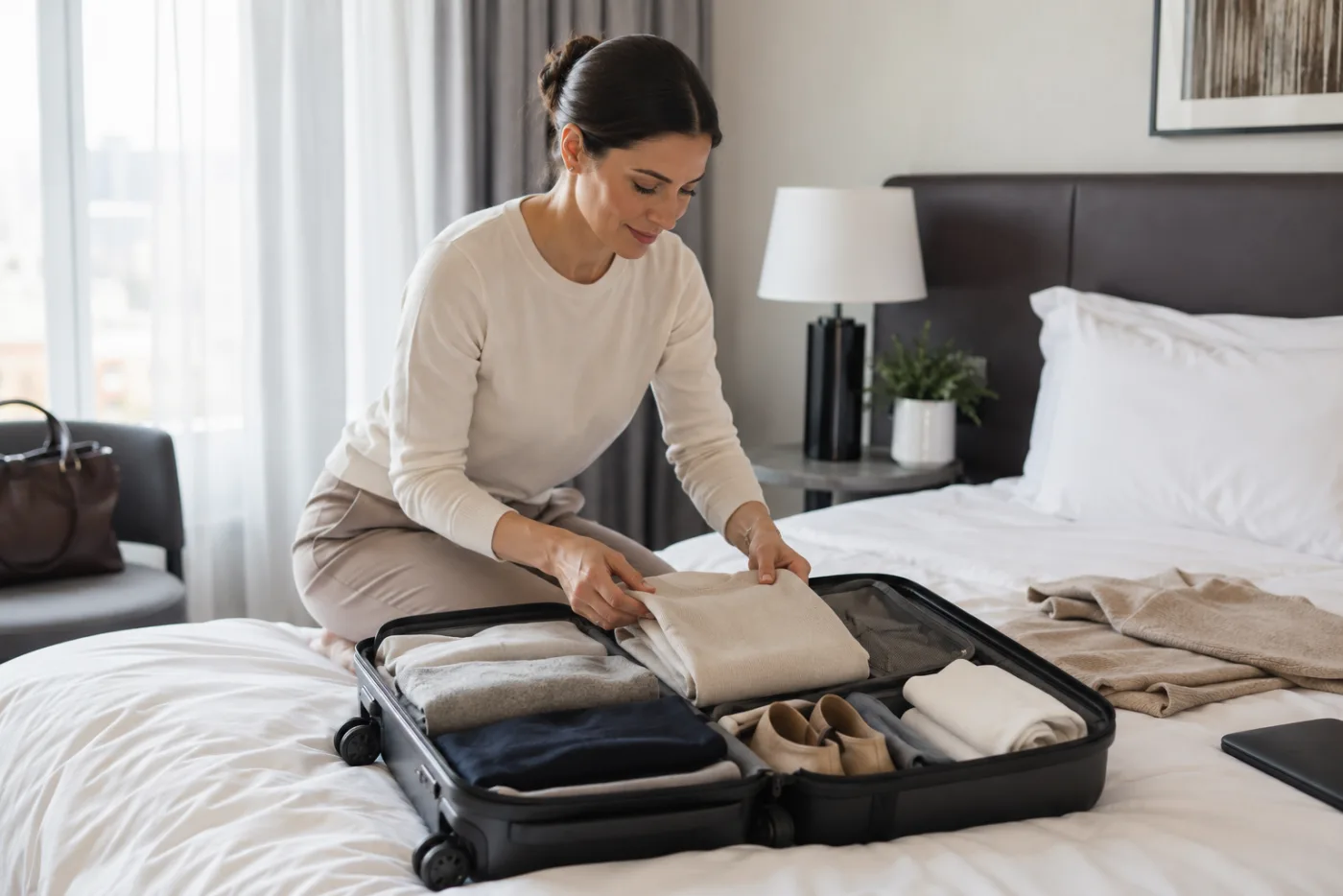
A capsule wardrobe is easier to pack when you can test a few complete looks before the suitcase is full. An AI outfit generator can help you compare color, layering, and overall direction on one photo, but it cannot confirm whether a real garment fits, feels comfortable, or works in the weather. Use the AI clothes changer to narrow the visual options, then make the final packing call with the actual pieces in front of you.
Last updated: July 17, 2026 - about 10 min read
Packing advice often starts with a number: ten items, twelve items, three pairs of shoes. That can be useful, but it misses the decision that makes a capsule work: can the pieces actually make the kinds of outfits you expect to wear? A navy overshirt may go with almost everything in theory and still feel too formal for your beach dinner photos. A light knit may look sensible on a list but create a silhouette you do not enjoy.
This is where a controlled photo-based preview is useful. It gives you a quick visual rehearsal with your own proportions, usual styling, and travel mood. The goal is not to manufacture an imaginary wardrobe. It is to discover which real items are doing enough work, which combinations are not convincing, and which choices still need a fitting-room check.
Begin with the trip, not the aesthetic
Write down the actual moments you are packing for before you choose a palette. A three-day city break with a museum, a work dinner, and a long travel day needs a different capsule from a resort weekend or a family visit. Start with the activities that cannot share the same outfit, then add the flexible pieces around them.
For each moment, name one visual requirement and one practical requirement. A dinner outfit might need to look polished in low light and remain comfortable after a long walk. A travel-day layer might need pockets and warmth. Those practical requirements are not things an image preview can prove. They keep the preview honest.
The tool works best after this small planning step. You are no longer asking it to solve an entire holiday. You are asking a clear question: does a cream knit, dark trouser, and light jacket read as the calm daytime look I want? Or should the jacket be warmer, shorter, or more casual?
Build a testable capsule list
Choose a limited set of real categories rather than starting with dozens of items. A useful first pass might include two bottoms, three tops, one outer layer, one dress or elevated option, and two pairs of shoes. The exact number is less important than the number of outfit jobs those pieces can cover.
| Packing question | What to test visually | What must be checked in real life | A useful decision after the test |
|---|---|---|---|
| Does the palette feel connected? | Color temperature, contrast, and repeated accents | Whether colors show stains or need special care | Remove the accent that only works once |
| Does one layer work across looks? | Length, bulk, and formality over each base look | Warmth, weight, and room in the bag | Keep it if it supports at least two planned moments |
| Are the shoes changing the message? | Casual versus polished balance and leg line | Walking comfort, rain resistance, and break-in time | Pack the pair that works for the longest day |
| Is there a dinner option? | Overall silhouette and the amount of contrast in photos | Seating comfort and local dress expectations | Add one small upgrade, not a separate wardrobe |
| Are there obvious gaps? | Repeated outfit shapes or a missing weather layer | Laundry access, climate, and activity rules | Add only the item that solves a named gap |
The table turns a visual experiment into a practical packing decision. It also prevents the common mistake of treating an attractive generated look as proof that the item belongs in the case.
Use one stable photo for every comparison
Pick a clear, full or three-quarter-length photo with even lighting and enough room to see the clothing shape. Keep your face, pose, background, and camera angle unchanged across the comparisons. If you change the photo each time, you may prefer one result because of the lighting or pose instead of the outfit.
Then change one decision per version. Test the dark trousers with the light knit. Next, keep the trousers and change only the outer layer. Then keep the layer and change the shoe direction. A controlled sequence is more useful than six unrelated fashion images because it shows what each item contributes.
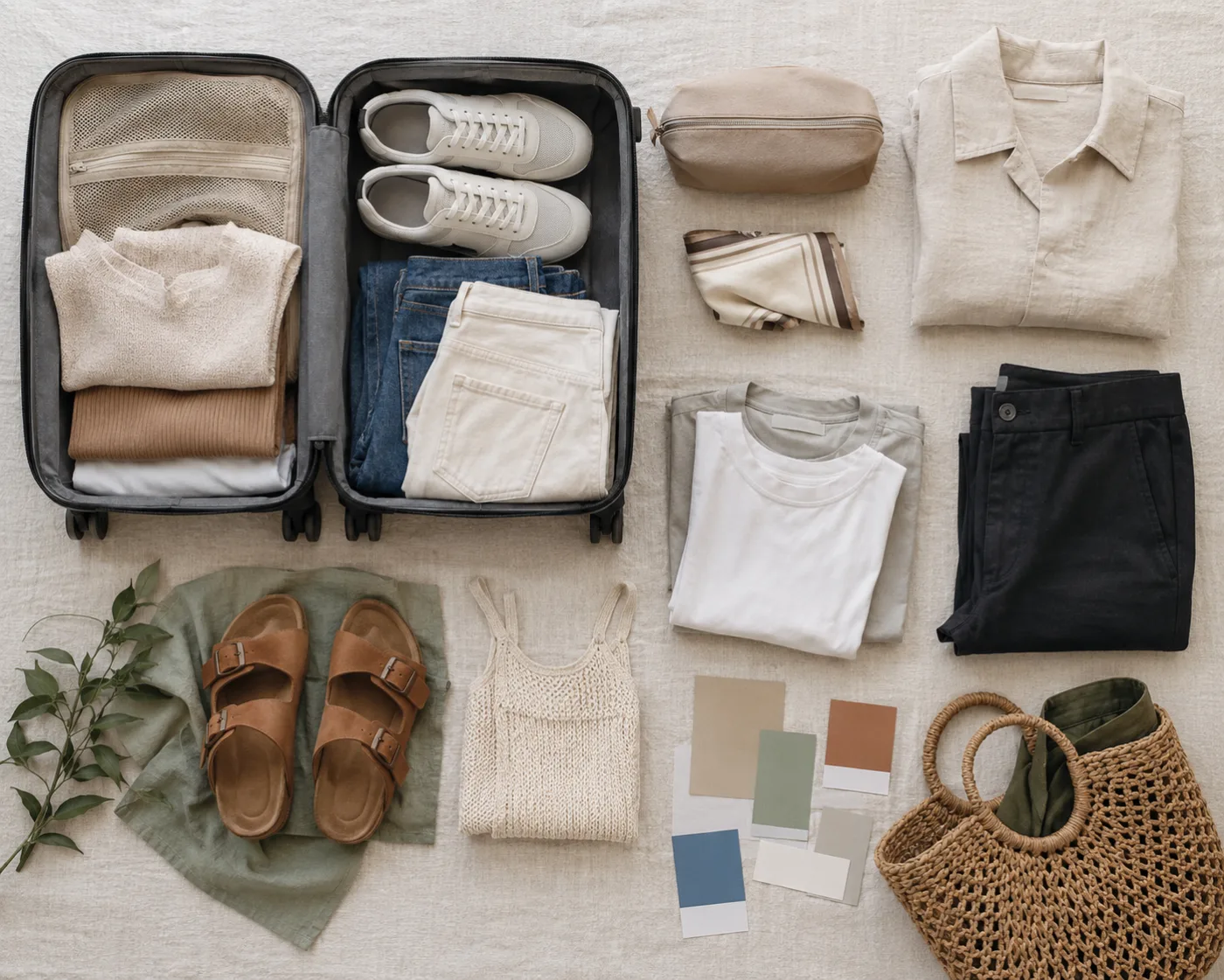
The second visual should help organize the decision, not repeat the person-and-outfit hero image.
For a first request, be specific about what must stay fixed: “Keep my face, pose, lighting, and background unchanged. Show a relaxed travel outfit with charcoal straight-leg trousers, a warm ivory knit, and a lightweight olive jacket.” If you want a comparison, repeat the same request and change only “olive jacket” to “navy overshirt.”
Read the preview as a comparison, not a measurement
The strongest result is often a negative one. You may notice that every version with a long cardigan makes you feel swallowed by fabric, or that the warm neutral top makes your existing trousers look more deliberate. That is enough to make a better packing choice.
Look closely at these visual signals:
- Proportion: Does the length of the top, jacket, or trouser create the balance you want?
- Color rhythm: Does an accent appear twice, or is it an isolated item that makes every look feel improvised?
- Layering: Does the outer piece make the base outfit more useful, or simply bulkier?
- Photo readiness: Would the outfit look like you in the travel photos you expect to take, rather than like a generic mood board?
- Repeatability: Can the top or bottom appear in at least two looks without making the set feel identical?
Do not use the image to judge a size, a hem that needs exact tailoring, a bra line, fabric thickness, or how a shoe will feel after ten thousand steps. Generated clothing is an interpretation of pixels, not a fitting-room measurement. Check garments on your body before the trip, and read weather and venue requirements separately.
A four-look capsule rehearsal
Make four comparisons rather than trying to render every possible combination. Start with the travel day, the ordinary daytime look, the evening look, and the weather backup. These four jobs expose most weak capsules.
For the travel day, ask whether the layer looks easy to remove and carry. For the day look, test whether the colors feel fresh in daylight. For the evening look, add only one change such as a different top, jacket, or shoe. For the weather backup, see whether a rain layer or warmer piece makes the outfit feel unlike you. If it does, that is a prompt to rethink the base items, not to keep adding emergency extras.
This is also a better way to work when you are short on time. Four controlled answers are more valuable than twenty pretty surprises. Save the two or three directions that feel most like you, then lay the real garments on the bed and confirm that they can be worn together.
Where a preview should stop
Some travel decisions are outside the scope of a clothes-changing image. If you need a garment for a formal event, check the host guidance. If you are packing for heat, rain, skiing, hiking, or a long commute, choose performance and comfort before visual variety. If a garment is new, try it for an hour at home before assuming it belongs in a minimal suitcase.
Privacy also matters. Use your own image or one you have permission to edit, review the service policy that applies to your account, and do not use a generated result to represent a real product listing. A preview can help you choose a color direction. It cannot verify that a store item, fabric, or size will match the render.
A quick packing workflow
- List the four moments your trip must cover. An AI outfit generator is useful here only when the question remains visual and specific.
- Pull only the real items that can serve more than one moment.
- Photograph or choose one clear reference of yourself.
- Test one base outfit and change one variable at a time in the preview tool.
- Keep the versions that reveal a clear color or proportion preference.
- Try on the real outfit, walk in the shoes, and check the weather.
- Pack the verified pieces, not every image idea.
For color-only decisions, the outfit color matcher is a useful narrower follow-up. For a clothing edit that keeps the rest of a photo stable, return to the AI clothes changer. The more specific the question, the easier the result is to inspect.
FAQ
Can a photo-based outfit tool build a complete capsule wardrobe?
It can help you visualize combinations and identify a consistent color or layering direction. It cannot know your travel schedule, laundry access, weather needs, garment measurements, or comfort requirements. Use it to reduce options, then verify the real capsule yourself.
What photo is best for testing travel outfits?
Use a clear, well-lit photo of one person with enough of the body visible to judge clothing proportion. Keep the pose and background the same when you compare versions, and avoid photos where bags, hands, or heavy shadows hide the outfit.
How many looks should I test before packing?
Four controlled looks are usually enough for a first pass: travel, daytime, evening, and a weather backup. Add another only when it answers a specific trip requirement rather than creating a new aesthetic direction.
Can a generated outfit tell me whether clothing will fit?
No. It can show color, silhouette, layering, and general mood. It cannot guarantee sizing, comfort, fabric weight, stretch, or how a real item will move. Try on the real garment before relying on it for travel.
Pack the decision you verified
A travel capsule becomes lighter when every item has a defined job and every visual choice has been tested against the same photo. Use the tool to compare controlled outfit directions, keep the real-world checks where they belong, and pack the small set that still works when the trip becomes less photogenic and more real.