
AI Clothes Changer Glossary: 4 Terms to Know
Learn the difference between an AI clothes swap, photo try-on, recolor, and outfit generator, plus what each kind of photo preview can and cannot show.
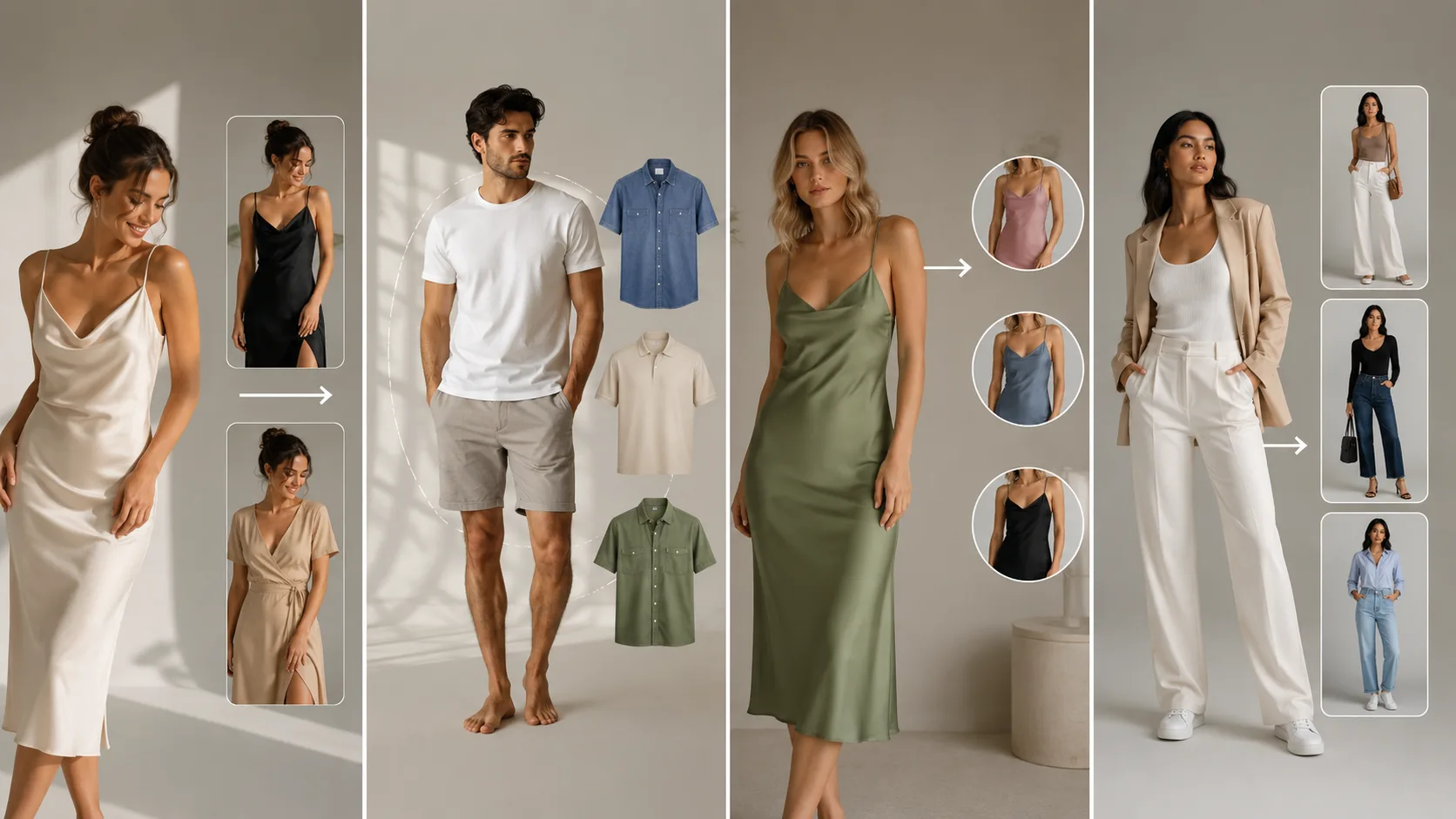
An AI clothes changer edits the outfit in a photo so you can compare a different look without changing your face, pose, or setting. The confusing part is the vocabulary: “swap,” “try-on,” “recolor,” and “outfit generator” describe related jobs, but they are not interchangeable.
Last updated: July 25, 2026 · about 5 min read
Use this glossary to choose the right kind of preview. Every result is a visual aid, not a promise about physical fit, fabric availability, or what a garment will feel like in person.
The four terms people mix up
| Term | What you start with | What changes | Good question to answer |
|---|---|---|---|
| AI clothes swap | Your photo and a garment idea | The outfit | “Would this jacket work with this pose?” |
| Photo try-on | Your photo and a specific look | The clothes on your photo | “Do I like this silhouette on me?” |
| Clothes recolor | A photo with an existing garment | The garment color | “Which color option reads best?” |
| Outfit generator | A photo plus a styling direction | A complete proposed look | “What are three directions to compare?” |
An AI clothes changer is the umbrella term. It usually means a photo editor that changes clothing while trying to preserve the person. A swap is the most direct use: replace a shirt, dress, suit, or outer layer in a photograph.
The same phrase can describe several kinds of preview. Start with the decision you need to make.
AI clothes swap vs photo try-on
In ordinary conversation, these are close. Both start with your photo and show a new outfit. The distinction is useful when you are writing an instruction:
- Say swap when you want one item replaced: “change the T-shirt to a navy overshirt.”
- Say try-on when you are comparing a whole look on the same person.
- Say outfit generator when you need ideas before you know the exact garment.
If you are deciding whether a style suits your photo, start with AI Dress Up. If you already have an item or a clear description, use the AI clothes changer route. Keep the original photo constant while you compare versions; otherwise you will be judging new lighting or a new pose instead of the clothes.
What “recolor” means
Recoloring keeps the garment design and changes its color. It is useful for deciding among color directions, planning a look, or checking whether a catalog color is easy to distinguish against the same background. It is not the same as an accurate product-color proof: screen calibration, fabric sheen, dye lots, and lighting can all change what the real garment looks like.
For that job, use a dedicated clothes color changer, then compare the result at the size where people will actually see it. A dark blazer can disappear against a dark backdrop; a pale shirt can flatten under bright light. Those are visual decisions a preview can help you notice.
Pick the right input photo
The strongest AI clothes changer result begins with a simple source photo:
- Show the relevant part of the body clearly; a full outfit needs more than a face crop.
- Use even light and avoid heavy shadows across the clothing edges.
- Keep arms, bags, and hair from covering the area you want changed.
- Describe one change at a time: garment, color, or layer.
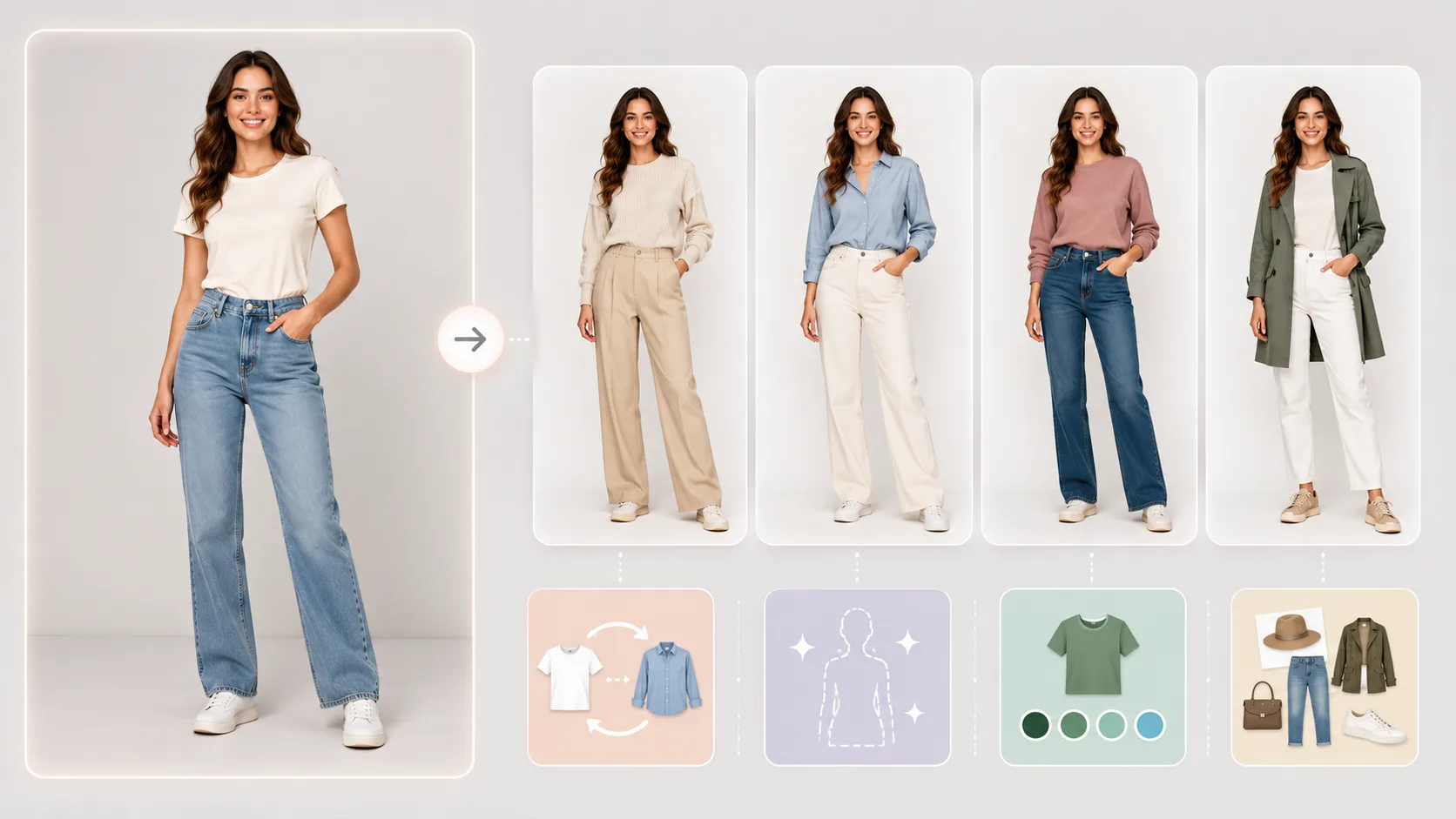
A clear input and one decision per version make comparisons much easier.
What an AI clothes changer cannot decide
It cannot measure you, verify inventory, predict a garment’s comfort, or guarantee that the exact item will fit. A realistic-looking preview can still be wrong about fabric weight, tailoring, or the result under another light. Treat it as a fast way to narrow choices, then check product details and return policies before buying.
If your main question is whether a photo edit is trustworthy, read how accurate AI clothes changers are. If you want a practical starting point, upload one clear photo, make two controlled outfit versions, and compare what changes your impression first: shape, neckline, color, or contrast.