
Outfit Color Changer: Change One Garment Without Recoloring the Whole Look
Use an outfit color changer to recolor one shirt, jacket, dress, or pair of trousers while checking fabric texture, edges, light, and the rest of the look.
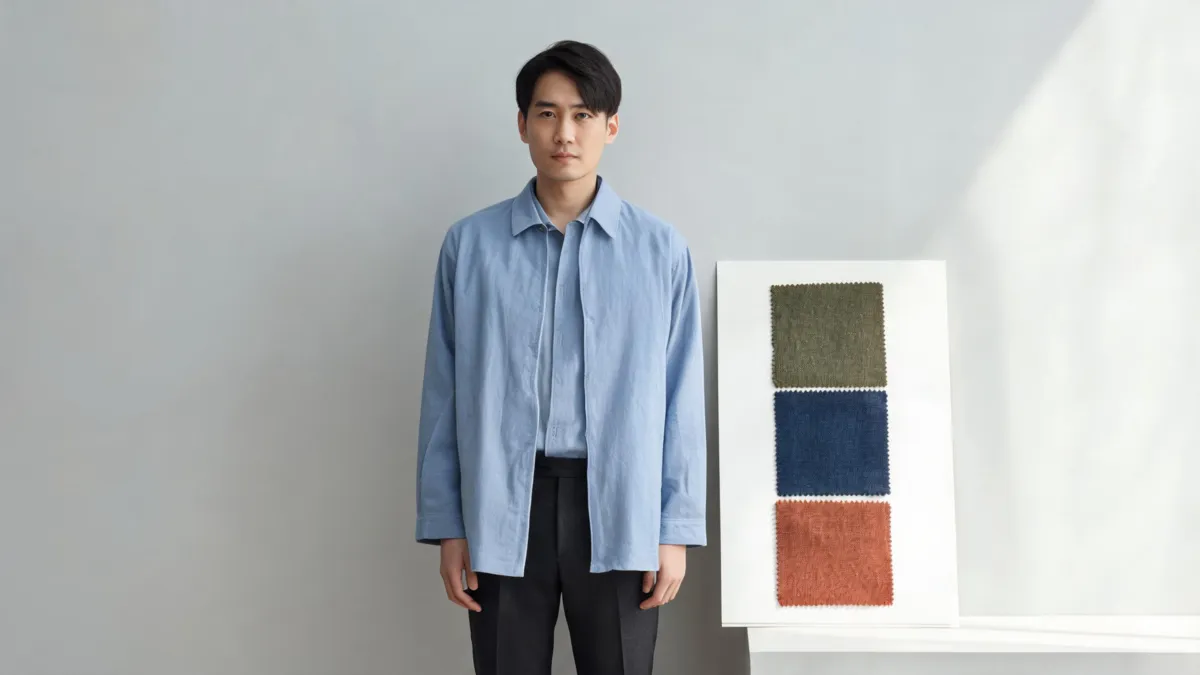
An outfit color changer works best when you name one garment, one target color, and everything that must stay put. Start with a clear photo, change only the shirt, jacket, dress, or trousers, then inspect fabric texture, shadows, skin edges, and the untouched pieces. A clothes color changer can speed up the preview, but it cannot verify an exact retail color or fit.
Last updated: September 10, 2026 · about 7 min read
This guide answers a different question from our outfit color matcher. A matcher helps you choose a palette: which colors belong together. An outfit color changer helps you test an edit: can one existing garment become another shade without repainting the rest of the photo?
Decide whether you need matching or editing
Start by naming the actual decision. If you are choosing whether olive, navy, or rust works with trousers you already own, you may need palette guidance first. If you already like the outfit and want to see the same overshirt in navy, you need a constrained image edit.
| Your question | Better starting point | What to keep in mind |
|---|---|---|
| Do these pieces work together? | Outfit color matcher | Choose an anchor, neutral, and accent before editing |
| Would this jacket work in another shade? | Outfit color changer | Change the jacket only; preserve the rest |
| Do I need a new silhouette or outfit? | AI outfit generator | Treat the result as styling direction, not fit evidence |
| Is the product color accurate enough to sell? | Controlled edit plus human review | Verify SKU, dye lot, fabric, and approval separately |
A clean color change still has to obey the original photo's light. Highlights, folds, and shadows should remain in the same places after the garment changes shade.
Use an outfit color changer in four controlled steps
- Choose a readable original. Use the highest-resolution photo you have. The target garment should be visible from collar to hem where possible, with usable light and no heavy filter. Hair, hands, bags, or furniture that cover the garment create harder boundaries.
- Name one garment and one color. "Change only the linen overshirt to muted olive" is easier to assess than "make my outfit better." Add preservation instructions such as "keep face, hair, trousers, hands, seams, lighting, and background unchanged."
- Make a small color jump first. A near-neighbor test, such as slate blue to navy, is usually easier to judge than a request that also implies a different material, such as white cotton to black patent leather. Save material changes for a separate garment concept.
- Compare at full size. Keep the original next to the new version. Inspect the color and then the evidence that it is still fabric: weave, buttons, seams, folds, shadows, and edge transitions.
One controlled edit is more useful than a gallery of unrelated renders. If the first result changes the face or background, simplify the prompt or choose a clearer source photo; do not treat it as a valid comparison.
The five places a believable edit has to hold up
Collar and hairline
The new shade should stop at the garment boundary. Look for tint on the neck, face, beard, hair, necklace, or scarf. A close crop can hide a problem in a thumbnail, so zoom in before saving.
Cuffs and hands
Fingers crossing a sleeve are a difficult boundary. Check that a cuff is not fused to a hand and that the color has not bled across the wrist. If it has, use an image with less overlap or ask for a narrower edit.
Seams, buttons, and texture
Color should not flatten the garment into a solid block. A visible knit, denim grain, button placket, or wool seam should retain some light-and-dark variation. If the original has no detail, a color tool cannot recover it honestly.
Light and shadow
The bright fold on a sleeve should still be bright after recoloring, and a shadow should still sit under a collar or belt. A new hue with different lighting logic is a warning that the edit altered more than the color.
The rest of the outfit
This is the point of the article: confirm that trousers, shoes, accessories, other layers, and the background have not moved with the target garment. If two garments share the original color, be especially cautious.
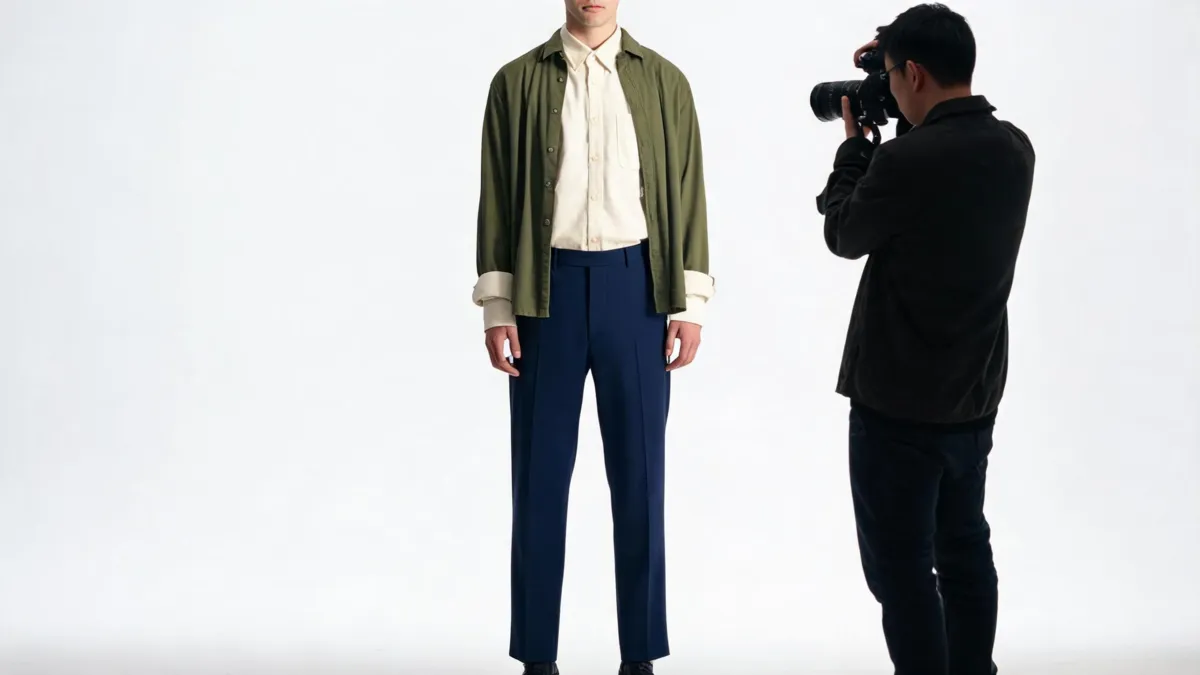
Review the cuff, hem, light, and unaffected garments at full size before treating a color edit as useful.
For a more detailed texture check, read how to recolor clothes without losing fabric texture. If the issue is a damaged result rather than a color decision, the troubleshooting guide to why AI clothes swaps look fake is the more useful next step.
Watch a narrow color-edit workflow
This short third-party video demonstrates changing a garment color with a hex color using an AI clothing color changer; it is a vendor demonstration, not evidence that any tool will preserve every fabric or edge.
Limits to keep visible
An outfit color changer is a visual planning tool. It can help you compare a color direction on the same scene. It cannot prove the shade of a retailer's physical garment, simulate a different fabric, guarantee fit, or replace product photography. For ecommerce work, retain the original, document the edit, and have a person confirm any published color or product claim.
Only edit photos you have permission to use. For public images, avoid presenting a substantial synthetic wardrobe change as an untouched photograph. AIClothSwap's Content Policy explains the consent and honesty baseline.
Frequently asked questions
Can I change the color of one clothing item without recoloring the whole photo?
You can make a garment-specific edit or use a careful selection, but the output still needs review. Check that the new color has not affected skin, hair, another garment, jewelry, or the background.
Why does an outfit color change make fabric look flat?
The edit may have lost the source image's highlights, shadows, weave, seams, or folds. Start with a sharp, evenly lit photo and ask to preserve the garment's texture and lighting while changing only its color.
Can an outfit color changer show an exact retail color?
No. A photo edit can compare a color direction, but it cannot prove a retailer's dye lot, material finish, screen color, fit, or availability. Confirm those details with the seller or a physical sample.
Related guides
- Try the free AI clothes changer →
- Change one garment with the clothes color changer
- Build a palette with outfit color matcher
- Recolor clothes without losing texture
- Change a shirt color in a photo
Keep the edit smaller than the decision
Use the AI clothes changer to compare one garment color at a time, then let the collar, cuffs, texture, light, and untouched pieces decide whether the result is worth keeping.