
Hoodie Try-On Online: Preview Casual Looks With AI
Use an AI hoodie try-on preview to compare color, proportion, sleeves, and layers before you order. Learn what it can and cannot show.
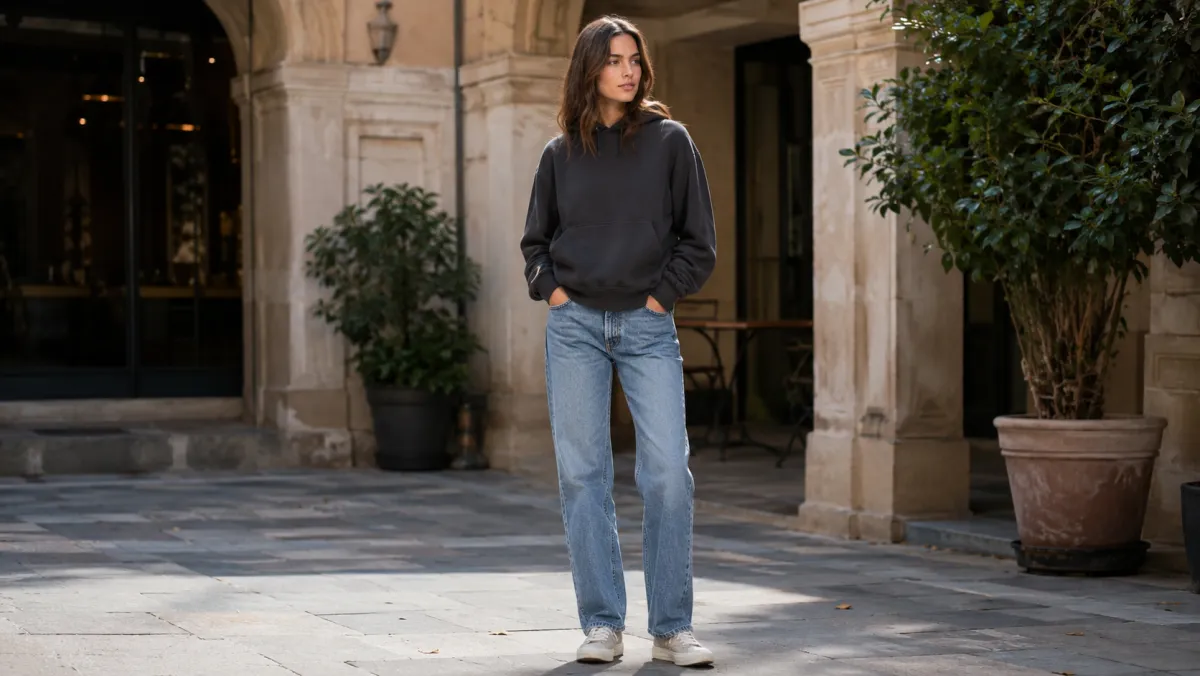
A hoodie try-on preview is useful for one decision: does this hoodie look like your kind of casual layer on your photo? It can help you compare color, length, sleeve volume, and how a zip-up or pullover changes your outline. It cannot tell you the exact size, fabric weight, or how the cuffs will feel in real life. Start with a clear full-body photo, then use an AI clothes changer to test one hoodie direction at a time.
Last updated: July 14, 2026 - about 7 min read
What a hoodie preview can answer
Hoodies are deceptively hard to judge from a product model. A dropped shoulder, oversized pocket, cropped hem, or thick hood can read completely differently on a person with a different height and proportions.
An online hoodie try-on is best for these questions:
- Does a light or dark color work with the trousers I already own?
- Does a cropped, regular, or oversized hem balance the rest of the outfit?
- Does a pullover look better than a zip-up for this use?
- Does a graphic-free layer make a headshot or everyday photo feel too casual?
Treat the result as a styling preview. For the actual fit, compare the retailer's garment measurements with a hoodie you already wear comfortably.
Start with the right photo
Use a photo where the torso, shoulders, and arms are visible. A relaxed standing pose gives the AI enough information to keep the new layer believable. Heavy coats, crossed arms, a phone across the chest, and dark rooms make the result less reliable.
Ask for one change, then protect everything else:
Replace only the current top with a [color] [pullover or zip-up] hoodie. Keep the same person, face, pose, body proportions, trousers, lighting, and background. Preserve natural folds and sleeve length. No logo.
If you want to compare options, make separate versions. Asking for three hoodies in one image makes a useful decision harder, not easier.
Five checks before you decide
The important part happens after generation. Open the image large enough to look at the hoodie rather than the thumbnail.
| Check | What to look for | Why it matters |
|---|---|---|
| Shoulder line | Does it sit close, dropped, or too broad? | The shoulder shape changes the whole silhouette. |
| Hem | Is the length intentional with your trousers? | Cropped and oversized hems can change leg proportion. |
| Sleeves | Are the cuffs and wrists visible and believable? | Long sleeves often look different in a real fit. |
| Hood | Does the hood add bulk around the neck or back? | This affects both comfort and profile photos. |
| Color | Does it separate from your hair and background? | A good color on a product page may disappear on you. |
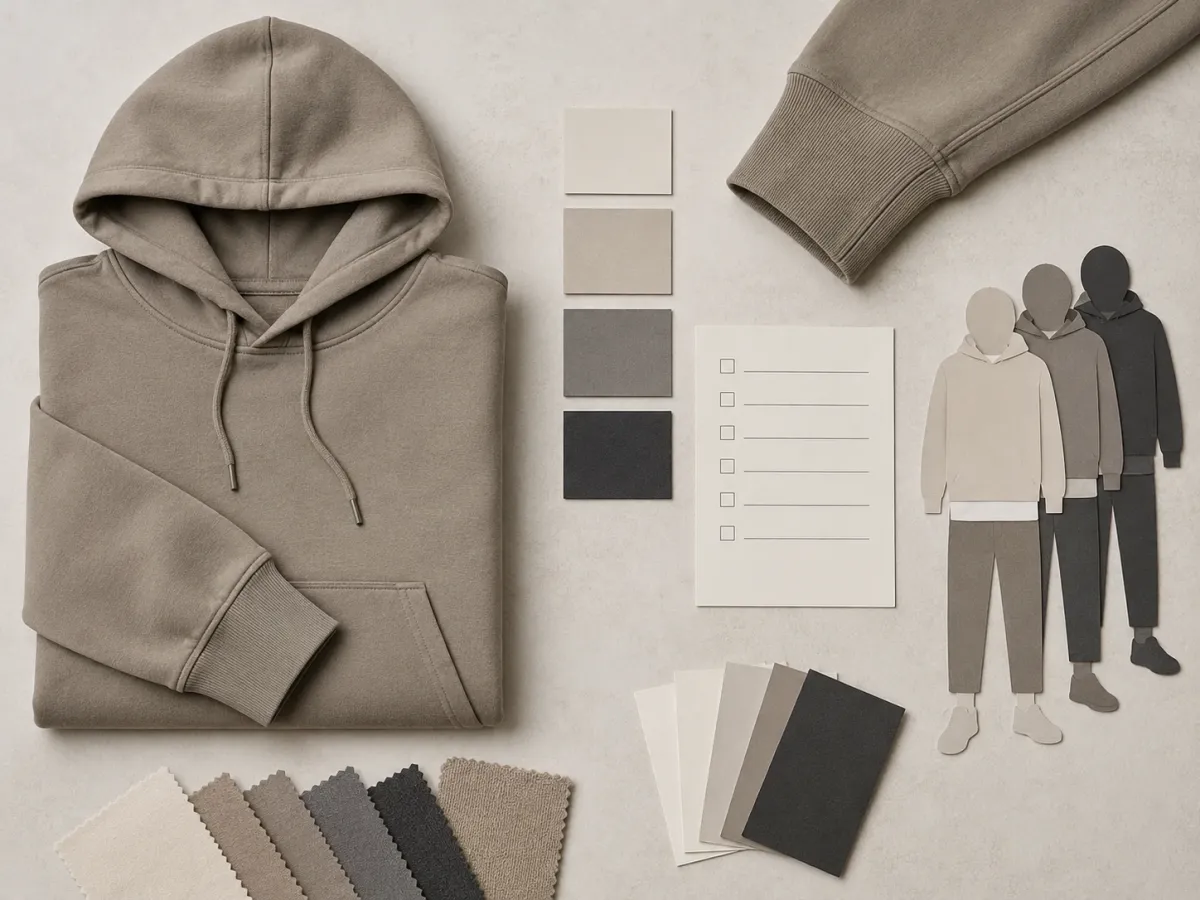
This is a planning visual, not a product output: use it to inspect the garment details a single preview can hide.
Pullover or zip-up?
For a quick wardrobe preview, choose the shape before you choose the shade. A pullover usually reads as one block of color and works well when the outfit already has a clean, simple line. A zip-up creates a vertical break and makes the shirt below part of the look. That can be helpful when you want a more layered outfit or want to avoid a large solid shape near the face.
Preview both only when you would genuinely buy either. Otherwise, pick the construction first and spend your variations on colors or lengths.
Honest limits of an AI hoodie try-on
An image can show styling direction, not a fitting room measurement. It cannot confirm chest room, whether the hood feels heavy, exact fleece thickness, or how the garment moves while you sit. It may also simplify drawstrings, seams, pockets, or printed graphics.
That is still enough to remove a bad option early. Use an AI preview to narrow a long product list to two or three likely choices, then use the size chart, reviews, and return policy to make the purchase decision. For more on this boundary, see how accurate AI clothes changers are.
A quick hoodie try-on workflow
- Pick one clear, front-facing photo.
- Choose one hoodie shape and one color family.
- Generate a style preview with the original pose protected.
- Compare shoulder line, hem, sleeves, hood, and contrast with the rest of the outfit.
- Keep only the two versions you would actually consider buying.
- Check product measurements before checkout.
For a broader outfit test, use AI Dress Up. If you are deciding between several categories rather than just hoodies, the AI virtual try-on guide explains how to keep those comparisons useful.
Frequently asked questions
Can I try on a hoodie online with AI?
Yes. Upload a clear photo, describe a hoodie shape and color, and use an AI clothes changer to preview the style on your photo. It is most useful for judging silhouette and color, not exact size.
What photo works best for a hoodie try-on?
Use a standing photo with the shoulders, torso, and arms visible in even light. Avoid bulky outerwear, crossed arms, and photos where hair or objects cover most of the top.
Can an AI preview tell me whether a hoodie will fit?
No. It can show the visual direction of a hoodie, but it cannot measure your body or guarantee the garment's real size, fabric weight, or comfort. Check the retailer's size chart before ordering.
Preview the look before you order
Use the AI clothes changer to test a casual layer on your own photo, then make the final choice with the retailer's measurements in hand.