
How to Put a Dress on a Photo with AI (Try Any Style Free)
Put a dress on any photo with a free AI clothes changer. Upload, type one prompt, and preview cocktail, maxi, or party styles in under a minute.
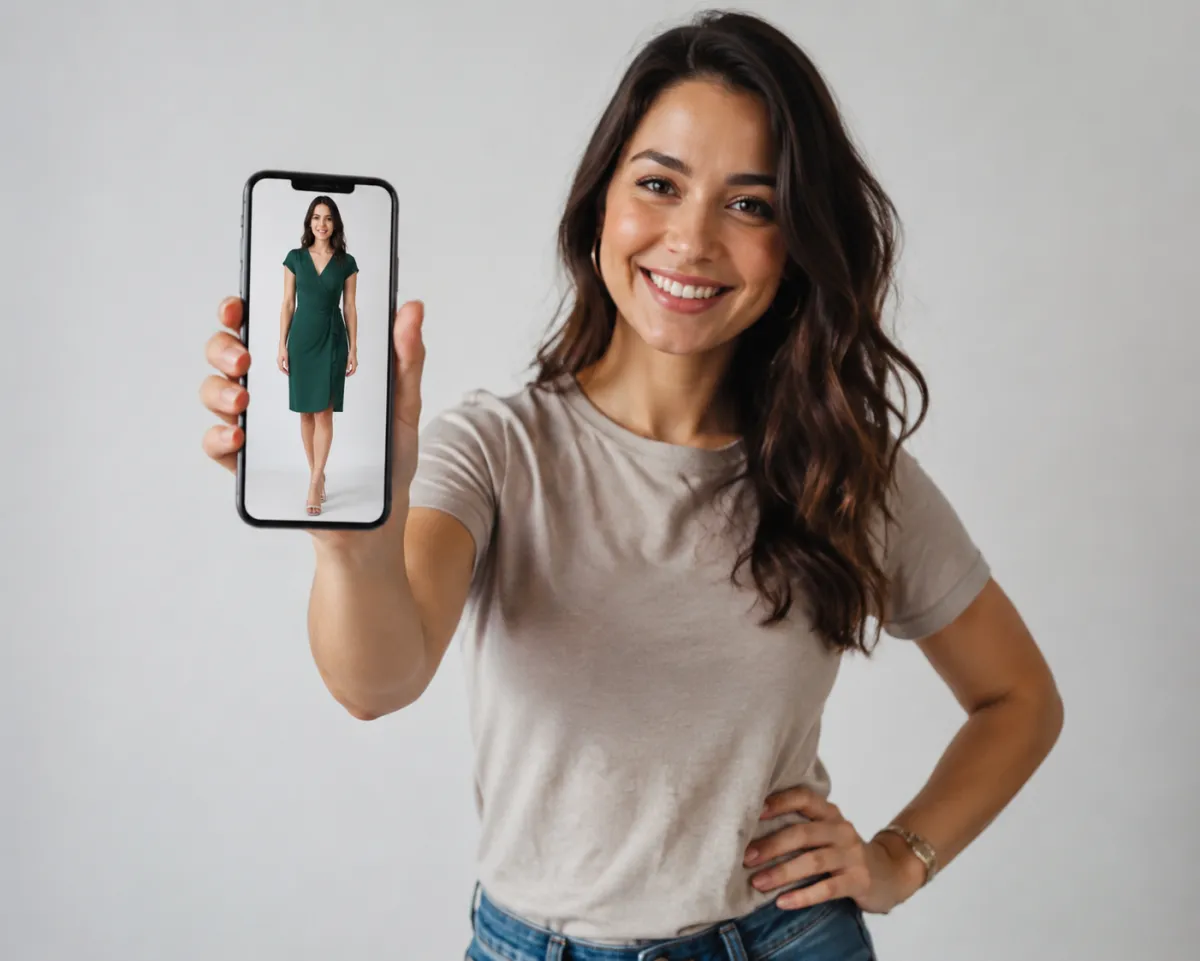
To put a dress on a photo, upload a clear front-facing picture to an AI clothes changer, type one specific prompt describing the dress you want (for example, "navy cocktail dress, knee length"), and generate. The tool swaps the outfit in seconds while keeping your face and pose, so you can see yourself in any style before you buy or get dressed.
Last updated: June 23, 2026 · ~6 min read
How do you put a dress on a photo with AI?
The whole thing takes under a minute, and you don't need any design skills. Upload, describe, generate. Here's the exact flow:
- Upload a clear photo. Pick a well-lit, front-facing shot where your current outfit is fully visible from shoulders to knees. The AI maps the dress onto your body, so the more it can see, the better the fit looks.
- Describe the dress in one prompt. Name the style, color, length, and neckline. "Emerald green maxi dress, V-neck, floor length" gives you a far better result than just "a dress."
- Generate and refine. Look at the result. If the hem or shade is off, tweak one detail in your prompt and run it again. Iterate until it looks right.
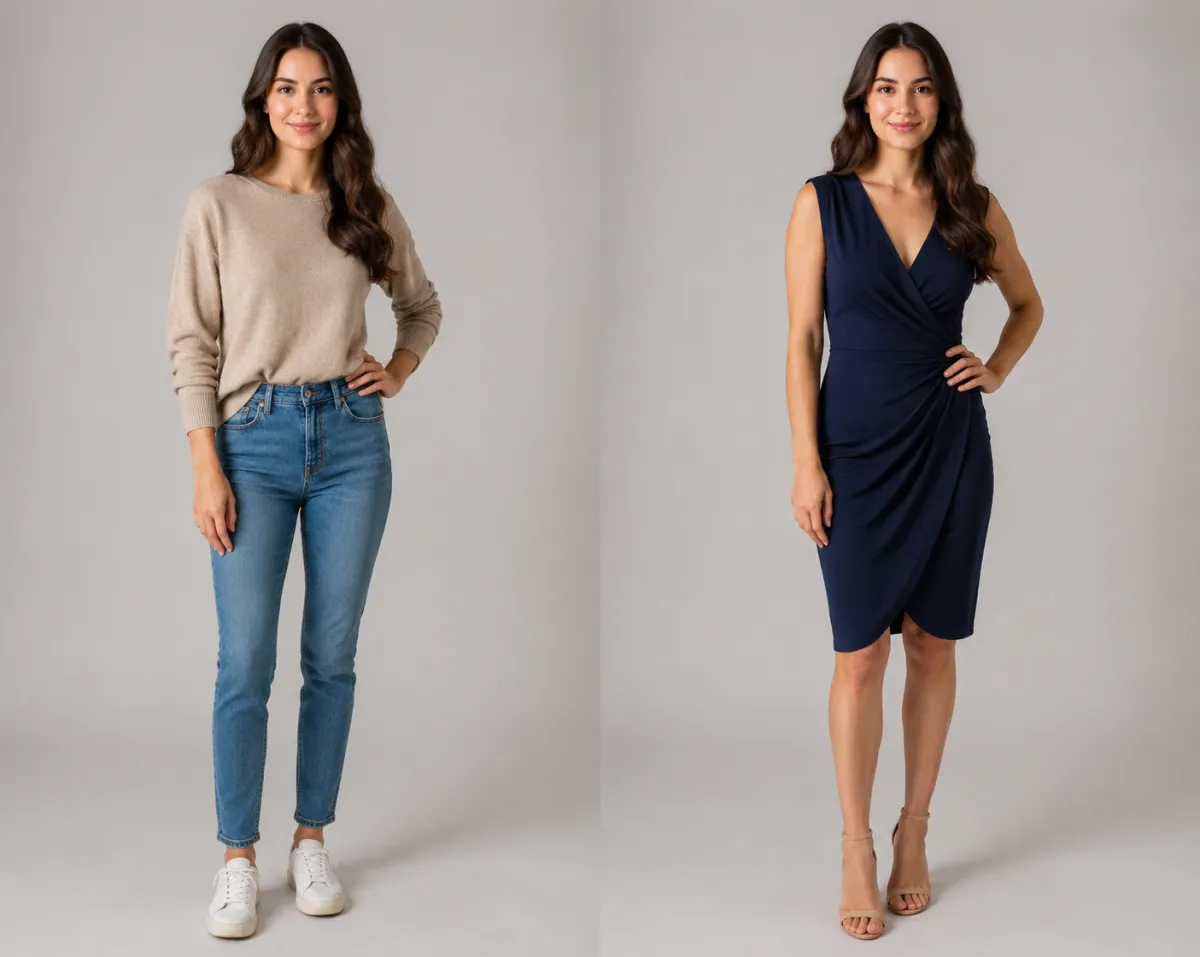 The same photo, before and after putting a dress on with AI — your face and pose stay the same, only the outfit changes.
Tip: Change one thing at a time. If you adjust the color, the length, and the sleeves all at once, you won't know which edit caused a weird result. One specific change per generation keeps things predictable.
Which dress styles can you try on a photo?
You're not stuck with one look. The same photo can become a whole wardrobe, which is half the fun. Here are the styles people put on most often, and when each one fits:
| Dress style | Best for | Prompt example |
|---|---|---|
| Casual | Everyday wear, brunch, weekend | "light blue sundress, short sleeves, knee length" |
| Cocktail | Dinners, semi-formal events | "black cocktail dress, fitted, above the knee" |
| Maxi | Beach trips, garden parties, vacations | "floral maxi dress, flowing, floor length" |
| Work | Office, interviews, presentations | "charcoal sheath dress, modest neckline, tailored" |
| Party | Birthdays, nights out, celebrations | "sequined party dress, sleeveless, midi length" |
Since you only swap the prompt, trying all five on the same photo takes a couple of minutes. That makes it easy to put a casual sundress and a party dress side by side and decide what actually suits you.
Tips for a realistic dress result
A believable swap usually comes down to two things: your source photo and your prompt. A few habits make a real difference:
- Use a clear, front-facing photo. Side angles and crouched poses confuse the fit. Stand straight, face the camera, and keep your arms relaxed at your sides.
- Keep lighting even. Flat, soft daylight reads best. Harsh shadows across your body can make the new fabric look pasted on.
- Write one specific prompt. Spell out color, length, neckline, and material. "Burgundy velvet maxi dress, long sleeves" beats a vague request every time.
- Skip busy backgrounds in the original. A plain wall or simple setting helps the AI focus on the outfit instead of guessing where you end and the scene begins.
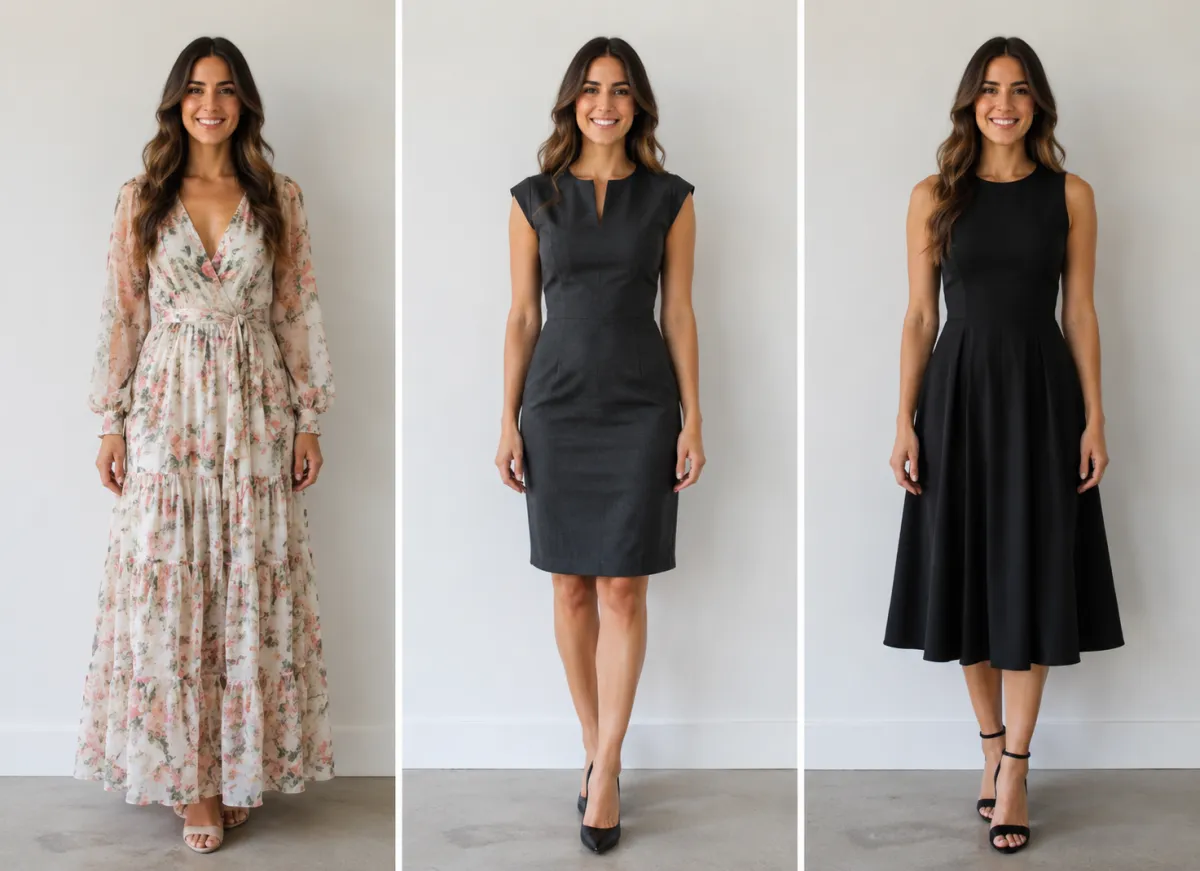 One good source photo lets you try several dress styles — even lighting and a plain background keep every result looking natural.
AI clothes changer vs Photoshop: which is faster?
You could put a dress on a photo by hand in Photoshop, but it's slow, fiddly work. Here's how the two stack up:
| AI clothes changer | Photoshop / manual editing | |
|---|---|---|
| Time per look | Under a minute | 30 minutes to a few hours |
| Skill needed | None — just type | Masking, layering, color grading |
| Try multiple styles | Change one prompt | Redo most of the work each time |
| Realistic draping | Handled automatically | Depends entirely on your skill |
| Cost | Free to start | Subscription plus a steep learning curve |
For most people the choice is easy. An AI clothes changer gets you a clean, realistic dress in the time it takes Photoshop to load. If you only want to recolor an outfit you already like rather than replace it, our guide on how to change clothes color in a photo covers that exact case.
When is putting a dress on a photo useful?
This isn't only a novelty. A few real situations where it earns its keep:
- Shopping decisions. Before you buy a dress online, see roughly how the color and silhouette read on you instead of guessing from a model who isn't your shape.
- Events. Deciding what to wear to a wedding, party, or dinner? Preview a few options on yourself and skip the closet pile.
- Just for fun. Sometimes you want to see yourself in a style you'd never normally try — a bold party dress, a flowing maxi — with zero commitment.
Good to know: Putting a dress on a photo is a styling preview, not a tailoring tool. It shows you how a look reads at a glance — handy for narrowing choices before you commit to a purchase or an outfit.
If you want to go beyond a single dress and assemble full looks, the AI outfit generator helps you mix tops, bottoms, and accessories into complete styles.
Frequently asked questions
How do I put a dress on a photo for free?
Upload a clear front-facing photo to an AI clothes changer, type a prompt describing the dress you want, and generate. The free tier lets you try the core feature without paying, so you can preview a dress on your own photo in under a minute.
What kind of photo works best for trying on a dress?
A well-lit, front-facing photo where your body is visible from shoulders to about the knees works best. Stand straight, keep your arms relaxed, and use even daylight with a plain background. Side angles, dim lighting, and busy scenes make the result look less natural.
Can I try different dress styles on the same photo?
Yes. Because you only change the text prompt, you can put a casual sundress, a cocktail dress, a maxi, a work dress, and a party dress on the same photo one after another. This makes it easy to compare styles side by side before you decide.
Is an AI clothes changer better than Photoshop for this?
For speed and ease, yes. Photoshop can take 30 minutes to a few hours per look and requires masking and layering skills, while an AI clothes changer produces a realistic dress in under a minute with just a typed prompt. Photoshop still wins for highly precise manual control, but most people don't need it.
Will the AI keep my face and pose?
Yes. The tool swaps only the outfit and keeps your face, hair, and pose intact. That's what makes it useful as a styling preview — you see yourself in the new dress rather than a generic model.
Related guides
- Try the free AI clothes changer →
- AI virtual try-on — see any outfit on your own photo before you buy.
- Change clothes color in a photo — recolor a dress you already love without replacing it.
- AI outfit generator — build complete head-to-toe looks, not just a single dress.
Ready to see yourself in any dress?
Upload one clear photo, describe the style you're curious about, and let the AI clothes changer handle the rest — free to start, no editing skills required.