
AirBrush AI Clothes Changer: What It Does and When to Try an Alternative
See how the AirBrush AI clothes changer fits common outfit edits, what to inspect in a result, and when a focused alternative may suit your photo better.
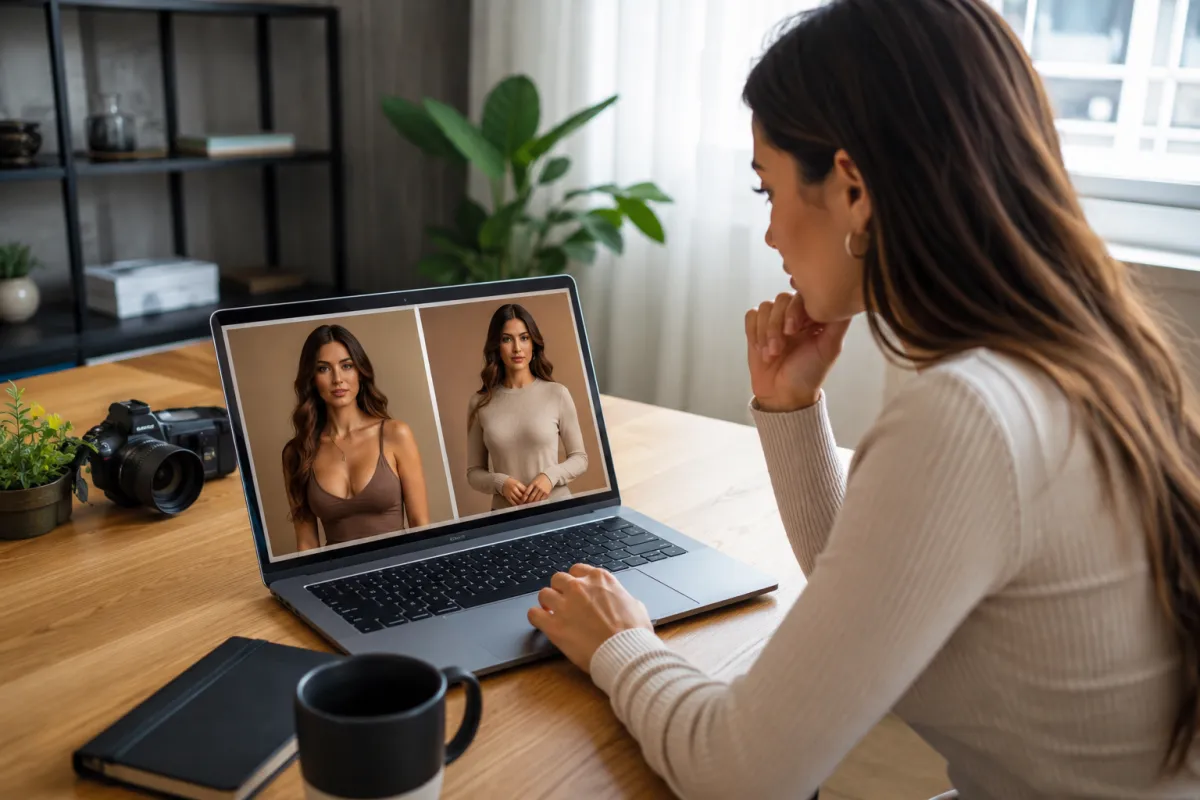
The AirBrush AI clothes changer is a browser-based outfit editor with presets and a custom mode. It is useful when you want to replace a top or a complete look without learning manual masking. If the job is a direct outfit preview on one adult photo, a focused AI clothes changer is worth testing beside it with the same inputs.
Last updated: August 11, 2026 · ~9 min read
This is an independent workflow review, not a sponsored ranking. We checked AirBrush's live clothes-changer page on the publication date, then separated what the interface offers from what any generated result still needs to prove.
What does the AirBrush AI clothes changer do?
The current official AirBrush clothes-changer page follows a short path: upload a person photo, choose an outfit preset or open the custom option, mark the area to change, describe the desired style, generate, and download. Its examples include tops, dresses, suits, jackets, and other complete looks.
That is more control than a one-click filter, because the marked area helps tell the editor what may change. It is still a generative edit. The tool has to reconcile the new garment with the person's pose, body, hair, hands, lighting, and background. A clean thumbnail is not enough to prove that all those details survived.
If you would rather supply a separate garment reference, use a virtual try-on workflow. If you only need a new shade on the existing item, a clothes color changer avoids regenerating the whole outfit.
Who is AirBrush a practical fit for?
AirBrush makes sense for a quick, visual question:
- Would a formal jacket look more balanced than a casual layer?
- Does a darker top give the portrait enough contrast?
- Is a dress silhouette worth exploring before a photoshoot?
- Can one part of the outfit change while the rest of the scene stays recognizable?
It is less conclusive when the decision depends on real fit, fabric weight, exact sizing, or production-accurate garment construction. An image can show proportion and color direction; it cannot tell you how a waistband feels after two hours or whether a real sleeve pulls when you move.
For broader styling from a written idea, an AI outfit generator may be the more direct starting point. For a simple personal preview, AI dress up keeps the task centered on the look rather than a larger editing suite.
AirBrush versus a focused AI clothes changer
Choose by job, not by the number of claims on a landing page.
| Decision point | AirBrush AI clothes changer | Focused AI clothes changer |
|---|---|---|
| Starting direction | Preset or custom marked-area edit | Outfit description or garment reference |
| Useful control | Select the area that may change | Keep the request centered on the outfit swap |
| Best first test | Top replacement on a clear portrait | Same-person comparison across complete looks |
| Main review risk | Mask edge, nearby hair/hands, invented garment detail | Face, pose, garment boundary, and scene drift |
| What it cannot prove | Fit, fabric feel, exact size, or construction | Fit, fabric feel, exact size, or construction |
Neither column is a quality verdict. Run a controlled comparison and keep the source, request, and acceptance criteria identical.
A fair five-step test
1. Pick one readable adult portrait
Use a front or three-quarter view with the current outfit visible. Even light, a sharp face, and clear sleeve and waist boundaries make problems easier to diagnose. Crossed arms, a crowded background, or hair covering most of the garment adds ambiguity before the model starts.
Our best-photo checklist explains why pose and occlusion matter.
2. Define one outfit change
“Make it stylish” leaves too many choices open. Name the garment, cut, color family, and one material cue:
Replace the current top with a fully buttoned navy linen overshirt, relaxed fit, long sleeves, matte fabric. Keep the adult's face, hair, hands, trousers, pose, lighting, and background unchanged.
That request is still short, but every phrase has a job.
3. Keep the comparison identical
Use the same portrait and request in AirBrush and the alternative. Do not use a clean studio portrait in one tool and a dim phone selfie in the other. Do not add detailed protection language to only one prompt.
4. Review full-size results
Inspect the face first, then neckline, hair boundary, sleeves, fingers, waistband, hem, shadows, and background. A result can feel convincing at feed size while hiding a doubled cuff or a changed jawline.
5. Count usable attempts
The best result from ten tries may be less useful than a slightly less dramatic result that works three times in a row. Record attempts, failures, and the reason each image was rejected.
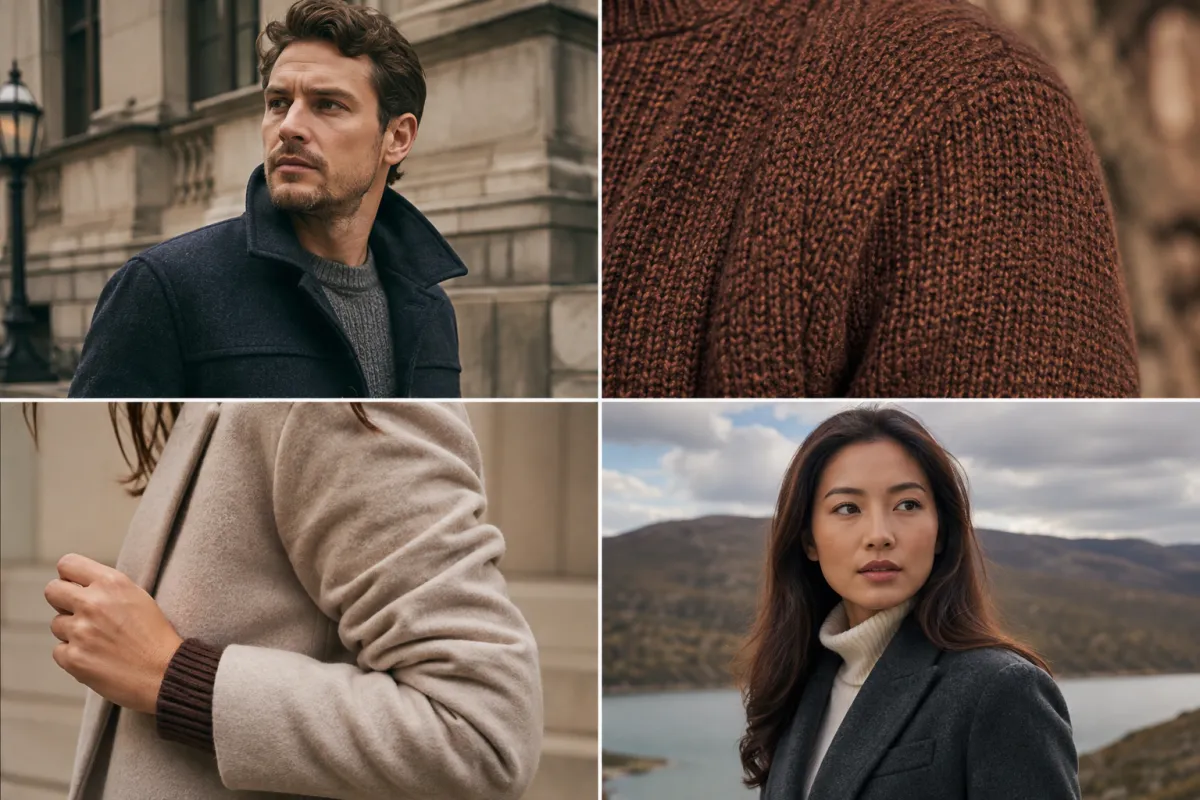
Conceptual QA visual, not an AirBrush or AIClothSwap output. Review garment detail, identity, boundaries, and scene continuity separately.
The result checklist that matters
Identity and expression
Compare the output beside the source. Look at eye spacing, jaw shape, hairline, skin tone, and the direction of the gaze. If the person has changed, simplify the outfit request or use a clearer portrait before trying decorative details.
Garment construction
Check collars, lapels, buttons, sleeve openings, waistbands, pockets, and hems. The garment should wrap around the body rather than float in front of it. Repeated patterns should follow folds instead of breaking at seams.
Hands and overlap
Hands touching a jacket, bag, or waist are common failure points. Check whether fingers enter the garment, whether straps disappear, and whether the new sleeve correctly passes behind or in front of the arm.
Lighting and shadows
The replacement should inherit the scene's light direction. Look under the collar, arms, and layered pieces. A missing contact shadow makes even a well-shaped garment look pasted on.
Background preservation
Scan the silhouette around shoulders, hair, elbows, and the hem. A marked-area edit can still alter pixels outside the intended region. Compare straight lines and nearby objects with the source.
For targeted repairs, use the failure table in why AI clothes swaps look fake.
When should you try an alternative?
Try another AI clothes changer when the controlled AirBrush test repeatedly misses a requirement that matters to you:
- The face changes even with a clear, simple portrait.
- Hair or hands merge into the new garment.
- The marked-area boundary produces a visible seam.
- A reference garment's shape or pattern matters more than a preset style.
- You want to compare several complete outfits on the same person.
- The workflow has more steps than your one-photo decision needs.
An alternative is a second rendering path, not proof that AirBrush is “bad.” Different tools fail differently. One may preserve identity better while another handles fabric or sleeve geometry better.
The best AI clothes changer guide provides a broader shortlist. Our practical guide to changing an outfit in a photo explains the shared workflow behind these tools.
When should you keep AirBrush in the shortlist?
Keep it when the marked-area workflow matches the job, presets get you close quickly, or you already use the broader AirBrush editing environment. It may also be the easier choice when you want to change only a top rather than rebuild a complete outfit.
Before a larger batch, rerun the same test on:
- a simple front-facing portrait;
- a three-quarter pose with one arm near the torso;
- a layered outfit with hair crossing the shoulder;
- a garment with a pattern or closure you must inspect.
Four varied inputs reveal more than repeatedly generating from the easiest photo.
Privacy, consent, and commercial use
Only upload an adult's photo with permission. Do not use private, deceptive, or intimate images. For client, retail, or campaign work, confirm that you may use every person photo, garment reference, and background.
Check the current provider terms for upload retention, deletion, training use, watermarks, and commercial rights. Do not infer those rights from a marketing page. AIClothSwap's Content Policy describes the consent and allowed-use boundaries for our service.
Frequently asked questions
Is the AirBrush AI clothes changer free?
AirBrush presents the clothes changer as a free online tool, but usage allowances, sign-in rules, exports, and paid controls can change. Check the live page before depending on a specific limit.
Can AirBrush change only a top?
Its current page says users can change a top or a complete outfit. The custom workflow also lets you mark the target area and enter a clothing idea.
Does AirBrush accept a written outfit idea?
Yes. The current custom mode combines a marked area with a prompt. Keep the request concrete: garment, cut, color, material cue, and details to preserve.
When is AIClothSwap the simpler alternative?
Use AIClothSwap when you want a direct clothes swap AI workflow: one adult portrait, a garment reference or outfit direction, a generated preview, and a focused QA pass.
Related guides
- Try the AI clothes changer →
- Compare AI clothes changers
- Write a better outfit prompt
- Choose a stronger source photo
- Check whether an AI clothes changer is safe
- See current plans
Test the workflow you actually need
AirBrush offers a credible preset-and-custom route for outfit edits. The useful question is not whether its best demo looks polished. It is whether your portrait, garment request, and acceptance checklist produce a result you can keep. Run the same controlled test in a focused AI clothes swap tool, then choose from evidence rather than brand claims.