Best AI Dress Up App for Real Outfit Previews, Not Games
The best AI dress up app should use your real photo, keep your face and pose stable, and preview outfits you could actually wear. Here is how to choose one.
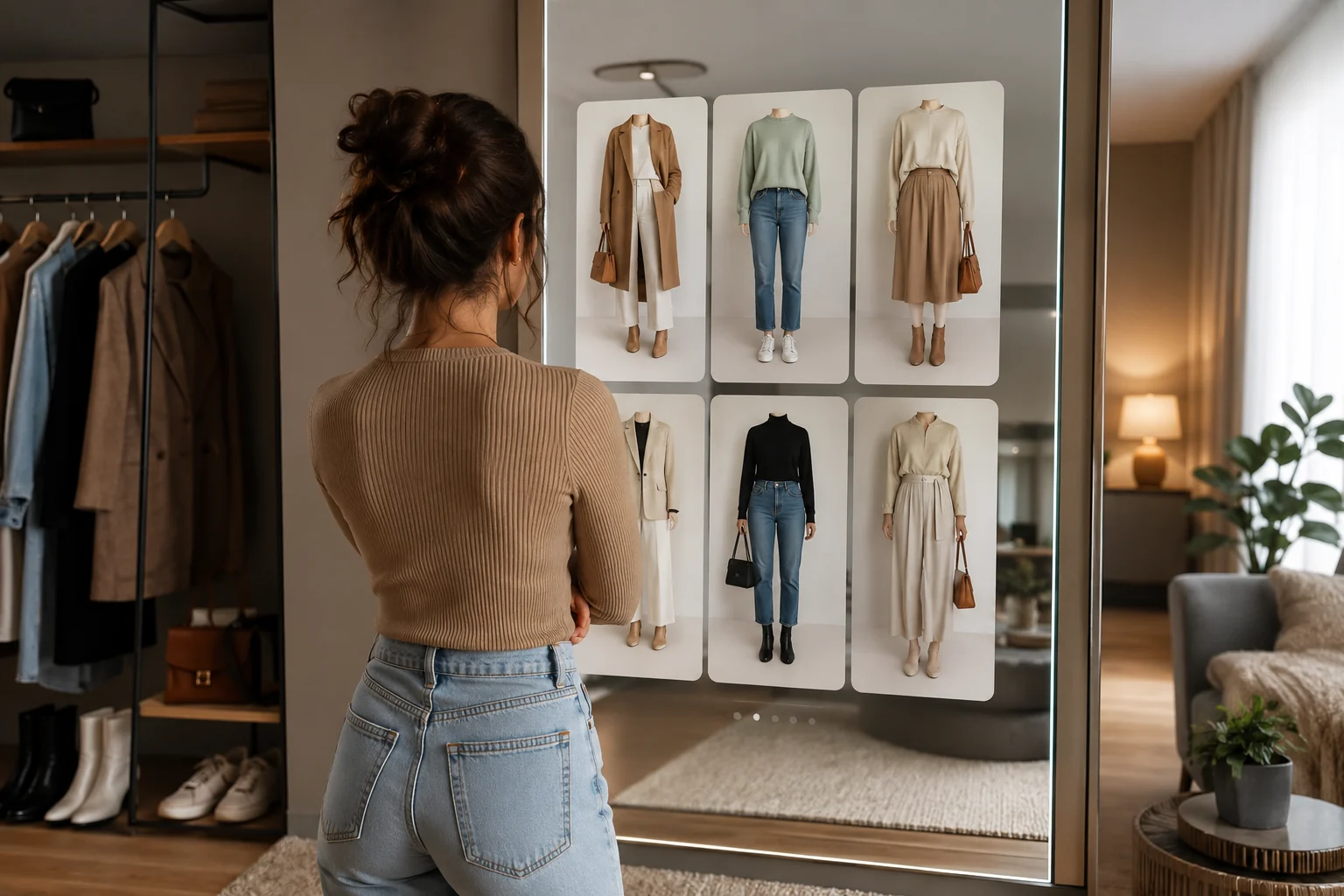
The best AI dress up app for real outfit previews is not a cartoon wardrobe game. It should let you upload your own photo, preserve your face and body pose, and render practical outfit options you can compare before shopping, styling, or shooting content. Start with the AI dress up tool when you want realistic looks on yourself.
Last updated: July 1, 2026 - ~7 min read
"Dress up app" means two very different things now. One type is entertainment: avatars, games, fantasy outfits, and social filters. The other type is a real-photo workflow: upload a selfie or full-body photo, try a blazer, dress, hoodie, suit, or color palette, then decide whether the look is worth wearing or buying. This guide is about the second type.
What makes an AI dress up app useful?
A useful AI dress up app answers a real question: "Would this outfit work on me?" That means it needs identity, fit, and context.
| Feature | Why it matters |
|---|---|
| Uses your real photo | You see the outfit on your own face, height, pose, and proportions |
| Keeps the face stable | The preview should not quietly turn you into a different person |
| Supports practical outfit prompts | "navy blazer and white shirt" is more useful than vague fantasy styling |
| Shows multiple variations | Good decisions come from comparing 3-5 options side by side |
| Has privacy basics | Clear upload handling matters when you use personal photos |
If the app changes your face more than your clothes, it is not helping you choose an outfit. It is making a new image.
A 3-step workflow for realistic outfit previews
- Upload a clean full-body or half-body photo. Stand naturally, avoid crossed arms over the clothing area, and use even lighting. A mirror selfie can work, but a straight-on photo is better.
- Describe one outfit at a time. Use clear clothing terms: "cream linen blazer, white tank, straight-leg jeans" or "black cocktail dress with short sleeves." Avoid asking for a new background, pose, and hairstyle at the same time.
- Compare the results like a stylist. Do not only ask "does it look good?" Check color contrast, body proportion, occasion fit, and whether the garment looks physically possible.
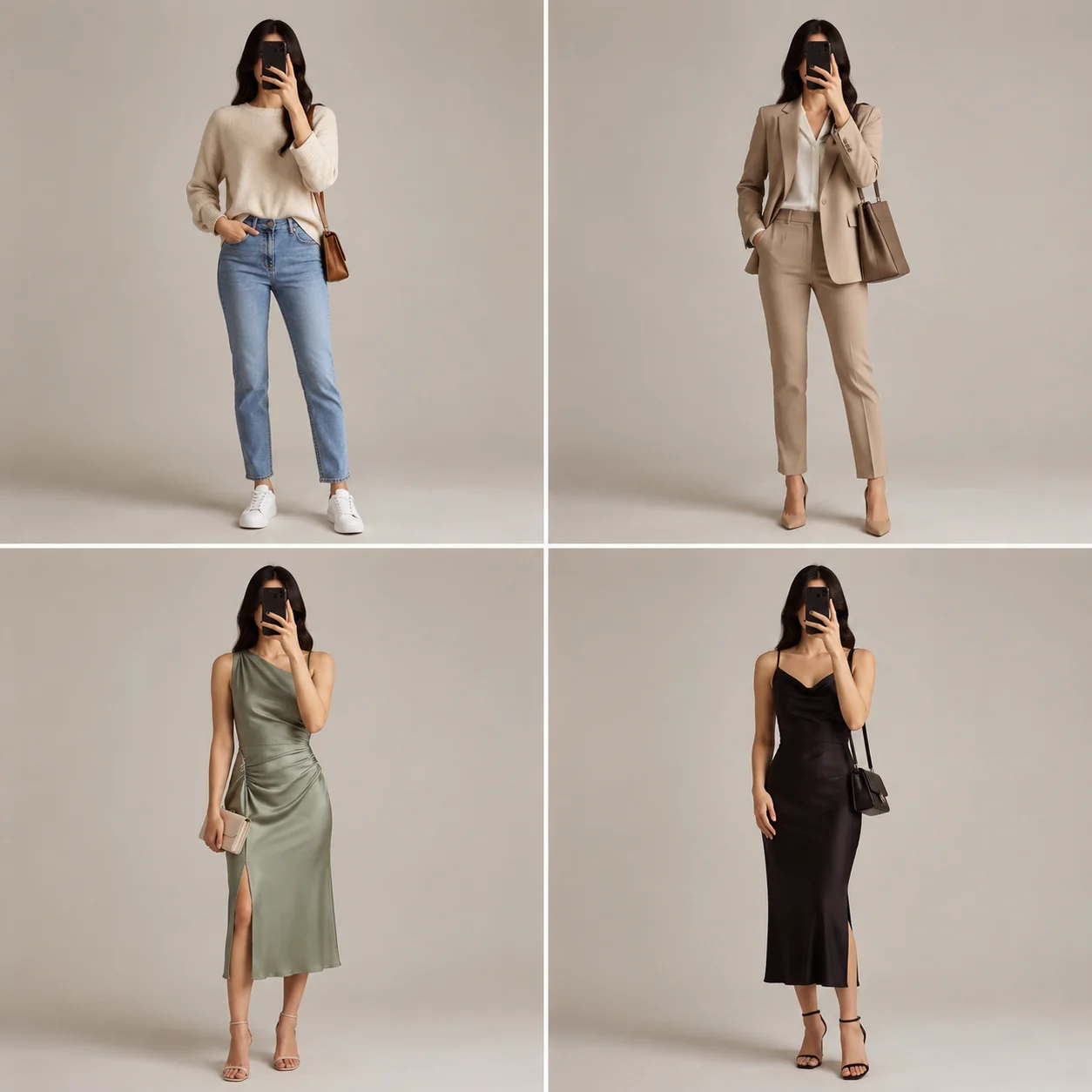
Illustrative preview: the same person comparing casual, business, wedding guest, and date-night outfit directions.
Game dress-up vs real-photo dress-up
Both can be fun, but they solve different problems.
| App type | Best for | Weakness |
|---|---|---|
| Avatar dress-up game | Entertainment, fantasy looks, social sharing | Does not show your real proportions or photo context |
| Closet planner | Organizing clothes you already own | Often needs manual wardrobe logging |
| Generic AI image editor | Creative transformations | Can drift face, body, and clothing realism |
| Real-photo AI dress up | Previewing outfits on your photo | Needs a good source image and clear prompt |
If you want outfit inspiration, a lookbook is fine. If you want to see whether a style works on your body and photo, use a real-photo tool. That is where an AI clothes changer and AI dress up page are more useful than a game.
What to check before trusting a result
AI previews are decision aids, not guarantees. Use this checklist before buying clothes or sending a result to a client.
- Face and hands: Did your face stay recognizable? Did hands warp around sleeves or pockets?
- Garment logic: Does the neckline, hem, sleeve, and waistline make sense?
- Color balance: Does the outfit color suit your skin tone and background?
- Occasion fit: Would this work for the setting, or is it only visually interesting?
- Fit honesty: AI can show style and silhouette, but it cannot promise exact size or fabric feel.
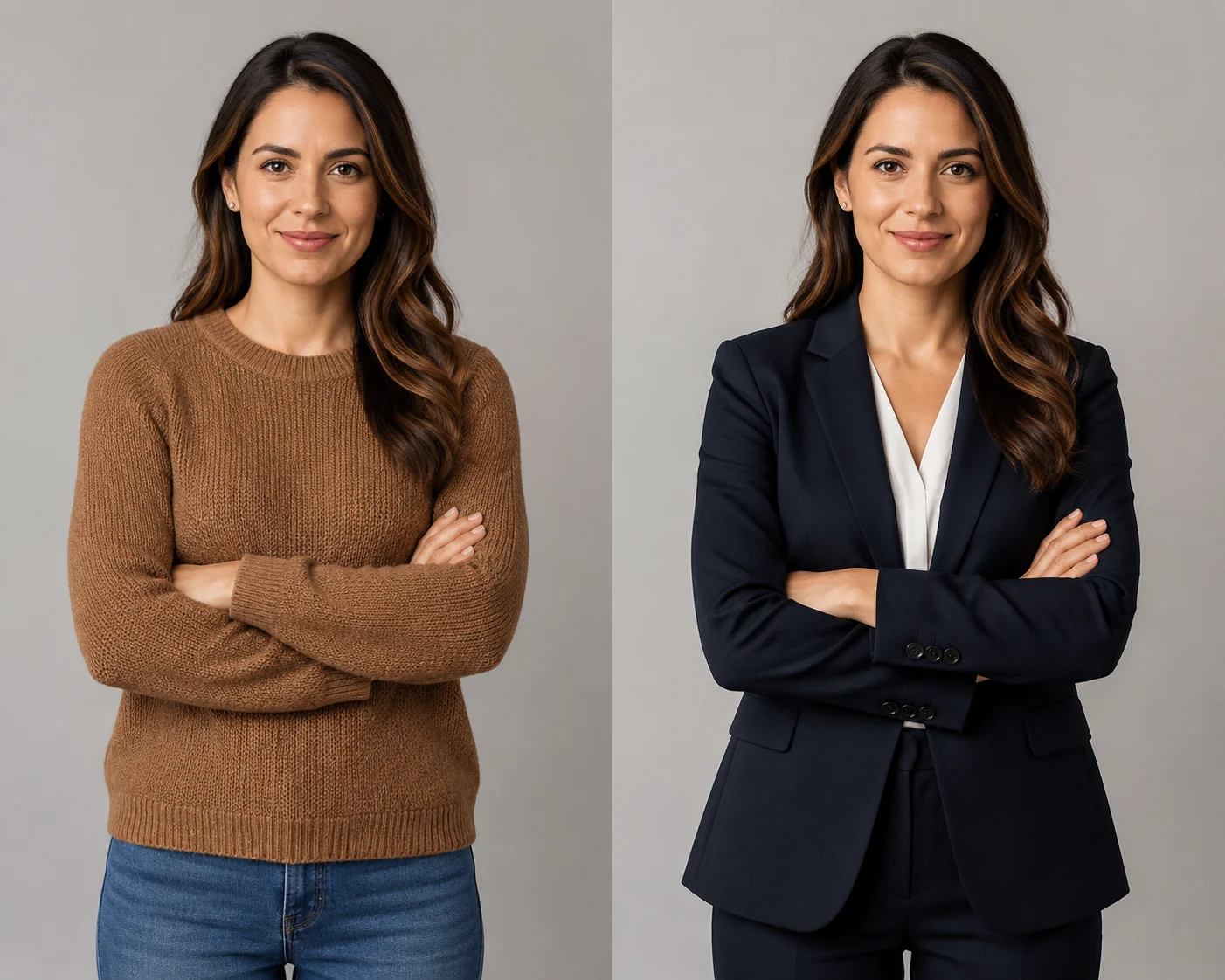
Illustrative preview: a casual photo restyled into a more practical business outfit direction.
Best use cases
Use an AI dress up app when you need a fast visual answer:
- Testing business attire before a LinkedIn photo.
- Comparing wedding guest looks.
- Trying prom, graduation, or party outfit ideas.
- Seeing whether a blazer, dress, or suit changes the mood of a photo.
- Planning content creator thumbnails or Reels outfits.
- Checking whether an outfit color palette works before shopping.
For color-specific decisions, pair this with the clothes color changer. For broader outfit generation, use the AI outfit generator.
Frequently asked questions
What is an AI dress up app?
An AI dress up app lets you preview different outfits on a photo. The useful version uses your real image, keeps your face and pose stable, and changes the clothing so you can compare realistic outfit ideas before buying, styling, or taking new photos.
Is an AI dress up app different from an AI clothes changer?
They overlap. An AI clothes changer focuses on swapping or editing garments in a photo. AI dress up is more about exploring full looks and styling options. A good tool can do both, but the intent is different: edit a garment vs compare outfit ideas.
Can AI show if clothes will actually fit?
Not exactly. AI can preview style, color, silhouette, and photo mood. It cannot measure fabric stretch, tailoring, or exact size. Use it to shortlist looks, then still check the brand size chart, return policy, and real product photos.
What photo should I upload?
Use a sharp photo with good light, a clear body outline, and minimal obstruction. Avoid heavy shadows, cropped limbs, crossed arms, baggy layers over the area you want to change, and busy backgrounds.
Related guides
Try the free AI clothes changer ->
- AI dress up - preview full outfits on your own photo.
- AI outfit generator - generate outfit ideas from a single image.
- Virtual try-on - understand the broader try-on workflow.
- Best AI clothes changer tools - compare leading apps.
CTA
Use AI dress up as a mirror for ideas, not as a fantasy filter. Upload one clean photo, test a few real outfit prompts, and compare the results side by side with the AIClothSwap AI dress up tool.