
FaceSwapper AI Clothes Changer: What to Check Before You Upload
FaceSwapper AI clothes changer uses a photo-and-prompt workflow. Check permissions, privacy terms, identity preservation, and garment detail first.
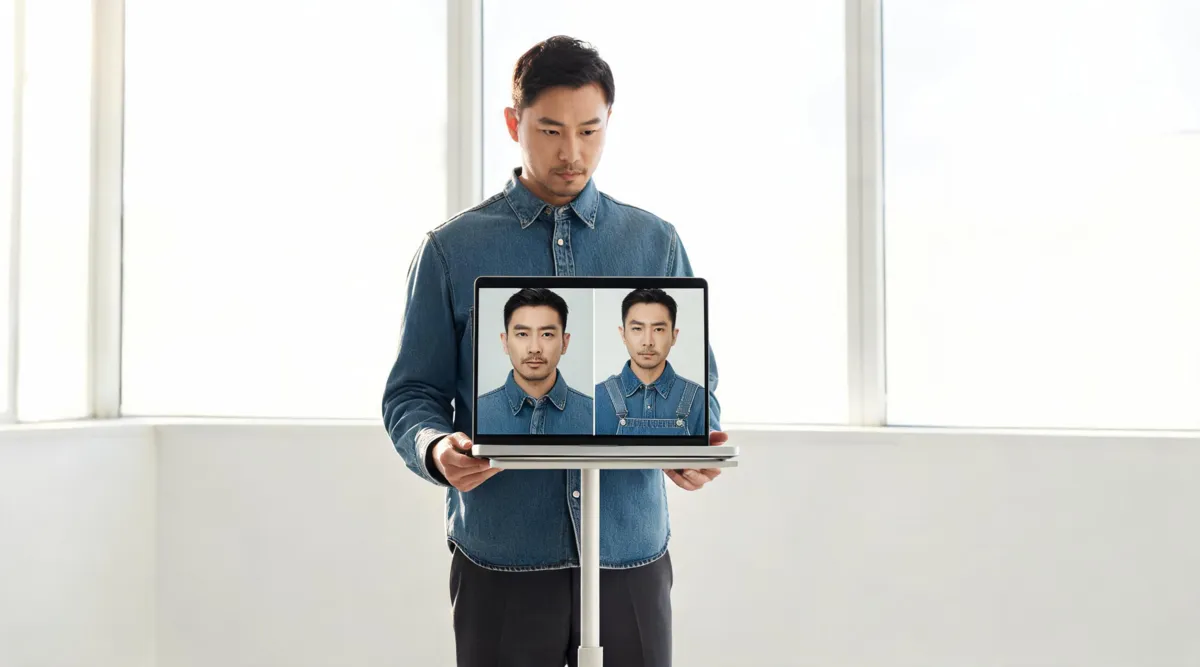
FaceSwapper's public Clothes Swap page currently shows a photo-and-prompt clothes-changing flow: add a clear person photo, describe the outfit, process the image, then review the result. Use it only with an authorized adult photo and treat the output as a styling preview—not proof of fit, fabric, stock, or a real-world outfit. A controlled AI clothes changer comparison can help you judge the same decision with the same source image.
Last updated: September 23, 2026 · about 8 min read
This is a branded workflow check, not a general creator-planning guide. Our older article, How creators preview outfits for Reels, TikToks, and thumbnails, is about choosing a look for a real shoot. Here the job is narrower: understand FaceSwapper's public clothes-changing inputs, make one careful test, and decide whether the result is safe and useful enough to keep.
We checked FaceSwapper's public Clothes Swap page and Privacy Policy on September 23, 2026. The product page presents an original-image upload, outfit-style prompt, and processing step. Its policy says uploaded media and generated items are purged every six hours. Public interfaces and policies can change, so read the live pages before you upload a sensitive image or plan a commercial job.
What the FaceSwapper clothes-changing flow asks for
The current page is prompt-led rather than a fitting-room measurement tool. It asks you to add a model or original image, enter outfit details such as a type, color, or style, and start the swap. That makes it useful for a broad visual question—would a denim jacket, a formal dress, or a different color direction suit this photo?—but not for proving that a specific garment will fit a real body.
Use the input to match the question you actually have:
| Your question | Reasonable use of the flow | Keep separate |
|---|---|---|
| Does this style direction suit my portrait? | Upload one clear person photo and use a short outfit prompt | Exact sizing, comfort, and a retailer decision |
| Does a broad color change read well? | Keep pose, background, and light unchanged while changing color | A precise fabric-color claim |
| Can I use this for a client mockup? | Test with licensed assets and review the current terms | Publication without permission or disclosure |
| Does a specific garment look accurate? | Use the result as an early concept only | Logos, labels, construction, and exact pattern fidelity |
The more facts you need the image to prove, the less suitable a generative outfit preview becomes. Use it to narrow a creative choice, then verify the real-world facts with the actual garment and supplier.
Make a controlled first test
Do not start with the most important image in a campaign. Begin with one photo you own and one narrow outfit description. You will learn more from a test that keeps the scene stable than from an elaborate prompt that changes everything at once.
- Use an authorized adult portrait. Choose a sharp, evenly lit full- or three-quarter-length image with the face and torso visible. Avoid a crowded group, a document photo, or hands and hair covering most of the clothes.
- Write a literal outfit request. Name the garment type, color, and broad material or style. Leave out a new background, pose, face, hairstyle, and dramatic lighting for the first pass.
- Keep the original beside the output. The point is comparison. If you cannot remember the source, you will miss changes to identity, light, or background.
- Record one failure at a time. If the collar is broken, fix the input or simplify the request before you ask for another garment. Do not change the subject, scene, and wardrobe together.
If you have a real garment reference and want to compare it rather than describe it, a virtual try-on workflow is usually a better fit. If the garment is already right and only its shade needs adjustment, use a clothes color changer instead of generating a full replacement.
Review identity and garment quality at full size
The central question is not whether the first preview looks stylish. It is whether the edit stayed within the requested change. Inspect in a fixed order so a beautiful overall image does not hide a serious detail error.
Start with the person
Look at the face, hairline, expression, skin tone, hands, and proportions. A clothes-changing test has failed if it turns the subject into somebody else, even if the new outfit looks polished. Hands and hair are particularly important because they overlap with sleeves, collars, and shoulders.
Then inspect the garment
Check the neckline, shoulder seams, sleeve openings, cuffs, waist, hem, and overlap with accessories. Repeated patterns, fine lettering, badges, and small logos are fragile details; never assume a generated preview preserved them. For commercial or product work, compare the output against a real sample and keep human review in the approval loop.
Finally inspect the scene
Follow the source image's light. Shadows should remain credible under the chin, around the arms, beneath a collar, and at the hem. Check the nearby background as well: color spill, altered furniture, and missing objects are changes to the image, not insignificant cleanup.
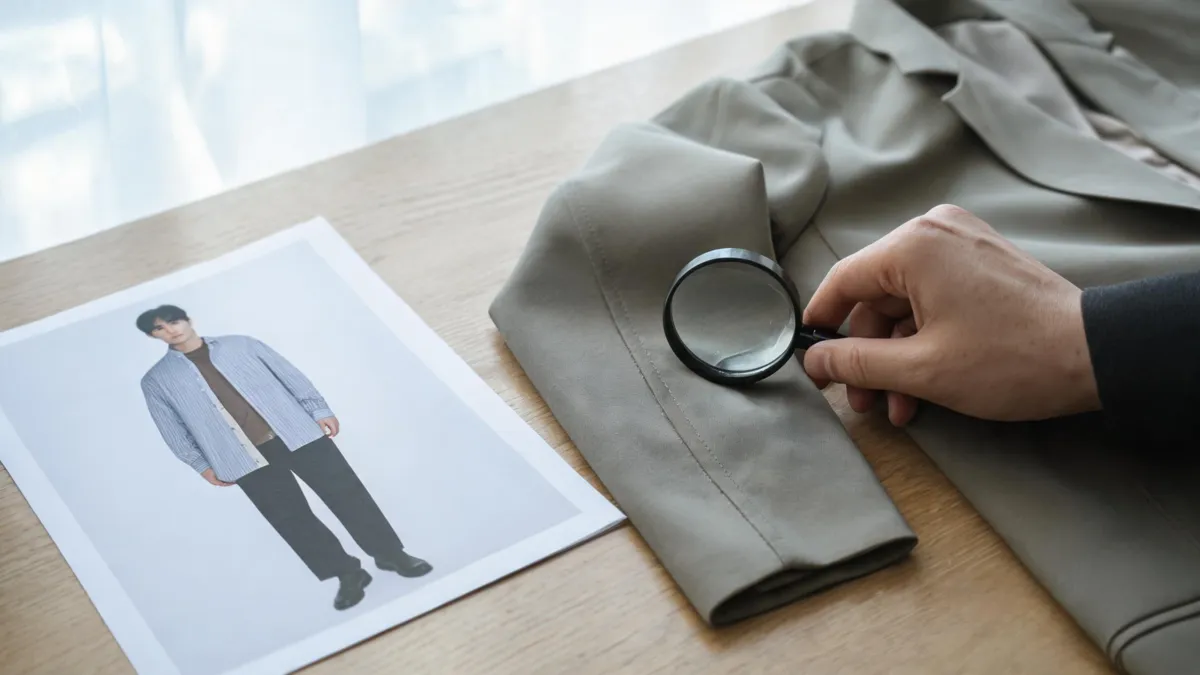
Editorial QA visual, not a FaceSwapper output: inspect garment boundaries, seams, identity, and scene continuity before you keep a generated preview.
For a repeatable diagnosis, see why AI clothes swaps look fake. It gives you separate checks for identity drift, hands, garment edges, texture, and lighting rather than a vague instruction to “try again.”
Consent, privacy, and commercial-use checks
Only upload photos you own or have clear permission to edit. Avoid private images, images of children, identity documents, or photographs that reveal a home, workplace, or other sensitive detail. FaceSwapper's public privacy policy should be read alongside its current terms whenever the project involves personal data, a client, or a paid campaign; do not rely on an old blog post or search snippet.
The policy's stated six-hour purge window is a product claim from the provider, not a substitute for your own project record. Before a consequential upload, confirm the current retention statement, deletion controls, account requirements, permitted use, and contact route. Save the version or date you reviewed if client approval depends on it.
AIClothSwap applies the same baseline: our Content Policy requires consent and prohibits deceptive or harmful uses. A generated outfit image should never be used to imply that someone wore a garment, that a SKU has a particular feature, or that a product fit was tested when none of those things happened.
When a focused alternative is the clearer workflow
FaceSwapper can be a reasonable option when a prompt-based style experiment is all you need. A focused alternative is easier when you want to hold the person photo and garment reference constant, compare a few choices, and inspect the output against a defined quality checklist.
Use AIClothSwap's AI clothes changer for an authorized person photo and garment references, then inspect the output against the original. For a specific shopping decision, take the result as a visual cue only and use the seller's size chart, material details, product photos, and return terms to choose the real item.
No exact FaceSwapper clothes-changer video qualified for this article. The DataForSEO YouTube search returned generic clothes-changing, Photoshop, and face-swap tutorials; embedding one would suggest product-specific instruction that it does not provide.
Frequently asked questions
How does FaceSwapper AI clothes changer work?
FaceSwapper's public Clothes Swap page currently presents a person-photo upload, an outfit-style prompt, and a process step that generates an outfit change. The live interface and availability can change, so check the page and its current terms before relying on a particular result or allowance.
What should I inspect in a FaceSwapper clothes-swap result?
Compare the output with the original at full size. Check the face, hairline, hands, neckline, sleeves, waist, hem, repeated patterns, shadows, and nearby background. Reject a result that changes identity or creates a misleading garment detail.
Can a FaceSwapper outfit preview prove a garment will fit?
No. It is a visual styling preview, not a size, fabric, inventory, or product-authenticity check. Use a retailer's measurements, material information, and return policy for a real purchase decision.
Related guides
- Try the free AI clothes changer →
- Compare garments with virtual try-on
- Change clothing color without replacing the outfit
- How to change clothes in a photo with AI
- How accurate are AI clothes changers?
Keep the test honest and contained
Use one authorized photo, one narrow outfit decision, and one careful review. Keep what preserves the person and scene; reject what does not. Then try the AI clothes changer with the same controlled approach.