
Amazon Virtual Try-On Clothes: What Shoppers Should Check
Amazon virtual try-on clothes features vary by item. Learn how to identify the available view, check sizing and returns, and use previews honestly.
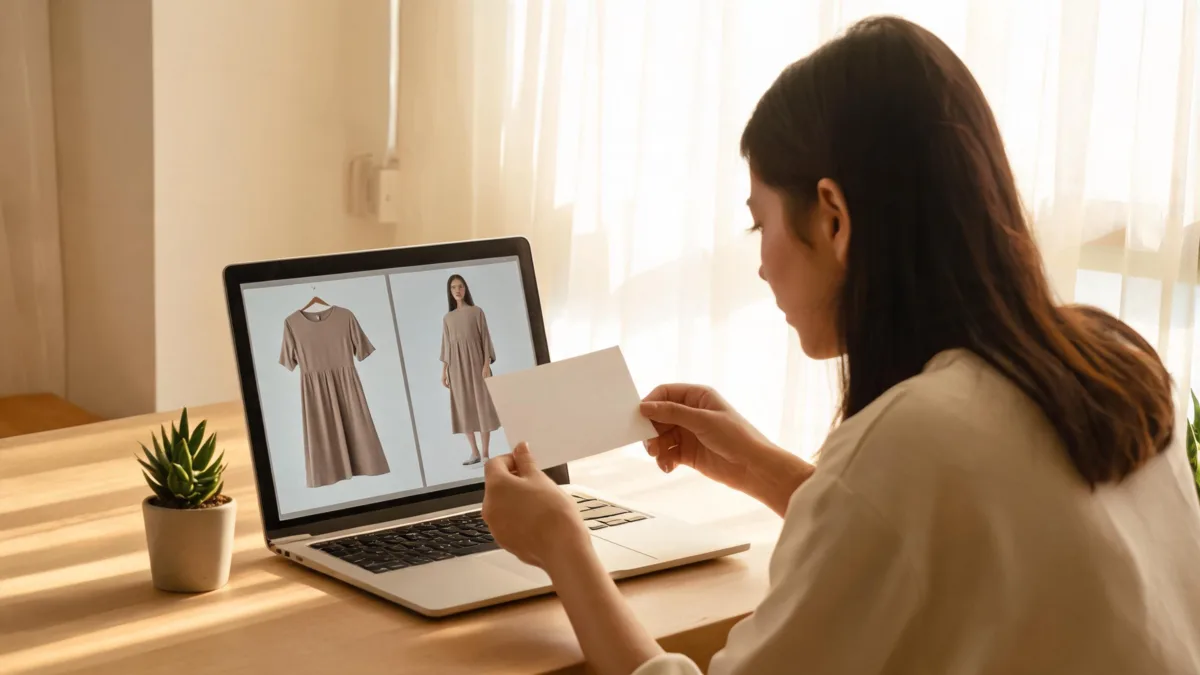
Amazon virtual try-on for clothes is not one universal fitting-room button. On eligible apparel, Amazon’s current public guidance describes a “See It On Your Model” view that lets you select from models; its Virtual Try-On feature is described for selected shoes, glasses, sunglasses, and beauty products. Before you rely on any preview, open the exact item, identify the option actually shown, then check the size information, product details, and current return terms separately.
Last updated: September 8, 2026 · about 7 min read
That distinction matters because “virtual try-on” can mean several different experiences. A model view can help you compare a garment on different body types. A camera-based try-on can be available for another product category. Neither is a promise that a dress will fit your measurements or look the same in person.
Amazon’s shopping-app feature guide says that eligible styles can offer See It On Your Model, allowing shoppers to choose from a gallery of real models. Its shopping tips guide describes Virtual Try-On for select shoes, glasses, sunglasses, and beauty items, with availability shown on the product detail page. These are useful starting points, but the exact item page is the decision point: options can vary by category, device, account, country, and product eligibility.
First, identify the preview you are looking at
Do not treat a familiar label as proof that two features work the same way. This small check prevents most misunderstandings.
| What you see on an item page | What it can help you judge | What it does not establish |
|---|---|---|
| See It On Your Model on an eligible clothing item | How the listed garment appears on a selected model | How it will fit or drape on your body |
| Virtual Try-On on an eligible shoe, eyewear, or beauty item | A category-specific visualization on a supported device | Availability on every product or clothing item |
| Product photos and video | Color, construction cues, styling, and item details | Your measurements, comfort, or real-life lighting |
| An own-photo clothing preview made elsewhere | A private style direction on a chosen photo | Amazon inventory, product authenticity, sizing, or a right to reuse listing imagery |
A virtual image is evidence about the image it displays—not a guarantee about a purchase. Keep “looks plausible in this preview” separate from “will fit, arrive, and be returnable.”
A practical Amazon clothing decision workflow
Use this sequence for a specific garment rather than hunting for a generic try-on button.
- Open the exact product detail page. Confirm the color, seller, variation, and size selection you are considering. If a model or try-on option appears, note what it is called and whether it changes when you choose the right variation.
- Separate the style question from the fit question. A model preview may help you decide whether a cut or color appeals. For fit, read the item’s size information, material details, and customer feedback with attention to the size and variation actually reviewed.
- Check the purchase boundary before checkout. Review the item’s current delivery and return information on the detail page. A return policy, stock status, seller, and price can vary between listings and can change after a preview is generated.
The result is less exciting than a one-click promise, but it is much more dependable. You will know whether you saw a real app feature for that item, what visual question it helped with, and what still needs product evidence.
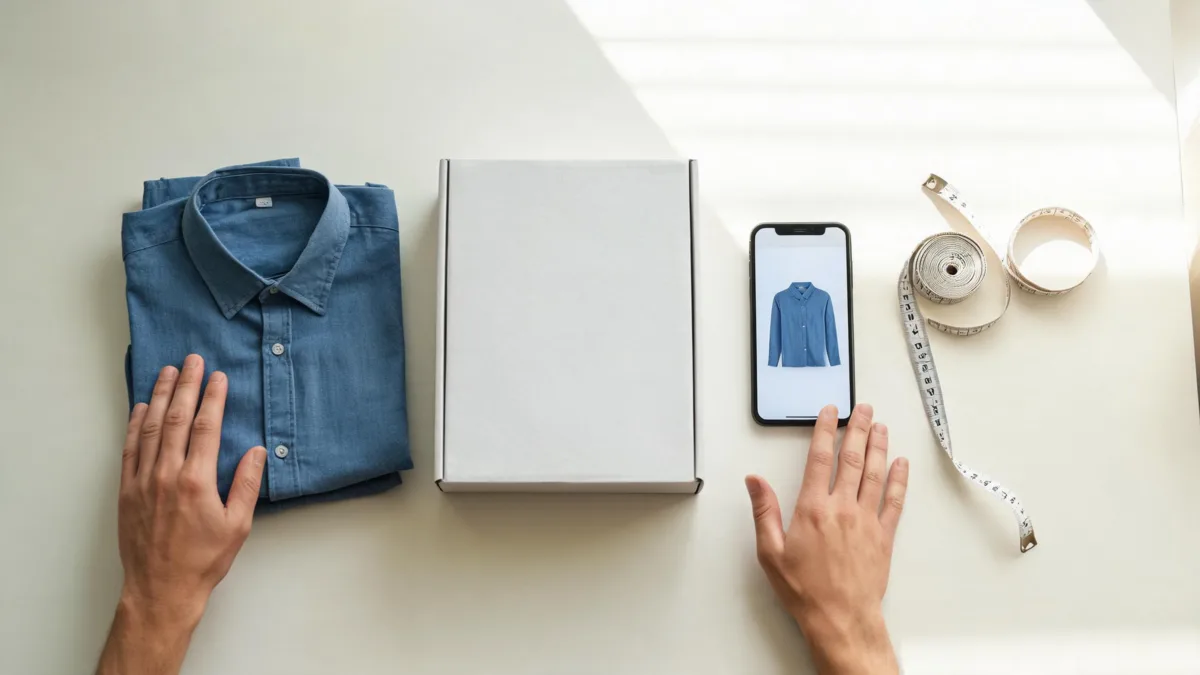
A good shopping decision combines a visual preview with the item’s size, material, seller, and return checks.
What to check beyond the preview
For clothing, the missed details are often the ones that decide whether an order works. Use this checklist before treating an image as a reason to buy.
- Exact variation: Make sure the preview and the details belong to the selected color, style, and size—not a different option on the same listing.
- Measurements and construction: Read the size chart, fabric composition, and garment measurements where available. Compare them with an item you already own when possible.
- Review context: Look for reviews that name the shopper’s usual size, height, intended fit, and the same variation. A star rating without context is weak fit evidence.
- Seller and fulfillment: Verify who is offering the item and whether that changes with your selected variation. This is not a style question, but it affects the purchase.
- Current return information: Read the item-level policy and deadline before ordering. Do not assume the policy is the same across products or sellers.
- Reality check at delivery: Try the garment on in your actual light and movement conditions while it is still eligible for return. The preview cannot measure waist ease, sleeve length, opacity, or comfort.
The AI virtual try-on guide explains the same boundary for photo-based tools: visual previews can be useful for color, cut, and silhouette, while fit remains a real-world check. If the purchase is for a special event, the outfit reference board guide can help you compare styling directions without presenting a generated concept as a retail fact.
If you want to test a style on your own photo
An Amazon model view is different from putting clothing on your own image. If you only need a private style comparison, start with a photo you own or have permission to edit and a garment reference you are permitted to use. Keep the request clothing-only, and compare one style direction at a time with an AI clothes changer.
Be careful with the claim you make afterward. An own-photo output may suggest that a neckline or color family suits you. It does not prove that Amazon sells the exact garment, that the product will match the image, or that it will fit. Avoid reusing retailer product photography without permission, and do not use an AI composition as a product review or endorsement.
This article is a current navigation guide, not a test of every Amazon app feature. We reviewed Amazon’s public guidance on September 8, 2026. Amazon can change availability, naming, and eligibility; if a feature is important to your purchase, confirm it on the live item page and in the app you are using.
Frequently asked questions
Does Amazon virtual try-on show clothes on my own body?
Not necessarily. Amazon’s current public app guidance describes “See It On Your Model” for eligible clothing, where shoppers choose from real models, while its Virtual Try-On feature is described for select shoes, glasses, sunglasses, and beauty products. Check the specific product page and the live app option rather than assuming every clothing item has an own-photo preview.
Can a virtual preview tell me what size to buy on Amazon?
No. A preview can help with a style or color decision, but it cannot confirm measurements, ease, fabric stretch, comfort, inventory, or return eligibility. Use the item’s size information, review details, and current return information before ordering.
What should I do if an Amazon clothing item has no try-on option?
Use the product photos, size information, customer reviews, and return details to decide. If you want to explore a style on your own photo, use a permitted source image in a separate clothes-changing workflow and treat the result as a private visual concept, not proof of fit or a retailer image.
Related guides
- Try the free AI clothes changer →
- AI virtual try-on: see clothes on you before you buy
- How accurate are AI clothes changers?
- How to photograph clothes for AI outfit edits
Let the preview do its proper job
Use an Amazon preview to compare the style it actually shows, then make the purchase decision with item-specific information. If you want a separate own-photo style comparison, start with permitted images and try the AI clothes changer—while keeping fit, stock, and return checks in the real shopping workflow.