
AI Clothes Changer: Write Prompts in Your Own Language
Write AI clothes changer prompts in your own language. Learn which modes accept instructions, how translation works, and what to check in the result.
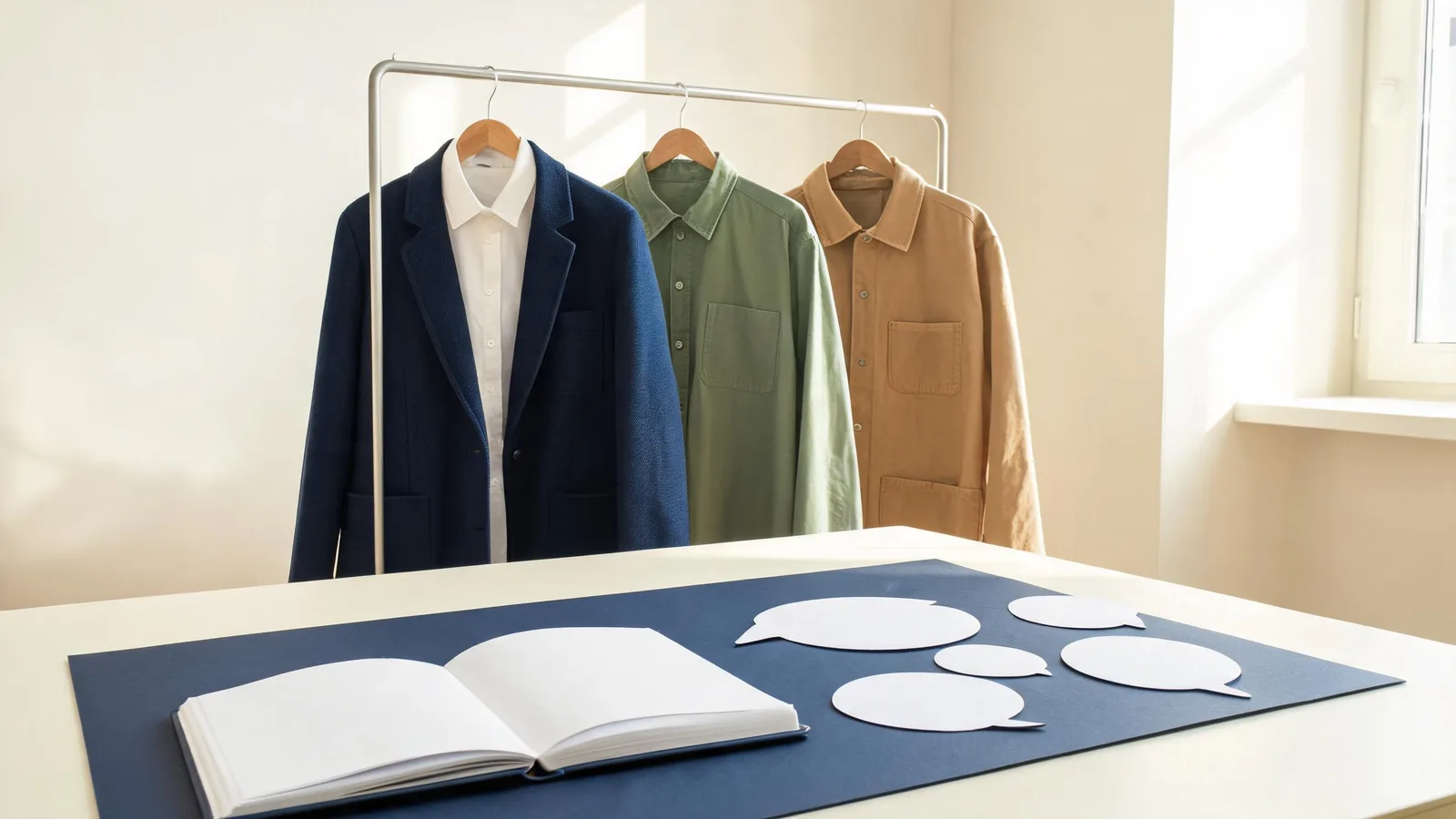
You do not need to translate outfit instructions into English before using the AI clothes changer. AIClothSwap automatically translates detected non-English instructions for generation. Choose Essential Try-On or Studio Quality to enter a prompt; Free Preview has no prompt control. Translation helps communicate the edit, but it does not guarantee an exact clothing result.
Last updated: October 6, 2026 · ~8 min read
Start with the language in which you can explain the clothing change most clearly. Familiar words can be more useful than an uncertain English garment name.
This guide covers language entry, choosing the right workflow, and diagnosing a misunderstood request. The illustrations show garment concepts; they are not screenshots or demonstrations of a particular generation.
Which AIClothSwap modes accept non-English instructions?
The language feature works on instructions you actually enter. It does not add a text field to a mode that only uses photographs.
| Your task | Appropriate workflow | What supplies the clothing request |
|---|---|---|
| First visual preview of one reference outfit | Free Preview | Person photo, outfit photo, garment-area selection |
| One outfit reference with a simple clarification | Essential Try-On | One outfit photo plus basic instructions |
| Detailed instructions or several garment references | Studio Quality | Available text controls and up to six garment images |
| Clothing idea described without an outfit reference | Studio Quality | Text-based outfit generation controls |
Essential Try-On requires an outfit image. Writing a longer description does not replace that required input. Studio Quality provides the more flexible editing workflow and requires paid access. Check the workspace for your current credits and available options before generating.
For a reference-led virtual try-on, the photograph should carry the garment's shape and main details. Use the instruction field to clarify the intended change. If you want to invent a look from a description, the AI outfit generator is the more relevant starting point, with the appropriate Studio workflow selected.
How do you write a clear prompt in your own language?
Use three steps rather than a paragraph of competing requests. Microsoft’s guidance for writing translatable instructions recommends simple sentences and consistent terms. Those habits also help keep a clothing request clear.
- Name the visible garment. Identify the shirt, coat, trousers, or dress you want to change. If the photograph contains layers, say which layer you mean.
- Describe one target change. Give the new garment or color and one or two details that matter, such as a long sleeve or plain fabric.
- State what should remain stable. Mention the face, pose, hands, other clothing, and background when those are important to the photograph.
For example, a Spanish recolor instruction could be:
Cambia solo la camisa roja a azul marino. Conserva los botones, la textura de la tela, los pliegues, la cara y el fondo.
Its intended meaning is: change only the red shirt to navy blue while preserving the buttons, fabric texture, folds, face, and background. The example specifies a target item rather than asking for everything to become blue.
A French version of the same request could be:
Change uniquement la chemise rouge en bleu marine. Garde les boutons, la texture du tissu, les plis, le visage et le fond.
A Chinese version could be:
只把红色衬衫改成藏蓝色。保留纽扣、布料纹理、褶皱、脸部和背景。
These are equivalent writing examples, not a promise that every model will produce identical images from them. Use the wording that feels natural to you. Avoid combining all three versions in one instruction: repetition can introduce differences that make the request less clear.
What does automatic prompt translation change?
AIClothSwap detects instructions that appear to be non-English and translates them before passing the request to the image provider. Instructions already recognized as English do not need that translation step. You do not have to open a separate translator or choose a language from a menu to use this behavior.
The translation concerns the instruction text. It does not translate your account interface, add captions to the output, or turn words printed on the original garment into another language. It also does not choose a garment reference for you.
Detection can be uncertain when a request is very short, mixes languages, or consists mainly of proper names. A single word such as a color name gives less context than a sentence identifying the garment and the desired color. If a short request is misunderstood, add useful context rather than repeatedly submitting the same word.
If translation is unavailable or its output is unusable, the original instruction is retained for generation. That fallback keeps your request available, but the image provider may still misunderstand it. Review the result before deciding whether to retry.
Write for clarity first. A translation step cannot resolve a request that asks for two conflicting colors or fails to identify which garment should change.
How should you handle clothing names and color terms?
Some clothing words describe a regional style rather than a single universal garment shape. A familiar local name might imply a certain closure, drape, or sleeve to you while leaving room for interpretation elsewhere. Add visible construction details when the distinction matters.
Instead of relying only on a style name, describe the silhouette: a knee-length coat with a straight cut, a button-front shirt with long sleeves, or a high-collar jacket with a visible front closure. A reference photograph is useful when the exact design matters more than a general description.
Color words also vary. “Blue” leaves a wide choice; “deep navy blue” narrows it. If you have a product image, use it as a visual reference where the workflow allows. A shade name is a direction, not a calibrated color specification, and neither translation nor generation guarantees a physical fabric match.
For a color-only task, use the clothes color changer workflow and explicitly preserve the fabric, cut, and closures. Changing “shirt color” and replacing “the shirt” are different requests. The latter gives the model more room to alter its shape.
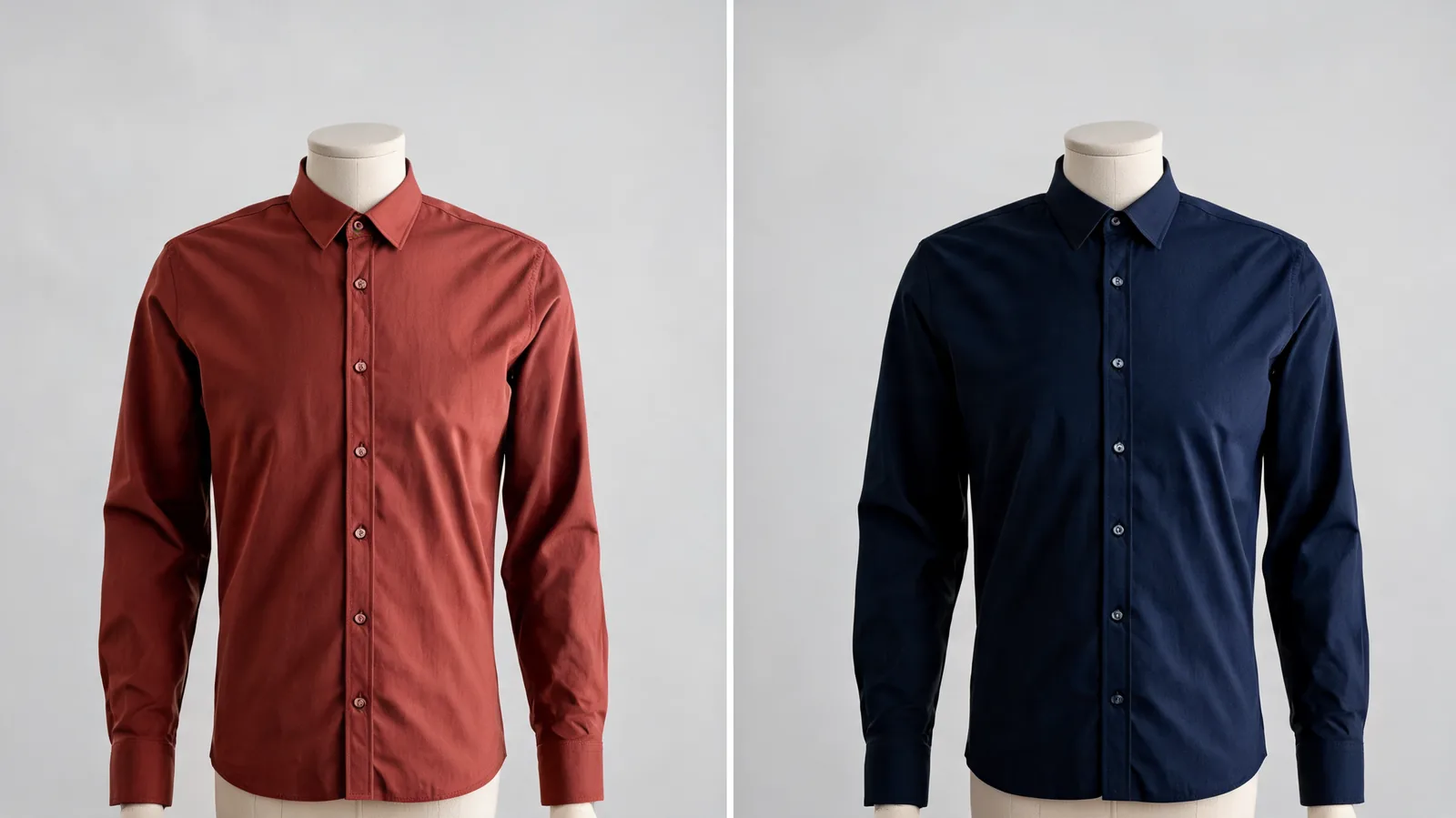 Illustrative color comparison: the requested change is the shirt shade, while the collar, buttons, and folds provide details to inspect.
Can you protect quoted words and lettering?
Short quoted text that appears to be literal content is protected during translation where possible. That can help distinguish a printed word from the instruction surrounding it. Keep the edit request outside the quotation marks and quote only the literal wording you mean to retain.
For instance, describe the color change in a full sentence and separately identify a short printed word that should remain. Quoting an entire long instruction is less useful: it no longer clearly separates literal lettering from directions.
This protection applies to translation, not to the final accuracy of the image. An image model can still distort letters, spacing, embroidery, or a logo while editing clothing. If exact wording is essential, retain the original file and inspect the lettering at full size. A dedicated image editor may be needed for precise typography after an outfit concept is approved.
Do not treat a plausible-looking word as correct. Read it character by character, especially when preparing a client proof or a product image.
How do you tell a language problem from an image problem?
Check what failed before changing the prompt language. The same symptom can have several causes.
| Result you see | First thing to examine | Useful next step |
|---|---|---|
| The wrong garment changed | Does the instruction identify the layer clearly? | Name the outer jacket or inner shirt explicitly |
| The color is close but wrong | Is the shade description ambiguous? | Use a more specific color term and a reference where available |
| The correct garment changed but details drifted | Is the source clear, and is the mode suited to the edit? | Improve the photo or consider Studio Quality |
| Skin or background changed too | Does the instruction restrict the edit? | Specify “only the shirt” and list important preserved areas |
| A regional garment name produced another style | Is the construction described? | Add visible details or use a clear garment reference |
A blurry cuff or hidden sleeve is primarily an image problem. An English prompt cannot restore absent detail.
For the next attempt, change one cause at a time. Keep the person photograph and garment reference stable while simplifying the instruction. If the edit still misses the same meaning, try your own English version. If it understands the change but distorts the garment, revisit the input or workflow instead.
What should you check before saving the result?
Compare the output with your request. Check the intended garment, neighboring clothes, face, and pose. Zoom in on collars, cuffs, fingers, seams, buttons, and lettering.
Keep the original and the edited version together. If you are sharing an outfit idea with a client or shopper, identify it as a visual concept when appropriate. A clothing preview does not establish size, comfort, fabric composition, or exact product appearance.
Use photographs you have permission to edit, and describe the result honestly.
Frequently asked questions
Do I need to write AI clothes changer prompts in English?
No. AIClothSwap automatically translates detected non-English outfit instructions before generation. Essential Try-On and Studio Quality accept instructions; Free Preview does not. Clear garment descriptions still matter, and translation does not guarantee a correct edit.
Can I use Spanish and English in the same prompt?
You can enter mixed-language instructions, but detection can be less reliable for short or ambiguous phrases. Use one main language, keep garment names clear, and simplify the request if the result misses your meaning.
Will quoted words stay in their original language?
Short quoted literal text is protected during translation where possible. This does not guarantee that the image model will reproduce lettering correctly. Check visible words in the result and use a separate editor when exact typography matters.
What happens if automatic translation fails?
AIClothSwap retains the original instruction for generation when translation is unavailable or unusable. You can retry with clearer wording or provide your own English instruction if the resulting edit misses the request.
Related guides
- Try the AI clothes changer →
- AI clothes changer prompt examples
- Essential Try-On vs Studio Quality
- Free Preview vs Essential Try-On
Try one clear instruction
Open AIClothSwap, choose a prompt-enabled workflow, and describe one clothing change in the language you use most comfortably. Judge the result by the garment details and the parts of the photo that should remain stable.