
Can You Change Clothes in a Passport Photo?
Do not edit clothes in a passport photo after it is taken. Learn the safer way to choose an outfit before a new, compliant photo.
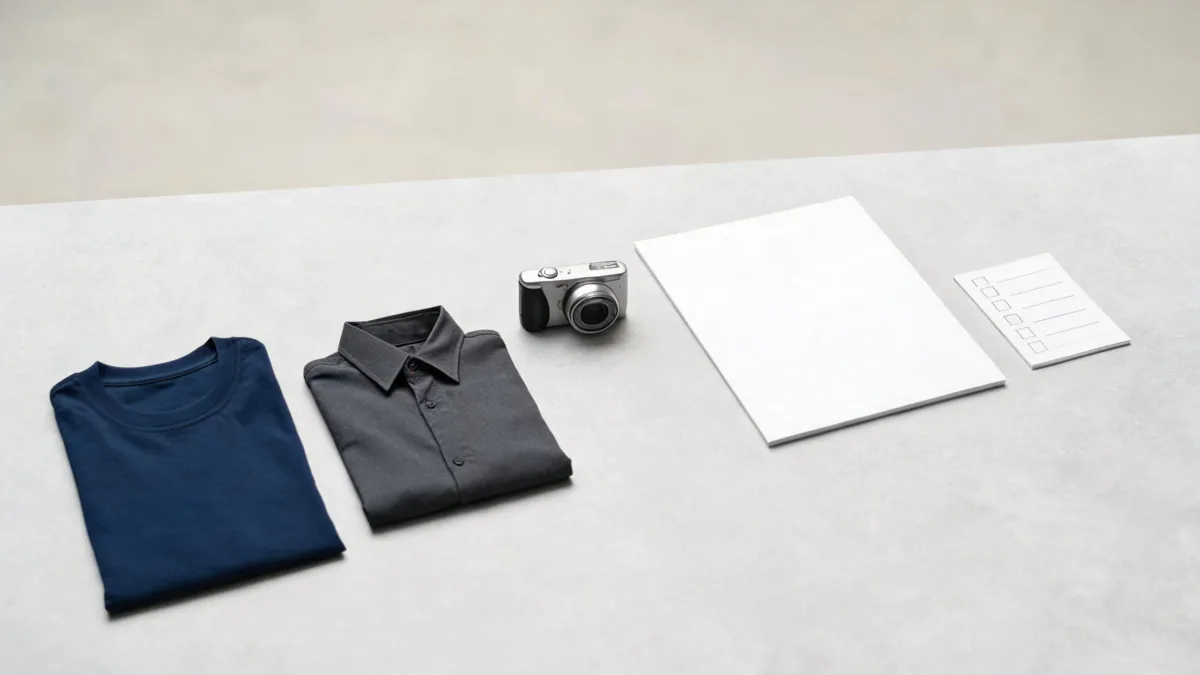
No—do not change clothes in a passport photo after it is taken if you plan to submit it. Take a new photograph in the real outfit required by your passport authority. An AI clothes changer can still be useful before the shoot: compare a plain top privately, then retake the final image without AI edits, filters, or software changes.
Last updated: September 1, 2026 · about 5 min read
The safe answer is to retake the photo
A passport photo is an identity image, not a profile-picture retouch. The U.S. Department of State's current passport-photo guidance says not to change a photo using computer software, phone apps, filters, or artificial intelligence. That is broad language: it is not limited to face edits or background replacement.
So a changed shirt may look harmless, but it is still an alteration to the submitted image. The low-risk route is simple: choose the actual clothes, take a fresh photo, and submit that untouched capture. If you are applying elsewhere, use the instructions from the authority receiving your application; rules and acceptable exceptions can differ.
| Your goal | Safer route | Do not rely on |
|---|---|---|
| A top that contrasts with a light backdrop | Test a real top, then take a new photo | Recoloring or replacing the top after the photo |
| A different neckline or collar | Change clothes and reshoot | Pasting a new collar onto the original |
| A cleaner-looking image | Improve light, pose, and camera setup before shooting | Filters, beauty edits, or AI cleanup |
| A quick comparison between two tops | Make a private planning preview, then wear the choice | Submitting the preview as the official image |
A useful preview helps you decide what to wear. It is not the document photo itself.
Plan the clothes before you use the camera
If clothing is the only thing you are uncertain about, separate the planning question from the submission question.
- Read the official rules for your application. Start with the government or passport authority, not a social post or photo-editing tutorial. For example, the U.S. guidance covers recentness, an unedited image, face visibility, glasses, background, and attire. The UK also maintains current passport photo requirements.
- Compare real outfit options before the shoot. Lay out two or three plain, everyday tops and check whether the neckline, color, and fabric are easy to see against the intended background. For a private visual comparison, you can use an AI preview, but keep the result outside the application workflow.
- Wear the chosen item and make a new image. Use even light, a simple setting, and the required pose. Keep the original camera image available. Do not alter the finished file to repair the outfit, skin, background, or expression.
The existing passport-photo outfit guide is about making the clothing choice before the camera comes out. This page addresses the later question: whether an already-taken official image can be edited. It should not be.
Do a preflight check instead of an edit
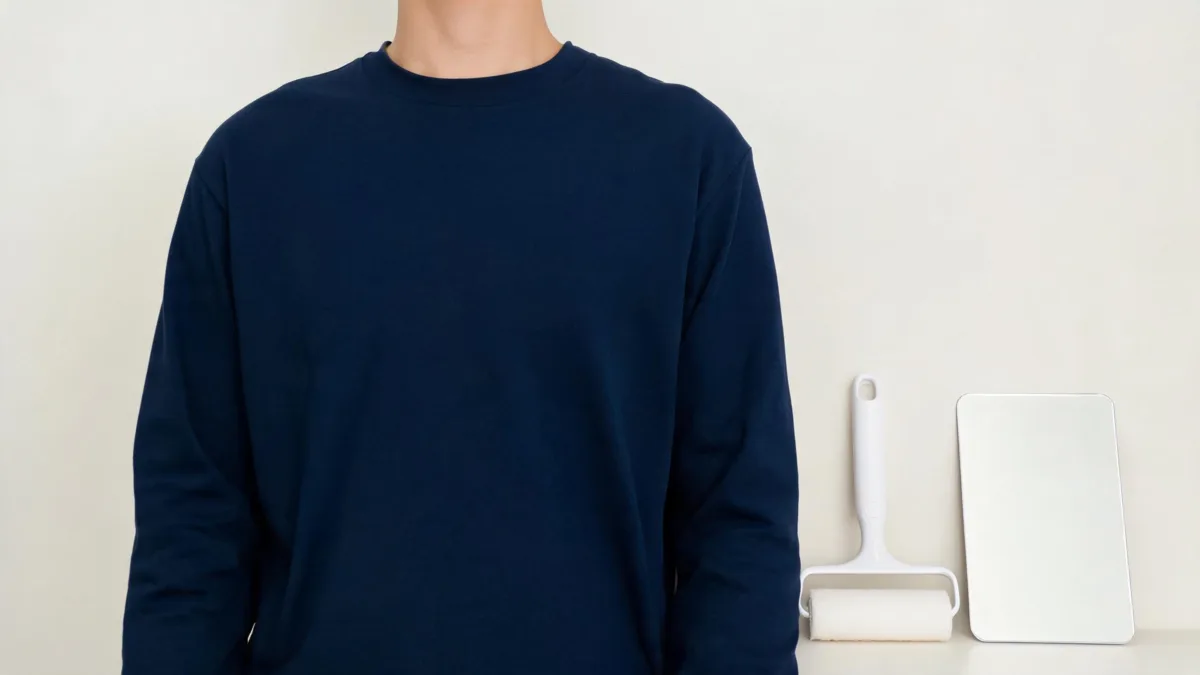
This is a private planning scene, not an example of an official passport photo or an approved submission.
Run this short check while you are still able to reshoot:
- The clothes are real and currently worn. Do not use an AI-generated replacement, a recolor, or a copied collar in the final file.
- The garment fits the applicable rules. Look for authority-specific restrictions on uniforms, head coverings, glasses, or other items. Do not generalize one country's rules to every application.
- The background and lighting work without repair. If the image needs a cleanup pass, change the setup and take another photo rather than editing the result.
- The face and shoulders are clearly visible. Avoid hair, accessories, hands, or a high collar obscuring the required view.
- The file remains unaltered after capture. Cropping, sizing, and upload steps should follow the authority's instructions; do not assume every technical adjustment is allowed.
For a personal profile picture, the decision may be different: an outfit variation can be a creative image if you have permission to use the portrait and label it honestly when context calls for it. A passport application is a different context. Its acceptance depends on the issuing authority, not on whether the edit looks natural.
Use a preview without confusing it for an official photo
AIClothSwap can help with the early clothing choice. A clear planning request might be: “Show a plain, solid mid-tone top on this portrait; keep the face, pose, and background unchanged.” Review the result only as a comparison. Then find or borrow a real top, wear it, and take the official photo again.
That boundary matters because a preview cannot prove compliance. It does not establish that a garment is permissible, that the final image follows the correct crop or lighting rules, or that a passport office will accept it. It also cannot replace a real re-shoot when the current picture has the wrong clothing.
This article was reviewed on September 1, 2026 against the U.S. Department of State and UK government photo guidance. It is practical information, not legal or immigration advice. When the rules are unclear, ask the issuing authority or use its official photo service rather than submitting an edited file.
Frequently asked questions
Can I use AI to change my clothes in a passport photo?
Do not use AI to alter a passport photo you plan to submit. For a U.S. passport photo, the Department of State says not to change the image with computer software, phone apps, filters, or artificial intelligence. Take a new photo in the appropriate clothes instead.
Can I edit a passport photo if only the shirt changes?
Do not assume a clothing-only edit is acceptable. A passport authority may treat a digitally altered image as noncompliant even when the face appears unchanged. Check the authority that will receive the application and retake the photo when in doubt.
Can I use an AI clothes changer before taking a passport photo?
Yes, for private outfit planning only. Use a preview to compare a plain top against the background, then put on the real garment and take a fresh photograph that follows your issuing authority’s requirements.
Related guides
- Try the free AI clothes changer →
- What to wear to a passport photo
- Best photo for an AI clothes changer
- Is an AI clothes changer safe?
Retake, do not retouch
Use an AI clothes changer to make a private outfit decision before the shoot. For the passport application, wear the real choice and submit a new, unedited photo.