
Clipfly AI Clothes Changer: What to Check Before You Upload
Clipfly's former clothes-changer path now leads to AI Replace. Use this upload and result checklist before testing a photo edit.
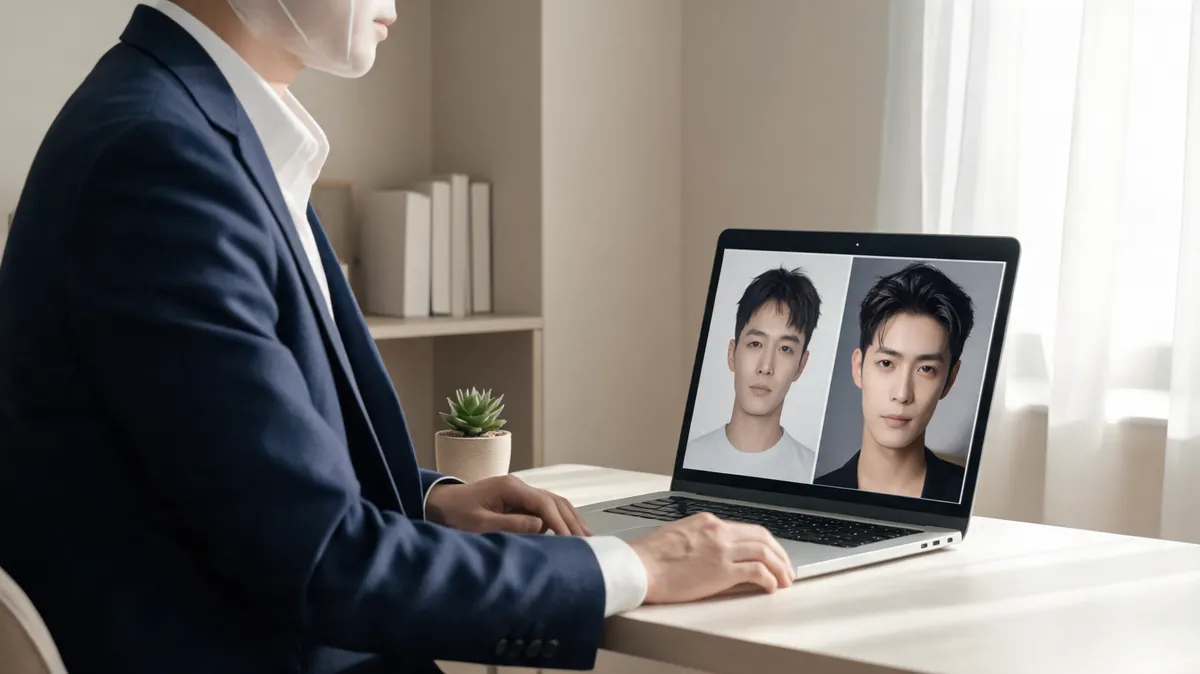
A search for “Clipfly AI clothes changer” currently leads to a broader photo-editing workflow rather than a dedicated clothes tool: Clipfly's former clothes-changer route redirects to AI Replace. You can paint an area of an authorized adult photo and describe a replacement, but you should test the result as a general image edit—not assume it proves garment fit or product detail. A focused AI clothes changer is a useful second, controlled workflow for the same input.
Last updated: September 24, 2026 · about 7 min read
This is an independent workflow check, not a sponsored comparison. We checked Clipfly's public AI Replace and AI Photo Editor pages on September 24, 2026. The AI Replace page says users paint the part of a photo they want to change and describe the replacement. The photo editor also describes templates and custom prompts. Routes, limits, and policies can change, so confirm the live controls before a consequential upload.
What does “Clipfly AI clothes changer” mean today?
The important detail is the route, not the search label. Clipfly's former /video-ai/ai-clothes-changer/ path now redirects to its AI Replace page. The current page describes an image-editing process: select or paint the area to change, write what should replace it, and let the editor generate a new image.
That can be used for a clothing edit, but it is not the same thing as a product-specific virtual try-on. A broad replace tool may be a better fit when you want to revise a local region; a clothing-focused workflow is usually easier to judge when the job is to compare outfits on one person.
| Your question | Start with Clipfly AI Replace when | Keep this separate |
|---|---|---|
| Change one visible region | You are comfortable selecting the area and writing a narrow replacement prompt | A claim that the edit is a dedicated clothing tool |
| Explore an outfit direction | You need a visual concept on an existing photo | Real fit, size, textile, and retailer availability |
| Compare tools fairly | You can use the same photo, selection, and prompt in each test | A conclusion based on a single attractive thumbnail |
A prompt-based replacement can make a polished-looking image while changing details outside the garment. Keep the original beside the result and inspect both at full size.
Prepare an upload that gives the edit a fair chance
The model has less guesswork when the garment boundary is easy to see. That does not guarantee a good output, but it makes failures easier to identify.
- Start with one authorized adult portrait. Choose a sharp, evenly lit photo where the face, shoulders, torso, and current clothing are visible. Avoid photos where a hand, bag, or long hair covers most of the target area.
- Keep the first request literal. Try a single garment change, such as “replace the current shirt with a fully buttoned navy linen overshirt; preserve the person's face, hair, hands, pose, lighting, and background.” Do not add a new location, pose, or camera style yet.
- Use the smallest useful selection. If the interface lets you paint the region, cover the garment but avoid face, skin, and background pixels. A very broad selection gives the model permission to rewrite more of the scene.
- Save the source and first output. A comparison is more useful than memory. Note whether the failure is at the collar, sleeves, hands, hem, face, or background before changing the prompt.
If the job is only a color test, an AI clothes color changer limits the edit more directly. If you have a specific garment reference, use a virtual try-on workflow so the clothing image can guide the result.
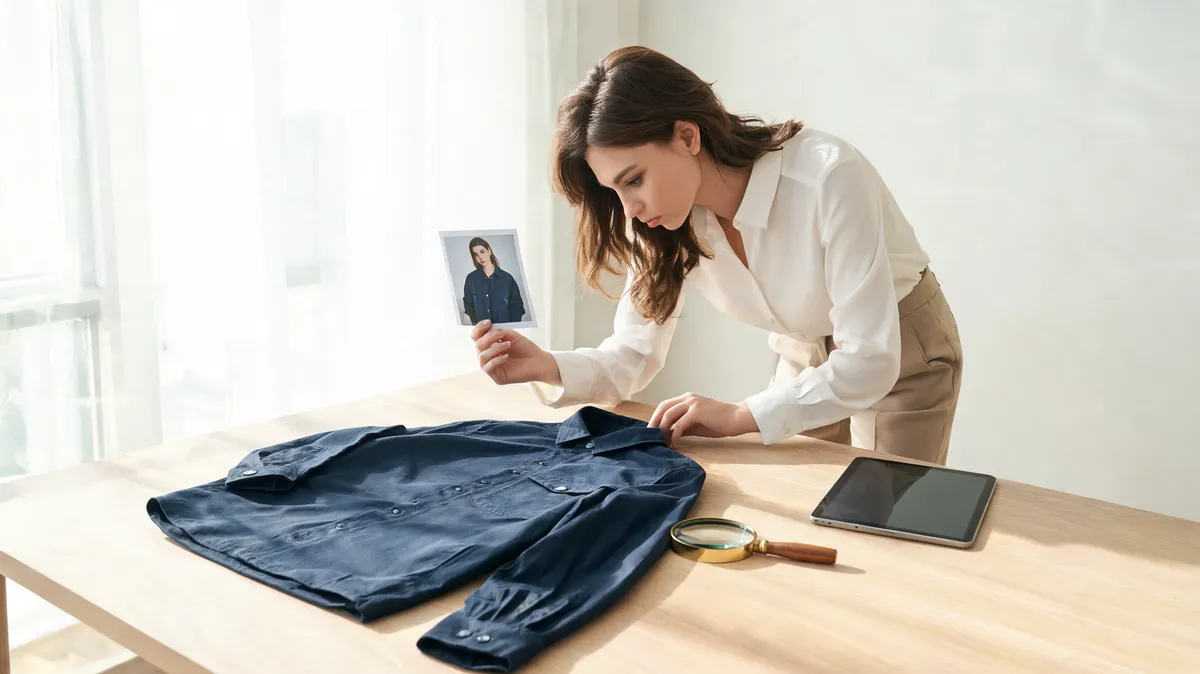
Conceptual editorial review visual, not a claimed Clipfly output. Review the person, garment boundaries, and scene separately.
What to inspect before you keep a result
Identity, hair, and hands
Look at the face before the outfit. Check the hairline, jaw shape, expression, skin tone, and fingers where they cross sleeves or pockets. A handsome garment edit is not usable for a personal or client image if it changes the person.
Garment boundary and construction
Inspect the collar, shoulders, sleeve openings, waist, buttons, and hem. The fabric should sit around the body rather than appear pasted on top. Repeated patterns, lettering, and logos need special care: generative image edits are not a reliable way to reproduce exact branded detail.
Light, shadows, and nearby objects
Compare the direction of light under the chin, arms, collar, and hem. Then scan the background immediately around the silhouette. A new shadow that contradicts the original scene, or a rewritten chair or wall, tells you the edit was not confined to the garment.
For a deeper fault-finding routine, see why AI clothes swaps look fake. It helps turn “this feels off” into a specific correction for the next attempt.
A controlled comparison is more useful than a feature list
If you are deciding whether to keep using a broad editor or a focused clothing tool, make the test boring on purpose. Use one source photo, one outfit instruction, and one set of acceptance criteria. Do not give one tool a better source image or a longer prompt.
| Check | Accept when | Reject or rerun when |
|---|---|---|
| Person | Face, hair, pose, and hands remain recognizable | Identity drifts or fingers merge into fabric |
| Garment | Collar, sleeves, hem, and basic silhouette make visual sense | Fabric floats, breaks, or ignores body shape |
| Scene | Light and nearby objects stay consistent | Background, skin, or accessories change without request |
| Use claim | It serves as a visual concept | You would need it to prove fit, inventory, exact color, or product construction |
An AI outfit generator is a better first step if you have no garment in mind and want styling directions. A direct AI clothes swap is better for a separate controlled rendering path when you already know what outfit question you are testing.
Why this article does not include a YouTube tutorial
We searched YouTube for the exact query “Clipfly AI clothes changer” through the supplied DataForSEO research tool on September 24, 2026. The leading returned walkthroughs were for FlexClip, Photoshop, and general clothes-changing tools, not a Clipfly-specific current workflow. Embedding one would misrepresent the product evidence, so this article intentionally has no video.
Privacy, consent, and commercial-use checks
Only upload an adult's image with permission and only use source assets you are allowed to edit. Do not use a generated clothing edit to make a deceptive product, body, or identity claim.
Clipfly's AI Photo Editor FAQ currently says uploaded images are deleted within one hour and says no third party can access or share private data. That statement applies to the page we reviewed, not automatically to every feature or plan. Before a client or campaign upload, recheck Clipfly's live Privacy Policy and Terms of Service, including retention, output rights, training use, watermarks, and account deletion.
AIClothSwap applies the same practical boundary in its Content Policy: a generated preview can inform a creative decision, but it cannot replace consent, a physical garment review, a size chart, or a licensed product image.
Frequently asked questions
Does Clipfly still have a dedicated AI clothes changer?
On September 24, 2026, Clipfly's former AI-clothes-changer URL redirected to its AI Replace page. That page describes painting an area in a photo and describing the replacement. Check the live route before relying on a dedicated clothes-changing workflow.
What should I upload to Clipfly AI Replace for a clothing edit?
Use an authorized adult portrait with a readable torso, clear garment edges, and minimal overlap from hands, hair, bags, or furniture. Keep the requested clothing change narrow for the first attempt.
Does an AI clothing edit prove fit or product details?
No. It can help explore visual direction, but it cannot confirm real-world fit, size, fabric composition, product availability, exact logos, or construction. Verify those details from the actual garment and seller.
Related guides
- Try the free AI clothes changer →
- Compare a garment with virtual try-on
- Change clothing color without replacing the garment
- Generate outfit ideas from your photo
- Choose a stronger source photo
- Diagnose why an AI clothes swap looks fake
Test the actual workflow you can access
Clipfly's current redirect makes this a broad AI Replace workflow, not a reason to assume a specialized virtual try-on. Use a narrow selection, a controlled prompt, and a full-size inspection. Then test the same authorized source with the AI clothes changer and keep the workflow that produces the more reliable preview for your real task.