
T-Shirt Color Changer: Preview Colors Before Printing or Selling
Use a t-shirt color changer to preview color directions for a shirt photo, then run practical checks before you treat an AI image as production-ready.
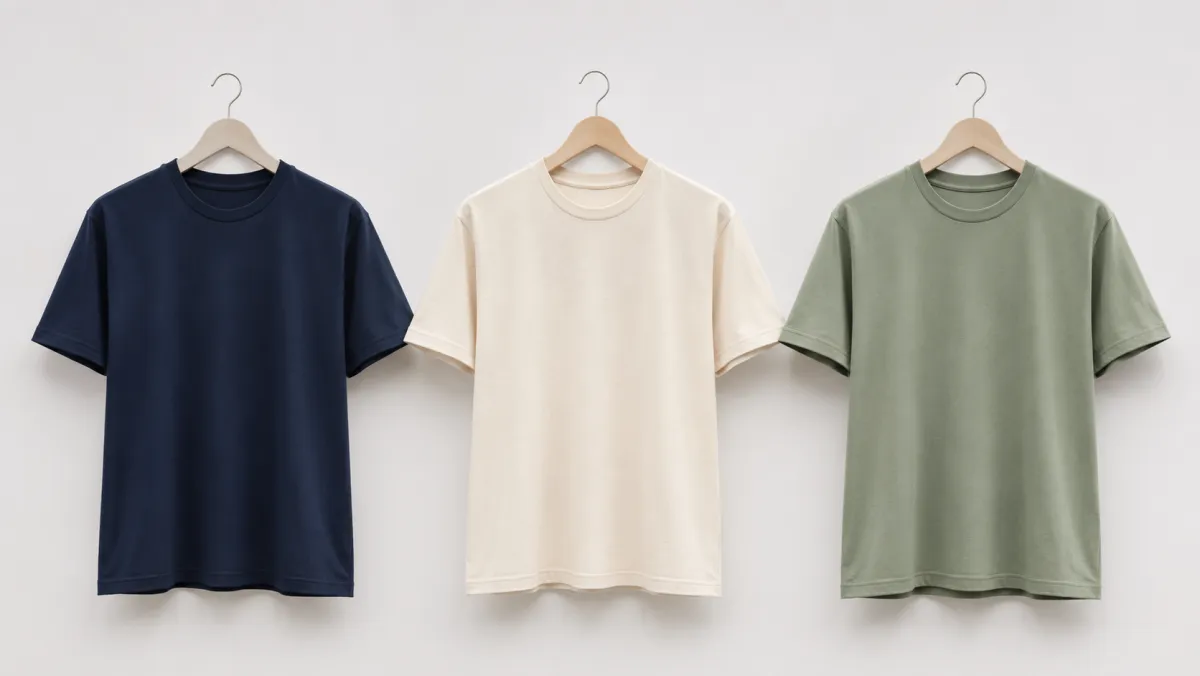
A t-shirt color changer is a fast way to compare color directions on the same shirt photo before you print, list, or pitch a product. It works best when you keep the garment shape, texture, shadows, and background fixed, then change only the color. Use an AI clothes color changer for the preview, but do not treat the rendered shade as an approved production color.
Last updated: July 14, 2026 - about 7 min read
What a t-shirt color preview is for
The useful question is not "can AI make this shirt blue?" It is "which color family makes this product readable in this photo?" A quick recolor can help a small shop compare a dark neutral, a light neutral, and one accent color before paying for a new sample shoot.
It is especially useful for:
- Marketplace thumbnails where the shirt needs to separate from the background
- Print-on-demand concept boards
- A simple product page color comparison
- Creator merch ideas before a final sample exists
- A profile or team-shirt preview
For a one-off personal edit, the more detailed change shirt color in a photo guide is the better starting point. This page is about variants and the checks that keep a preview honest.
Make the first color change narrow
Start with a clean reference photo: the whole shirt visible, simple lighting, no hands covering the chest, and no busy pattern that needs to remain exact. Then give the model a small job.
Change only the t-shirt color to [target color]. Keep the same shirt fit, collar, sleeves, fabric texture, seams, person, lighting, and background. Preserve natural shadows. Do not add a logo or pattern.
One target color per generation gives you a cleaner comparison. If you want navy, cream, and sage, make three variants from the same original rather than asking for a multi-color collage.
Choose color directions before exact colors
AI is better at visual direction than exact swatch matching. Begin with a family and decide whether it works in context.
| Direction | Useful when | Watch for |
|---|---|---|
| Dark neutral | The background is light or busy | Lost folds in near-black fabric |
| Light neutral | You need a clean catalog look | Gray shadows or a washed-out collar |
| Muted color | The product should feel calm and premium | A background that is too similar |
| Bright accent | The shirt must stand out in a thumbnail | Color spill on skin or props |
Once a direction wins, move to your real supplier swatch, Pantone reference, or print profile. A t-shirt color changer cannot know the ink, fabric base, lighting, or screen calibration of the finished item.
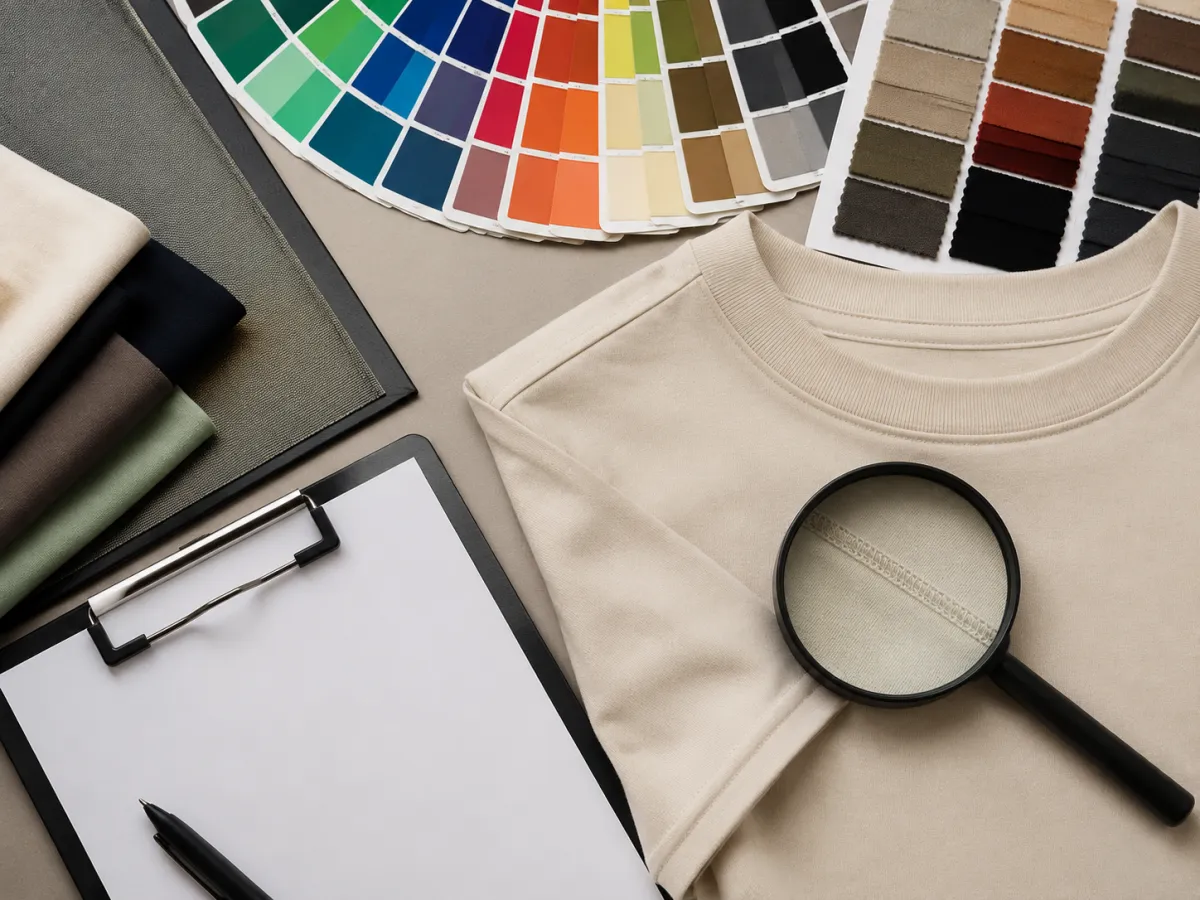
Use the image edit to choose a direction, then check the real production variables before you publish a promise to customers.
Quality checks before a product listing
Look at every output at full size. A convincing thumbnail can still fail at the collar or sleeve edge.
- Garment edge: the new color should stop at the collar, cuffs, and hem.
- Texture: folds, knit, and seams should remain visible after recoloring.
- Shadows: dark shirts need depth; pale shirts need enough contrast to stay readable.
- Background: walls, hands, hair, and props should not inherit the shirt color.
- Print area: leave logos, text, and artwork for the real production mockup unless you have approved artwork.
- Color claim: do not label an AI preview as an exact shade, dye lot, or fabric match.
For more detailed visual QA, use the clothing color variant checklist. It is designed for the moment after the concept is promising but before it becomes a customer-facing asset.
When a preview is enough and when it is not
Use a generated preview for internal choice, early merchandising, or a mood board. Move to a real sample or controlled mockup when the color is a purchasing promise, when the shirt has a complex print, or when a brand requires exact compliance.
The line matters because fabric changes color under different light. A cream shirt in a warm room can look yellow; a black shirt can lose all visible texture; a saturated red can look different on cotton and polyester. The preview helps you decide what to test, not what to manufacture without testing.
Frequently asked questions
Can I change a t-shirt color online?
Yes. A t-shirt color changer can recolor a clear shirt photo while preserving the person, pose, shirt shape, lighting, and background. It is best used as a visual preview.
Is an AI t-shirt color preview accurate enough for printing?
No. It can help you choose a color direction, but it cannot guarantee an exact fabric dye, ink result, or screen-calibrated production color. Confirm the final shade with a real sample or approved mockup.
What shirt photo gives the best results?
Use an evenly lit photo with the full shirt visible. Plain fabrics, clear collar and sleeve edges, and a background that contrasts with the shirt make recoloring easier to inspect.
Compare the color before you commit
Open the AI clothes color changer, make one controlled variant at a time, and keep the final production decision tied to a real sample.