
NoteGPT AI Clothes Changer: What It Does and When to Try an Alternative
NoteGPT AI clothes changer uses a photo plus a prompt or garment reference. Learn what to check and when a controlled alternative is a better fit.
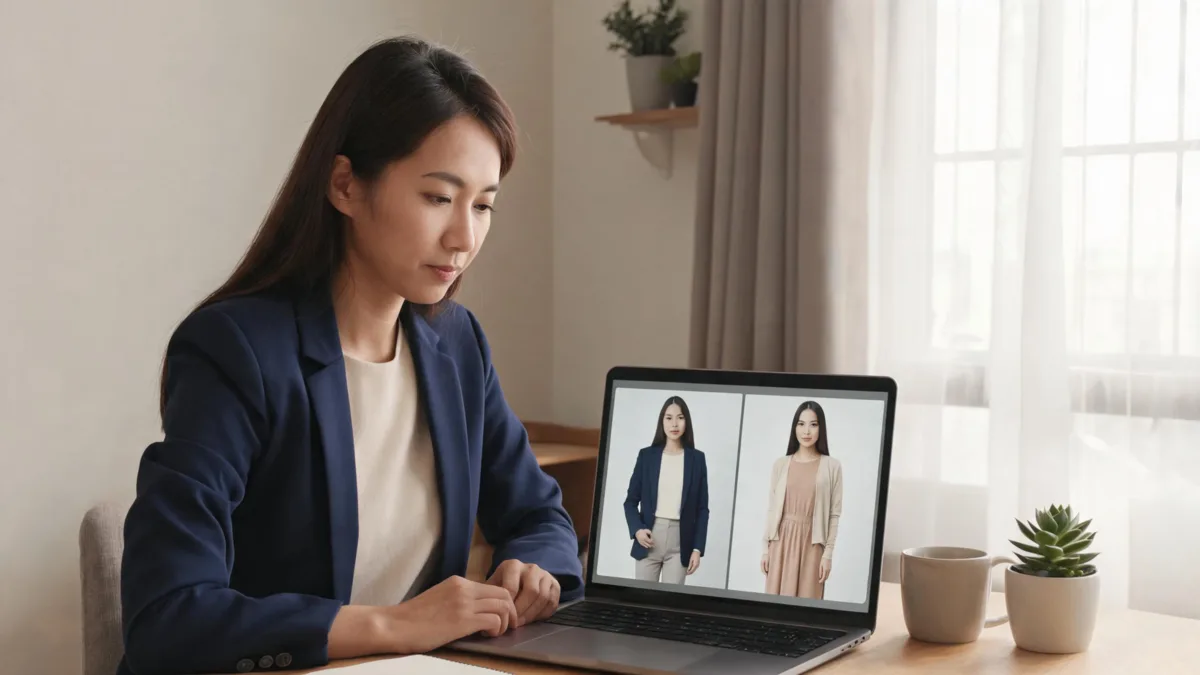
NoteGPT AI Clothes Changer is a photo-editing tool: its public page lets you add a person photo and then request clothing through a description or reference images. That can be enough for a broad “try a blazer” idea. Try an alternative when the decision depends on one specific garment and you need a controlled visual comparison on an existing photo. In either case, the output is a style preview—not evidence of size, stock, comfort, or a right to edit someone else’s photo.
Last updated: September 8, 2026 · about 7 min read
People who search this name usually want a fast answer: is it an outfit tool, and will it help with their particular decision? NoteGPT’s official AI Clothes Changer page presents a straightforward workflow: add a person image, add clothing images or a clothing description, generate, and save the result. It also states that the service’s current options and credit rules apply, so treat its live page—not an old tutorial—as the source of truth before you begin.
The more useful question is what you need the preview to prove. A broad style decision and a specific-garment decision call for different inputs and different checks.
What the NoteGPT workflow is suited to
A prompt-led or reference-led edit is practical when you are exploring a direction rather than validating a purchase. For instance, it can help you compare “structured navy blazer” with “soft cardigan” on one permitted portrait before a headshot session. It can also help you see whether a color family or level of formality feels right.
Use only a clear photo you own or are authorized to edit. Keep the person fully clothed, with the clothing area and both shoulders visible if those are important to the decision. A clean source makes it easier to spot whether the tool changed more than the clothes.
Here is the distinction worth keeping in mind:
| Your decision | Sensible starting workflow | What the image can answer | What it cannot answer |
|---|---|---|---|
| “Would a blazer direction suit this portrait?” | A concise clothing prompt | Overall style, color, and silhouette | Actual jacket fit or fabric feel |
| “How would this exact jacket read?” | A clear garment reference with an AI clothes changer | Whether visible collar, color, and shape make sense in the photo | Stock, authentic product detail, or a retailer claim |
| “Which shade should I test?” | A controlled clothes color changer edit | A color direction under the source light | How dye or fabric will look in person |
| “What size should I order?” | Retailer measurements and return details | Nothing from the generated preview alone | Size, ease, comfort, and availability |
A helpful outfit preview changes one thing at a time. If a version changes the face, body proportions, pose, room light, and clothes together, it is too noisy to support a clothing decision.
When an alternative is a better fit
The right alternative is not necessarily another tool with a longer feature list. It is the workflow that preserves the evidence you care about.
Choose a garment-reference approach if a single item is the question. A clear reference of the item’s front, neckline, sleeve shape, and material gives you something concrete to inspect. That is different from asking for a general “smart outfit,” where the tool has room to invent details that may not matter.
Choose an own-photo workflow if you want to keep the same person, pose, and scene while testing a clothing-only change. The AI outfit generator and the main AI clothes changer can help organize that comparison. Neither turns an image into a fitting room or product catalog. Use the preview to narrow a visual choice; use original product information to make a buying choice.
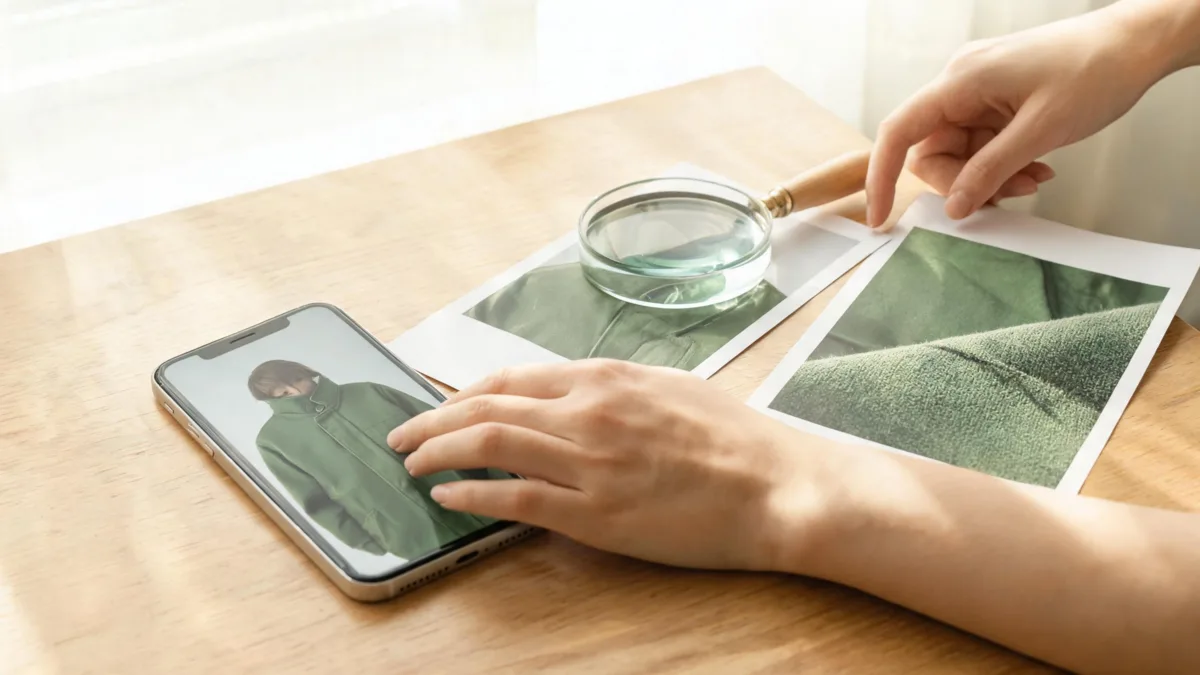
Inspect details at normal size: fabric texture, collar edges, lighting, and overlaps matter more than a flattering thumbnail.
A three-step way to test an outfit idea
- Name one decision before uploading. “Choose between a navy blazer and a cream cardigan for a conference photo” is usable. “Make me look better” is not a reviewable brief.
- Prepare controlled inputs. Start with one sharp, permitted person photo. If a specific garment matters, use a reference that shows its relevant features. Keep any request modest and limited to clothing.
- Review before you save or share. Compare the output with the original at normal size. Look at the face, hands, shoulders, hems, seams, shadows, background, and fabric texture. Reject a version that changes identity or the scene when the request was only about clothes.
The source photo is often the limiting factor. A low-resolution crop, crossed arms, hair over the collar, or a heavy outer layer can hide the areas an editor needs to interpret. Our best photo for AI clothes changing guide explains how to set up a more useful starting image, while the clothing color variant checklist is useful when the only variable should be color.
Review the result like a comparison, not a promise
The first question is visual: does this answer the original choice? The second is whether the image is honest enough to keep.
- Identity and permission: Confirm that you are entitled to edit the source image and that the person remains recognizably themselves when this is a clothes-only request.
- Garment boundaries: Check collars, cuffs, waistbands, straps, and the places where hair or hands cross the clothing. These are common failure points.
- Fabric and light: Look for texture, folds, highlights, and shadows that agree with the room. A garment that appears to be lit by a different scene is not a dependable comparison.
- Product claims: Do not infer that a retailer sells an item, that an item fits, or that a generated photo is an unedited event image.
- Sharing context: Keep the original. If a client, buyer, or audience could mistake the result for documentary photography, label it as an AI-generated wardrobe concept.
This is a guide to making a fair decision, not a benchmark of NoteGPT or every alternative. We reviewed NoteGPT’s public workflow on September 8, 2026; interfaces, credit policies, image handling, and terms can change. Check its live page and privacy terms before using personal or sensitive photos.
Frequently asked questions
What does NoteGPT AI Clothes Changer do?
NoteGPT’s public tool page describes a photo clothing-editing workflow in which you add a person image, then use either clothing images or a clothing description to request a new outfit. Its options, limits, and terms can change, so check the live page before uploading a sensitive image.
Can an AI clothes changer tell me whether a garment will fit?
No. A generated image can help compare color, silhouette, and overall formality, but it cannot measure you, confirm a size, predict comfort, or replace a retailer’s size chart and return information.
When is a garment-reference workflow useful?
It is useful when the details of one particular garment matter to the decision. Use a clear, permitted reference and inspect the neckline, shoulders, fabric, lighting, and garment edges in the result before treating it as a visual comparison.
Related guides
- Try the free AI clothes changer →
- How to change clothes in a photo with AI
- How accurate are AI clothes changers?
- AI clothes changer review checklist
Make the comparison answer one real question
For a broad outfit direction, a prompt-led tool may be all you need. For one particular garment, start with a controlled reference and use the AI clothes changer to compare it carefully—then keep only the version that holds up under review.