
AI Clothes Changer Use Cases: Personal, Creator, and Ecommerce Workflows
See where an AI clothes changer is useful for personal outfit decisions, creator planning, and ecommerce image workflows—and where a preview should stop before it becomes a misleading claim.
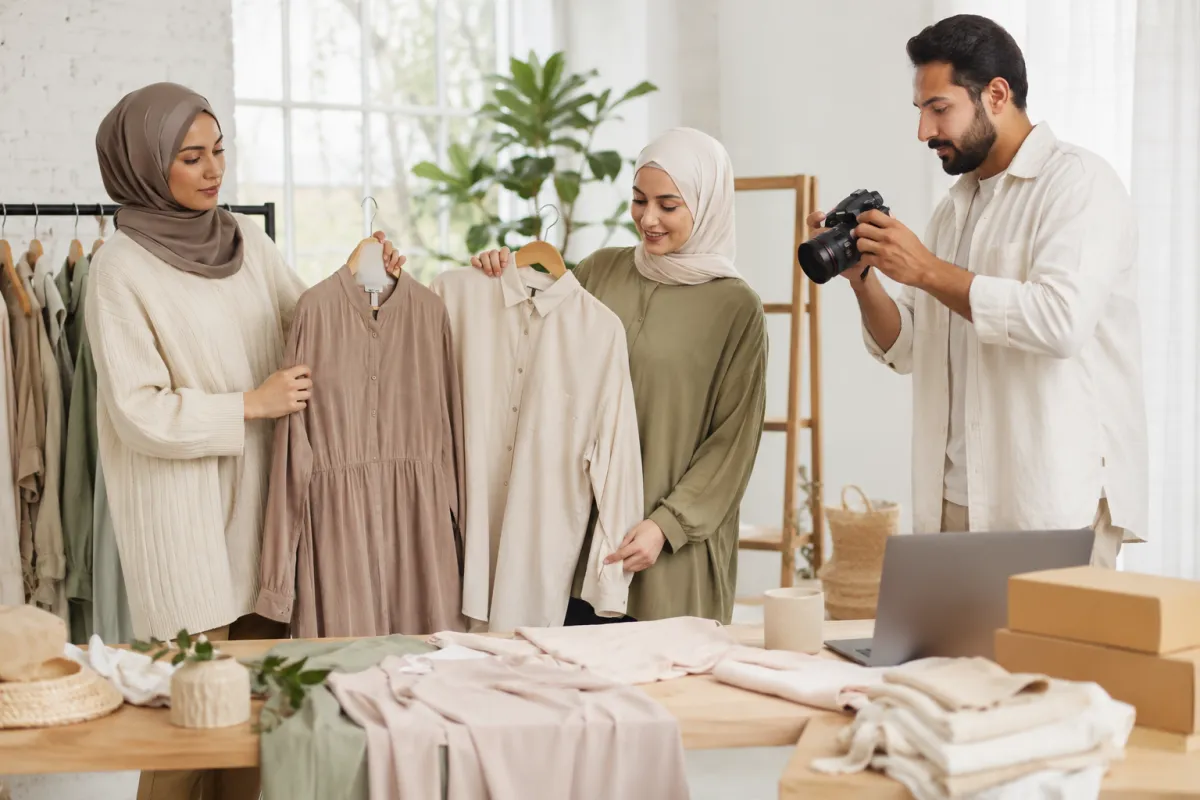
An AI clothes swap tool is most useful when it answers one visual question: which outfit direction, color, or layer should I test next? It can help individuals compare looks, creators plan a shoot, and sellers review a controlled image direction. It cannot verify fit, inventory, fabric construction, model consent, or a product claim. The best workflow makes that boundary clear from the start.
Last updated: July 20, 2026 · about 9 min read
The phrase “AI clothes changer” covers several different jobs. Someone preparing for a date may want to test whether a jacket makes sense with their usual colors. A creator may need a clear top for a vertical product demo. A small seller may need to see whether a planned color direction keeps a photo series visually consistent. The image question is different in each case, so the right output and the right next step are different too.
Match the tool to the decision, not the buzzword
| Use case | Good visual question | Useful next page | What still needs a real-world check |
|---|---|---|---|
| Personal outfit planning | Does this layer or color direction suit the photo and occasion? | AI dress-up | Fit, comfort, weather, venue expectations |
| Creator pre-production | Will this outfit separate from the background and read in a crop? | Creator outfit planning | Lighting, sound, sponsorship disclosure |
| Color-only comparison | Does a lighter, darker, or warmer garment improve the image? | Clothes color changer | Actual fabric, dye, availability |
| Ecommerce concept review | Does a proposed color family stay consistent across a set? | Color-variant workflow | SKU accuracy, permissions, final product photography |
| Occasion planning | Does an outfit direction feel suitable before shopping or trying on? | AI virtual try-on | Dress code, measurement, return policy |
The tool helps most when the question is small enough to inspect. “Make me stylish” is vague. “Keep the photo stable and compare a navy overshirt with a light jacket” gives you an answer you can use. Use an AI clothes swap when the visual question is the outfit itself, not when an exact product record must be preserved.
Personal styling: compare directions, not imaginary wardrobes
For personal use, start with one clear photo and two or three real wardrobe directions. Keep your face, pose, lighting, and background stable, then change one layer or color family. This helps you notice proportion and contrast without needing to visit a shop first.
The AI outfit generator guide is useful when you need ideas. Once you have ideas, reduce them to a few controlled comparisons. A good preview might tell you that a warm neutral top makes your usual trousers look more intentional, or that a long outer layer feels too formal for the event you have in mind. It should not be treated as proof that a store item will fit or that a generated look is a purchasable outfit.
Creator planning: protect the first frame
Creators often need a more practical answer. Will a shirt disappear into the wall? Will a print compete with a product? Will the outfit still make sense when the crop becomes a thumbnail? A preview can answer those questions before the camera, props, and editing time are committed.
Use the same discipline as a simple production test. Keep the source and intended shot stable. Change one variable. Then check the result at the size viewers will actually see. An AI clothes swap can help a creator see whether a clean, quiet outfit is the better decision when the product or demonstration should own the first second of a clip.
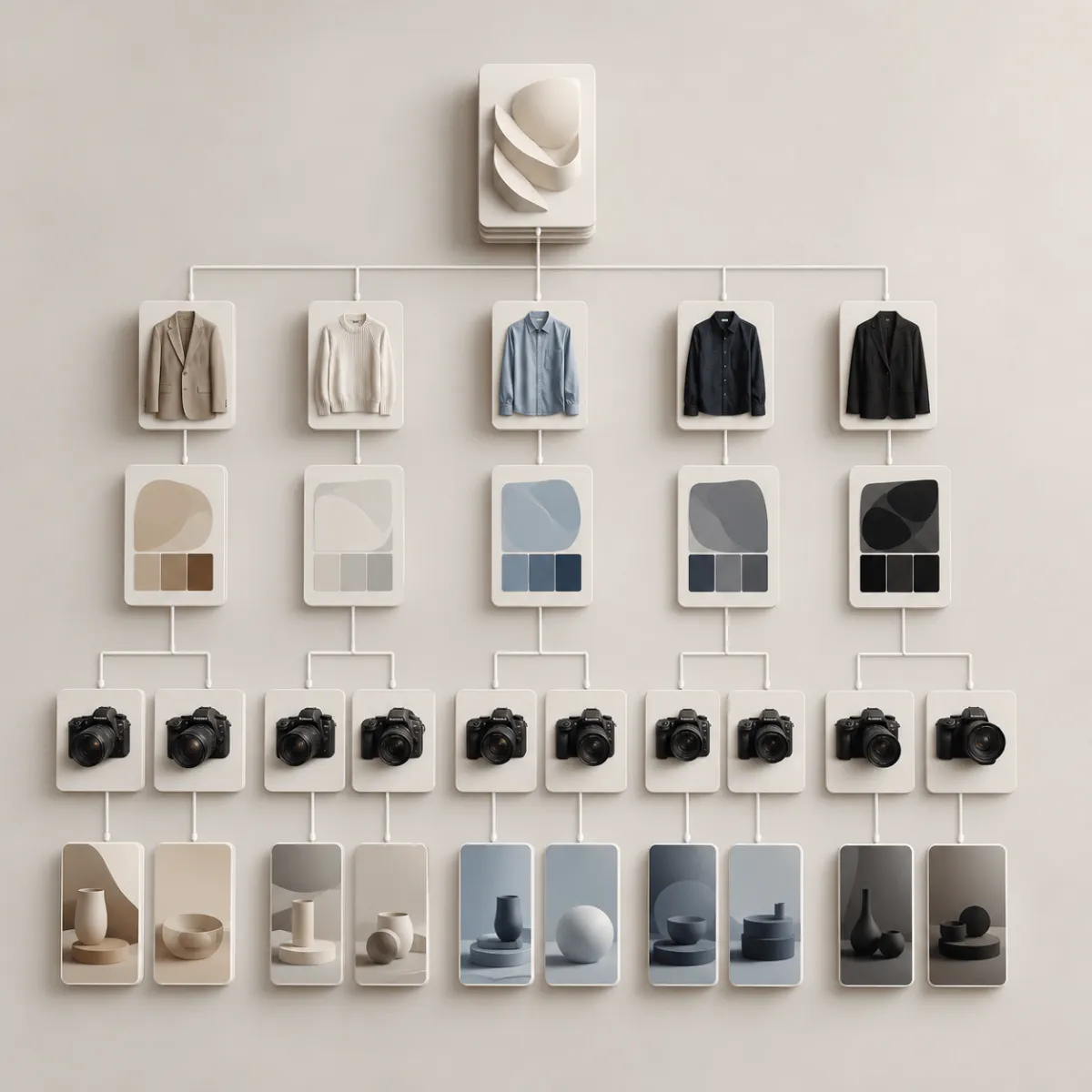
This is a use-case decision visual, not a claimed product result or a repeat of the hero scene.
Ecommerce work: keep the claim smaller than the image
For a seller, an AI clothing image can be useful as a concept, a color-variant planning aid, or a way to identify which product photos need a reshoot. It is not a substitute for accurate catalog images. Do not use a generated render to imply a garment is available in a color, size, material, or cut that is not actually offered.
That distinction protects customers and keeps internal review useful. A seller can ask, “Would these three color directions feel consistent on the category page?” Then the team can decide what must be photographed, what can be recolored with permission, and where the final listing needs exact real-world detail. The clothing color variant QA checklist is the right follow-up before anything customer-facing goes live.
The output is a visual hypothesis. The inventory, model permission, product facts, and customer promise remain real-world responsibilities.
Use a simple quality check before saving a version
Before you keep a result, ask four questions. Is the requested change obvious? Did the face, hands, background, and garment boundaries remain plausible? Does the version answer the original question? Would a reader mistake it for a real product photograph or a verified result?
If the answer to the last question is yes, label the image as a concept internally and use real photography or an approved editing process for the public claim. If a hand, bag, hair, or furniture covers the clothing area, expect ambiguity rather than trying to force a perfect result.
A controlled AI clothes swap workflow
- Define one visual decision before you upload.
- Use an image you own or are permitted to edit.
- Keep face, pose, lighting, and background stable.
- Change one clothing variable per version.
- Compare the result with the actual crop or channel where it will be used.
- Verify all real-world facts—fit, stock, rights, product details, and disclosures—outside the image tool.
- Save the useful direction, not every generated variation.
Frequently asked questions
What can I use an AI clothes changer for?
It can help with a controlled visual comparison: personal outfit direction, creator shoot planning, color exploration, or internal ecommerce concept review. It should not be used as proof of fit, stock, product specifications, permissions, or a guaranteed finished result.
Can ecommerce sellers use an AI clothes changer for product photos?
It can support internal planning and approved image workflows, but public product pages still need accurate representation. Never let a generated image imply an unavailable color, material, fit, or product feature.
How do I make a clothes swap preview more useful?
Ask one specific question, use a clear source image, preserve the non-clothing elements, and change one variable at a time. Then verify the real-world decision separately.
Related guides
- Try the AI clothes changer →
- AI dress-up ideas
- Change clothes color in a photo
- AI virtual try-on guide
- Clothing color-variant QA checklist
Use the image for the decision it can actually answer
An AI clothes changer is a useful first pass when the visual question is specific and the final claim stays honest. Compare one direction at a time, keep the practical checks outside the render, and make the final choice with real garments, permissions, and facts.